
Solo Leveling Cinematic Script Prompt
A detailed multi-scene cinematic script for Seedance 2.0 featuring Sung Jinwoo from Solo Leveling, including specific timestamps, visual effects, and audio cues.
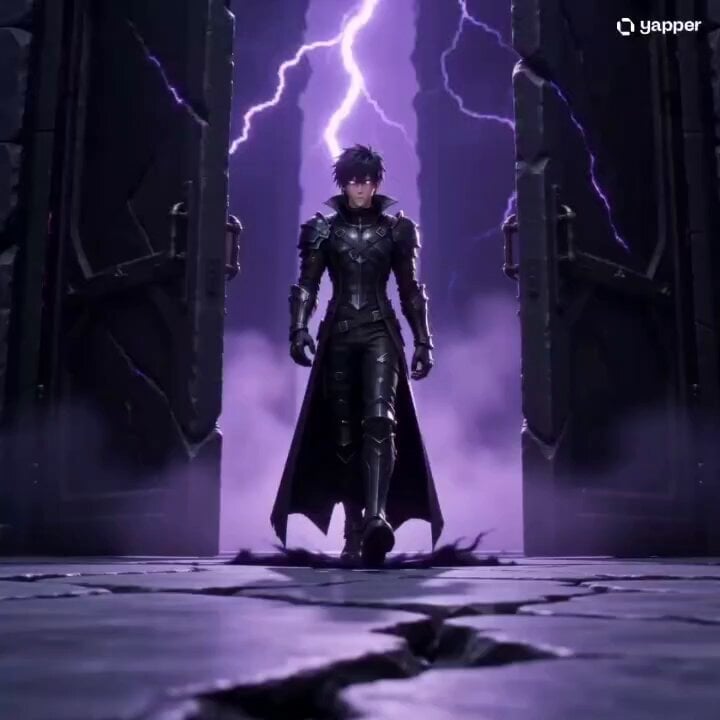
- Prompt included
- Model and format preset
- Premium template
The prompt behind this video
Copy the exact prompt behind Solo Leveling Cinematic Script Prompt, or open it in the studio and make it yours.
**SCENE: THE THRONE ROOM OF THE MONARCHS** *The atmosphere is thick with purple static and "Monarch's Domain" shadows.* * **[0:00 - 0:03] THE ENTRANCE** **SUNG JINWOO** walks through a massive stone gate. With every step, the ground beneath him cracks and turns into a liquid shadow. His eyes glow a lethal, piercing purple. * **Sound:** Low, vibrating bass that shakes the screen. * **[0:03 - 0:07] THE SUMMON** Jinwoo stops, tilts his head, and whispers: **"Arise."** Thousands of shadow soldiers (Igris, Beru, and the army) erupt from the floor in a tidal wave of black smoke and blue flames. The camera pulls back to an extreme wide shot showing the sheer scale of the army. * **Sound:** A chorus of metallic screeches and the word "Arise" echoing in a deep, distorted reverb. * **[0:07 - 0:12] THE BLITZ** Jinwoo vanishes. He reappears in a "God-speed" blur behind a colossal Frost Giant. He draws **Kamish’s Wrath** (dual daggers). In a frame-by-frame "sakuga" style, he delivers 50 slashes in one second. Purple streaks of light fill the screen, dicing the giant into cubes of ice. * **Sound:** High-frequency "shing-shing-shing" blades and the shattering of glass. * **[0:12 - 0:15] THE FINISHER** Jinwoo stands in the center of the carnage, his shadow expanding until it covers the entire floor. He looks into the camera, pulls his hood up, and his eyes flare. The screen cuts to black with the **Level Up** sound effect. * **Sound:** Deep, heavy heart-throb pulse and a sharp "Ding!" --- **[END OF SCRIPT]**
How to use Solo Leveling Cinematic Script Prompt in 3 steps
- 1
Open
The prompt is already in the box next to the preview, with the template's model and format selected.
- 2…a portrait of your subject in softgolden-hour light, 85mm…
Personalize
Edit the subject and creative details for your destination.
- 3Generate
Generate
Press Generate — your video is created in PicX Studio, so you can compare it with the original and refine one variable at a time.
More like this
Templates with the same subject, style or setup. Open one to see its prompt.
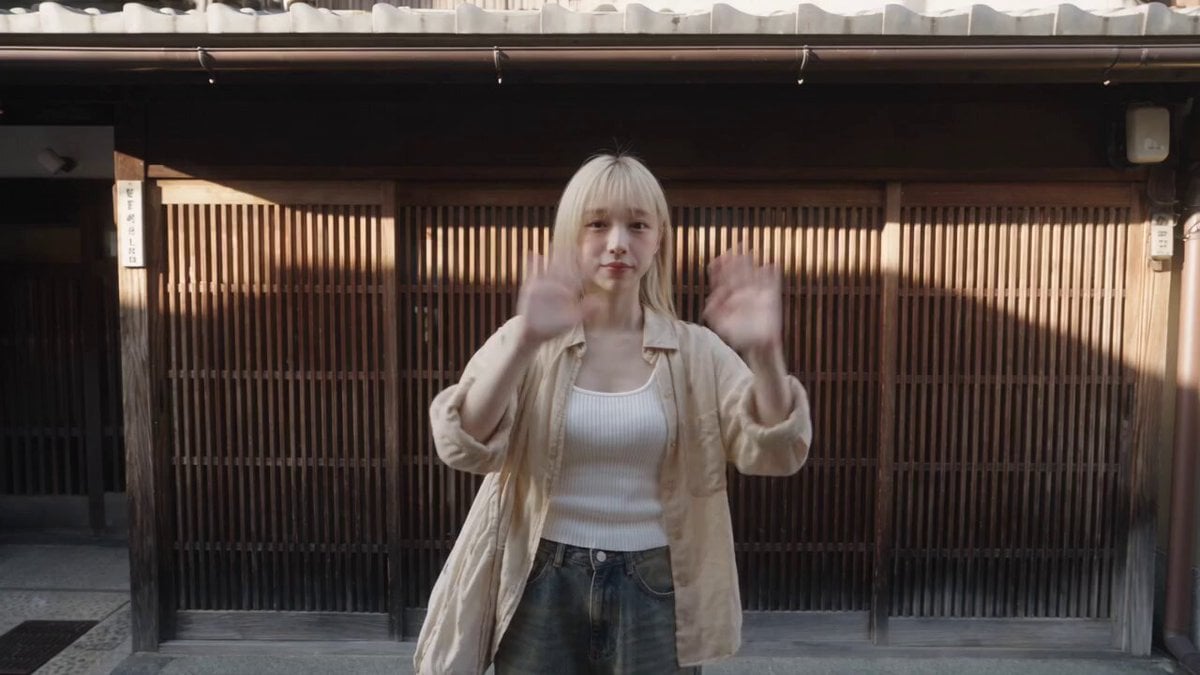
Kyoto Solo Date Travel Film

Solo Birthday Party Cinematic Storyboard
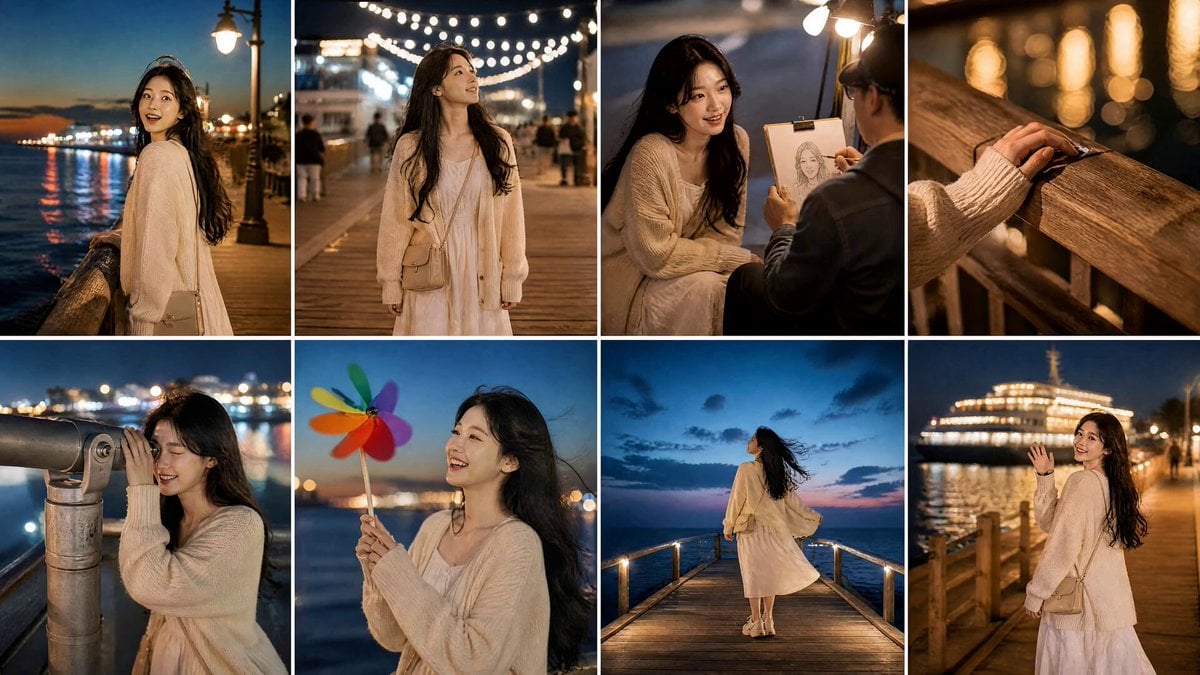
Seaside Boardwalk Nostalgic Solo Adventure
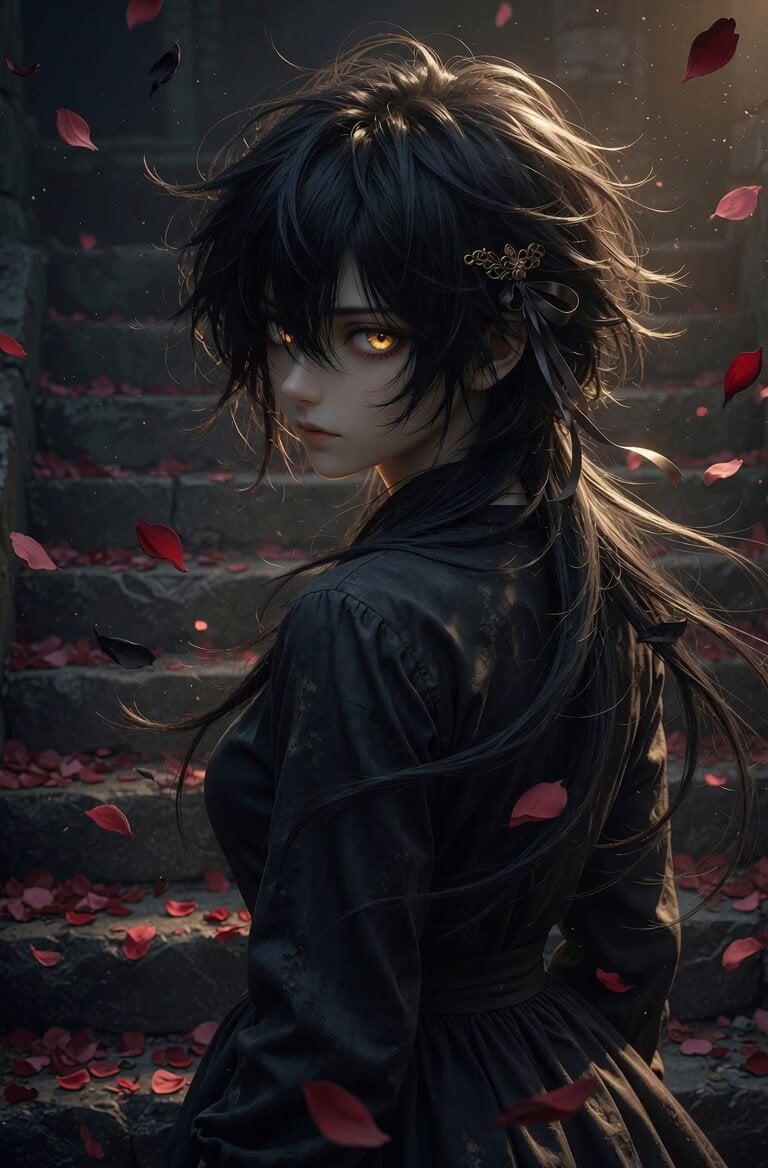
Anime character solo waltz animation
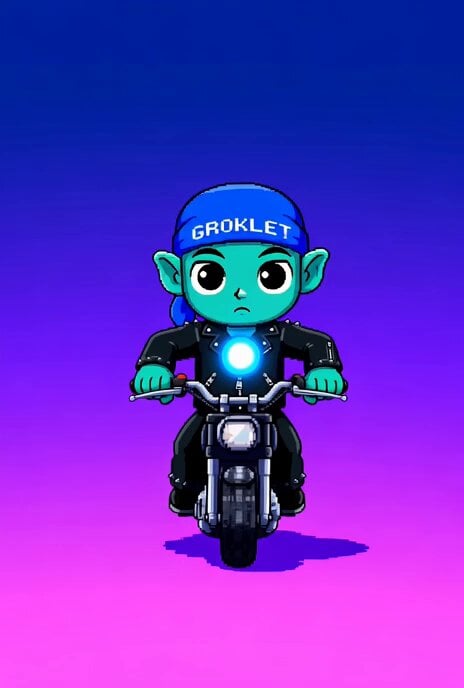
Pixel Art Groklet Riding Solo Prompt
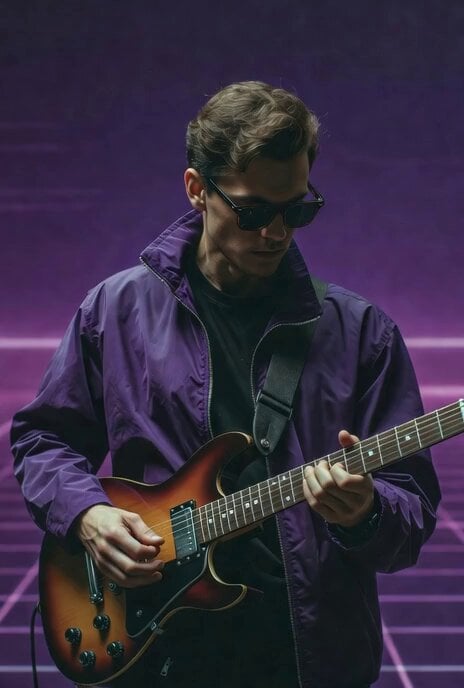
Guitar Solo Motion Sequence

Wuxia Protection and Trust Script
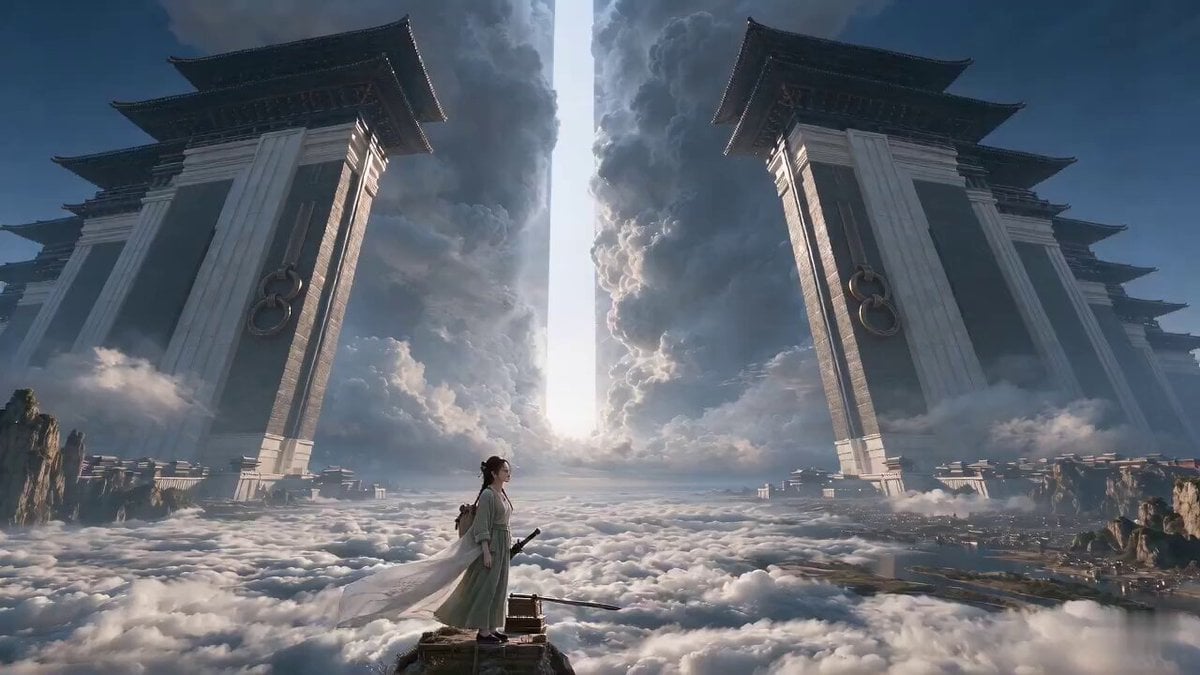
Wuxia Letting Go Drama Script

Cyberpunk Parkour Anime Script
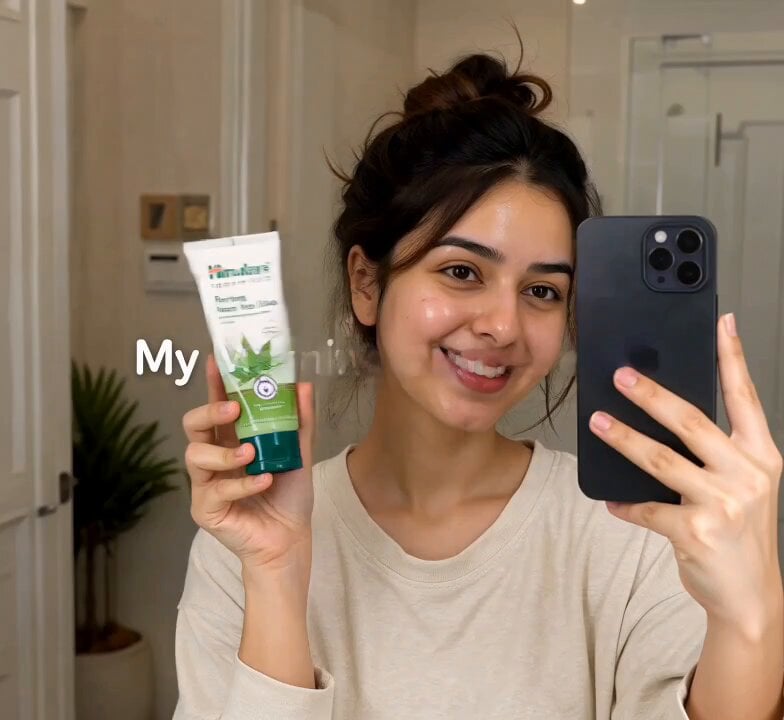
Morning Skincare Routine Vlog Script

Rainy Night Supernatural Reverse Comedy Video Script

AI Puppy Acting Challenge Scene Script
Make it yours
Solo Leveling Cinematic Script Prompt works as-is. These are the safest ways to change it without losing the look.
Change one field
Copy a single group, rewrite it, and generate again so you can see what that field is doing.
Keep the frame, change the subject
Hold the composition and light of Solo Leveling Cinematic Script Prompt, then swap wardrobe, props or the person for a new take.
| If the result… | Why | Fix |
|---|---|---|
| The result drifts from the preview | Too many fields changed at once. | Reuse Solo Leveling Cinematic Script Prompt as-is first, then change one group — subject, light, or setting. |
| The model over-stylizes the scene | The prose prompt leaves finish and camera underspecified. | Add one camera or lighting sentence and stay on Seedance 2.0. |
More Seedance 2.0 templates
Other prompts made for Seedance 2.0.

Comical Martial Arts Punch Scene

Maglev Train Action Sequence

Martial Arts Fight Sequence

Vintage Korean Arcade MiniDV Vlog

Mercedes 190 SL Luxury Ad

Amazon Civilization Discovery

Futuristic South Asian City Transformation

Cozy Luxury Cafe Commercial

Cyber Ronin Nanotech Transformation Video
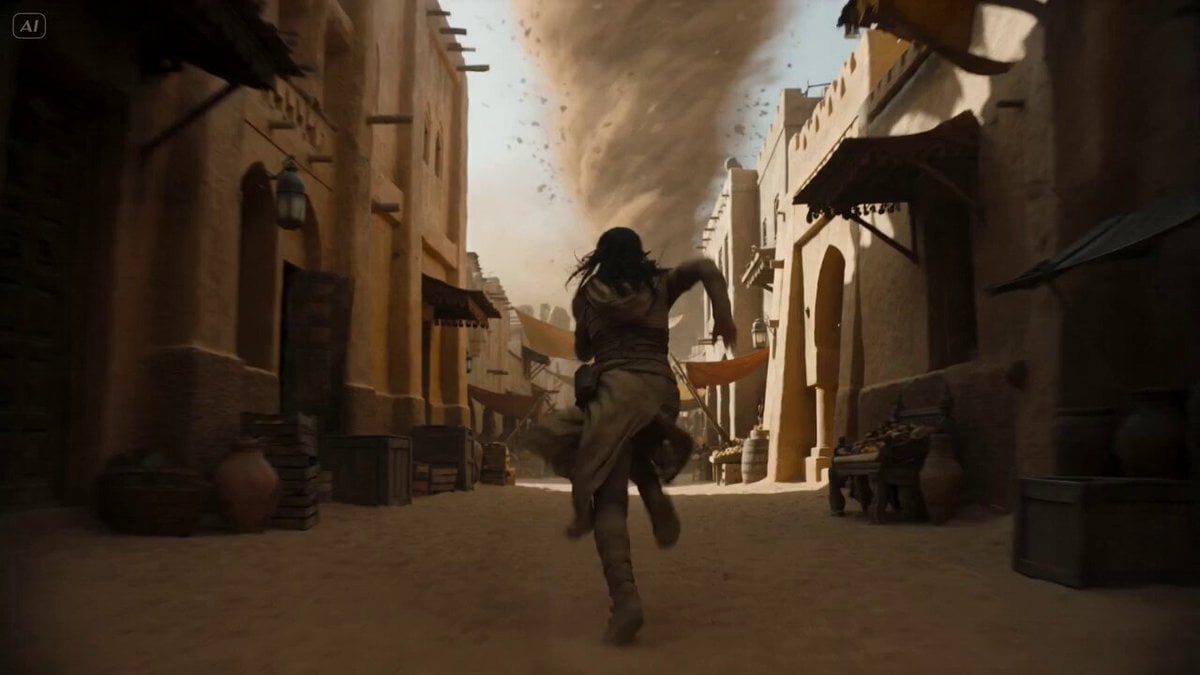
Desert Courier and Sandstorm Leviathan Chase
More video prompts
Fresh picks from across the catalog.
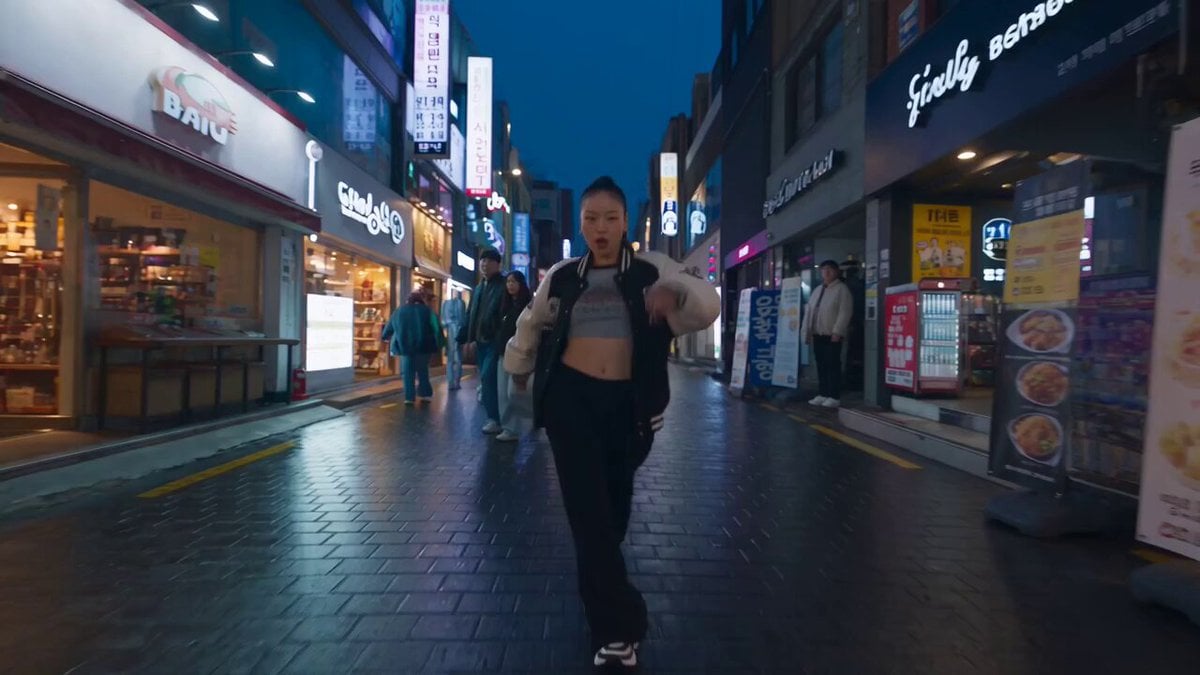
K-pop Flash Mob Music Video
City Doodles and Urban Fairies Montage

Dark Tokusatsu Transformation - Seedance 2.5
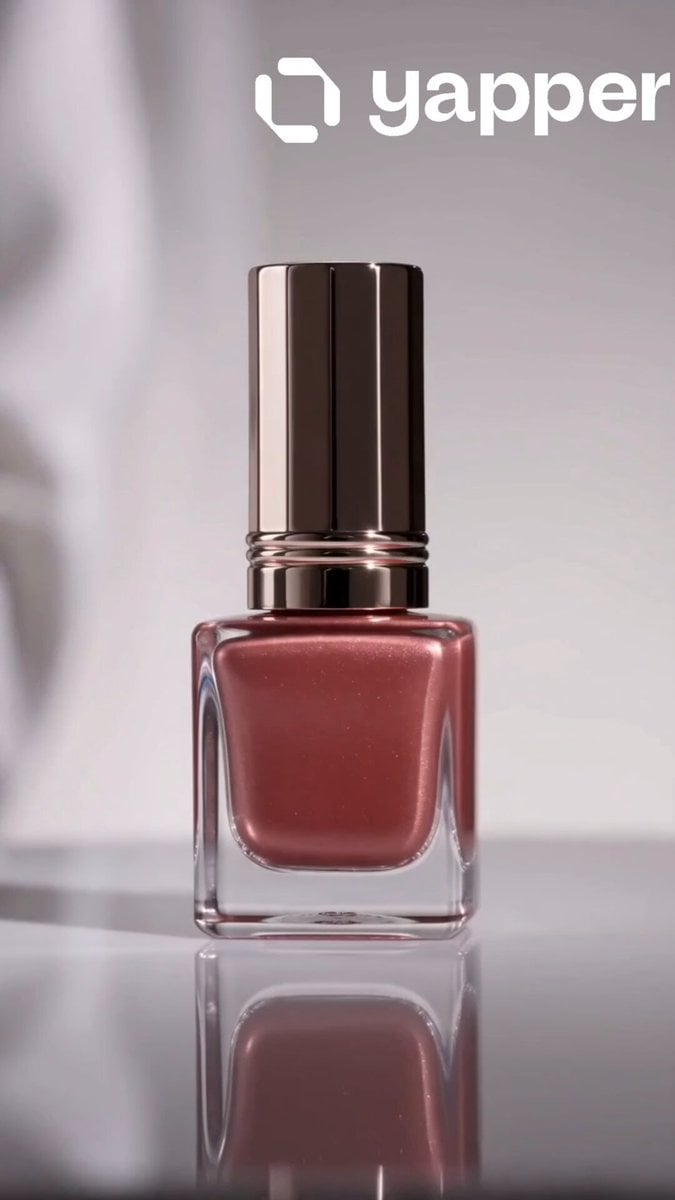
Luxury Nail Polish Beauty Commercial
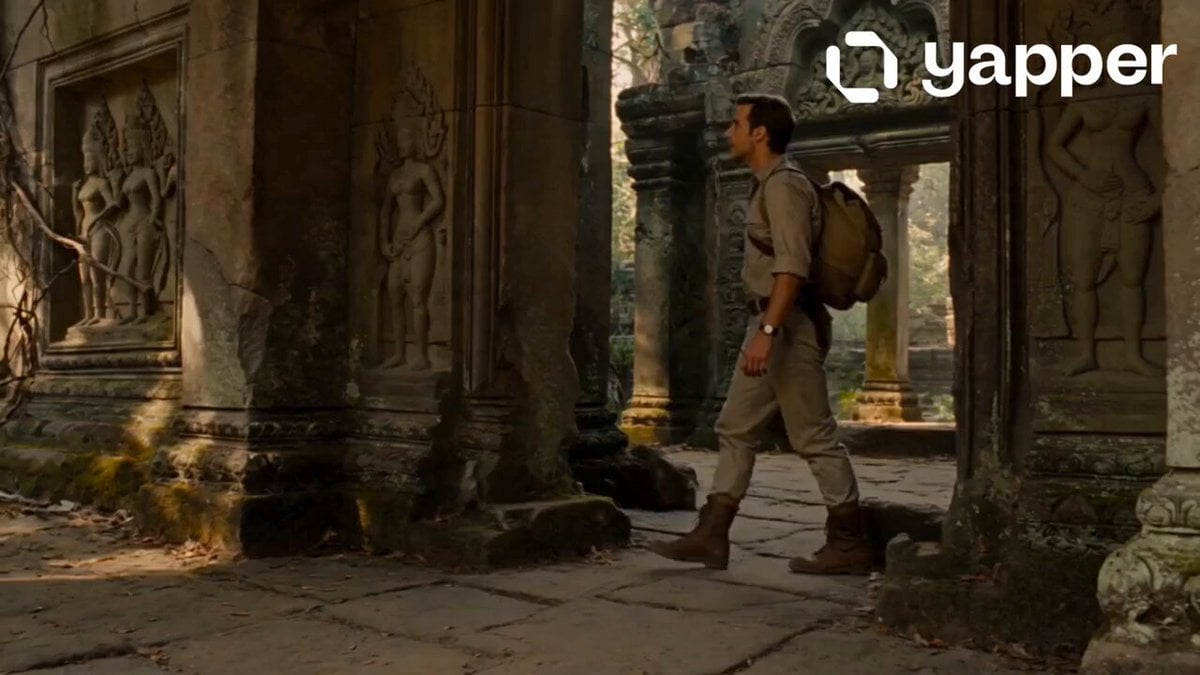
Jungle Temple Explorer Cinematic Video

Photograph of a Fluffy Kitten Outdoors
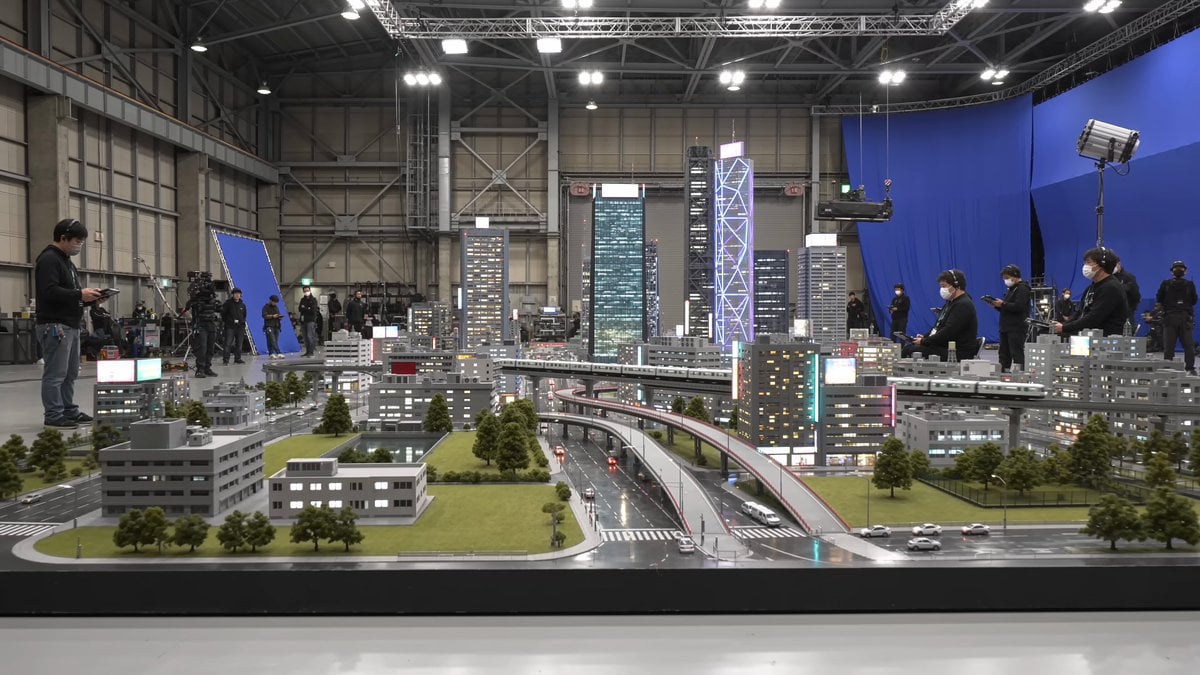
Tokyo Miniature VFX Production Scene
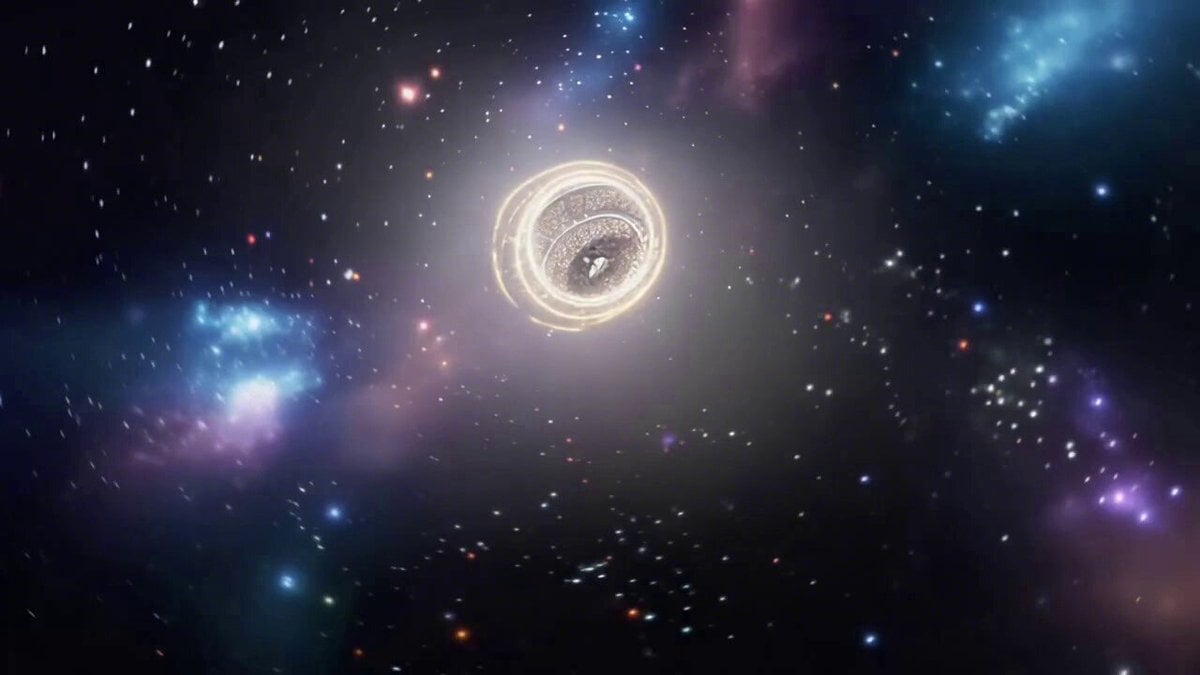
Cosmic Arena Tournament Announcement by Gintoki Sakata
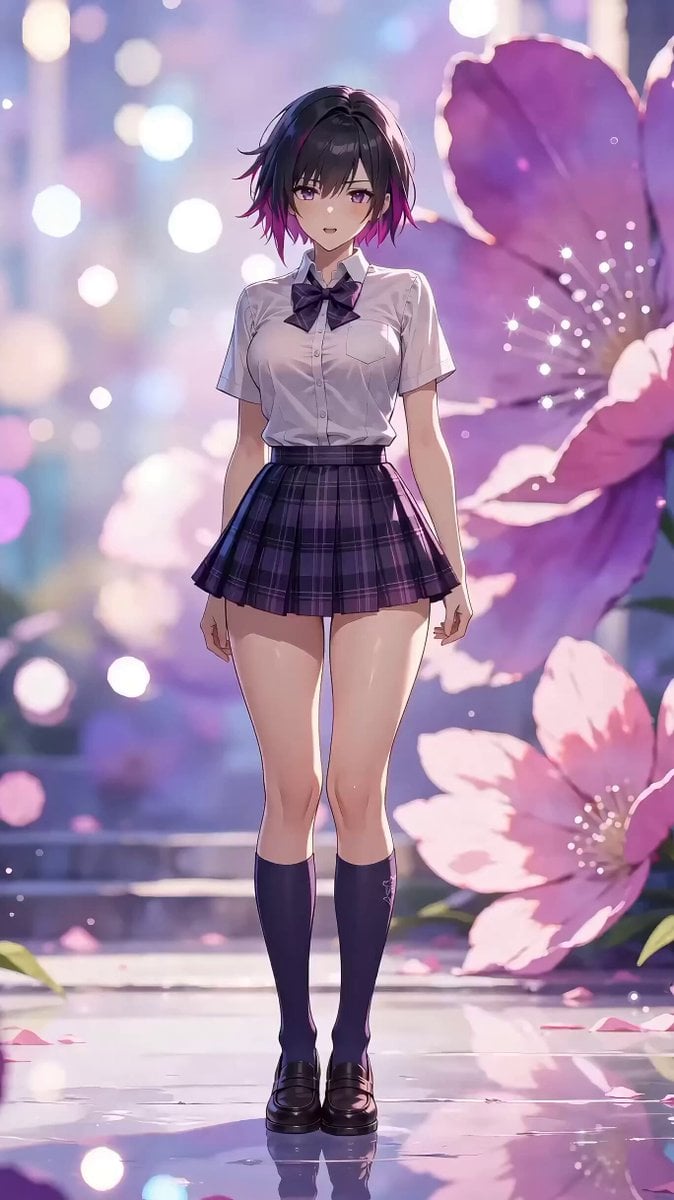
Character Dance MV Master Template
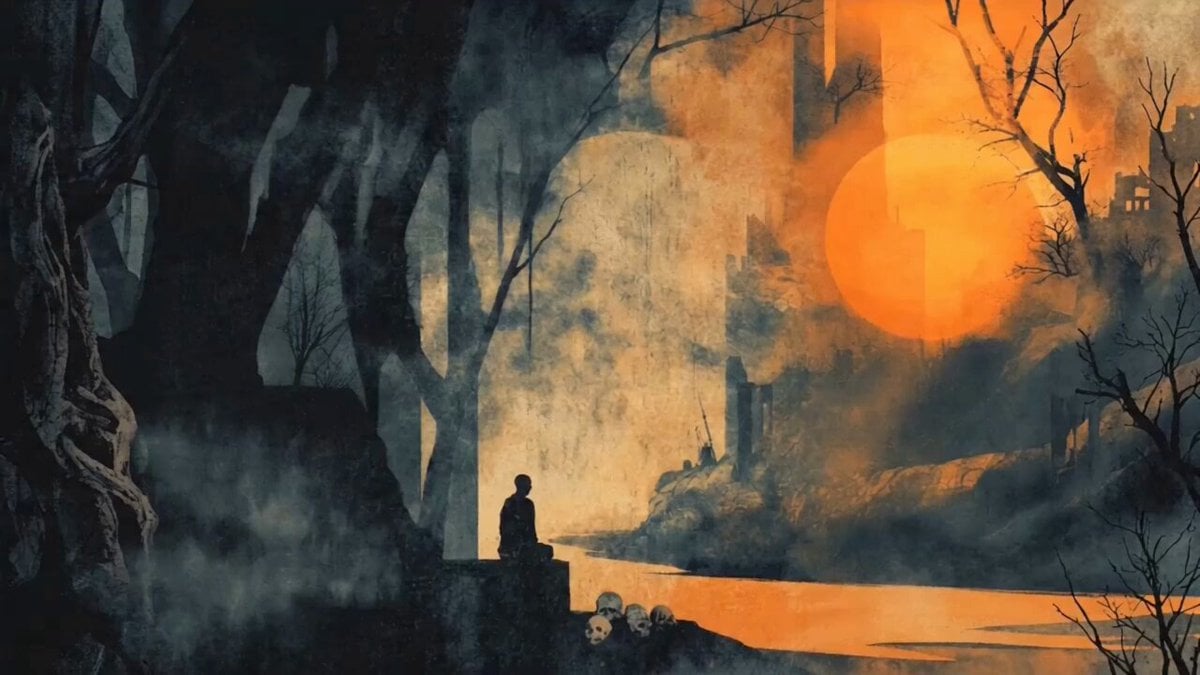
Solitary Figure Rising at Dusk in J. M. W. Turner Style
Browse template categories
Solo Leveling Cinematic Script Prompt questions
How do I use the Solo Leveling Cinematic Script Prompt template?
Add your photo if the template asks for one, edit the prompt if you like — the template's model and format are already selected — and press Generate. Your version opens in PicX Studio.
Can I customize the Solo Leveling Cinematic Script Prompt template?
Yes. You can change the subject, setting, lighting, mood, format, and available model controls before creating your video.
Is the Solo Leveling Cinematic Script Prompt template free?
Opening and editing this template is free. Generating uses credits, shown on the Generate button when you are signed in.
Which AI model should I use?
Start with Seedance 2.0, which is the model associated with this template. You can compare another compatible model for a different finish.
Looking for something else? Browse all templates.

Your photo, any look
Thousands of ready templates for every top image and video model, from one credit balance.