How do I use the 8-bit Pixel Art Ethereal Fairy Animation template?
Edit the prompt in the box under the preview — the template's model and format are already selected — and press Generate. Your version appears right on this page.
A video generation prompt for creating a seamless looping 8-bit pixel art animation of a fairy in a glowing fantasy forest.
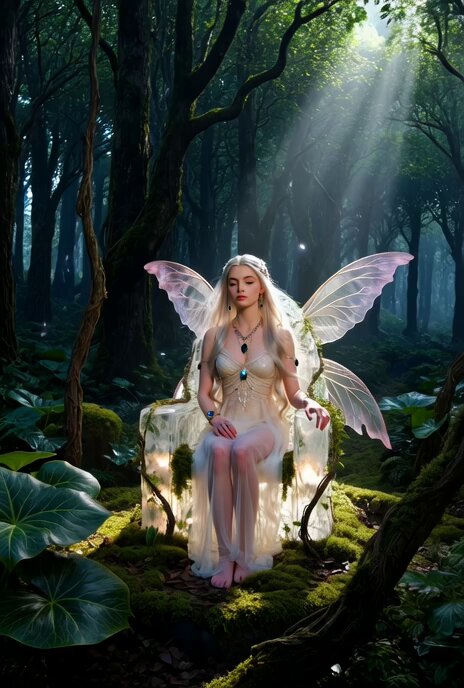
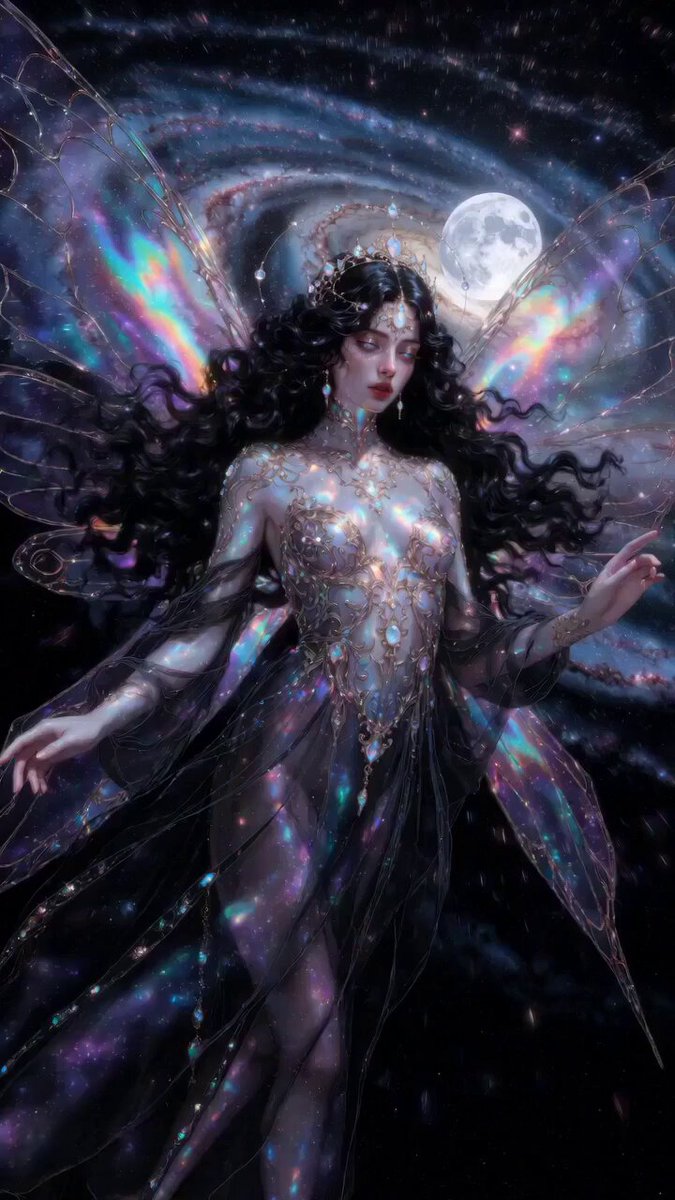
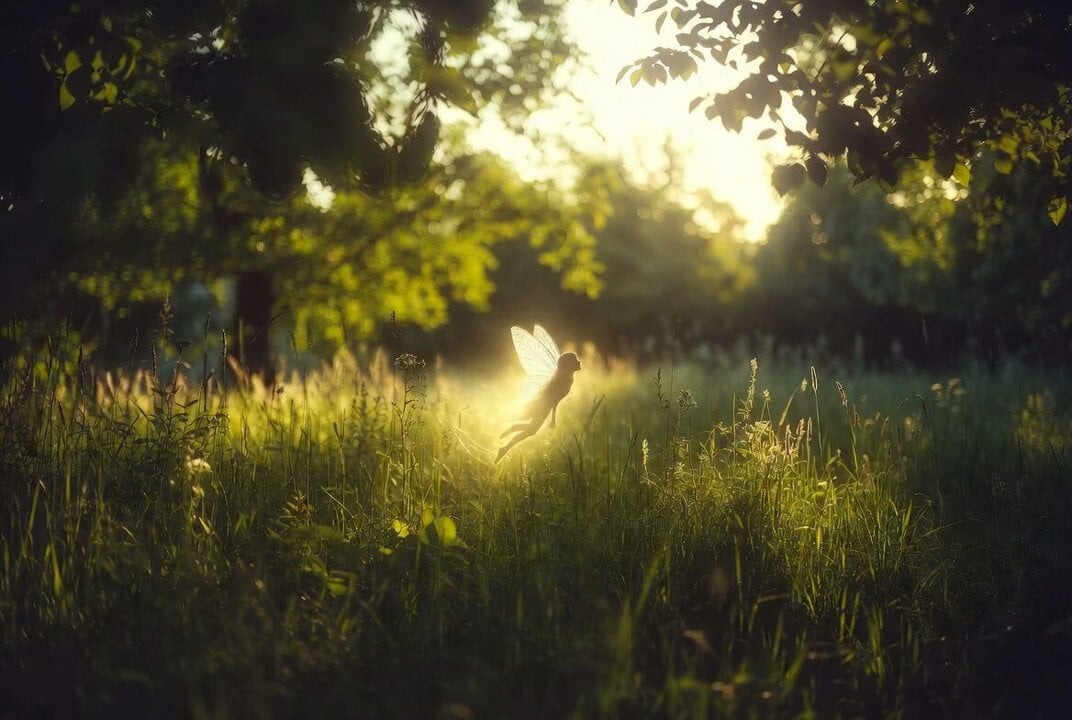
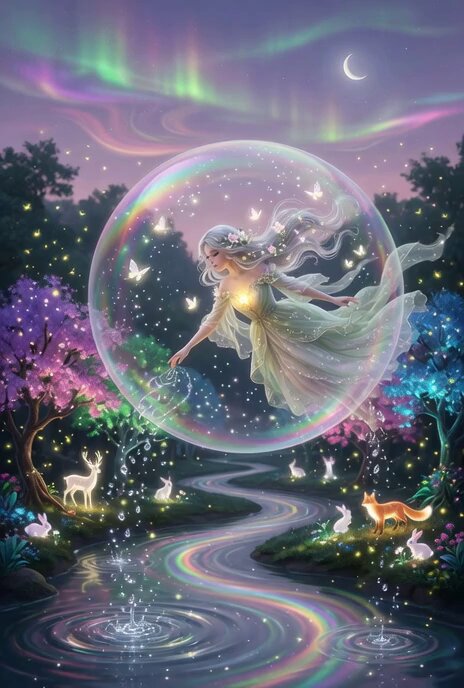
8-bit pixel art, dreamy ethereal fairy girl with long silver hair and flower crown, wearing sheer lace dress, standing barefoot in glowing mossy forest at twilight, fireflies and floating petals, ancient trees with soft ivy, pastel pinks lavenders and greens, tumblr core dreamy fantasy aesthetic, retro 8-bit pixel style, soft glow, limited color palette. Looping ambient 8-bit pixel art video, subtle motion, seamless dreamy loop, tumblr fantasy aesthetic, retro pixel style
8-bit pixel art, dreamy ethereal fairy girl with long silver hair and flower crown, wearing sheer lace dress, standing barefoot in glowing mossy forest at twilight, fireflies and floating petals, ancient trees with soft ivy, pastel pinks lavenders and greens, tumblr core dreamy fantasy aesthetic, retro 8-bit pixel style, soft glow, limited color palette. Looping ambient 8-bit pixel art video, subtle motion, seamless dreamy loop, tumblr fantasy aesthetic, retro pixel style
Edit the prompt in the box under the preview — the template's model and format are already selected — and press Generate. Your version appears right on this page.
Yes. You can change the subject, setting, lighting, mood, format, and available model controls before creating your video.
Opening and editing this template is free. Generating uses credits, shown on the Generate button when you are signed in.
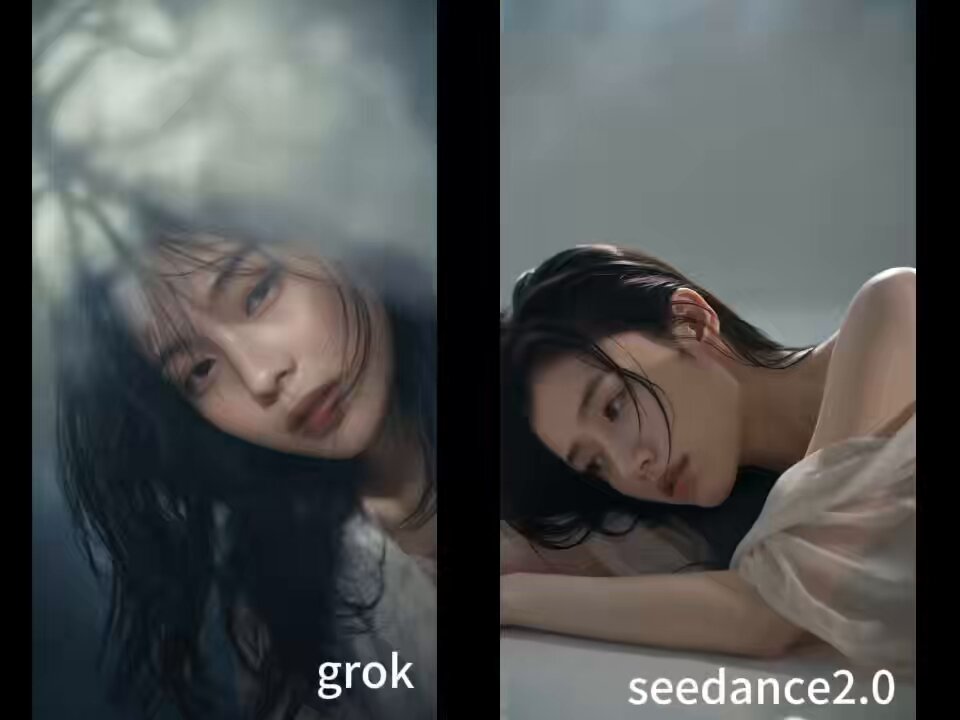
Start with Grok Imagine, which is the model associated with this template. You can compare another compatible model for a different finish.
Follow a topic to a crawlable collection of related PicX Studio templates.