
Retro Office Commercial Photography
A detailed visual description for a split-screen commercial photography scene with a 1980s-90s nostalgic office aesthetic, though the provided prompt is for the image generation stage.
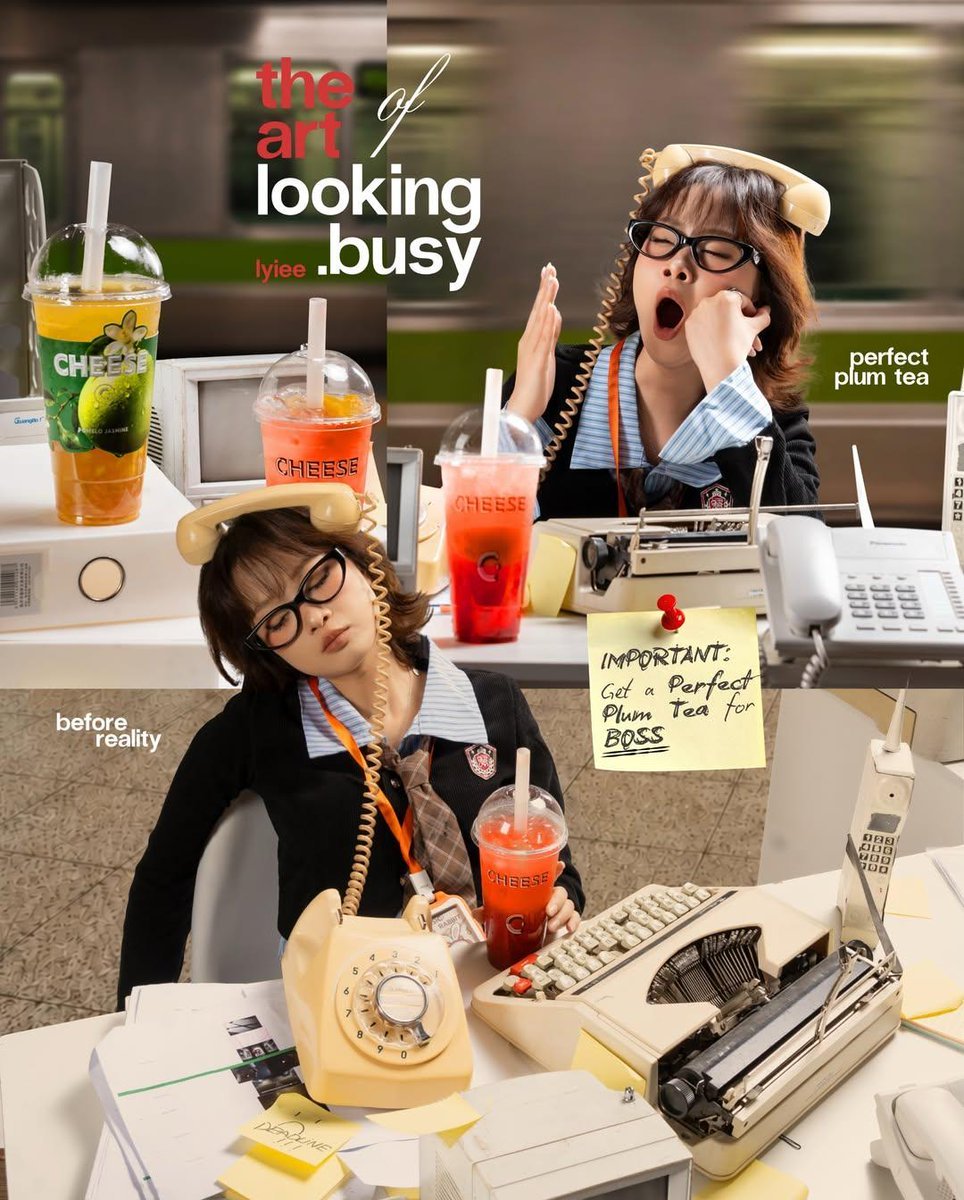
- Prompt included
- Model and format preset
- Free template
The prompt behind this video
Copy the exact prompt behind Retro Office Commercial Photography, or open it in the studio and make it yours.
A highly detailed retro office-themed commercial photography collage, split-screen composition showing the contrast between “looking busy” and reality. Young Asian office worker with short messy hair and black glasses, wearing a vintage corporate uniform with ID badge. In the top scene, she appears overwhelmed and busy, yawning while holding a beige rotary telephone receiver, surrounded by ringing desk phones, a typewriter, paperwork, sticky notes, and colorful fruit teas on a cluttered desk. Motion-blurred train passing outside large office windows creates a fast-paced urban atmosphere. In the bottom scene, the same worker is secretly asleep at her desk with the phone balanced on her head, holding a bright red plum tea, surrounded by retro office equipment from the 1980s–1990s. Warm cinematic lighting, soft shadows, shallow depth of field, realistic product placement, magazine advertisement layout, playful corporate humor, vibrant colors, professional commercial photography, ultra-realistic, sharp focus, lifestyle branding campaign, high-end editorial design, typography space, 4k quality, nostalgic office aesthetic, candid storytelling. Negative Prompt: low quality, blurry face, extra fingers, duplicate objects, distorted hands, bad anatomy, watermark, logo artifacts, overexposed lighting, cropped head, unrealistic proportions, CGI look, cartoon style, text errors, messy composition, low resolution.
How to use Retro Office Commercial Photography in 3 steps
- 1
Open
The prompt is already in the box next to the preview, with the template's model and format selected.
- 2…a portrait of your subject in softgolden-hour light, 85mm…
Personalize
Edit the subject and creative details for your destination.
- 3Generate
Generate
Press Generate — your video is created in PicX Studio, so you can compare it with the original and refine one variable at a time.
More like this
Templates with the same subject, style or setup. Open one to see its prompt.
Fruit Cookie Commercial

Silk Road Pomegranate Folk Animation

Mechanical Flower Bloom Brand Film

Crystal Ball Match-Cut Brand Film

Sneaker Product Commercial

Skincare Product Commercial 3

Cinematic Portrait Study 3

Product UGC Commercial

Cinematic Portrait Study
Skincare Product Commercial
Premium Food Photography Commercial
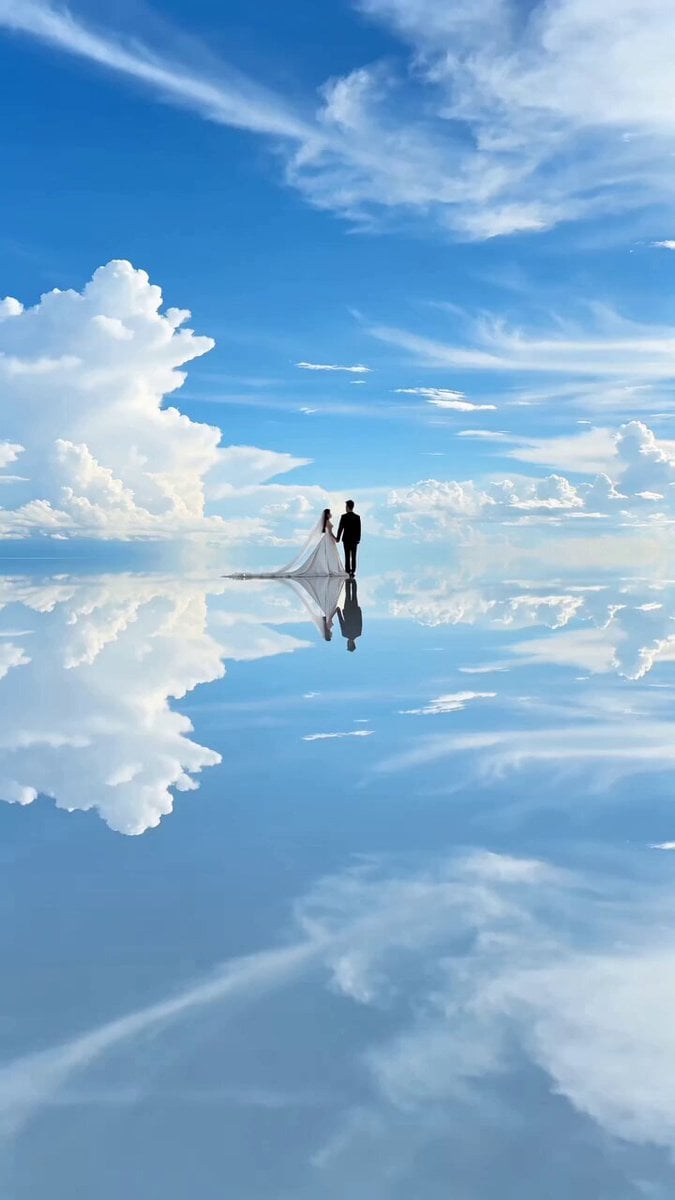
High-End Commercial Wedding Photography Video Prompt
Make it yours
Retro Office Commercial Photography works as-is. These are the safest ways to change it without losing the look.
Change one field
Copy a single group, rewrite it, and generate again so you can see what that field is doing.
Keep the frame, change the subject
Hold the composition and light of Retro Office Commercial Photography, then swap wardrobe, props or the person for a new take.
| If the result… | Why | Fix |
|---|---|---|
| The result drifts from the preview | Too many fields changed at once. | Reuse Retro Office Commercial Photography as-is first, then change one group — subject, light, or setting. |
| The model over-stylizes the scene | The prose prompt leaves finish and camera underspecified. | Add one camera or lighting sentence and stay on Seedance 2.0. |
More Seedance 2.0 templates
Other prompts made for Seedance 2.0.

Comical Martial Arts Punch Scene

Maglev Train Action Sequence

Martial Arts Fight Sequence

Wuxia Protection and Trust Script

Vintage Korean Arcade MiniDV Vlog

Mercedes 190 SL Luxury Ad

Rainy Night Supernatural Reverse Comedy Video Script

Amazon Civilization Discovery

Futuristic South Asian City Transformation

Cozy Luxury Cafe Commercial
More video prompts
Fresh picks from across the catalog.
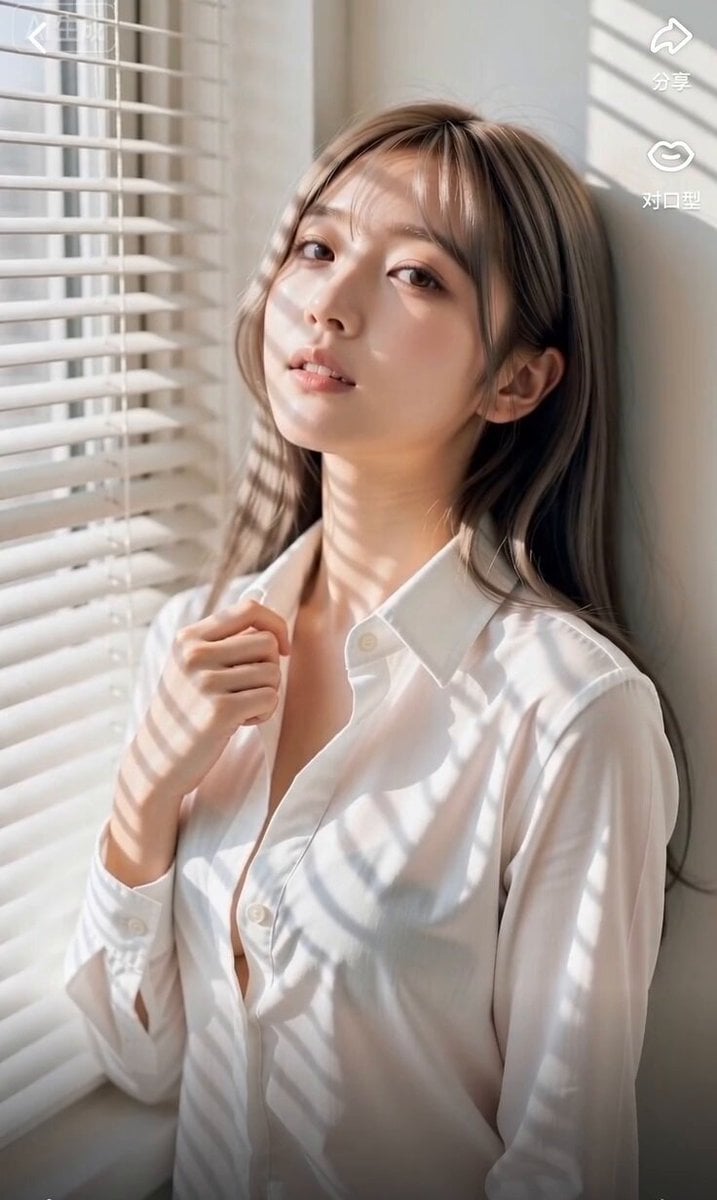
East Asian Woman Rap Scene
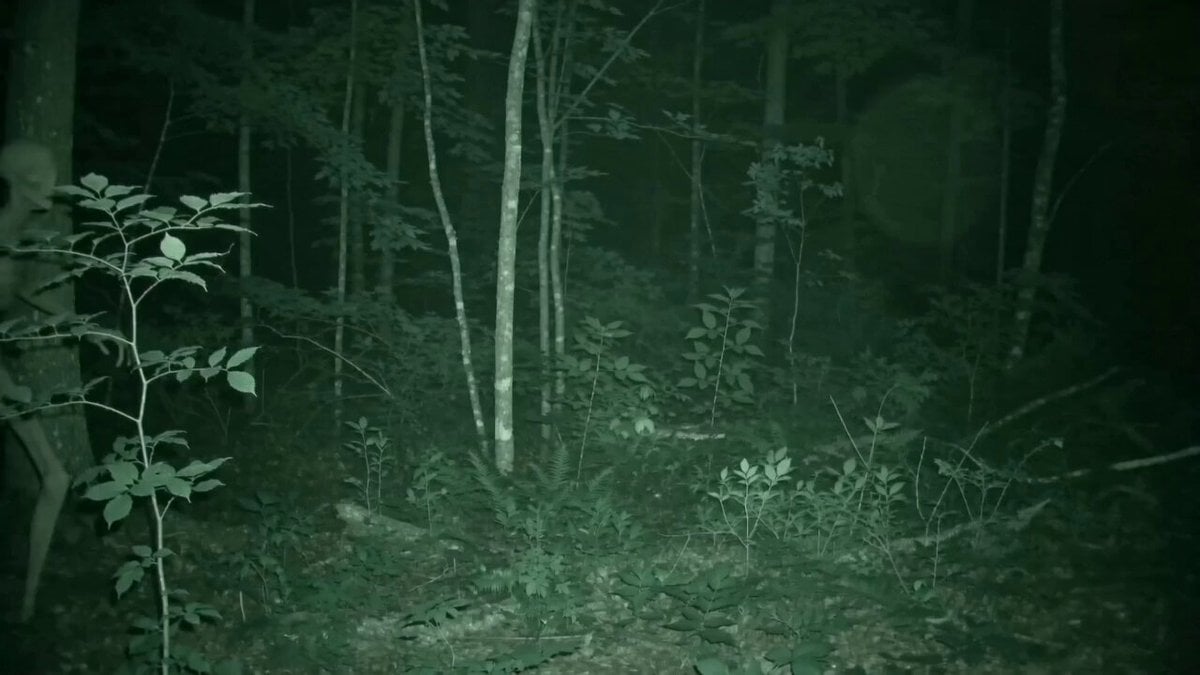
Skinwalker Night Vision Footage
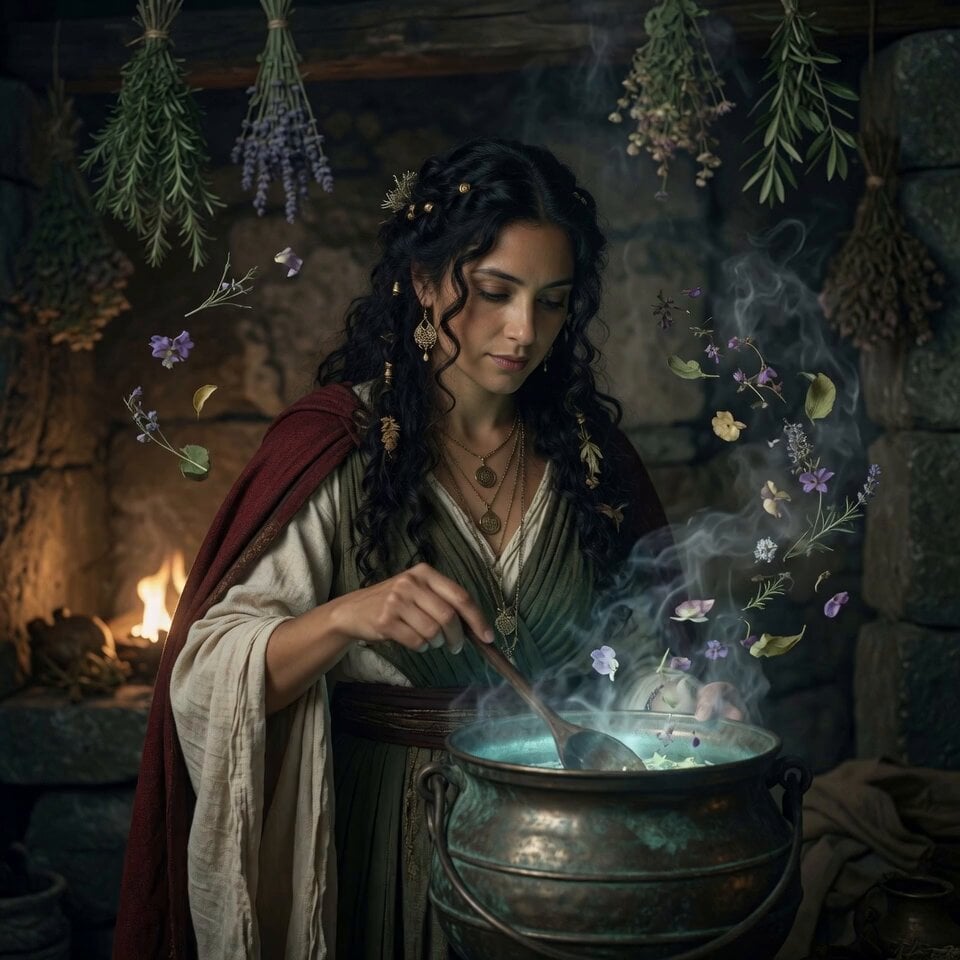
Fantasy Glowing Potion and Floating Herbs
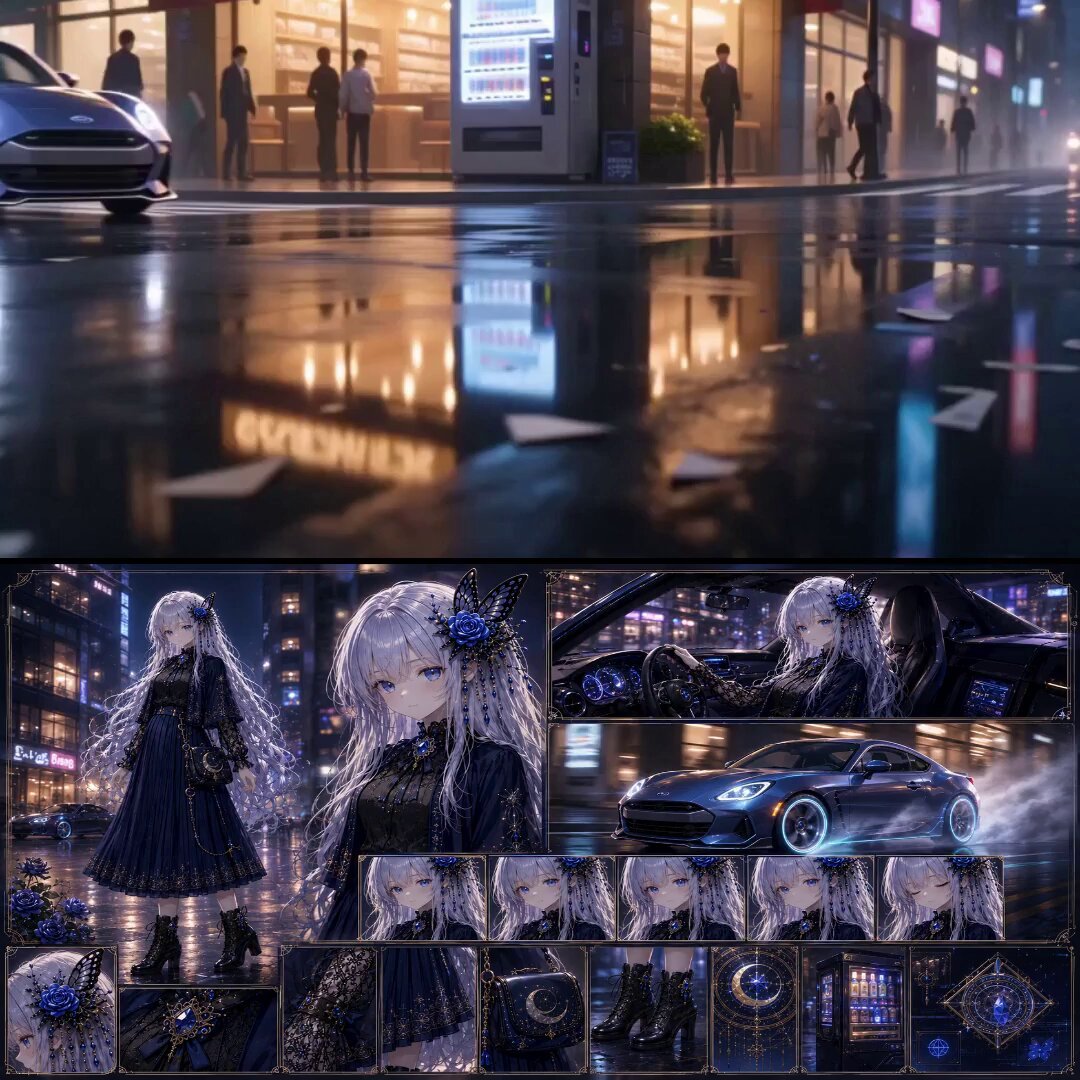
Urban Fantasy RPG Car Chase
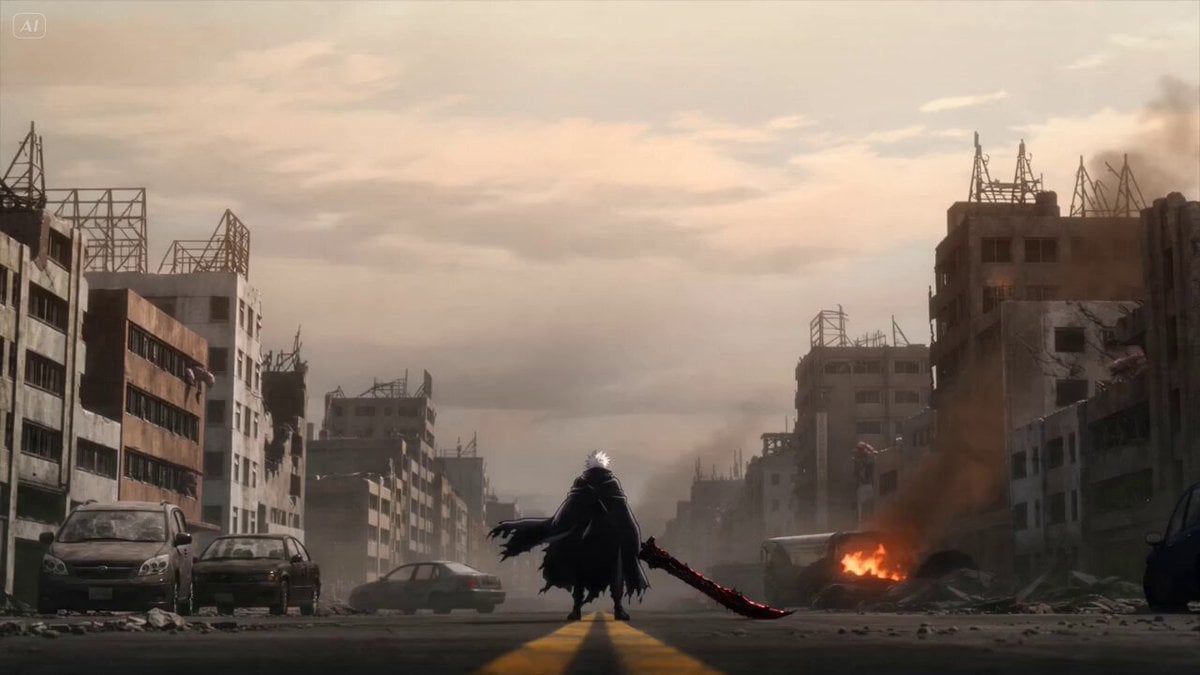
Anime Swordsman Action Sequence

Hollywood Blockbuster Car Chase Sequence
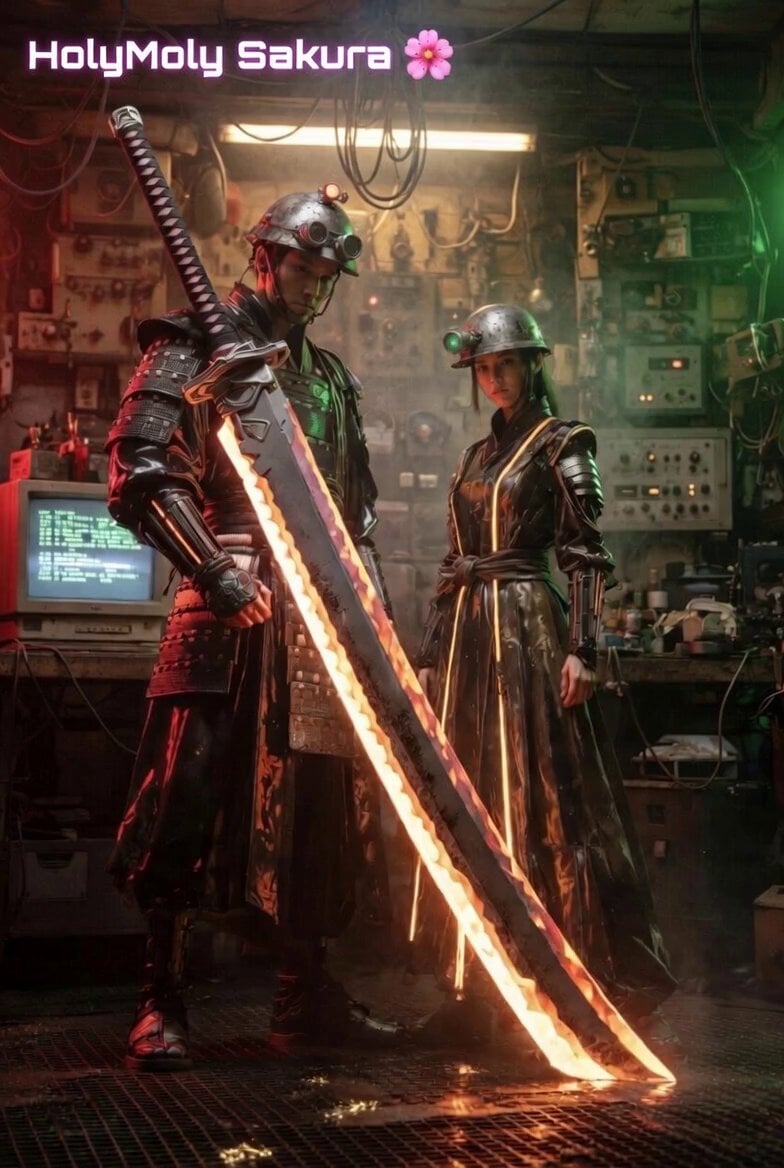
La Bamba dance with samurai props
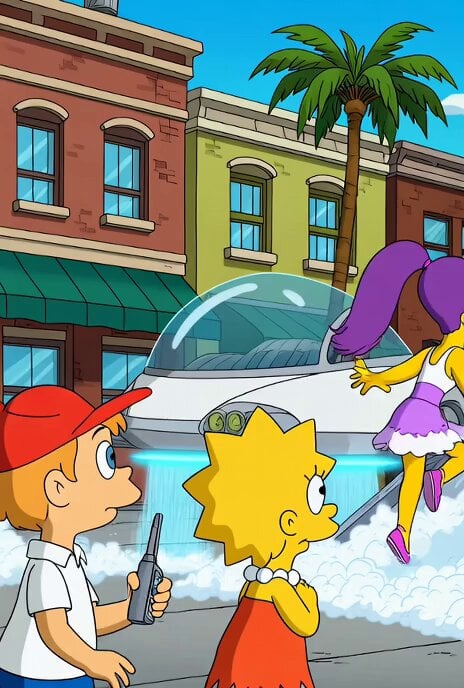
Jetsons Meet Simpsons Video Scene
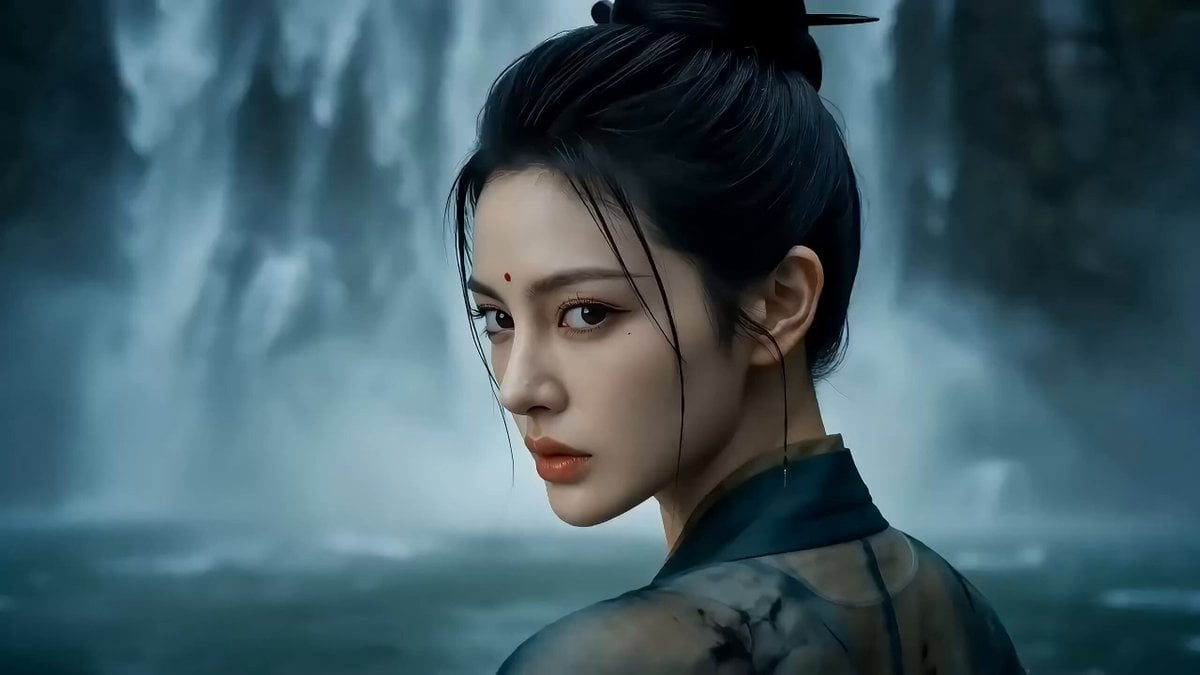
One-shot Wuxia epic with cinematic camera work

Football Trailer Cinematic Transitions
Browse template categories
Retro Office Commercial Photography questions
How do I use the Retro Office Commercial Photography template?
Add your photo if the template asks for one, edit the prompt if you like — the template's model and format are already selected — and press Generate. Your version opens in PicX Studio.
Can I customize the Retro Office Commercial Photography template?
Yes. You can change the subject, setting, lighting, mood, format, and available model controls before creating your video.
Is the Retro Office Commercial Photography template free?
Opening and editing this template is free. Generating uses credits, shown on the Generate button when you are signed in.
Which AI model should I use?
Start with Seedance 2.0, which is the model associated with this template. You can compare another compatible model for a different finish.
Looking for something else? Browse all templates.

Your photo, any look
Thousands of ready templates for every top image and video model, from one credit balance.