
High-End Commercial Wedding Photography Video Prompt
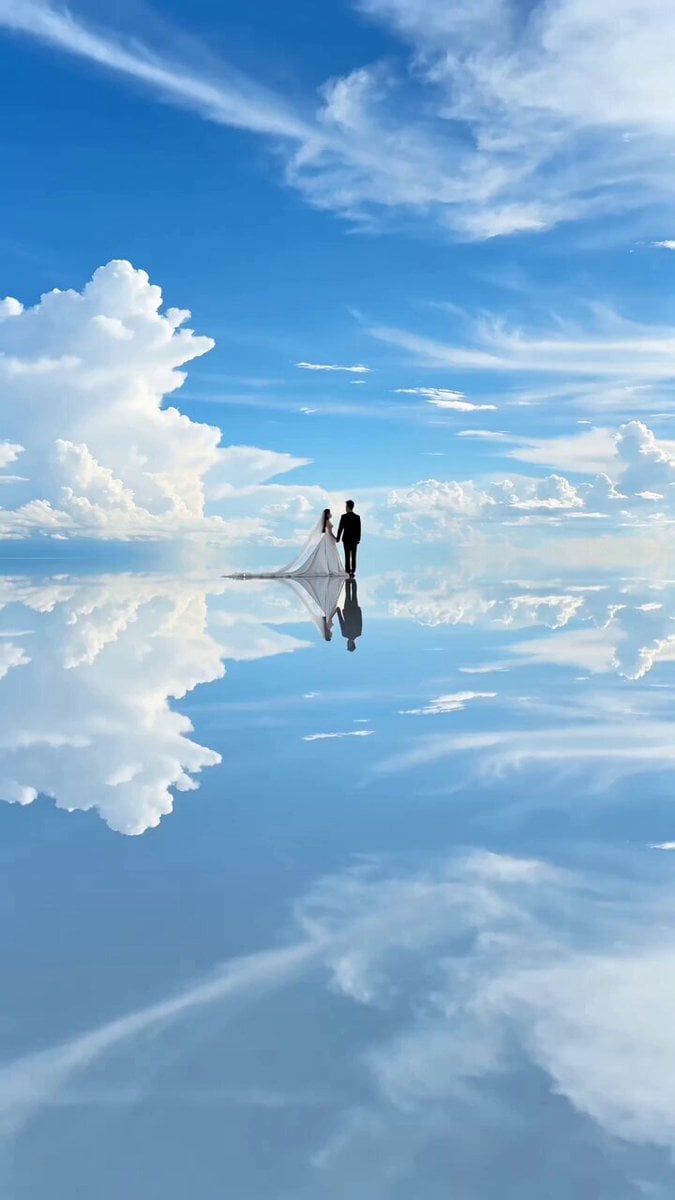
A comprehensive, multi-scene prompt for Seedance 2.0 to create a vertical 9:16 high-end commercial wedding video in a realistic, dreamy, and beautiful 4K style.
- Prompt included
- Model and format preset
- Premium template
The prompt behind this video
Copy the exact prompt behind High-End Commercial Wedding Photography Video Prompt, or open it in the studio and make it yours.
9:16 vertical frame, live-action photorealistic style, dreamlike and picturesque, 4K high-definition. 0-4s: An extremely low-angle upward shot, a mirror-like salt lake stretching to the top of the frame, sky and lake surface merging into one. Fluffy white clouds drift across the deep blue sky, their reflection rendered with perfect clarity. The bride and groom stand side by side slightly below center in the frame, the groom sharp and upright in a black suit, the bride's white wedding gown flowing gracefully. They face the distant horizon, hand in hand. Their reflection is perfectly symmetrical with the real scene, as if they were standing at the meeting point of two worlds. 5-9s: The camera slowly pushes in and tilts up slightly. The bride has a round, gentle face, straight brows, smiling phoenix eyes, an upturned nose, full rosy lips, and a dimple on her right cheek; the groom has a square, masculine face, straight brows, bright almond eyes, a high nose bridge, and thin, resolute lips. The groom pulls the bride into his embrace, her head resting on his shoulder, her white veil lifting gently in the wind. Their embrace is mirrored in perfect sync in the reflection, as if they were the only two people between heaven and earth. 10-15s: The camera continues to push in to a close shot. The bride looks up at the groom, and he lowers his head to place a kiss on her forehead. Sunlight spills in from behind and to the side, gilding them both with a golden rim light. Their reflection "kisses" in the exact same position, the image perfectly symmetrical top to bottom. The white clouds in the sky, the couple's silhouettes, the flowing hem of the gown — the real scene and its reflection form a mirrored world, in pure, dreamlike blue-and-white tones. The final frame freezes with the bride and groom embracing within the mirror of the sky, their reflection like a painting. Sound: dreamlike synthesizer tones, minimalist piano, a gentle breeze, a soft female hum. Prohibited: any text, subtitles, logos, or watermarks.
How to use High-End Commercial Wedding Photography Video Prompt in 3 steps
- 1
Open
The prompt is already in the box next to the preview, with the template's model and format selected.
- 2…a portrait of your subject in softgolden-hour light, 85mm…
Personalize
Edit the subject and creative details for your destination.
- 3Generate
Generate
Press Generate — your video is created in PicX Studio, so you can compare it with the original and refine one variable at a time.
More like this
Templates with the same subject, style or setup. Open one to see its prompt.
Luxury Portable Blender Commercial featuring Aria
Lavender Bliss Cosmetics Commercial
Fruit Cookie Commercial

Silk Road Pomegranate Folk Animation
Mechanical Flower Bloom Brand Film
Crystal Ball Match-Cut Brand Film
Sneaker Product Commercial
Skincare Product Commercial 3

Cinematic Portrait Study 3
Product UGC Commercial

Cinematic Portrait Study
Skincare Product Commercial
Make it yours
High-End Commercial Wedding Photography Video Prompt works as-is. These are the safest ways to change it without losing the look.
Change one field
Copy a single group, rewrite it, and generate again so you can see what that field is doing.
Keep the frame, change the subject
Hold the composition and light of High-End Commercial Wedding Photography Video Prompt, then swap wardrobe, props or the person for a new take.
| If the result… | Why | Fix |
|---|---|---|
| The result drifts from the preview | Too many fields changed at once. | Reuse High-End Commercial Wedding Photography Video Prompt as-is first, then change one group — subject, light, or setting. |
| The model over-stylizes the scene | The prose prompt leaves finish and camera underspecified. | Add one camera or lighting sentence and stay on Seedance 2.0. |
More Seedance 2.0 templates
Other prompts made for Seedance 2.0.

Comical Martial Arts Punch Scene

Maglev Train Action Sequence

Martial Arts Fight Sequence

Wuxia Protection and Trust Script

Vintage Korean Arcade MiniDV Vlog

Mercedes 190 SL Luxury Ad

Rainy Night Supernatural Reverse Comedy Video Script

Amazon Civilization Discovery

Futuristic South Asian City Transformation

Cozy Luxury Cafe Commercial
More video prompts
Fresh picks from across the catalog.
Japan Travel Vlog Golden Hour
Anime Characters in Photorealistic Shopping Mall

Futuristic Robot Arena Battle
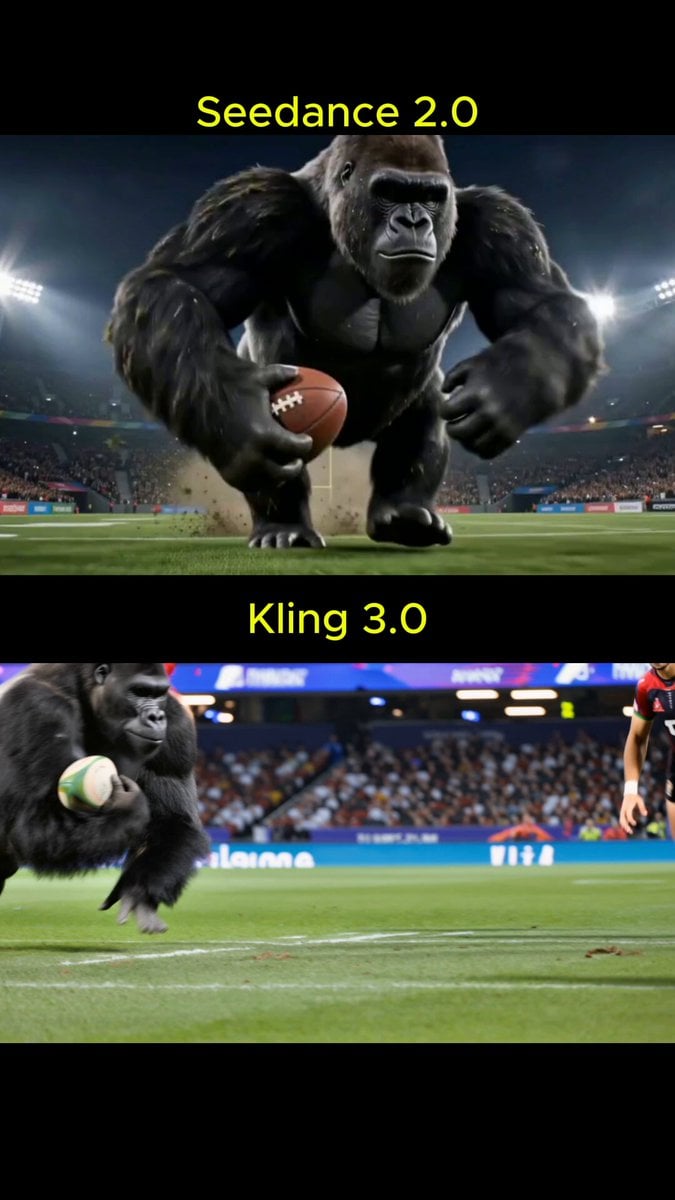
Rugby Match: Humans vs. Gorillas

Chinese style mountains video prompt
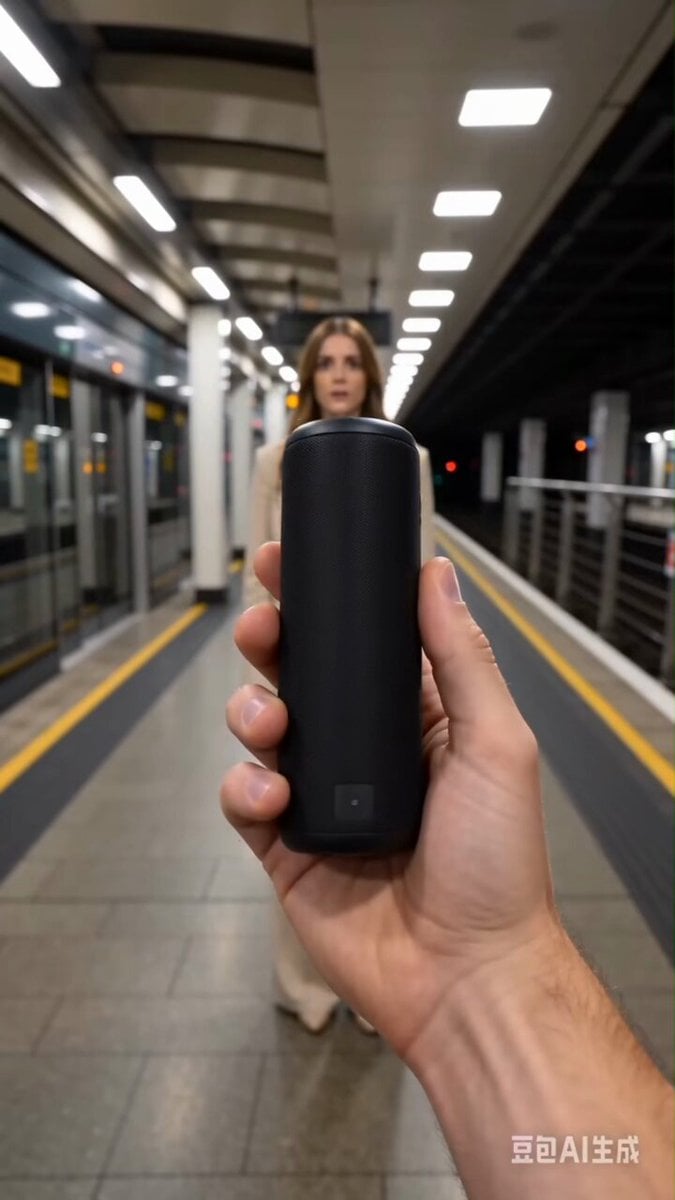
First-Person POV Cinematic Sequence (Part 1)
Raw iPhone Bystander Footage Template

Grok Imagine prompt for claymation leprechaun video
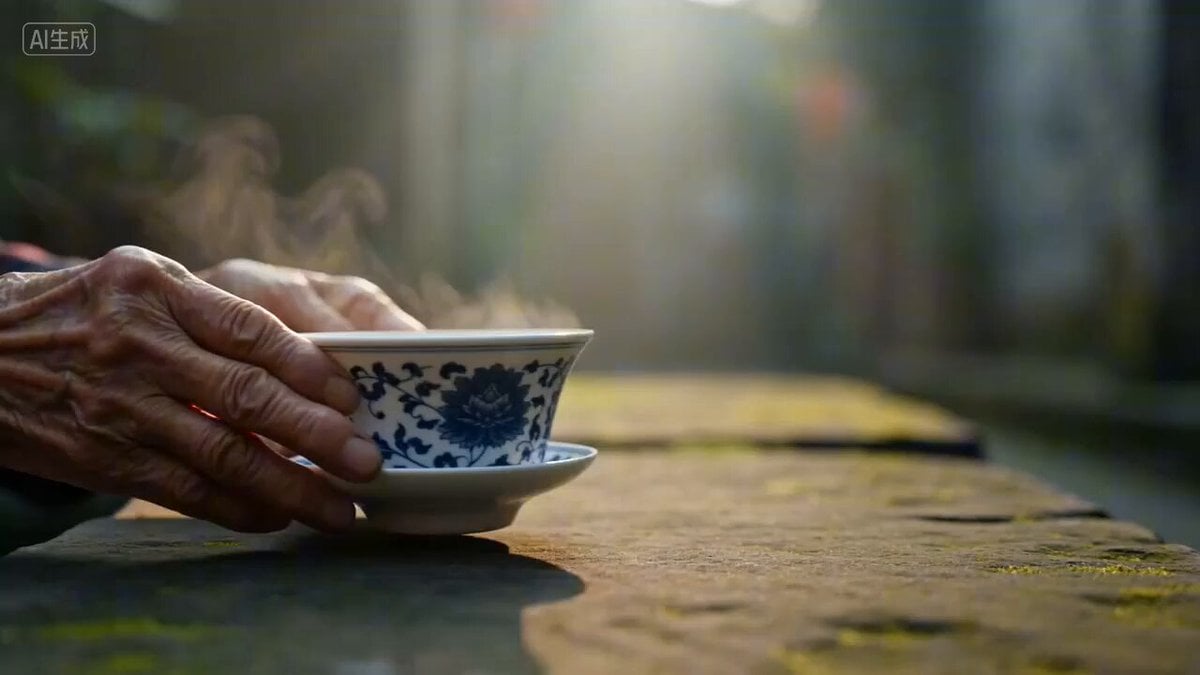
Universal Cinematic Video Script/Prompt Framework

Woman Walking in Sunflowers
Browse template categories
High-End Commercial Wedding Photography Video Prompt questions
How do I use the High-End Commercial Wedding Photography Video Prompt template?
Add your photo if the template asks for one, edit the prompt if you like — the template's model and format are already selected — and press Generate. Your version opens in PicX Studio.
Can I customize the High-End Commercial Wedding Photography Video Prompt template?
Yes. You can change the subject, setting, lighting, mood, format, and available model controls before creating your video.
Is the High-End Commercial Wedding Photography Video Prompt template free?
Opening and editing this template is free. Generating uses credits, shown on the Generate button when you are signed in.
Which AI model should I use?
Start with Seedance 2.0, which is the model associated with this template. You can compare another compatible model for a different finish.
Looking for something else? Browse all templates.

Your photo, any look
Thousands of ready templates for every top image and video model, from one credit balance.