
Anime Characters in Photorealistic Shopping Mall
A detailed multi-shot cinematic prompt for Seedance 2.0 that blends 2D anime characters with a realistic 3D mall environment, focusing on consistency and smooth motion across five different shots.
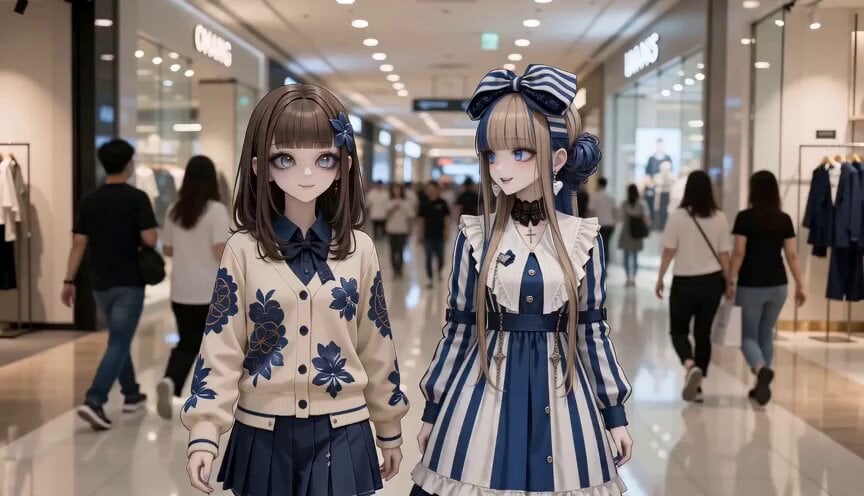
- Prompt included
- Model and format preset
- Premium template
The prompt behind this video
Copy the exact prompt behind Anime Characters in Photorealistic Shopping Mall, or open it in the studio and make it yours.
Use Image A and Image B as the two main characters in all shots. Image A : preserve her exact anime illustration identity, hairstyle, face, outfit, proportions, and overall design. Image B : preserve her exact anime illustration identity, hairstyle, face, outfit, proportions, and overall design. Both characters must remain anime-style illustrations with crisp clean line art, cel-shaded flat colors, expressive anime eyes, and zero photorealism on the characters. All other elements — the shopping mall interior, storefronts, display windows, escalators, polished floors, shopping bags, crowd, lighting, and background architecture — are fully photorealistic. Setting: a busy modern shopping mall on a weekend afternoon. Stylish interior, bright natural and commercial lighting, large glass storefronts, digital signage, polished floors, open atrium, many shoppers walking around. The atmosphere is lively, fashionable, and cheerful. 15-second cinematic video, 24fps, smooth motion, clear emotional flow, character consistency across all shots. Shot 1 [MALL ENTRANCE — ARRIVAL] Image A and Image B walk side by side into a crowded modern shopping mall, smiling and chatting. Many shoppers pass around them. The camera tracks backward in front of them as they enter the bright open atrium. They look excited for a fun day of window shopping. Cut to Shot 2 [WINDOW SHOPPING — DISCOVERY] The two girls stop in front of a stylish fashion storefront with a large glass display window. They lean in slightly and admire the items inside. Image A points at something cute in the display. Image B reacts with a bright smile and curious eyes. Medium shot, then close-up on their happy faces and pointing gesture. Cut to Shot 3 [MOVING THROUGH THE MALL] Image A and Image B continue walking through the busy mall, passing elegant shop windows, cosmetics counters, and accessory displays. They laugh together and casually gesture while talking. Camera moves alongside them. Background crowd flows naturally around them. Their mood is relaxed, lively, and playful. Cut to Shot 4 [EXCITEMENT AT A DISPLAY] They stop at another display window with fashionable accessories and seasonal decor. Image B notices something first and gently pulls Image A’s sleeve to show it. Image A’s expression changes into delighted surprise. Close-up on their faces, then cut to a wider shot showing both of them framed by the bright storefront and the bustling crowd behind. Cut to Shot 5 [PURE WEEKEND JOY] Image A and Image B continue window shopping deeper into the mall, each carrying a few small shopping bags. They smile, laugh, and enjoy the lively weekend atmosphere. Wide cinematic shot of the modern shopping mall interior, the two girls walking happily together at the center of the frame, surrounded by the photorealistic crowd and glowing storefronts. End with a gentle crane out
How to use Anime Characters in Photorealistic Shopping Mall in 3 steps
- 1
Open
The prompt is already in the box next to the preview, with the template's model and format selected.
- 2…a portrait of your subject in softgolden-hour light, 85mm…
Personalize
Edit the subject and creative details for your destination.
- 3Generate
Generate
Press Generate — your video is created in PicX Studio, so you can compare it with the original and refine one variable at a time.
More like this
Templates with the same subject, style or setup. Open one to see its prompt.
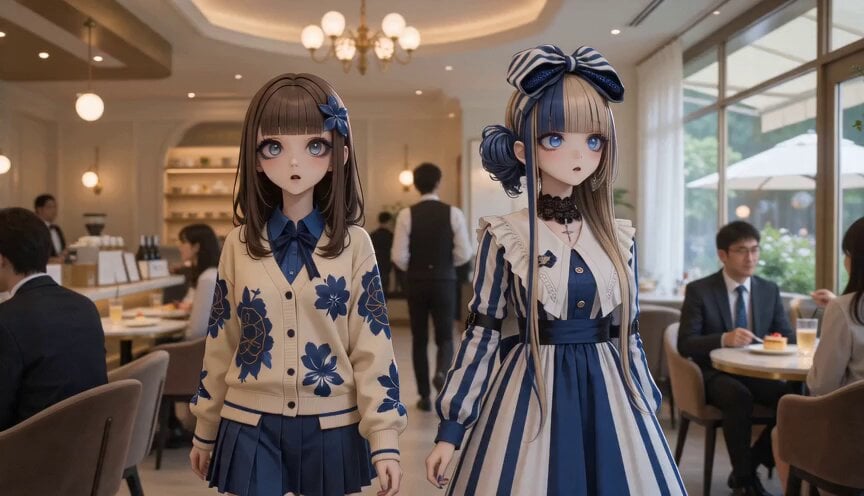
Anime Characters in Photorealistic Cafe

MiniMax H3 Character Introduction
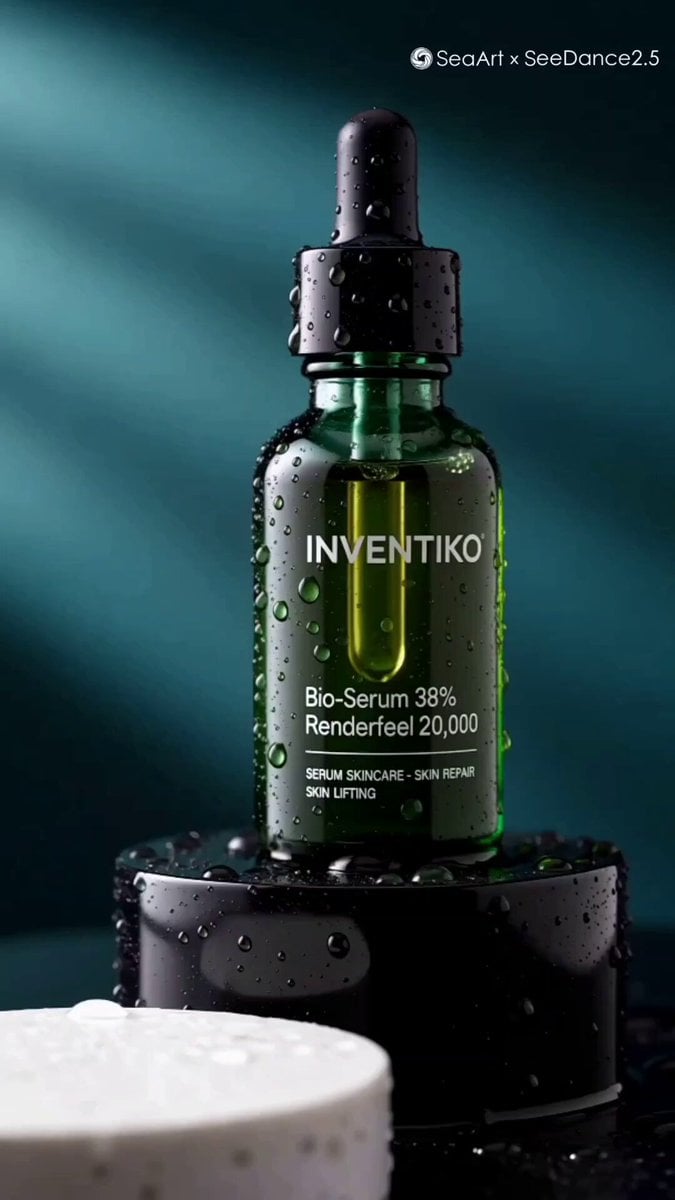
Luxury Skincare Serum Commercial

Japanese Pure Love Short Film

NYC Wingsuit Hot Dog Landing

Italian Old-Town Time-Freeze Walk
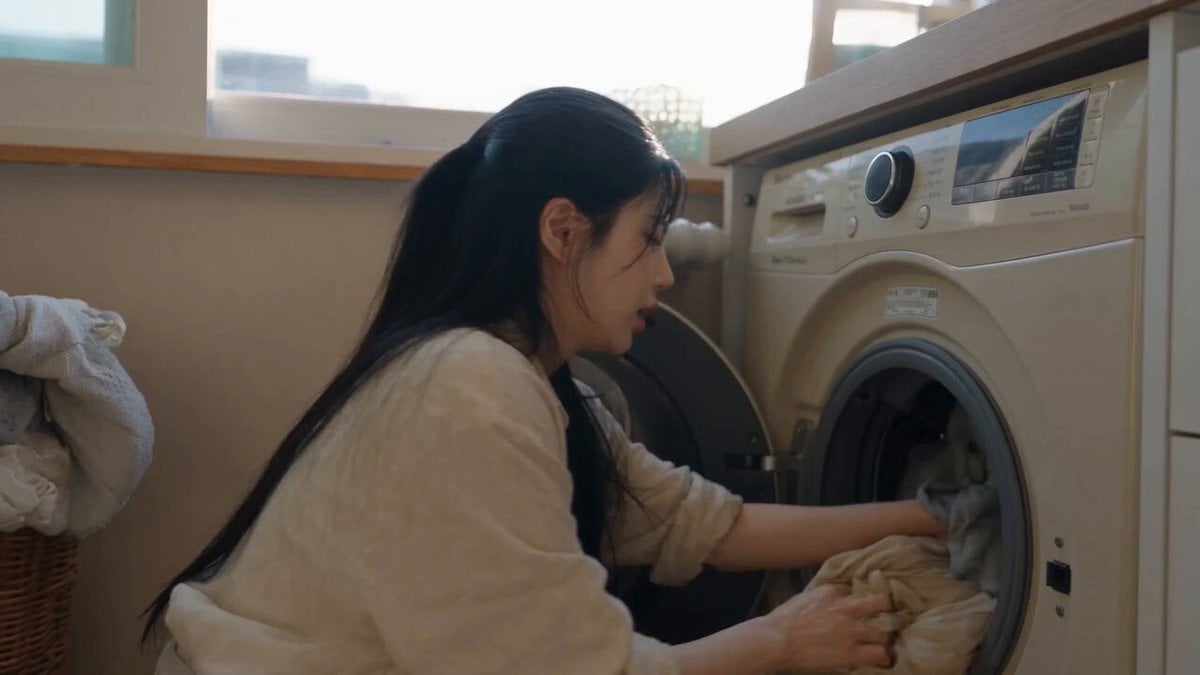
Sunny Morning Laundry Vlog

Smartphone Travel Vlog Tokyo Trip Identity Preserved

Live-Action Firefighter Rescue Night Scene
Cinematic Anime Battle in Modern Mall

Studio Ghibli Dumpling Kitchen Cooking Scene
Mixed Anime and Live-Action Shopping Street MV
Make it yours
Anime Characters in Photorealistic Shopping Mall works as-is. These are the safest ways to change it without losing the look.
Change one field
Copy a single group, rewrite it, and generate again so you can see what that field is doing.
Keep the frame, change the subject
Hold the composition and light of Anime Characters in Photorealistic Shopping Mall, then swap wardrobe, props or the person for a new take.
| If the result… | Why | Fix |
|---|---|---|
| The result drifts from the preview | Too many fields changed at once. | Reuse Anime Characters in Photorealistic Shopping Mall as-is first, then change one group — subject, light, or setting. |
| The model over-stylizes the scene | The prose prompt leaves finish and camera underspecified. | Add one camera or lighting sentence and stay on Seedance 2.0. |
More Seedance 2.0 templates
Other prompts made for Seedance 2.0.

Mercedes 190 SL Luxury Ad

Rainy Night Supernatural Reverse Comedy Video Script
Tiger Zoo Selfie Vlog
Realistic UGC Lipstick Review Video
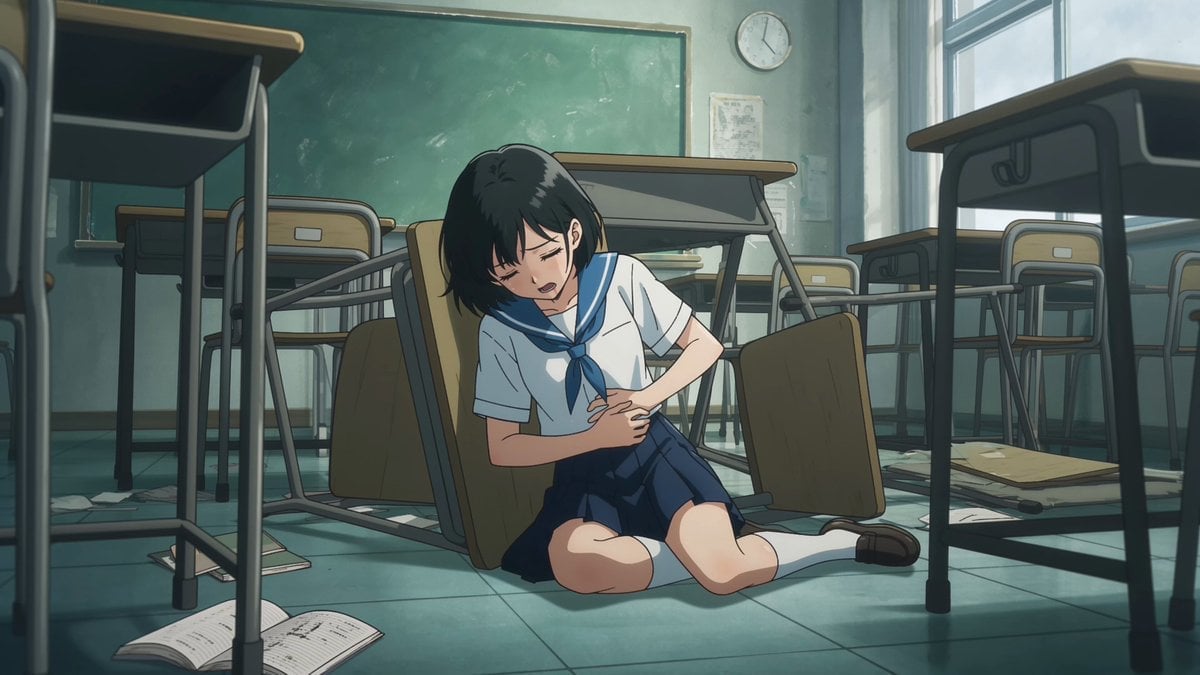
Anime Monster Classroom Battle

Pirate Ship To Desert Transition
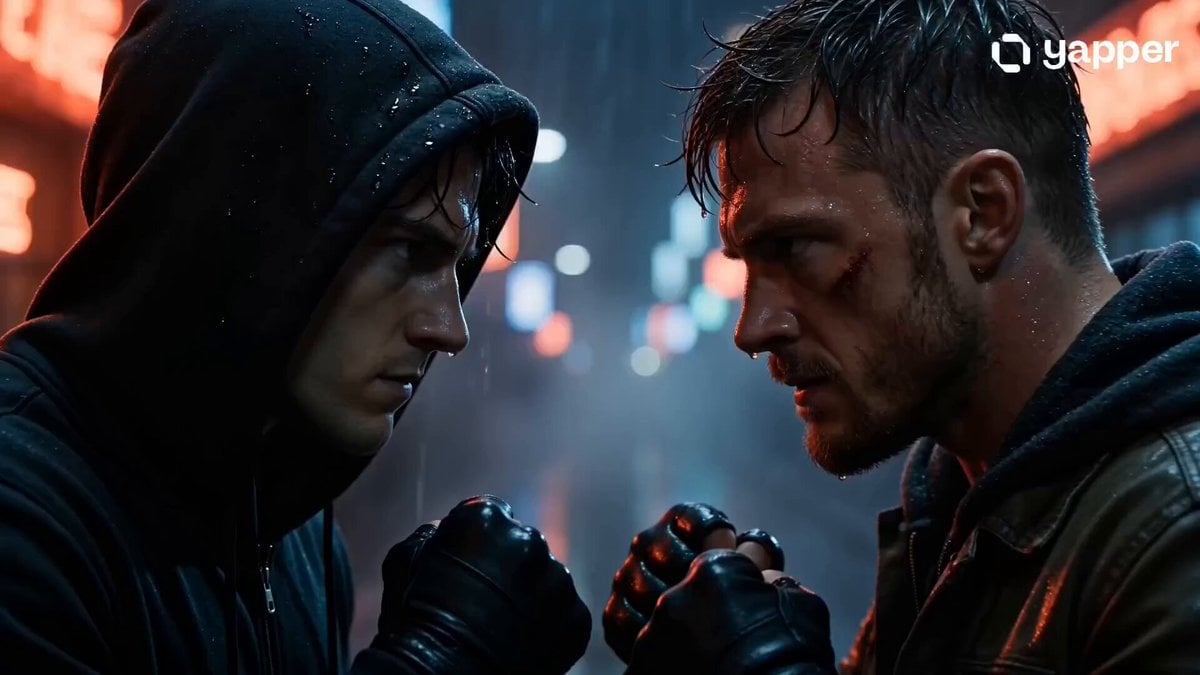
Rainy Alley Fight Scene
Camera Focal Length Test
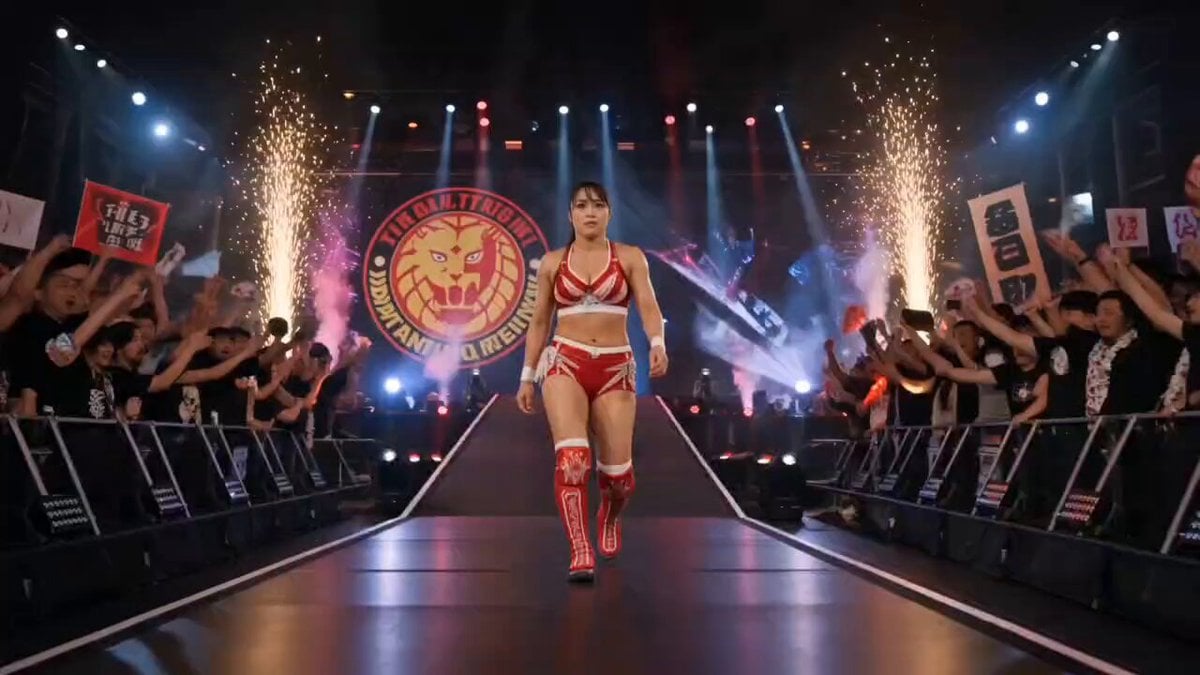
NJPW Women's Championship Match
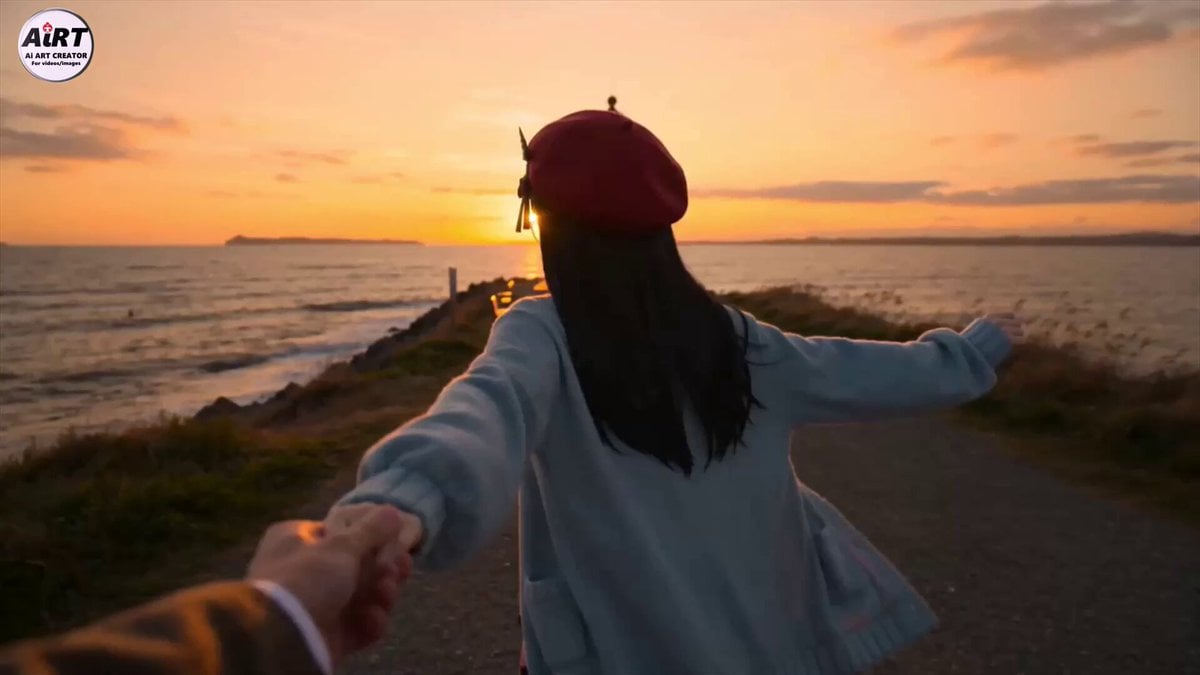
Anime Character Dating FPV Scene
More video prompts
Fresh picks from across the catalog.
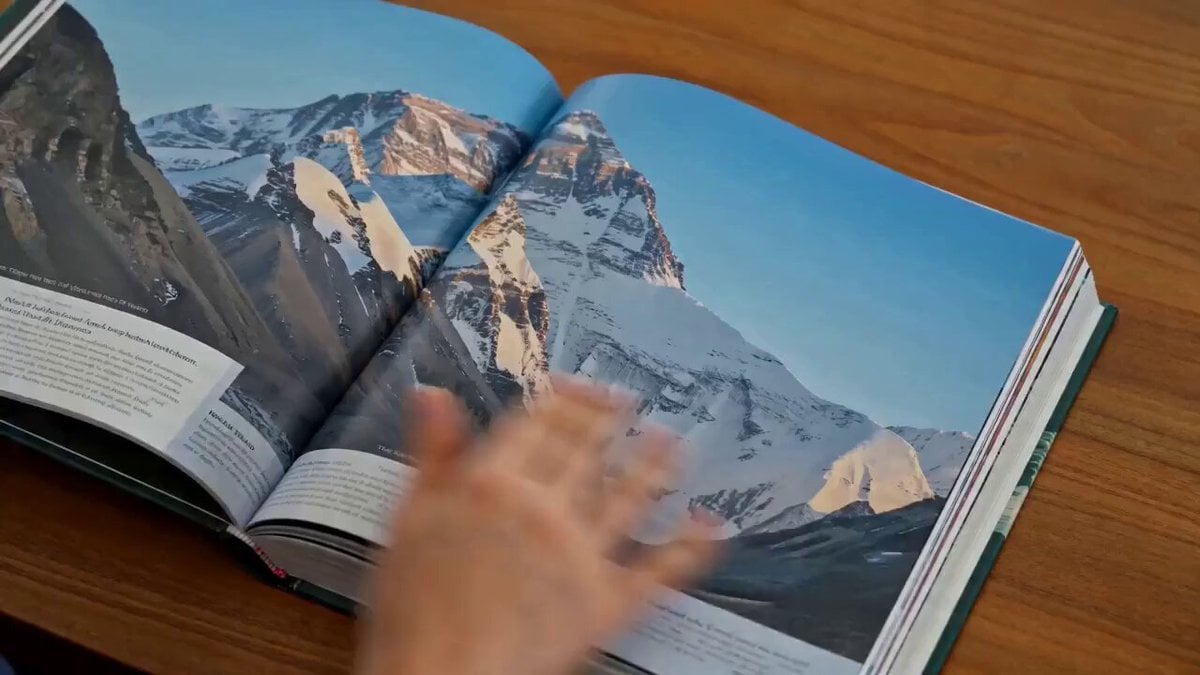
Luxury Editorial Book Flip
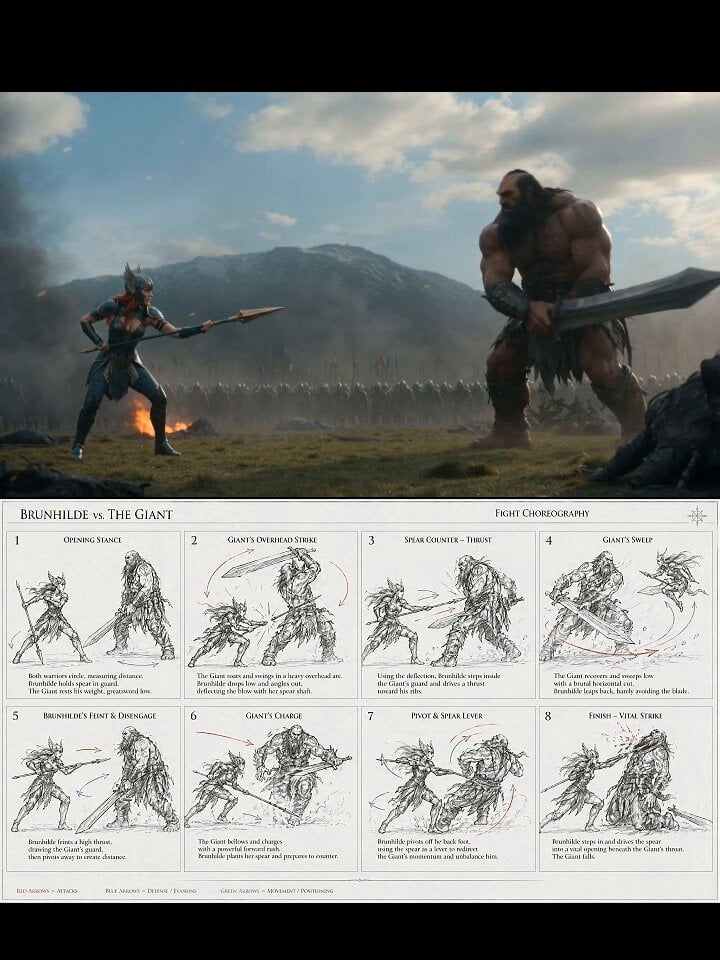
Valkyrie Fight Choreography Video
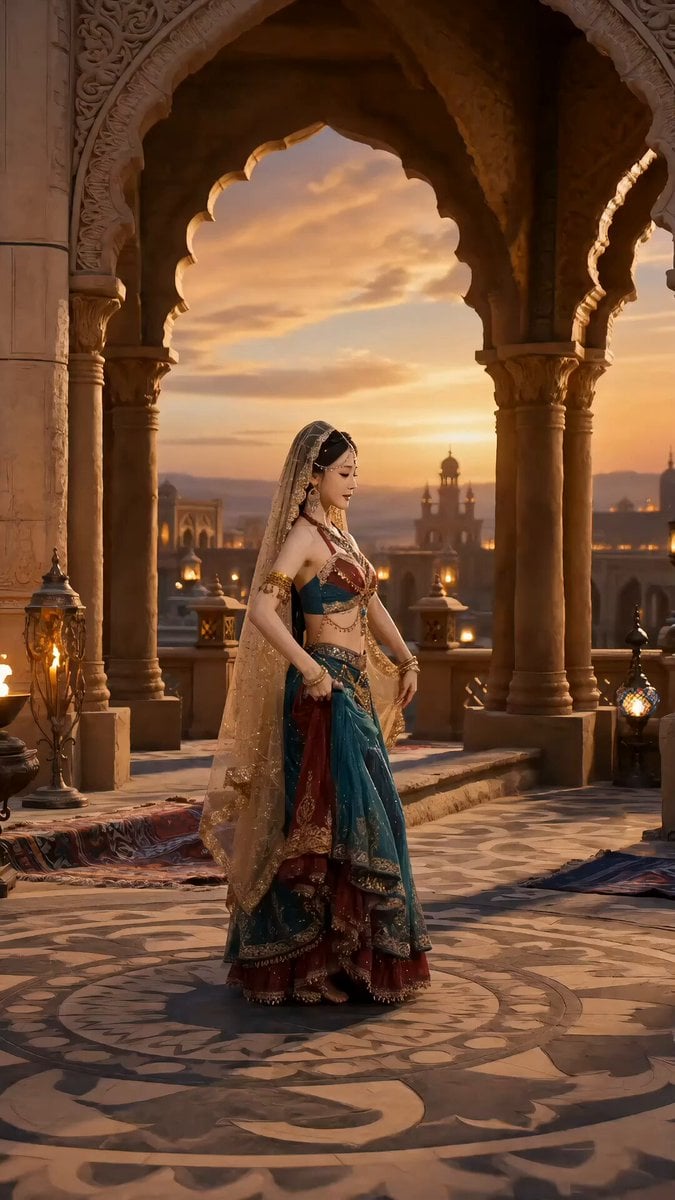
Silk Road Whirling Dance Animation
Seedance 2.0 Scene Continuation Video Prompt
Anime High School Pair Dance

Grok Imagine prompt for a healing animation short video of two cute kittens talking

Sorceress Manifestation Cinematic Sequence
Childhood Dream to Reality Transition Video Prompt

Four Seasons Flower Goddess Ancient Style Transformation Video Prompt
Epic Sci-Fi Action Sequence: Bionic Heroine vs. Giant Mecha
Browse template categories
Anime Characters in Photorealistic Shopping Mall questions
How do I use the Anime Characters in Photorealistic Shopping Mall template?
Add your photo if the template asks for one, edit the prompt if you like — the template's model and format are already selected — and press Generate. Your version opens in PicX Studio.
Can I customize the Anime Characters in Photorealistic Shopping Mall template?
Yes. You can change the subject, setting, lighting, mood, format, and available model controls before creating your video.
Is the Anime Characters in Photorealistic Shopping Mall template free?
Opening and editing this template is free. Generating uses credits, shown on the Generate button when you are signed in.
Which AI model should I use?
Start with Seedance 2.0, which is the model associated with this template. You can compare another compatible model for a different finish.
Looking for something else? Browse all templates.

Your photo, any look
Thousands of ready templates for every top image and video model, from one credit balance.