How do I use the Seedance 2.0 Scene Continuation Video Prompt template?
Edit the prompt in the box under the preview — the template's model and format are already selected — and press Generate. Your version appears right on this page.
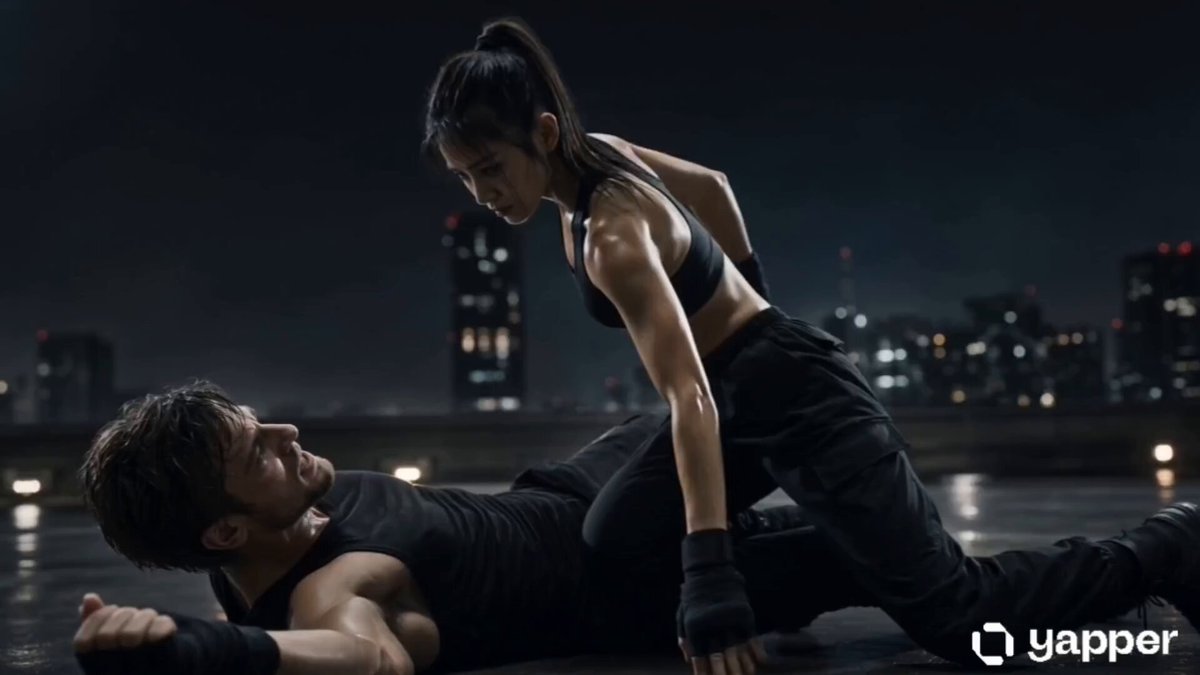
A two-part prompt for Seedance 2.0 to generate a continuous video sequence based on a single reference image (Image 1).
生成@图片1前10秒的剧情,黑衣女刺客面部完全参考@图片2第一个场景:特写跟随镜头,女刺客的黑色布靴,脚尖点地;第二个场景:低角度全景,月光穿透林间薄雾,女刺客如离弦之箭从画面左侧腾空跃起,短刃直指将军咽喉;将军一手扼住她的脖颈;第三个场景:特写镜头,刺客面部特写,眼神凌厉却因窒息而泛红,牙关紧咬。需要运用到分镜和不同视角切换,让整个画面更有节奏感和电影感。 生成@图片1后10秒的剧情,黑衣女刺客掷出飞刀,飞刀划过将军喉咙,将军倒地,女子潇洒落地。随后,飞刀旋转回到黑衣女子手中,黑衣女子手持飞刀做出@图片2相同的姿势。全片需要运用到分镜和不同视角切换,让整个画面更有节奏感和电影感。仅生成打斗音效和环境的音效,不要配背景音乐。动作设计符合武侠片规范,动作干净利落。禁止出现血腥画面,无血腥暴力;不不良引导,无危险动作。(注意短刀的长度与参考图全程保持一致)
生成@图片1前10秒的剧情,黑衣女刺客面部完全参考@图片2第一个场景:特写跟随镜头,女刺客的黑色布靴,脚尖点地;第二个场景:低角度全景,月光穿透林间薄雾,女刺客如离弦之箭从画面左侧腾空跃起,短刃直指将军咽喉;将军一手扼住她的脖颈;第三个场景:特写镜头,刺客面部特写,眼神凌厉却因窒息而泛红,牙关紧咬。需要运用到分镜和不同视角切换,让整个画面更有节奏感和电影感。 生成@图片1后10秒的剧情,黑衣女刺客掷出飞刀,飞刀划过将军喉咙,将军倒地,女子潇洒落地。随后,飞刀旋转回到黑衣女子手中,黑衣女子手持飞刀做出@图片2相同的姿势。全片需要运用到分镜和不同视角切换,让整个画面更有节奏感和电影感。仅生成打斗音效和环境的音效,不要配背景音乐。动作设计符合武侠片规范,动作干净利落。禁止出现血腥画面,无血腥暴力;不不良引导,无危险动作。(注意短刀的长度与参考图全程保持一致)
Edit the prompt in the box under the preview — the template's model and format are already selected — and press Generate. Your version appears right on this page.
Yes. You can change the subject, setting, lighting, mood, format, and available model controls before creating your video.
Opening and editing this template is free. Generating uses credits, shown on the Generate button when you are signed in.
Start with Seedance 2.0, which is the model associated with this template. You can compare another compatible model for a different finish.
Follow a topic to a crawlable collection of related PicX Studio templates.