
Mixed Anime and Live-Action Shopping Street MV
A technical prompt for creating a music video that blends anime-style characters with photorealistic live-action backgrounds, including detailed shot lists and reference instructions.
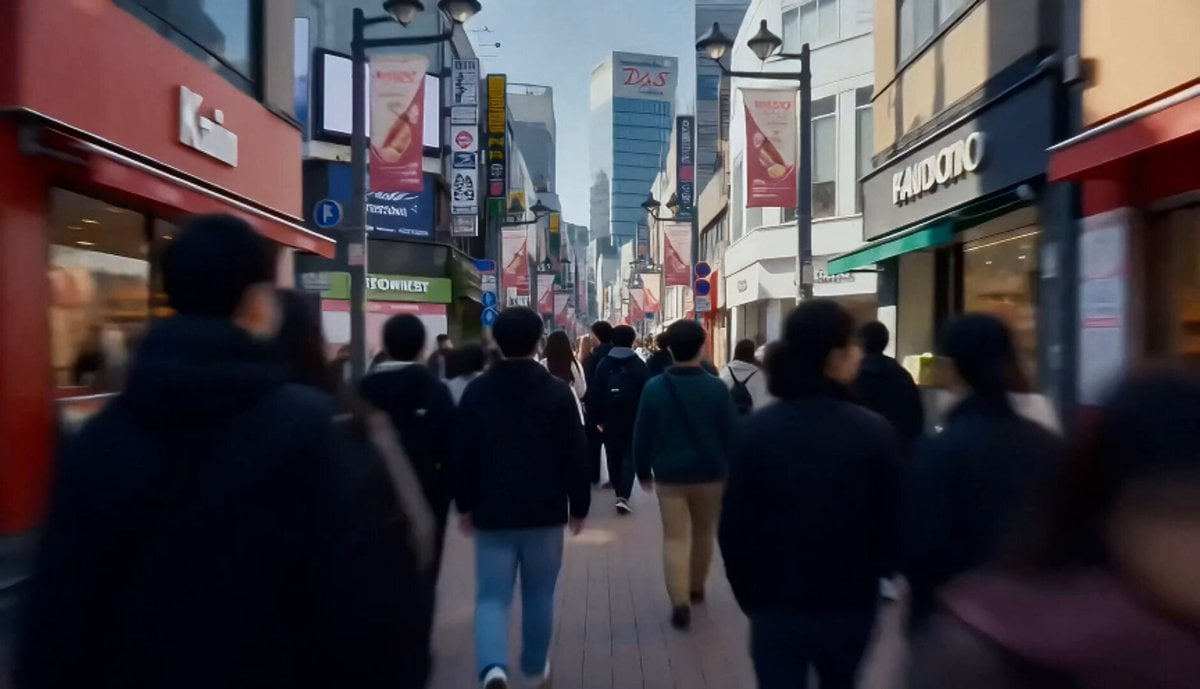
- Prompt included
- Model and format preset
- Premium template
The prompt behind this video
Copy the exact prompt behind Mixed Anime and Live-Action Shopping Street MV, or open it in the studio and make it yours.
Use {{Image 1}} only as Character A identity reference. Use {{Image 2}} only as Character B identity reference. Use both images only for face, hairstyle, outfit, accessories, colors, and silhouette. Only Character A and Character B are anime-style. The environment, props, passersby, lighting, reflections, and camera optics must be photorealistic live-action. There are exactly two main anime characters only: Character A and Character B. Background pedestrians are allowed, but they must be photorealistic live-action extras, slightly blurred, mid-ground or far background only, and never become the focus. No extra anime characters. No clones. No visible drone. No anime background. No text overlays. No logos. This is a 15-second cheerful music-video sequence in a bright photorealistic daytime shopping street. Scene: A lively shopping street at noon with colorful storefronts, soft sunlight, banners, street signs, and many pedestrians walking past. The crowd feels busy and fun. Shot 1: Wide opening. Character A and Character B stand in the middle of a busy shopping street. Camera glides forward through the crowd. Shot 2: Close-medium on Character A. She excitedly points at a dessert or snack stand. Shot 3: Close-medium on Character B. She smiles and nods, then steps closer. Shot 4: Medium two-shot. Both walk side by side through the crowd holding snacks, enjoying the lively atmosphere. Shot 5: Low-angle shot near their shoes as they walk. Sunlight and passing shadows move across the pavement. Shot 6: Quick close-ups: Character A smiling with excitement, Character B laughing softly, crowd moving behind them. Shot 7: Tracking shot. They weave lightly through the busy street while passersby move around them naturally. Shot 8: Medium-wide shot. Character A reacts happily to something in a shop window, Character B looks too. Shot 9: Cute two-shot. They compare their snacks and laugh. Shot 10: Final shot. Both stand together in the bright crowd, smiling toward camera with the lively shopping street behind them. Style: Bright, cute, busy daytime street MV, cinematic 24fps.
How to use Mixed Anime and Live-Action Shopping Street MV in 3 steps
- 1Upload ImagePNG, JPG or paste
Add your photo
Upload the photo the template builds on. The prompt, model and format are already set.
- 2…a portrait of your subject in softgolden-hour light, 85mm…
Personalize
Edit the subject and creative details for your destination.
- 3Generate
Generate
Press Generate — your video is created in PicX Studio, so you can compare it with the original and refine one variable at a time.
More like this
Templates with the same subject, style or setup. Open one to see its prompt.

Nano Banana Seedance Time Control Streets
Mecha Transformation vs Kaiju — 4-Scene Epic
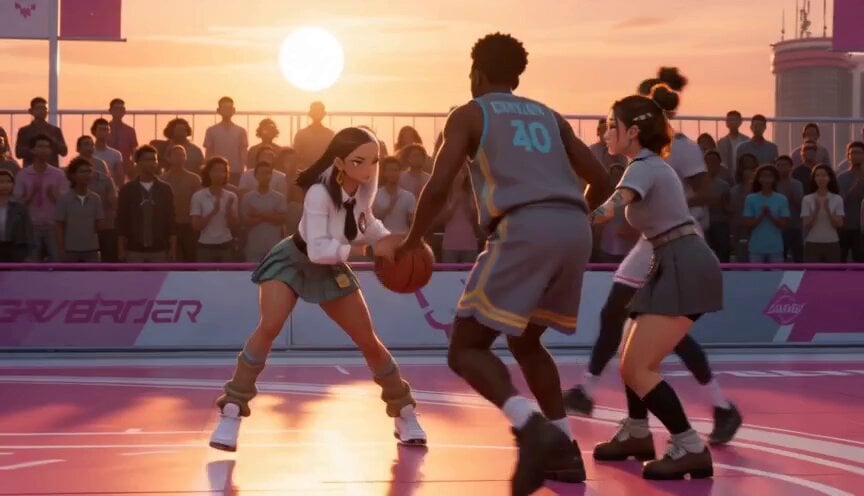
Anime and Live-Action Basketball Mix
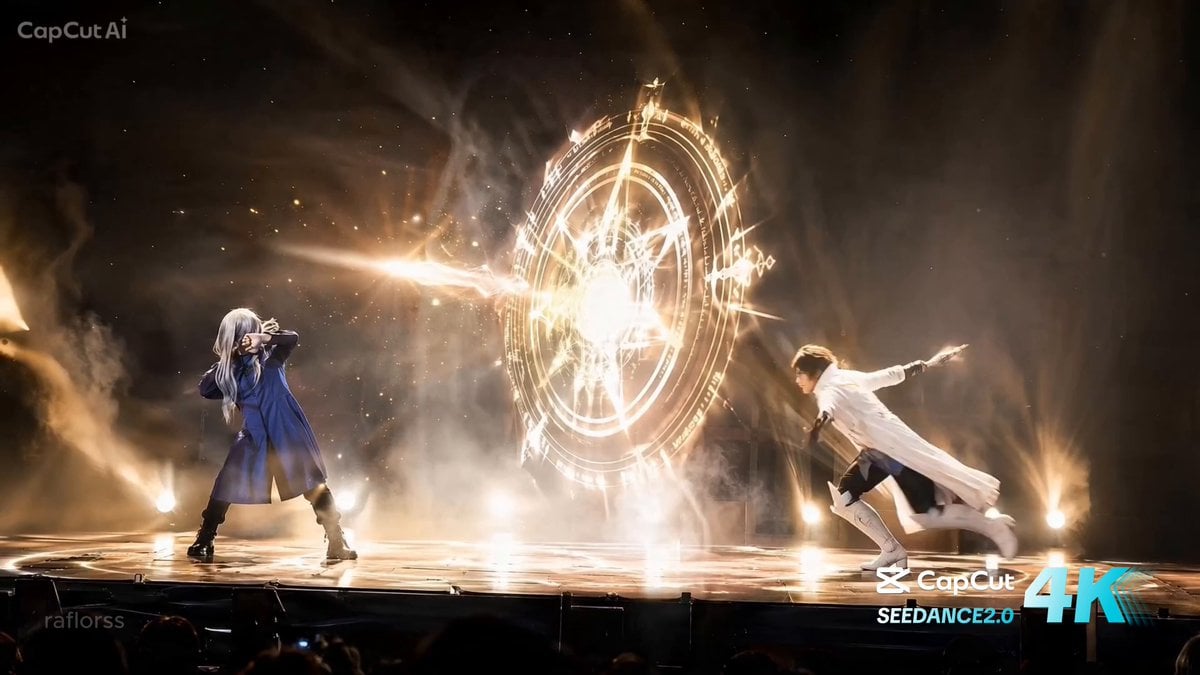
Live Action Anime Stage Play
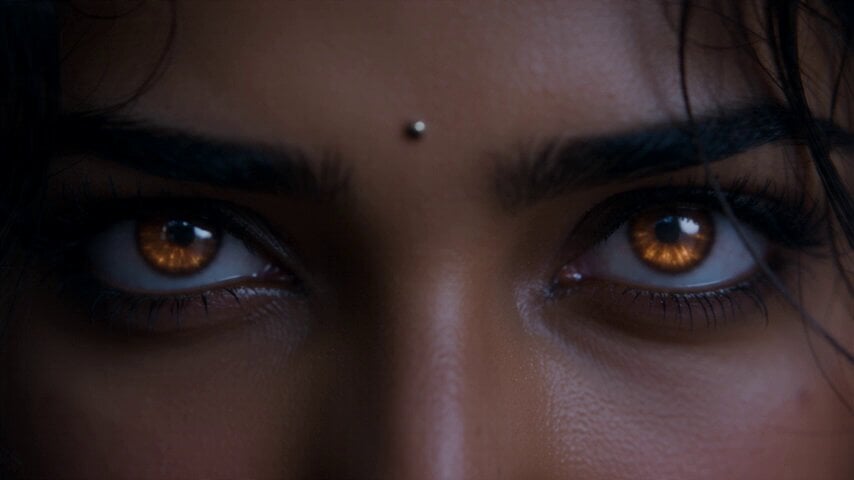
Fantasy Martial Arts Live Action
Cinematic Beer Commercial Live Action
Anthropomorphic Rock Band Live Concert - Seedance 2.5

Realistic City Street Story Cinematic Video - Seedance
Mixed Reality Anime Sticker Cooking

MiniMax H3 Character Introduction

Japanese Pure Love Short Film

Live-Action Firefighter Rescue Night Scene
Make it yours
Mixed Anime and Live-Action Shopping Street MV works as-is. These are the safest ways to change it without losing the look.
Change one field
Copy a single group, rewrite it, and generate again so you can see what that field is doing.
Keep the frame, change the subject
Hold the composition and light of Mixed Anime and Live-Action Shopping Street MV, then swap wardrobe, props or the person for a new take.
| If the result… | Why | Fix |
|---|---|---|
| The result drifts from the preview | Too many fields changed at once. | Reuse Mixed Anime and Live-Action Shopping Street MV as-is first, then change one group — subject, light, or setting. |
| The model over-stylizes the scene | The prose prompt leaves finish and camera underspecified. | Add one camera or lighting sentence and stay on Seedance 2.0. |
More Seedance 2.0 templates
Other prompts made for Seedance 2.0.

Comical Martial Arts Punch Scene

Maglev Train Action Sequence

Martial Arts Fight Sequence

Wuxia Protection and Trust Script

Vintage Korean Arcade MiniDV Vlog

Mercedes 190 SL Luxury Ad

Rainy Night Supernatural Reverse Comedy Video Script

Amazon Civilization Discovery

Futuristic South Asian City Transformation

Cozy Luxury Cafe Commercial
More video prompts
Fresh picks from across the catalog.
Luxury Snooker Commercial
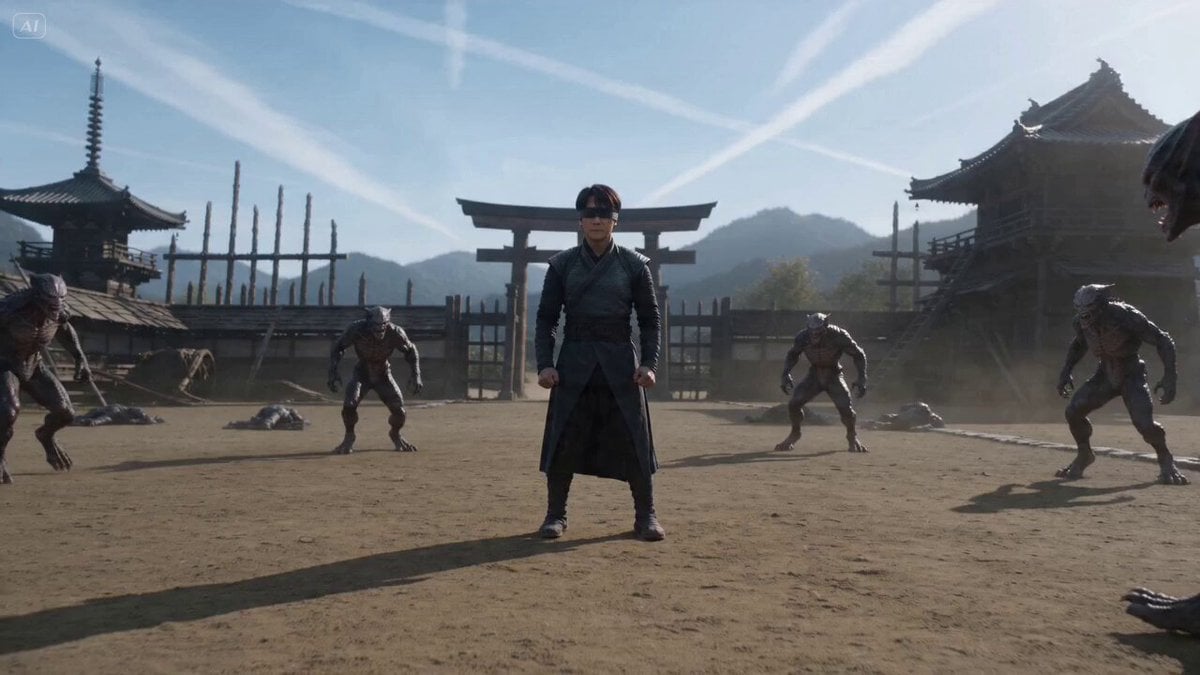
Cinematic Martial Arts Sequence for Seedance 2
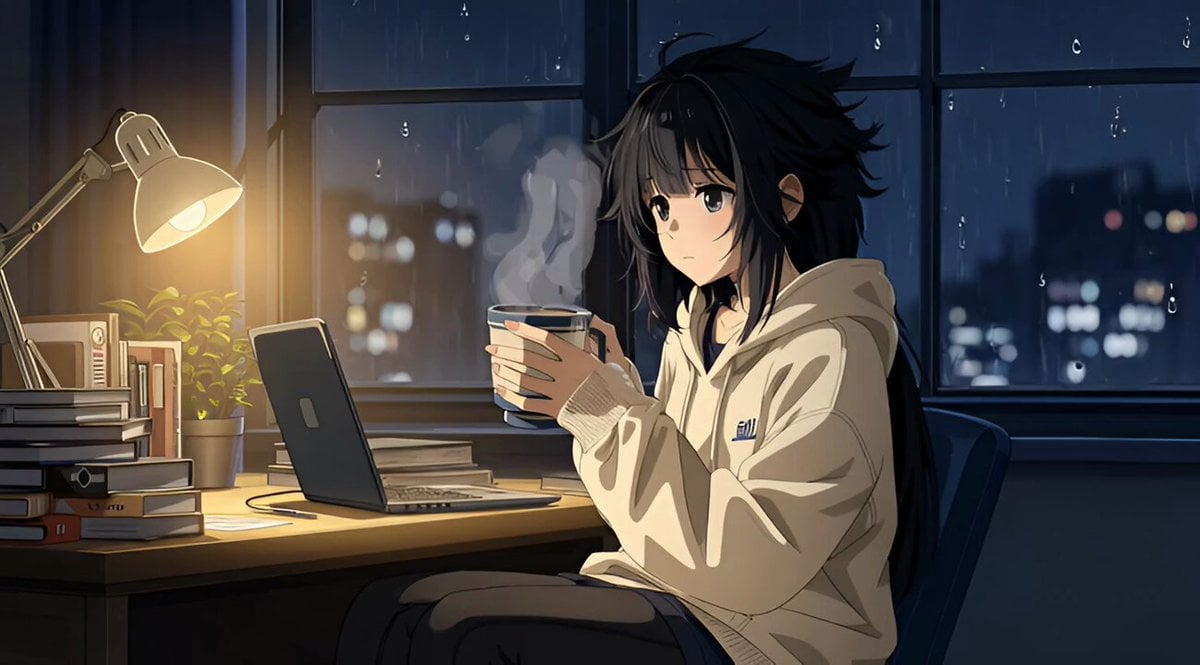
Grok Imagine R2V Multi-Image Reference Tutorial

Winter Fairy Tale Video Prompt
Jungle Canopy Speeder Chase
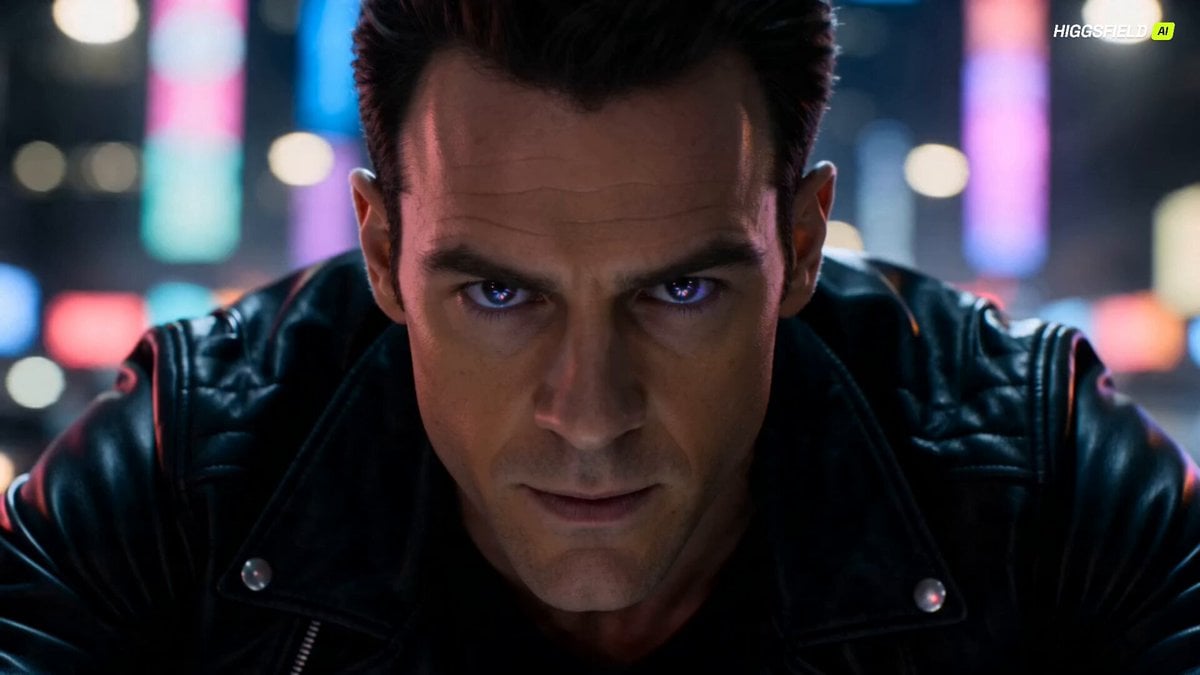
Futuristic Dragon Motorcycle Transformation
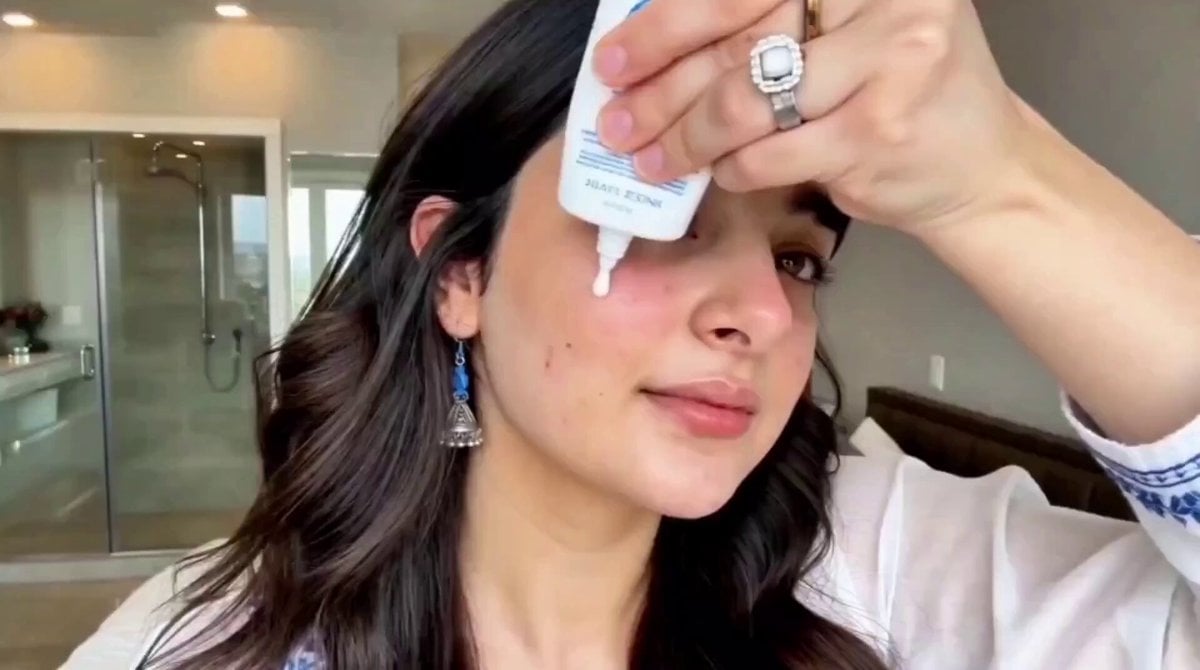
Second UGC Makeup Tutorial Script
Camera Focal Length Test
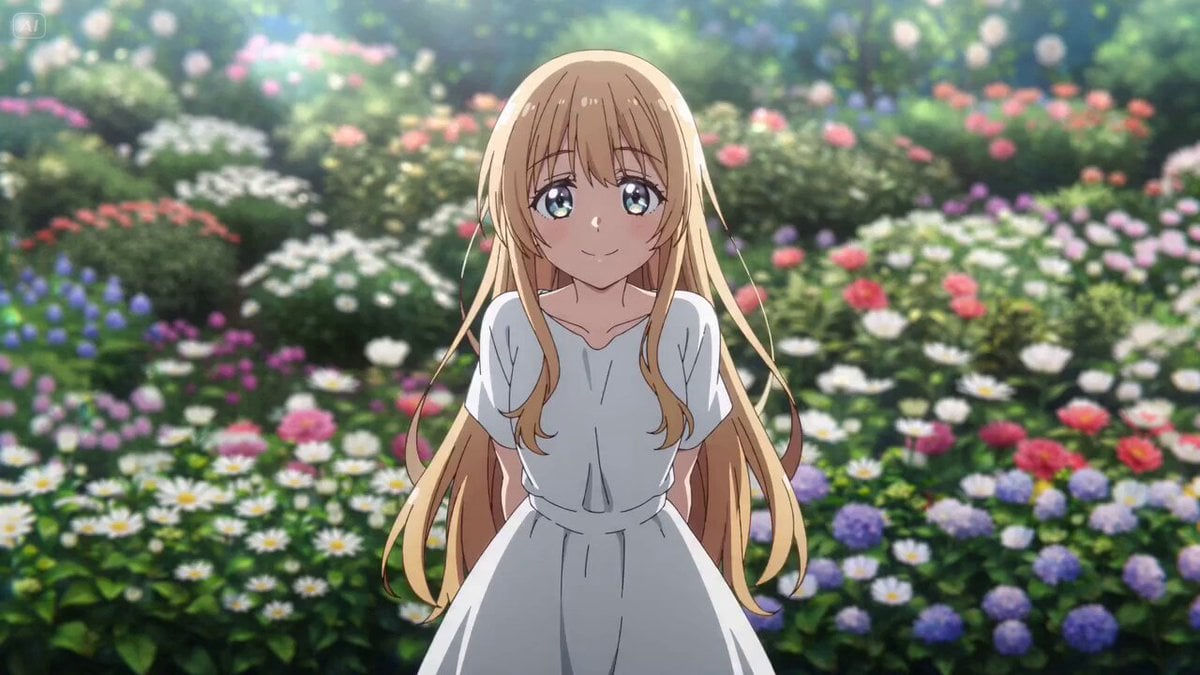
Anime Style Scene Animation

3D Cartoon Ramen Eating Animation
Browse template categories
Mixed Anime and Live-Action Shopping Street MV questions
How do I use the Mixed Anime and Live-Action Shopping Street MV template?
Add your photo if the template asks for one, edit the prompt if you like — the template's model and format are already selected — and press Generate. Your version opens in PicX Studio.
Can I customize the Mixed Anime and Live-Action Shopping Street MV template?
Yes. You can change the subject, setting, lighting, mood, format, and available model controls before creating your video.
Is the Mixed Anime and Live-Action Shopping Street MV template free?
Opening and editing this template is free. Generating uses credits, shown on the Generate button when you are signed in.
Which AI model should I use?
Start with Seedance 2.0, which is the model associated with this template. You can compare another compatible model for a different finish.
Looking for something else? Browse all templates.

Your photo, any look
Thousands of ready templates for every top image and video model, from one credit balance.