
Winter Fairy Tale Video Prompt
A highly detailed Grok Imagine prompt for a serene winter fairy tale video, featuring a graceful young woman and majestic white reindeer in a snow-covered forest at twilight, including a specific 10-second animation…

- Prompt included
- Model and format preset
- Premium template
The prompt behind this video
Copy the exact prompt behind Winter Fairy Tale Video Prompt, or open it in the studio and make it yours.
A serene winter fairy tale scene at twilight in a snow-covered ancient forest, a graceful young woman with long silver-white hair braided with tiny frost crystals and delicate silver threads, wearing a flowing cloak of soft white fur trimmed with pale blue ice embroidery and a long hooded cape that trails gently behind her like fresh snow, standing barefoot on a blanket of pristine powder snow, surrounded by a gentle herd of majestic white reindeer with antlers adorned in glowing frost patterns and soft bioluminescent silver-blue veins that pulse faintly like northern lights, hundreds of delicate snowflakes drifting slowly downward, catching the last lavender-pink light from the setting sun filtering through bare branches, distant frozen lake reflecting the aurora ribbons in the sky, ultra-detailed textures – individual snowflake facets, fur texture on reindeer, frost on hair and cloak, soft glowing antler patterns, masterpiece quality, dreamy romantic winter fantasy style with gentle magical realism, soft pastel color palette of deep midnight blues, silvers, pale lavenders and warm golden-pink twilight glow, 16k resolution. Animation (10 seconds): She begins standing still with eyes closed, a single snowflake landing softly on her outstretched palm. At 2 seconds her eyes open gently, revealing soft ice-blue irises, a peaceful smile spreading as she exhales a visible warm breath that turns into sparkling frost. At 4 seconds the reindeer slowly approach, one nuzzling her hand, their glowing antlers brightening in harmony. At 7 seconds she takes a slow graceful step forward, the herd moving with her in quiet unity, snowflakes swirling gently around them like a living veil. Final 3 seconds: slow orbiting camera around the group at eye level, capturing the intimate connection, glowing antlers and soft twilight light, ending with her looking directly into the camera with quiet wonder and a faint aurora reflection in her eyes. Soundtrack: Soft crystalline piano notes with gentle reverb, layered with distant soft wind chimes made of ice and faint reindeer bells tinkling, subtle northern lights hum in low ethereal pads, quiet snowfall patter and warm breath sighs, overall intimate winter lullaby mix with high dynamic range and 3D spatial audio that feels like you're standing in the peaceful snow with them.
How to use Winter Fairy Tale Video Prompt in 3 steps
- 1
Open
The prompt is already in the box next to the preview, with the template's model and format selected.
- 2…a portrait of your subject in softgolden-hour light, 85mm…
Personalize
Edit the subject and creative details for your destination.
- 3Generate
Generate
Press Generate — your video is created in PicX Studio, so you can compare it with the original and refine one variable at a time.
More like this
Templates with the same subject, style or setup. Open one to see its prompt.
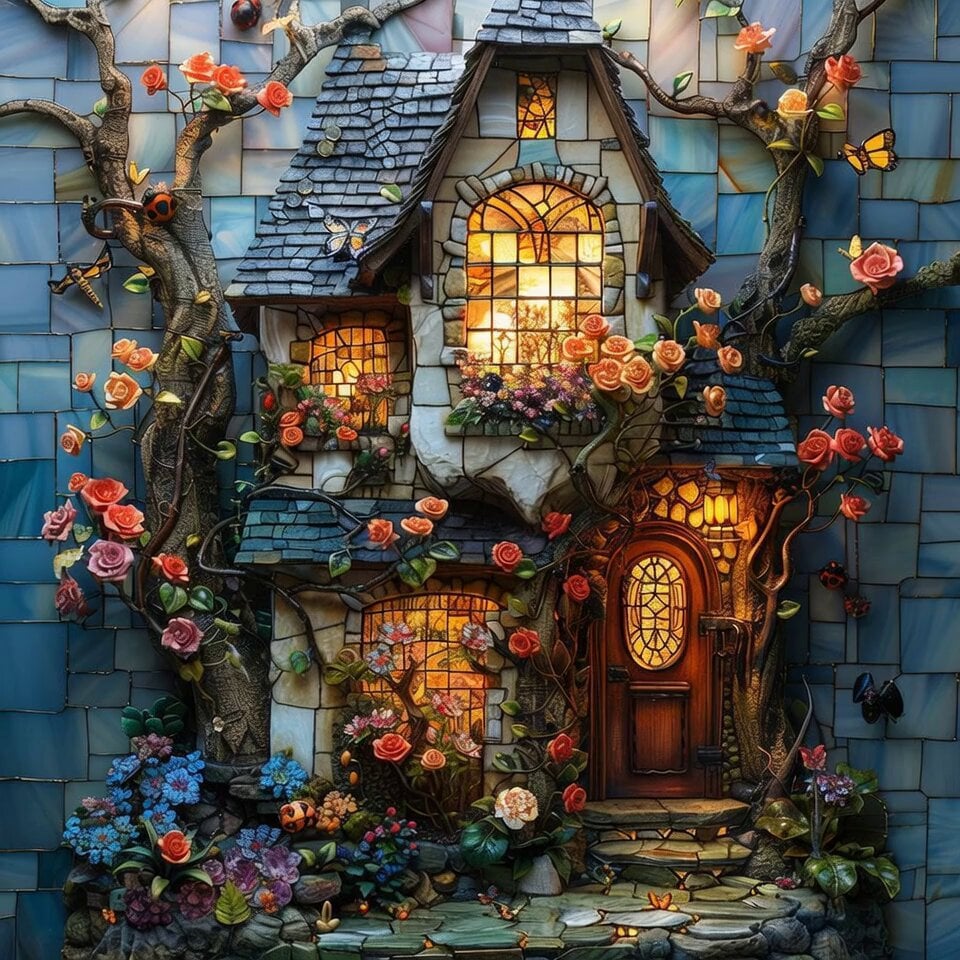
Enchanted Twilight Fairy Tale Cottage
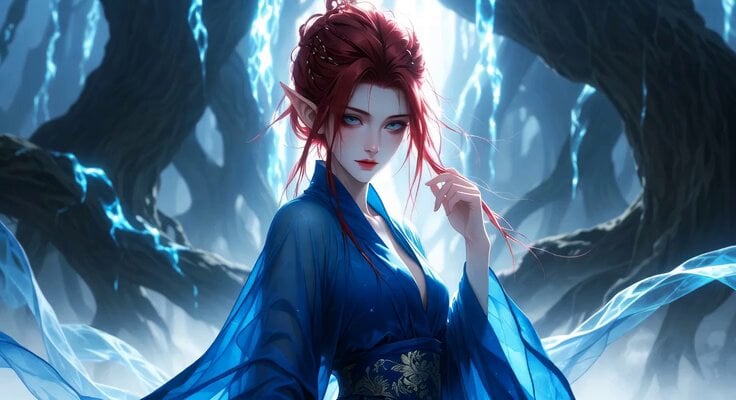
Fairy Flight Fantasy Animation
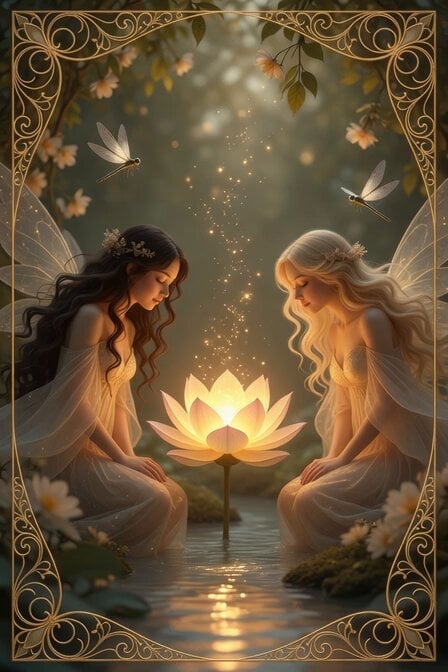
Peaceful Fairy Women and Lotus Animation
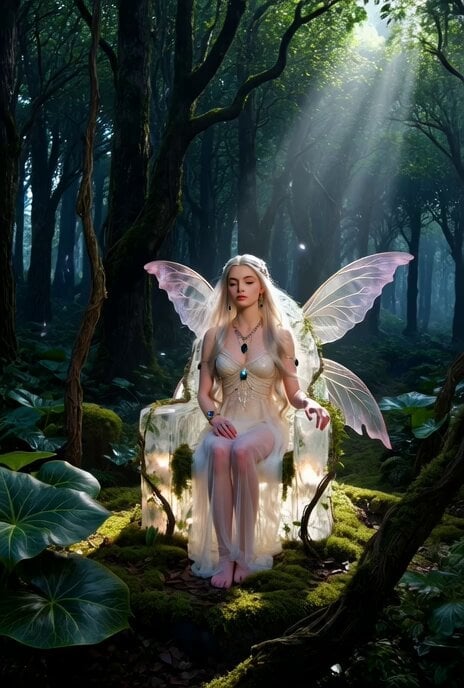
Ethereal Fairy-Elf on a Crystal Throne Video
Woman in Winter Storm with HUD Overlay
Albino Woman in Winter Storm Close-up
Grok Imagine prompt for a Frankenstein-like robot and a kind fairy
Ethereal dark fairy goddess cosmic video
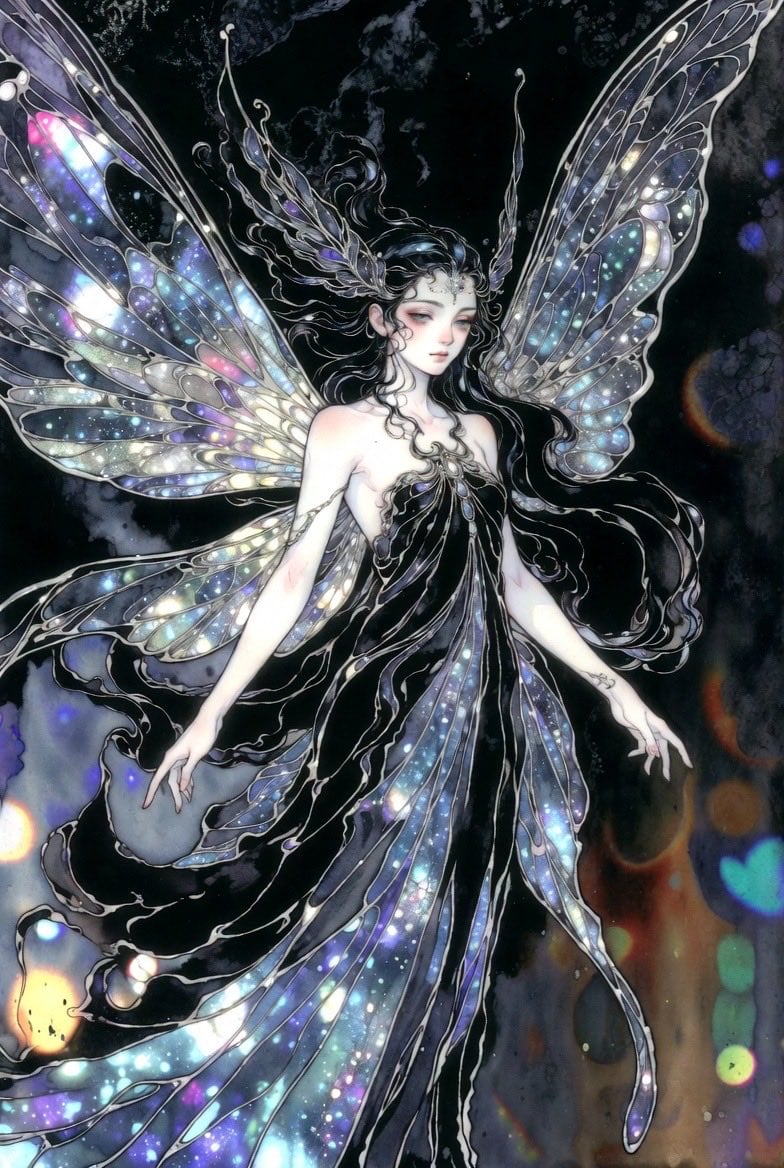
Ethereal dark fairy goddess with galaxy wings
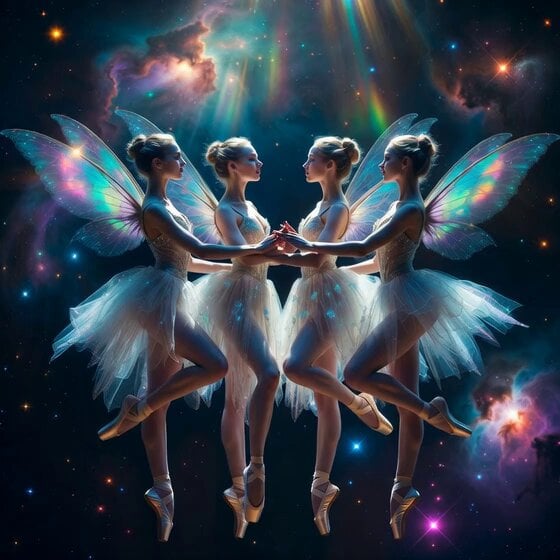
Fairy Ballerinas in Space Video Prompt
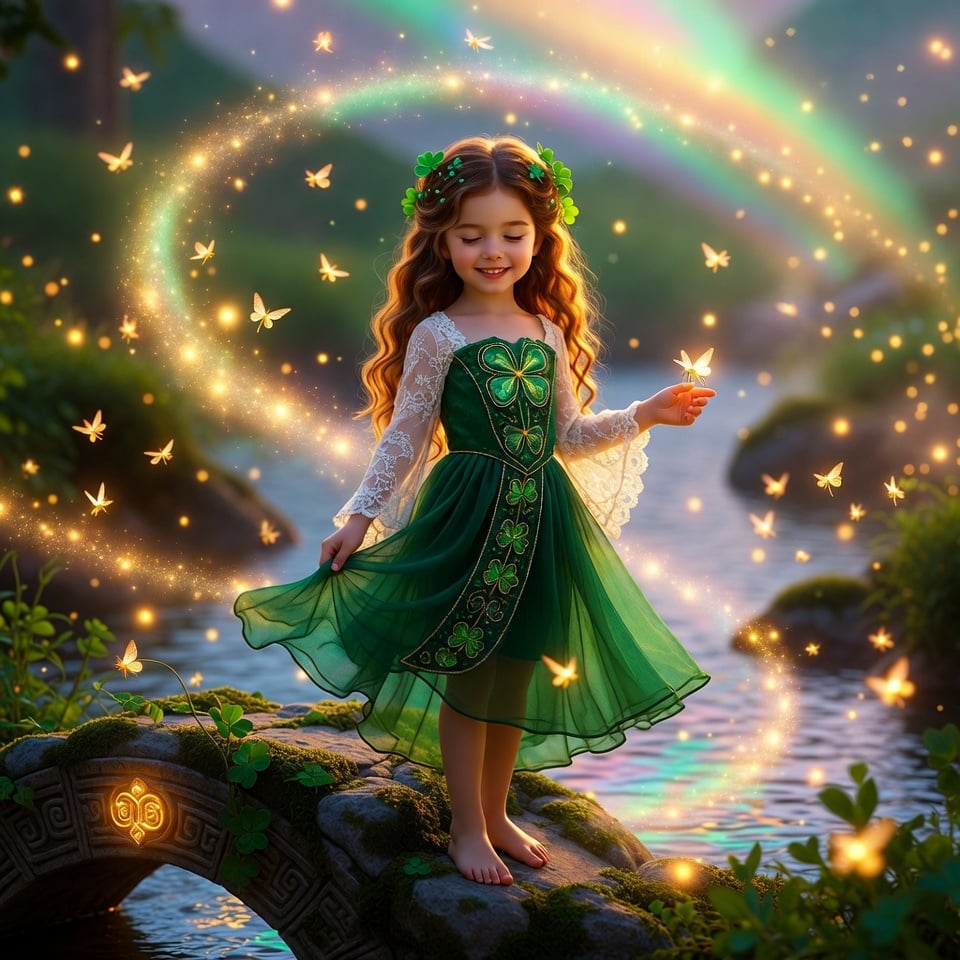
Enchanted Irish Fairy Realm Animation for St. Patrick's Day

Ethereal Woods Fairy Video Prompt
Make it yours
Winter Fairy Tale Video Prompt works as-is. These are the safest ways to change it without losing the look.
Change one field
Copy a single group, rewrite it, and generate again so you can see what that field is doing.
Keep the frame, change the subject
Hold the composition and light of Winter Fairy Tale Video Prompt, then swap wardrobe, props or the person for a new take.
| If the result… | Why | Fix |
|---|---|---|
| The result drifts from the preview | Too many fields changed at once. | Reuse Winter Fairy Tale Video Prompt as-is first, then change one group — subject, light, or setting. |
| The model over-stylizes the scene | The prose prompt leaves finish and camera underspecified. | Add one camera or lighting sentence and stay on Grok Imagine. |
More Grok Imagine templates
Other prompts made for Grok Imagine.

Kaleidoscopic Cosmic Dolphin Video

Horror Daffy Duck Video Transition

America 250th Anniversary Celebration

Glowing Water Forest Night Prompt

Soft Pink Roses Dreamer Prompt

Ninja Wizard Levitation Jump

Coffee Cup Interaction Motion

Voice Controlled Water Animation

Pterodactyl Transformation Journey

Candle Mandala Mirror Video
More video prompts
Fresh picks from across the catalog.
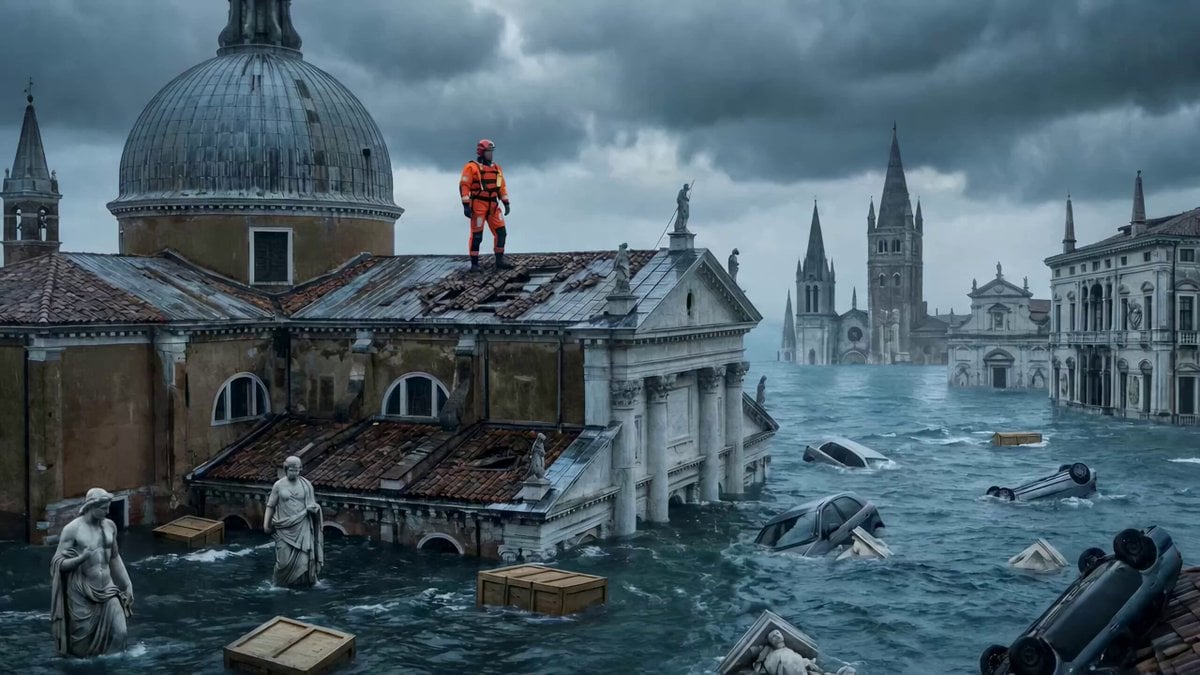
Continuous One-Take Disaster Film Realism
Luxury Macro Transformation Sequence
Crystal Ball Match-Cut Brand Film
Grok Imagine Prompt: Mysterious Cosmic Dyson Sphere
Magical Book Drawing Transformation
UGC Influencer Get Ready With Me
High-Octane Wuxia Anime Combat

Ultra-detailed cinematic scene of a chibi version of a person

Dark Tokusatsu Transformation - Seedance 2.5
Brutalist Sculpture Atrium Rap Video
Browse template categories
Winter Fairy Tale Video Prompt questions
How do I use the Winter Fairy Tale Video Prompt template?
Add your photo if the template asks for one, edit the prompt if you like — the template's model and format are already selected — and press Generate. Your version opens in PicX Studio.
Can I customize the Winter Fairy Tale Video Prompt template?
Yes. You can change the subject, setting, lighting, mood, format, and available model controls before creating your video.
Is the Winter Fairy Tale Video Prompt template free?
Opening and editing this template is free. Generating uses credits, shown on the Generate button when you are signed in.
Which AI model should I use?
Start with Grok Imagine, which is the model associated with this template. You can compare another compatible model for a different finish.
Looking for something else? Browse all templates.

Your photo, any look
Thousands of ready templates for every top image and video model, from one credit balance.