
Urban Skateboarder Cinematic Sequence
A complex 15-second video prompt depicting a skateboarder performing tricks on an urban street, utilizing image reference and specific motion controls.
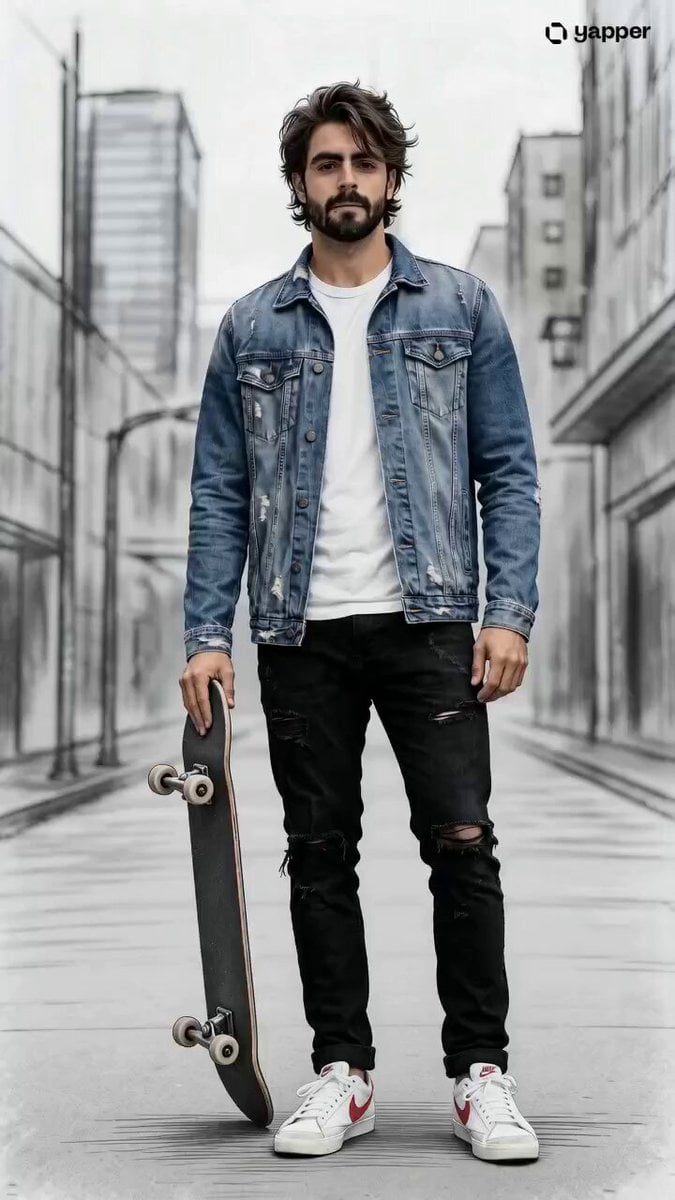
- Prompt included
- Model and format preset
- Free template
The prompt behind this video
Copy the exact prompt behind Urban Skateboarder Cinematic Sequence, or open it in the studio and make it yours.
Aurban city street, consistent young adult male same from reference @image1 (short dark hair, casual clothing), full-body framing, fixed side camera, slight gradual zoom-in, smooth interpolation, high character consistency Timeline Breakdown (15 seconds total) 0.0s – 1.5s | Scene 1 — Introduction young man standing still holding skateboard vertically at his side, relaxed posture, neutral expression, quiet city street background, no motion 1.5s – 3.0s | Scene 2 — Setup he lowers skateboard to ground and steps onto it, slight crouch, arms relaxed for balance, subtle anticipation 3.0s – 5.0s | Scene 3 — Rolling he rides forward smoothly, knees slightly bent, body leaning forward, light motion lines, slight background blur begins 5.0s – 6.5s | Scene 4 — Trick Preparation he crouches deeper, back foot pressing tail, front foot ready, arms widen, tension builds before jump 6.5s – 8.0s | Scene 5 — Ollie Jump he pops the board and jumps, skateboard rises with him, mid-air suspension, knees bent, strong motion lines 8.0s – 9.5s | Scene 6 — Landing he lands cleanly and continues riding, now wearing open casual jacket, expression more confident 9.5s – 11.5s | Scene 7 — Speed Increase he rides faster, leaning slightly, stronger motion blur, dynamic lines emphasize speed 11.5s – 13.5s | Scene 8 — Kickflip he performs kickflip, skateboard flips beneath him mid-air, controlled posture, high energy motion 13.5s – 15.0s | Scene 9 — Final Pose he lands and stabilizes, standing confidently on skateboard, now wearing full tracksuit jacket, relaxed stance, motion settles into still frame Motion & Style Controls motion strength: low (0–3s) medium (3–9s) high (9–13.5s) ease-out (final 1.5s) transitions: smooth interpolation between scenes camera: fixed side tracking + slight zoom-in across full 15s pacing: gradual acceleration then clean slowdown
How to use Urban Skateboarder Cinematic Sequence in 3 steps
- 1
Open
The prompt is already in the box next to the preview, with the template's model and format selected.
- 2…a portrait of your subject in softgolden-hour light, 85mm…
Personalize
Edit the subject and creative details for your destination.
- 3Generate
Generate
Press Generate — your video is created in PicX Studio, so you can compare it with the original and refine one variable at a time.
More like this
Templates with the same subject, style or setup. Open one to see its prompt.
Urban Alleyway Skateboarders Tracking Shot
Urban Time-Freeze Sequence
Out of Control — Seedance 2.0
Whale in the Sky — City Shadows (Kling AI)
Urban Night Rain Tracking Shot

Maglev Train Action Sequence

Martial Arts Fight Sequence
Modern Urban Fantasy Comedy Storyboard
Cinematic Anime Racing Girl in Urban Parking Lot
Cinematic Samurai Duel Sequence
Urban Fantasy RPG Car Chase
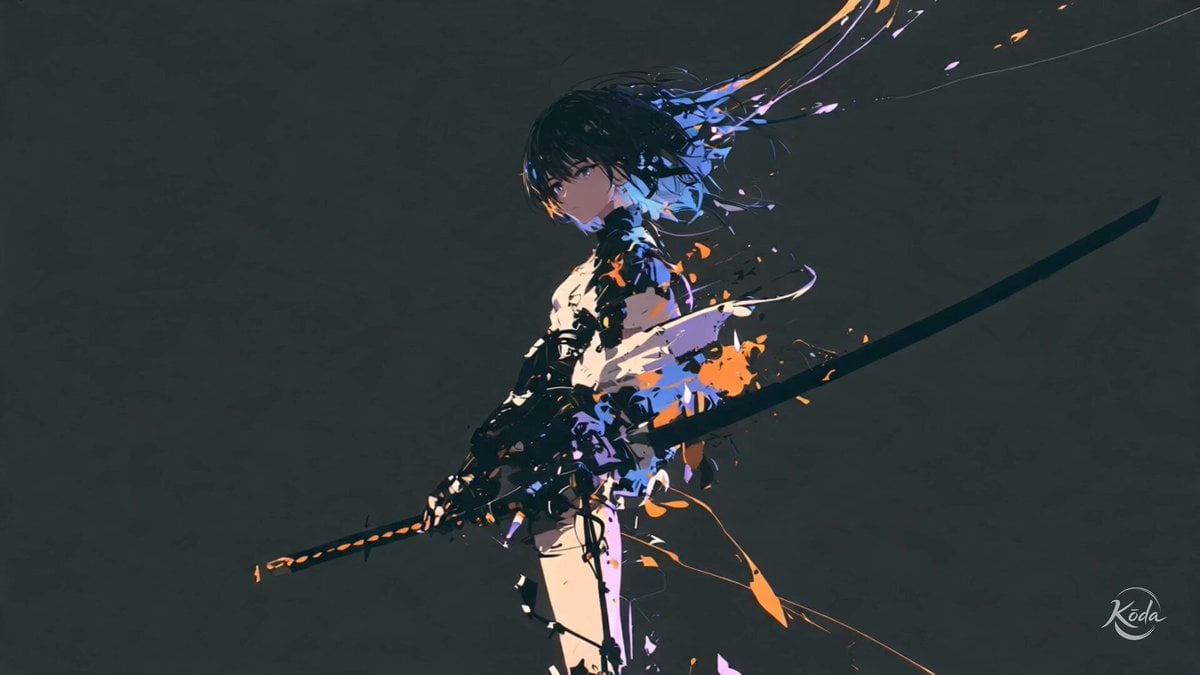
Cinematic Swordswoman Action Sequence
Make it yours
Urban Skateboarder Cinematic Sequence works as-is. These are the safest ways to change it without losing the look.
Change one field
Copy a single group, rewrite it, and generate again so you can see what that field is doing.
Keep the frame, change the subject
Hold the composition and light of Urban Skateboarder Cinematic Sequence, then swap wardrobe, props or the person for a new take.
| If the result… | Why | Fix |
|---|---|---|
| The result drifts from the preview | Too many fields changed at once. | Reuse Urban Skateboarder Cinematic Sequence as-is first, then change one group — subject, light, or setting. |
| The model over-stylizes the scene | The prose prompt leaves finish and camera underspecified. | Add one camera or lighting sentence and stay on Seedance 2.0. |
More Seedance 2.0 templates
Other prompts made for Seedance 2.0.

Comical Martial Arts Punch Scene

Wuxia Protection and Trust Script

Vintage Korean Arcade MiniDV Vlog

Mercedes 190 SL Luxury Ad

Rainy Night Supernatural Reverse Comedy Video Script

Amazon Civilization Discovery

Futuristic South Asian City Transformation

Cozy Luxury Cafe Commercial

Cyber Ronin Nanotech Transformation Video

Desert Courier and Sandstorm Leviathan Chase
More video prompts
Fresh picks from across the catalog.
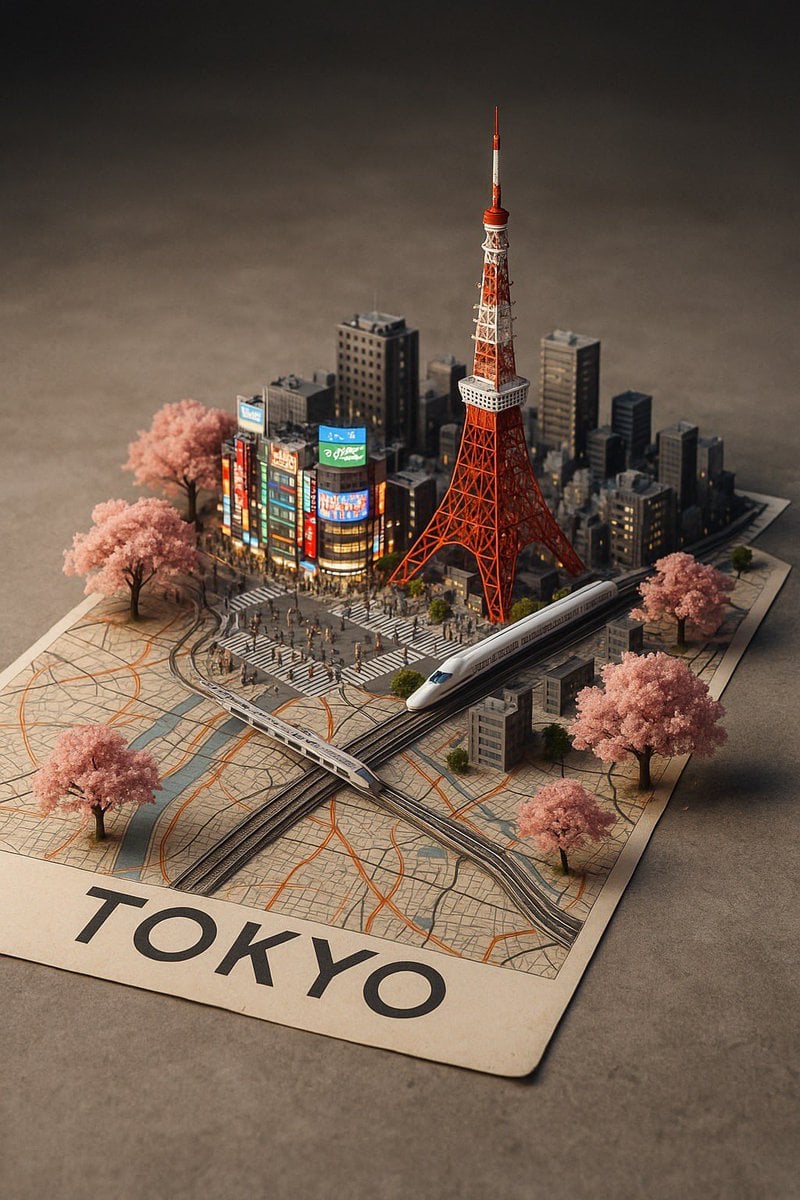
Nano Banana Pro Prompt: 3D City Diorama Map
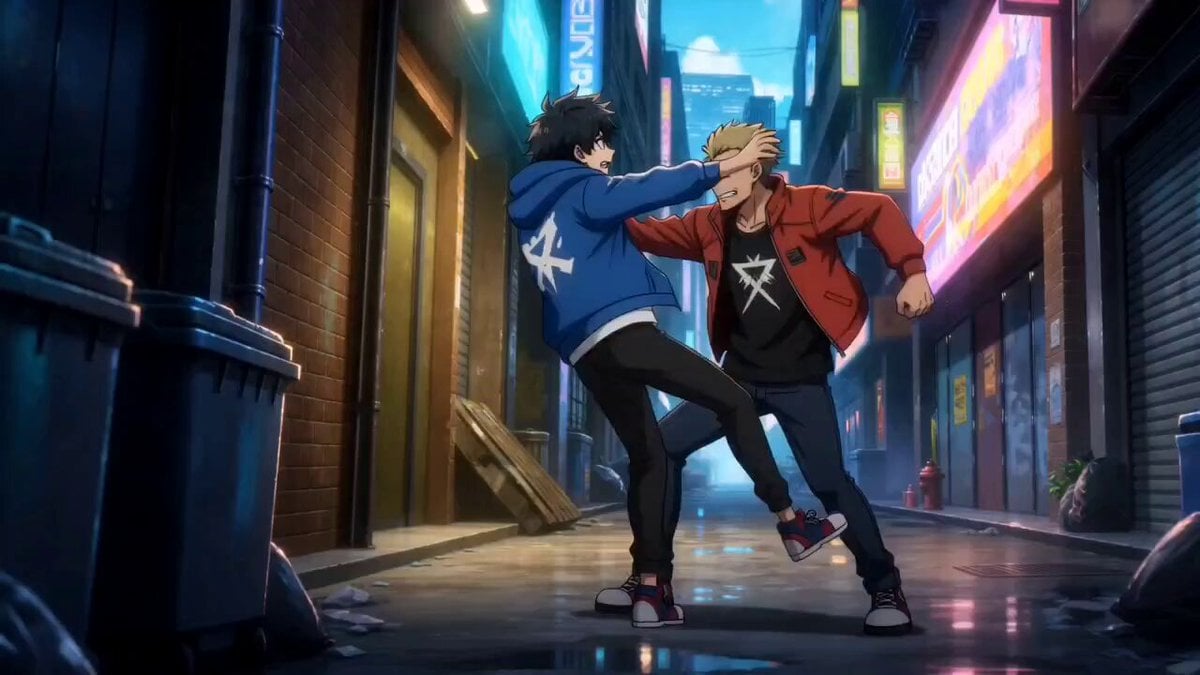
Anime Urban Alley Fight Sequence
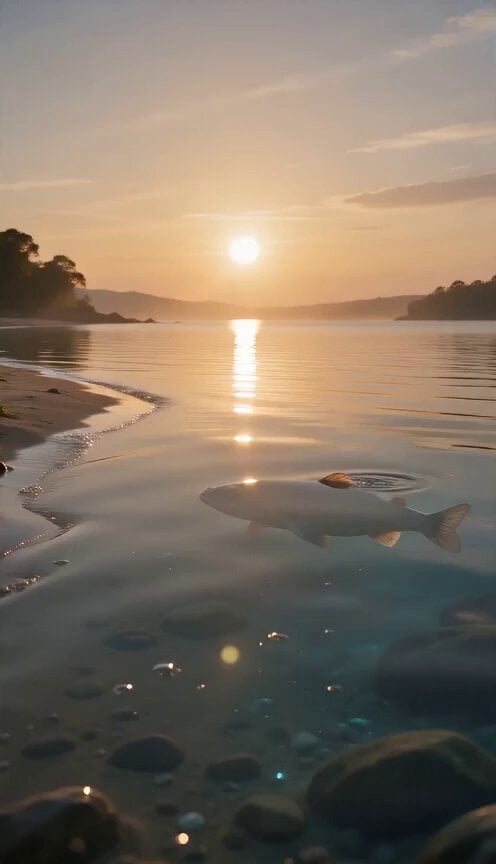
Evolutionary Journey Cinematic Shot
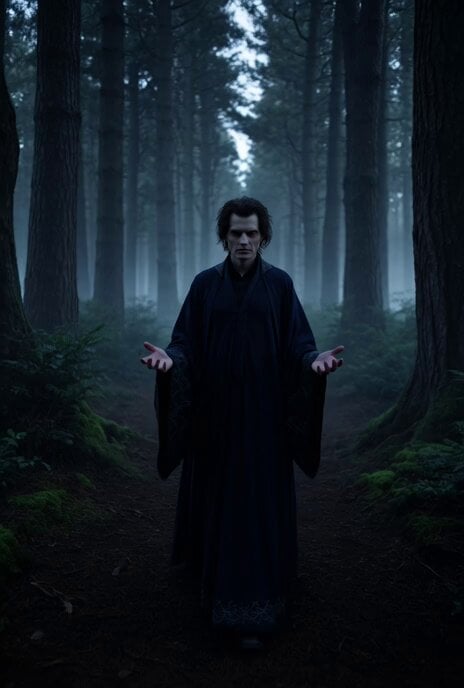
Sorcerer with Fading Dark Wisps
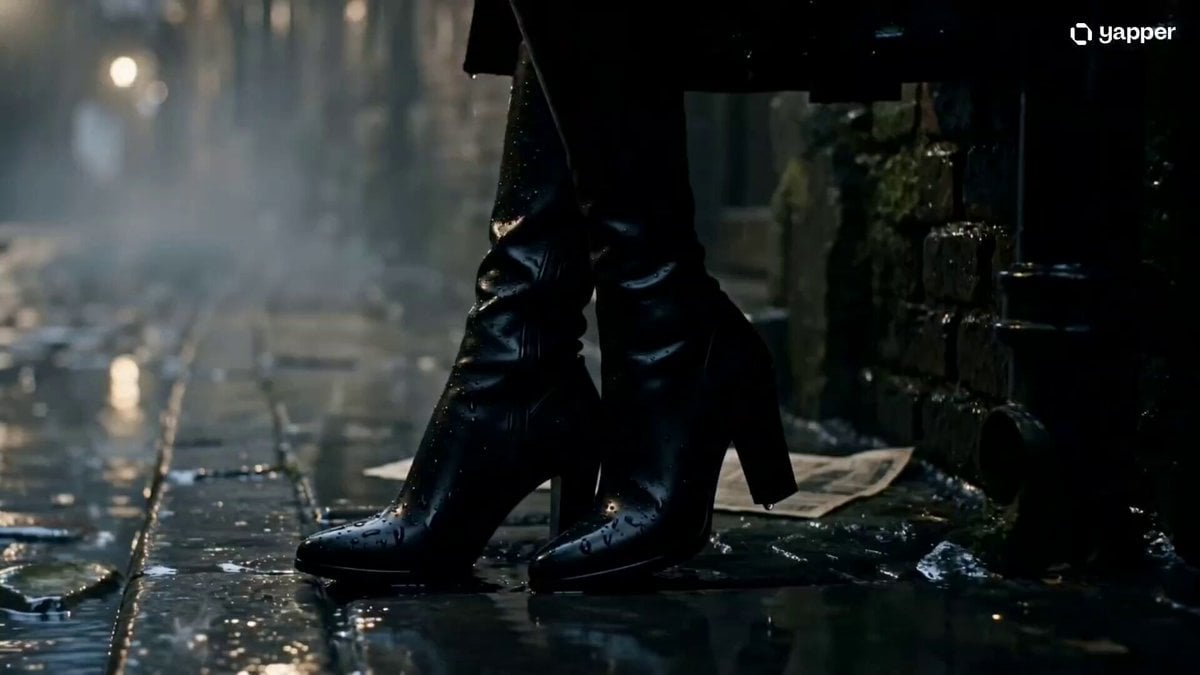
Cinematic Gothic Vampire Reveal
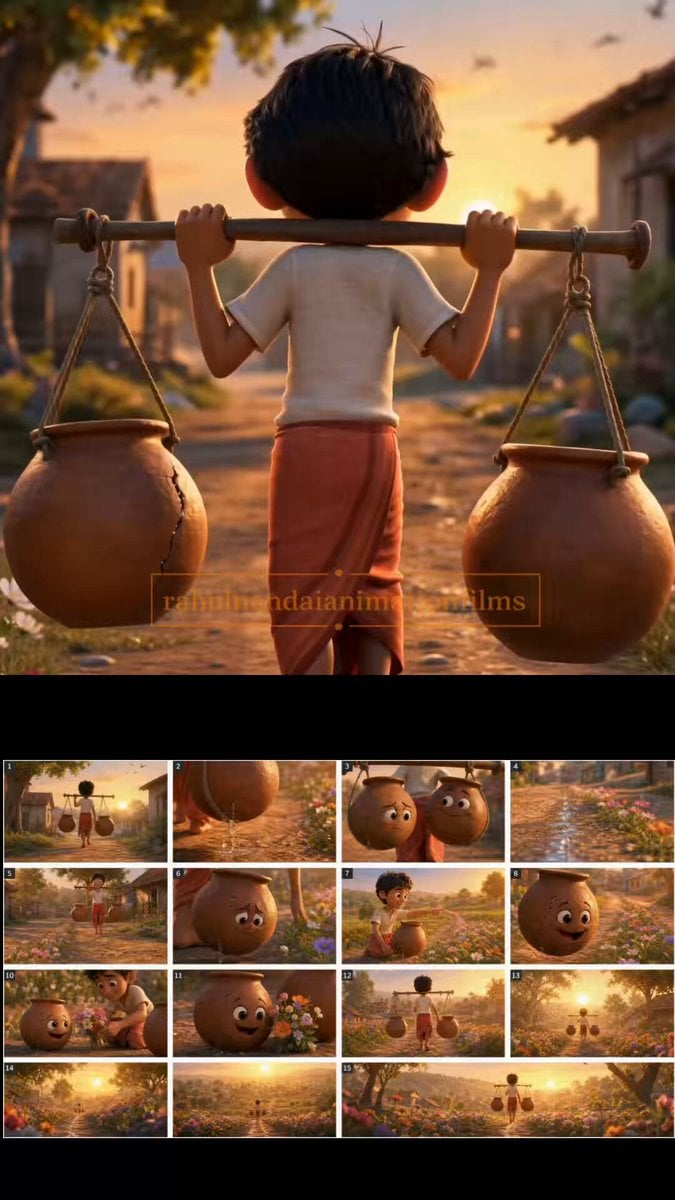
The Cracked Water Pot Pixar Style Animated Short

Cartoon Donut Heist Bakery Chase
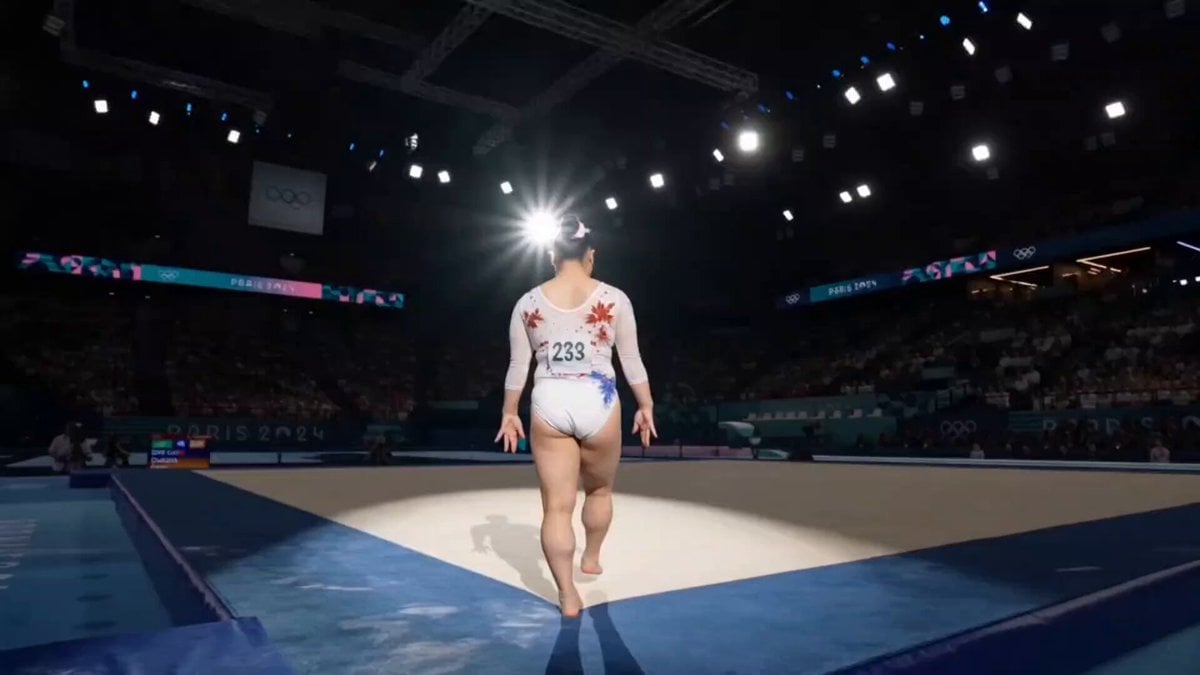
Olympic Gymnast Floor Routine
Pink Holographic Sweet Peas Video
Kung Fu Culinary Master Action Part 1
Browse template categories
Urban Skateboarder Cinematic Sequence questions
How do I use the Urban Skateboarder Cinematic Sequence template?
Add your photo if the template asks for one, edit the prompt if you like — the template's model and format are already selected — and press Generate. Your version opens in PicX Studio.
Can I customize the Urban Skateboarder Cinematic Sequence template?
Yes. You can change the subject, setting, lighting, mood, format, and available model controls before creating your video.
Is the Urban Skateboarder Cinematic Sequence template free?
Opening and editing this template is free. Generating uses credits, shown on the Generate button when you are signed in.
Which AI model should I use?
Start with Seedance 2.0, which is the model associated with this template. You can compare another compatible model for a different finish.
Looking for something else? Browse all templates.

Your photo, any look
Thousands of ready templates for every top image and video model, from one credit balance.