
Evolutionary Journey Cinematic Shot
A single continuous take depicting the timeline of evolution from prehistoric aquatic life to dinosaurs, mammoths, early humans, and modern civilization.
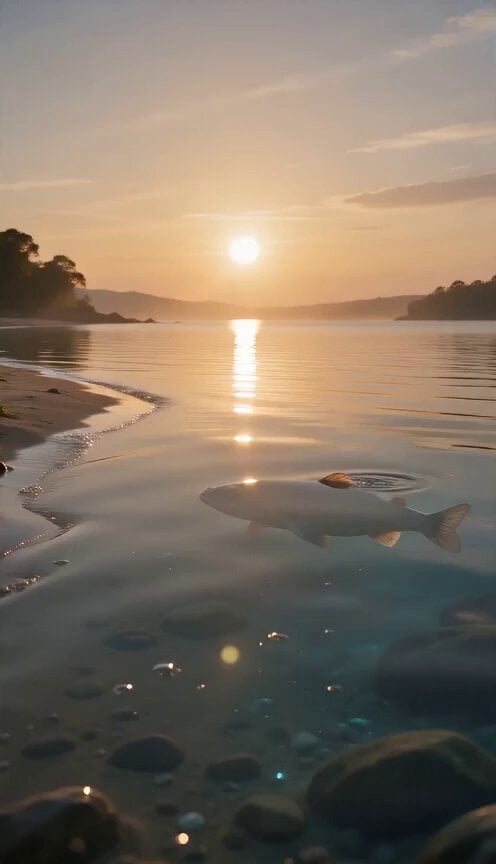
- Prompt included
- Model and format preset
- Free template
The prompt behind this video
Copy the exact prompt behind Evolutionary Journey Cinematic Shot, or open it in the studio and make it yours.
Duration: 15 seconds A single uninterrupted cinematic shot begins at sunrise on a prehistoric shoreline. The camera glides inches above crystal-clear water as tiny ripples shimmer under soft golden light. Microscopic life drifts beneath the surface, creating a quiet sense of anticipation. At the third second, the camera follows a primitive fish swimming toward the shore. As it reaches shallow water, its fins gradually strengthen into limbs. Bones, muscles, skin, and posture evolve naturally in one continuous transformation while it crawls onto land. Every stage is smooth and biologically believable with no sudden morphing. Without cutting, the camera gently circles the creature while keeping perfect pace beside it. As it walks forward, millions of years pass around it. Giant ferns rise from the earth, dense prehistoric forests spread across the landscape, and the climate becomes warmer. The creature slowly transforms into a powerful dinosaur. Its skeleton reshapes, muscles expand, scales develop intricate textures, and its movements remain fluid and lifelike. The camera continues tracking alongside the dinosaur. A bright meteor streaks silently across the distant sky. Dust gradually fills the atmosphere as the environment changes into a frozen world. Snow begins falling, glaciers appear, and the dinosaur slowly evolves into a woolly mammoth. Thick fur grows naturally, tusks curl outward, and each breath forms visible clouds in the cold air. Time continues accelerating. Ice melts into green valleys while the mammoth gradually transforms into an early human. Fur disappears, posture straightens, hands become dexterous, and simple stone tools appear in the environment. The human never stops walking. As the camera smoothly moves to the front, civilization unfolds around the traveler. Primitive camps become farming villages. Villages become ancient cities. Stone buildings become castles. Castles become industrial towns. Steam gives way to electricity. Roads become highways. Skyscrapers rise toward the sky. Vehicles evolve from horse-drawn carts to modern transportation while aircraft leave elegant trails overhead. The environment transforms continuously without any cuts. Near the end, the modern explorer naturally evolves into a futuristic space explorer wearing an advanced exploration suit assembled piece by piece around the body. The landscape transitions into the surface of another world beneath a sky filled with distant planets. The explorer walks toward the horizon. The camera slowly moves closer until only the reflective visor fills the frame. Inside the reflection, every previous stage of evolution appears walking together in perfect harmony, symbolizing the continuous journey of life. The final shot reveals a distant blue planet rising over the horizon as soft sunlight illuminates the explorer, ending with a feeling of hope, discovery, and endless possibility. **Camera:** One continuou
How to use Evolutionary Journey Cinematic Shot in 3 steps
- 1
Open
The prompt is already in the box next to the preview, with the template's model and format selected.
- 2…a portrait of your subject in softgolden-hour light, 85mm…
Personalize
Edit the subject and creative details for your destination.
- 3Generate
Generate
Press Generate — your video is created in PicX Studio, so you can compare it with the original and refine one variable at a time.
More like this
Templates with the same subject, style or setup. Open one to see its prompt.
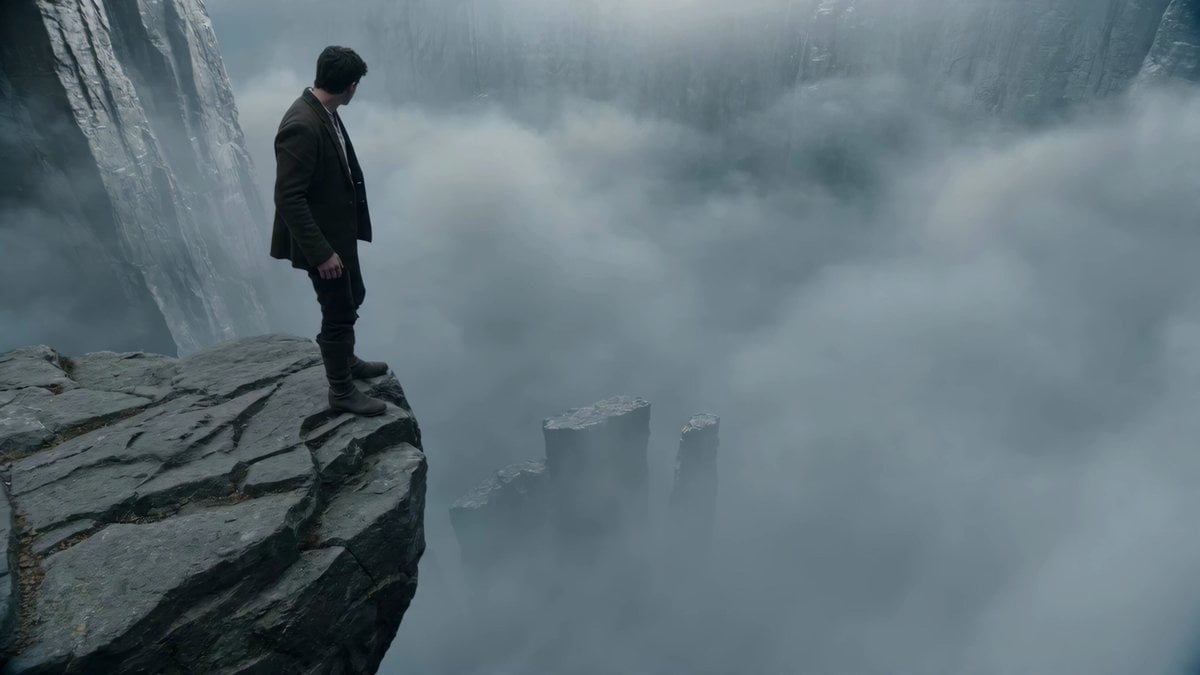
Adventurer Path Creator - Seedance 2

Rural Japanese Slice of Life Journey
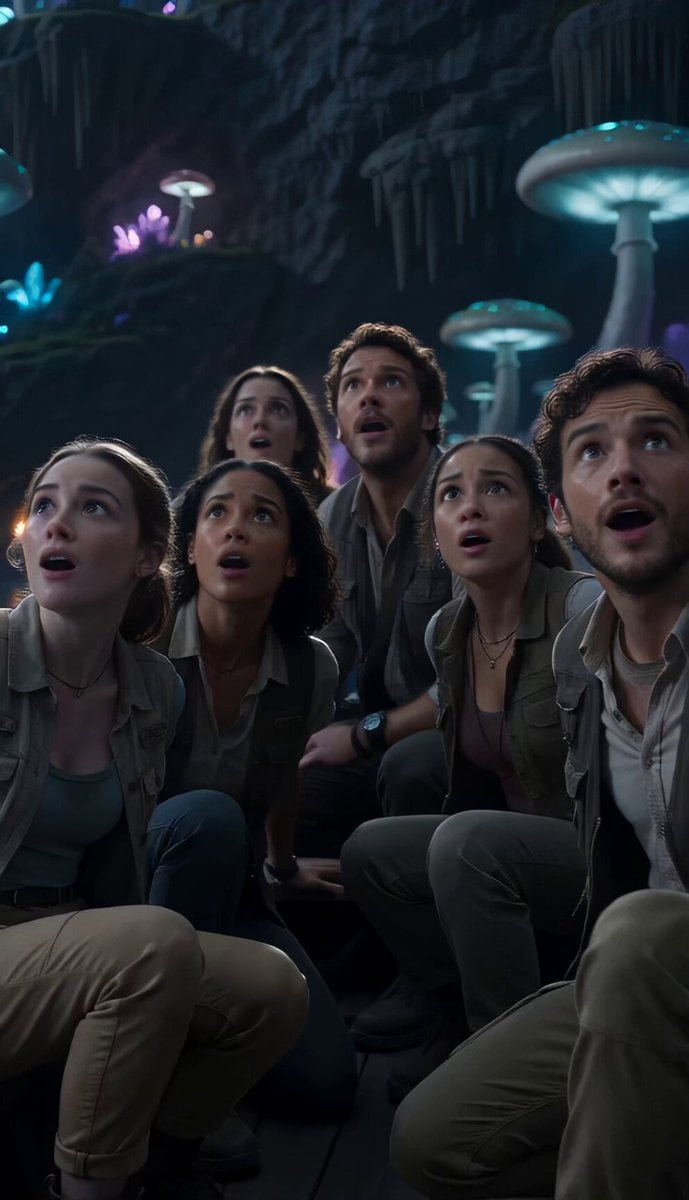
Underground Ocean Fantasy Journey
Magical Glowing Forest Portal Journey

Cinematic Symbolic Light Point Journey

Pterodactyl Transformation Journey

Paris Journey Anime Style
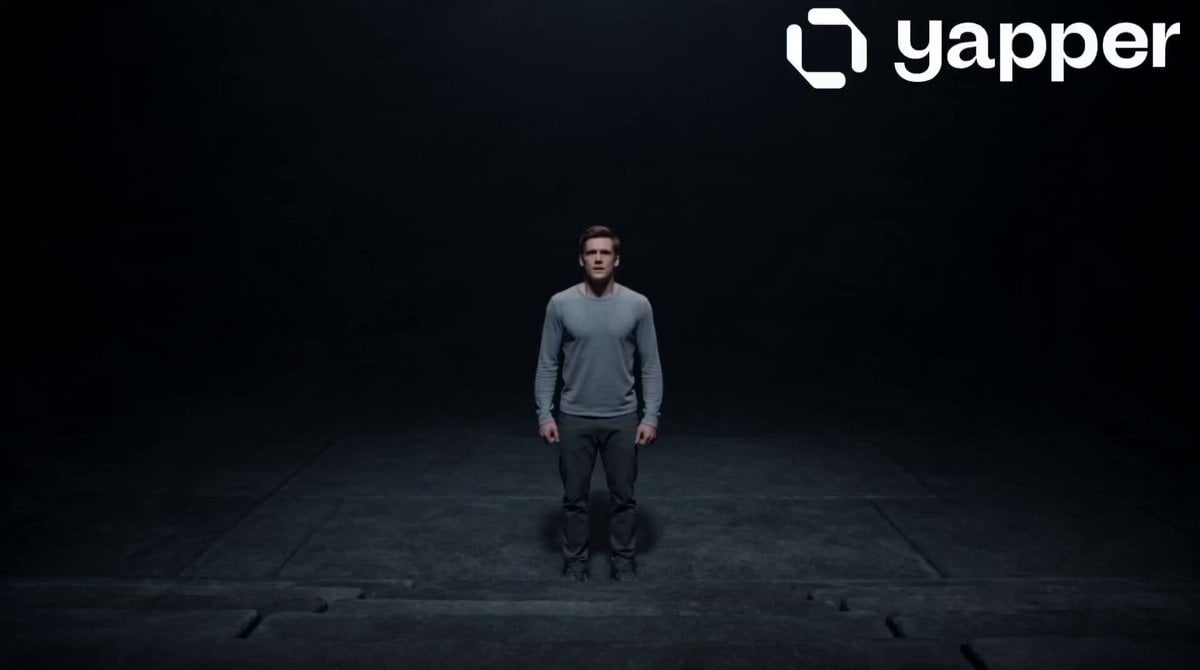
Motivational Staircase Success Journey
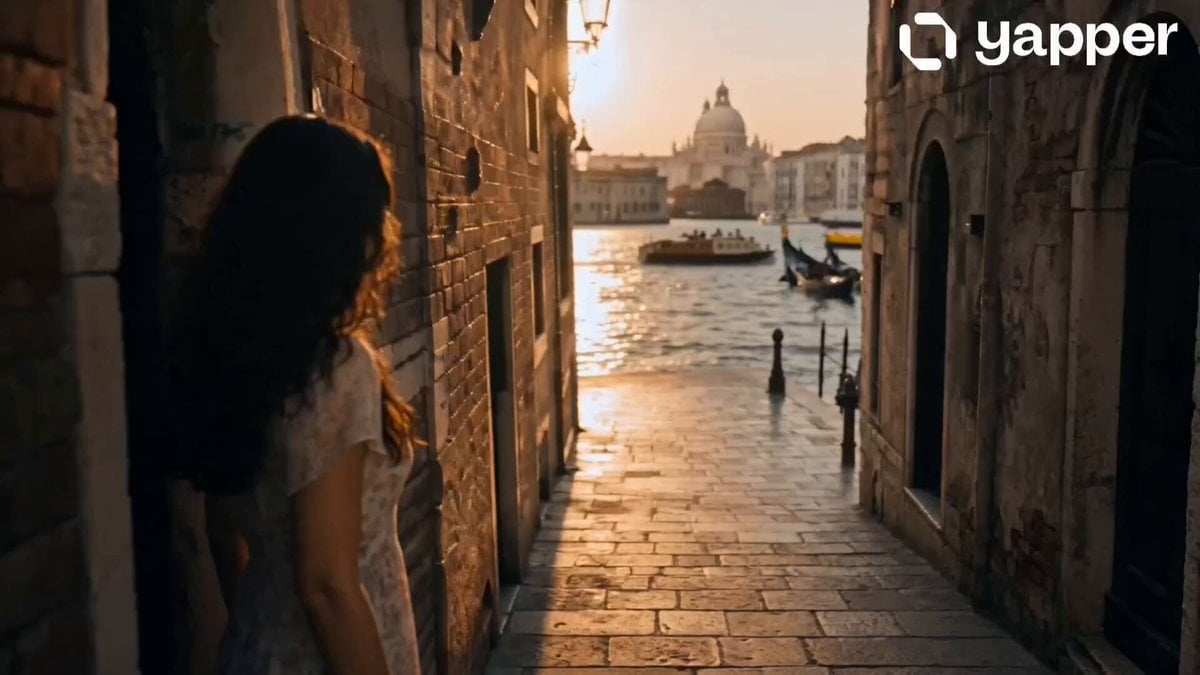
Dreamy Italian Journey
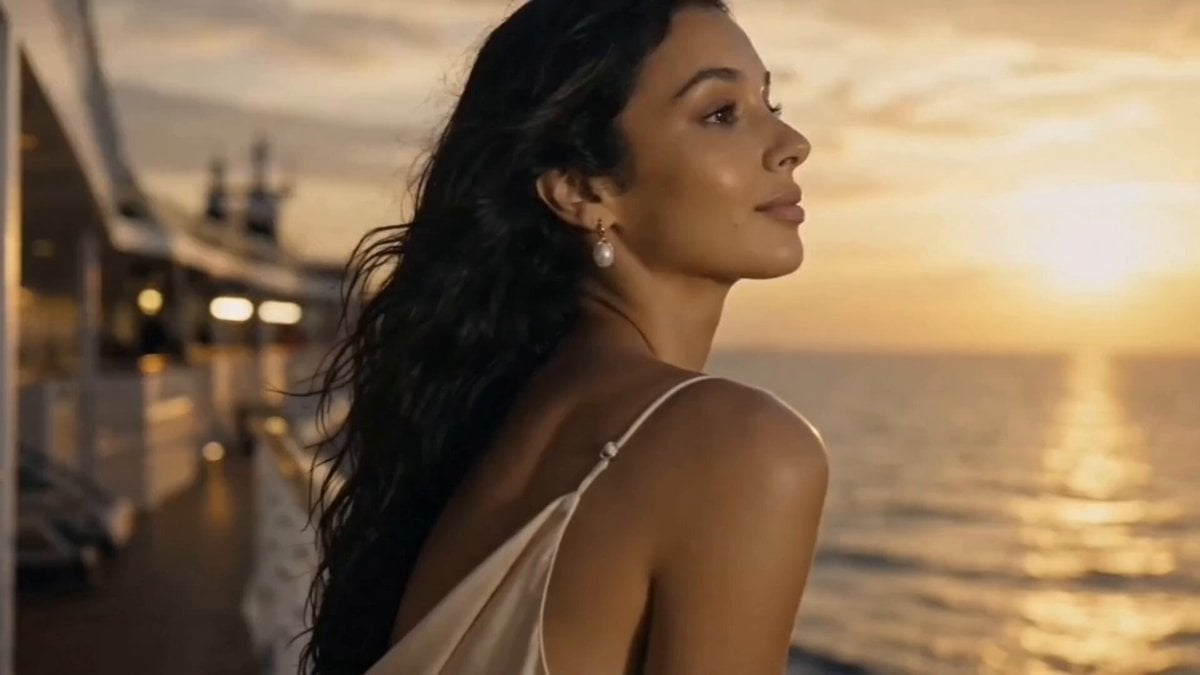
Luxury Cruise Sunset Journey
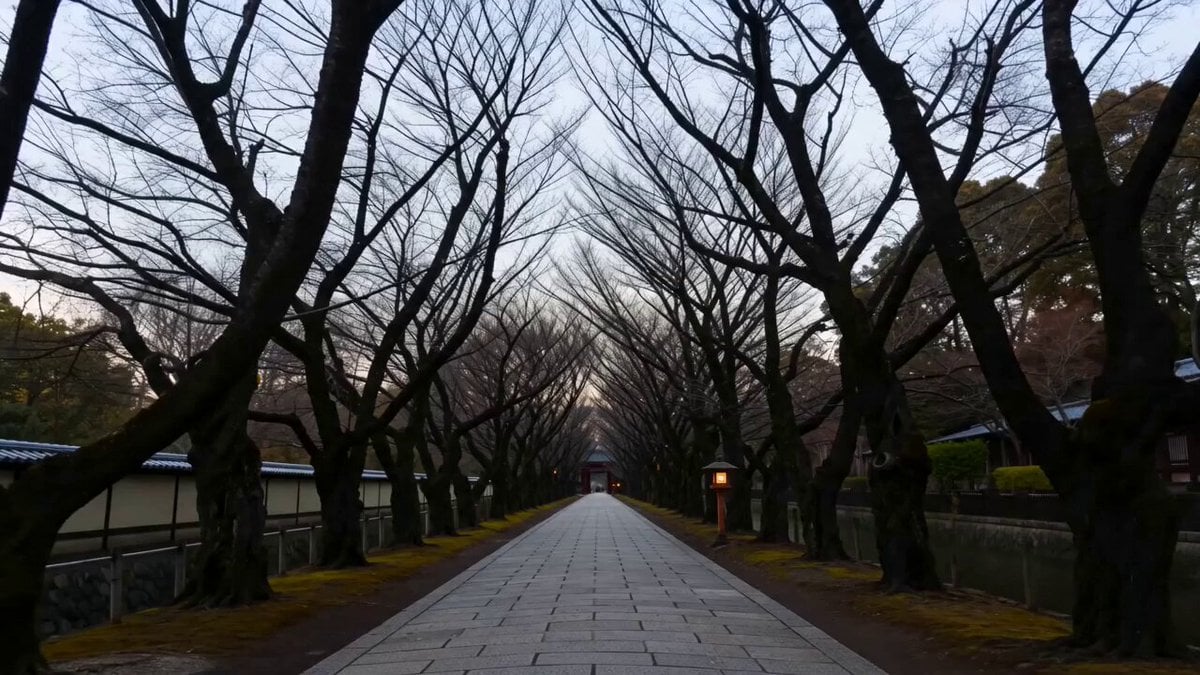
Earth Nature Colors Timelapse Journey
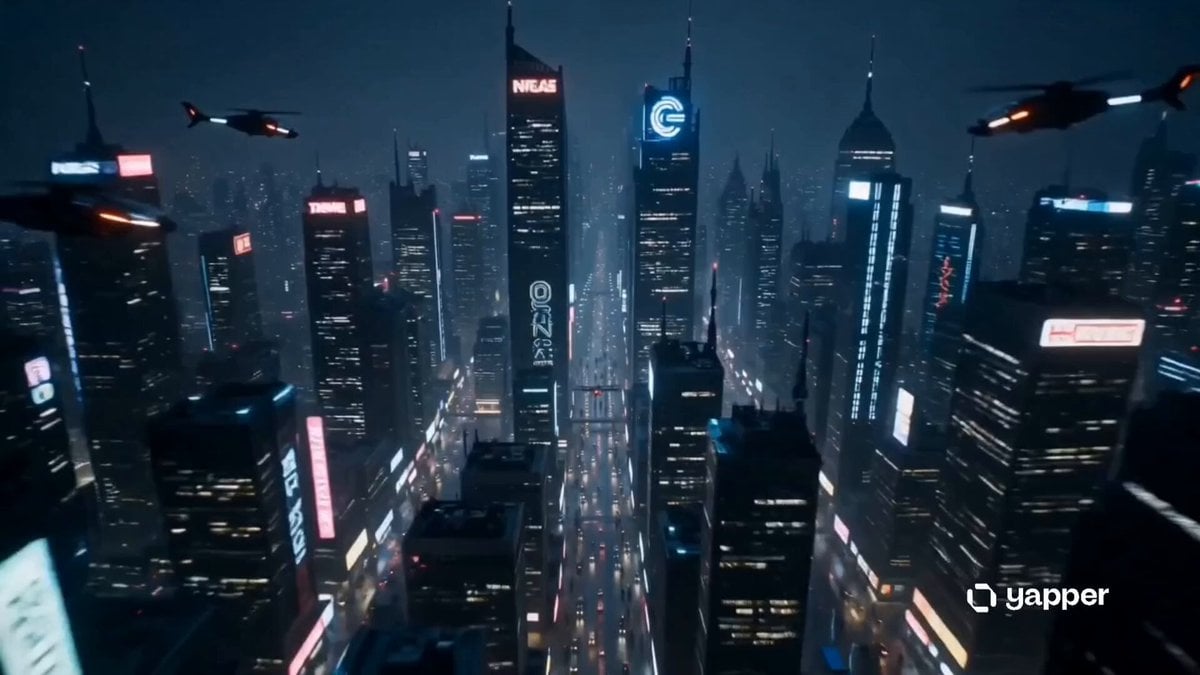
Sentient Robot Neon City Journey
Make it yours
Evolutionary Journey Cinematic Shot works as-is. These are the safest ways to change it without losing the look.
Change one field
Copy a single group, rewrite it, and generate again so you can see what that field is doing.
Keep the frame, change the subject
Hold the composition and light of Evolutionary Journey Cinematic Shot, then swap wardrobe, props or the person for a new take.
| If the result… | Why | Fix |
|---|---|---|
| The result drifts from the preview | Too many fields changed at once. | Reuse Evolutionary Journey Cinematic Shot as-is first, then change one group — subject, light, or setting. |
| The model over-stylizes the scene | The prose prompt leaves finish and camera underspecified. | Add one camera or lighting sentence and stay on Seedance 2.0. |
More Seedance 2.0 templates
Other prompts made for Seedance 2.0.

Comical Martial Arts Punch Scene

Maglev Train Action Sequence

Martial Arts Fight Sequence

Wuxia Protection and Trust Script

Vintage Korean Arcade MiniDV Vlog

Mercedes 190 SL Luxury Ad

Rainy Night Supernatural Reverse Comedy Video Script

Amazon Civilization Discovery

Futuristic South Asian City Transformation

Cozy Luxury Cafe Commercial
More video prompts
Fresh picks from across the catalog.
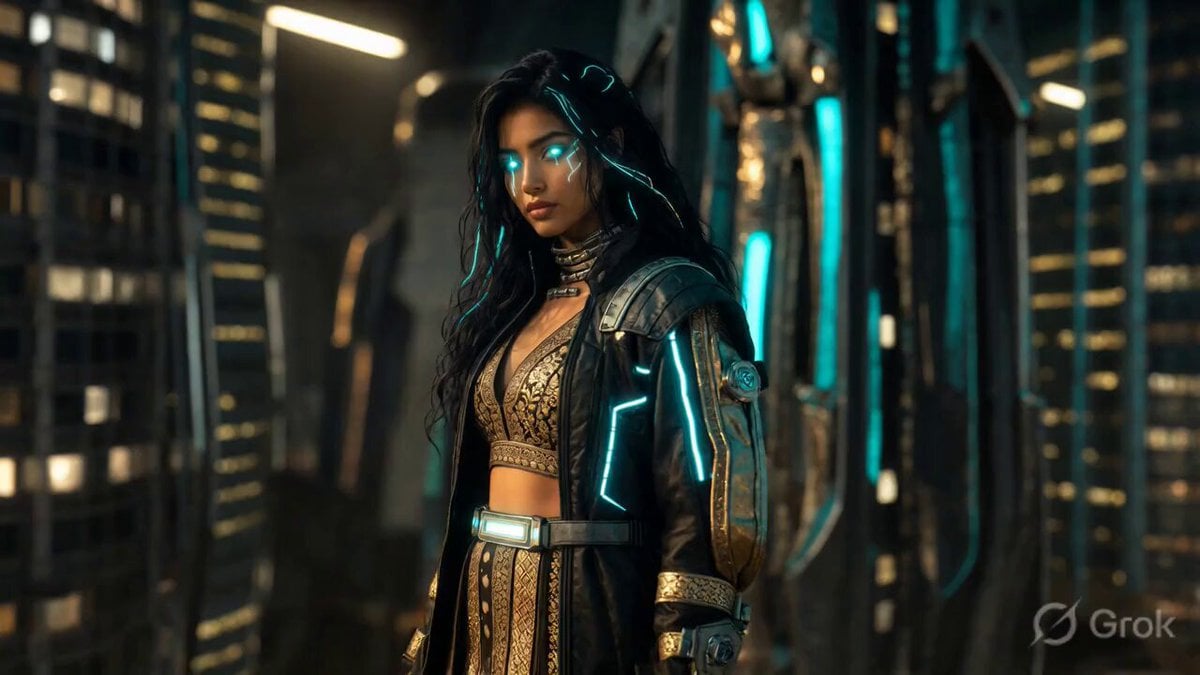
Cyberpunk Alley Cinematic Video Prompt

Fitness Transformation Commercial
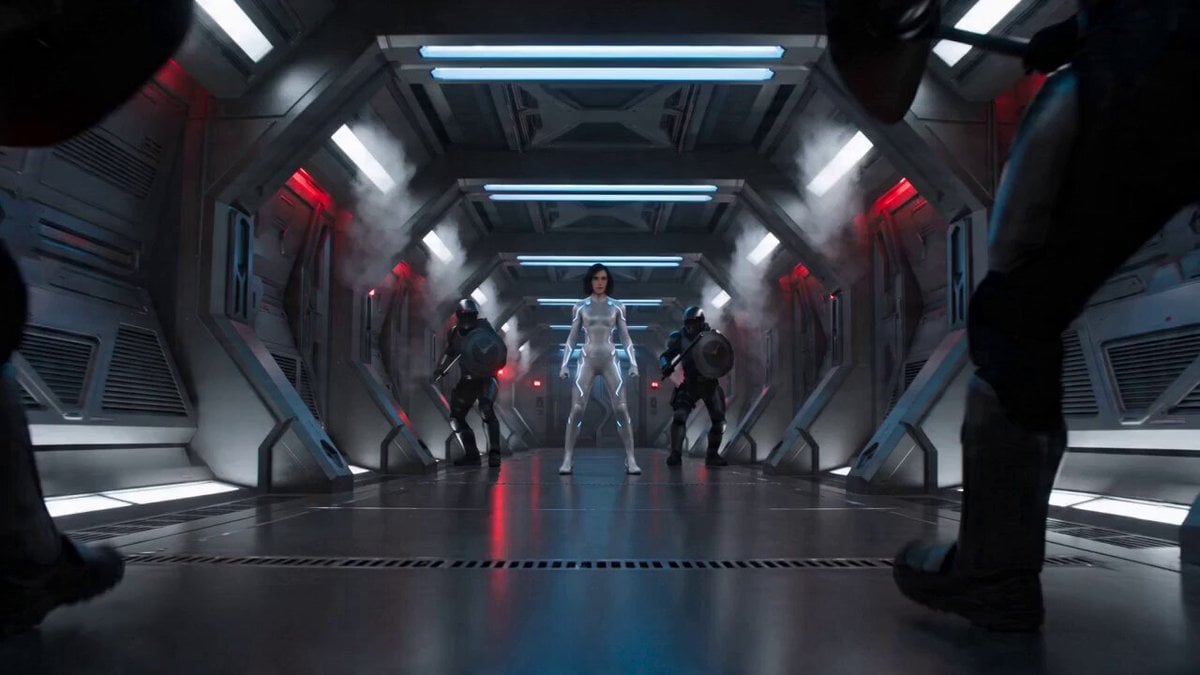
Sci-Fi Action Scene: Woman in Adaptive Suit vs. Tactical Enforcers
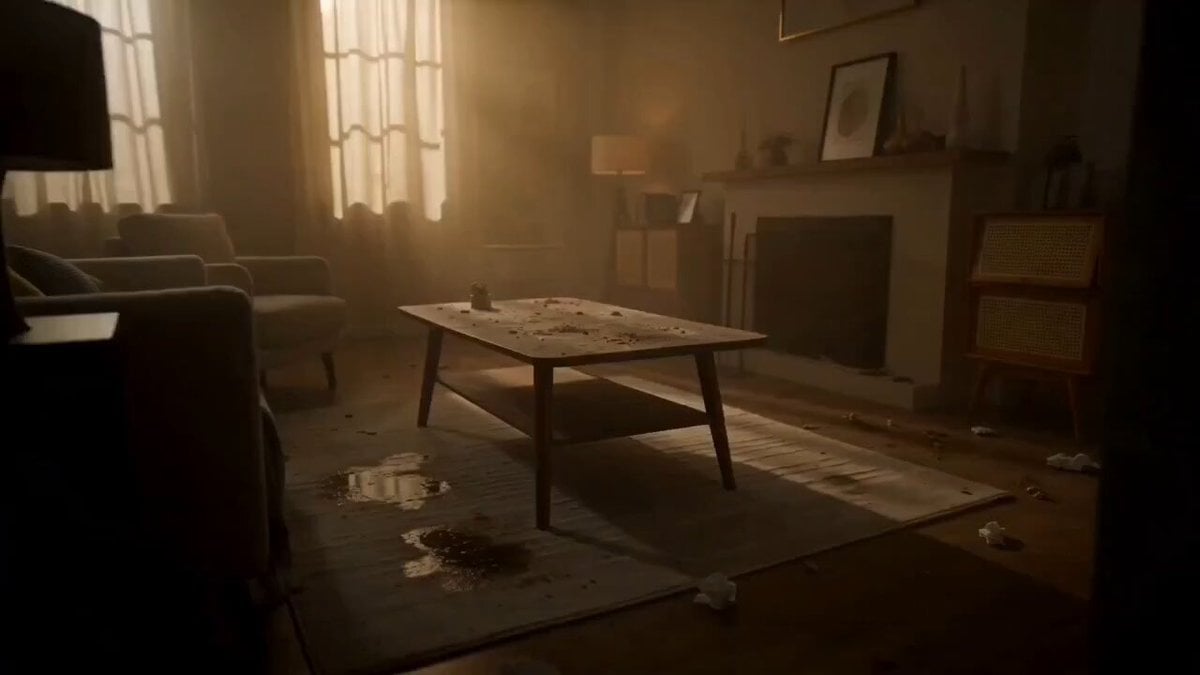
Room Detergent Product Ad

Luxury Rooftop Birthday Celebration

1950s Beach Scene with Dolphins
Cyberpunk Android Skin Generation Sequence Prompt
Cinematic Anime Hong Kong Massage Parlour
Video Consistency Requirements

Sinatra and Yogi Berra Pizza Dinner
Browse template categories
Evolutionary Journey Cinematic Shot questions
How do I use the Evolutionary Journey Cinematic Shot template?
Add your photo if the template asks for one, edit the prompt if you like — the template's model and format are already selected — and press Generate. Your version opens in PicX Studio.
Can I customize the Evolutionary Journey Cinematic Shot template?
Yes. You can change the subject, setting, lighting, mood, format, and available model controls before creating your video.
Is the Evolutionary Journey Cinematic Shot template free?
Opening and editing this template is free. Generating uses credits, shown on the Generate button when you are signed in.
Which AI model should I use?
Start with Seedance 2.0, which is the model associated with this template. You can compare another compatible model for a different finish.
Looking for something else? Browse all templates.

Your photo, any look
Thousands of ready templates for every top image and video model, from one credit balance.