
POV Skateboard Half-Pipe Action
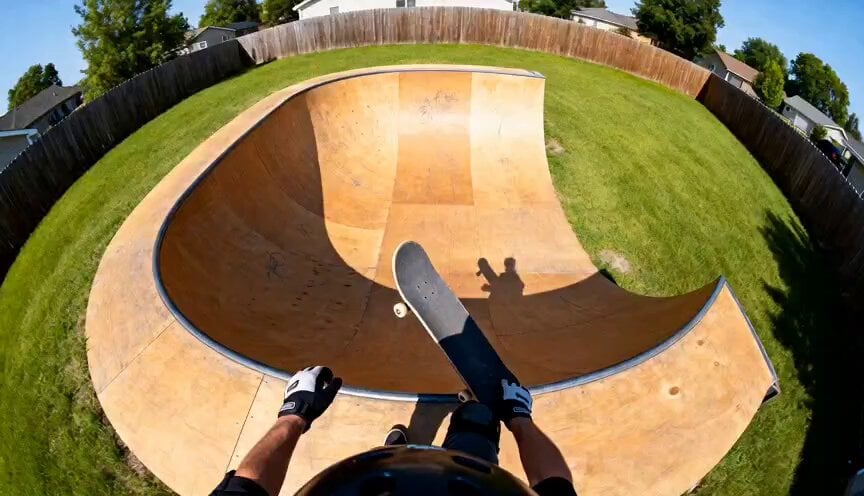
A fast-paced POV helmet-cam prompt for a skateboarder performing jumps and carves in a backyard half-pipe.
- Prompt included
- Model and format preset
- Free template
The prompt behind this video
Copy the exact prompt behind POV Skateboard Half-Pipe Action, or open it in the studio and make it yours.
Fast-paced POV helmet-camera footage of a skateboard rider rapidly dropping into a short wooden backyard half-pipe ramp, immediate acceleration down the curved wooden surface with realistic gravity and wheel vibration, skateboard nose visible at the bottom of frame, rider blasts through the center transition and launches high into the air above the opposite lip, backyard fence, grass, and trees briefly visible below during airtime, smooth fast turn at the peak of the jump before dropping back down into the ramp, aggressive carving and momentum as the rider races back across the half-pipe and rises into the air again on the opposite side, immersive GoPro fisheye action-camera distortion, intense speed sensation, realistic body balance and movement physics, dynamic motion blur along the ramp edges while the center stays sharp, cinematic extreme-sports realism, no crashing, no morphing, no duplicated limbs, no warped anatomy, no text, no watermark
How to use POV Skateboard Half-Pipe Action in 3 steps
- 1
Open
The prompt is already in the box next to the preview, with the template's model and format selected.
- 2…a portrait of your subject in softgolden-hour light, 85mm…
Personalize
Edit the subject and creative details for your destination.
- 3Generate
Generate
Press Generate — your video is created in PicX Studio, so you can compare it with the original and refine one variable at a time.
More like this
Templates with the same subject, style or setup. Open one to see its prompt.
Chaotic City Skateboarding Action
Water Pipe Retraction Sequence

DV Camcorder POV Gym Montage — Seedance 2.5
DV Camcorder POV Gym Montage — Seedance 2.5
Skateboard Kickflip Action

Walking Factory with Rebel on Hoverbike - Wasteland
Thornmaw Monarch — Crimson Glass Desert Beast
Warhorse Sprint on Cliff Aqueduct
Parametric Fight Scenes Seedance

Nano Banana Seedance Time Control Streets
Ice Queen — Frozen Battlefield Time Control (Seedance)
Colossal Sea Creature — Stormy Shore Charge (Seedance)
Make it yours
POV Skateboard Half-Pipe Action works as-is. These are the safest ways to change it without losing the look.
Change one field
Copy a single group, rewrite it, and generate again so you can see what that field is doing.
Keep the frame, change the subject
Hold the composition and light of POV Skateboard Half-Pipe Action, then swap wardrobe, props or the person for a new take.
| If the result… | Why | Fix |
|---|---|---|
| The result drifts from the preview | Too many fields changed at once. | Reuse POV Skateboard Half-Pipe Action as-is first, then change one group — subject, light, or setting. |
| The model over-stylizes the scene | The prose prompt leaves finish and camera underspecified. | Add one camera or lighting sentence and stay on Seedance 2.0. |
More Seedance 2.0 templates
Other prompts made for Seedance 2.0.

Comical Martial Arts Punch Scene

Maglev Train Action Sequence

Martial Arts Fight Sequence

Wuxia Protection and Trust Script

Vintage Korean Arcade MiniDV Vlog

Mercedes 190 SL Luxury Ad

Rainy Night Supernatural Reverse Comedy Video Script

Amazon Civilization Discovery

Futuristic South Asian City Transformation

Cozy Luxury Cafe Commercial
More video prompts
Fresh picks from across the catalog.

Nightclub Flyer Atmospheric Animation
Cinematic black and white portrait of a young woman with a tear
Cute Bear Swimming and Diving

UGC Aesthetic Grocery Shopping
Vintage 16mm Jerusalem Travel Vlog
Video Editing and Animation Prompt
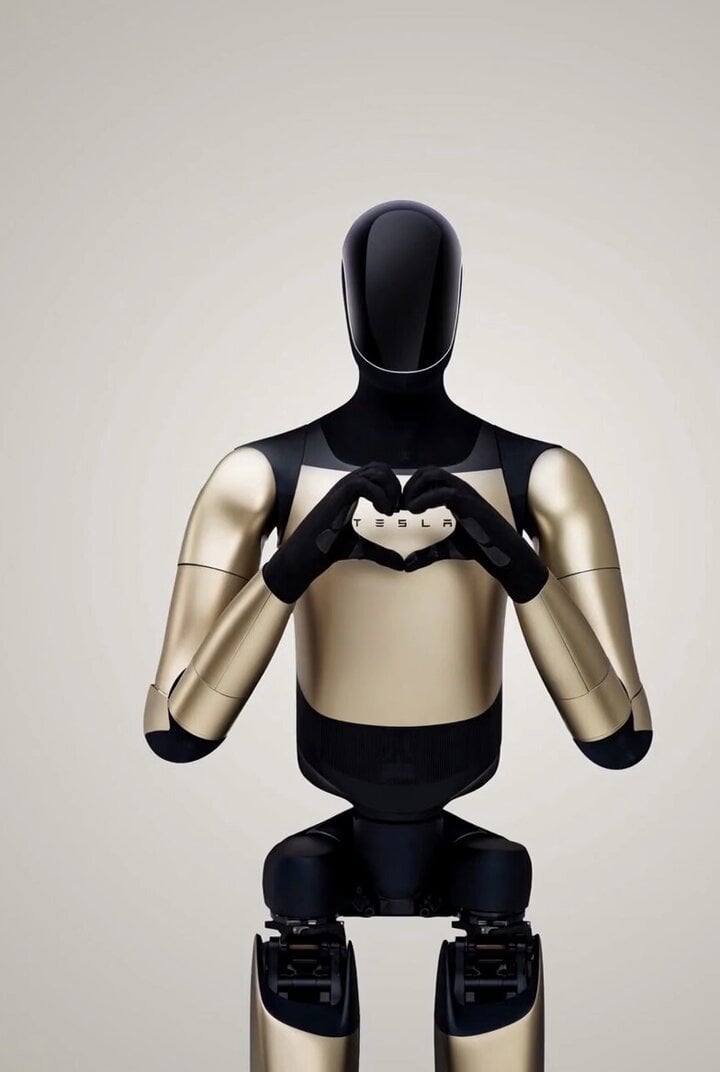
Punch the Monkey
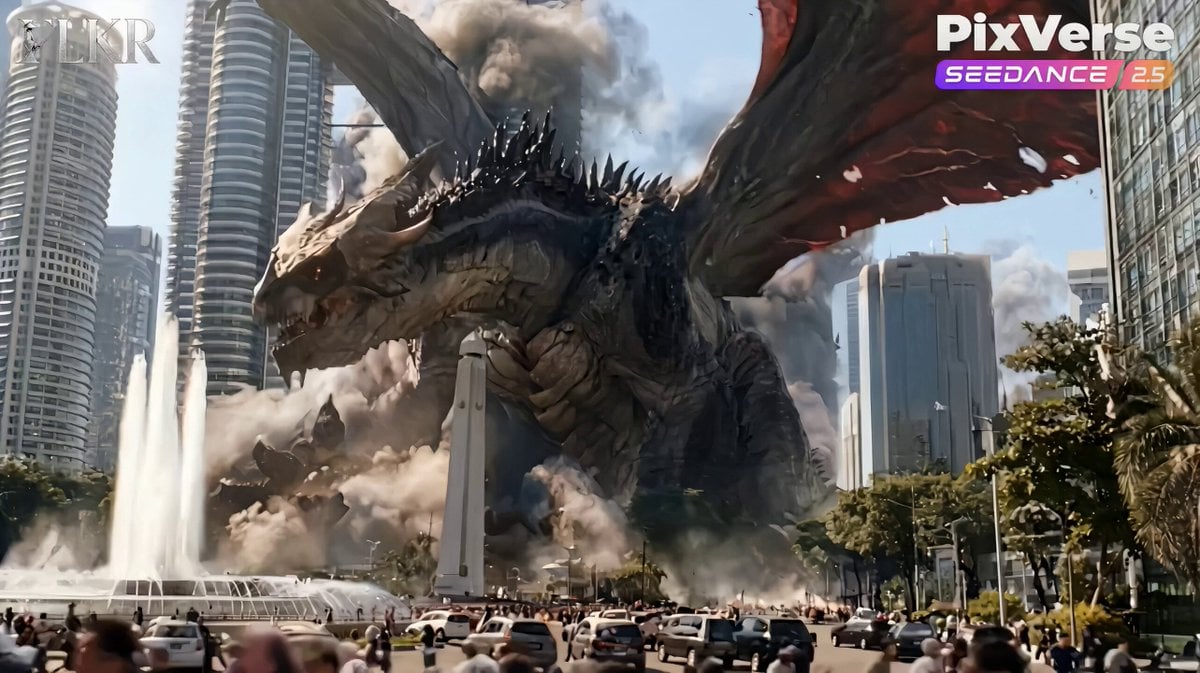
Colossal Dragon Disaster Scene Prompt

Rogue Pilot Canyon Dogfight
Artemis Space Mission Video Prompt
Browse template categories
POV Skateboard Half-Pipe Action questions
How do I use the POV Skateboard Half-Pipe Action template?
Add your photo if the template asks for one, edit the prompt if you like — the template's model and format are already selected — and press Generate. Your version opens in PicX Studio.
Can I customize the POV Skateboard Half-Pipe Action template?
Yes. You can change the subject, setting, lighting, mood, format, and available model controls before creating your video.
Is the POV Skateboard Half-Pipe Action template free?
Opening and editing this template is free. Generating uses credits, shown on the Generate button when you are signed in.
Which AI model should I use?
Start with Seedance 2.0, which is the model associated with this template. You can compare another compatible model for a different finish.
Looking for something else? Browse all templates.

Your photo, any look
Thousands of ready templates for every top image and video model, from one credit balance.