
Deep-Sea Explorer in a Bio-Luminescent Coral City
A prompt for Seedance 2.0 to generate a video of an agile deep-sea explorer navigating a bustling bio-luminescent coral city using an underwater jet-scooter, emphasizing cinematic tracking shots, dynamic motion blur…
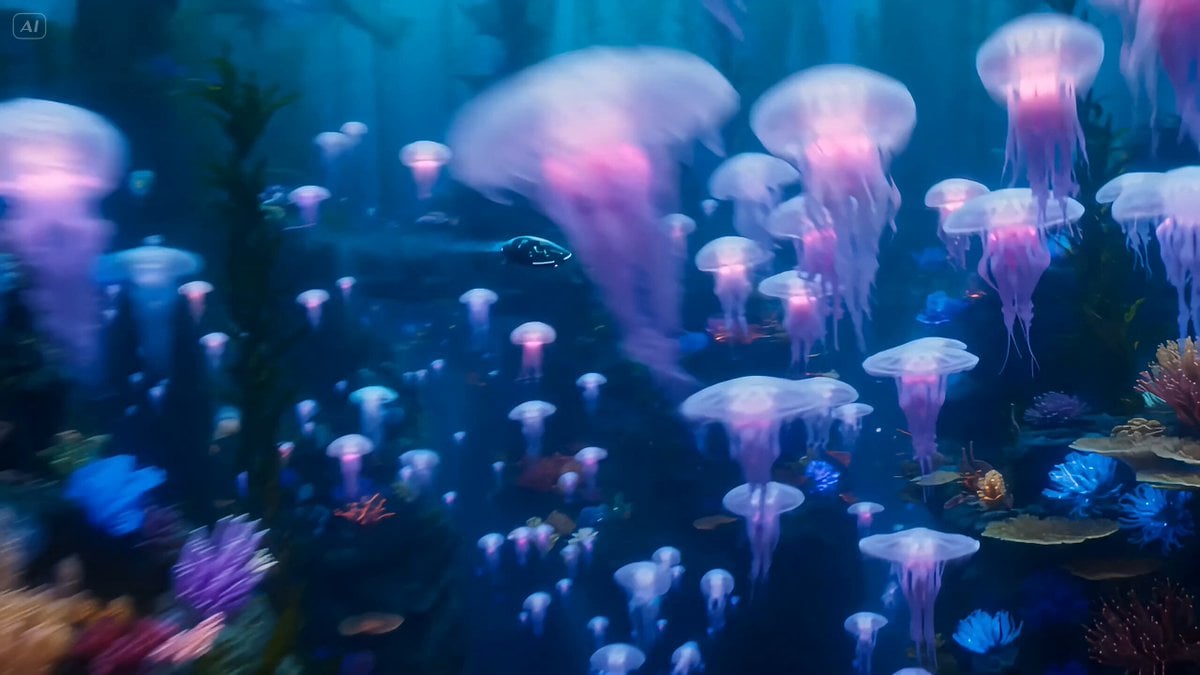
- Prompt included
- Model and format preset
- Free template
The prompt behind this video
Copy the exact prompt behind Deep-Sea Explorer in a Bio-Luminescent Coral City, or open it in the studio and make it yours.
An agile deep-sea explorer propelled by a sleek underwater jet-scooter through a massive, bustling bio-luminescent coral city, weaving effortlessly through swarms of glowing jellyfish, dodging massive sea turtles, submersible taxis, and towering kelp forests. She glides past ancient sunken ruins, busy aquatic intersections, and vibrant anemone farms, spinning through tight crevices with precision and style. Cinematic tracking shots follow her current-riding movement, enhanced by dynamic motion blur and piercing shafts of turquoise light illuminating the deep blue abyss. The underwater realm pulses with a vibrant aquatic vibe—bubbling vents, echoing whale songs, and nonstop fluid motion. Ultra-realistic detail with a marine action-movie aesthetic, capturing speed, grace, and fearless momentum beneath the waves.
How to use Deep-Sea Explorer in a Bio-Luminescent Coral City in 3 steps
- 1
Open
The prompt is already in the box next to the preview, with the template's model and format selected.
- 2…a portrait of your subject in softgolden-hour light, 85mm…
Personalize
Edit the subject and creative details for your destination.
- 3Generate
Generate
Press Generate — your video is created in PicX Studio, so you can compare it with the original and refine one variable at a time.
More like this
Templates with the same subject, style or setup. Open one to see its prompt.
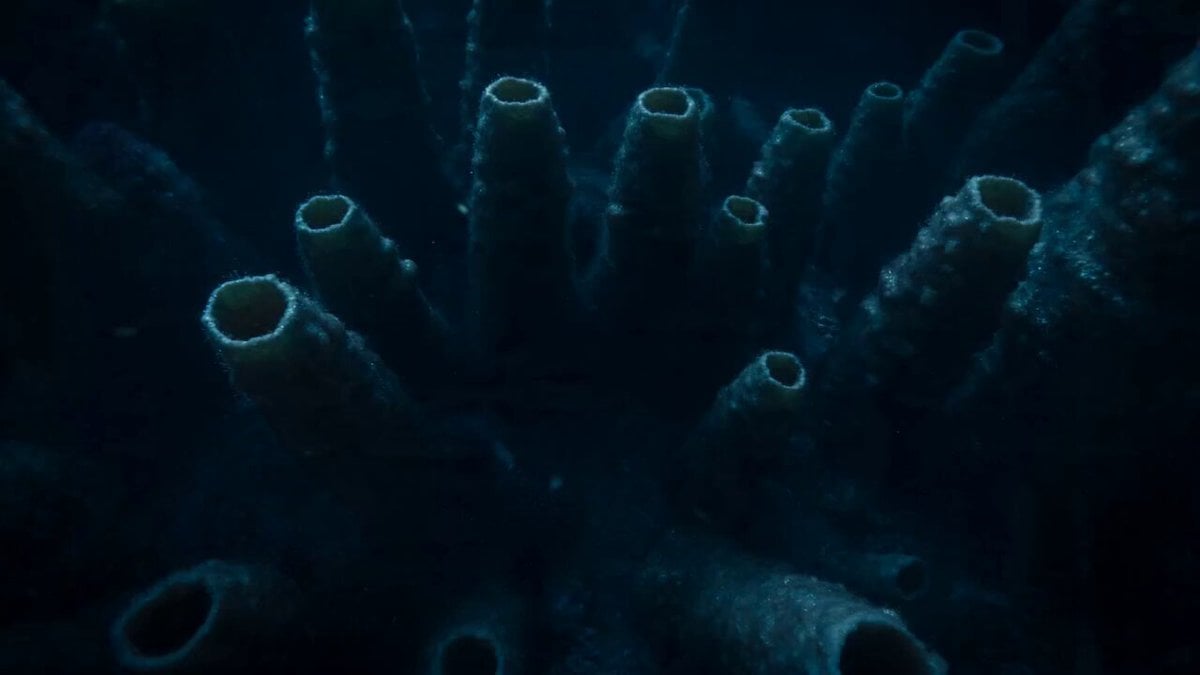
Bioluminescent Deep Sea Abyss
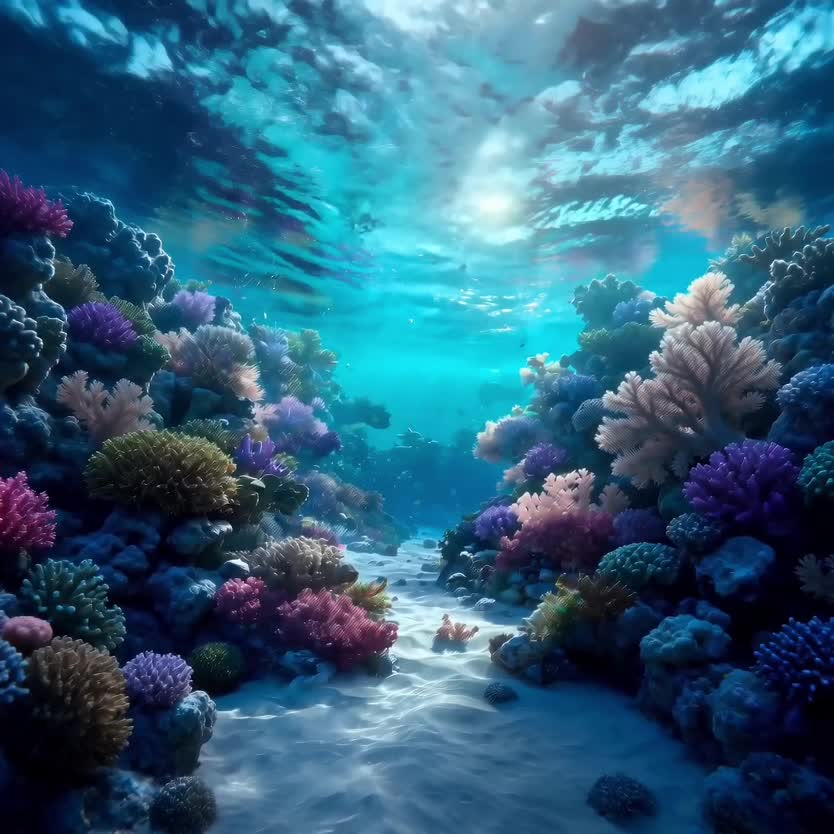
Deep-Sea Coral Reef Jellyfish Scene
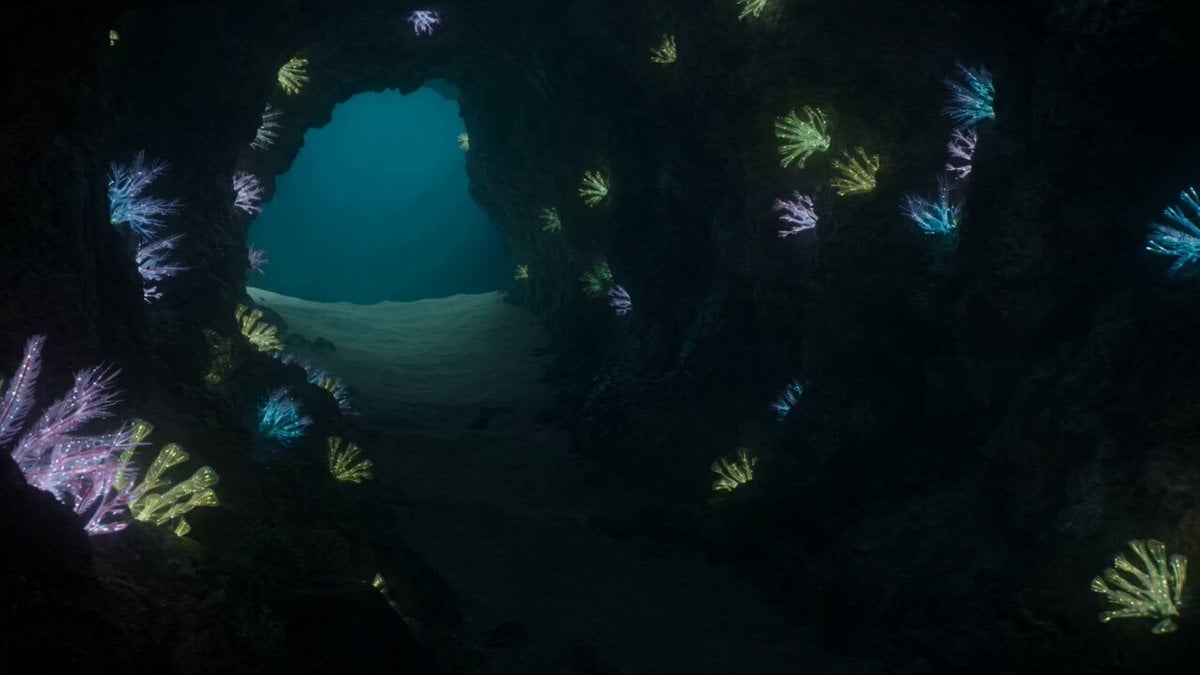
Bioluminescent Deep Sea Predator Chase
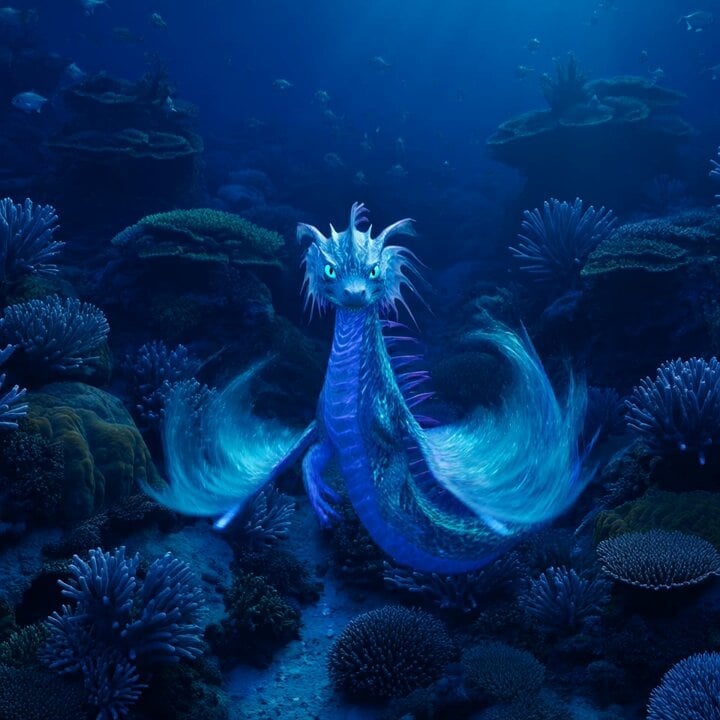
Bioluminescent Sea Dragon in Coral Reef
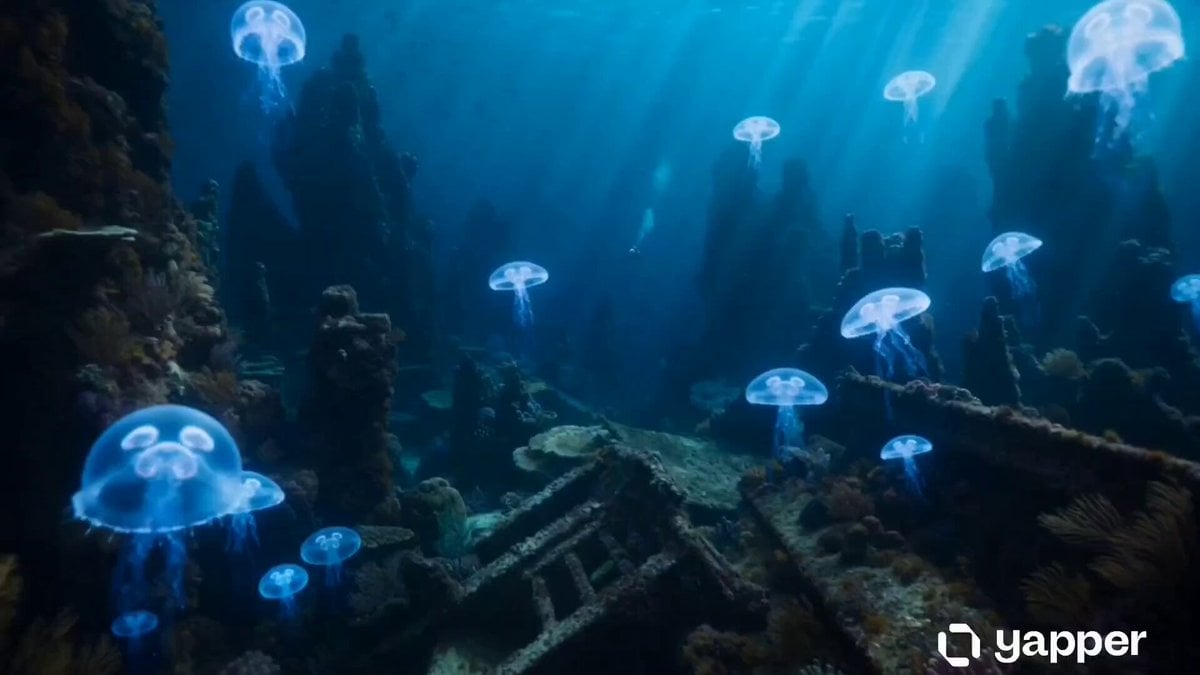
Underwater Abyss Deep Sea Explorer
Rainforest Thriller — Searching the Unseen

Realistic City Street Story Cinematic Video - Seedance
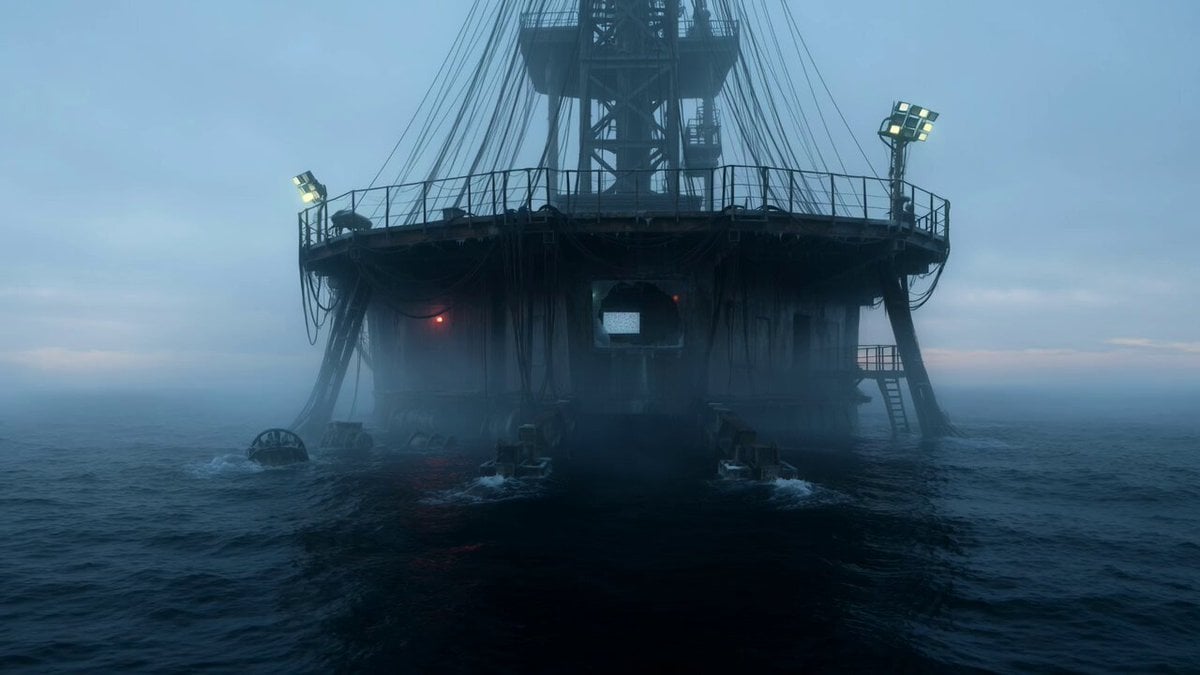
Abandoned Deep-Sea Drilling Platform
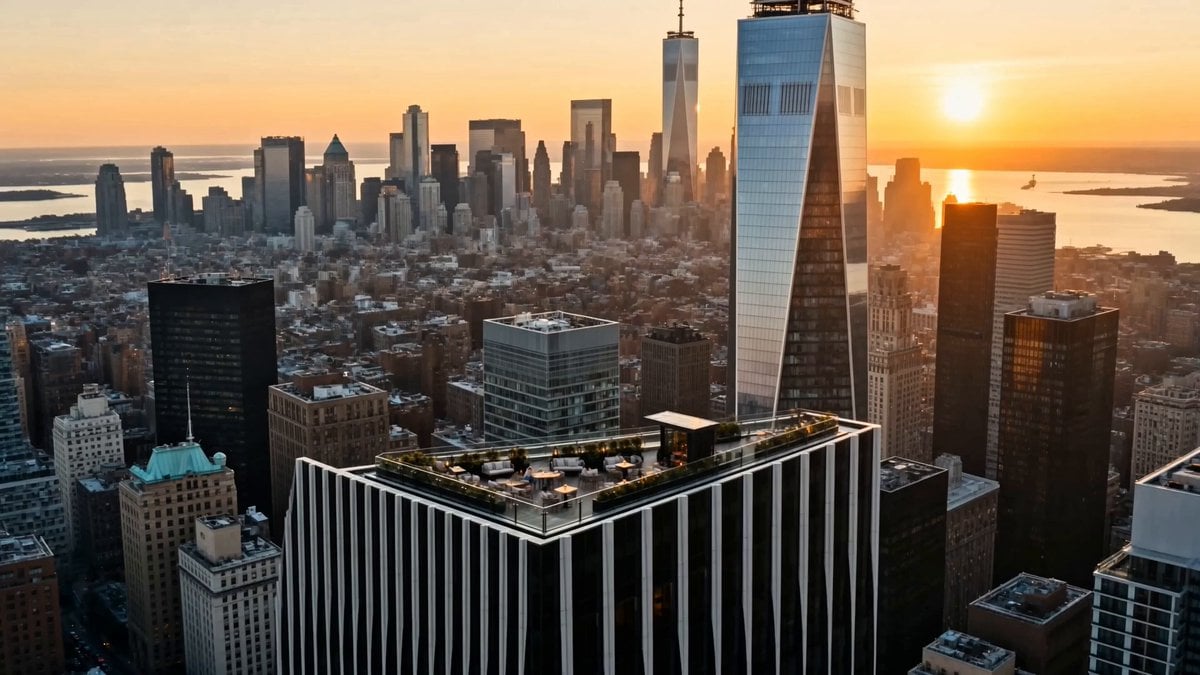
Luxury Lifestyle Day Vlog
NYC Wingsuit Hot Dog Landing
Luxury Airport Travel Vlog
Iced Coffee Dog Good-News Montage
Make it yours
Deep-Sea Explorer in a Bio-Luminescent Coral City works as-is. These are the safest ways to change it without losing the look.
Change one field
Copy a single group, rewrite it, and generate again so you can see what that field is doing.
Keep the frame, change the subject
Hold the composition and light of Deep-Sea Explorer in a Bio-Luminescent Coral City, then swap wardrobe, props or the person for a new take.
| If the result… | Why | Fix |
|---|---|---|
| The result drifts from the preview | Too many fields changed at once. | Reuse Deep-Sea Explorer in a Bio-Luminescent Coral City as-is first, then change one group — subject, light, or setting. |
| The model over-stylizes the scene | The prose prompt leaves finish and camera underspecified. | Add one camera or lighting sentence and stay on Seedance 2.0. |
More Seedance 2.0 templates
Other prompts made for Seedance 2.0.

Comical Martial Arts Punch Scene

Maglev Train Action Sequence

Martial Arts Fight Sequence

Wuxia Protection and Trust Script

Vintage Korean Arcade MiniDV Vlog

Mercedes 190 SL Luxury Ad

Rainy Night Supernatural Reverse Comedy Video Script

Amazon Civilization Discovery

Futuristic South Asian City Transformation

Cozy Luxury Cafe Commercial
More video prompts
Fresh picks from across the catalog.
Cinematic Drone Dive into a Person's Eye
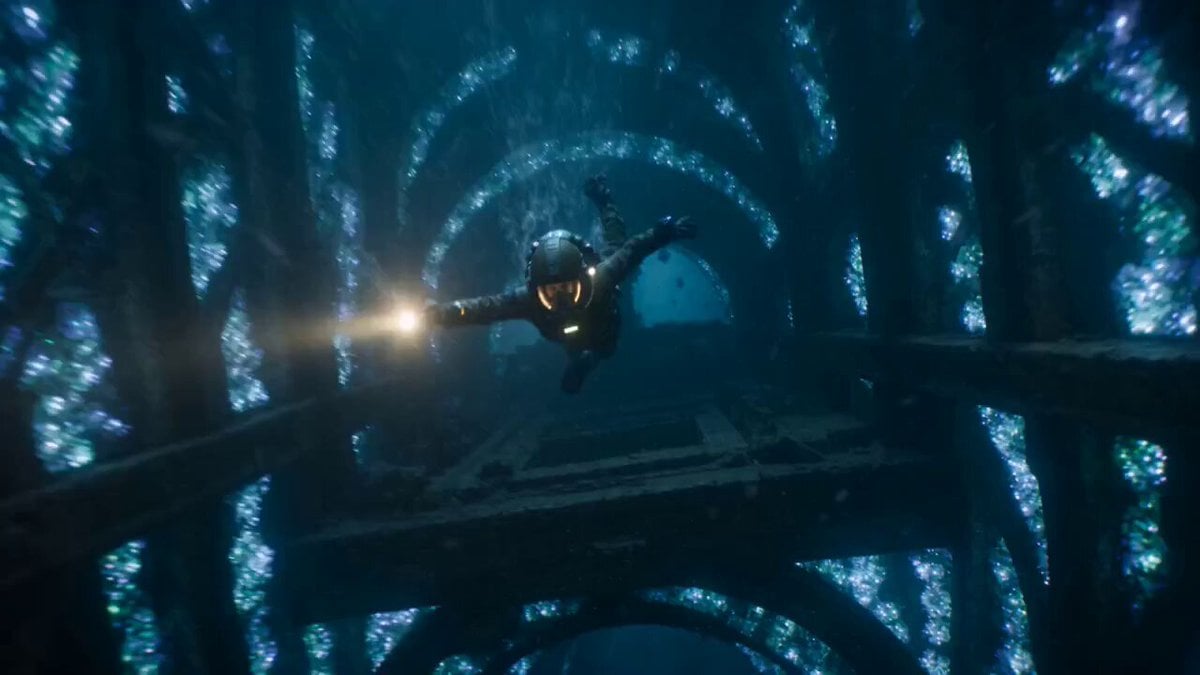
The Leviathan's Throat: Underwater Megastructure Descent
Hyper-Realistic Dune-Style Character Transformation

Tiny Phoenix Summoning Xianxia Comedy
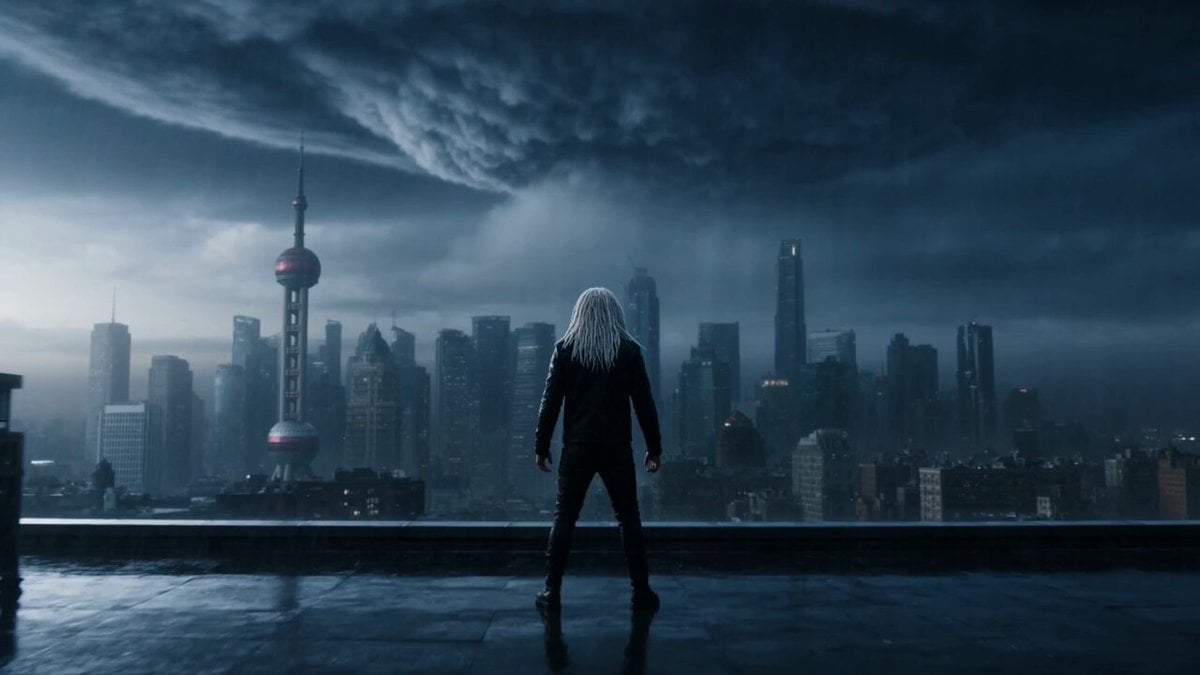
Violet Lightning Storm Warrior

Moonlit Shoreline Rock Concert Performance

Gouache Concept Art Animation
Video prompt for a door opening and a character speaking
Little Alien and the Scarf
Flying Umbrella Array Cinematic Comedy Prompt
Browse template categories
Deep-Sea Explorer in a Bio-Luminescent Coral City questions
How do I use the Deep-Sea Explorer in a Bio-Luminescent Coral City template?
Add your photo if the template asks for one, edit the prompt if you like — the template's model and format are already selected — and press Generate. Your version opens in PicX Studio.
Can I customize the Deep-Sea Explorer in a Bio-Luminescent Coral City template?
Yes. You can change the subject, setting, lighting, mood, format, and available model controls before creating your video.
Is the Deep-Sea Explorer in a Bio-Luminescent Coral City template free?
Opening and editing this template is free. Generating uses credits, shown on the Generate button when you are signed in.
Which AI model should I use?
Start with Seedance 2.0, which is the model associated with this template. You can compare another compatible model for a different finish.
Looking for something else? Browse all templates.

Your photo, any look
Thousands of ready templates for every top image and video model, from one credit balance.