How do I use the Monk, girl, cat, and dog sitting and praying template?
Edit the prompt in the box under the preview — the template's model and format are already selected — and press Generate. Your version appears right on this page.
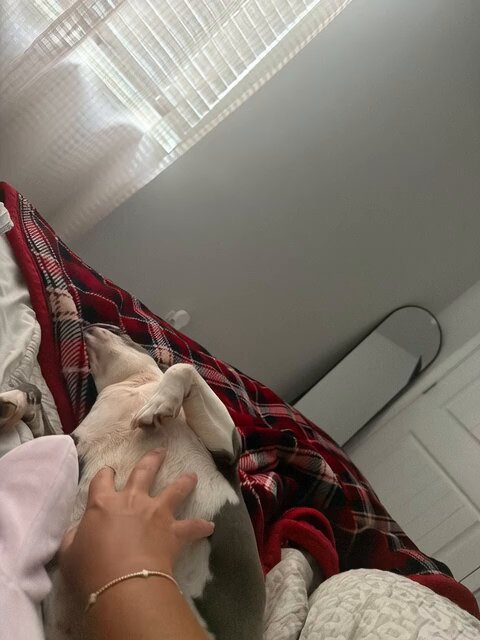
A prompt for Grok Imagine to generate a video of a monk, a girl, a cat, and a dog sitting and praying together.
このお坊様と女の子と、猫と犬が座ってお祈りをしている所をGrokで編集しました まだ思い通りに作成出来ません 仏壇が無いとか向きが反対とか、Grokは難しいですね。
このお坊様と女の子と、猫と犬が座ってお祈りをしている所をGrokで編集しました まだ思い通りに作成出来ません 仏壇が無いとか向きが反対とか、Grokは難しいですね。
Edit the prompt in the box under the preview — the template's model and format are already selected — and press Generate. Your version appears right on this page.
Yes. You can change the subject, setting, lighting, mood, format, and available model controls before creating your video.
Opening and editing this template is free. Generating uses credits, shown on the Generate button when you are signed in.
Start with Grok Imagine, which is the model associated with this template. You can compare another compatible model for a different finish.
Follow a topic to a crawlable collection of related PicX Studio templates.