
Miniature City Timelapse Inside Light Bulb
A highly detailed fantasy timelapse prompt that generates a miniature city growing inside a broken light bulb with cinematic lighting and sound effects.
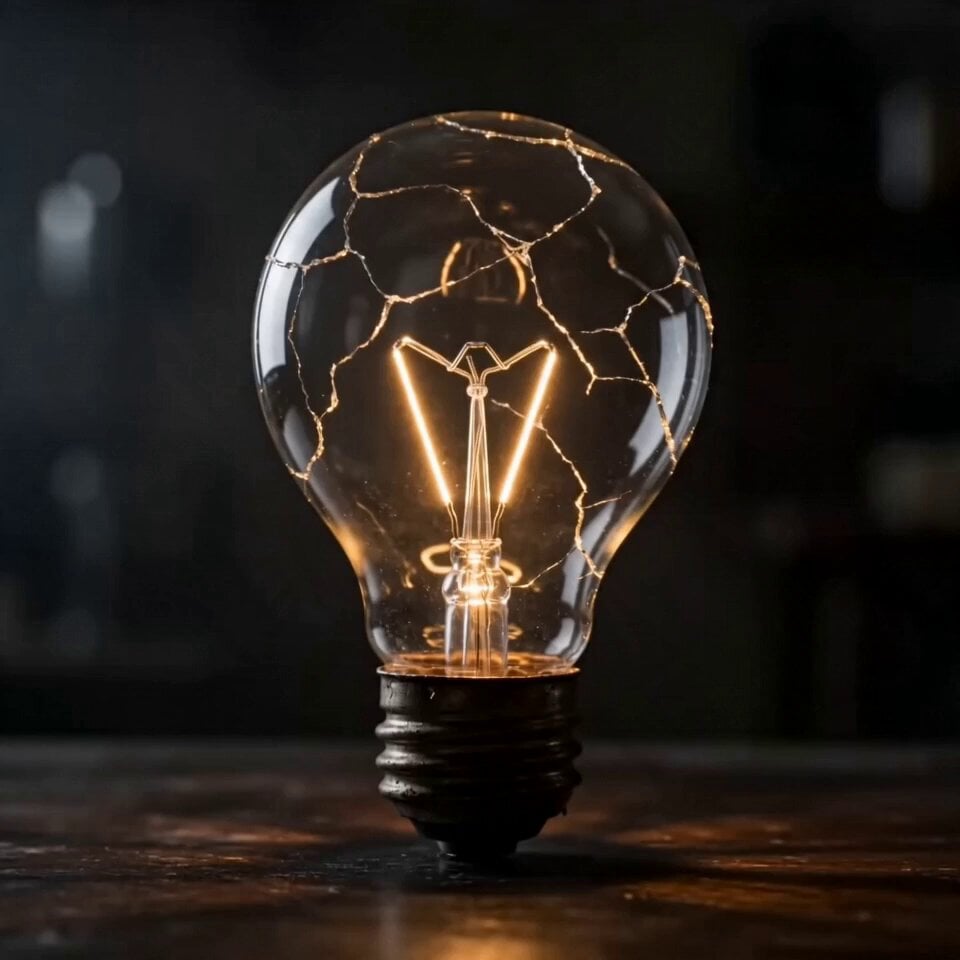
- Prompt included
- Model and format preset
- Premium template
The prompt behind this video
Copy the exact prompt behind Miniature City Timelapse Inside Light Bulb, or open it in the studio and make it yours.
15秒のシネマティックなファンタジー・タイムラプス短編。人物なし。文字なし、ロゴなし、透かしなし。暗い卓上に、古びて壊れた電球が置かれている。映像は、ひび割れたガラスと切れたフィラメントの極端なクローズアップから始まる。電球の中で小さな電気火花が走り、光る粉塵が素早く渦を巻き始める。カメラは電球の内部へ入っていくように素早く寄り、少し回り込む。 電球の内部で、小さな街がダイナミックなタイムラプスで形成されていく。細い道路が光の血管のように一気に伸び、小さな橋が組み上がり、建物が粒子から高速で立ち上がる。屋根が次々と形になり、狭い通りが素早く接続される。ゆっくりした幻想的な漂いではなく、見ていて気持ちのよい高速形成にする。小さな建物が伸びるマクロ寄り、曲面ガラス越しの俯瞰風構図、電球全体の中で街が広がる横からのドラマチックなアングルを切り替える。 終盤では、完成した小さな街に命が宿る。窓明かりが連鎖するように次々と灯り、街灯が点滅し、小さな光の軌跡が通りを動いて生活感を示す。電球全体が内側から暖かく輝く。最後は、壊れた電球の中に完全に灯ったミニチュア都市が入っている美しいヒーローショットで余韻を残して終わる。魔法的リアリズム、精密なミニチュア都市、暖かい琥珀色の光、ガラスの反射、強いコントラストのシネマティックライティング。BGMなし。効果音のみ。鋭い電気音、小さな組み立て音、きらめく音、ガラスの共鳴、最後の柔らかい電気のハム音。
How to use Miniature City Timelapse Inside Light Bulb in 3 steps
- 1
Open
The prompt is already in the box next to the preview, with the template's model and format selected.
- 2…a portrait of your subject in softgolden-hour light, 85mm…
Personalize
Edit the subject and creative details for your destination.
- 3Generate
Generate
Press Generate — your video is created in PicX Studio, so you can compare it with the original and refine one variable at a time.
More like this
Templates with the same subject, style or setup. Open one to see its prompt.
City Timelapse Growth — Seedance 2.0
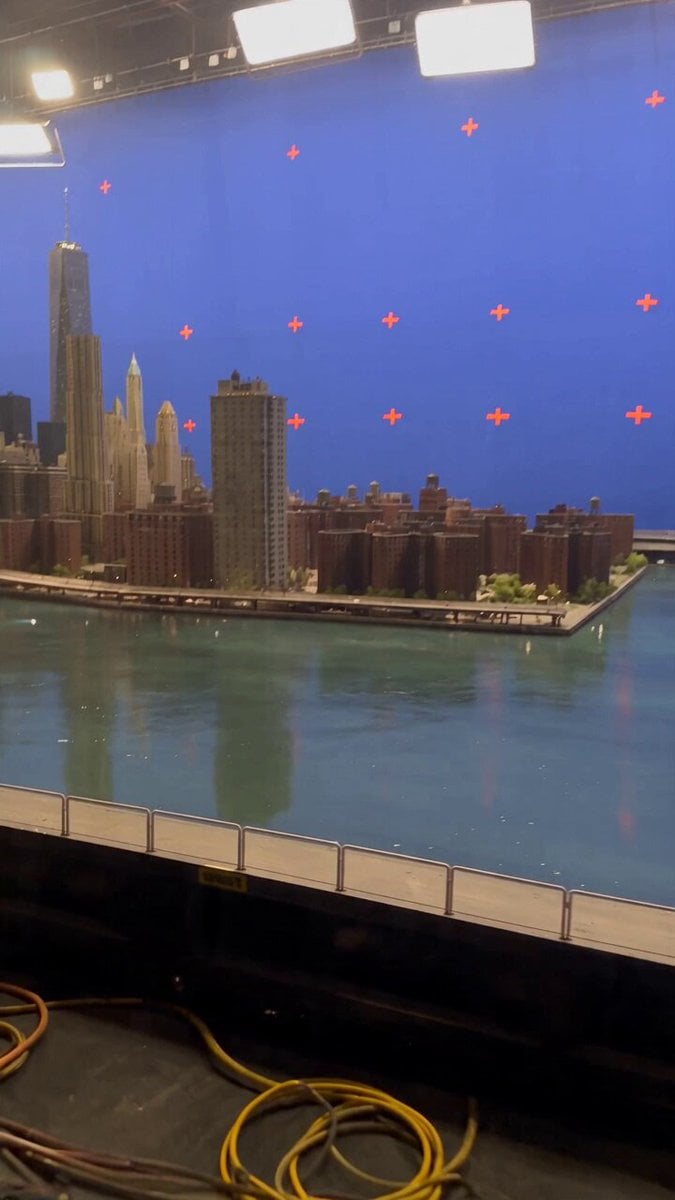
Miniature City Flood Soundstage
Miniature City Flood Soundstage

Realistic City Street Story Cinematic Video - Seedance

Luxury Lifestyle Day Vlog

NYC Wingsuit Hot Dog Landing

Luxury Airport Travel Vlog

Iced Coffee Dog Good-News Montage

Italian Old-Town Time-Freeze Walk
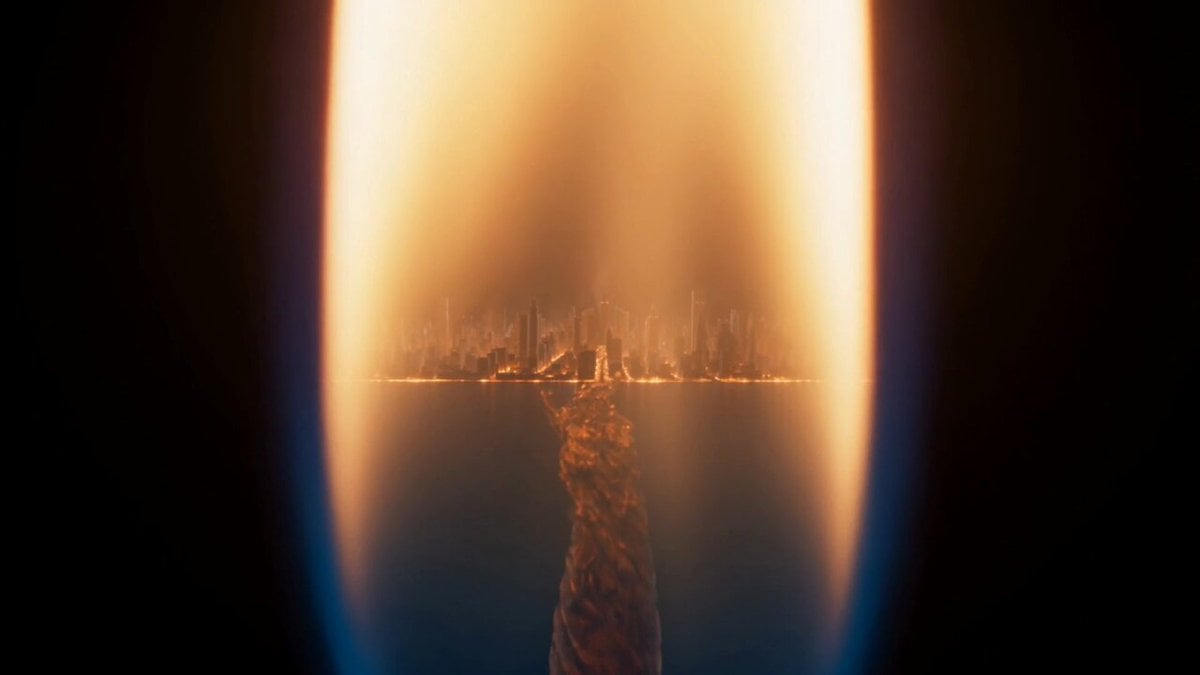
Macro Candle Flame Miniature City
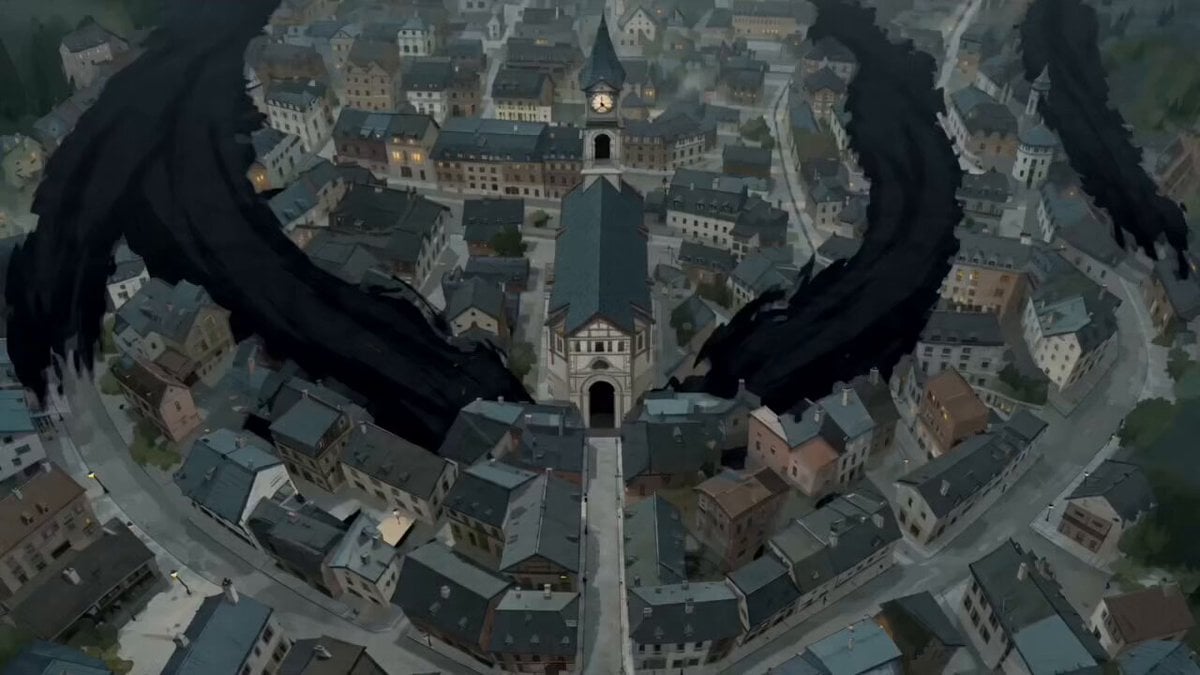
The Black Blight City Sealing
Ultra-realistic Macro Miniature City Prompt (Structured JSON)
Make it yours
Miniature City Timelapse Inside Light Bulb works as-is. These are the safest ways to change it without losing the look.
Change one field
Copy a single group, rewrite it, and generate again so you can see what that field is doing.
Keep the frame, change the subject
Hold the composition and light of Miniature City Timelapse Inside Light Bulb, then swap wardrobe, props or the person for a new take.
| If the result… | Why | Fix |
|---|---|---|
| The result drifts from the preview | Too many fields changed at once. | Reuse Miniature City Timelapse Inside Light Bulb as-is first, then change one group — subject, light, or setting. |
| The model over-stylizes the scene | The prose prompt leaves finish and camera underspecified. | Add one camera or lighting sentence and stay on Seedance 2.0. |
More Seedance 2.0 templates
Other prompts made for Seedance 2.0.

Comical Martial Arts Punch Scene

Maglev Train Action Sequence

Martial Arts Fight Sequence

Wuxia Protection and Trust Script

Vintage Korean Arcade MiniDV Vlog

Mercedes 190 SL Luxury Ad

Rainy Night Supernatural Reverse Comedy Video Script

Amazon Civilization Discovery

Futuristic South Asian City Transformation

Cozy Luxury Cafe Commercial
More video prompts
Fresh picks from across the catalog.
Seedance 2.0 Video Prompt: Classic Movie Scene Recreation (Two Segments)

Skincare Ad Concept Video

Animated Pirate Action Sequence

Dynamic Space Rocket Launch Animation

Epic Marvel Studios Tone Martial Arts Scene
Woman at Waterfall Sunrise Video Prompt
Sci-Fi Space Bridge Collapse

Monk Cat Wuxia Comedy
Cinematic Mecha Warrior in Wuxia Style Video Prompt
Artist Studio Cinematic Video Prompt for Seedance 2.0
Browse template categories
Miniature City Timelapse Inside Light Bulb questions
How do I use the Miniature City Timelapse Inside Light Bulb template?
Add your photo if the template asks for one, edit the prompt if you like — the template's model and format are already selected — and press Generate. Your version opens in PicX Studio.
Can I customize the Miniature City Timelapse Inside Light Bulb template?
Yes. You can change the subject, setting, lighting, mood, format, and available model controls before creating your video.
Is the Miniature City Timelapse Inside Light Bulb template free?
Opening and editing this template is free. Generating uses credits, shown on the Generate button when you are signed in.
Which AI model should I use?
Start with Seedance 2.0, which is the model associated with this template. You can compare another compatible model for a different finish.
Looking for something else? Browse all templates.

Your photo, any look
Thousands of ready templates for every top image and video model, from one credit balance.