
Tactical Agent Hotel Combat Sequence
A cinematic action sequence featuring an undercover agent in a tactical suit engaging in fluid gun-fu choreography through a neon-lit luxury hotel corridor.
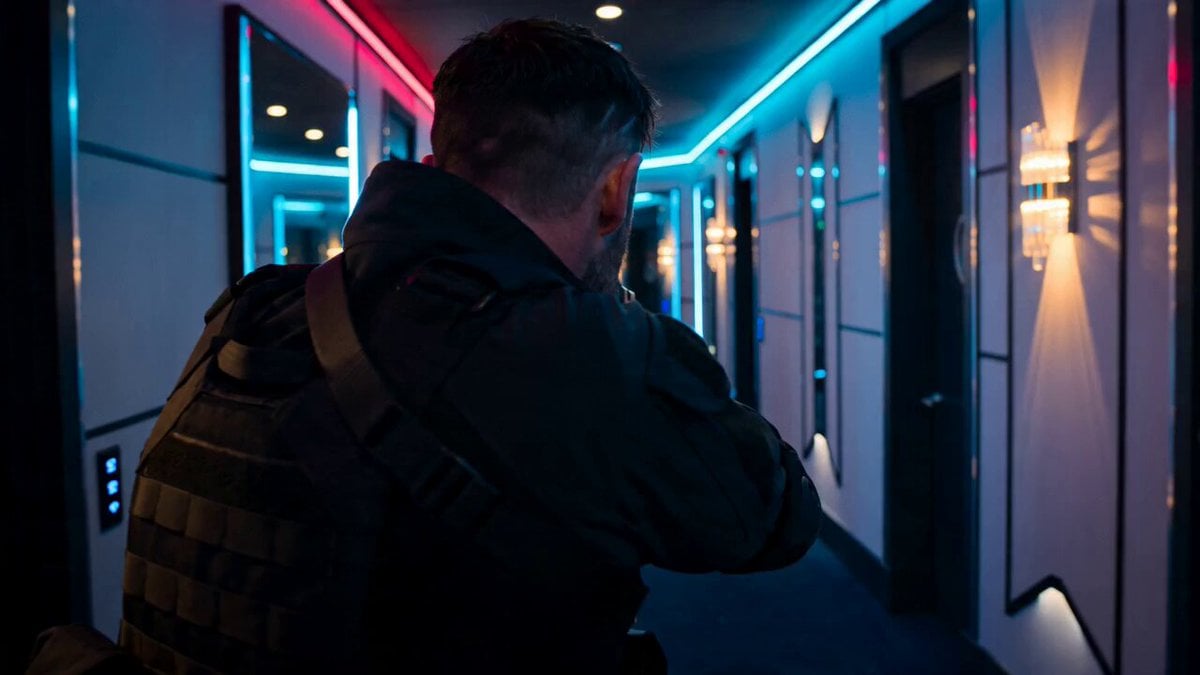
- Prompt included
- Model and format preset
- Premium template
The prompt behind this video
Copy the exact prompt behind Tactical Agent Hotel Combat Sequence, or open it in the studio and make it yours.
A lone undercover agent in a black tactical suit, bruised face, intense focused eyes, breathing heavily while gripping a pistol with trembling precision Walks slowly through a luxury hotel corridor as enemies emerge from every room, instantly transitioning into brutal close-quarters combat with fluid gun-fu choreography, smashing through glass walls and exchanging point-blank shots while explosions erupt behind him Neon-lit luxury hotel interior with shattered mirrors, flickering lights, smoke and debris covering the floor Starts with slow cinematic push-in from behind, subtle handheld tension, sudden whip pan into first gunshot, continuous tracking shot weaving through combat, crash zooms on impacts, orbit shot during slow-motion glass explosion, muzzle flashes illuminating the corridor, debris and sparks flooding the lens, ending with the agent standing alone in the destroyed hallway while sprinklers rain down over burning wreckage, camera slowly pulling back as silence replaces chaos
How to use Tactical Agent Hotel Combat Sequence in 3 steps
- 1
Open
The prompt is already in the box next to the preview, with the template's model and format selected.
- 2…a portrait of your subject in softgolden-hour light, 85mm…
Personalize
Edit the subject and creative details for your destination.
- 3Generate
Generate
Press Generate — your video is created in PicX Studio, so you can compare it with the original and refine one variable at a time.
More like this
Templates with the same subject, style or setup. Open one to see its prompt.
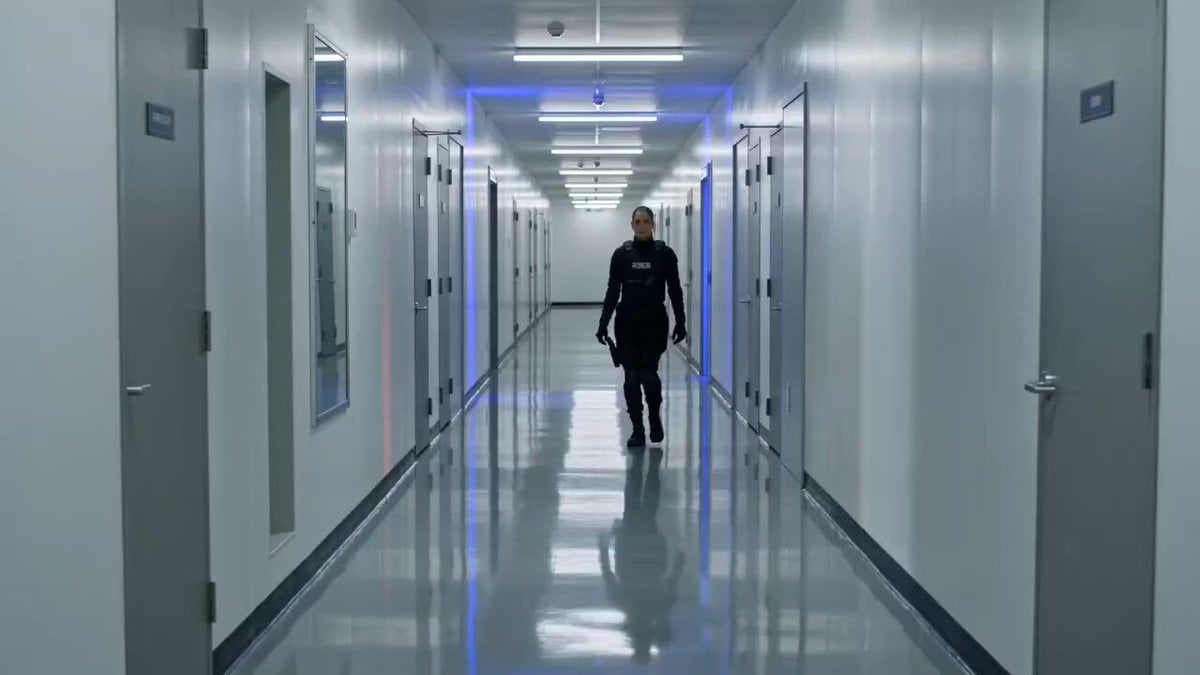
Tactical Gun-Fu Combat Sequence
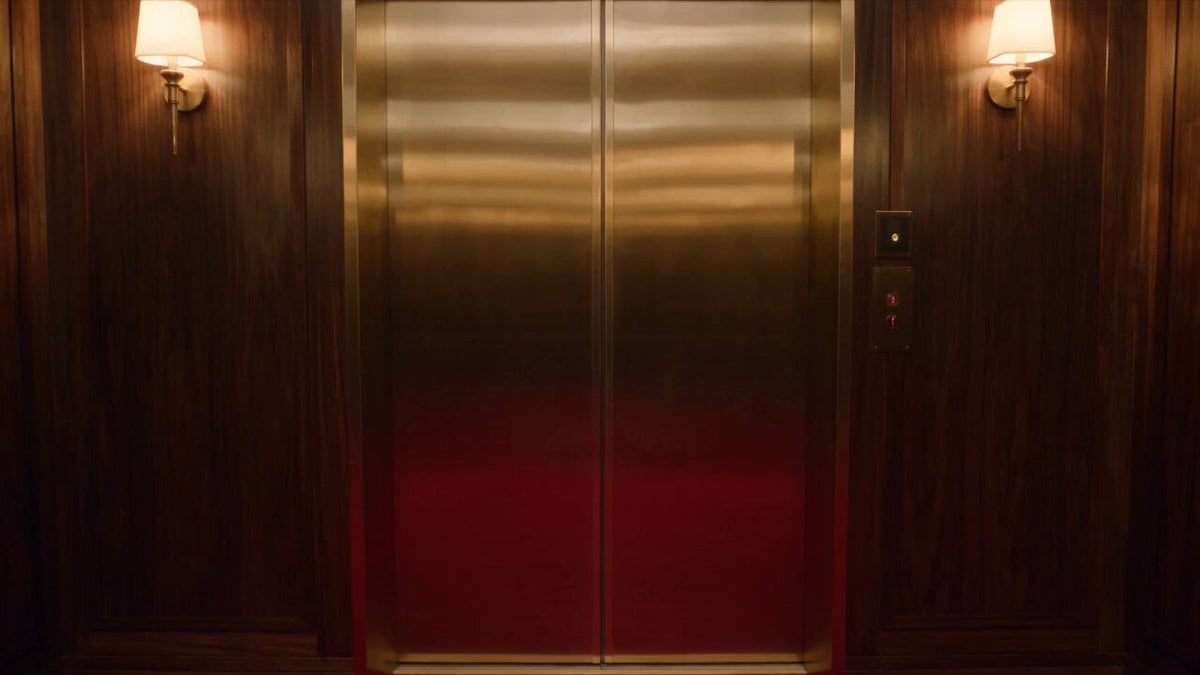
Luxury Hotel Thriller Sequence
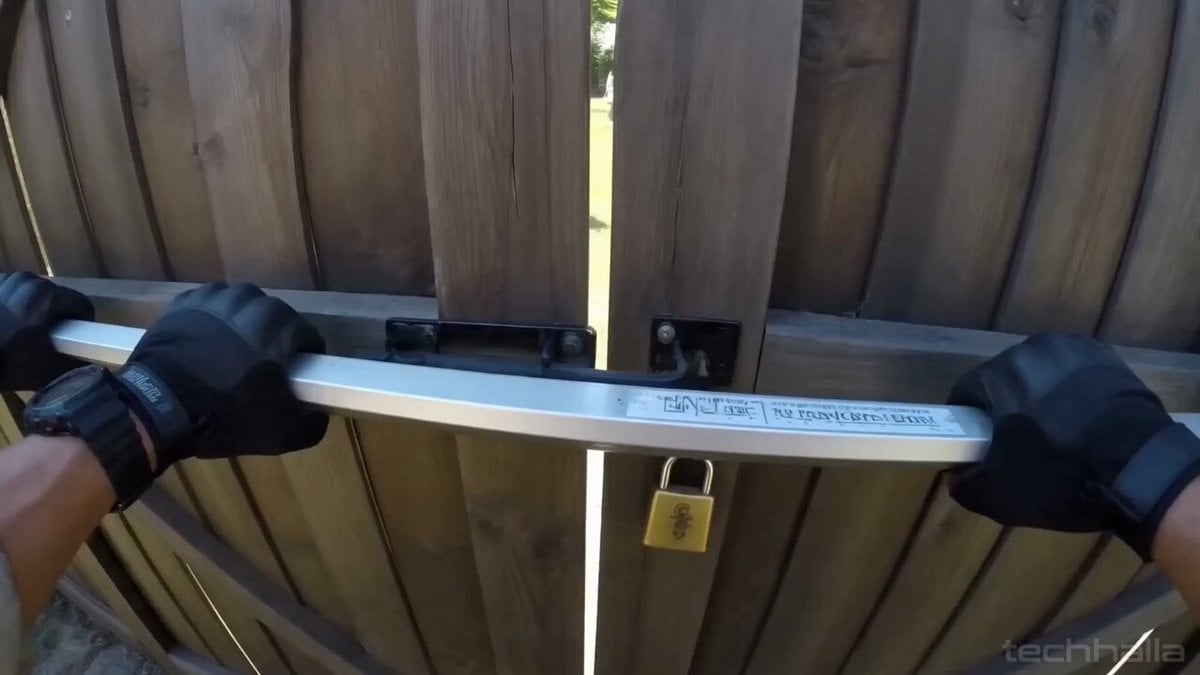
Gnome Tactical Bodycam Combat
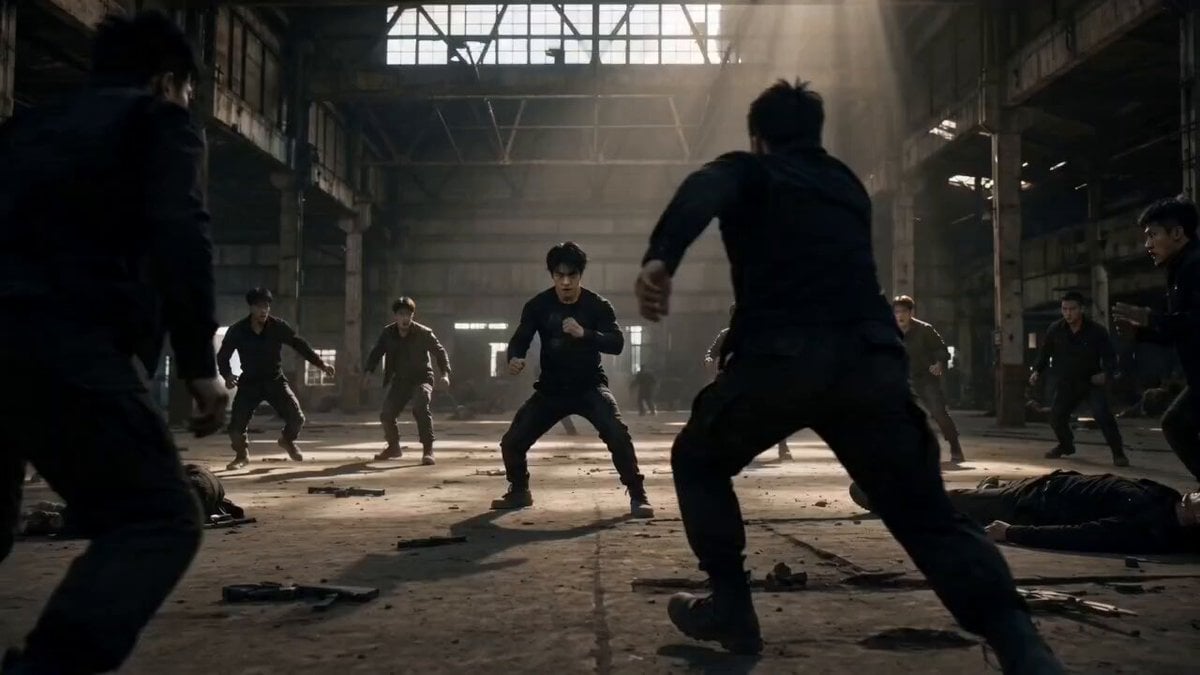
Martial Arts Warehouse Combat Sequence
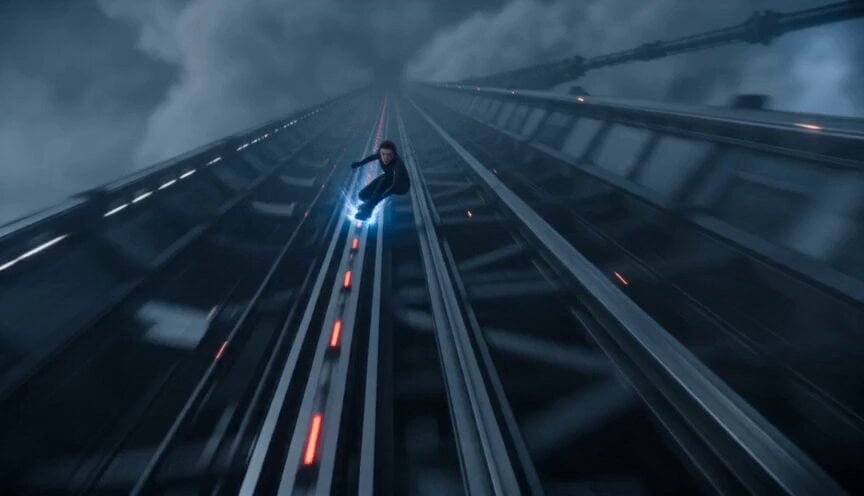
Orbital Elevator Combat Sequence
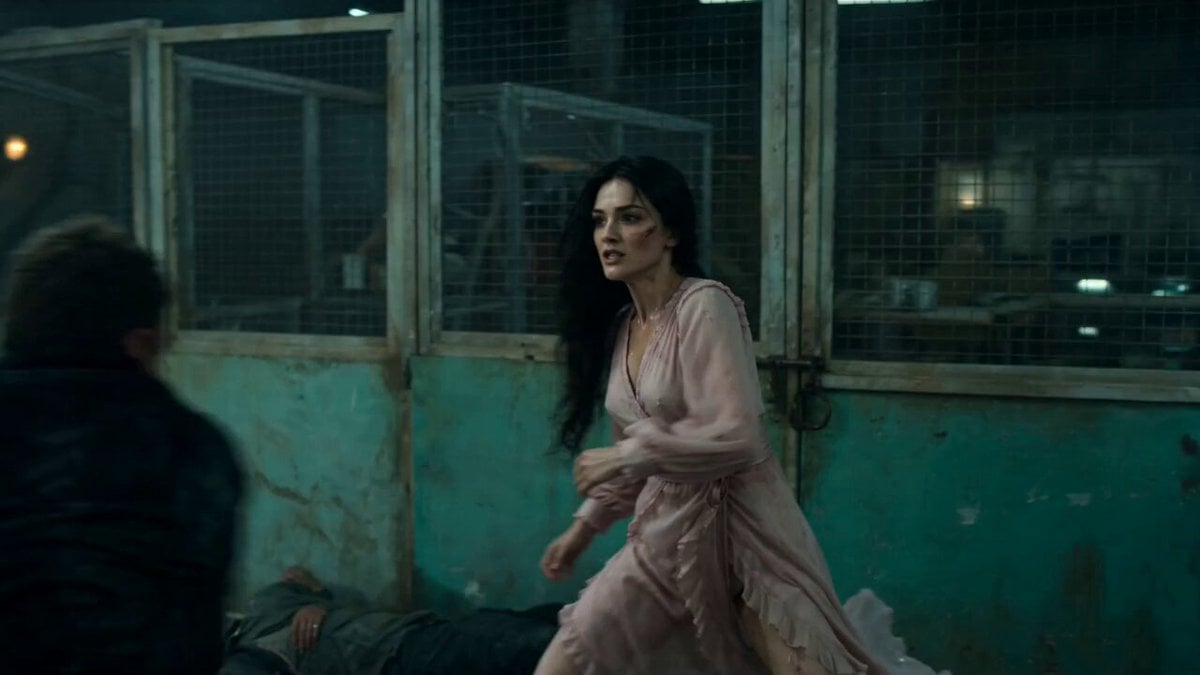
Warehouse Combat Video Sequence
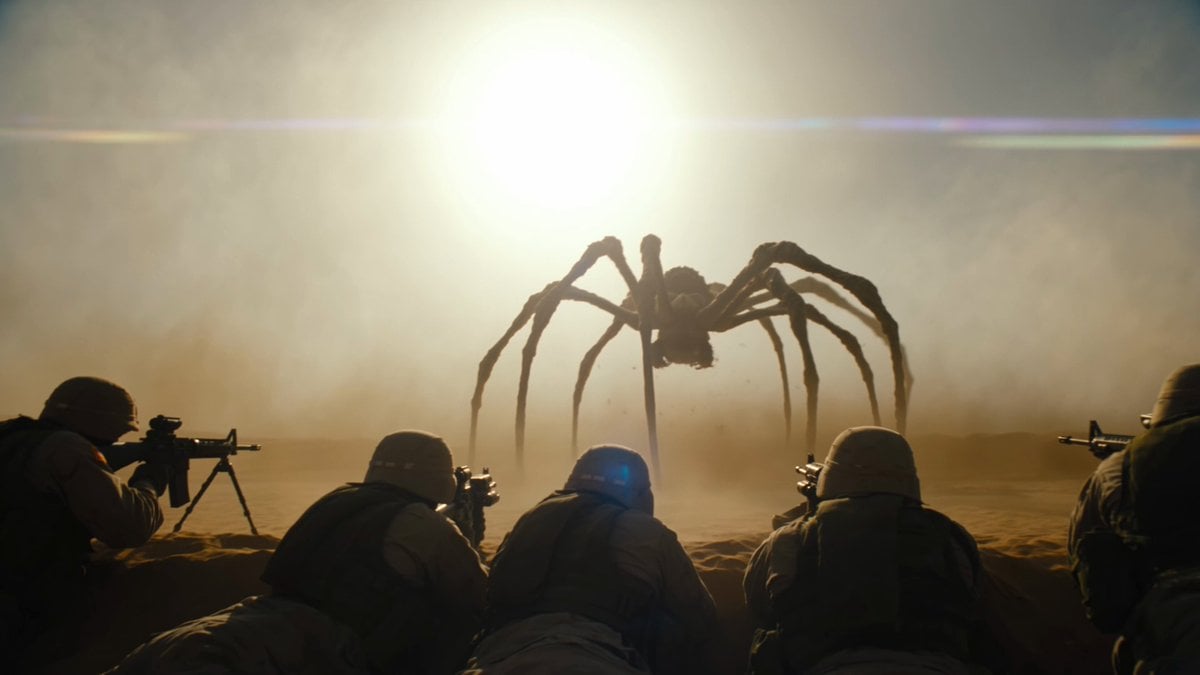
Cinematic Desert Combat Sequence
Sci-Fi Samurai Combat Sequence
Cartoon Chef Boy Hotel Kitchen Sequence
Futuristic Tactical Combat Armor Video Prompt
Complex Close Combat Sequence
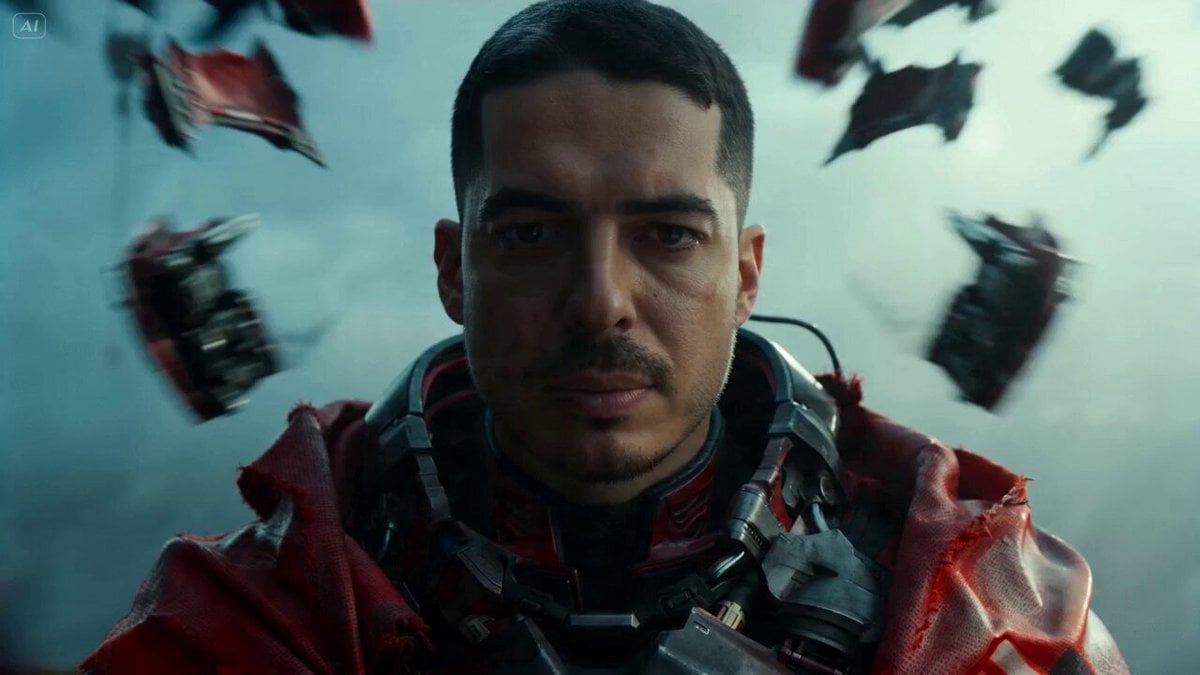
Sci-Fi Warrior Combat Sequence
Make it yours
Tactical Agent Hotel Combat Sequence works as-is. These are the safest ways to change it without losing the look.
Change one field
Copy a single group, rewrite it, and generate again so you can see what that field is doing.
Keep the frame, change the subject
Hold the composition and light of Tactical Agent Hotel Combat Sequence, then swap wardrobe, props or the person for a new take.
| If the result… | Why | Fix |
|---|---|---|
| The result drifts from the preview | Too many fields changed at once. | Reuse Tactical Agent Hotel Combat Sequence as-is first, then change one group — subject, light, or setting. |
| The model over-stylizes the scene | The prose prompt leaves finish and camera underspecified. | Add one camera or lighting sentence and stay on Seedance 2.0. |
More Seedance 2.0 templates
Other prompts made for Seedance 2.0.

Comical Martial Arts Punch Scene

Wuxia Protection and Trust Script

Vintage Korean Arcade MiniDV Vlog

Mercedes 190 SL Luxury Ad

Rainy Night Supernatural Reverse Comedy Video Script

Amazon Civilization Discovery

Futuristic South Asian City Transformation

Cozy Luxury Cafe Commercial

Cyber Ronin Nanotech Transformation Video

Desert Courier and Sandstorm Leviathan Chase
More video prompts
Fresh picks from across the catalog.
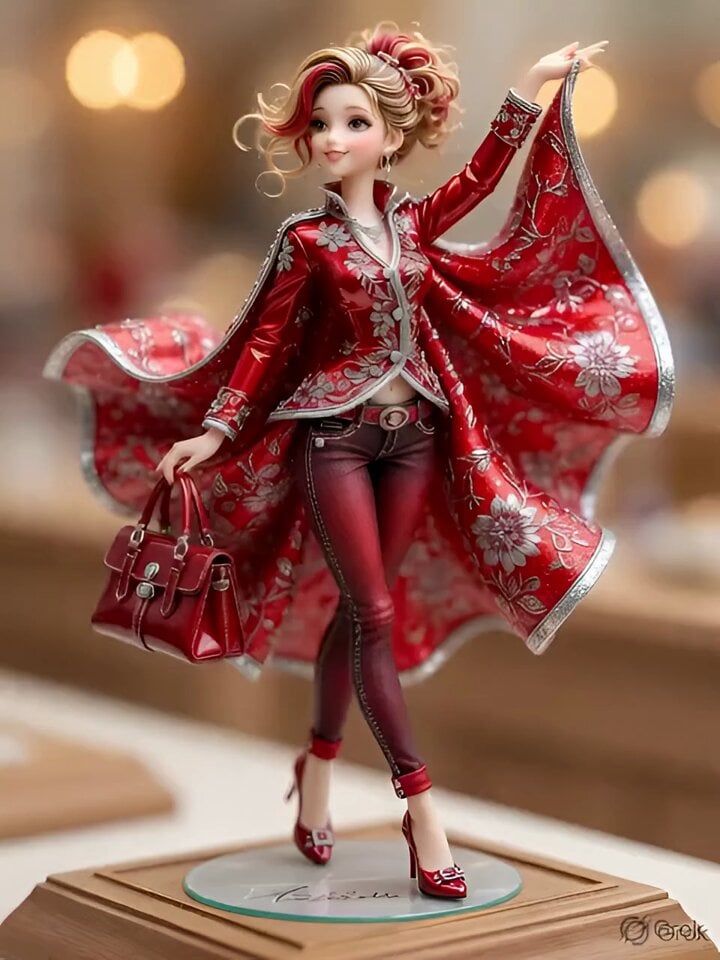
3D Anime Figurine Prompt (Text-to-Image/Video)
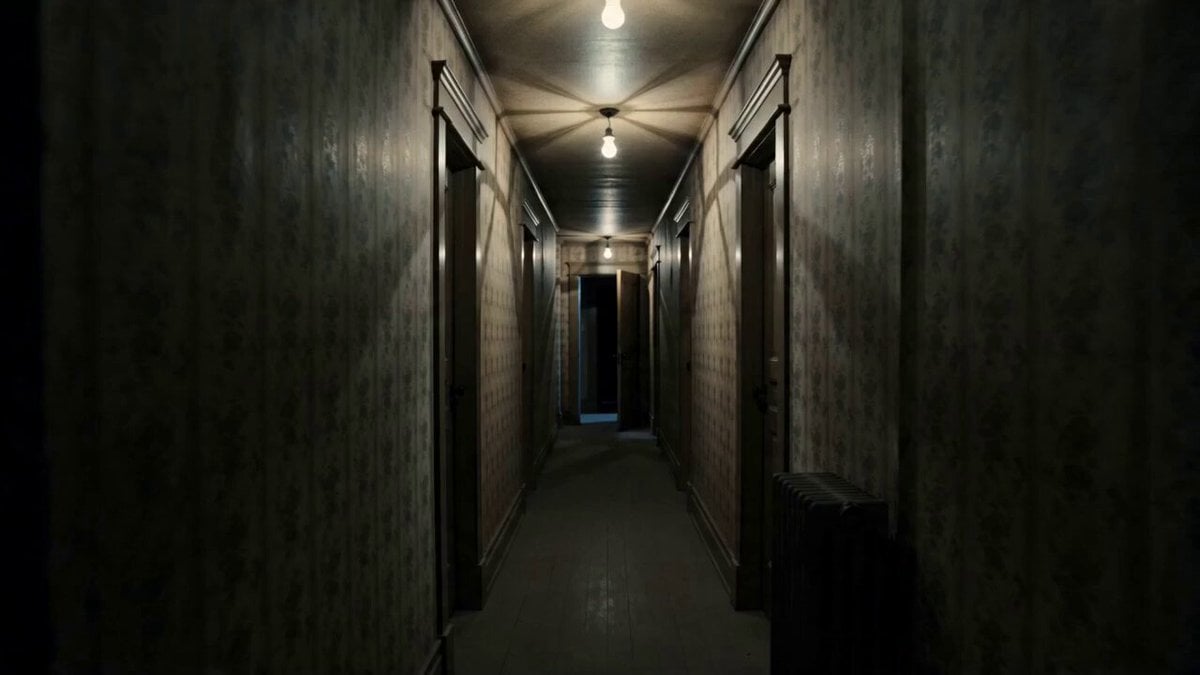
Prestige Horror Hallway Cinematic Video
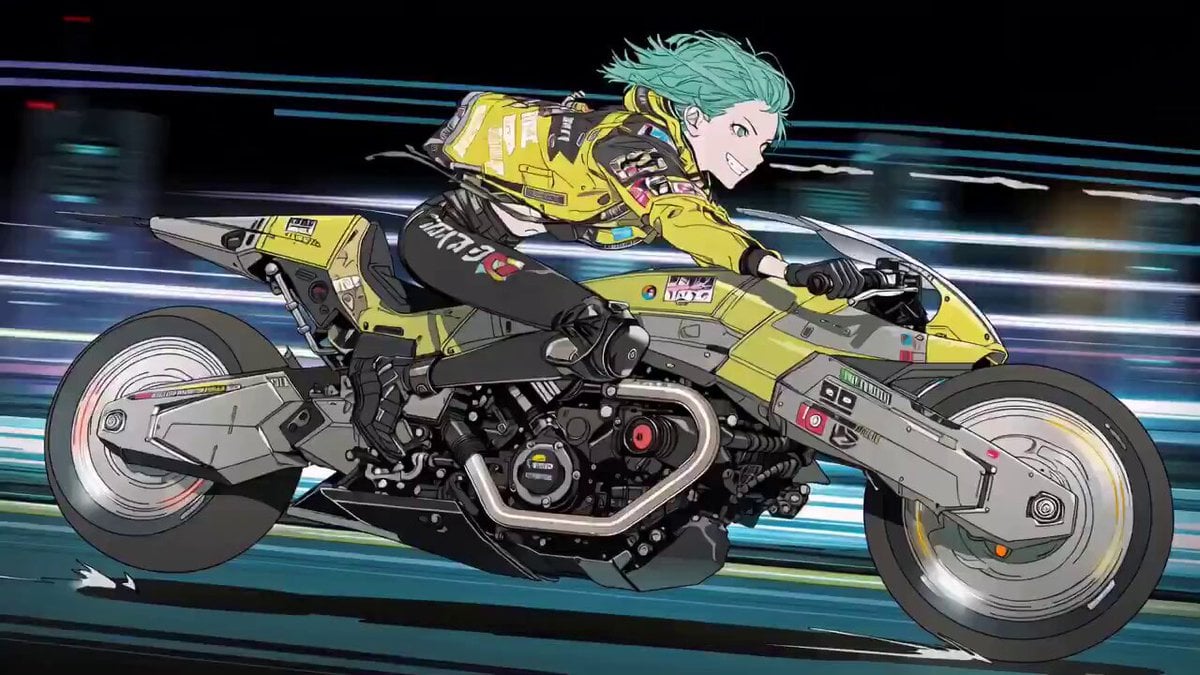
Cyberpunk Anime Trailer Test Prompt with Lip Sync
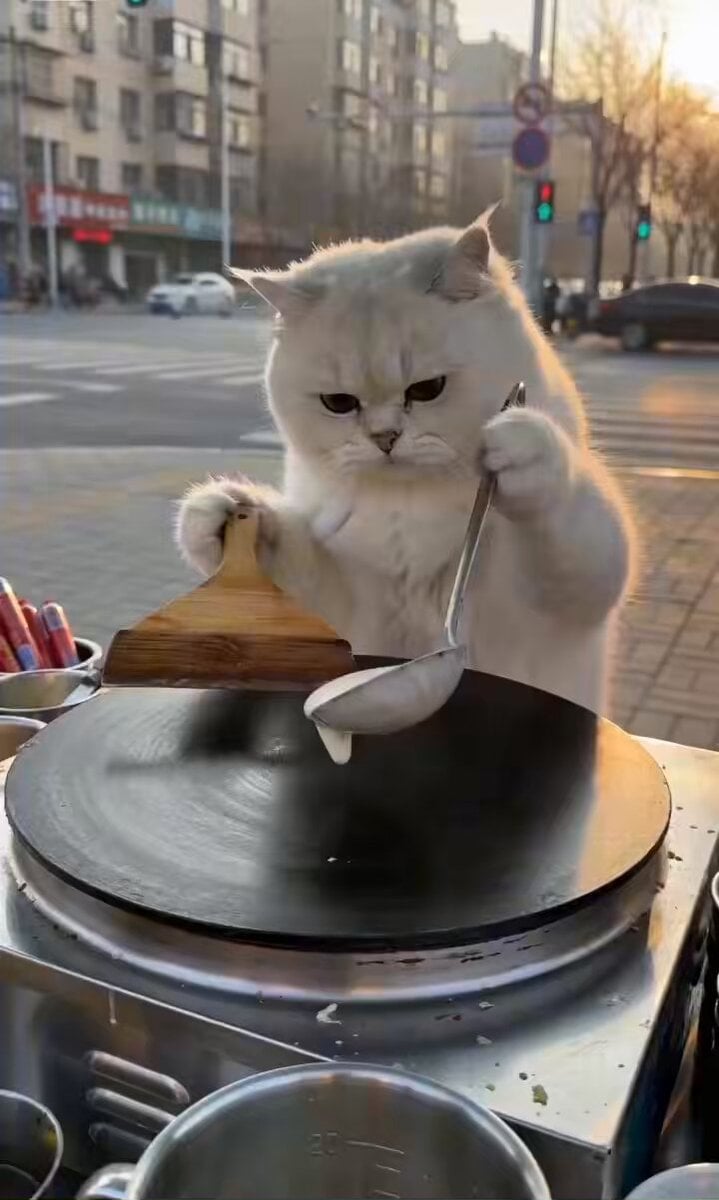
Cat Making Pancakes (Jianbing) - Seedance Cute Pet Series
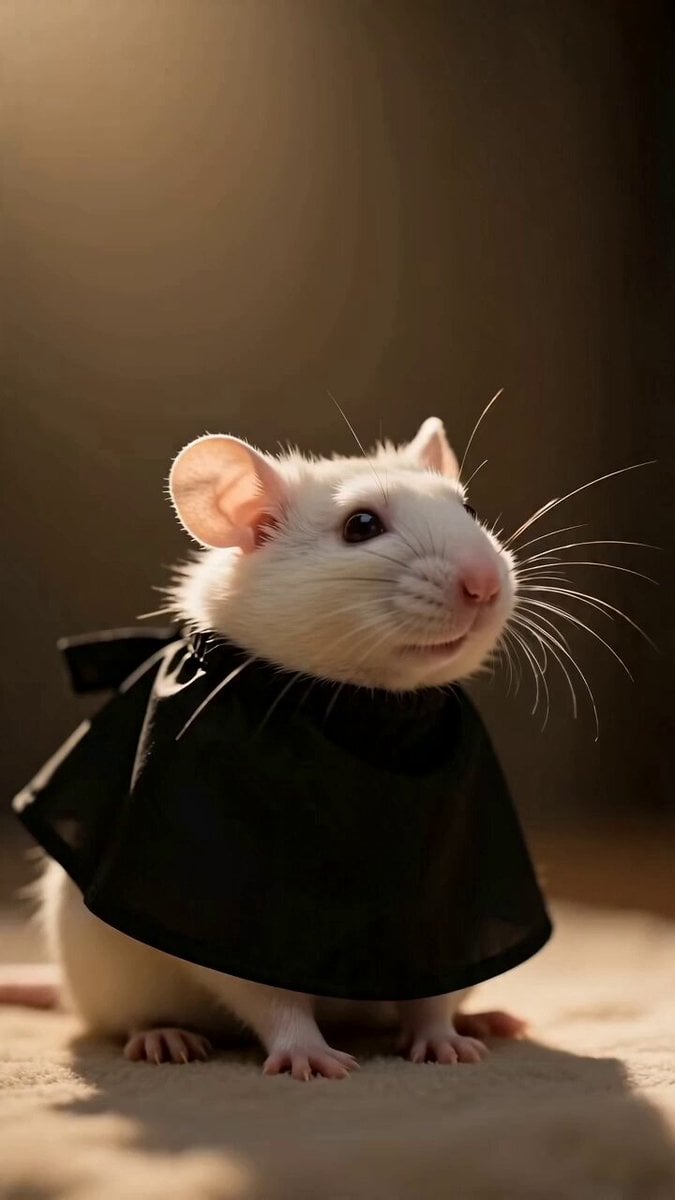
Fashionable Pet Rat Haircut
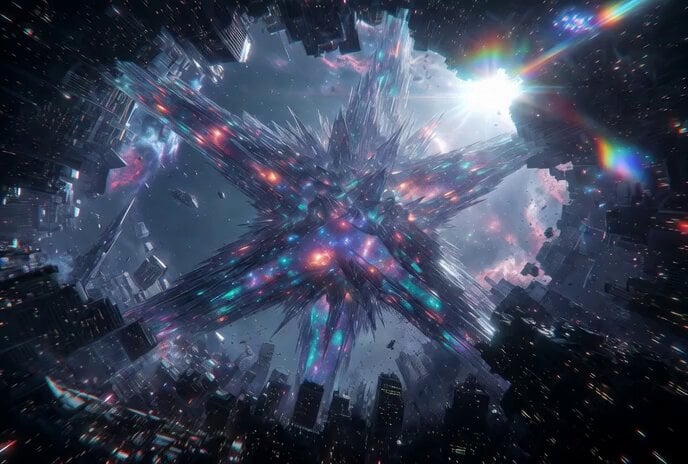
Tesseract Star Cube Incursion Video Prompt
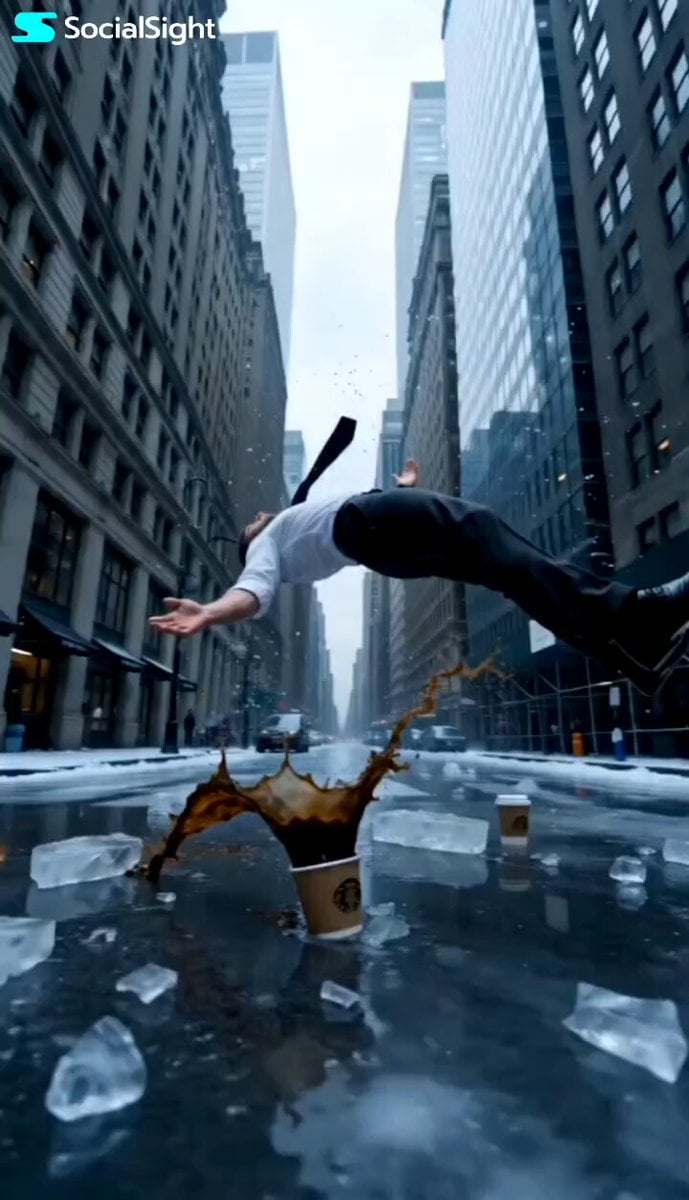
Slow Motion NYC Winter Bullet Time
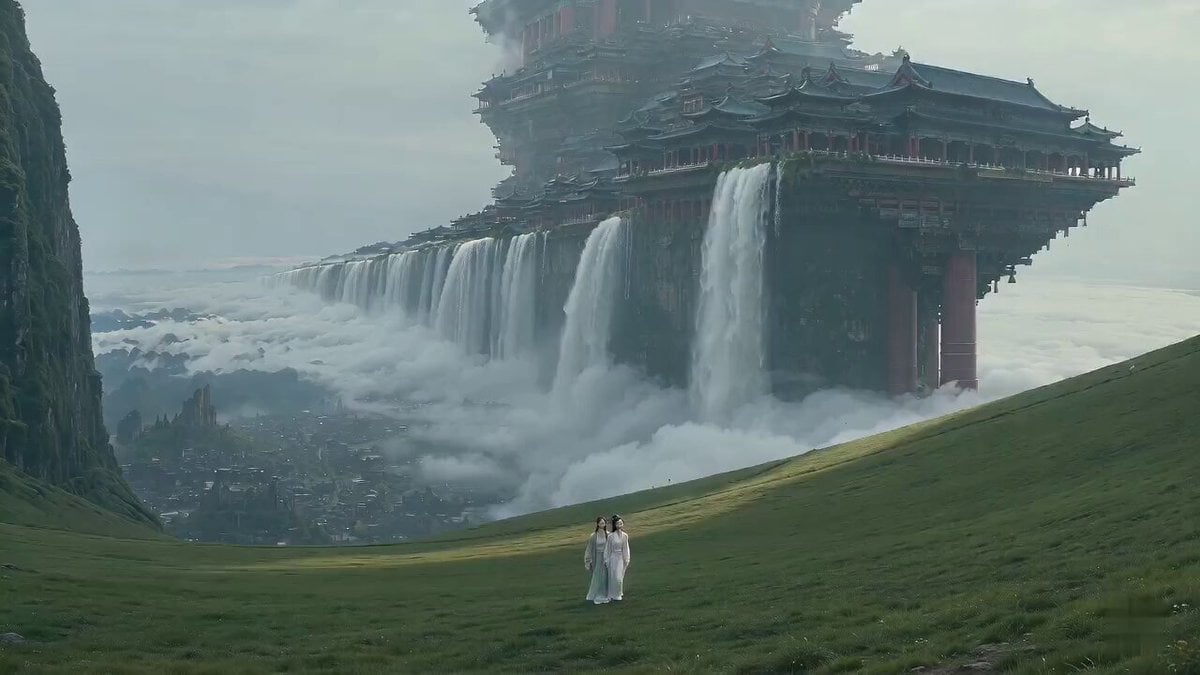
Surreal Immortal Mountain Environment Awakening
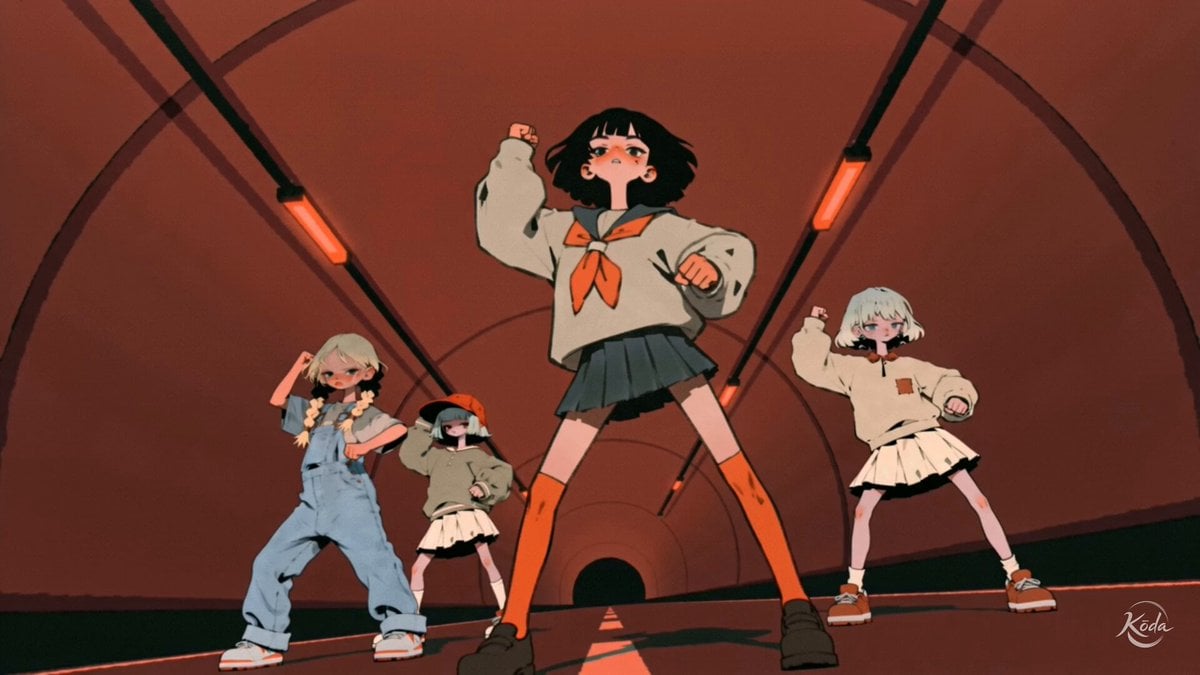
Music Video Choreography and Identity
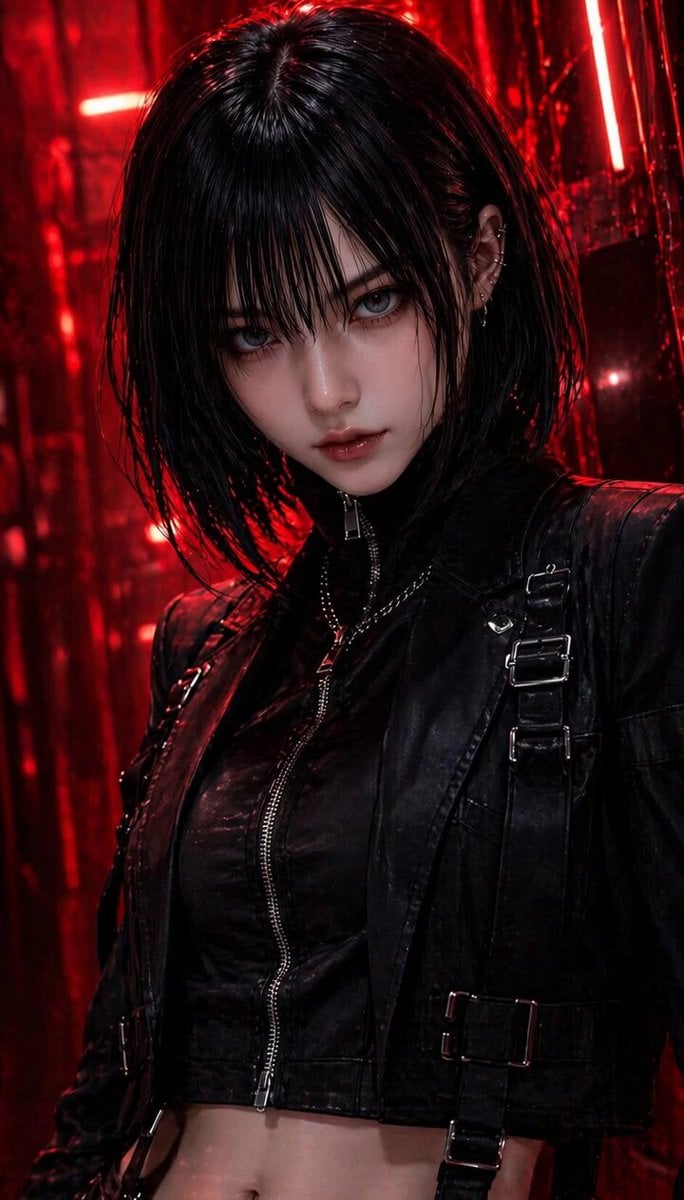
NERA Lip-Sync Agent Prompt
Browse template categories
Tactical Agent Hotel Combat Sequence questions
How do I use the Tactical Agent Hotel Combat Sequence template?
Add your photo if the template asks for one, edit the prompt if you like — the template's model and format are already selected — and press Generate. Your version opens in PicX Studio.
Can I customize the Tactical Agent Hotel Combat Sequence template?
Yes. You can change the subject, setting, lighting, mood, format, and available model controls before creating your video.
Is the Tactical Agent Hotel Combat Sequence template free?
Opening and editing this template is free. Generating uses credits, shown on the Generate button when you are signed in.
Which AI model should I use?
Start with Seedance 2.0, which is the model associated with this template. You can compare another compatible model for a different finish.
Looking for something else? Browse all templates.

Your photo, any look
Thousands of ready templates for every top image and video model, from one credit balance.