
Prestige Horror Hallway Cinematic Video
A cinematic prestige horror prompt for a slow tracking shot down a dark, atmospheric hallway with flickering lights and subtle shadows, designed for suspenseful storytelling.
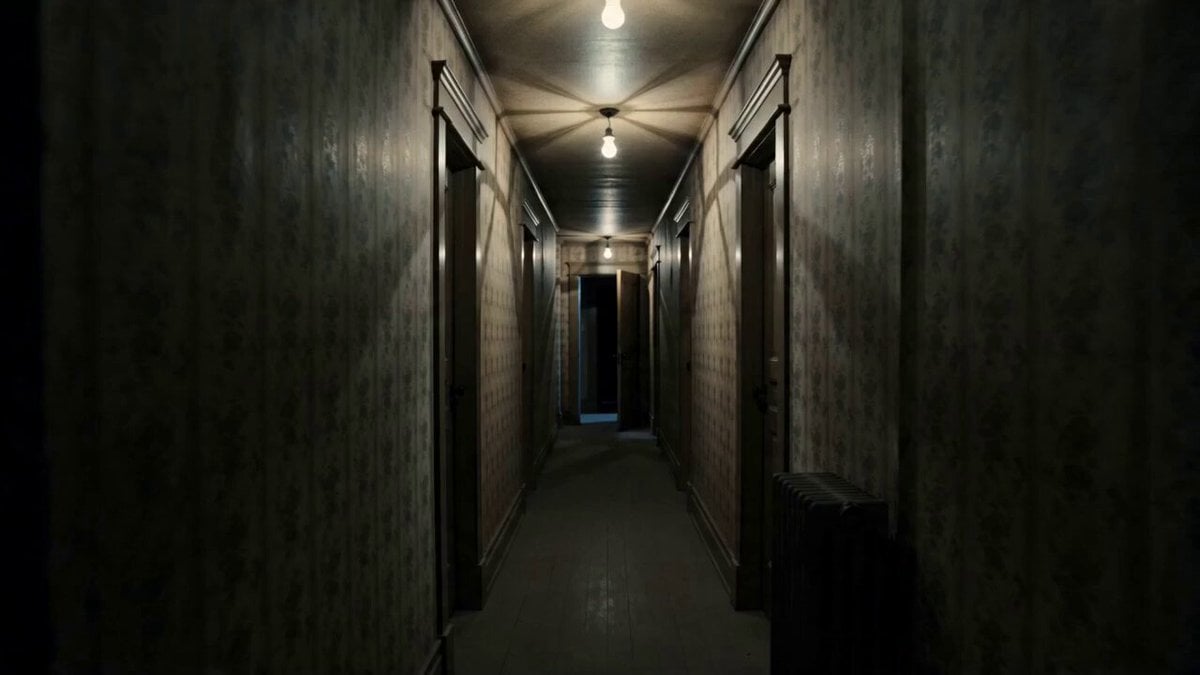
- Prompt included
- Model and format preset
- Premium template
The prompt behind this video
Copy the exact prompt behind Prestige Horror Hallway Cinematic Video, or open it in the studio and make it yours.
15 seconds, 16:9 cinematic, single continuous slow tracking shot down a hallway, deliberately unhurried, minimal camera movement, no cuts. Global setup: Prestige horror film aesthetic, inspired by slow burn atmospheric horror cinematography. Desaturated cold color grade, deep shadows, single flickering practical light source. Setting: a narrow old house hallway at night, peeling wallpaper, a single bare bulb flickering overhead, doors lining both sides one door at the far end slightly ajar. Subject: unseen presence implied through environmental cues rather than a visible monster. Ambient sound: low ambient drone, distant creaking floorboards, faint static like whisper just below intelligibility, single deep bass hit at the midpoint. [0:00–0:03] Camera drifts slowly forward down the hallway at eye level, bulb overhead flickers once, shadows shift subtly along the walls. Near-silence except low ambient drone. [0:03–0:06] Camera continues its slow push forward, the far door at the end of the hallway creaks open another few inches on its own, no visible cause. Floorboard creak sound, off screen. [0:06–0:09] Camera pauses briefly a faint, barely visible shadow-shape passes across the doorway at the end of the hall for less than a second, gone before it can be clearly seen. Sudden deep bass hit. [0:09–0:12] Camera resumes its slow advance, bulb flickers more rapidly now, temperature-shift visual cue (faint breath-like mist briefly visible in the cold air). Whisper-like static rises faintly under the drone. [0:12–0:15] Camera reaches the end of the hallway, the door slowly swings fully open on its own to reveal only darkness beyond no figure shown, just an oppressive void. Sound cuts to complete silence for the final beat. Fade to black. Style: restrained atmospheric horror, no jump-scare quick cuts, no gore, no explicit visible monster or figure dread built through suggestion, lighting, and sound design. Constraints: consistent environment and lighting logic throughout, physically plausible camera movement, no distorted anatomy or figures, no text overlays, tension built through pacing and sound rather than shock imagery.
How to use Prestige Horror Hallway Cinematic Video in 3 steps
- 1
Open
The prompt is already in the box next to the preview, with the template's model and format selected.
- 2…a portrait of your subject in softgolden-hour light, 85mm…
Personalize
Edit the subject and creative details for your destination.
- 3Generate
Generate
Press Generate — your video is created in PicX Studio, so you can compare it with the original and refine one variable at a time.
More like this
Templates with the same subject, style or setup. Open one to see its prompt.
Rainforest Thriller — Searching the Unseen
Chibi Cave Adventure — He Doesn't Know What's Coming
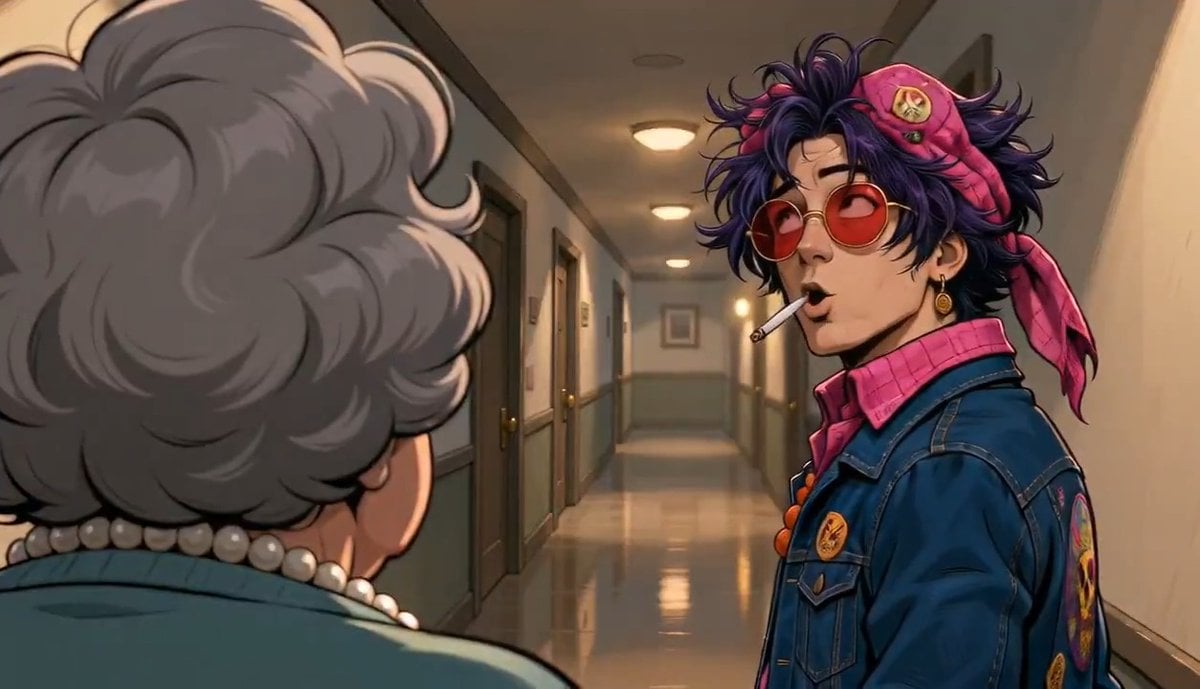
Apartment Hallway Neighbor Confrontation
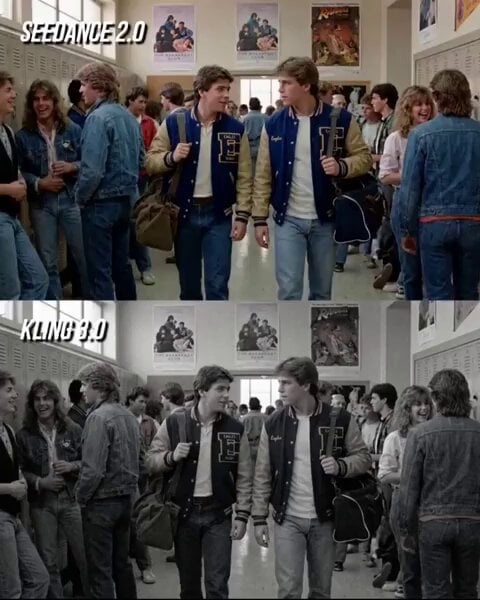
80s Teen Movie Hallway Standoff
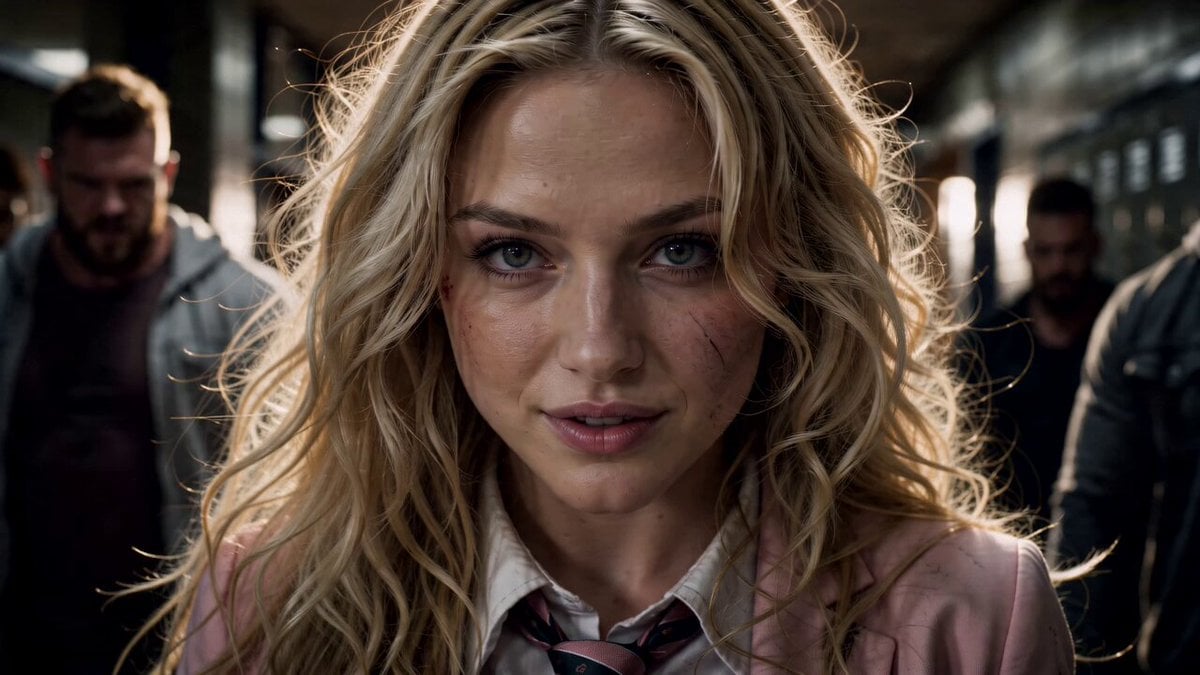
High School Hallway Fight
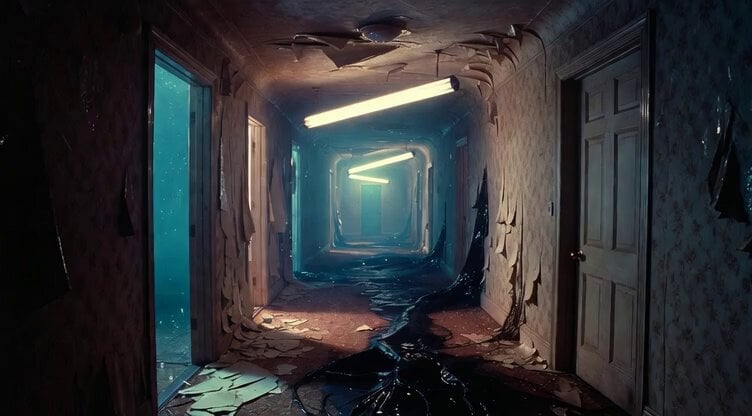
Hauntingly liminal hallway in a decaying apartment
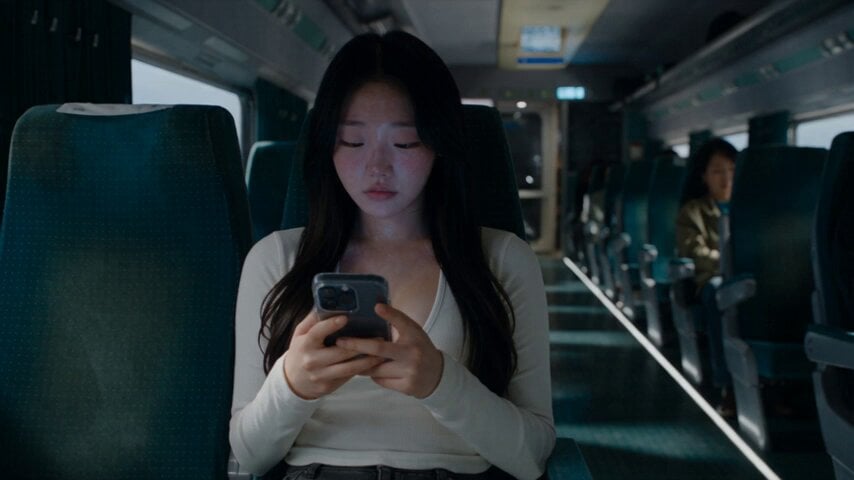
Last Ride Train Outbreak Horror
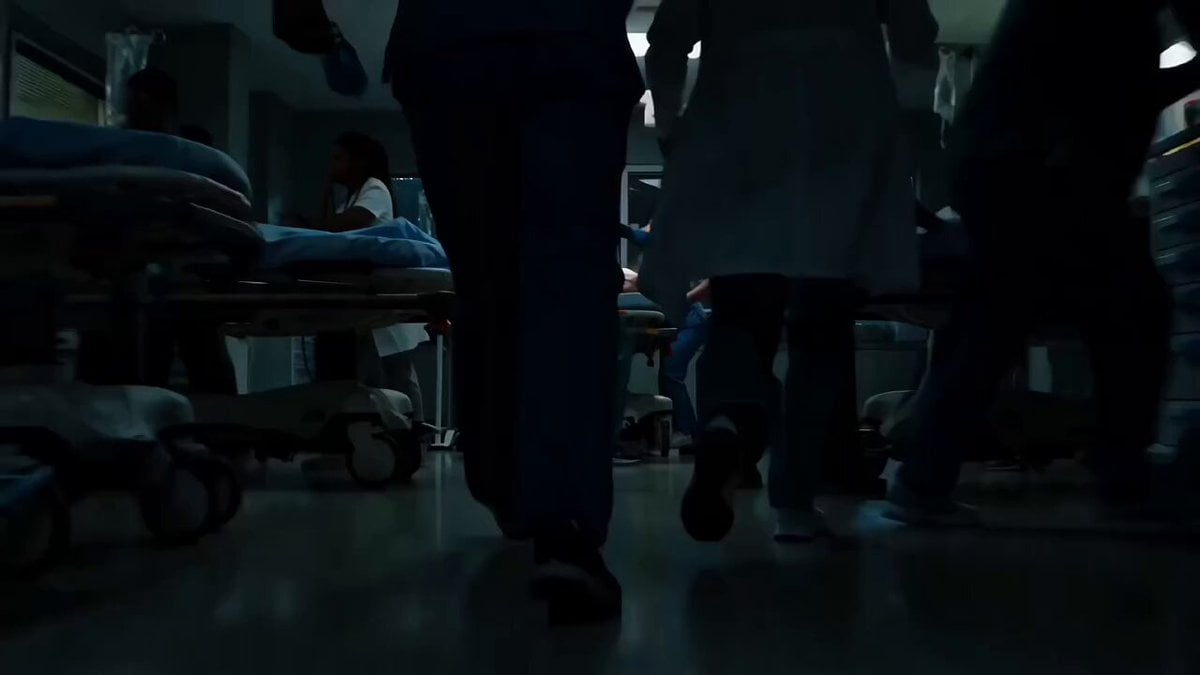
Sci-Fi Horror Hospital Alien Scene
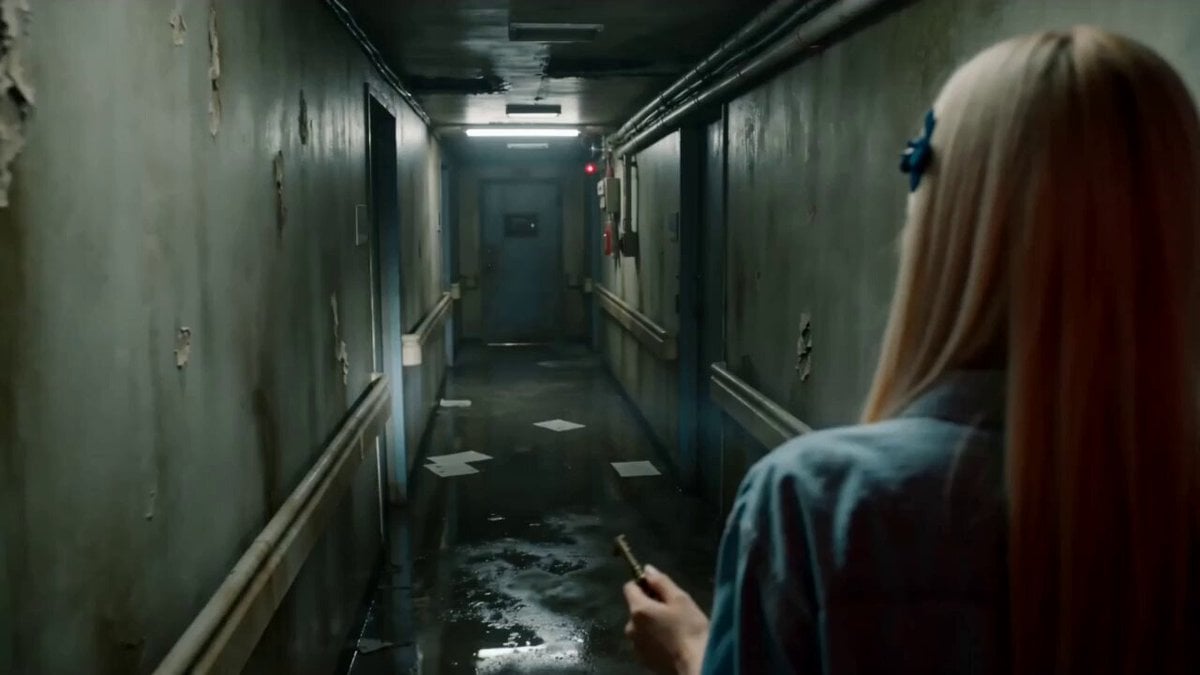
Abandoned Hospital Horror POV Film
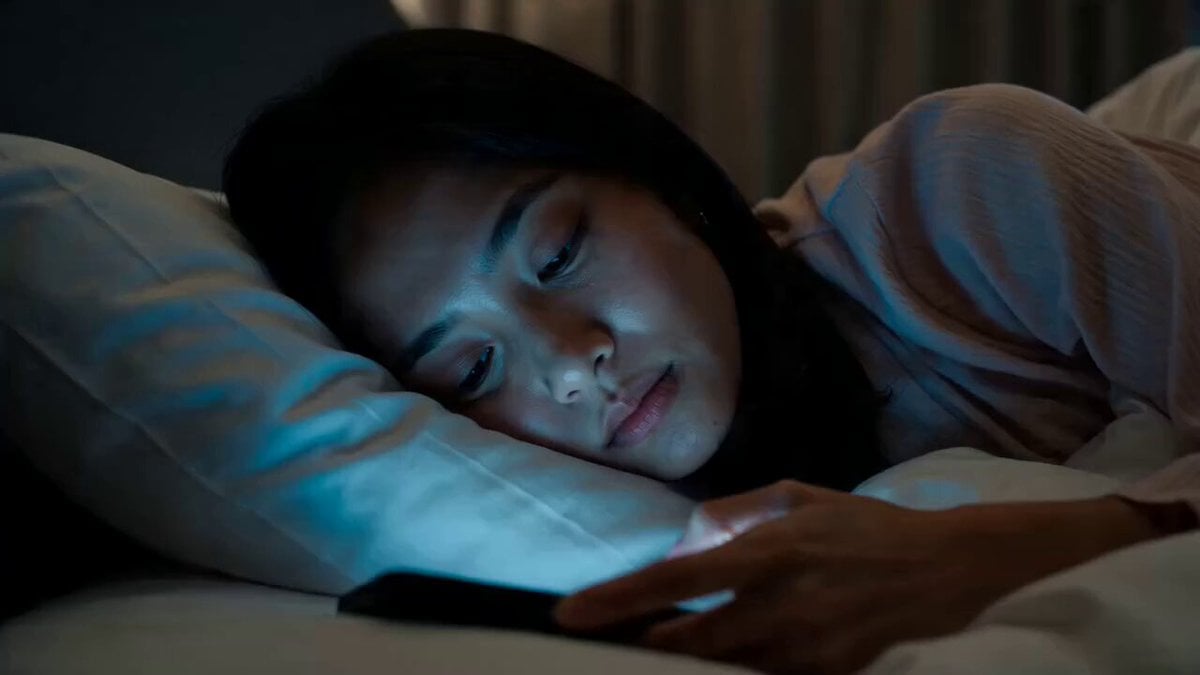
Horror Short Guesthouse Box
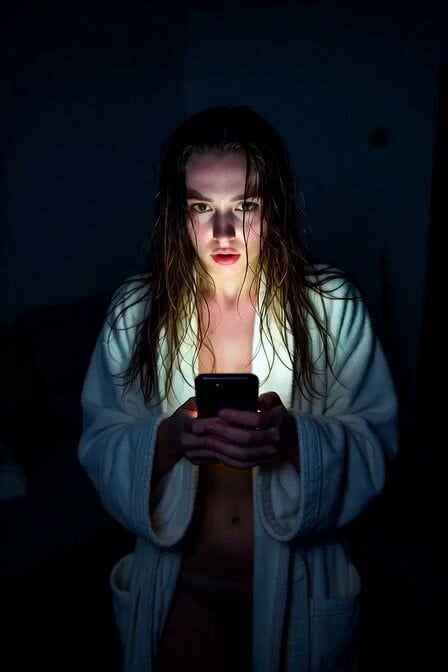
Horror Daffy Duck Video Transition
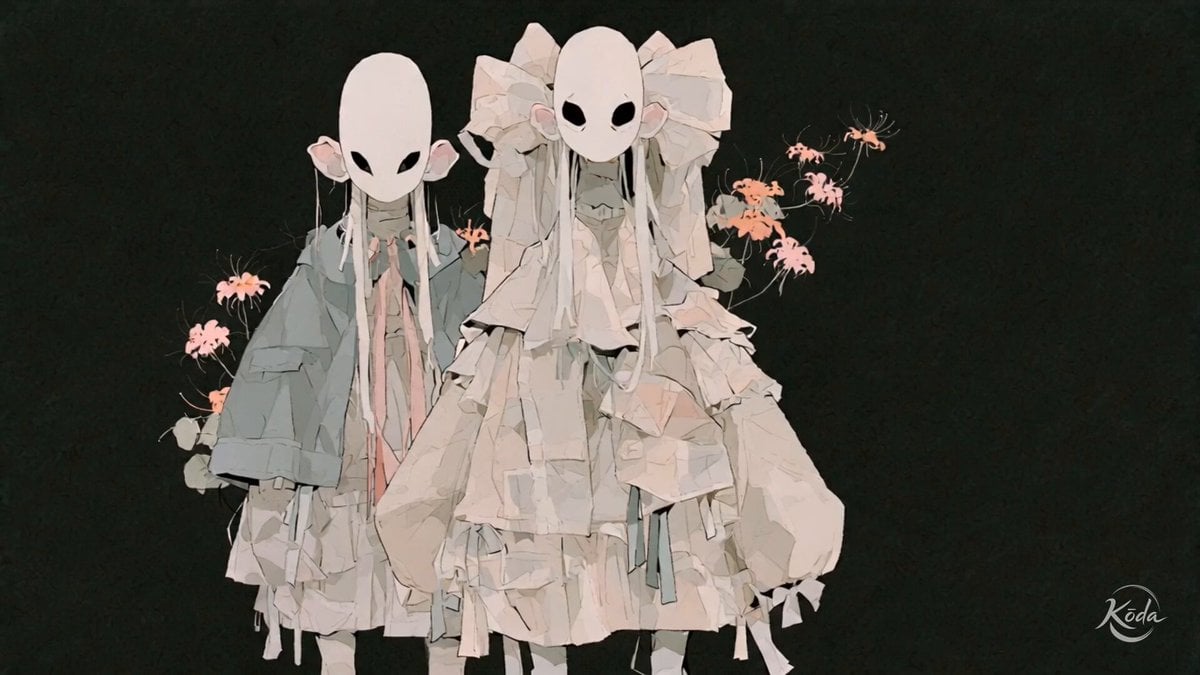
Cinematic J-Horror Anime Sisters
Make it yours
Prestige Horror Hallway Cinematic Video works as-is. These are the safest ways to change it without losing the look.
Change one field
Copy a single group, rewrite it, and generate again so you can see what that field is doing.
Keep the frame, change the subject
Hold the composition and light of Prestige Horror Hallway Cinematic Video, then swap wardrobe, props or the person for a new take.
| If the result… | Why | Fix |
|---|---|---|
| The result drifts from the preview | Too many fields changed at once. | Reuse Prestige Horror Hallway Cinematic Video as-is first, then change one group — subject, light, or setting. |
| The model over-stylizes the scene | The prose prompt leaves finish and camera underspecified. | Add one camera or lighting sentence and stay on Seedance 2.0. |
More Seedance 2.0 templates
Other prompts made for Seedance 2.0.

Comical Martial Arts Punch Scene

Maglev Train Action Sequence

Martial Arts Fight Sequence

Wuxia Protection and Trust Script

Vintage Korean Arcade MiniDV Vlog

Mercedes 190 SL Luxury Ad

Rainy Night Supernatural Reverse Comedy Video Script

Amazon Civilization Discovery

Futuristic South Asian City Transformation

Cozy Luxury Cafe Commercial
More video prompts
Fresh picks from across the catalog.
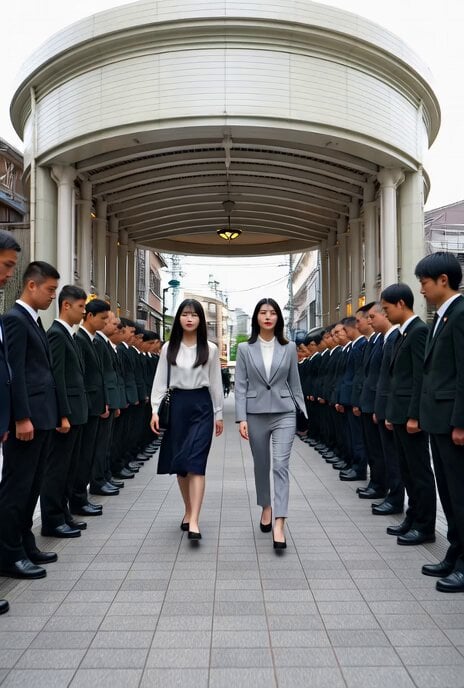
Yakuza Encounter Scene Video
Divine Hathorian Goddess Scifi
Complex single-shot morphing video prompt for Seedance 2.0

Epic White Tiger Summoning Prompt

Premium Luxury Perfume Ad Sequence
Chibi Firefly Anime Style
Queen in a Ceremonial Hall Surrounded by Fire
Dancing Woman with Purple Bird
High-Octane Wuxia Anime Combat
Vintage Japanese MiniDV Travel Memory
Browse template categories
Prestige Horror Hallway Cinematic Video questions
How do I use the Prestige Horror Hallway Cinematic Video template?
Add your photo if the template asks for one, edit the prompt if you like — the template's model and format are already selected — and press Generate. Your version opens in PicX Studio.
Can I customize the Prestige Horror Hallway Cinematic Video template?
Yes. You can change the subject, setting, lighting, mood, format, and available model controls before creating your video.
Is the Prestige Horror Hallway Cinematic Video template free?
Opening and editing this template is free. Generating uses credits, shown on the Generate button when you are signed in.
Which AI model should I use?
Start with Seedance 2.0, which is the model associated with this template. You can compare another compatible model for a different finish.
Looking for something else? Browse all templates.

Your photo, any look
Thousands of ready templates for every top image and video model, from one credit balance.