
Mischievous Animated Puppy Gesture Sequence
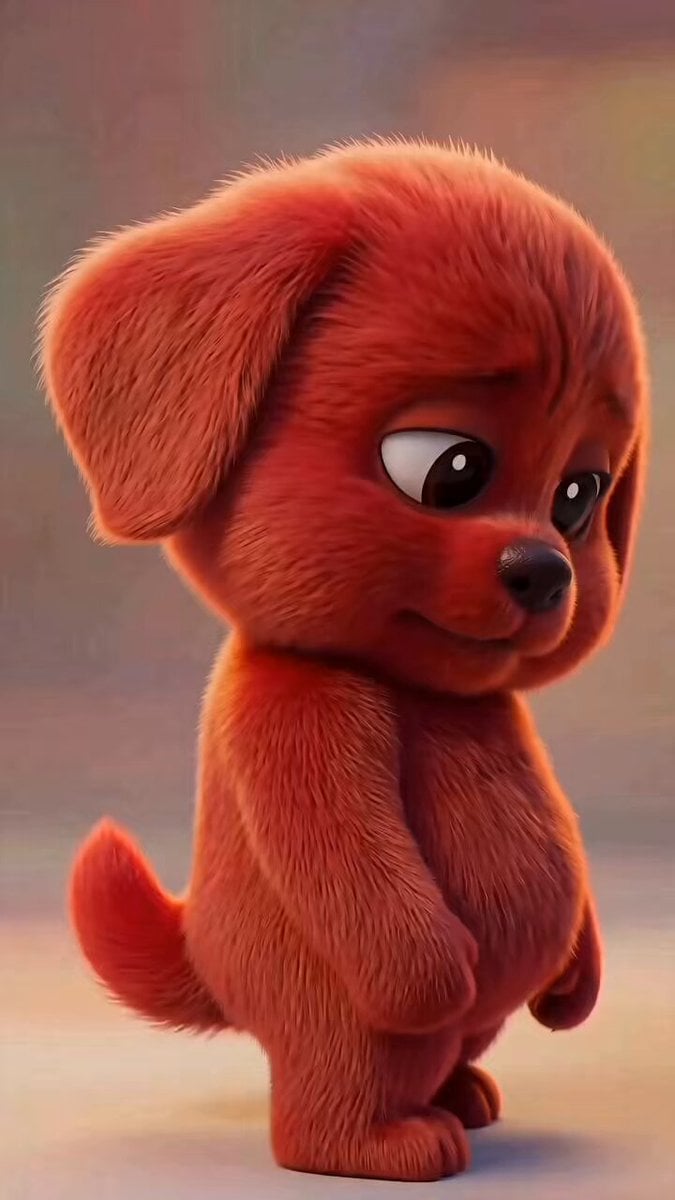
A highly detailed animation prompt for a 3D puppy, featuring a specific sequence of micro-expressions and a finger-gesture transition from a middle finger to a thumbs-up.
- Prompt included
- Model and format preset
- Free template
The prompt behind this video
Copy the exact prompt behind Mischievous Animated Puppy Gesture Sequence, or open it in the studio and make it yours.
主体是一只红色毛茸茸的小狗,Q版3D动画风格,外形可爱但表情带一点坏坏的邪魅感。小狗站在画面中央略偏下,身体侧对镜头约30度,头部微微低垂,眼睛大而有神,毛发柔软细腻,红色绒毛有真实蓬松质感。背景为柔和暖色虚化室内环境,浅景深,电影感柔光,画面干净,不要出现文字、水印、额外角色或多余物体。 请严格按照以下时间轴编排动作,不要合并动作,不要提前或延后关键动作: 0.0s-1.0s:小狗保持安静站立,身体微微侧身,头低低的,眼神从下方慢慢抬起,整体动作很轻,营造“准备使坏”的氛围。镜头稳定,近景半身到全身之间,主体完整可见。 1.0s-1.8s:小狗第一次斜撇向镜头。它的眼睛先向镜头方向斜看,头部只轻微转动,不要大幅摇头,眼神带挑衅和调皮,嘴角几乎不动。这个斜撇动作要清楚、缓慢、有表情变化。 1.8s-2.4s:小狗短暂收回视线,眼睛看向旁边或微微向下,表情保持坏笑前的克制感,身体仍然放松站立,右手自然垂在身体前侧。 2.4s-3.2s:小狗第二次斜撇向镜头。动作与第一次不同:眼睛更明显地斜向镜头,眉眼压低一点,头部轻轻偏斜,形成更强的邪魅感。必须表现出“第二次斜撇”的重复动作,不要省略。 3.2s-4.2s:小狗开始缓慢伸出右手。右手从身体前侧慢慢抬起并伸向镜头方向,手臂动作自然、有重量感,速度慢,不要瞬间完成。左手保持放松垂下,身体不要大幅移动。 4.2s-5.1s:右手继续向前,手掌逐渐立起,手指开始形成竖中指手势的前半段:其他手指正在弯曲,中间手指刚开始向上,但动作只做到一半,不要完成完整竖中指。此阶段重点是“手势正在变化中”,不要让模型直接跳到最终手势。 5.1s-6.0s:手势在半途中发生转变:原本准备竖起的中指自然收回,同时大拇指慢慢抬起,最终变成清晰的竖大拇指点赞手势。转变过程要顺滑可见,必须体现“竖中指做到一半变成竖大拇指”,不要直接从普通手变成点赞。 6.0s-7.0s:小狗保持右手竖大拇指面向镜头,嘴角缓慢上扬,露出邪魅一笑。眼睛继续斜看镜头,表情坏坏的、得意的、可爱中带一点挑衅。最后0.3秒动作保持稳定,方便形成清晰结尾画面。 镜头要求:竖屏9:16,轻微电影感推近但不要剧烈运镜,主体始终在画面中心,右手伸出时不要出画,手势必须清晰可辨。动画流畅,动作节奏自然,表情细腻,毛发随动作有轻微柔软摆动。不要出现写实恐怖感,不要让小狗变形,不要增加人类手,不要多出手指,不要改变角色颜色,不要出现字幕。
How to use Mischievous Animated Puppy Gesture Sequence in 3 steps
- 1
Open
The prompt is already in the box next to the preview, with the template's model and format selected.
- 2…a portrait of your subject in softgolden-hour light, 85mm…
Personalize
Edit the subject and creative details for your destination.
- 3Generate
Generate
Press Generate — your video is created in PicX Studio, so you can compare it with the original and refine one variable at a time.
More like this
Templates with the same subject, style or setup. Open one to see its prompt.
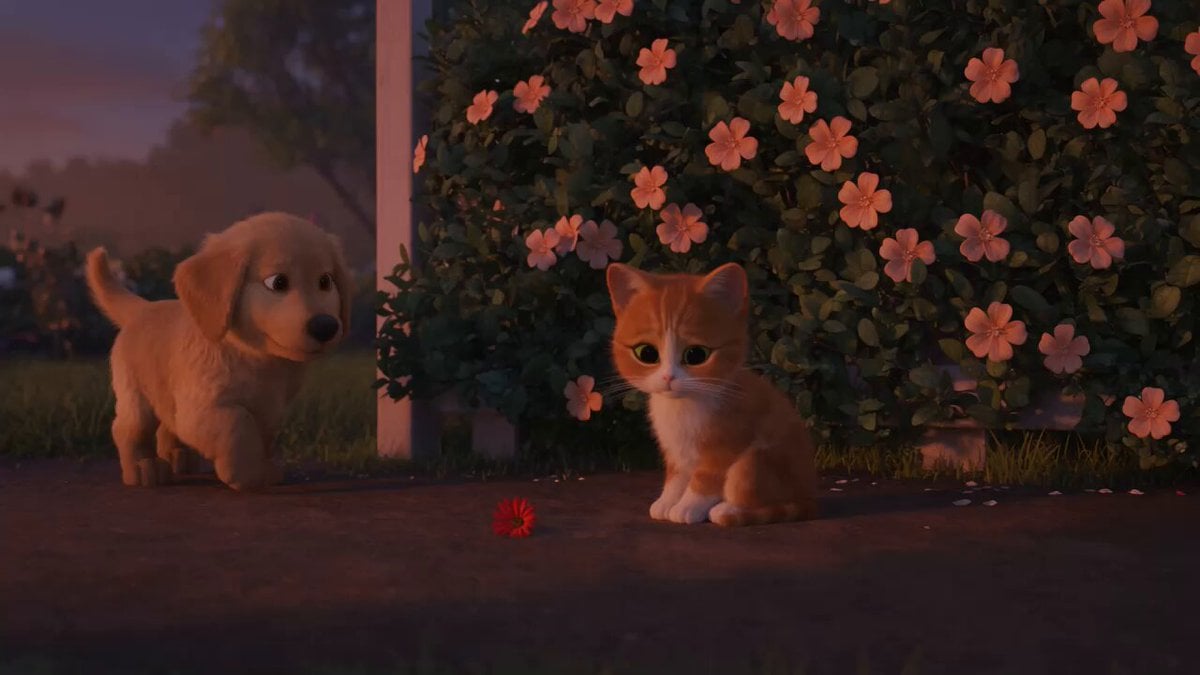
Wholesome Puppy and Kitten Story - Seedance 2.5

3D Animated Newspaper Delivery Short - Seedance 2.5

3D Animated Cat and Old Man - Seedance
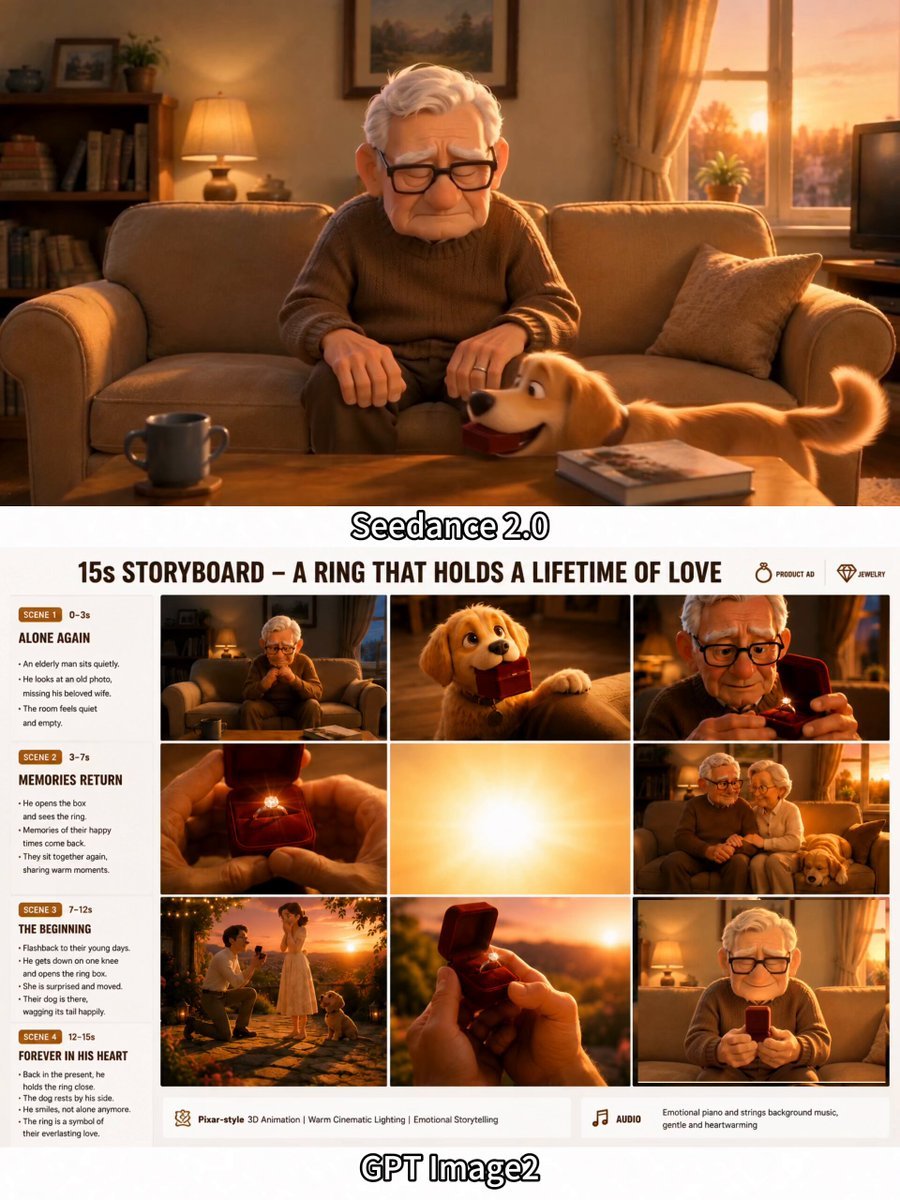
Emotional 3D Animated Puppy and Ring Story
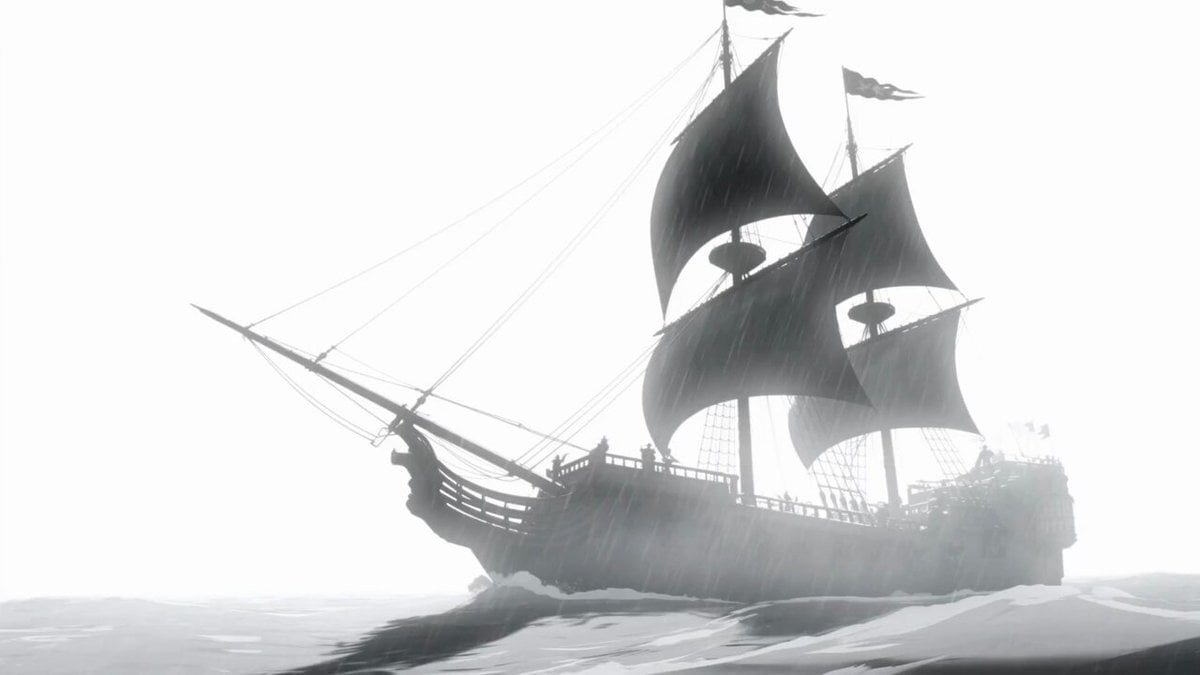
Animated Pirate Action Sequence
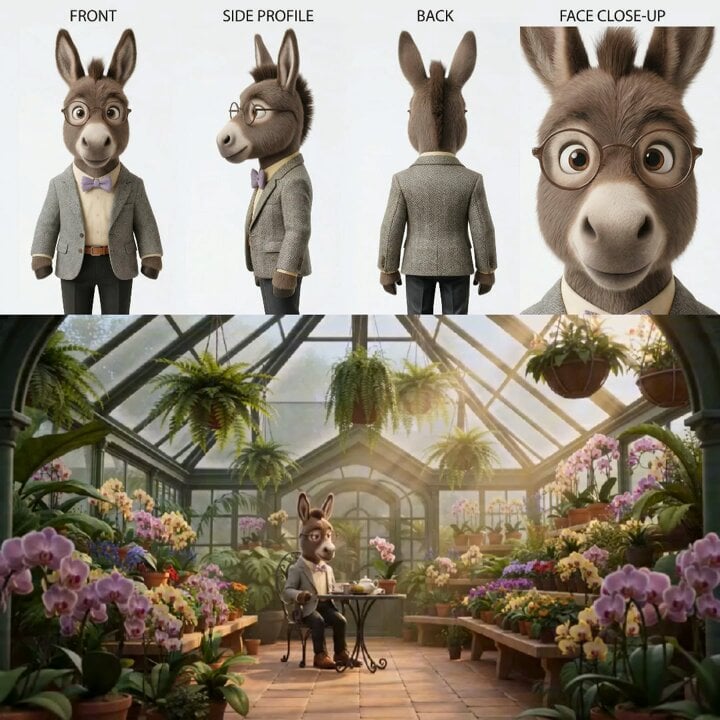
Animated Goat-Man Tea Ceremony Sequence
Watercolor Storybook Animated Short
Animated Comedy Coffee Mugs

Maglev Train Action Sequence

Martial Arts Fight Sequence
Cosmic Marble Animated Short
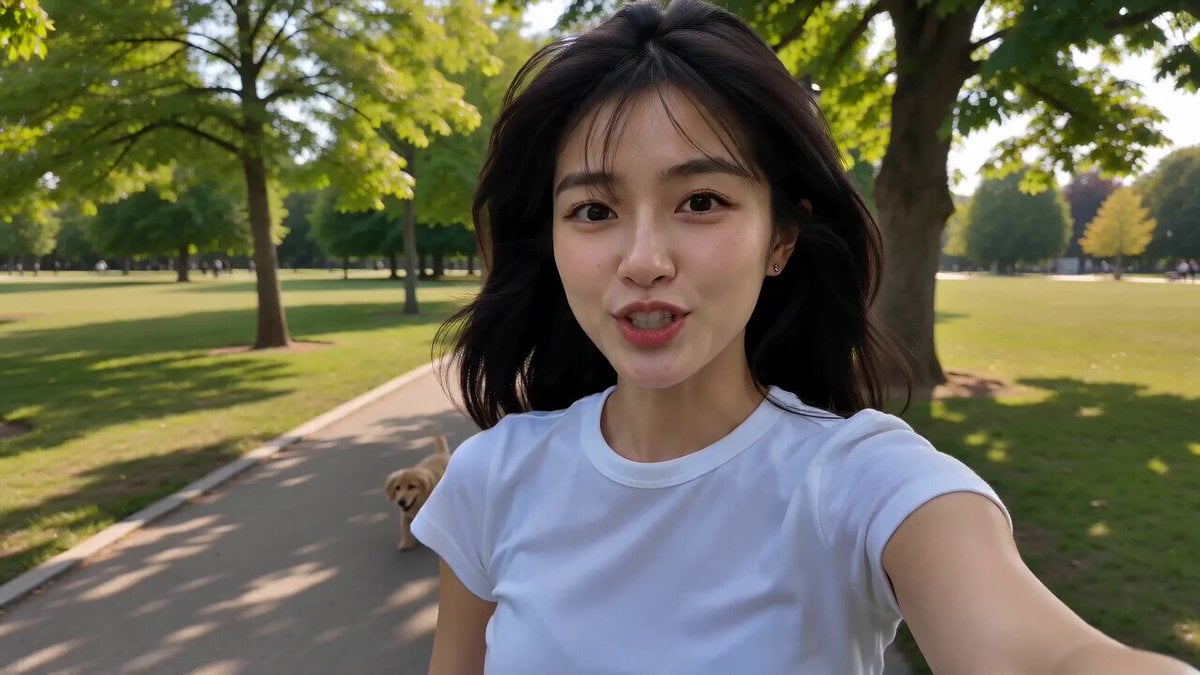
Korean Park Selfie Vlog with Puppy
Make it yours
Mischievous Animated Puppy Gesture Sequence works as-is. These are the safest ways to change it without losing the look.
Change one field
Copy a single group, rewrite it, and generate again so you can see what that field is doing.
Keep the frame, change the subject
Hold the composition and light of Mischievous Animated Puppy Gesture Sequence, then swap wardrobe, props or the person for a new take.
| If the result… | Why | Fix |
|---|---|---|
| The result drifts from the preview | Too many fields changed at once. | Reuse Mischievous Animated Puppy Gesture Sequence as-is first, then change one group — subject, light, or setting. |
| The model over-stylizes the scene | The prose prompt leaves finish and camera underspecified. | Add one camera or lighting sentence and stay on Seedance 2.0. |
More Seedance 2.0 templates
Other prompts made for Seedance 2.0.

Comical Martial Arts Punch Scene

Wuxia Protection and Trust Script

Vintage Korean Arcade MiniDV Vlog

Mercedes 190 SL Luxury Ad

Rainy Night Supernatural Reverse Comedy Video Script

Amazon Civilization Discovery

Futuristic South Asian City Transformation

Cozy Luxury Cafe Commercial

Cyber Ronin Nanotech Transformation Video

Desert Courier and Sandstorm Leviathan Chase
More video prompts
Fresh picks from across the catalog.
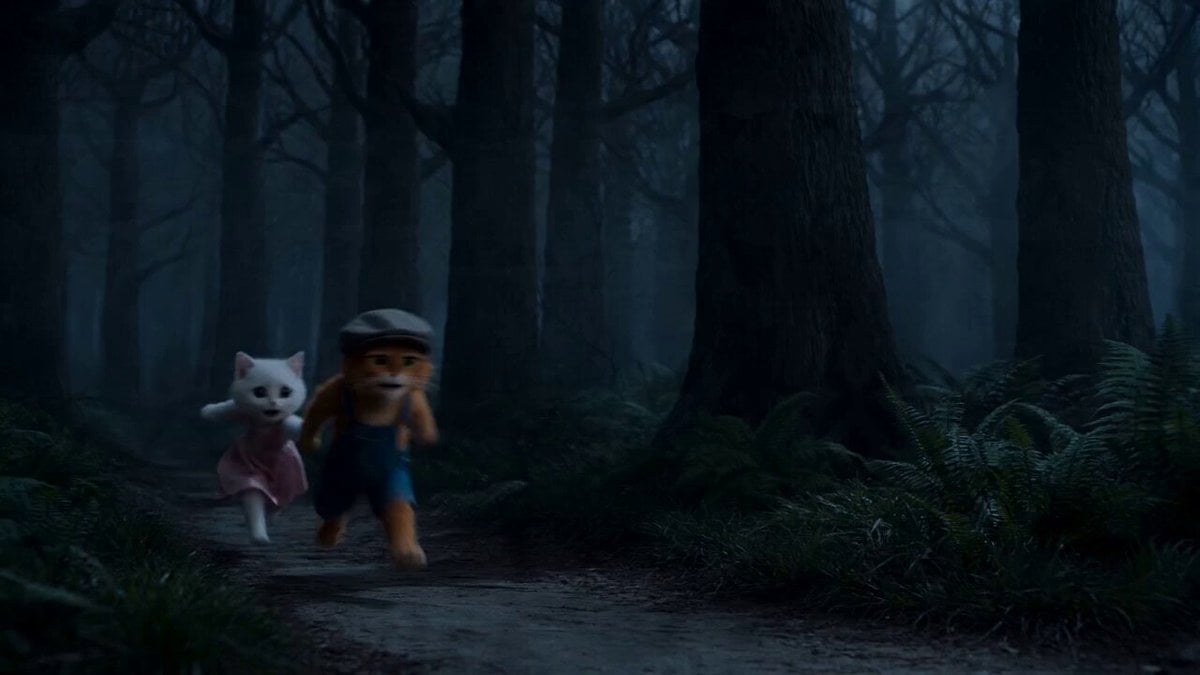
Cat Master Fairy Tale Thriller Video Prompt
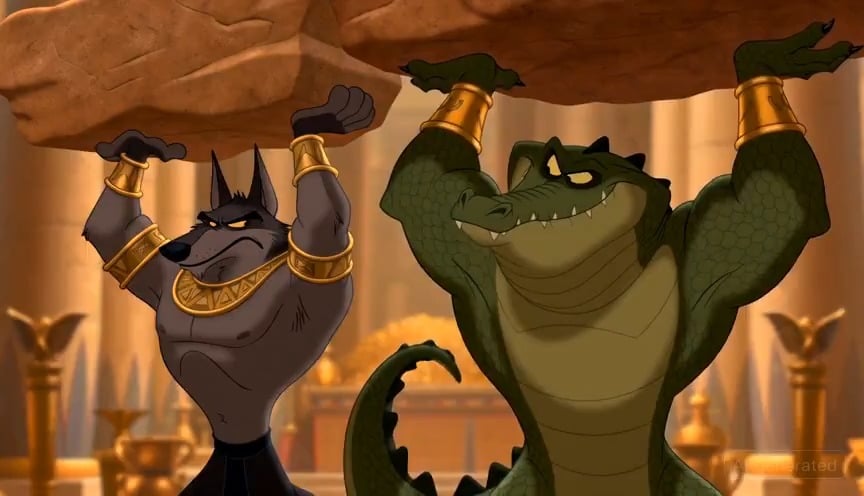
80s Retro OVA Egyptian God Animation
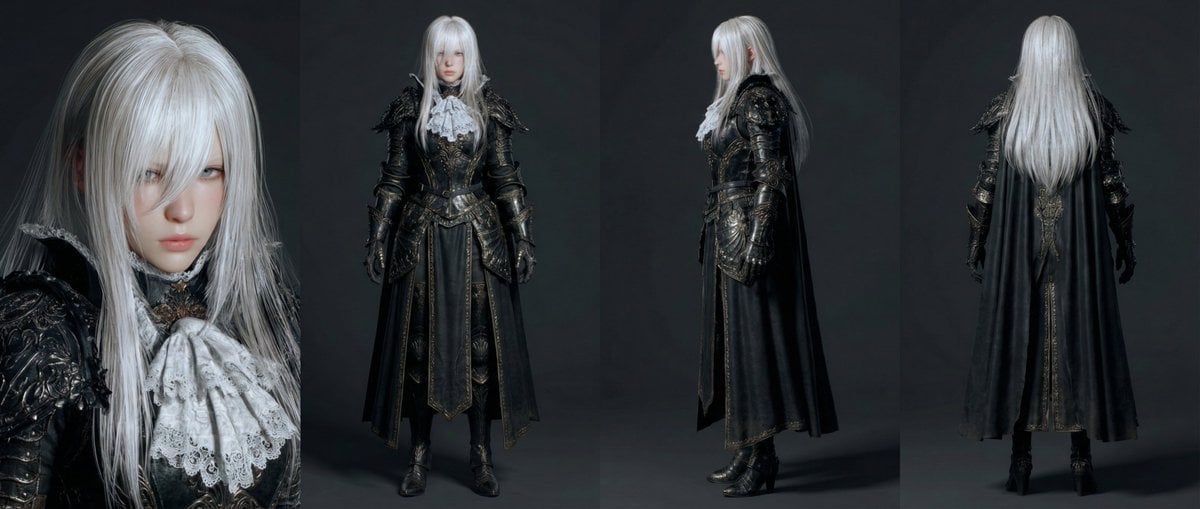
Open-Source Tokusatsu Cinematic Aesthetic Prompt

Cinematic Rap Music Video Performance
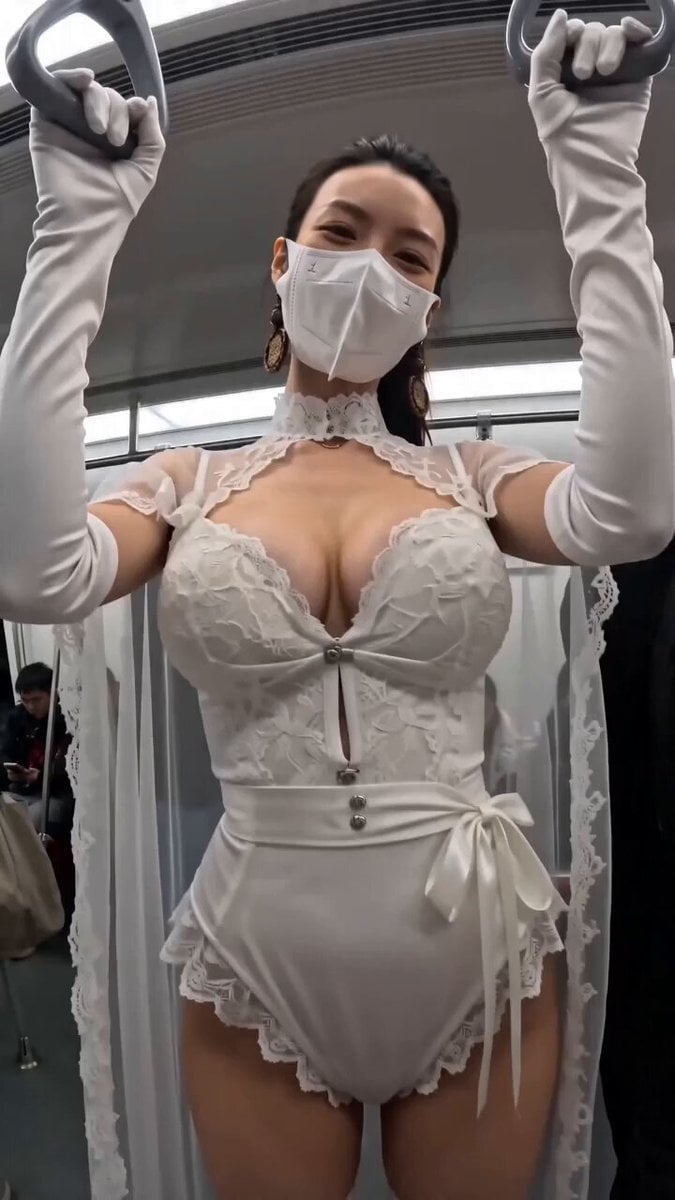
Subway POV Interaction Prank Prompt
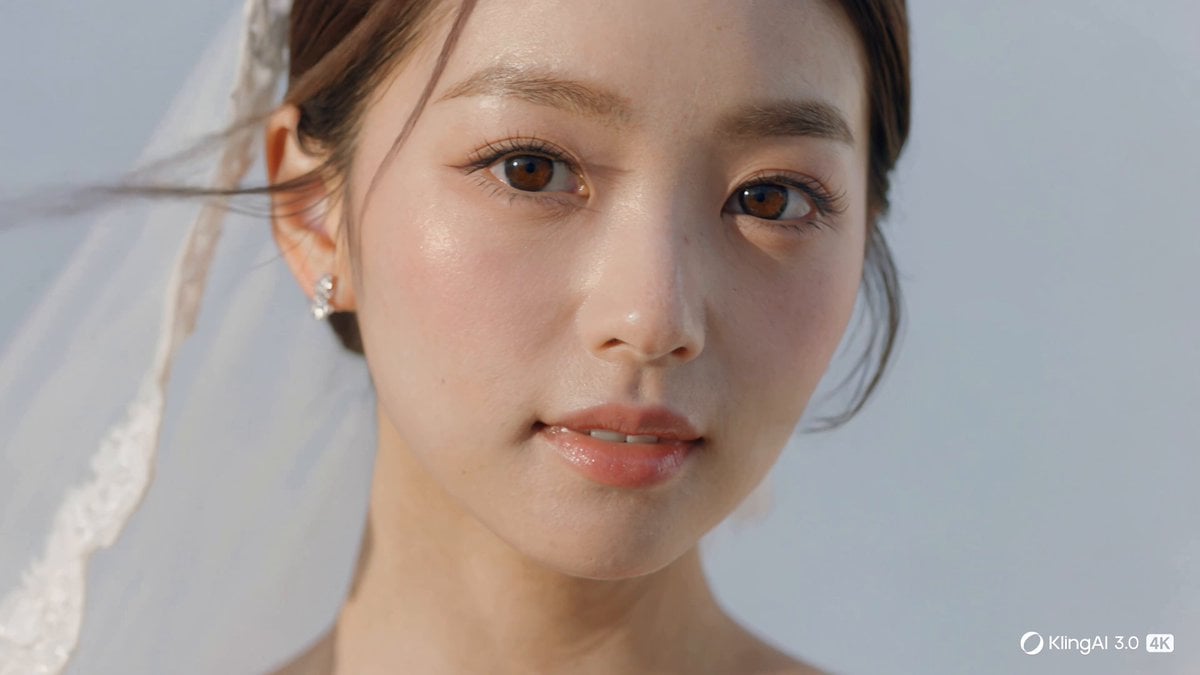
Cinematic 4K Bridal Video
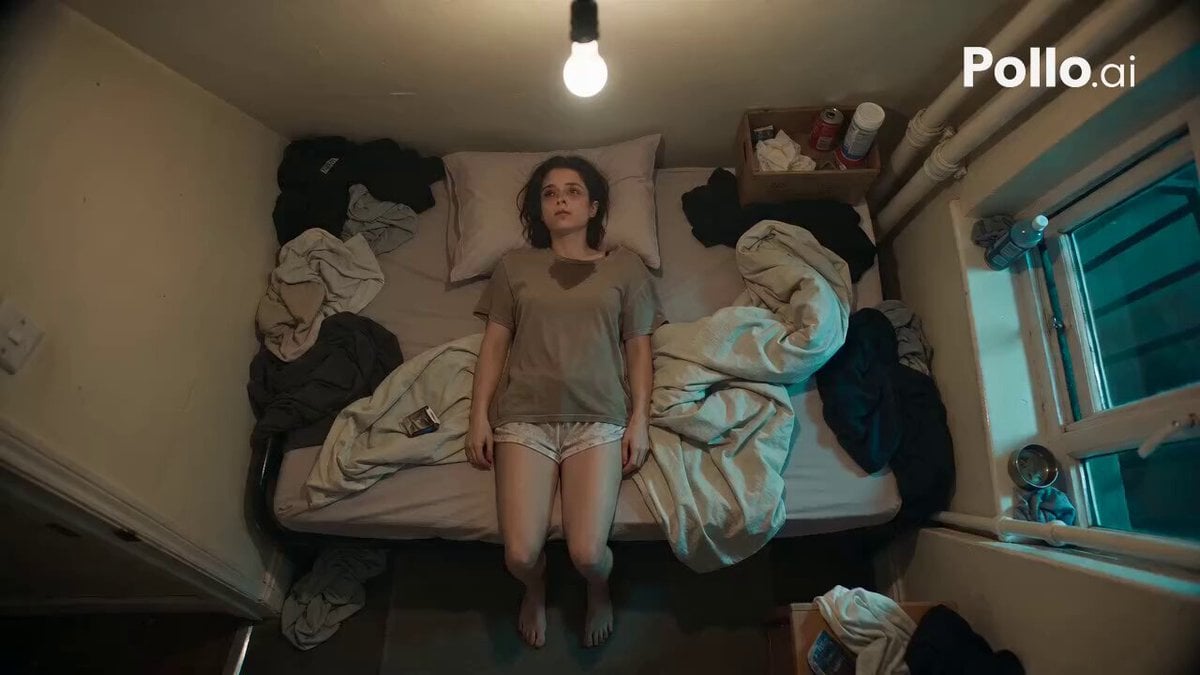
Top-Down Psychological Short Film
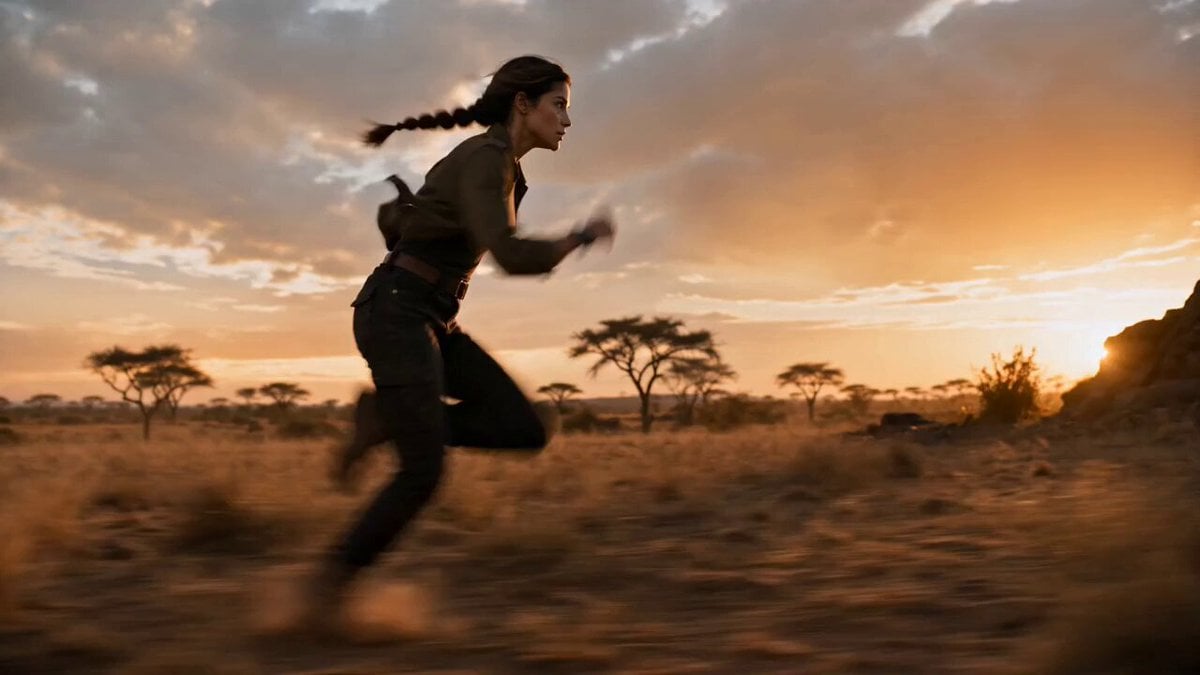
Ghost Protocol Savannah Cinematic Chase
Stop-Motion Claymation Nutella Cafe
Robot and Girl at Sunset
Browse template categories
Mischievous Animated Puppy Gesture Sequence questions
How do I use the Mischievous Animated Puppy Gesture Sequence template?
Add your photo if the template asks for one, edit the prompt if you like — the template's model and format are already selected — and press Generate. Your version opens in PicX Studio.
Can I customize the Mischievous Animated Puppy Gesture Sequence template?
Yes. You can change the subject, setting, lighting, mood, format, and available model controls before creating your video.
Is the Mischievous Animated Puppy Gesture Sequence template free?
Opening and editing this template is free. Generating uses credits, shown on the Generate button when you are signed in.
Which AI model should I use?
Start with Seedance 2.0, which is the model associated with this template. You can compare another compatible model for a different finish.
Looking for something else? Browse all templates.

Your photo, any look
Thousands of ready templates for every top image and video model, from one credit balance.