
Storm-Wyrm and Shaolin Monk Battle
A high-octane cinematic script for a desert canyon battle featuring a thundercloud dragon and a modernized Shaolin monk, utilizing FPV drone-style camera work.
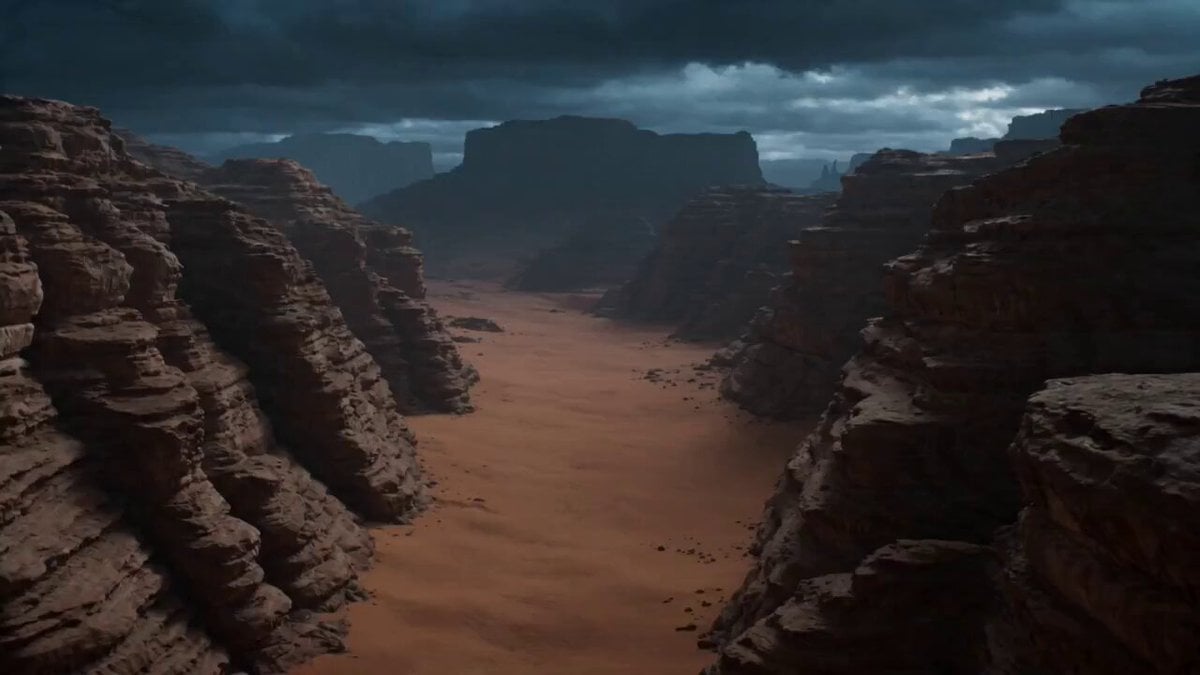
- Prompt included
- Model and format preset
- Premium template
The prompt behind this video
Copy the exact prompt behind Storm-Wyrm and Shaolin Monk Battle, or open it in the studio and make it yours.
A hyper-realistic, high-octane cinematic video still set in a narrow, labyrinthine desert canyon at night. A colossal Storm-Wyrm—a serpentine dragon forged from turbulent thunderclouds and internal lattice-works of blue lightning—violently erupts from a dry riverbed, breaching like a whale through the canyon floor. It sends explosive shockwaves of pulverized red sandstone and electrified dust high into the storm-choked sky. Riding the apex of the Storm-Wyrm's rugged, crackling snout is a modernized Shaolin Monk, clad in robes woven with conductive wire and armored boots. Instead of holding on, he harnesses the wyrm’s massive upward thrust to launch into a spectacular, gravity-defying flying spear kick, aiming directly at a hidden target over the chaotic, shifting dust cloud. The Twist: Suddenly, an unexpected twist: as the wyrm reaches its peak, the canyon walls around them violently ignite with intense static electricity, glowing in pulsating blue and purple hues. A massive, explosive swarm of flying, magnetic iron-ore gargoyles (carved from the cliff face itself) is ripped from the rock, soaring like kinetic missiles all around the suspended monk. The camera perspective shifts from a high-angle wide to a kinetic, fast-paced spiraling FPV drone-style tracking shot. The camera corkscrews 360 degrees around the monk’s spin, tracking his leg trajectory through the static-filled dust as he smashes through the gargoyles and weaves between the lightning-filled air. The shot then plunges momentarily into a thick cloud bank just as the Storm-Wyrm’s massive, spade-like tail slams down into the canyon floor with catastrophic force. The cool, flickering blue static light is dramatically pierced by a sudden, jagged bolt of crimson lightning tearing across the dark sky. Audio Profile (visualized): The scene visualizes the sound of a deafening, crackling roar of compressed thunder and shattering rock, the zing of static electricity, the clatter of stone gargoyles, and a soaring, high-tempo percussion-heavy cinematic score that cuts abruptly to a muffled, low-frequency echo as the camera is engulfed by the heavy storm cloud.
How to use Storm-Wyrm and Shaolin Monk Battle in 3 steps
- 1
Open
The prompt is already in the box next to the preview, with the template's model and format selected.
- 2…a portrait of your subject in softgolden-hour light, 85mm…
Personalize
Edit the subject and creative details for your destination.
- 3Generate
Generate
Press Generate — your video is created in PicX Studio, so you can compare it with the original and refine one variable at a time.
More like this
Templates with the same subject, style or setup. Open one to see its prompt.
Sea Serpent vs Crab Titan — Ocean Battle
Anime Monk Temple Battle
High-Speed Ship Descent with Seedance 2.0
Colossal Sea Creature — Stormy Shore Charge (Seedance)
Swordsman vs Shadow Monster — Bamboo Forest Battle
Stone Colossus Desert Riders — Golden Fire Reveal
Tiger vs Gorilla — Jungle Canyon Clash
Mecha Transformation vs Kaiju — 4-Scene Epic

Stormy Rope Bridge Forced Cooperation Video
Shaolin Hero Martial Arts Short

Magic City Fantasy Battle Animation
Floating Glass Castle in Cosmic Storm
Make it yours
Storm-Wyrm and Shaolin Monk Battle works as-is. These are the safest ways to change it without losing the look.
Change one field
Copy a single group, rewrite it, and generate again so you can see what that field is doing.
Keep the frame, change the subject
Hold the composition and light of Storm-Wyrm and Shaolin Monk Battle, then swap wardrobe, props or the person for a new take.
| If the result… | Why | Fix |
|---|---|---|
| The result drifts from the preview | Too many fields changed at once. | Reuse Storm-Wyrm and Shaolin Monk Battle as-is first, then change one group — subject, light, or setting. |
| The model over-stylizes the scene | The prose prompt leaves finish and camera underspecified. | Add one camera or lighting sentence and stay on Seedance 2.0. |
More Seedance 2.0 templates
Other prompts made for Seedance 2.0.

Comical Martial Arts Punch Scene

Maglev Train Action Sequence

Martial Arts Fight Sequence

Wuxia Protection and Trust Script

Vintage Korean Arcade MiniDV Vlog

Mercedes 190 SL Luxury Ad

Rainy Night Supernatural Reverse Comedy Video Script

Amazon Civilization Discovery

Futuristic South Asian City Transformation

Cozy Luxury Cafe Commercial
More video prompts
Fresh picks from across the catalog.
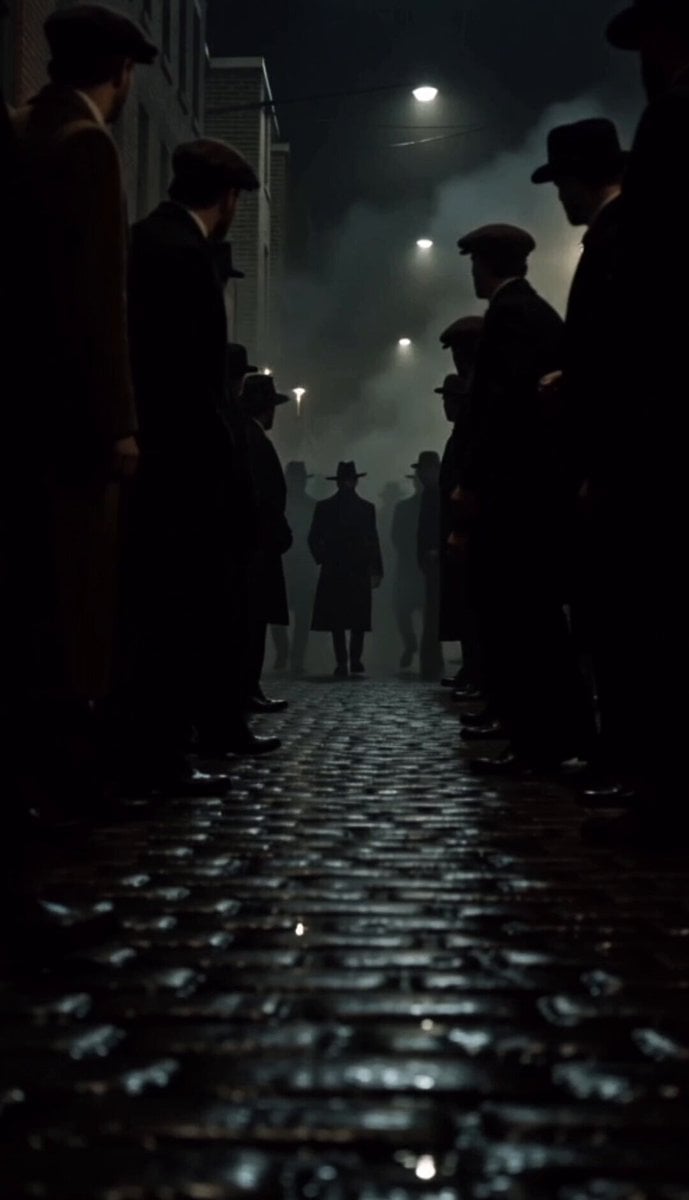
1980s Gritty Film Noir Mafia Scene
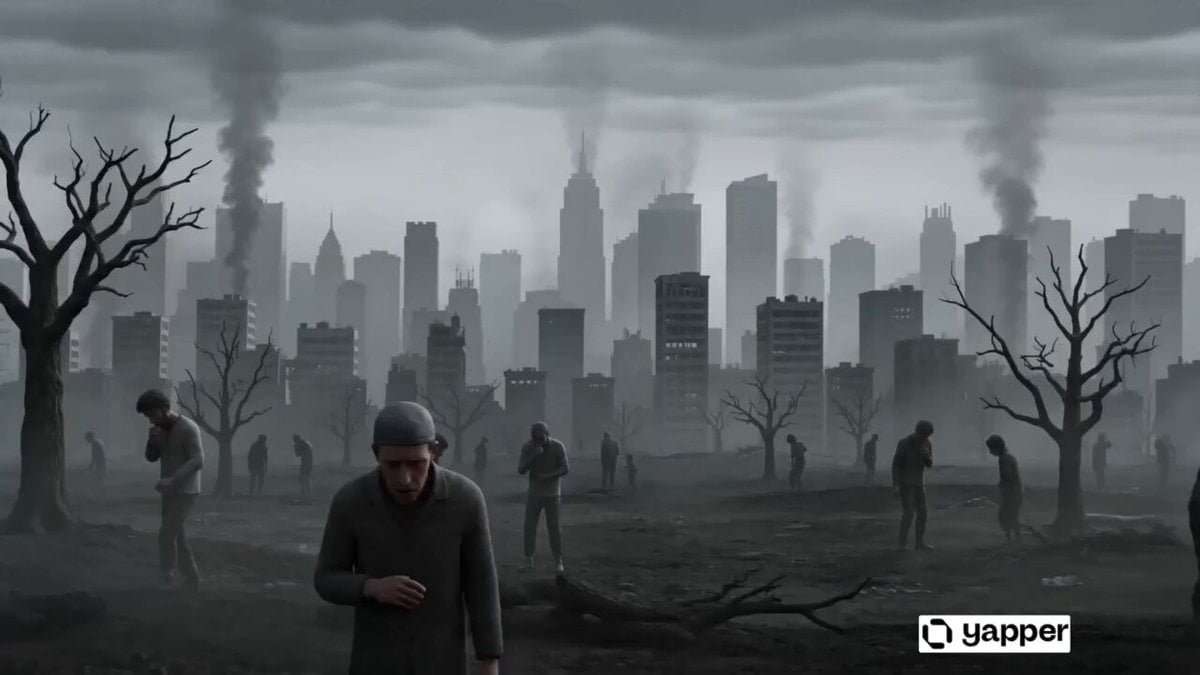
Greenery and Environmental Evolution Video Prompt
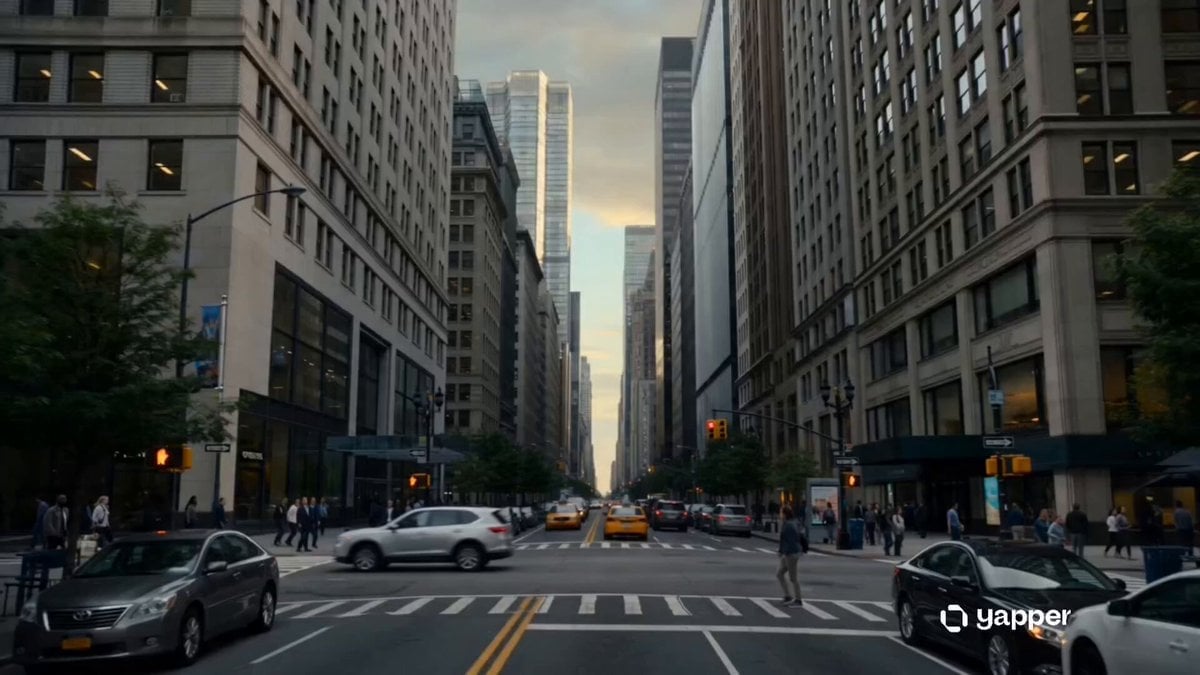
Cosmic Reality Shatter Cinematic Sequence

Nebula Cosmic Horror Machine Unfolding
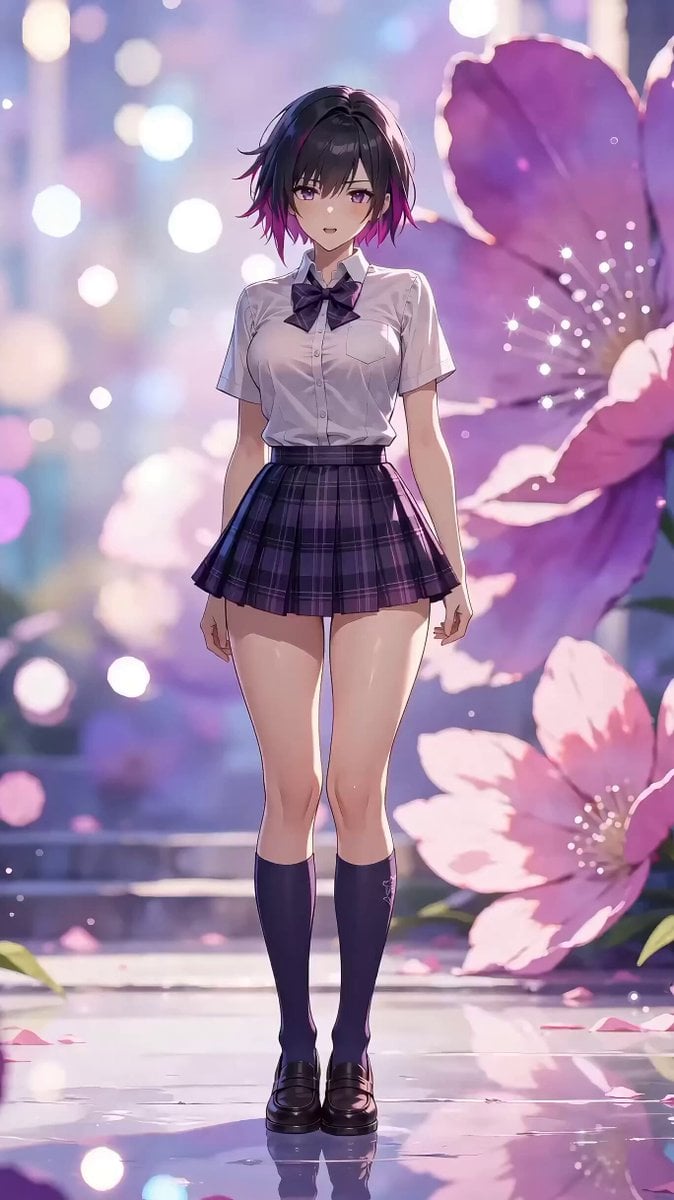
Character Dance MV Master Template

Luxury Perfume Commercial Sequence

Spider attack action sequence prompt
Falling into Another World Video Prompt

3D Cartoon Park Scene
Photorealistic Violin Maker Portrait Video Prompt
Browse template categories
Storm-Wyrm and Shaolin Monk Battle questions
How do I use the Storm-Wyrm and Shaolin Monk Battle template?
Add your photo if the template asks for one, edit the prompt if you like — the template's model and format are already selected — and press Generate. Your version opens in PicX Studio.
Can I customize the Storm-Wyrm and Shaolin Monk Battle template?
Yes. You can change the subject, setting, lighting, mood, format, and available model controls before creating your video.
Is the Storm-Wyrm and Shaolin Monk Battle template free?
Opening and editing this template is free. Generating uses credits, shown on the Generate button when you are signed in.
Which AI model should I use?
Start with Seedance 2.0, which is the model associated with this template. You can compare another compatible model for a different finish.
Looking for something else? Browse all templates.

Your photo, any look
Thousands of ready templates for every top image and video model, from one credit balance.