
Greenery and Environmental Evolution Video Prompt
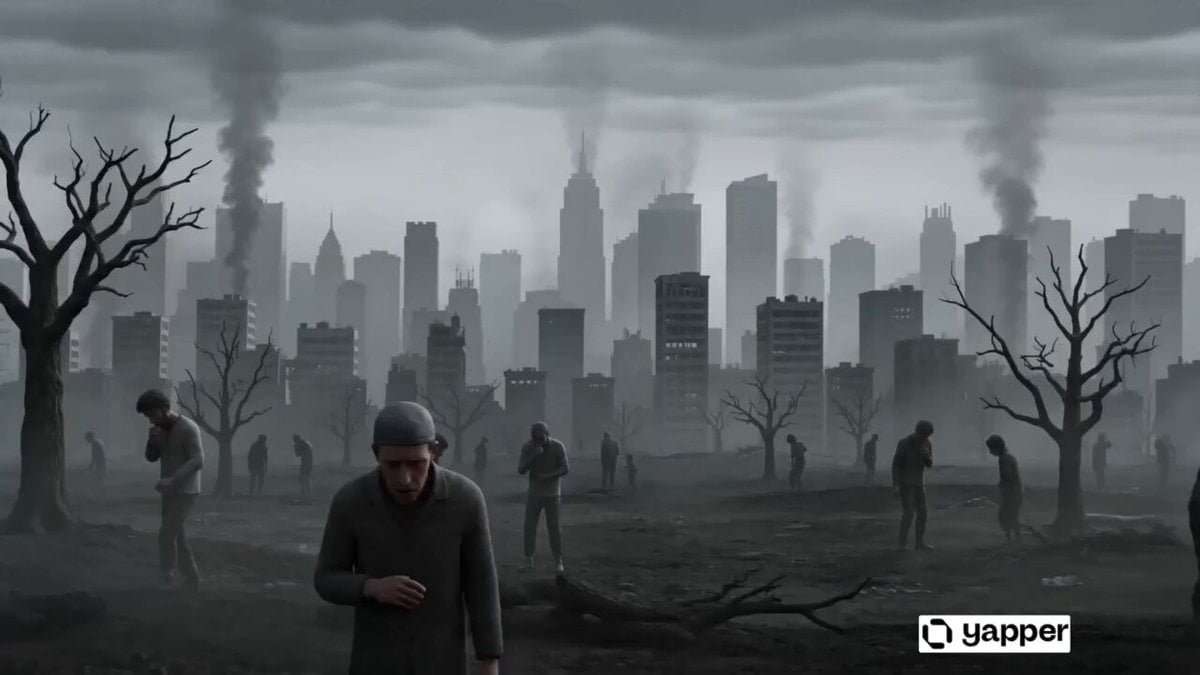
A transformation video prompt showing a polluted city evolving into a lush green environment with bright skies and happy people.
- Prompt included
- Model and format preset
- Premium template
The prompt behind this video
Copy the exact prompt behind Greenery and Environmental Evolution Video Prompt, or open it in the studio and make it yours.
Importance of Greenery in Human Life “Start with a dull, grey city filled with pollution, dry trees, and tired people coughing. The sky looks hazy and lifeless. Slowly transition as greenery begins to grow—trees sprout, grass spreads, flowers bloom, and the sky turns bright blue. Show people breathing fresh air, smiling, and children playing happily. Birds fly across the sky. End with a glowing Earth covered in lush green forests and the text: ‘Greenery is Life – Protect It.’ Soft uplifting music, smooth transitions, vibrant colors, cinematic animation style.
How to use Greenery and Environmental Evolution Video Prompt in 3 steps
- 1
Open
The prompt is already in the box next to the preview, with the template's model and format selected.
- 2…a portrait of your subject in softgolden-hour light, 85mm…
Personalize
Edit the subject and creative details for your destination.
- 3Generate
Generate
Press Generate — your video is created in PicX Studio, so you can compare it with the original and refine one variable at a time.
More like this
Templates with the same subject, style or setup. Open one to see its prompt.
Wuxia Environmental Narrative Landscape
Evolution of Chinese Flight Technology

Human Evolution Hyper-lapse
Ape to Human Evolution Space Transition
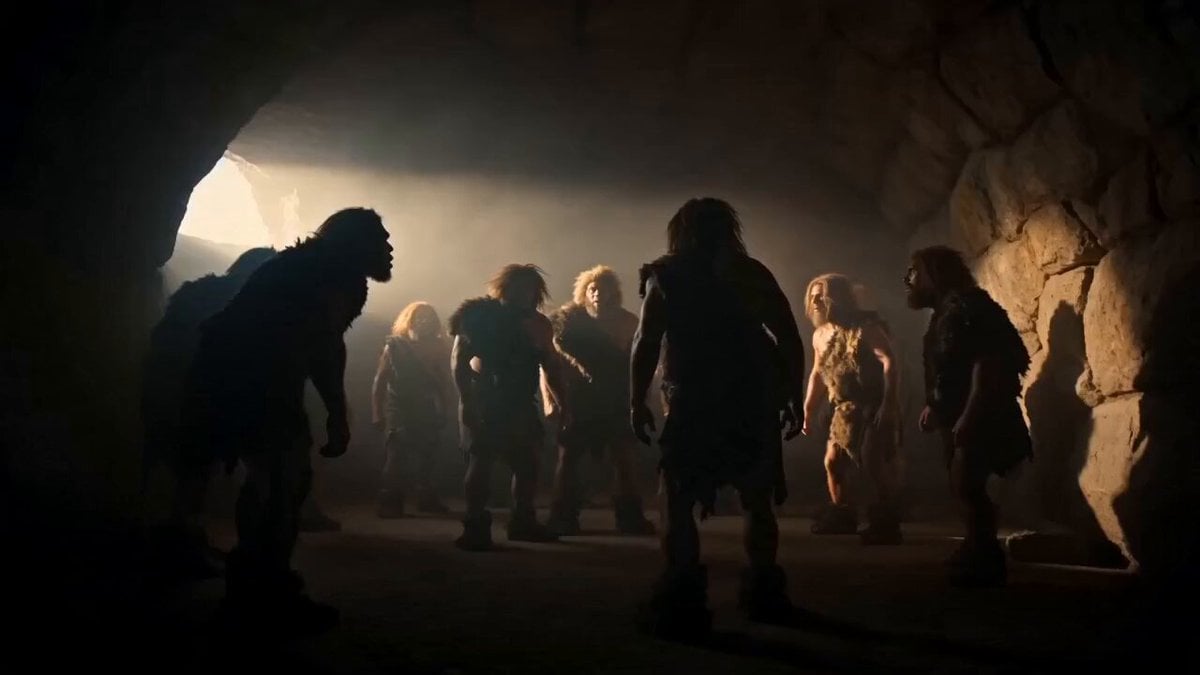
History of Dance Evolution
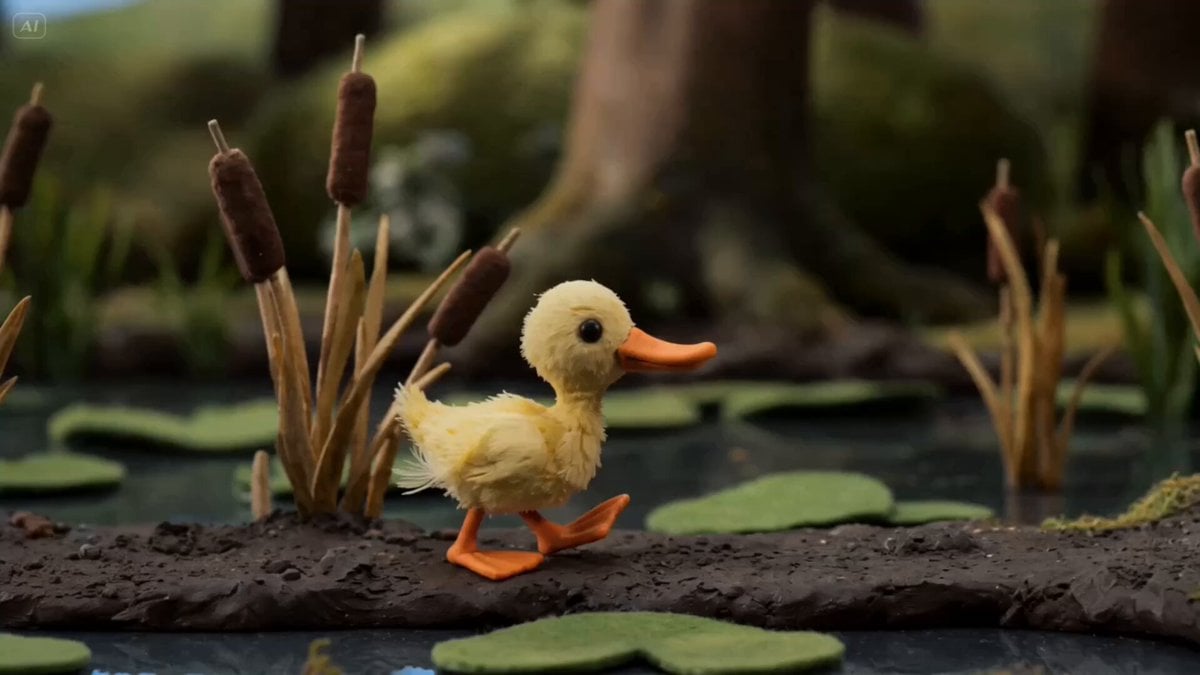
Claymation Evolution Sequence
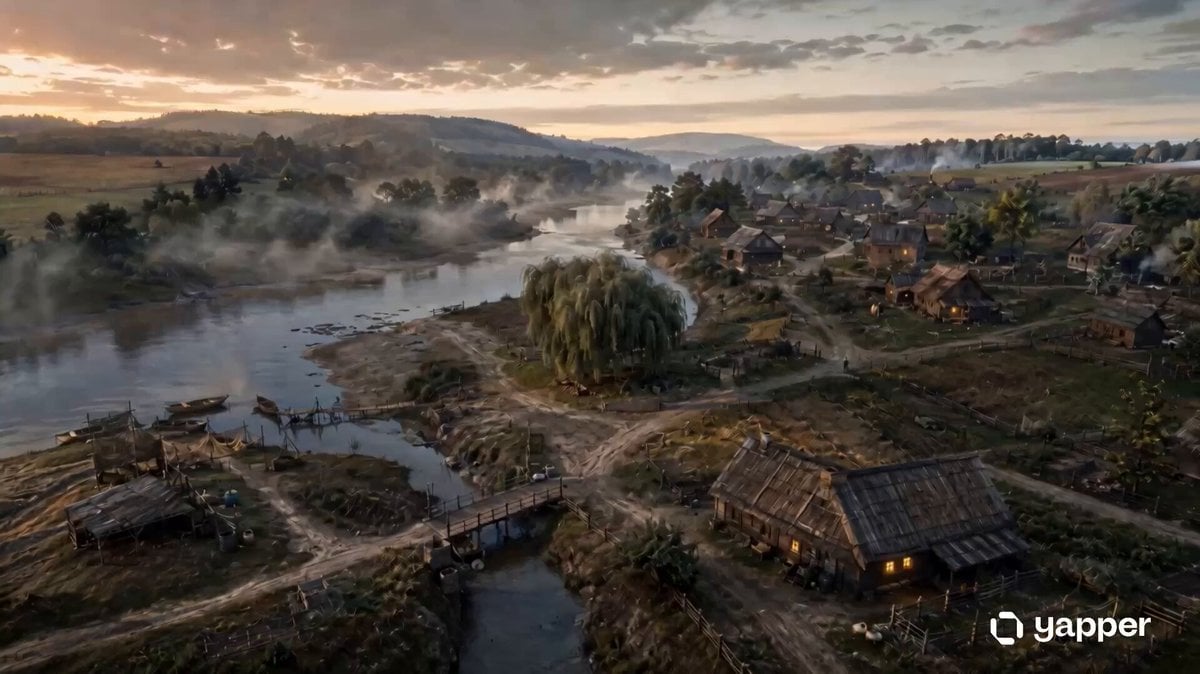
Historical Settlement Aerial Evolution

Product Evolution Eye Reflection
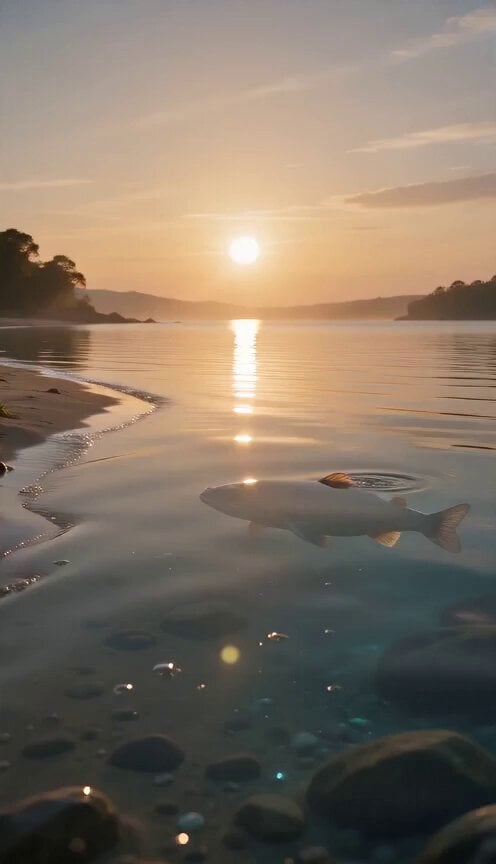
Evolutionary Journey Cinematic Shot
Futuristic Blue Humanoid Tech Evolution
Qipao Evolution Short Film Prompt for Seedance 2.0

Minimalist Bauhaus Motion Graphics Evolution
Make it yours
Greenery and Environmental Evolution Video Prompt works as-is. These are the safest ways to change it without losing the look.
Change one field
Copy a single group, rewrite it, and generate again so you can see what that field is doing.
Keep the frame, change the subject
Hold the composition and light of Greenery and Environmental Evolution Video Prompt, then swap wardrobe, props or the person for a new take.
| If the result… | Why | Fix |
|---|---|---|
| The result drifts from the preview | Too many fields changed at once. | Reuse Greenery and Environmental Evolution Video Prompt as-is first, then change one group — subject, light, or setting. |
| The model over-stylizes the scene | The prose prompt leaves finish and camera underspecified. | Add one camera or lighting sentence and stay on Seedance 2.0. |
More Seedance 2.0 templates
Other prompts made for Seedance 2.0.

Comical Martial Arts Punch Scene

Maglev Train Action Sequence

Martial Arts Fight Sequence

Wuxia Protection and Trust Script

Vintage Korean Arcade MiniDV Vlog

Mercedes 190 SL Luxury Ad

Amazon Civilization Discovery

Futuristic South Asian City Transformation

Cozy Luxury Cafe Commercial
Cyber Ronin Nanotech Transformation Video
More video prompts
Fresh picks from across the catalog.

Realistic High-Speed Train Travel Vlog

Vintage Dracula Book
Fan vs Hammer Duel Combat Scene

Cosmic Portal Traveler Video Prompt

Zero-G Biomechanics Clip 3: Impact and Exhaustion

Starborn Warrior Anime Awakening Scene

Surreal Monocle and Orange Blossoms Scene Prompt

Hyper-Realistic Stadium Fan Video
Second Action Sequence Video Prompt (Seedance 2.0)

Seedance 2.0 Car Scene Prompt
Browse template categories
Greenery and Environmental Evolution Video Prompt questions
How do I use the Greenery and Environmental Evolution Video Prompt template?
Add your photo if the template asks for one, edit the prompt if you like — the template's model and format are already selected — and press Generate. Your version opens in PicX Studio.
Can I customize the Greenery and Environmental Evolution Video Prompt template?
Yes. You can change the subject, setting, lighting, mood, format, and available model controls before creating your video.
Is the Greenery and Environmental Evolution Video Prompt template free?
Opening and editing this template is free. Generating uses credits, shown on the Generate button when you are signed in.
Which AI model should I use?
Start with Seedance 2.0, which is the model associated with this template. You can compare another compatible model for a different finish.
Looking for something else? Browse all templates.

Your photo, any look
Thousands of ready templates for every top image and video model, from one credit balance.