How do I use the Minimalist Bauhaus Motion Graphics Evolution template?
Edit the prompt in the box under the preview — the template's model and format are already selected — and press Generate. Your version appears right on this page.
A sophisticated technical prompt for Seedance 2.0 to generate a continuous motion graphic.
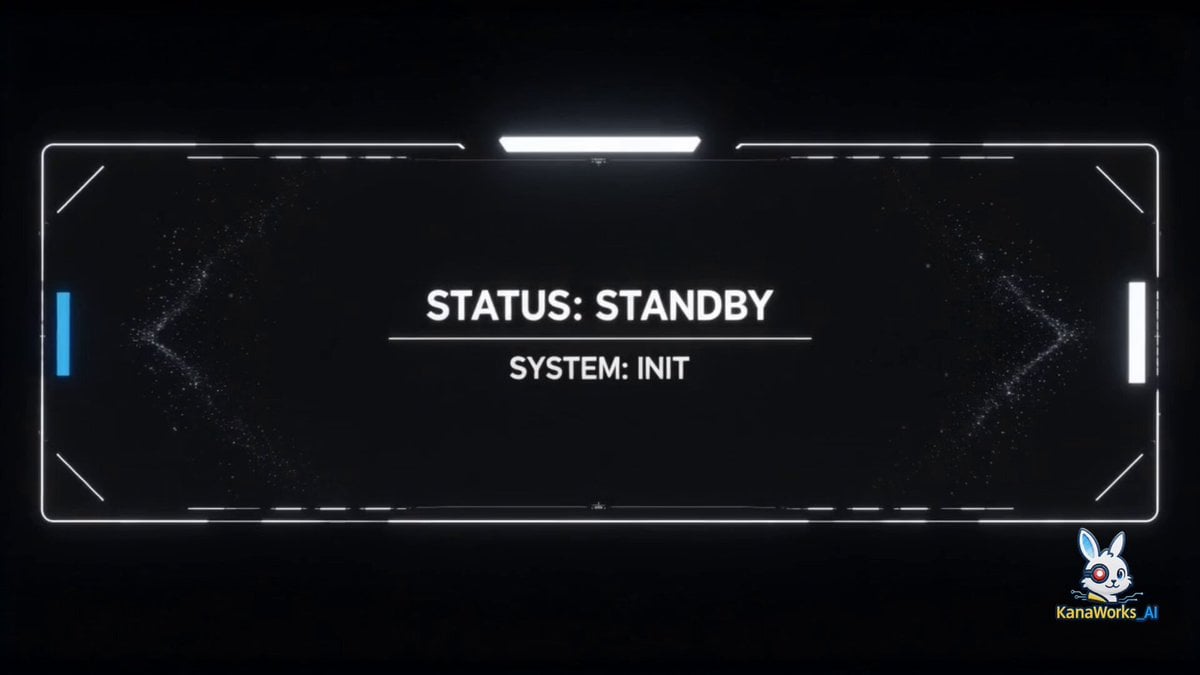
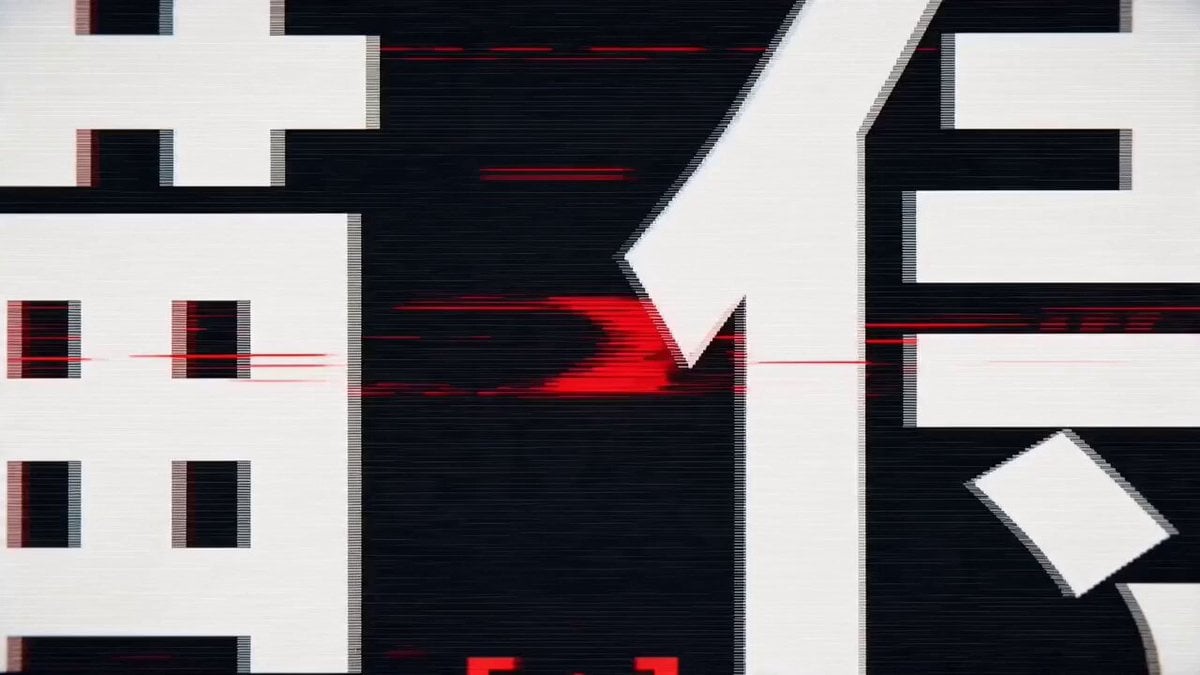
[Core visual]: Pure black background, self-illuminating pure white lines, one continuous take with no cuts. [Motion path]: 1. [Origin]: The central white point pulses, ripples dissipate. 2. [Line]: Stretches horizontally to the edges. 3. [Geometry]: The line evolves into a 9x9 grid, then curves and converges into a perfect circle. 4. [3D transformation]: The ring stretches into a latitude-longitude sphere, filled from wireframe into a solid form with a faint highlight. 5. [UI evolution]: The sphere unfolds into a rounded-rectangle phone interface, showing minimalist UI elements. 6. [Deconstruction]: The interface collapses into an isometric Rubik's cube, then its six faces bloom outward like flower petals. 7. [Particles]: The petals turn into hundreds of particles, swirling in mathematical trajectories. 8. [Reassembly]: The particles attract and combine into the outline of a square wristwatch. 9. [Finale]: The wristwatch turns into a flowing ribbon that compresses back into the white point, pulses intensely, and finally unfolds into the brand logo. [Style]: Bauhaus minimalism, luxury tech feel, mathematical precision, 15 seconds of continuous evolution.
[Core visual]: Pure black background, self-illuminating pure white lines, one continuous take with no cuts. [Motion path]: 1. [Origin]: The central white point pulses, ripples dissipate. 2. [Line]: Stretches horizontally to the edges. 3. [Geometry]: The line evolves into a 9x9 grid, then curves and converges into a perfect circle. 4. [3D transformation]: The ring stretches into a latitude-longitude sphere, filled from wireframe into a solid form with a faint highlight. 5. [UI evolution]: The sphere unfolds into a rounded-rectangle phone interface, showing minimalist UI elements. 6. [Deconstruction]: The interface collapses into an isometric Rubik's cube, then its six faces bloom outward like flower petals. 7. [Particles]: The petals turn into hundreds of particles, swirling in mathematical trajectories. 8. [Reassembly]: The particles attract and combine into the outline of a square wristwatch. 9. [Finale]: The wristwatch turns into a flowing ribbon that compresses back into the white point, pulses intensely, and finally unfolds into the brand logo. [Style]: Bauhaus minimalism, luxury tech feel, mathematical precision, 15 seconds of continuous evolution.
Edit the prompt in the box under the preview — the template's model and format are already selected — and press Generate. Your version appears right on this page.
Yes. You can change the subject, setting, lighting, mood, format, and available model controls before creating your video.
Opening and editing this template is free. Generating uses credits, shown on the Generate button when you are signed in.
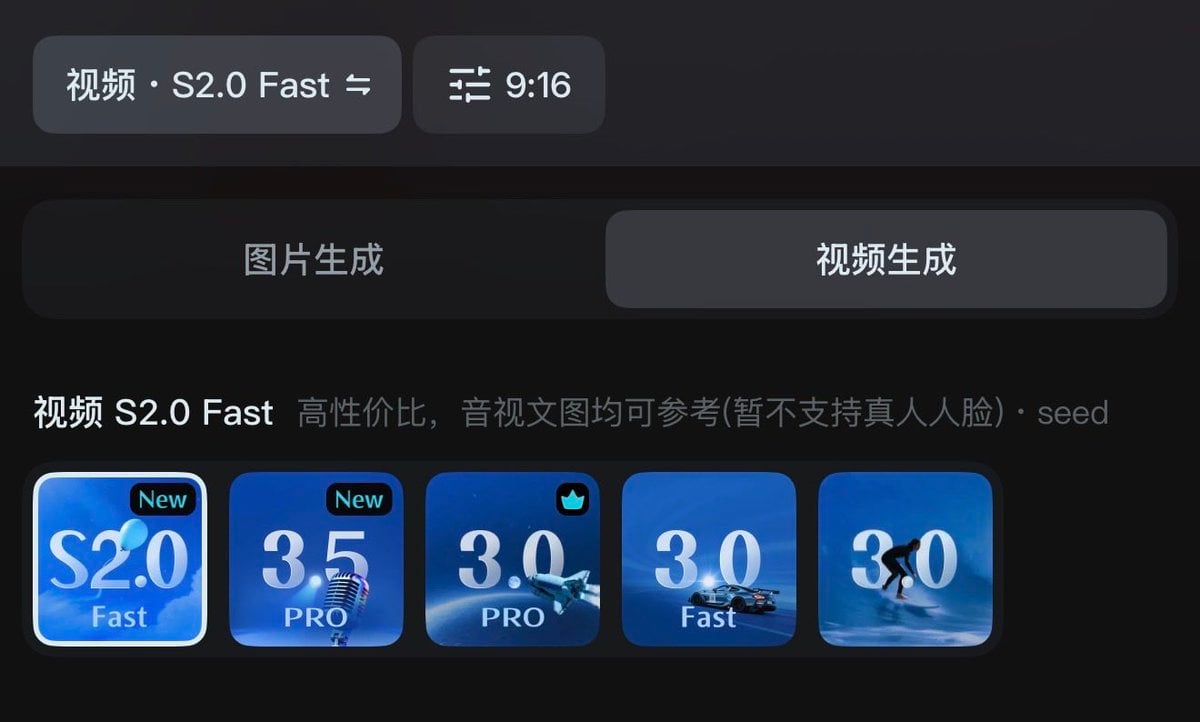
Start with Seedance 2.0, which is the model associated with this template. You can compare another compatible model for a different finish.
Follow a topic to a crawlable collection of related PicX Studio templates.