How do I use the Cosmic Fluid Evolution Motion Graphics template?
Edit the prompt in the box under the preview — the template's model and format are already selected — and press Generate. Your version appears right on this page.
An abstract 15-second seamless motion graphics prompt involving energy cores, nebulae, and geometric symbols.
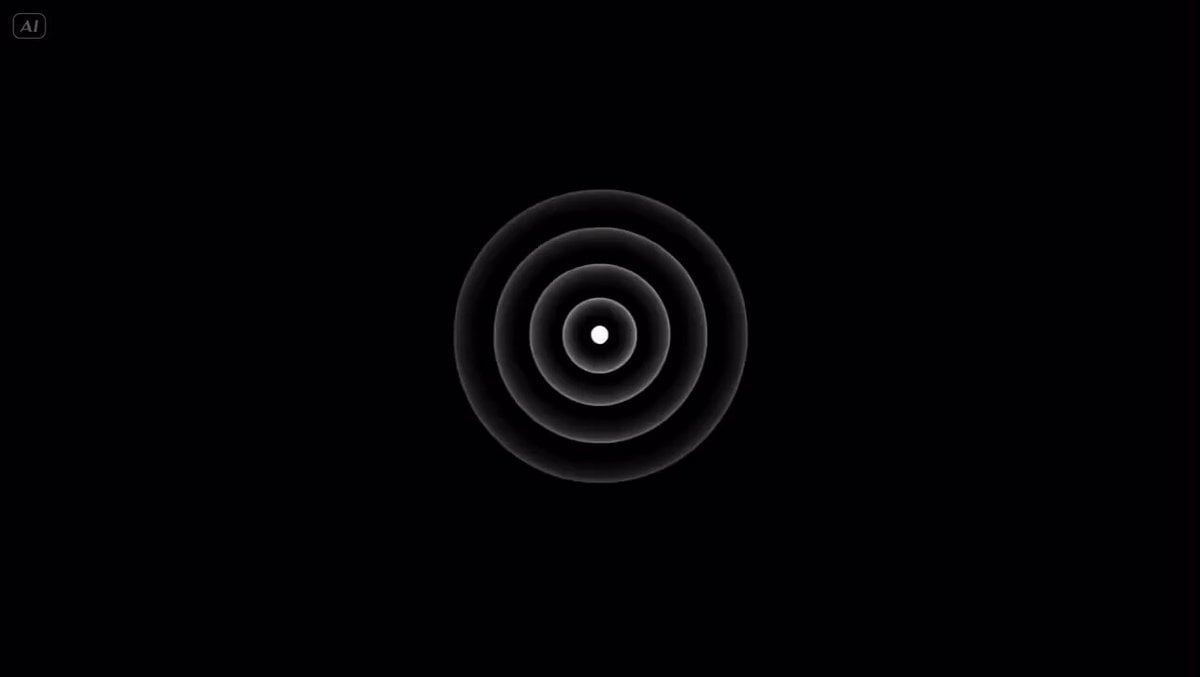
Single continuous 15-second seamless motion graphics animation, no cuts, no camera movement, pure abstract fluid evolution on a deep black void background with subtle infinite starfield particles. Start at 0-3s with a small glowing blue-white energy core pulsing softly at center, emitting delicate light tendrils that gently expand outward. At 3-7s the core morphs and bursts into swirling cosmic nebulae clouds in vibrant electric blue, magenta, and gold hues, particles flowing like liquid aurora with soft glowing trails and subtle lens flares, forming intricate fractal patterns that organically coalesce. At 7-11s the nebulae condense and transform into a dynamic orbiting ring of luminous geometric symbols (circles, hexagons, and wave forms) rotating slowly around a central bright orb, with energy arcs connecting them in rhythmic pulses, creating a sense of infinite cosmic machinery. At 11-15s the ring and symbols elegantly collapse inward with smooth particle dissipation, reforming into a clean, elegant stylized futuristic logo emblem (a sleek interlocking orbit symbol with glowing core), settling centered with a final bright pulse and faint residual light trails fading to black. Ultra-smooth fluid particle simulation, high mathematical precision in morphing, cinematic volumetric lighting, soft glows and bokeh effects, vibrant yet elegant color palette with high contrast against black, Bauhaus-inspired clean composition mixed with ethereal sci-fi aesthetic, perfect timing and seamless transitions, 1080p, minimalist yet epic feel, no text except the final logo reveal.
Single continuous 15-second seamless motion graphics animation, no cuts, no camera movement, pure abstract fluid evolution on a deep black void background with subtle infinite starfield particles. Start at 0-3s with a small glowing blue-white energy core pulsing softly at center, emitting delicate light tendrils that gently expand outward. At 3-7s the core morphs and bursts into swirling cosmic nebulae clouds in vibrant electric blue, magenta, and gold hues, particles flowing like liquid aurora with soft glowing trails and subtle lens flares, forming intricate fractal patterns that organically coalesce. At 7-11s the nebulae condense and transform into a dynamic orbiting ring of luminous geometric symbols (circles, hexagons, and wave forms) rotating slowly around a central bright orb, with energy arcs connecting them in rhythmic pulses, creating a sense of infinite cosmic machinery. At 11-15s the ring and symbols elegantly collapse inward with smooth particle dissipation, reforming into a clean, elegant stylized futuristic logo emblem (a sleek interlocking orbit symbol with glowing core), settling centered with a final bright pulse and faint residual light trails fading to black. Ultra-smooth fluid particle simulation, high mathematical precision in morphing, cinematic volumetric lighting, soft glows and bokeh effects, vibrant yet elegant color palette with high contrast against black, Bauhaus-inspired clean composition mixed with ethereal sci-fi aesthetic, perfect timing and seamless transitions, 1080p, minimalist yet epic feel, no text except the final logo reveal.
Edit the prompt in the box under the preview — the template's model and format are already selected — and press Generate. Your version appears right on this page.
Yes. You can change the subject, setting, lighting, mood, format, and available model controls before creating your video.
Opening and editing this template is free. Generating uses credits, shown on the Generate button when you are signed in.
Start with Seedance 2.0, which is the model associated with this template. You can compare another compatible model for a different finish.
Follow a topic to a crawlable collection of related PicX Studio templates.