
Pixar-Style Office Comedy Short
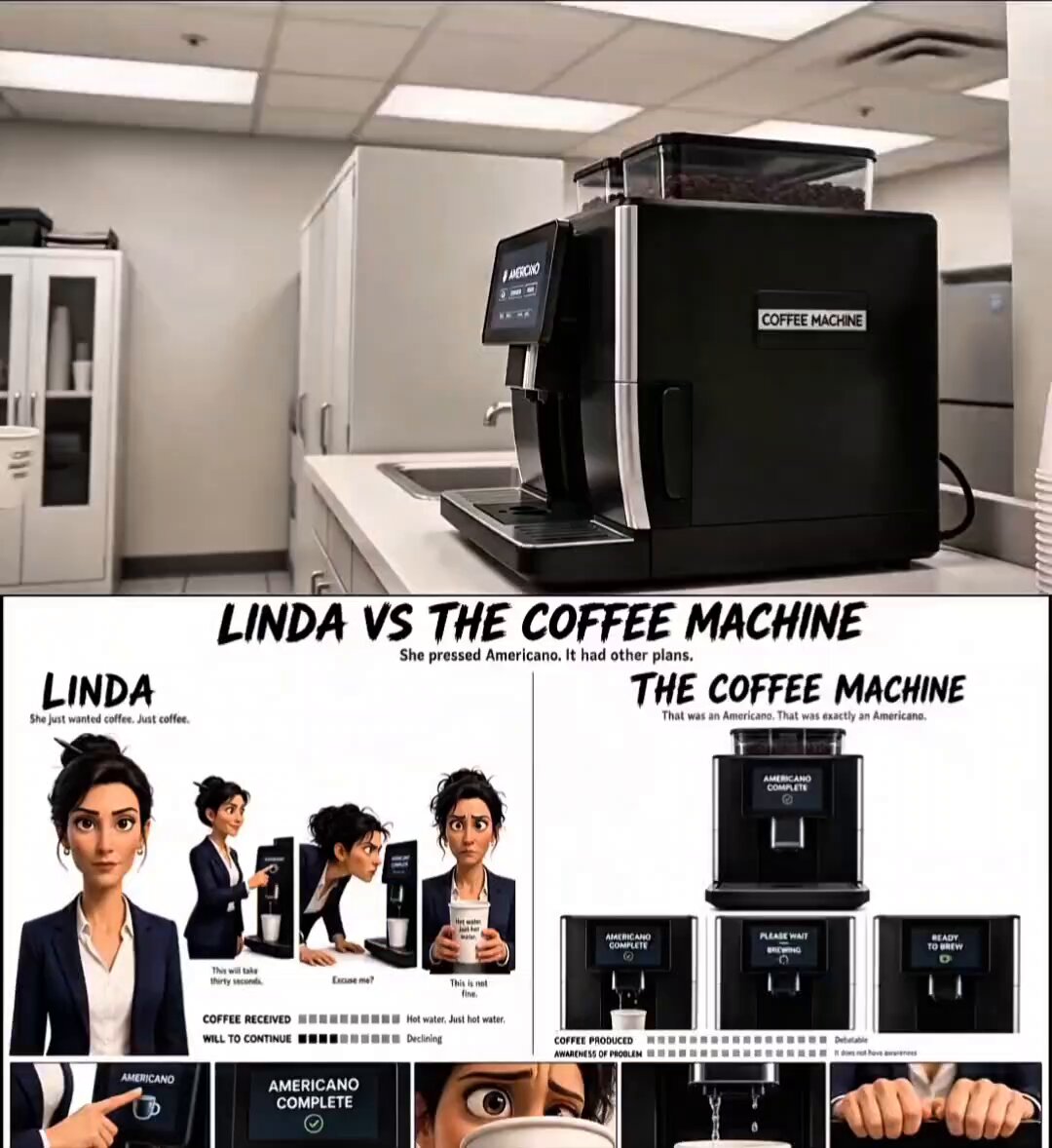
A detailed storyboard-style prompt for a humorous 3D animated short about a woman struggling with an office coffee machine.
- Prompt included
- Model and format preset
- Free template
The prompt behind this video
Copy the exact prompt behind Pixar-Style Office Comedy Short, or open it in the studio and make it yours.
Use attached LINDA VS THE COFFEE MACHINE character sheet as exact reference. Pixar-style 3D woman, late 30s, dark hair messy bun with pen, navy blazer, white blouse. Bright modern office kitchen only, no dark shots, no other people. Black/silver office coffee machine labeled “COFFEE MACHINE,” touchscreen visible throughout. 0:00–0:02: Linda enters, places paper cup, presses Americano once, waits calmly. 0:02–0:04: Close-up display: “PLEASE WAIT — BREWING.” Machine hums awkwardly. 0:04–0:07: Linda leans closer as nothing happens. Finally a thin stream of completely clear hot water drips into cup. Double beep. 0:07–0:09: Display changes to “AMERICANO COMPLETE.” Linda slowly takes cup. 0:09–0:11: Close-up: cup contains only steaming clear hot water. Silent disappointment. 0:11–0:13: Linda stares hollowly at camera, sips hot water with zero reaction. 0:13–0:15: Display changes to “READY TO BREW.” Linda looks at machine, then water, sets cup down, removes pen from bun causing it to collapse, clicks pen, walks away. Soft final beep. Machine never moves. No coffee ever appears — only clear hot water. Cinematic Pixar realism, subtle humor, realistic office ambience, smooth camera movement, medium/wide shots plus close-ups on display and cup.
How to use Pixar-Style Office Comedy Short in 3 steps
- 1Upload ImagePNG, JPG or paste
Add your photo
Upload the photo the template builds on. The prompt, model and format are already set.
- 2…a portrait of your subject in softgolden-hour light, 85mm…
Personalize
Edit the subject and creative details for your destination.
- 3Generate
Generate
Press Generate — your video is created in PicX Studio, so you can compare it with the original and refine one variable at a time.
More like this
Templates with the same subject, style or setup. Open one to see its prompt.
Animal Garden Party Bar — Comedy Short
Romantic Action Comedy Office Scene
Viking in Modern America Comedy - Seedance 2.5

3D Animated Newspaper Delivery Short - Seedance 2.5
Comedy Coke Bottle Prank Reel — Kling 3.0 O3 Pro

Youth Racing Short Film
Office Absurdity Mockumentary Comedy Video

Cartoon Donut Heist Bakery Chase
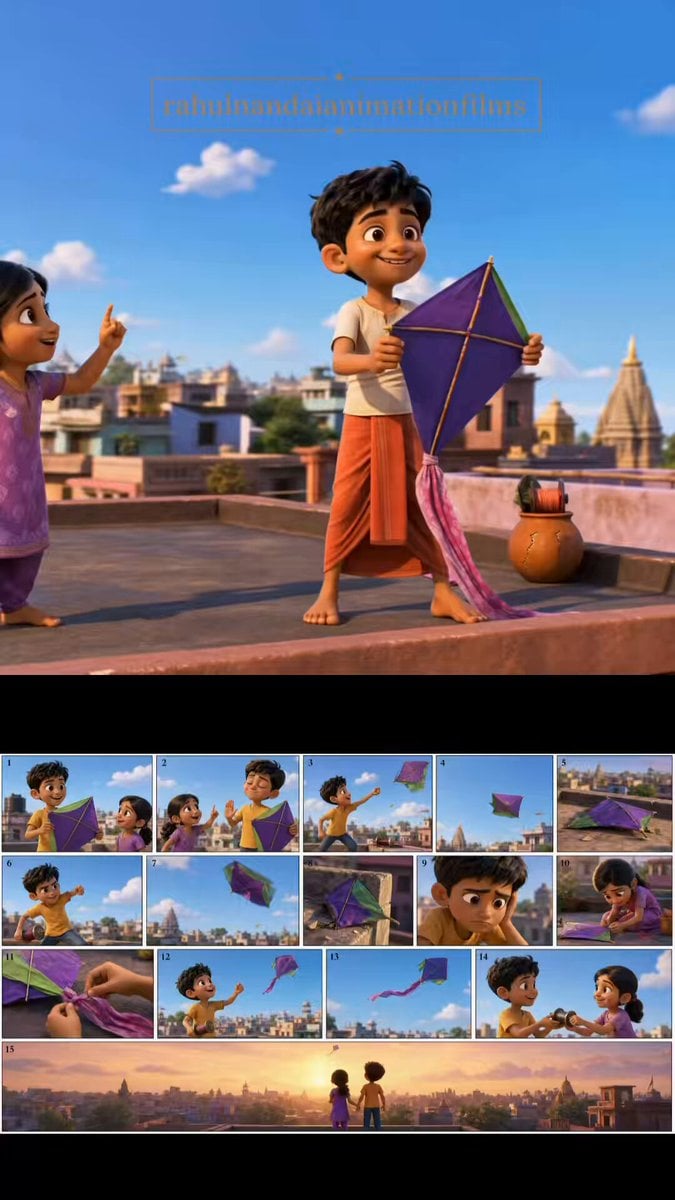
Pixar Style Animated Short Storyboard
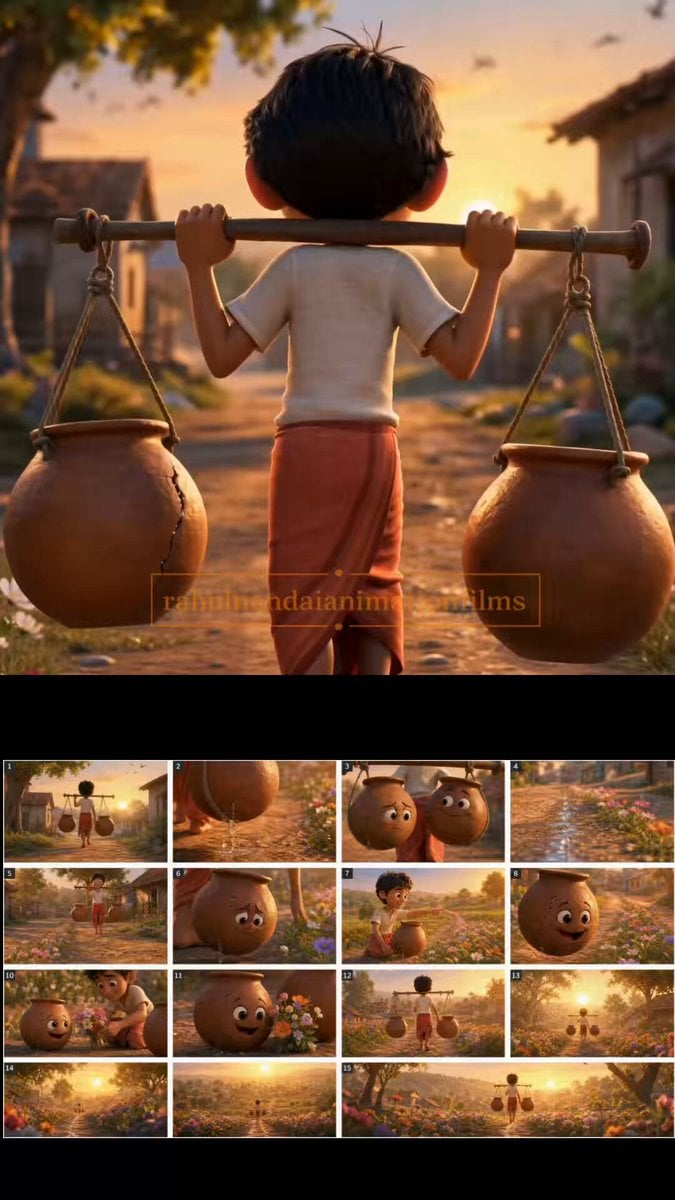
The Cracked Water Pot Pixar Style Animated Short
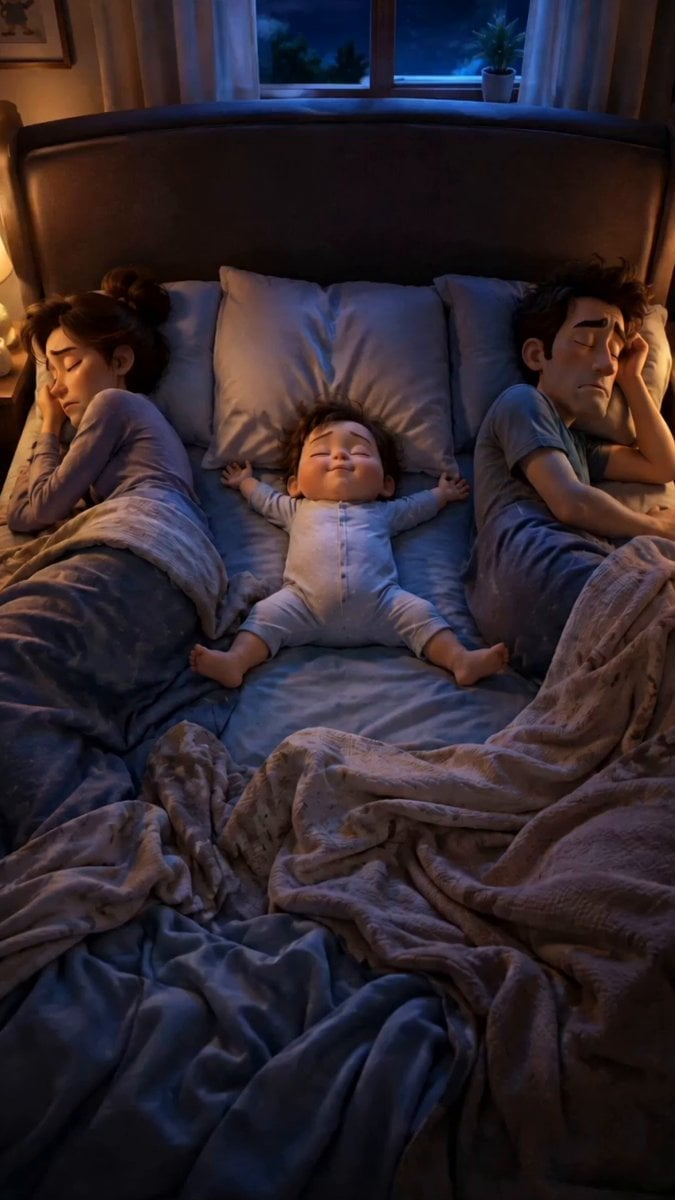
Pixar Style Family Bedtime Comedy
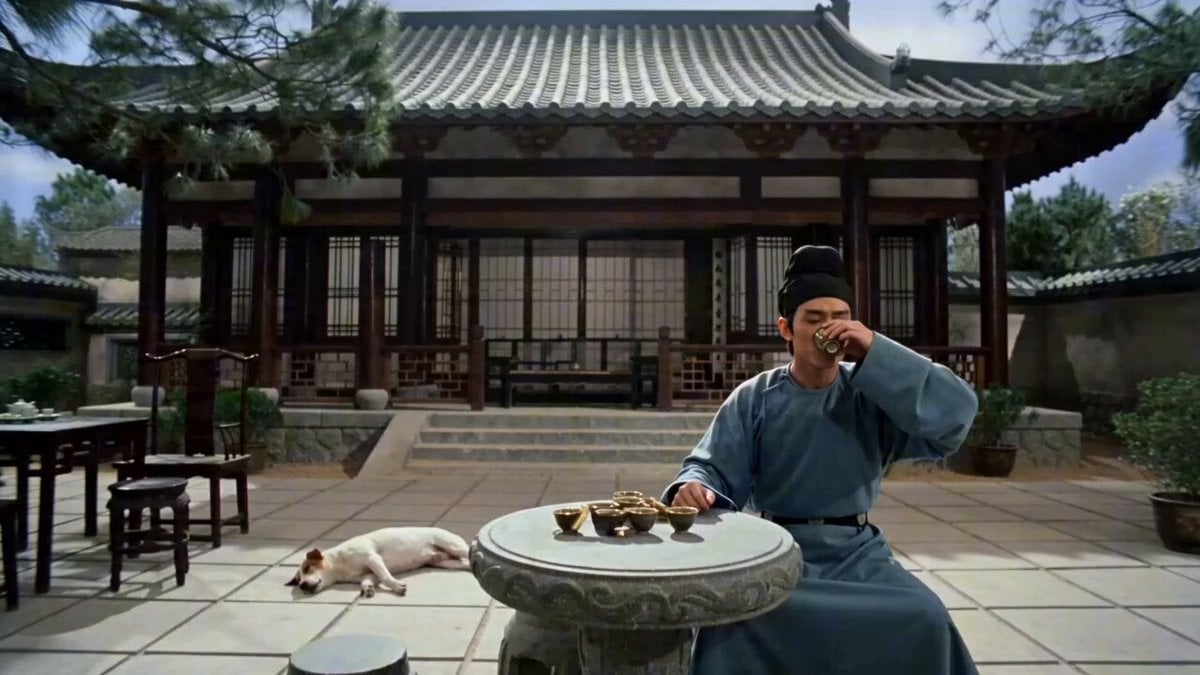
Wuxia Comedy Short: Cat Assassin vs. Single Man
Make it yours
Pixar-Style Office Comedy Short works as-is. These are the safest ways to change it without losing the look.
Change one field
Copy a single group, rewrite it, and generate again so you can see what that field is doing.
Keep the frame, change the subject
Hold the composition and light of Pixar-Style Office Comedy Short, then swap wardrobe, props or the person for a new take.
| If the result… | Why | Fix |
|---|---|---|
| The result drifts from the preview | Too many fields changed at once. | Reuse Pixar-Style Office Comedy Short as-is first, then change one group — subject, light, or setting. |
| The model over-stylizes the scene | The prose prompt leaves finish and camera underspecified. | Add one camera or lighting sentence and stay on Seedance 2.0. |
More Seedance 2.0 templates
Other prompts made for Seedance 2.0.

Comical Martial Arts Punch Scene

Maglev Train Action Sequence

Martial Arts Fight Sequence

Wuxia Protection and Trust Script

Vintage Korean Arcade MiniDV Vlog

Mercedes 190 SL Luxury Ad

Rainy Night Supernatural Reverse Comedy Video Script

Amazon Civilization Discovery

Futuristic South Asian City Transformation

Cozy Luxury Cafe Commercial
More video prompts
Fresh picks from across the catalog.
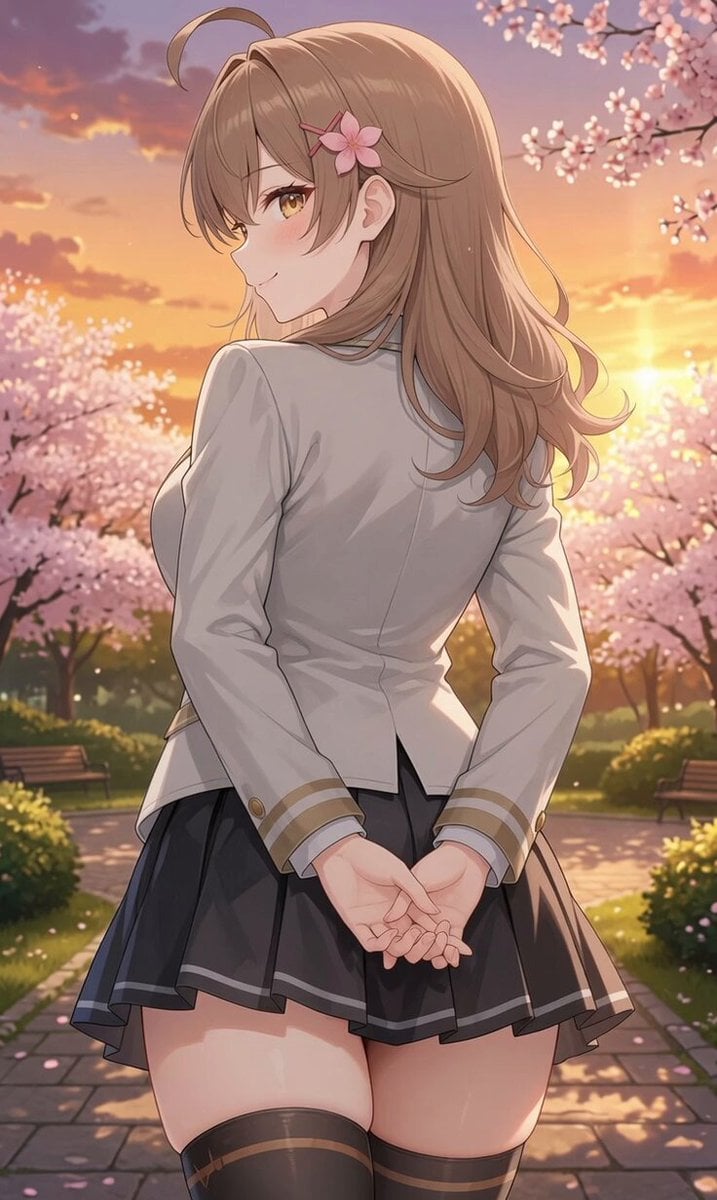
Girl Turning Head and Moving Hands
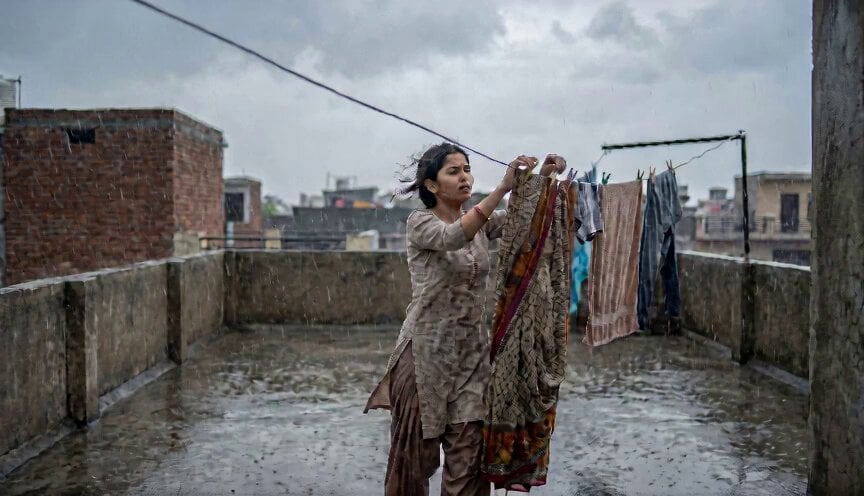
Indian Girl Rooftop Rain
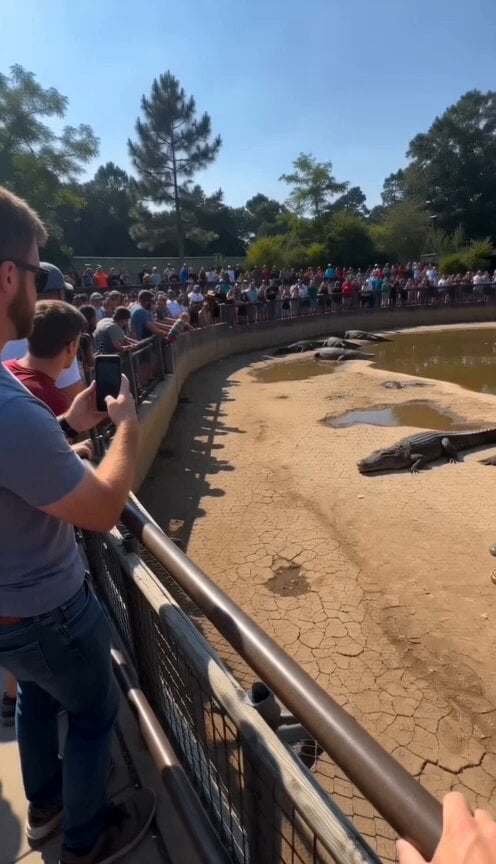
Viral Smartphone Zoo Rescue Scene

Sci-Fi Romantic Scene

Ancient Joseon Palace Anime Scene

Highly detailed 3D Art Deco embroidery of an elegant young woman and a white fox

Multi-Shot Cinematic Scene: FBI Agent and Alien at a Party
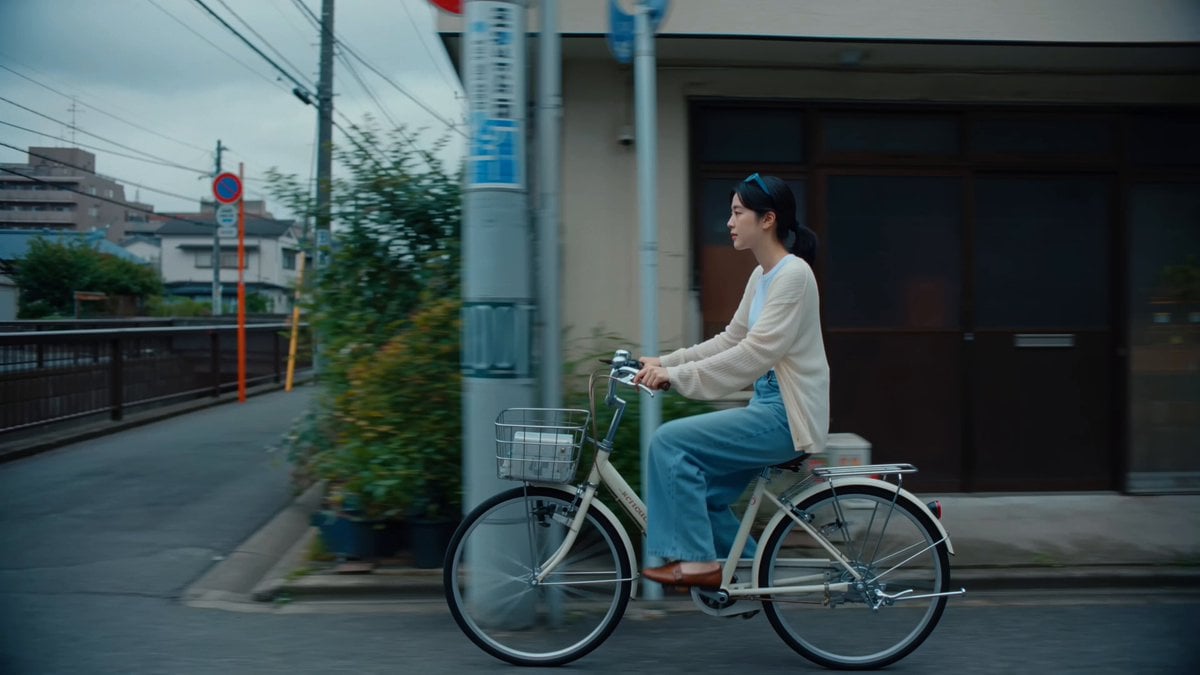
Japanese Shitamachi Neighborhood Slice-of-Life
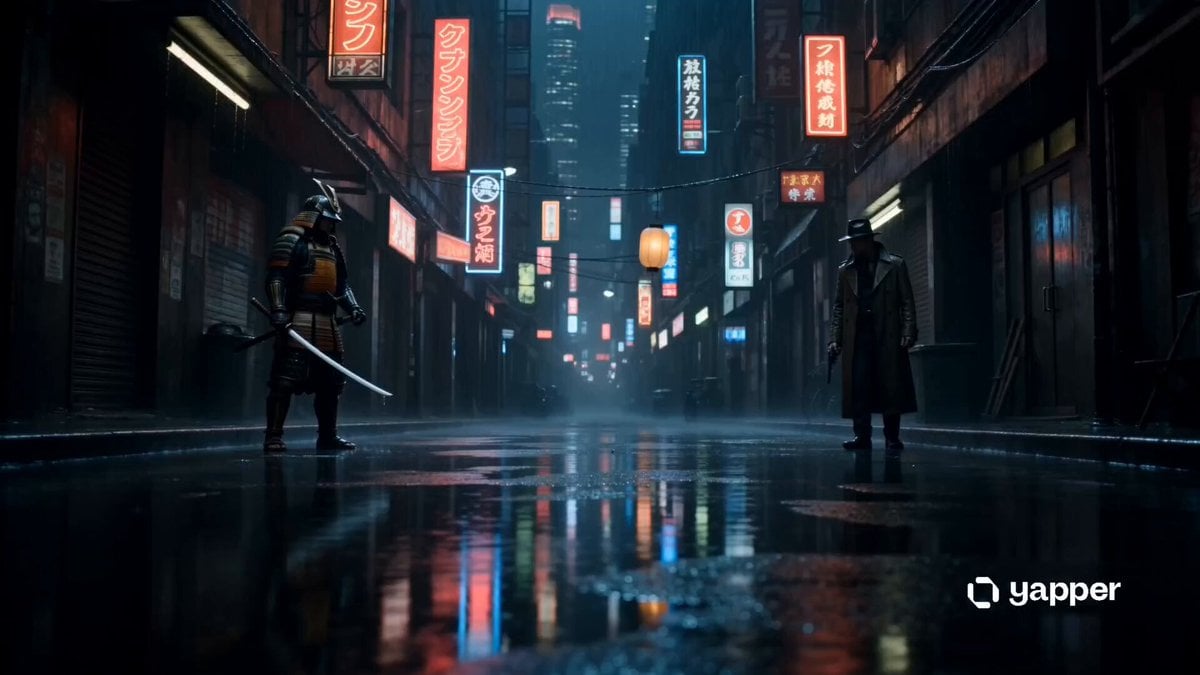
Cyberpunk Samurai vs Gunman Standoff
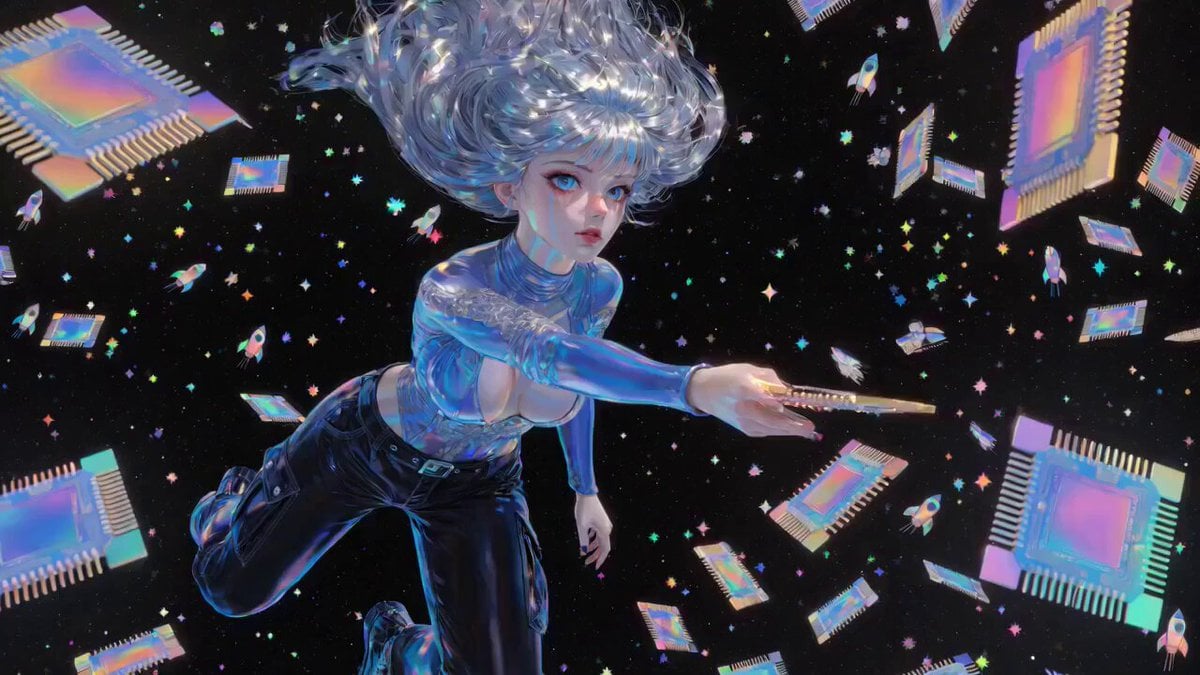
Compute and Communication
Browse template categories
Pixar-Style Office Comedy Short questions
How do I use the Pixar-Style Office Comedy Short template?
Add your photo if the template asks for one, edit the prompt if you like — the template's model and format are already selected — and press Generate. Your version opens in PicX Studio.
Can I customize the Pixar-Style Office Comedy Short template?
Yes. You can change the subject, setting, lighting, mood, format, and available model controls before creating your video.
Is the Pixar-Style Office Comedy Short template free?
Opening and editing this template is free. Generating uses credits, shown on the Generate button when you are signed in.
Which AI model should I use?
Start with Seedance 2.0, which is the model associated with this template. You can compare another compatible model for a different finish.
Looking for something else? Browse all templates.

Your photo, any look
Thousands of ready templates for every top image and video model, from one credit balance.