
Japanese Shitamachi Neighborhood Slice-of-Life
A beautifully detailed cinematic vlog-style prompt for Seedance 2.0, depicting a serene afternoon in a quiet Japanese neighborhood with unhurried transitions.
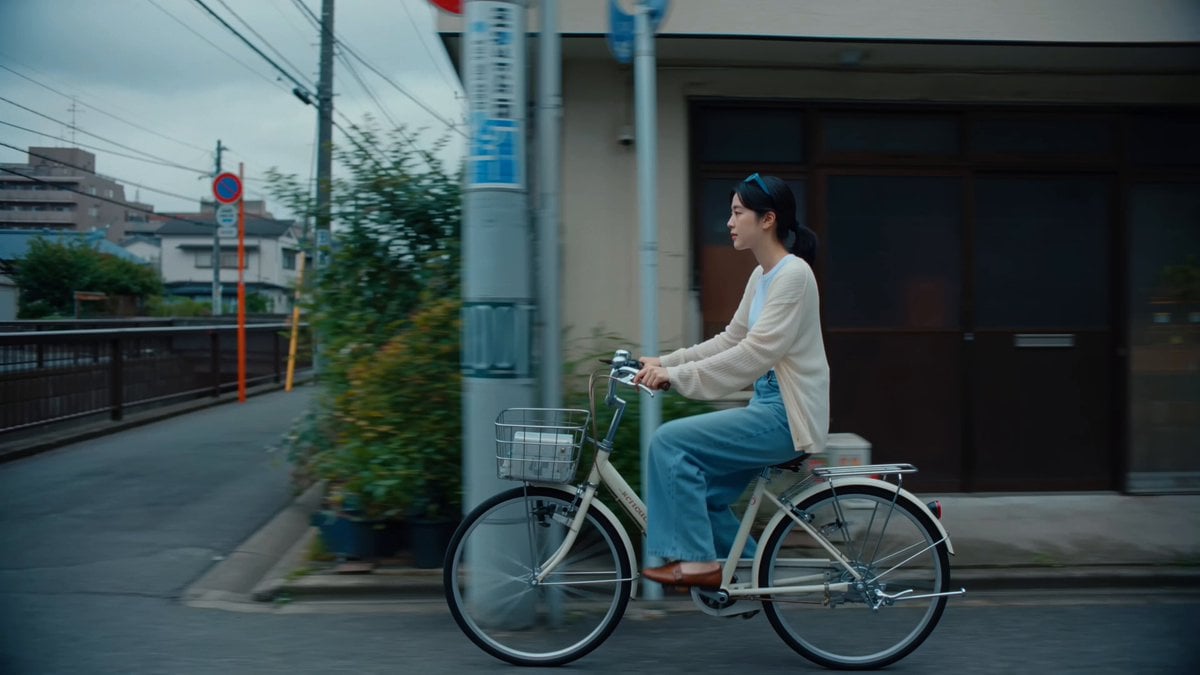
- Prompt included
- Model and format preset
- Free template
The prompt behind this video
Copy the exact prompt behind Japanese Shitamachi Neighborhood Slice-of-Life, or open it in the studio and make it yours.
SUBJECT : Young Japanese woman, early 20s, natural refined everyday look. Oversized cream cardigan over a white tee, wide-leg light denim, plain leather loafers, hair in a low loose ponytail with a few soft strands framing her face. Minimal makeup, realistic skin, calm and warm reflective presence. Keep her identity, clothing, and hair consistent all the way through. SETTING: A quiet Japanese shitamachi neighborhood, soft overcast late afternoon. Narrow lanes between low houses, potted plants along the doorsteps, a small canal with a low footbridge, power lines overhead, a parked mamachari, a quiet corner shrine, a red mailbox on the corner. Lived-in and peaceful — no stores, no crowds, no tourists. LOOK: Cinematic slice-of-life vlog. Composed, intentional framing, quiet and observational. Soft muted natural tones, cool and gentle, realistic skin. Shallow depth of field, fine film grain, soft natural light. Smooth cinematic camera movement throughout — calm, unhurried, letting each moment breathe. SEQUENCE: [0–3s] She rides a mamachari slowly down the quiet lane, cardigan and loose strands drifting in the breeze. The camera travels beside her, power lines sliding past overhead. sound: soft bicycle wheels / distant cicadas / gentle wind / faint neighborhood ambience [3–5s] She stops at the low footbridge over the canal, rests her arms on the railing, and gazes down at the still water. The camera moves gently toward her and past her shoulder to the water. sound: quiet water / cicadas / a faraway train / soft wind [5–8s] She sits on the shrine steps, opens a small notebook, and writes something slowly, pausing to think. The camera moves evenly around her, focus soft on her hands then her face. sound: pen on paper / cicadas softening / wind through leaves / distant wind chime [8–11s] She crouches by a doorway and gently lifts a red furin wind chime, watching it turn. The camera rises slowly from the chime up to her face. sound: single clear furin chime / soft breeze / cicadas / faint chatter [11–13s] She walks along the lane holding a cold canned tea, the red mailbox passing softly behind her. The camera moves ahead of her at an even pace, keeping her centered. sound: unhurried footsteps / cicadas / distant bicycle bell / wind [13–15s] She reaches a quiet stone stairway, climbs the first steps, and glances back over her shoulder with a small calm smile before continuing up into the softening light. sound: footsteps on stone / cicadas / soft wind / slow fade AUDIO: Natural ambient only — summer cicadas, quiet canal water, a distant train, wind through the power lines, a single furin chime, unhurried footsteps, faint neighborhood ambience. FEEL: A serene, composed afternoon in a quiet Japanese neighborhood — smooth, warm in feeling but cool in tone, an unhurried and beautiful slice of everyday life.
How to use Japanese Shitamachi Neighborhood Slice-of-Life in 3 steps
- 1
Open
The prompt is already in the box next to the preview, with the template's model and format selected.
- 2…a portrait of your subject in softgolden-hour light, 85mm…
Personalize
Edit the subject and creative details for your destination.
- 3Generate
Generate
Press Generate — your video is created in PicX Studio, so you can compare it with the original and refine one variable at a time.
More like this
Templates with the same subject, style or setup. Open one to see its prompt.

Rural Japanese Slice of Life Journey
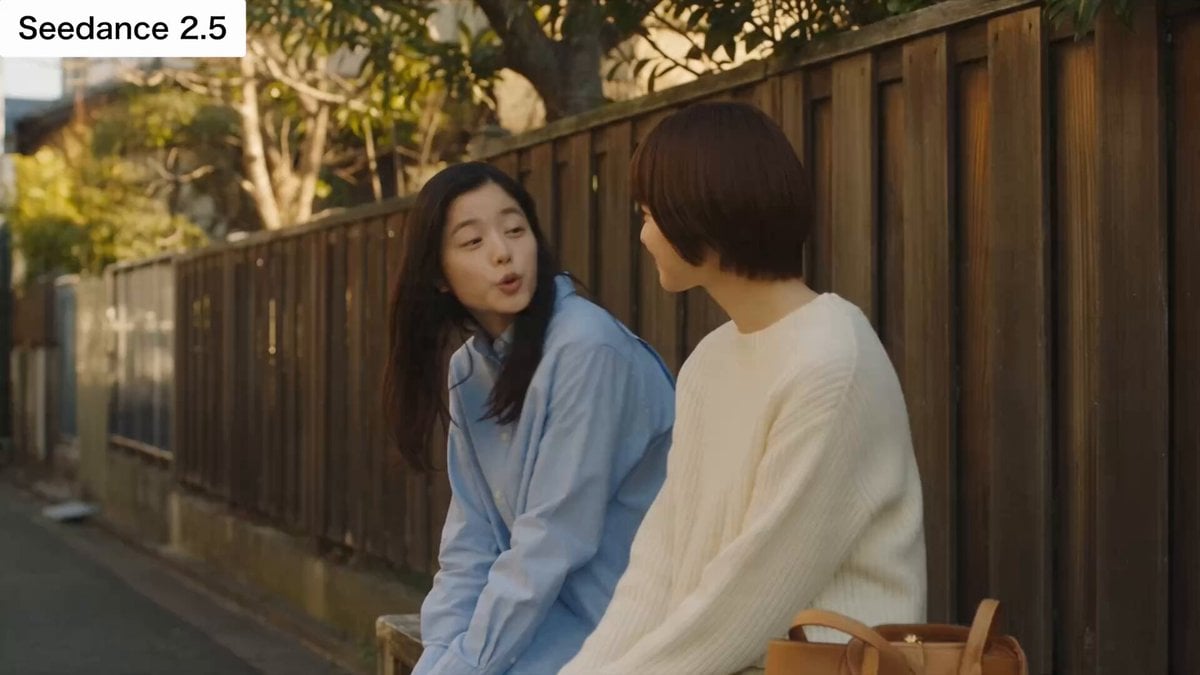
Japanese Slice-of-Life Conversation with Lip Sync

Japanese Slice-of-Life Street Conversation
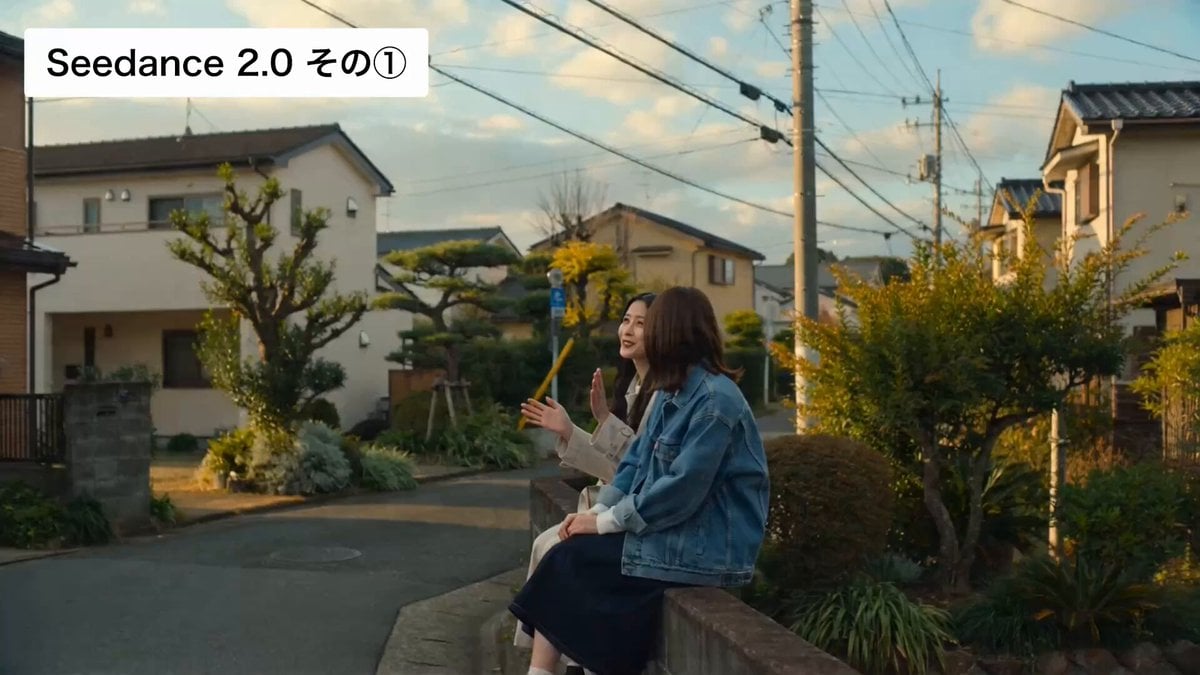
Cinematic Japanese Slice-of-Life Scene with Lip-Synced Dialogue
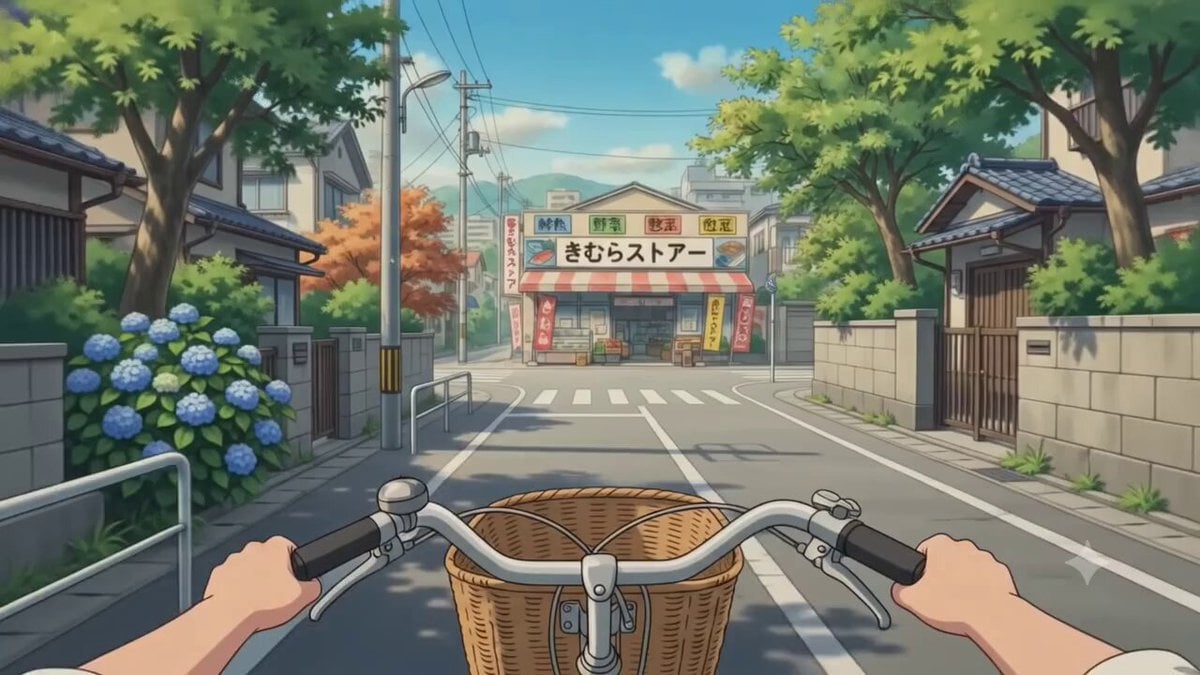
First-Person POV Japanese Neighborhood Journey
POV Japanese Residential Neighborhood Bike Trip

Japanese Pure Love Short Film

Kyoto Morning Selfie Vlog
Misa Time Freeze Japanese
Kyoto 1987 VHS Slice of Life
Bookstore Slice-of-Life Encounter
Grocery Store Slice-of-Life Realism
Make it yours
Japanese Shitamachi Neighborhood Slice-of-Life works as-is. These are the safest ways to change it without losing the look.
Change one field
Copy a single group, rewrite it, and generate again so you can see what that field is doing.
Keep the frame, change the subject
Hold the composition and light of Japanese Shitamachi Neighborhood Slice-of-Life, then swap wardrobe, props or the person for a new take.
| If the result… | Why | Fix |
|---|---|---|
| The result drifts from the preview | Too many fields changed at once. | Reuse Japanese Shitamachi Neighborhood Slice-of-Life as-is first, then change one group — subject, light, or setting. |
| The model over-stylizes the scene | The prose prompt leaves finish and camera underspecified. | Add one camera or lighting sentence and stay on Seedance 2.0. |
More Seedance 2.0 templates
Other prompts made for Seedance 2.0.

Comical Martial Arts Punch Scene

Maglev Train Action Sequence

Martial Arts Fight Sequence

Wuxia Protection and Trust Script

Vintage Korean Arcade MiniDV Vlog

Mercedes 190 SL Luxury Ad

Rainy Night Supernatural Reverse Comedy Video Script

Amazon Civilization Discovery

Futuristic South Asian City Transformation

Cozy Luxury Cafe Commercial
More video prompts
Fresh picks from across the catalog.
Anime High School Pair Dance

Elegant Terrace Fashion Video

Vintage Abstract Flappers Market

Cinematic Angel Warrior vs Demon Lord
Chloe's Spatial Rift

Endeavour Characters Video Prompt (Image-to-Video)

Red Haired Surfer Commercial Shot

Viral Game Comedy Video Prompt

Continuous One-Take Disaster Film Realism

Cyberpunk sakura spirit video
Browse template categories
Japanese Shitamachi Neighborhood Slice-of-Life questions
How do I use the Japanese Shitamachi Neighborhood Slice-of-Life template?
Add your photo if the template asks for one, edit the prompt if you like — the template's model and format are already selected — and press Generate. Your version opens in PicX Studio.
Can I customize the Japanese Shitamachi Neighborhood Slice-of-Life template?
Yes. You can change the subject, setting, lighting, mood, format, and available model controls before creating your video.
Is the Japanese Shitamachi Neighborhood Slice-of-Life template free?
Opening and editing this template is free. Generating uses credits, shown on the Generate button when you are signed in.
Which AI model should I use?
Start with Seedance 2.0, which is the model associated with this template. You can compare another compatible model for a different finish.
Looking for something else? Browse all templates.

Your photo, any look
Thousands of ready templates for every top image and video model, from one credit balance.