How do I use the Salmon Bite Sensory Experience Prompt template?
Edit the prompt in the box under the preview — the template's model and format are already selected — and press Generate. Your version appears right on this page.
A detailed, 15-second cinematic prompt for Seedance 2.0 that transitions from a macro close-up of a salmon rose in a restaurant to an underwater fantasy world, symbolizing the sensory wonder of the bite, focusing on…
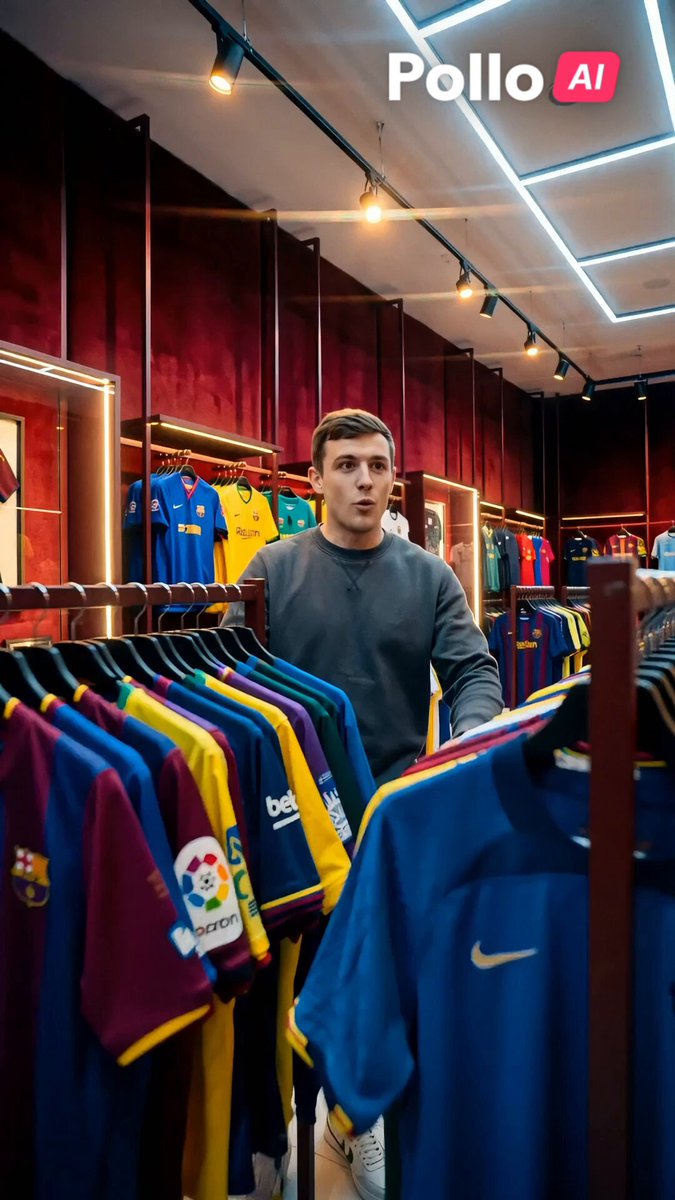
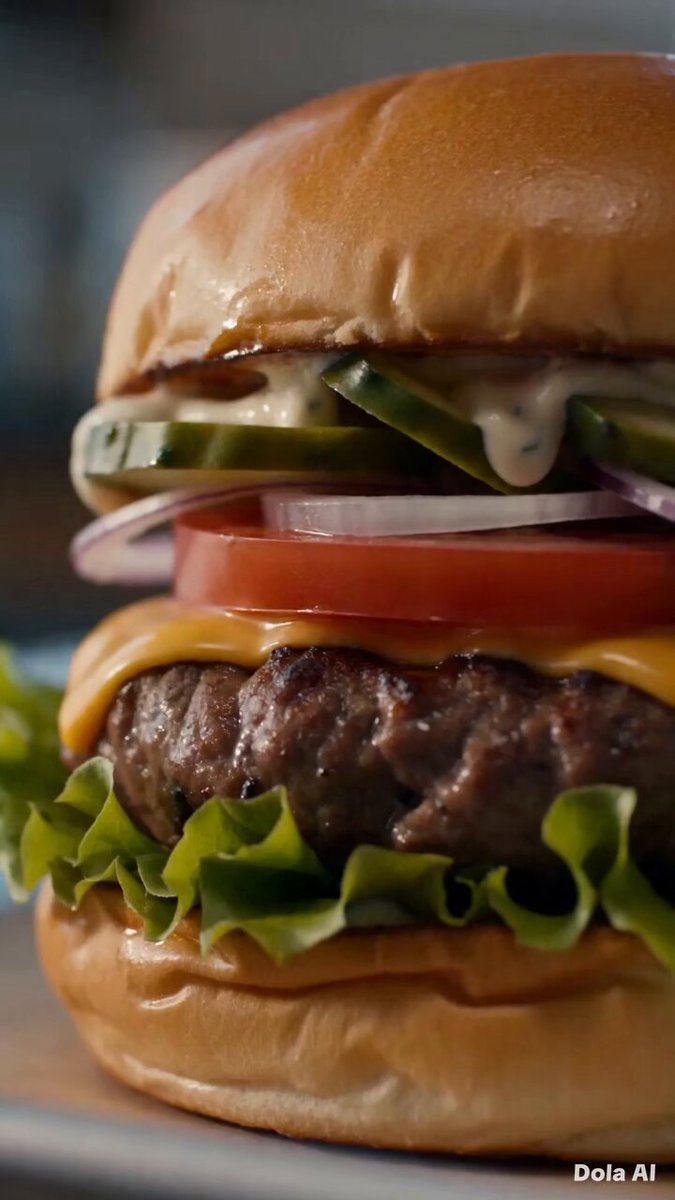
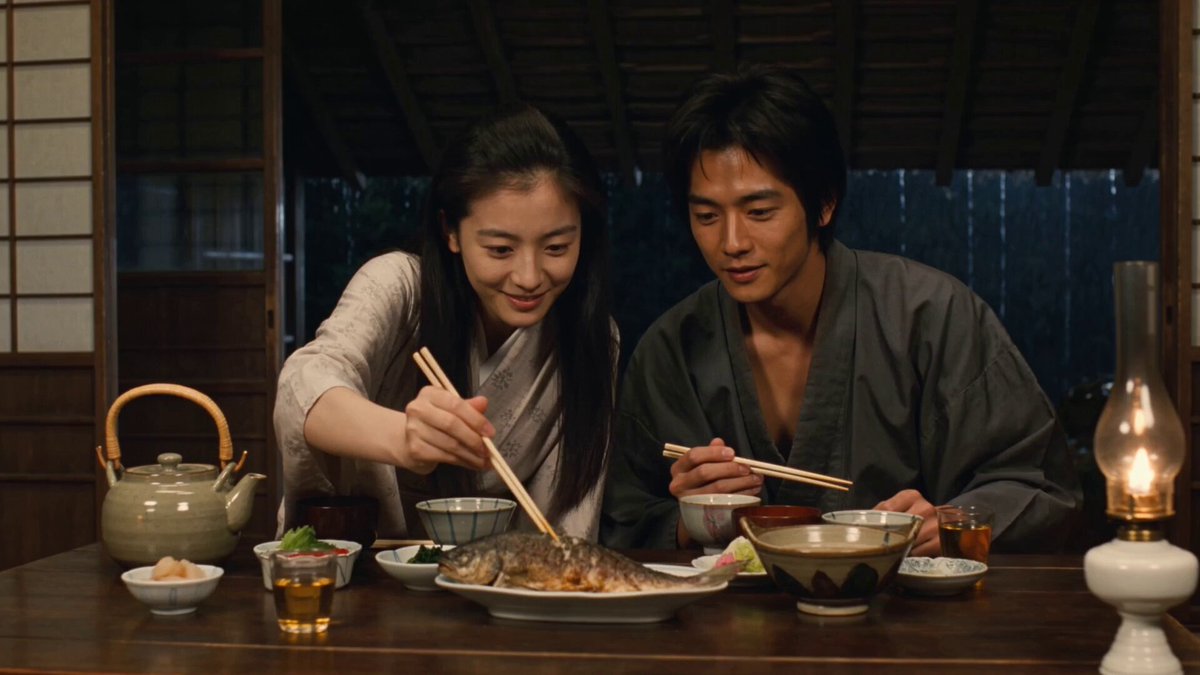
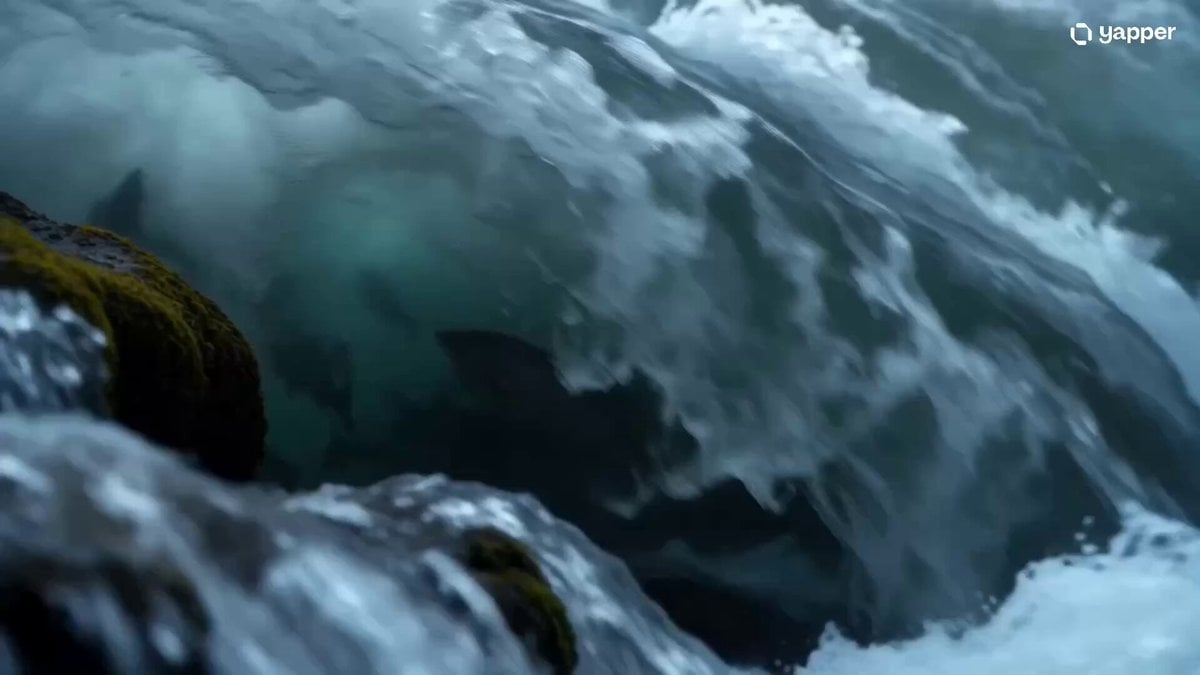
15-second cinematic video, ultra-smooth camera, natural focus pulls, warm-to-cool color shift, photorealistic 8K, ARRI Alexa look. Macro close-up of a Michelin-style salmon rose—glossy, orange-pink layers. Knife makes a slow precise slice, oils shimmer (0–3s). Focus pulls to a calm young man in side profile as he lifts a bite (3–5s). Extreme close-up bite—slow chew, eyes soften, subtle smile (5–7s). Fast push into his eye—reflection blooms into light, scene dissolves (7–8s). Underwater world: wide shot, sun rays through turquoise water, corals, seaweed, schools of salmon swimming. Man floats weightlessly, watching fish in calm wonder. Slow orbit, light beams shifting (8–13s). Match cut back to restaurant—same angle, he swallows, smiles, continues eating (13–15s). SFX: knife slice, soft chew, restaurant ambiance fading into underwater sounds and back. No text overlays.
15-second cinematic video, ultra-smooth camera, natural focus pulls, warm-to-cool color shift, photorealistic 8K, ARRI Alexa look. Macro close-up of a Michelin-style salmon rose—glossy, orange-pink layers. Knife makes a slow precise slice, oils shimmer (0–3s). Focus pulls to a calm young man in side profile as he lifts a bite (3–5s). Extreme close-up bite—slow chew, eyes soften, subtle smile (5–7s). Fast push into his eye—reflection blooms into light, scene dissolves (7–8s). Underwater world: wide shot, sun rays through turquoise water, corals, seaweed, schools of salmon swimming. Man floats weightlessly, watching fish in calm wonder. Slow orbit, light beams shifting (8–13s). Match cut back to restaurant—same angle, he swallows, smiles, continues eating (13–15s). SFX: knife slice, soft chew, restaurant ambiance fading into underwater sounds and back. No text overlays.
Edit the prompt in the box under the preview — the template's model and format are already selected — and press Generate. Your version appears right on this page.
Yes. You can change the subject, setting, lighting, mood, format, and available model controls before creating your video.
Opening and editing this template is free. Generating uses credits, shown on the Generate button when you are signed in.
Start with Seedance 2.0, which is the model associated with this template. You can compare another compatible model for a different finish.
Follow a topic to a crawlable collection of related PicX Studio templates.