
Golden Hour Rooftop Parkour Chase
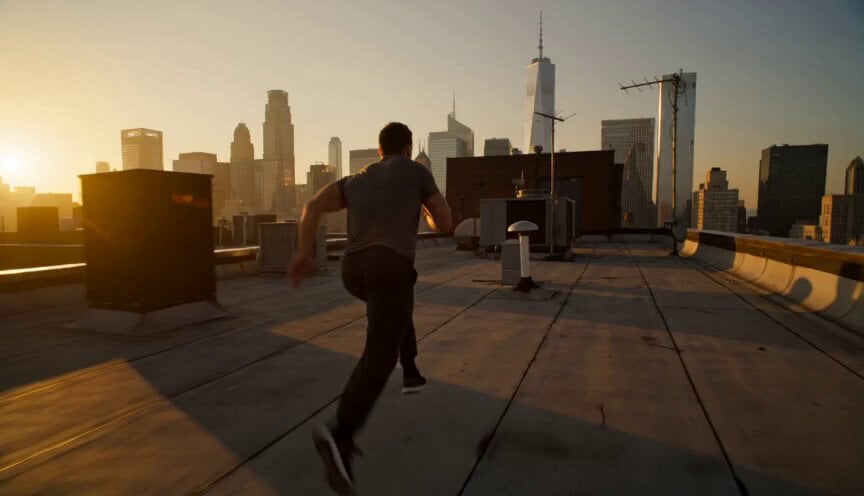
A cinematic parkour sequence at golden hour, capturing high-speed rooftop jumps and rolls with realistic human momentum.
- Prompt included
- Model and format preset
- Premium template
The prompt behind this video
Copy the exact prompt behind Golden Hour Rooftop Parkour Chase, or open it in the studio and make it yours.
A cinematic 15-second parkour chase sequence at golden hour in a dense modern city. A skilled athletic parkour runner in dark fitted streetwear sprints across connected rooftops high above the streets, surrounded by tall buildings, water tanks, vents, antennas, warm sunlight reflecting off glass windows, long dramatic shadows, glowing amber haze in the distance. 0–5 sec: Wide tracking shot from slightly behind and to the side of the athlete, camera moving fast along the rooftop edge as he runs at full speed, vaults over a ventilation unit, then leaps across a narrow gap between two buildings. The city stretches endlessly below him, golden sun flaring through the skyline. 5–10 sec: Low-angle frontal tracking shot from the next rooftop, camera moving backward as the athlete lands hard, immediately tucks into a smooth shoulder roll, rises without stopping, and accelerates toward another obstacle. Dust and small gravel scatter from the landing, clothing and hair moving naturally in the wind. 10–15 sec: Dynamic aerial side shot following him as he runs along a rooftop ledge, jumps over a wider gap, briefly silhouetted against the glowing sunset, then lands in a controlled crouch and continues running toward the skyline as the camera sweeps outward to reveal the massive city around him. Realistic human movement, powerful momentum, believable parkour technique, fast but clear action, natural impact on landing, cinematic camera motion, slight handheld energy during close tracking shots, warm golden-hour lighting, dramatic lens flare, high detail, realistic urban scale, intense adventurous atmosphere, smooth continuity between angles, no slow motion, no text, no logos, no duplicated person, no distorted limbs. Keep proportions, keep style and features consistent.
How to use Golden Hour Rooftop Parkour Chase in 3 steps
- 1
Open
The prompt is already in the box next to the preview, with the template's model and format selected.
- 2…a portrait of your subject in softgolden-hour light, 85mm…
Personalize
Edit the subject and creative details for your destination.
- 3Generate
Generate
Press Generate — your video is created in PicX Studio, so you can compare it with the original and refine one variable at a time.
More like this
Templates with the same subject, style or setup. Open one to see its prompt.
Rooftop Parkour Motion Control
Vertical City — São Paulo Parkour at Sunset
Cyberpunk Rooftop Parkour Chase
Golden Hour Beach Dog POV
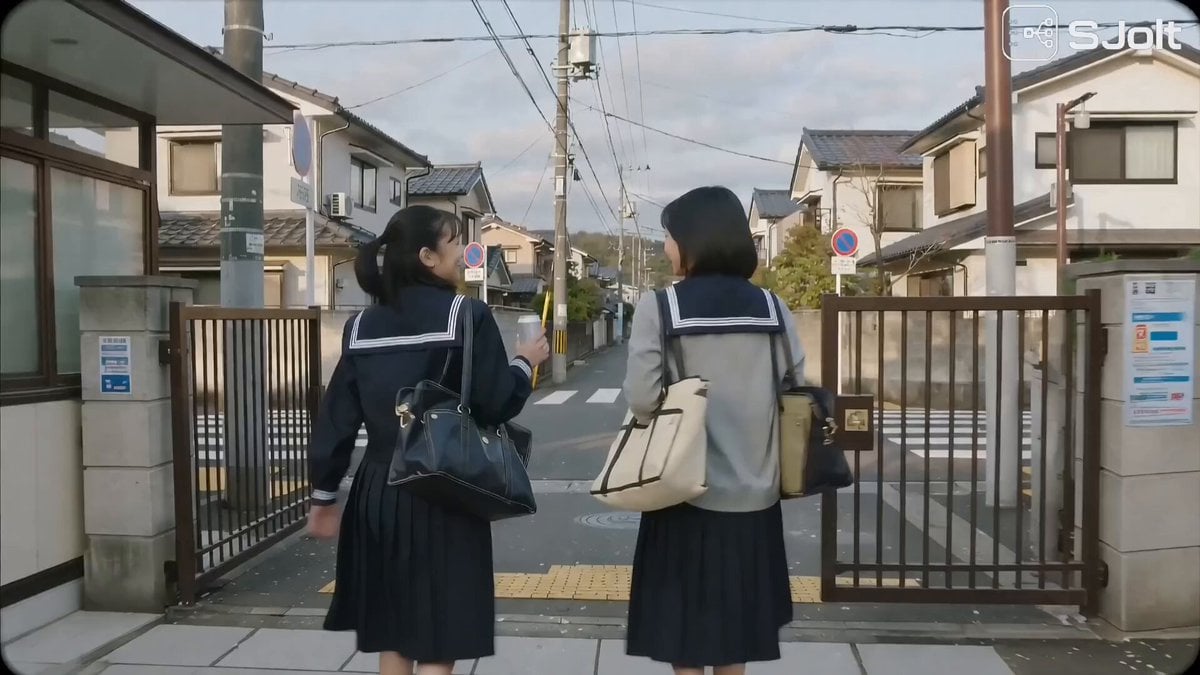
Japanese High School Golden Hour Walk
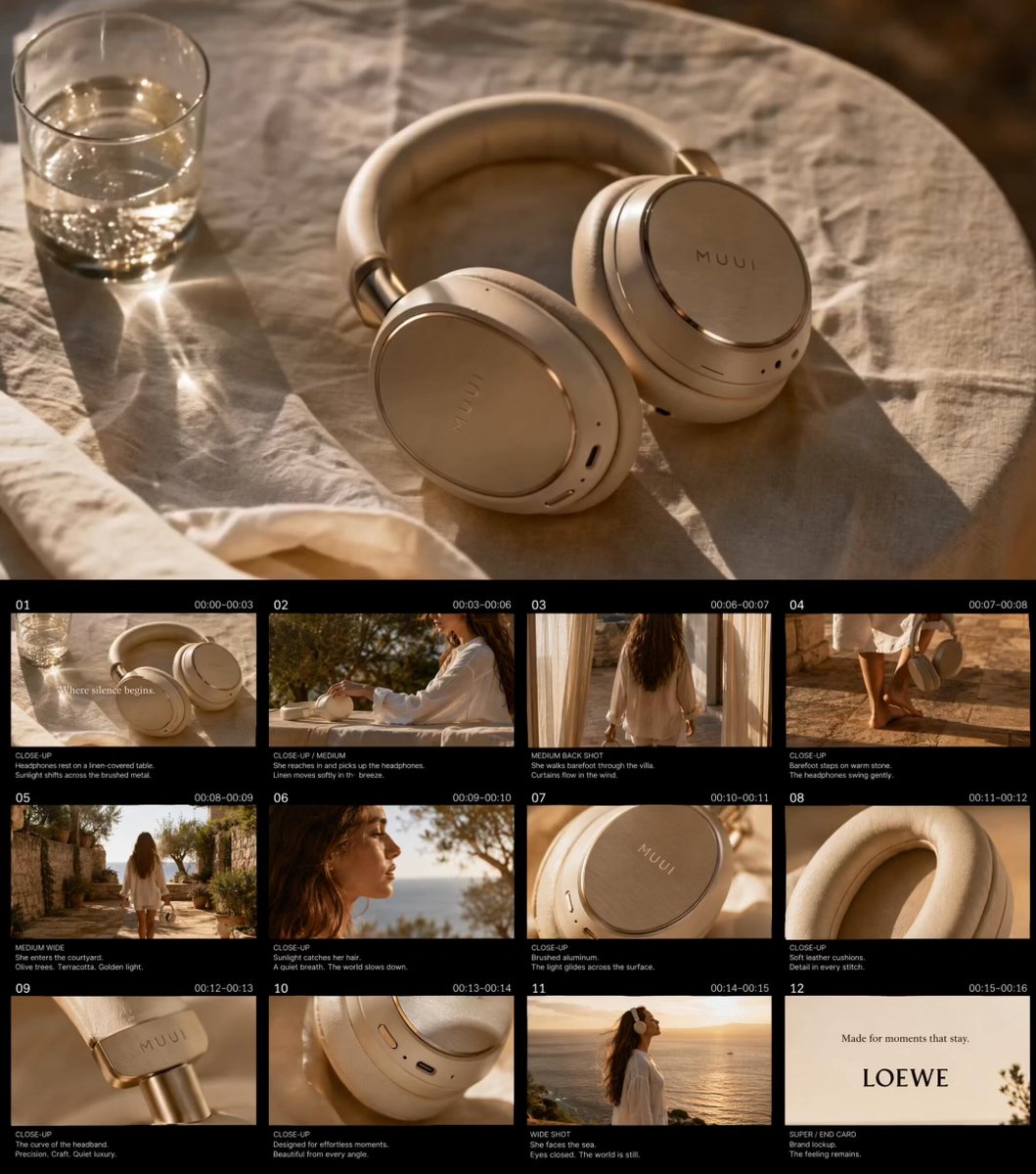
Golden Hour Luxury TVC
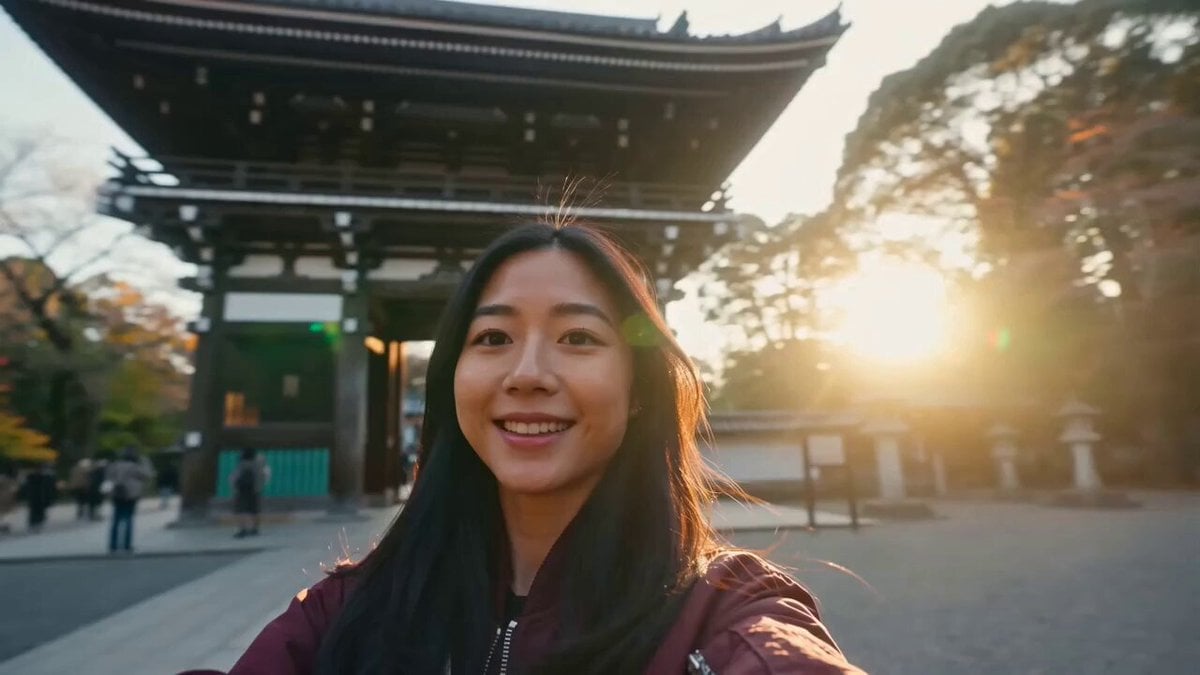
Japan Travel Vlog Golden Hour
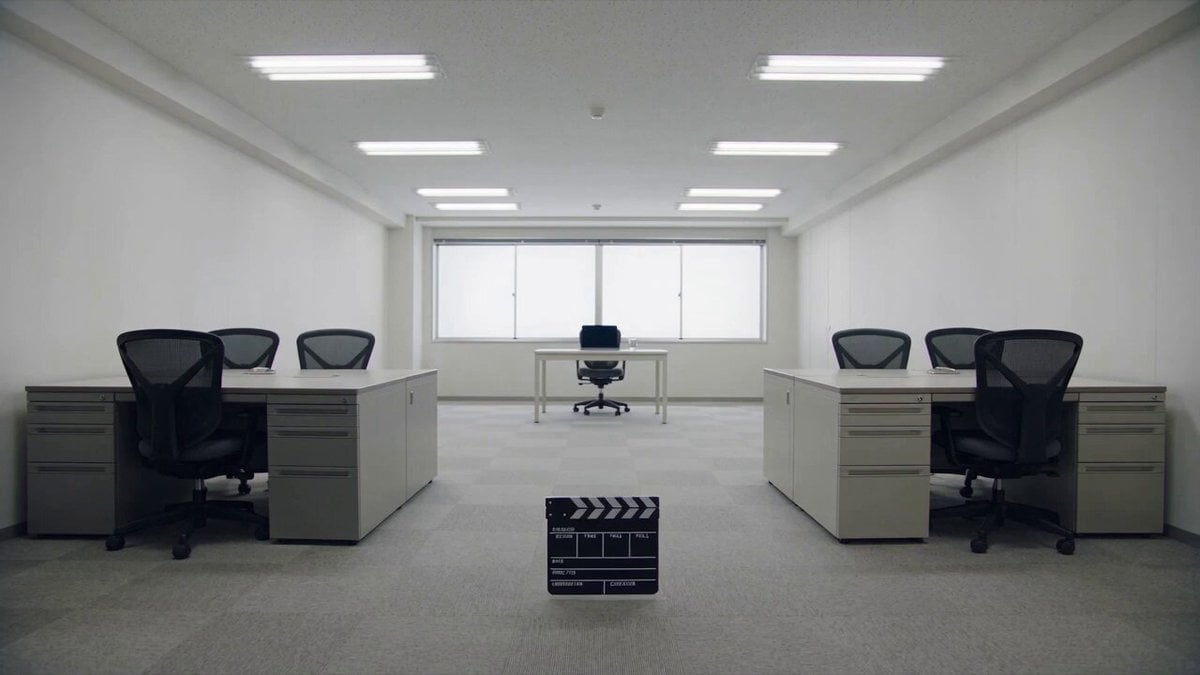
Minimalist Photography Studio Golden Hour
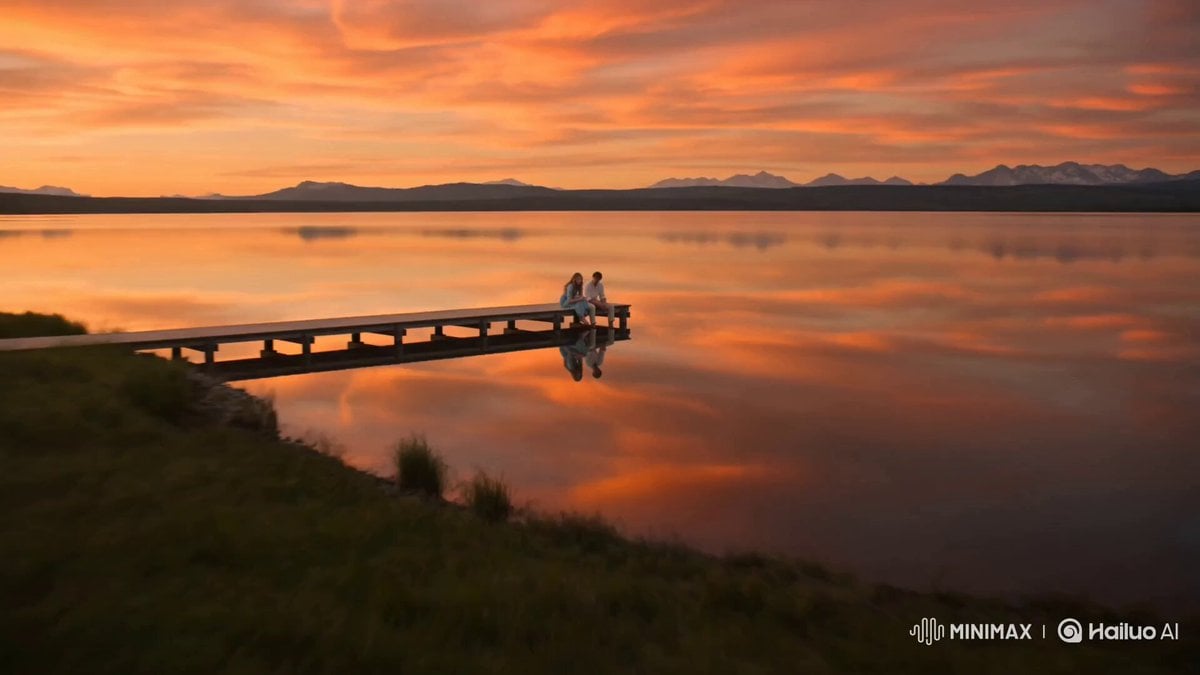
Alpine Lake Golden Hour Couple
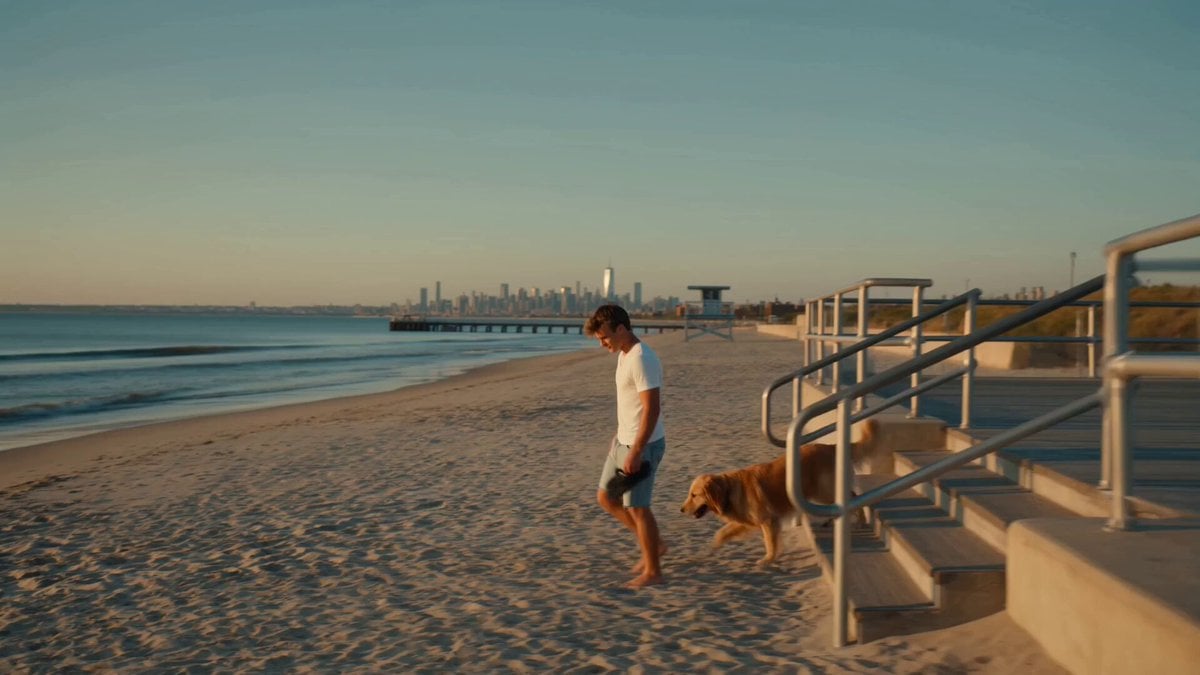
Golden Hour NYC Beach Stroll
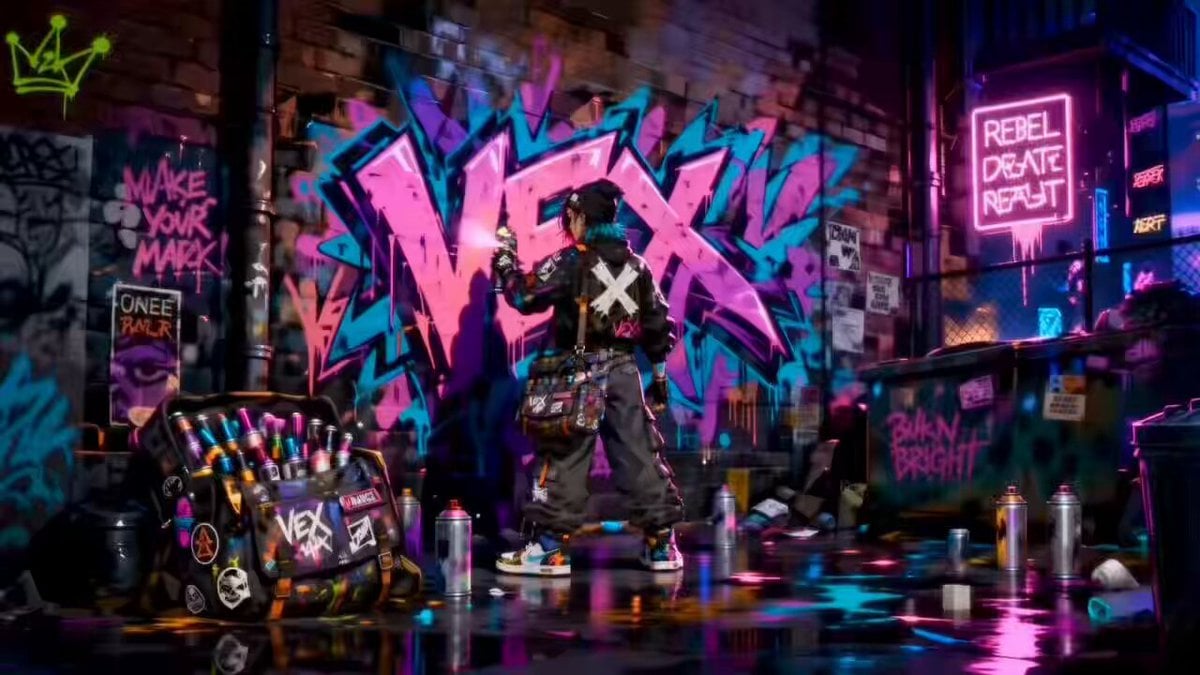
Rooftop Chase Motion Phrases

Luxury Lifestyle Day Vlog
Make it yours
Golden Hour Rooftop Parkour Chase works as-is. These are the safest ways to change it without losing the look.
Change one field
Copy a single group, rewrite it, and generate again so you can see what that field is doing.
Keep the frame, change the subject
Hold the composition and light of Golden Hour Rooftop Parkour Chase, then swap wardrobe, props or the person for a new take.
| If the result… | Why | Fix |
|---|---|---|
| The result drifts from the preview | Too many fields changed at once. | Reuse Golden Hour Rooftop Parkour Chase as-is first, then change one group — subject, light, or setting. |
| The model over-stylizes the scene | The prose prompt leaves finish and camera underspecified. | Add one camera or lighting sentence and stay on Seedance 2.0. |
More Seedance 2.0 templates
Other prompts made for Seedance 2.0.

Comical Martial Arts Punch Scene

Maglev Train Action Sequence

Martial Arts Fight Sequence

Wuxia Protection and Trust Script

Vintage Korean Arcade MiniDV Vlog

Mercedes 190 SL Luxury Ad

Rainy Night Supernatural Reverse Comedy Video Script

Amazon Civilization Discovery

Futuristic South Asian City Transformation

Cozy Luxury Cafe Commercial
More video prompts
Fresh picks from across the catalog.

Continuous Life Transformation Sequence
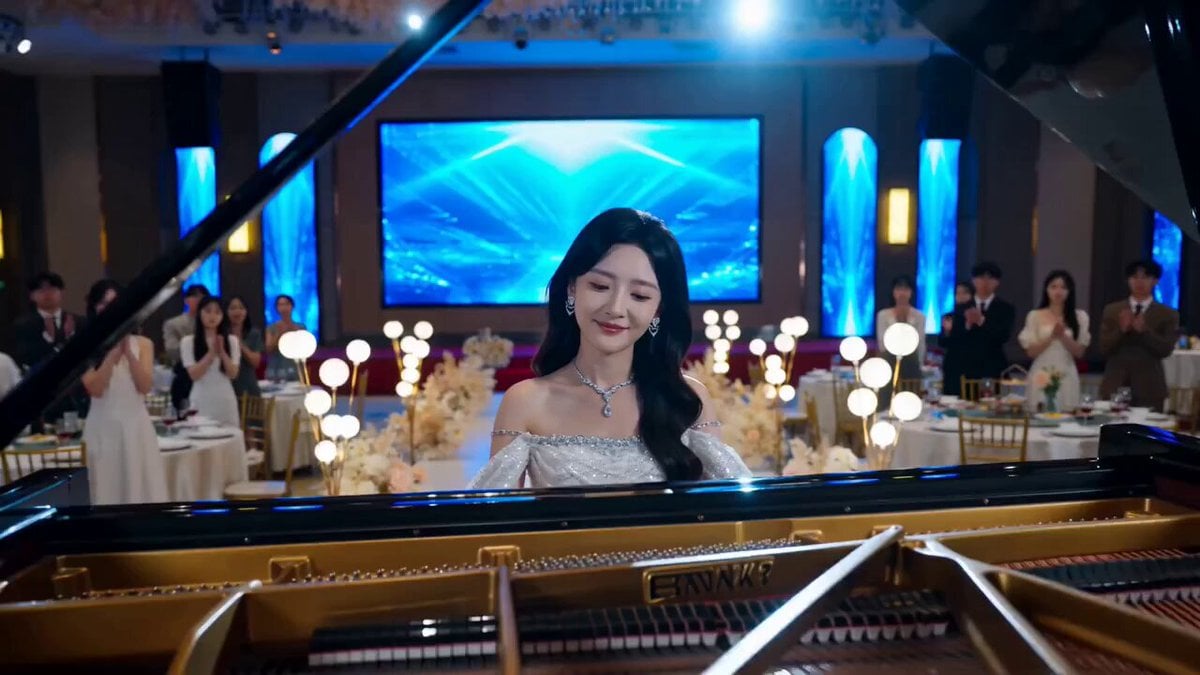
Dramatic Scene Generation Prompt
Nostalgic 2010s VHS Anime Cheerleader Meme
Spanish dialogue prompt for video generation

Futuristic Humanoid Robot Lab Scene
Ethereal Woman on Balcony Video Prompt
Extreme Skateboarding Cinematic Video
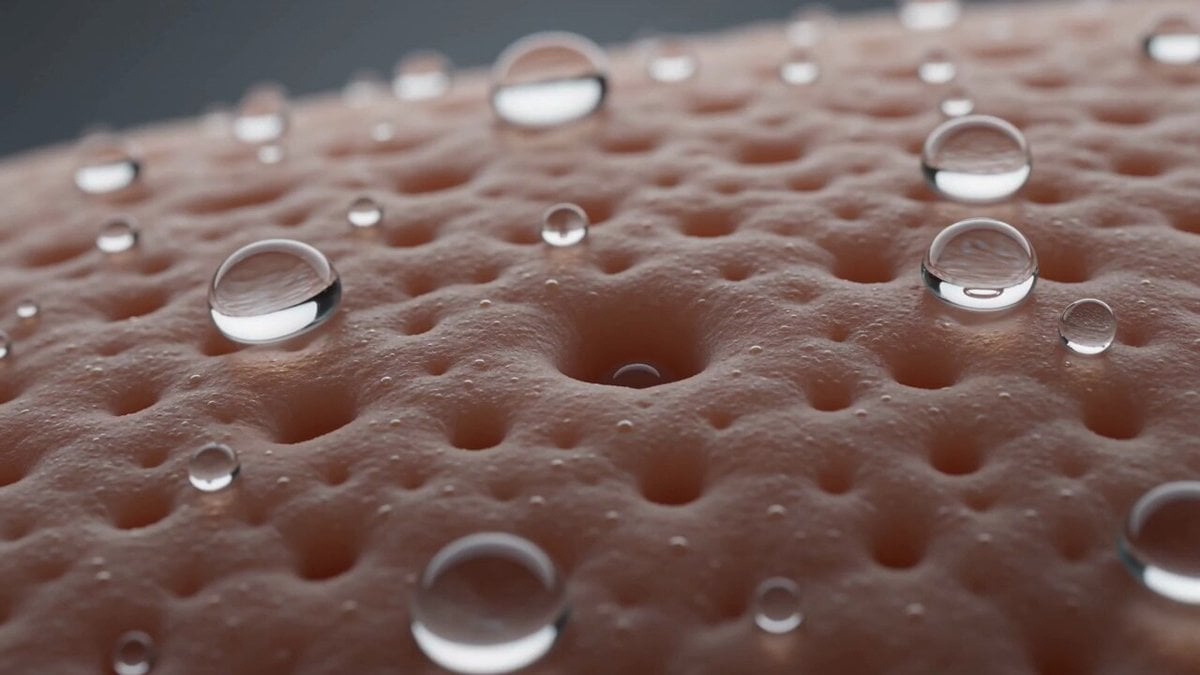
Macro Biological Surreal Skin Forest
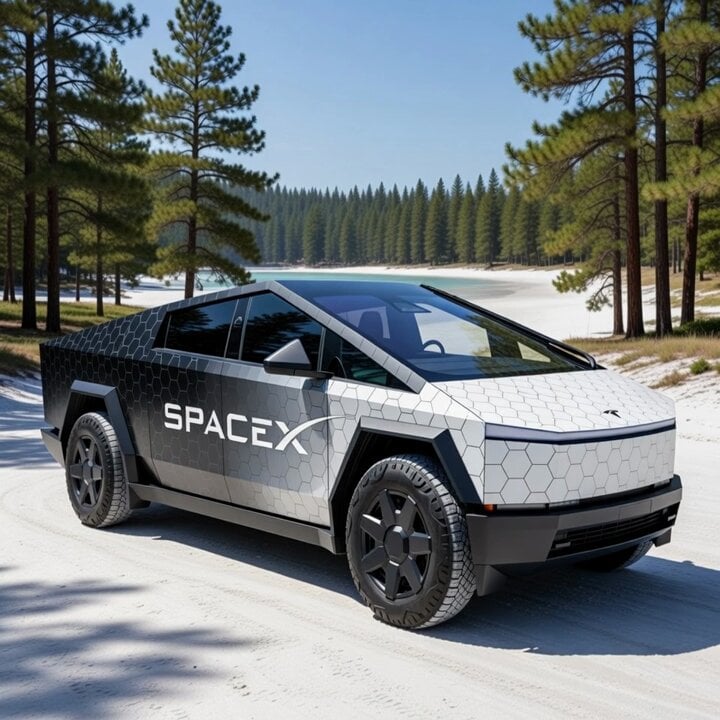
Cybertruck with SpaceX Starship Wrap
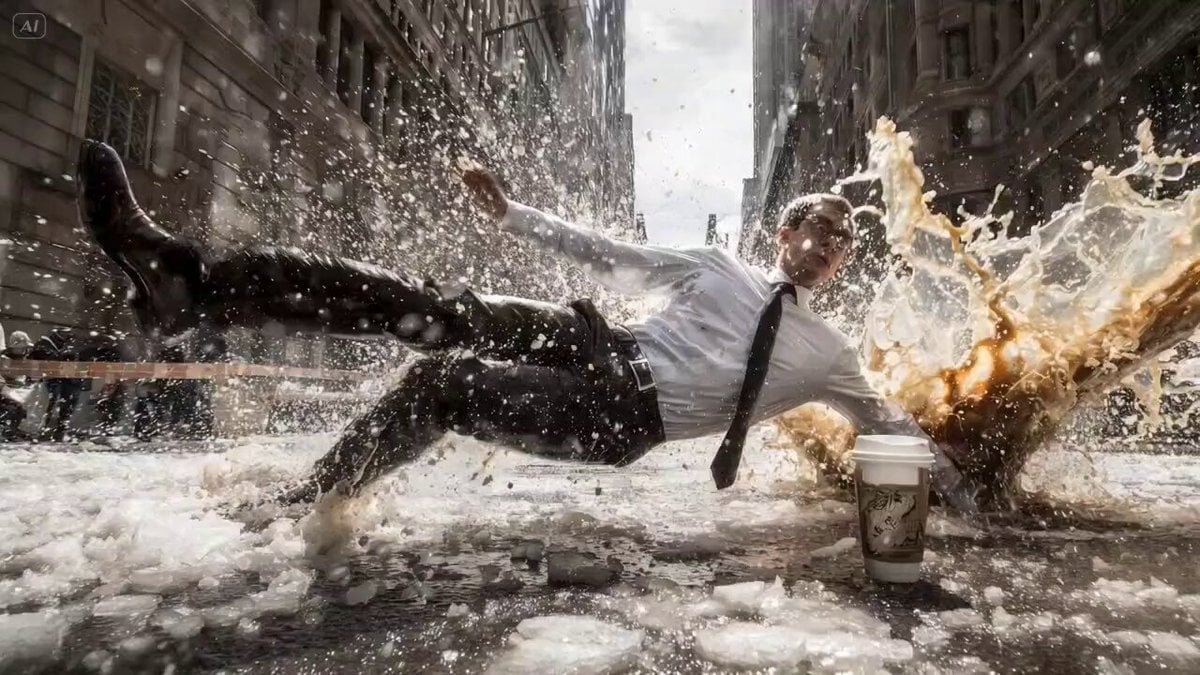
Bullet Time Falling Businessman
Browse template categories
Golden Hour Rooftop Parkour Chase questions
How do I use the Golden Hour Rooftop Parkour Chase template?
Add your photo if the template asks for one, edit the prompt if you like — the template's model and format are already selected — and press Generate. Your version opens in PicX Studio.
Can I customize the Golden Hour Rooftop Parkour Chase template?
Yes. You can change the subject, setting, lighting, mood, format, and available model controls before creating your video.
Is the Golden Hour Rooftop Parkour Chase template free?
Opening and editing this template is free. Generating uses credits, shown on the Generate button when you are signed in.
Which AI model should I use?
Start with Seedance 2.0, which is the model associated with this template. You can compare another compatible model for a different finish.
Looking for something else? Browse all templates.

Your photo, any look
Thousands of ready templates for every top image and video model, from one credit balance.