How do I use the Bullet Time Falling Businessman template?
Edit the prompt in the box under the preview — the template's model and format are already selected — and press Generate. Your version appears right on this page.
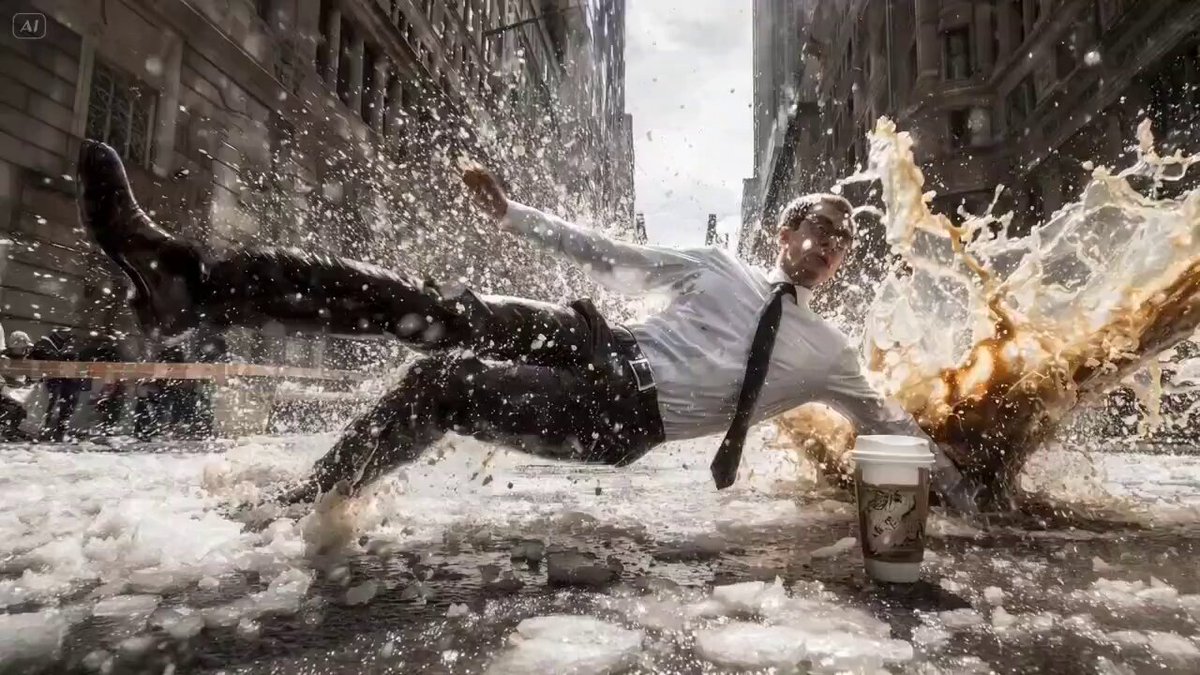
A prompt designed for Seedance 2.0 to create a cinematic bullet-time effect video of a businessman falling backward on an icy street in Wall Street, with the camera orbiting the frozen scene.
Bullet time effect. A businessman in white shirt and black tie slipping and falling backwards on icy wet street in Wall Street, New York. Coffee cup standing on ground, liquid exploding outward frozen in mid-air. Ice chunks, water droplets, and coffee splash all completely suspended — time is frozen. Tall buildings on both sides creating a canyon effect. Camera smoothly orbits 360 degrees around the falling man at low ground level angle, only the camera moves while everything else remains perfectly still. Cinematic, overcast dramatic lighting, wide angle lens distortion.
Bullet time effect. A businessman in white shirt and black tie slipping and falling backwards on icy wet street in Wall Street, New York. Coffee cup standing on ground, liquid exploding outward frozen in mid-air. Ice chunks, water droplets, and coffee splash all completely suspended — time is frozen. Tall buildings on both sides creating a canyon effect. Camera smoothly orbits 360 degrees around the falling man at low ground level angle, only the camera moves while everything else remains perfectly still. Cinematic, overcast dramatic lighting, wide angle lens distortion.
Edit the prompt in the box under the preview — the template's model and format are already selected — and press Generate. Your version appears right on this page.
Yes. You can change the subject, setting, lighting, mood, format, and available model controls before creating your video.
Opening and editing this template is free. Generating uses credits, shown on the Generate button when you are signed in.
Start with Seedance 2.0, which is the model associated with this template. You can compare another compatible model for a different finish.
Follow a topic to a crawlable collection of related PicX Studio templates.