How do I use the Bullet Time Effect at Subway Station template?
Edit the prompt in the box under the preview — the template's model and format are already selected — and press Generate. Your version appears right on this page.
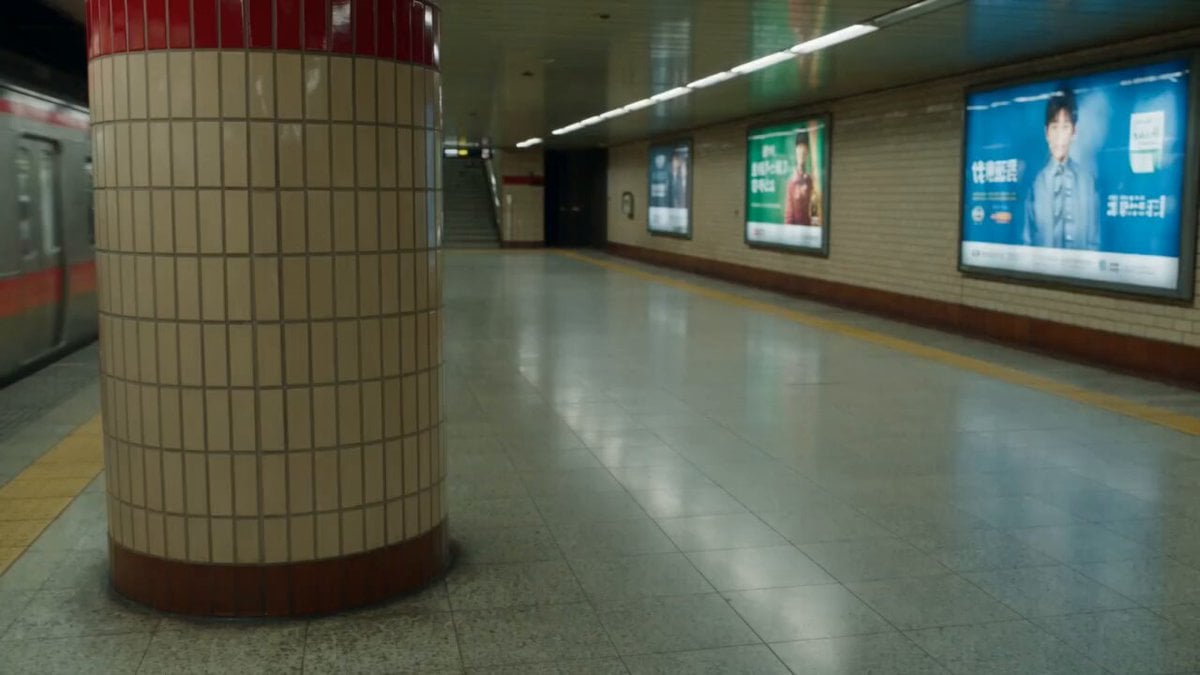
A prompt to generate a video using a bullet time effect in an underground subway station.
子弹时间效果。地下地铁站内,一名穿米白色长风衣的年轻女子在最后一刻冲向即将关闭的地铁车门,身体前倾腾空,手臂向前伸出,另一只手里的黑色手提包脱手飞出。手机、口红、纸张和耳机从包中炸开,悬浮在她周围,全部冻结。她的长发被带起,风衣下摆在空中展开,鞋尖掠过地面溅起细小水滴,所有液滴、
子弹时间效果。地下地铁站内,一名穿米白色长风衣的年轻女子在最后一刻冲向即将关闭的地铁车门,身体前倾腾空,手臂向前伸出,另一只手里的黑色手提包脱手飞出。手机、口红、纸张和耳机从包中炸开,悬浮在她周围,全部冻结。她的长发被带起,风衣下摆在空中展开,鞋尖掠过地面溅起细小水滴,所有液滴、
Edit the prompt in the box under the preview — the template's model and format are already selected — and press Generate. Your version appears right on this page.
Yes. You can change the subject, setting, lighting, mood, format, and available model controls before creating your video.
Opening and editing this template is free. Generating uses credits, shown on the Generate button when you are signed in.
Start with Seedance 2.0, which is the model associated with this template. You can compare another compatible model for a different finish.
Follow a topic to a crawlable collection of related PicX Studio templates.