How do I use the Bullet Time Effect in a College Canteen template?
Edit the prompt in the box under the preview — the template's model and format are already selected — and press Generate. Your version appears right on this page.
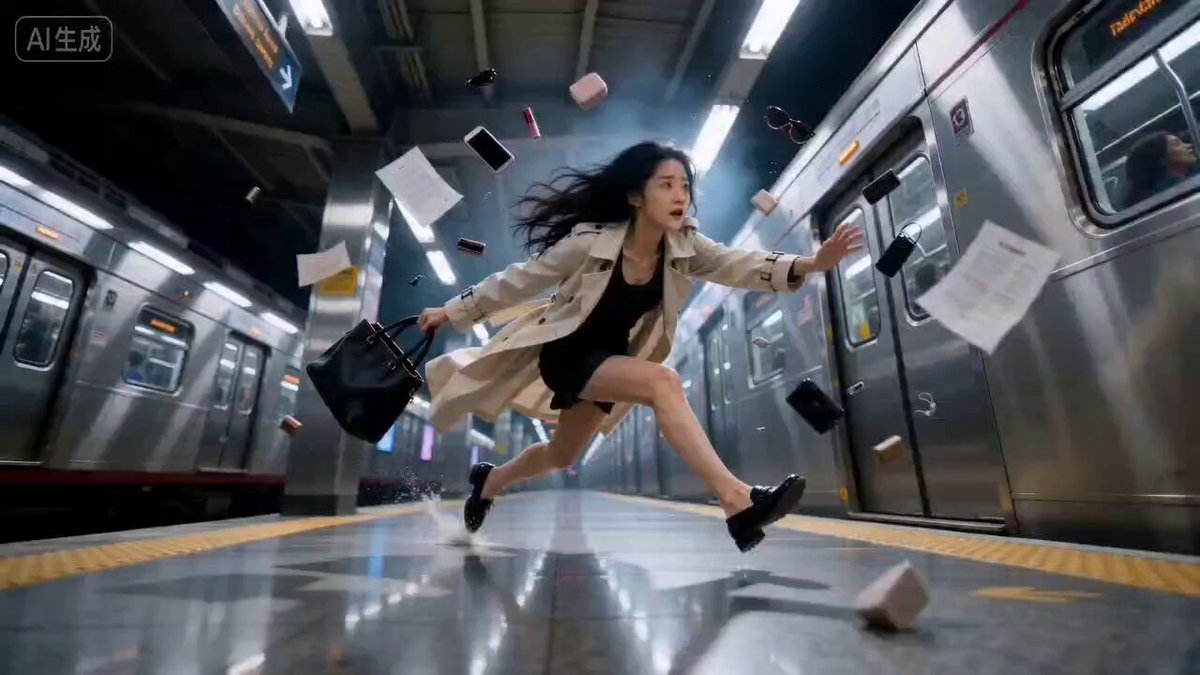
A detailed video prompt designed to capture a 'bullet time' effect in a college canteen setting, freezing a student mid-stride while various food items are suspended in motion, emphasizing hyper-realistic detail and…
Bullet time effect. College canteen. A student in a wrinkled shirt pitches forward mid-stride, arms flung wide, surrendering everything at once — masala dosa unfolding like a golden ribbon mid-flight, momos in loose constellation, samosa split open with filling frozen mid-bloom,
Bullet time effect. College canteen. A student in a wrinkled shirt pitches forward mid-stride, arms flung wide, surrendering everything at once — masala dosa unfolding like a golden ribbon mid-flight, momos in loose constellation, samosa split open with filling frozen mid-bloom,
Edit the prompt in the box under the preview — the template's model and format are already selected — and press Generate. Your version appears right on this page.
Yes. You can change the subject, setting, lighting, mood, format, and available model controls before creating your video.
Opening and editing this template is free. Generating uses credits, shown on the Generate button when you are signed in.
Start with Seedance 2.0, which is the model associated with this template. You can compare another compatible model for a different finish.
Follow a topic to a crawlable collection of related PicX Studio templates.