How do I use the Time-Lapse Mannequin Effect Video Prompt template?
Edit the prompt in the box under the preview — the template's model and format are already selected — and press Generate. Your version appears right on this page.
Two related prompts.
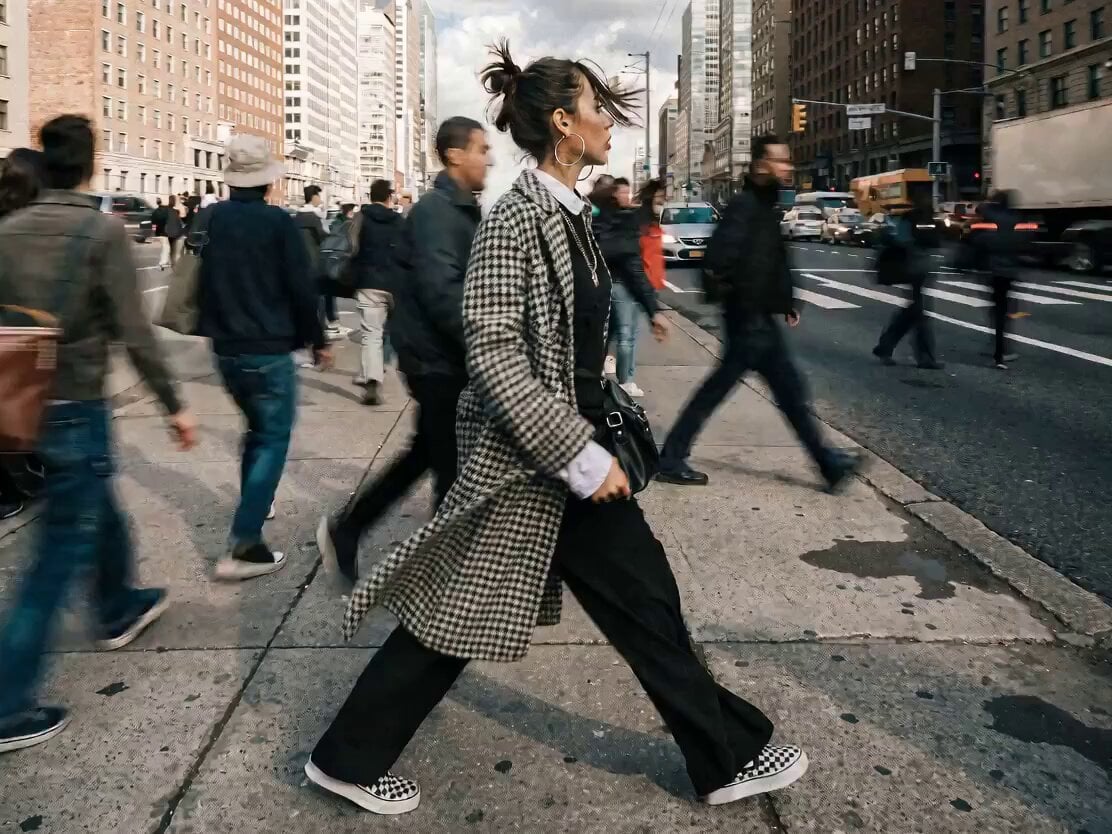
渋谷スクランブル交差点の中央に立つ怪しげな男。 男を中心に周りの人物たちは、タイムラプスのように歩き交差する。 彼が右手を真上にあげ、指パッチンをすると、波動が起き、彼以外の人はマネキンのように動かなくなる。 使用プロンプト② 主人公:ヒロム 年齢19歳
渋谷スクランブル交差点の中央に立つ怪しげな男。 男を中心に周りの人物たちは、タイムラプスのように歩き交差する。 彼が右手を真上にあげ、指パッチンをすると、波動が起き、彼以外の人はマネキンのように動かなくなる。 使用プロンプト② 主人公:ヒロム 年齢19歳
Edit the prompt in the box under the preview — the template's model and format are already selected — and press Generate. Your version appears right on this page.
Yes. You can change the subject, setting, lighting, mood, format, and available model controls before creating your video.
Opening and editing this template is free. Generating uses credits, shown on the Generate button when you are signed in.
Start with Seedance 2.0, which is the model associated with this template. You can compare another compatible model for a different finish.
Follow a topic to a crawlable collection of related PicX Studio templates.