
Vintage IMAX Film Cinematic Camera
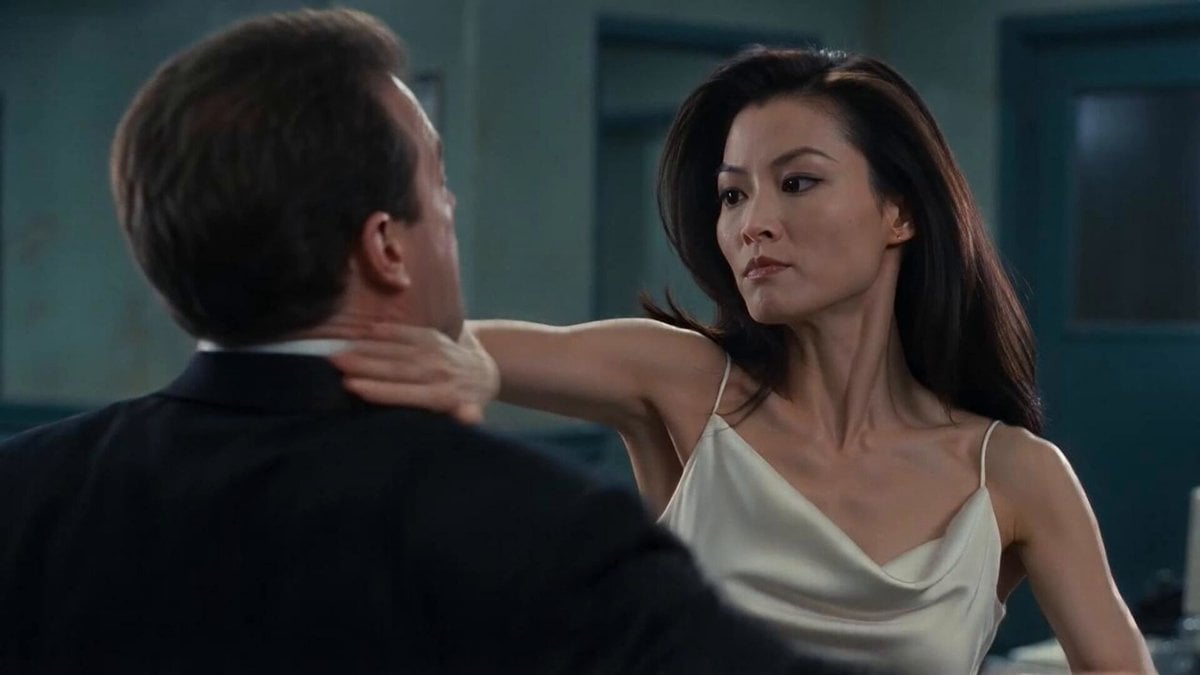
A cinematic video prompt designed to replicate the aesthetic of 70mm IMAX film, featuring retro green filters and 35mm Kodak film texture for a nostalgic look.
- Prompt included
- Model and format preset
- Premium template
The prompt behind this video
Copy the exact prompt behind Vintage IMAX Film Cinematic Camera, or open it in the studio and make it yours.
IMAX 70mm 胶片电影摄影机,复古绿色滤镜,使用35mm柯达胶片实拍质感,带有细微均匀的胶片颗粒,轻微的旧电影柔化,不是数字超清的干净画面。全局统一偏色复古滤镜,画面暗部、中间调全部浸染冷调青绿,高光轻微保留中性白,暖色极低饱和度。
How to use Vintage IMAX Film Cinematic Camera in 3 steps
- 1
Open
The prompt is already in the box next to the preview, with the template's model and format selected.
- 2…a portrait of your subject in softgolden-hour light, 85mm…
Personalize
Edit the subject and creative details for your destination.
- 3Generate
Generate
Press Generate — your video is created in PicX Studio, so you can compare it with the original and refine one variable at a time.
More like this
Templates with the same subject, style or setup. Open one to see its prompt.
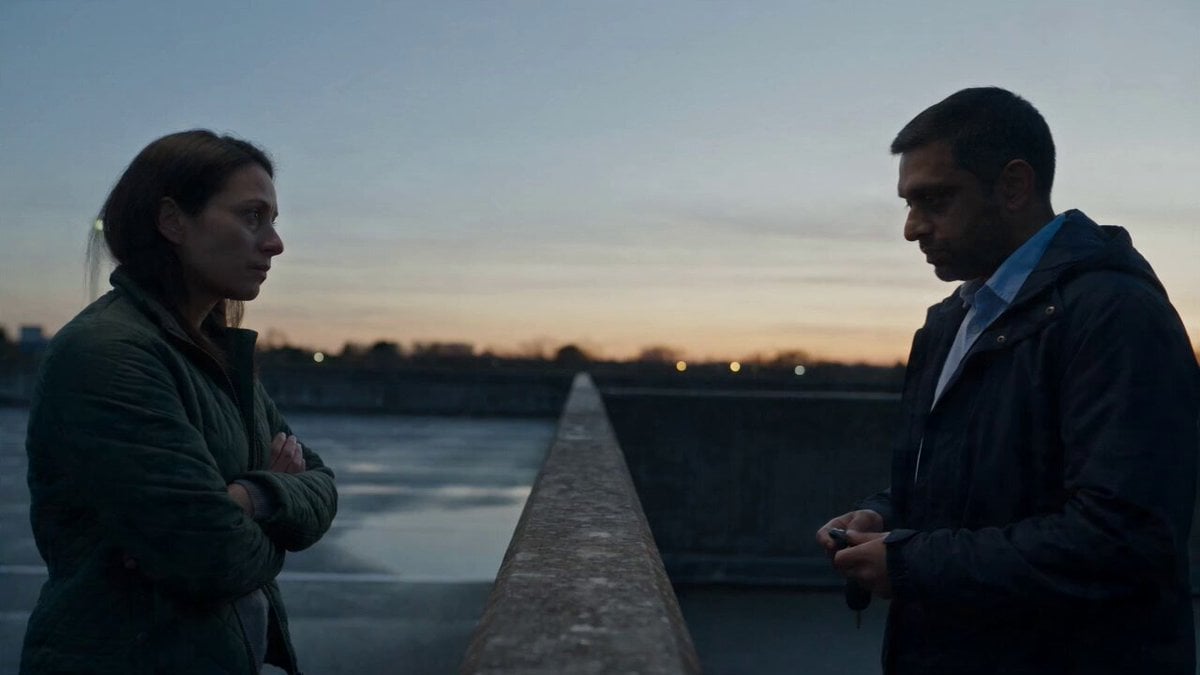
Hospital Car Park Dialogue Lip Sync

Global Flower Thank-You Film
Youth Racing Short Film
Mechanical Flower Bloom Brand Film
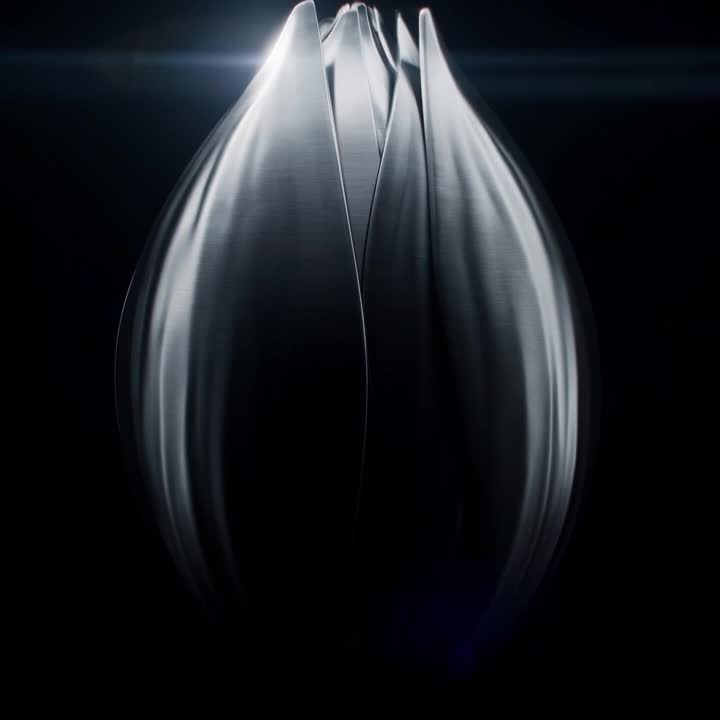
Oceanic Civilization Epic Sci-Fi Film
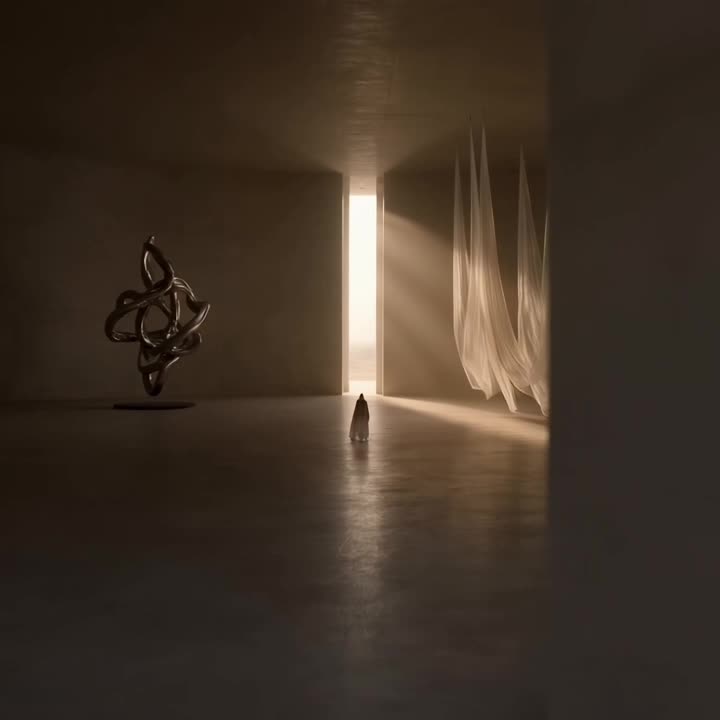
Floating Desert Museum Cinematic Film

Haute Couture Dream Bokeh Film
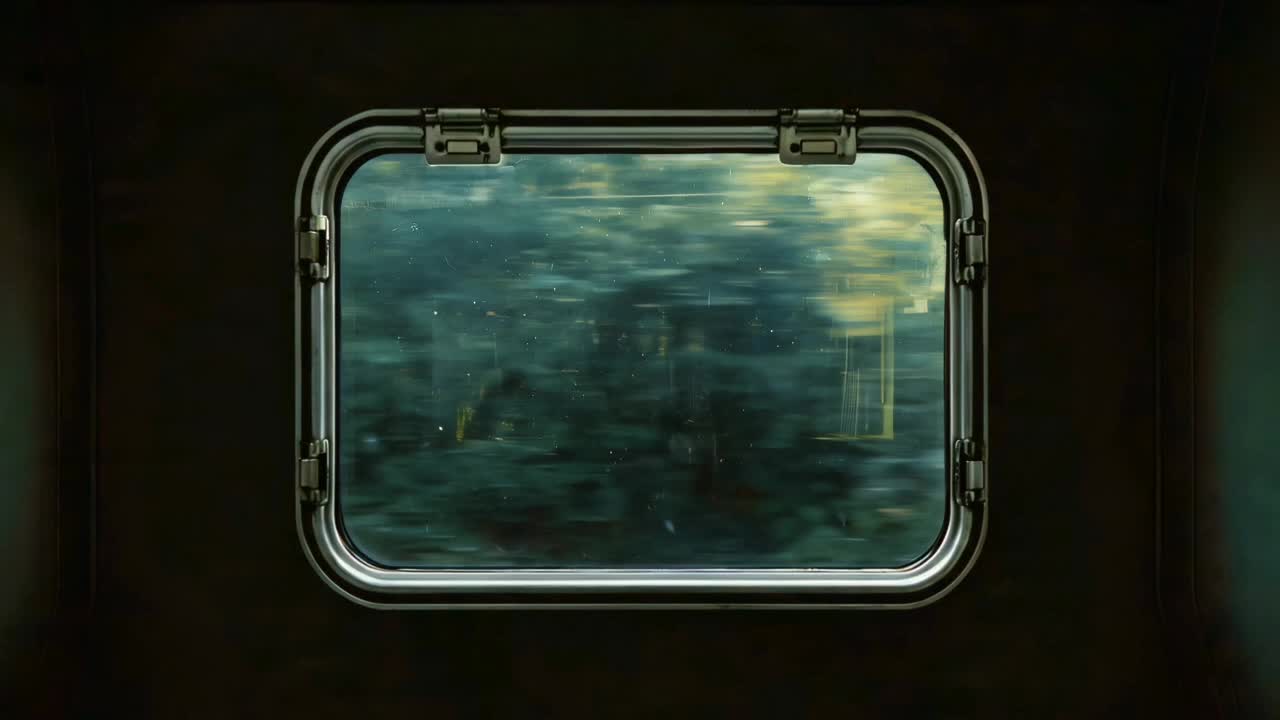
Window-to-Eye Concept Film
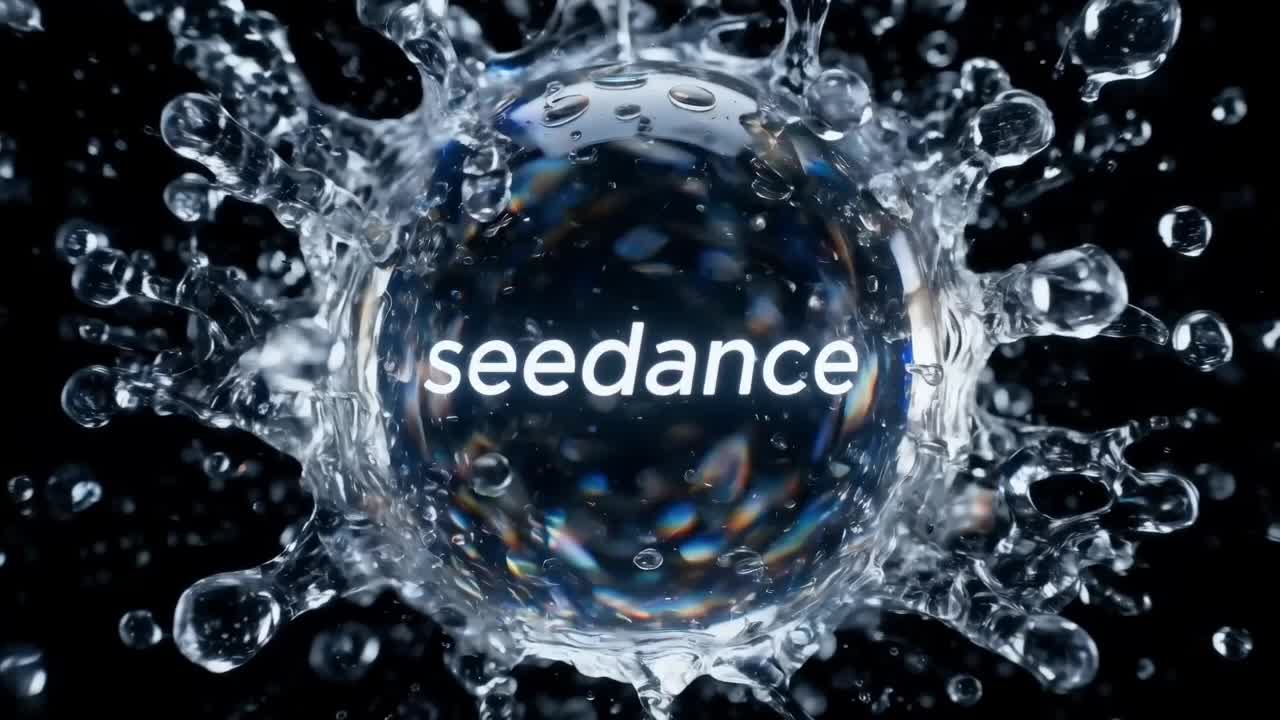
Crystal Ball Match-Cut Brand Film
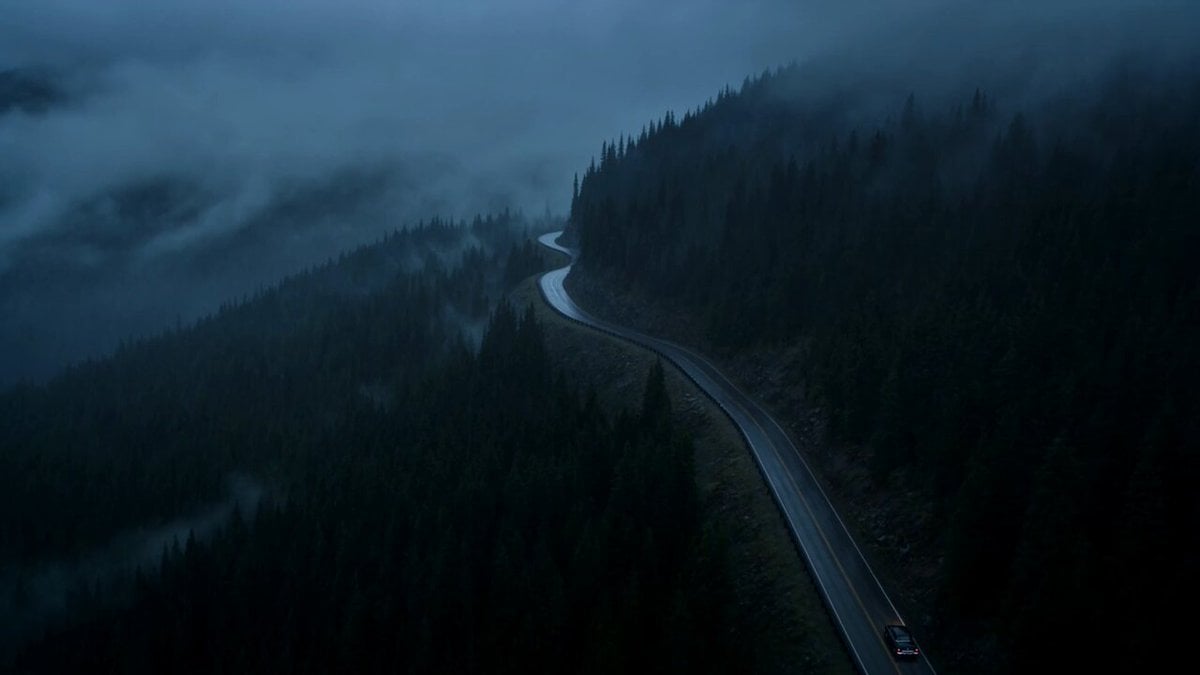
Vintage Neo-Noir Road Film
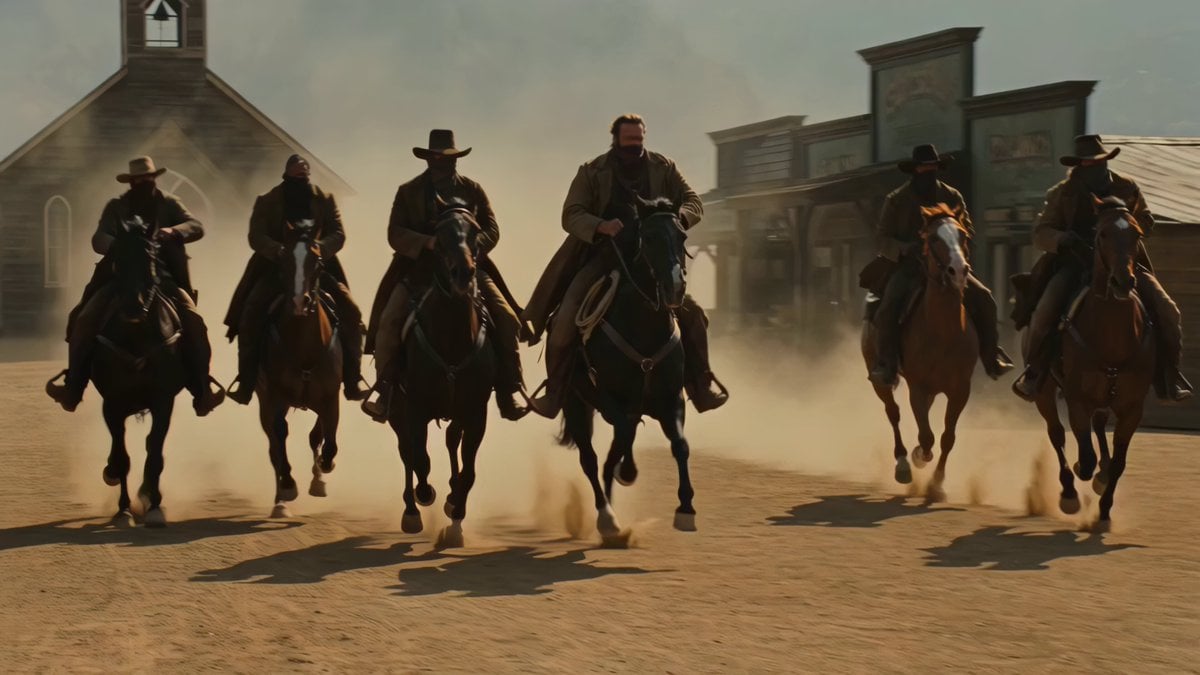
Western Bandit Raid IMAX Film

Cinematic Camera Movement Keywords
Make it yours
Vintage IMAX Film Cinematic Camera works as-is. These are the safest ways to change it without losing the look.
Change one field
Copy a single group, rewrite it, and generate again so you can see what that field is doing.
Keep the frame, change the subject
Hold the composition and light of Vintage IMAX Film Cinematic Camera, then swap wardrobe, props or the person for a new take.
| If the result… | Why | Fix |
|---|---|---|
| The result drifts from the preview | Too many fields changed at once. | Reuse Vintage IMAX Film Cinematic Camera as-is first, then change one group — subject, light, or setting. |
| The model over-stylizes the scene | The prose prompt leaves finish and camera underspecified. | Add one camera or lighting sentence and stay on Seedance 2.0. |
More Seedance 2.0 templates
Other prompts made for Seedance 2.0.

Comical Martial Arts Punch Scene

Maglev Train Action Sequence

Martial Arts Fight Sequence

Wuxia Protection and Trust Script

Mercedes 190 SL Luxury Ad

Rainy Night Supernatural Reverse Comedy Video Script

Amazon Civilization Discovery

Futuristic South Asian City Transformation

Cozy Luxury Cafe Commercial
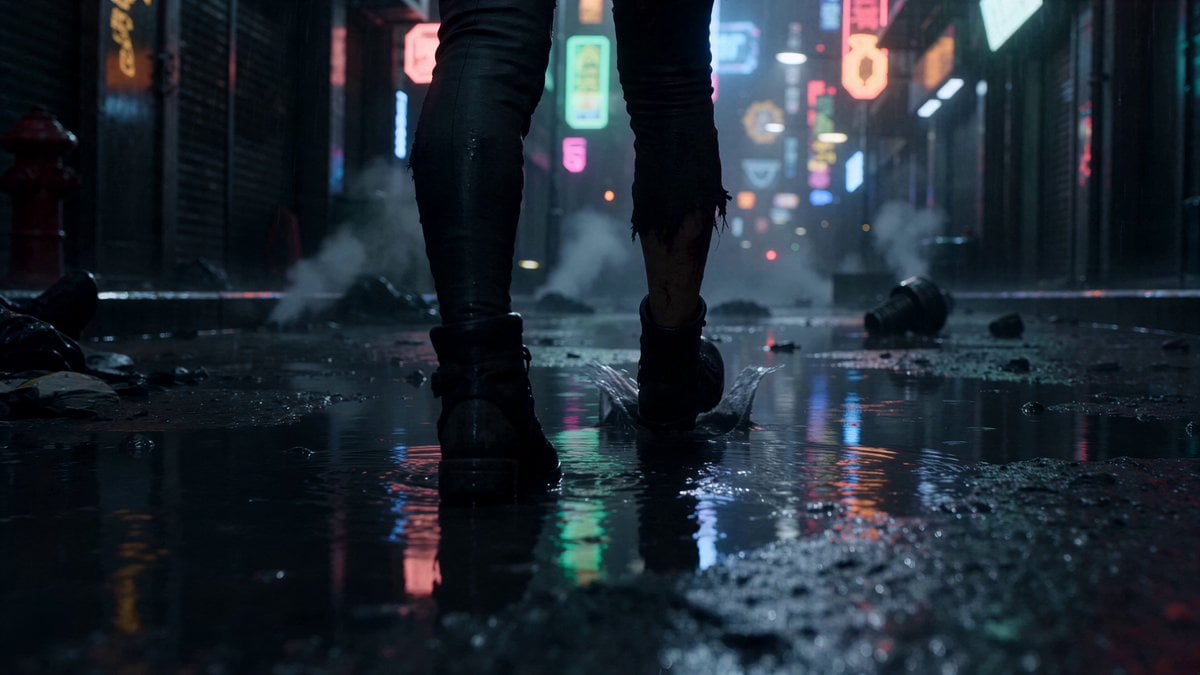
Cyber Ronin Nanotech Transformation Video
More video prompts
Fresh picks from across the catalog.

Shield Deflection Action Sequence
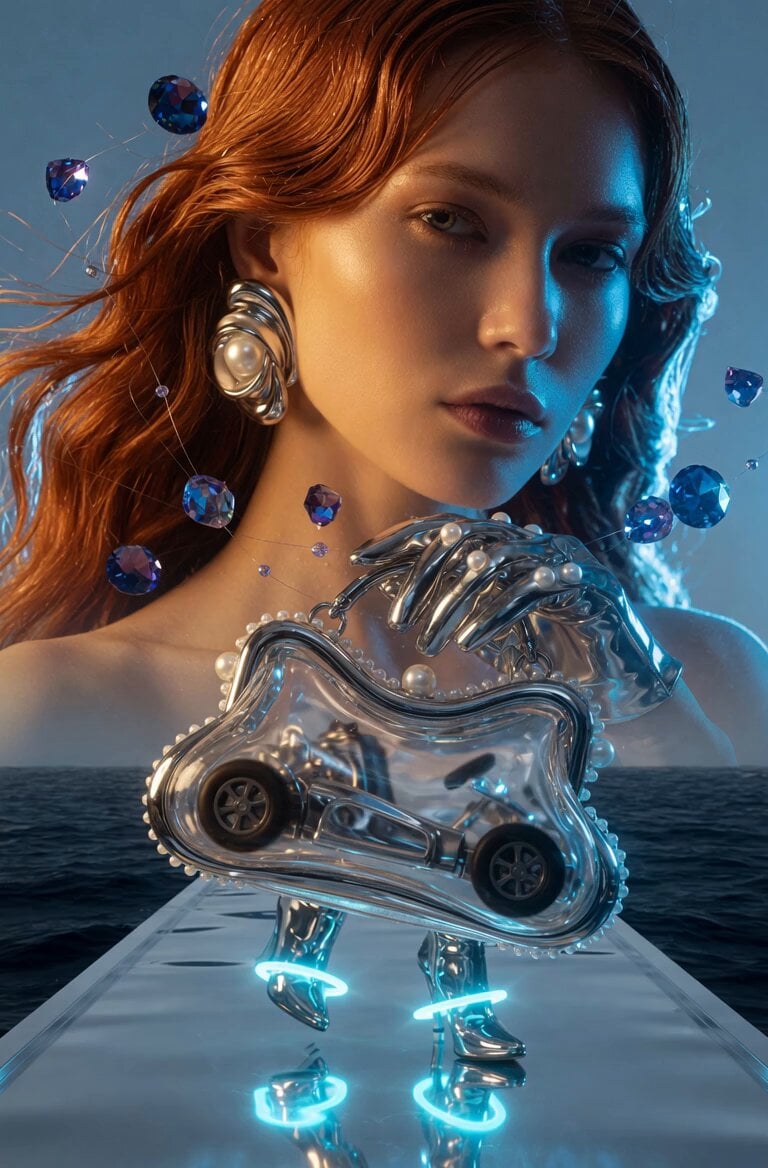
Fashion Runway Walk

Seedance 2.0 Prompt: Basketball Block Scene

High-Speed Motorcycle Action Sequence
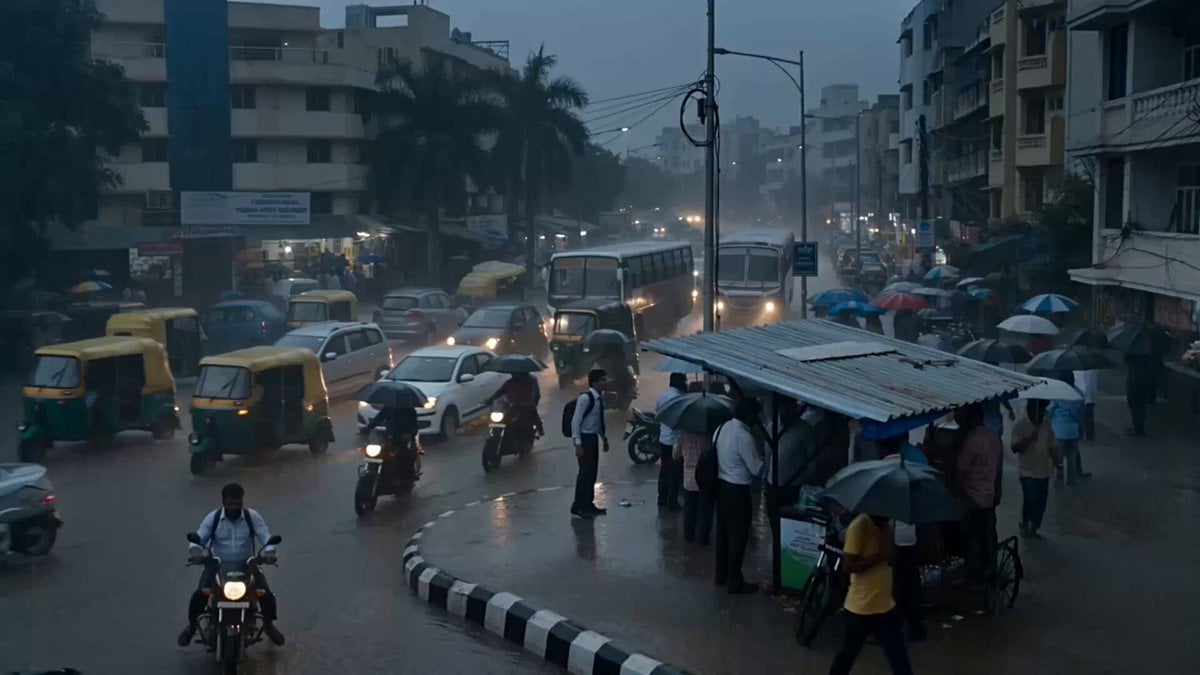
Seedance 2.5 - @Diplomeme - 446818

Fitness Lifestyle Storyboard Collage

Seedance 2.0 Video Prompt: Cats on a Scooter
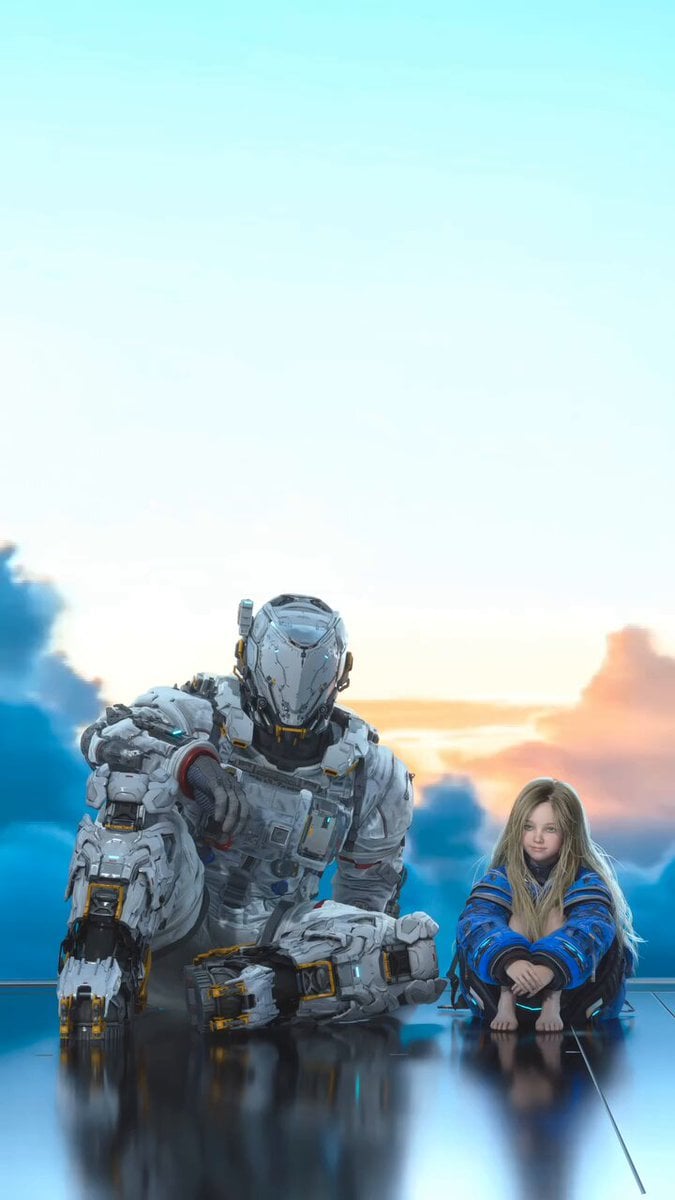
Robot and Girl at Sunset
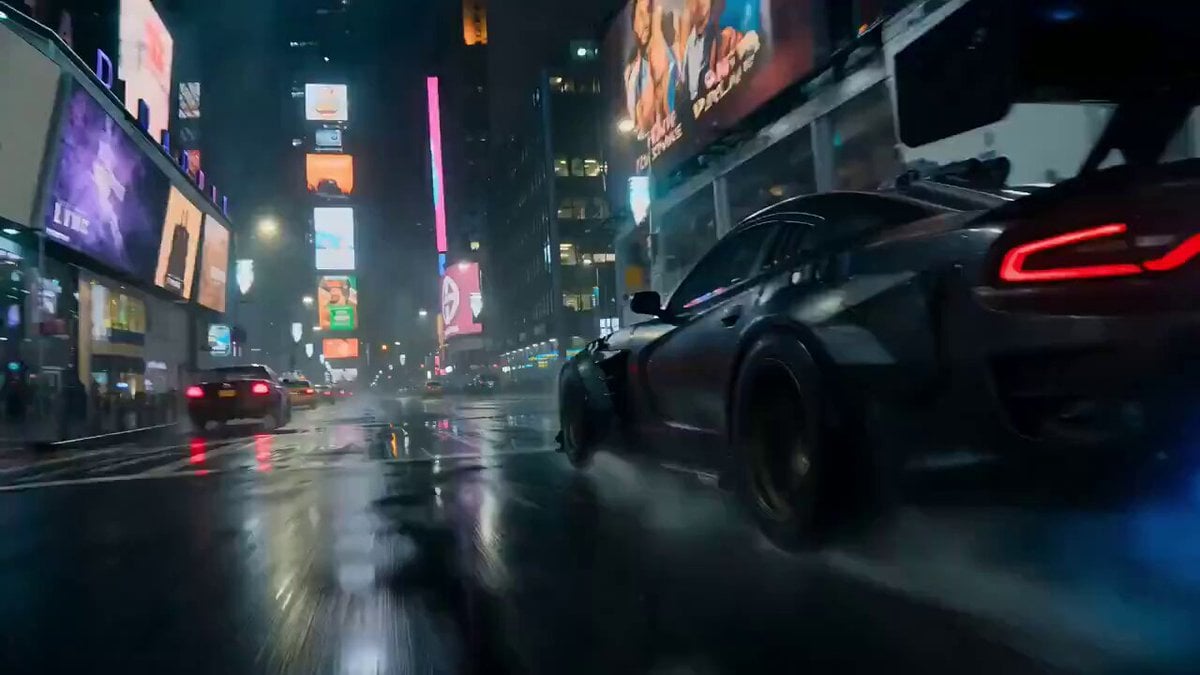
Luxury Car Transforming into Optimus Prime Fighting Godzilla in Tokyo
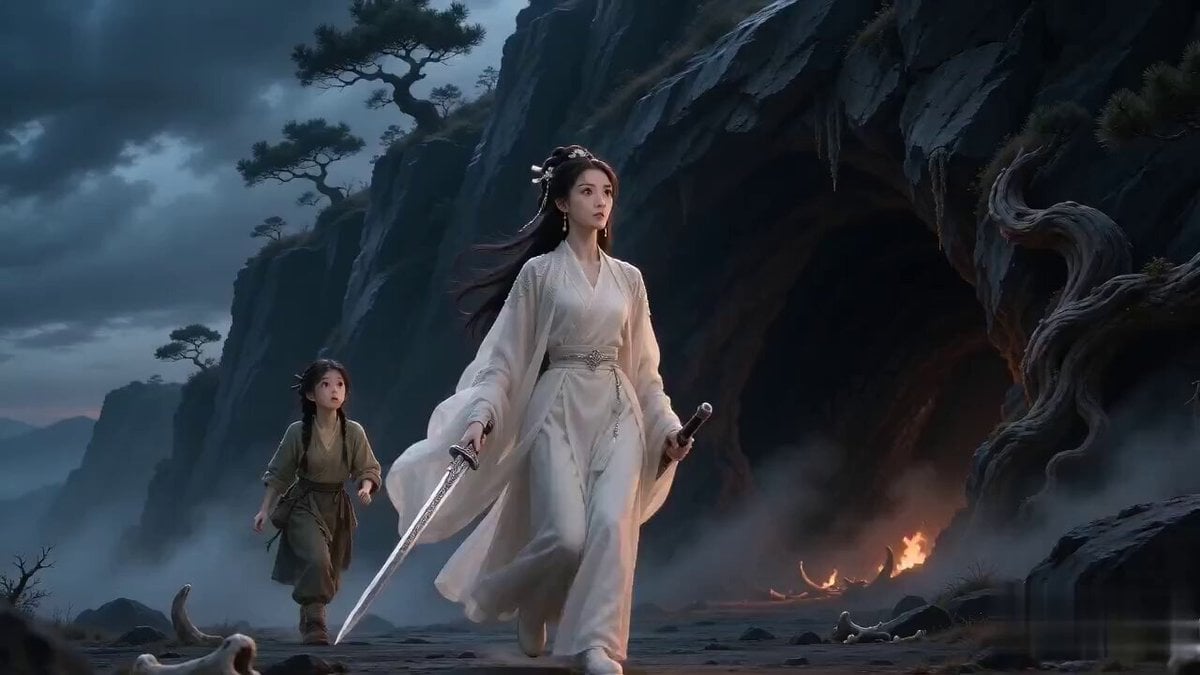
Swordswoman Dragon Cave Suspense to Comedy
Browse template categories
Vintage IMAX Film Cinematic Camera questions
How do I use the Vintage IMAX Film Cinematic Camera template?
Add your photo if the template asks for one, edit the prompt if you like — the template's model and format are already selected — and press Generate. Your version opens in PicX Studio.
Can I customize the Vintage IMAX Film Cinematic Camera template?
Yes. You can change the subject, setting, lighting, mood, format, and available model controls before creating your video.
Is the Vintage IMAX Film Cinematic Camera template free?
Opening and editing this template is free. Generating uses credits, shown on the Generate button when you are signed in.
Which AI model should I use?
Start with Seedance 2.0, which is the model associated with this template. You can compare another compatible model for a different finish.
Looking for something else? Browse all templates.

Your photo, any look
Thousands of ready templates for every top image and video model, from one credit balance.