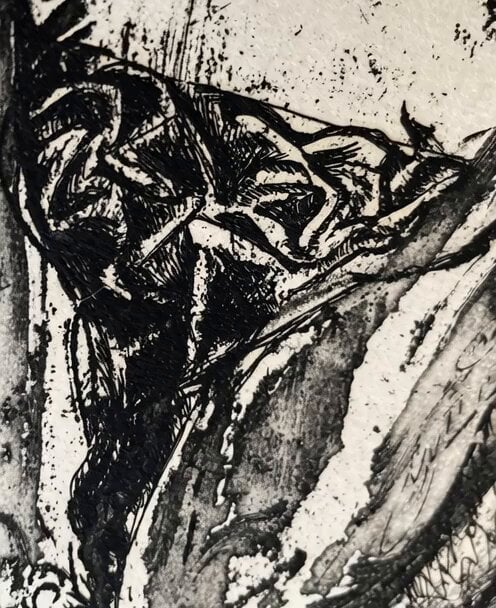
How do I use the Multi-shot prompt for a devil character using Kling 3.0 template?
Edit the prompt in the box under the preview — the template's model and format are already selected — and press Generate. Your version appears right on this page.
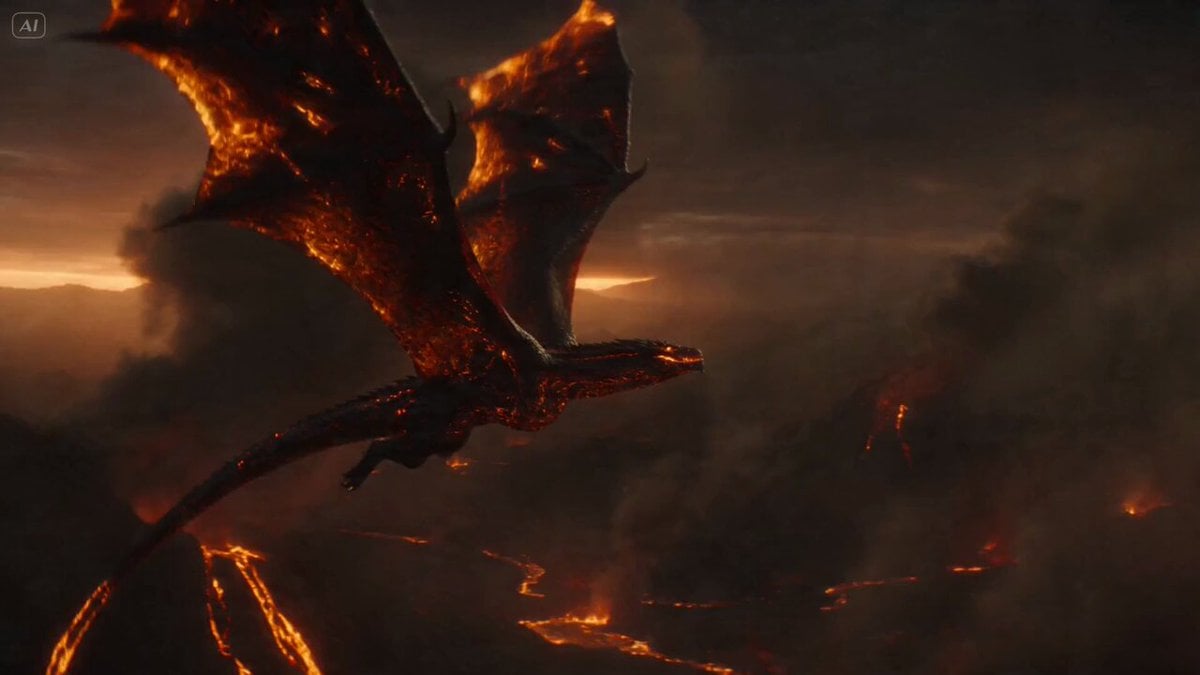
A detailed, multi-shot prompt designed for character consistency using Kling 3.0's Omni mode, focusing on the devil character's expressions and actions, including close-ups and a final silhouette shot in hell.
shot 1: the devil talking while turning his head giving a side eye. shot 2: extreme close up of the devils eye. he winks. shot 3: extreme close up of the mouth while he turns agry. shot 4: extreme close up of his ear. small hairs are showing. shot 5. the devil sticks out his tongue while saying a licking sound shot 6: zoom out and show the devil standing in hell. Only a silhuette is visible.
shot 1: the devil talking while turning his head giving a side eye. shot 2: extreme close up of the devils eye. he winks. shot 3: extreme close up of the mouth while he turns agry. shot 4: extreme close up of his ear. small hairs are showing. shot 5. the devil sticks out his tongue while saying a licking sound shot 6: zoom out and show the devil standing in hell. Only a silhuette is visible.
Edit the prompt in the box under the preview — the template's model and format are already selected — and press Generate. Your version appears right on this page.
Yes. You can change the subject, setting, lighting, mood, format, and available model controls before creating your video.
Opening and editing this template is free. Generating uses credits, shown on the Generate button when you are signed in.
Start with Seedance 2.0, which is the model associated with this template. You can compare another compatible model for a different finish.
Follow a topic to a crawlable collection of related PicX Studio templates.