
Continuous Cinematic Medieval Dragon Battle
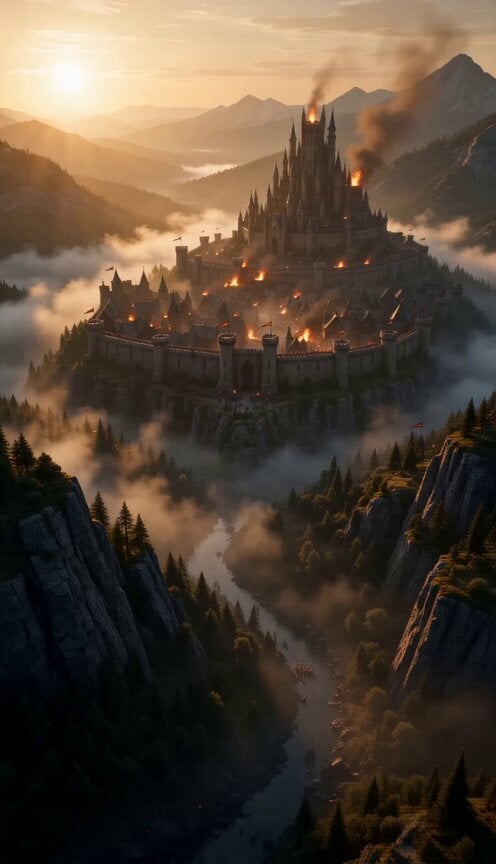
A long-form video prompt for a single-shot cinematic action sequence featuring a medieval fortress under attack by dragons, ending with a knight leaping onto a dragon.
- Prompt included
- Model and format preset
- Premium template
The prompt behind this video
Copy the exact prompt behind Continuous Cinematic Medieval Dragon Battle, or open it in the studio and make it yours.
A single uninterrupted cinematic action sequence. No cuts. No scene transitions. One continuous camera movement from beginning to end. The film begins high above an enormous medieval mountain fortress at sunrise. Thick morning fog rolls through the valley below while hundreds of banners wave from towering stone walls. Thousands of soldiers prepare for battle as siege weapons line the ramparts. The camera dives rapidly toward the main gate. Suddenly— A deafening roar echoes across the mountains. Three colossal dragons burst through the clouds. The lead dragon unleashes a torrent of blazing fire across the outer wall. Massive explosions tear through stone towers. Flaming debris rains across the battlefield as soldiers scatter. The camera races through the collapsing gateway. An elite knight wearing beautifully crafted black steel armor charges forward on horseback through the burning fortress. The camera follows only a few meters behind. Arrows rain from above. The knight lowers their shield, deflecting dozens of arrows while galloping through collapsing streets. Burning timber crashes onto the road behind, narrowly missing both horse and camera. The horse leaps over a shattered bridge as molten debris crashes into the river below. Without slowing, enemy warriors block the path. The knight performs a rapid mounted sword strike, clearing the way while maintaining full speed. The camera swings smoothly around the action without interruption. Ahead, a gigantic dragon lands directly in the castle courtyard. Its wings create a hurricane-force shockwave that throws burning debris across the fortress. The horse cannot stop. At the last possible moment the knight leaps from the saddle directly onto the dragon's back. The horse continues safely beneath while the dragon launches into the sky. The camera follows the impossible leap in one seamless movement. Now hundreds of meters above the battlefield, the knight struggles to maintain balance while climbing toward the dragon's neck. The dragon twists violently through the air between collapsing castle towers. Another dragon attacks from behind. The two enormous creatures collide midair. Fire erupts around them. Stone towers explode beneath. The knight jumps from one dragon to the other while flames fill the frame. The camera rotates gracefully around the airborne battle without losing orientation. The victorious dragon crashes onto the highest castle tower. The knight slides down one massive horn and lands perfectly on the ancient stone rooftop. Behind them, the defeated dragon falls into the valley, creating an enormous cloud of dust. The surviving dragon spreads its wings and roars toward the rising sun. The knight slowly stands, sword raised toward the sky. The camera pulls backward and upward, revealing the burning fortress, the battlefield below, and the dragon perched atop the castle. The first rays of sunrise break through the smoke.
How to use Continuous Cinematic Medieval Dragon Battle in 3 steps
- 1
Open
The prompt is already in the box next to the preview, with the template's model and format selected.
- 2…a portrait of your subject in softgolden-hour light, 85mm…
Personalize
Edit the subject and creative details for your destination.
- 3Generate
Generate
Press Generate — your video is created in PicX Studio, so you can compare it with the original and refine one variable at a time.
More like this
Templates with the same subject, style or setup. Open one to see its prompt.
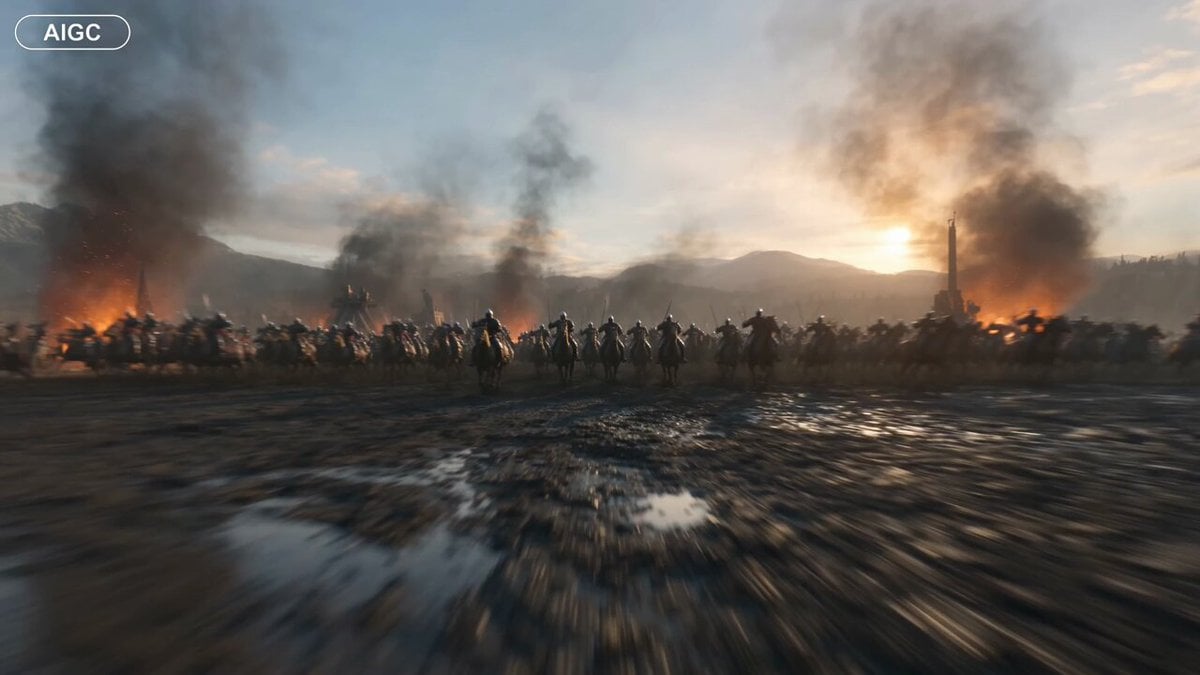
Medieval Battlefield FPV Drone Flight
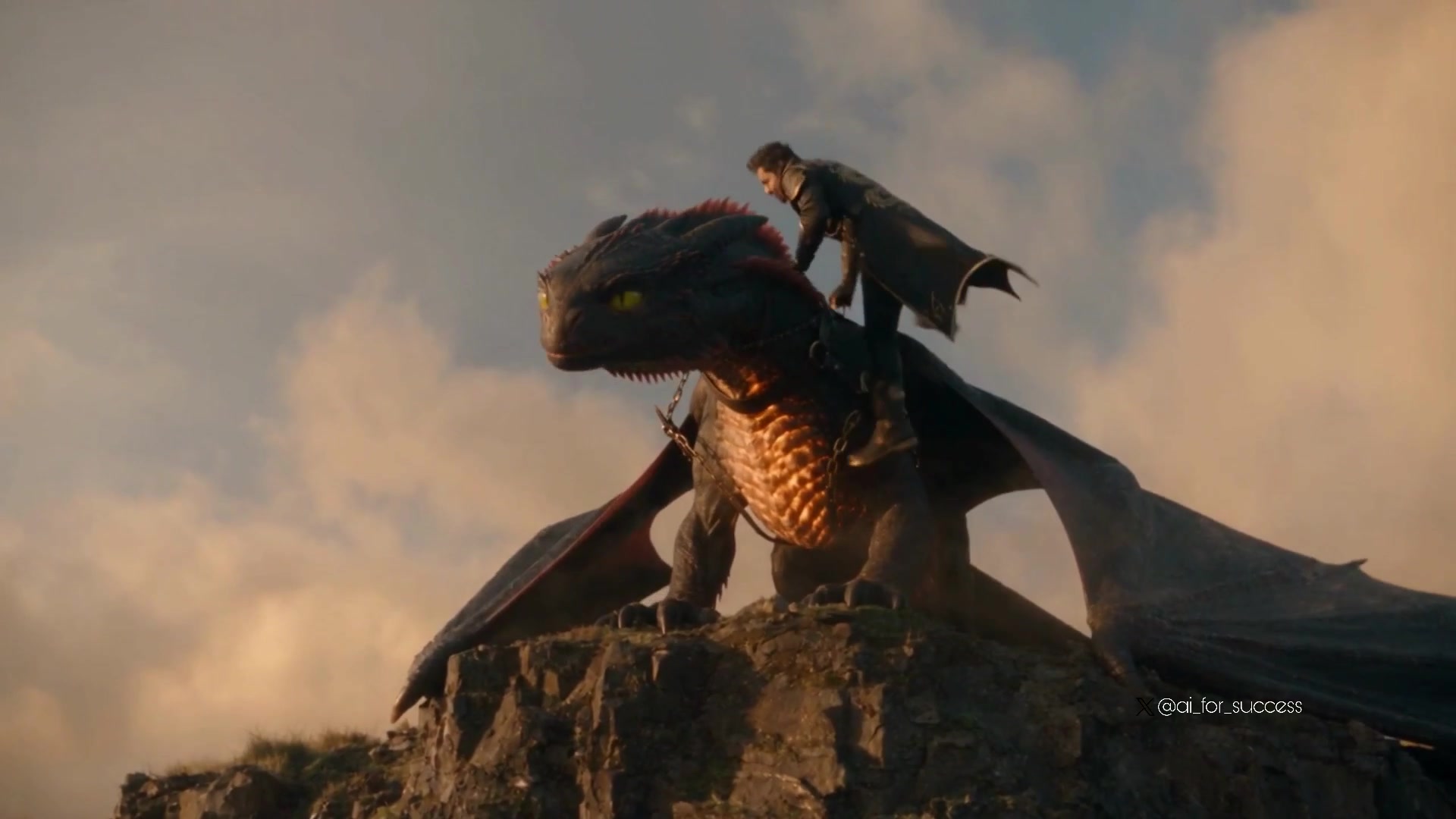
Dragon Rider Cinematic Flight — Seedance 2.5
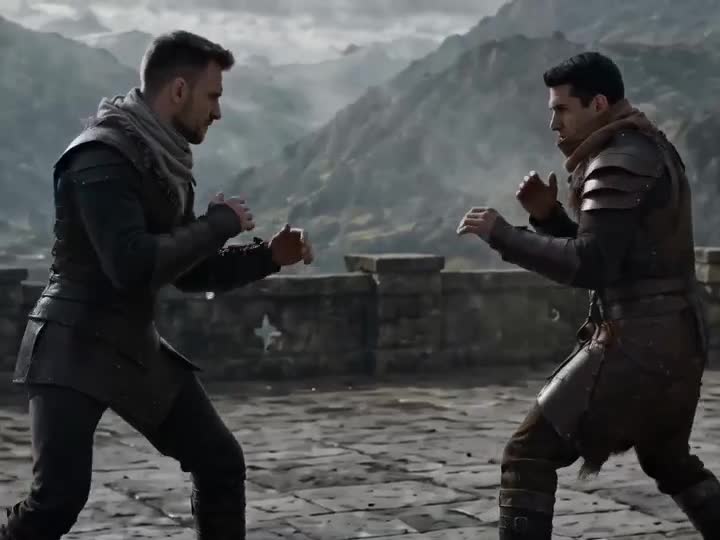
Medieval Duel Style Transfer
Dragon Energy Battle Anime Video
Medieval Greek vs Norse Battle Clash
Lone Warrior Medieval Battlefield Video Prompt
Medieval Battle with Giant Wolf
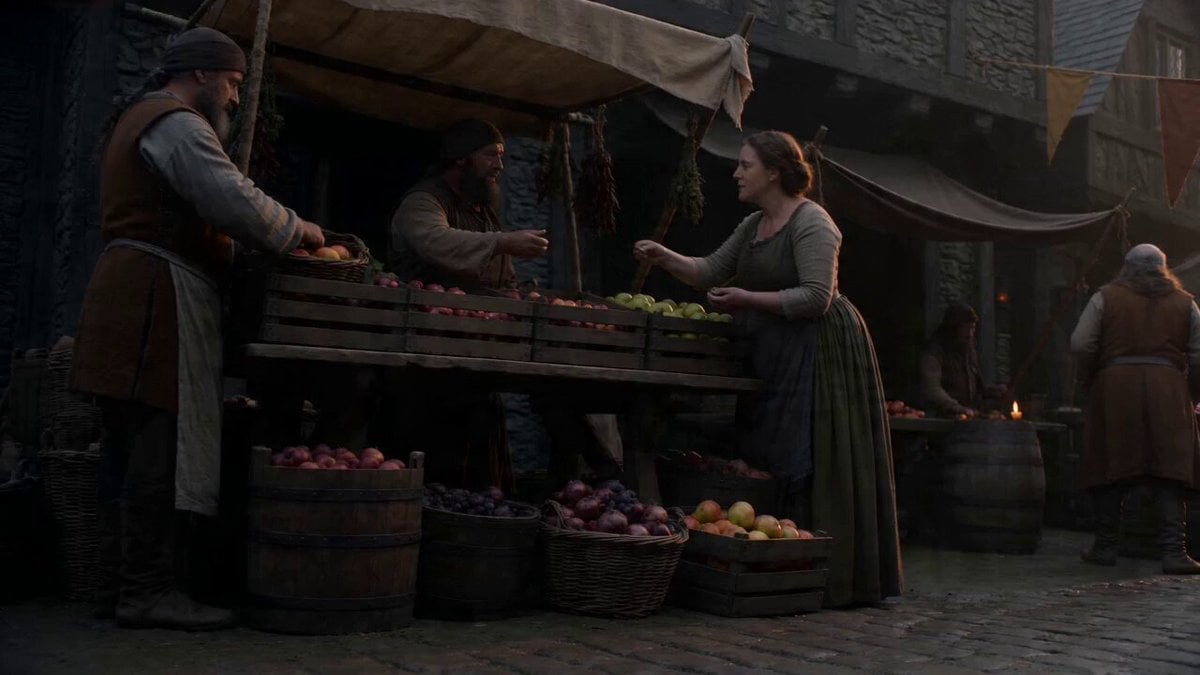
Cinematic Continuous Shot of Medieval Market
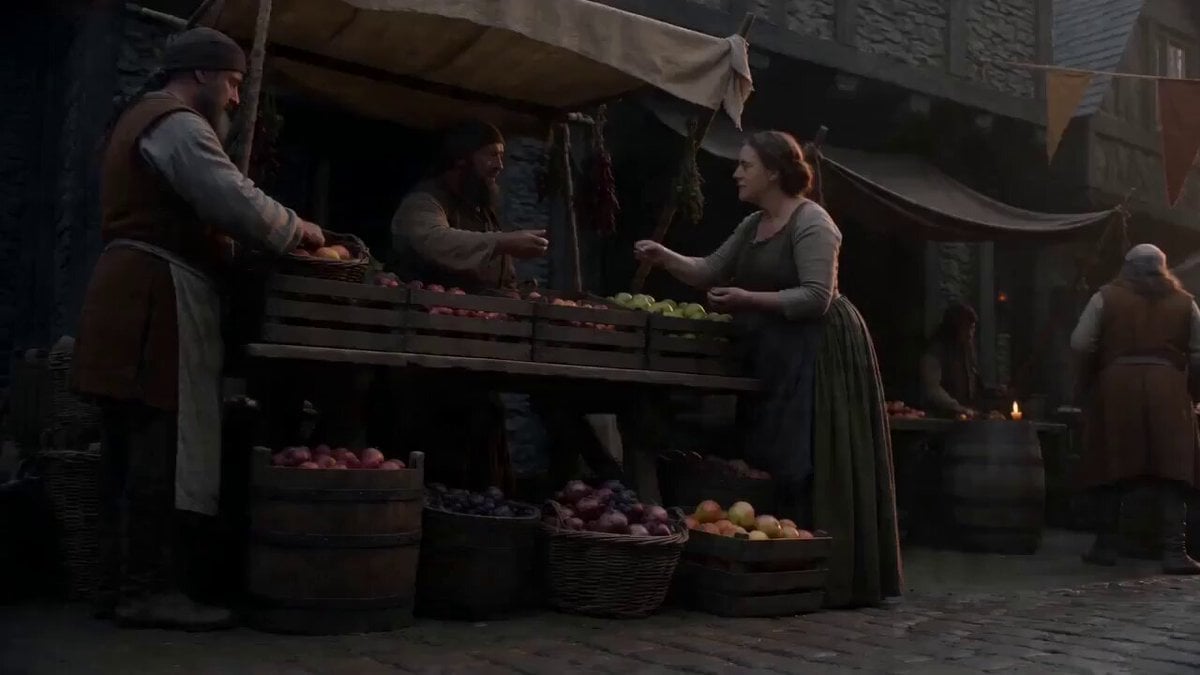
Motivated Continuous Camera Movement in Medieval Market Video Prompt
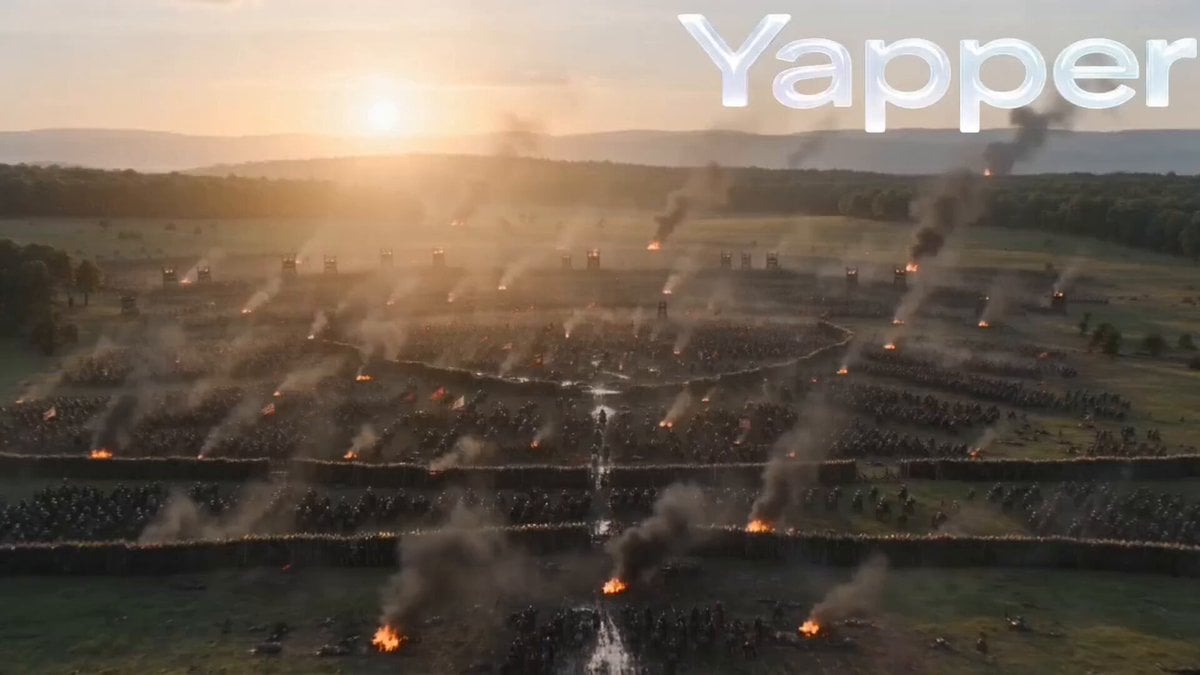
Medieval Battlefield Cinematic Prompt
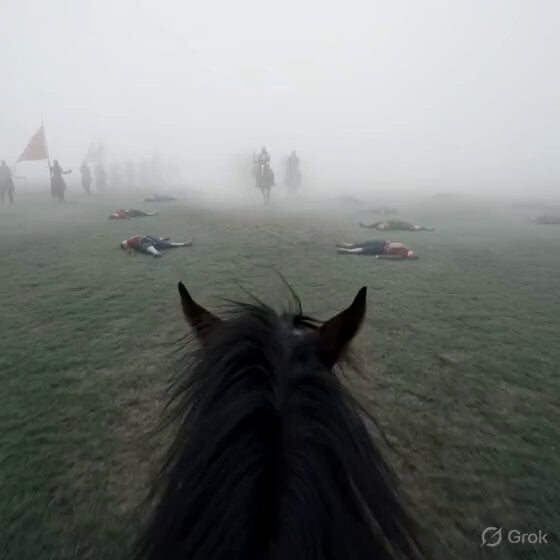
First-Person Horseback Charge on Medieval Battlefield
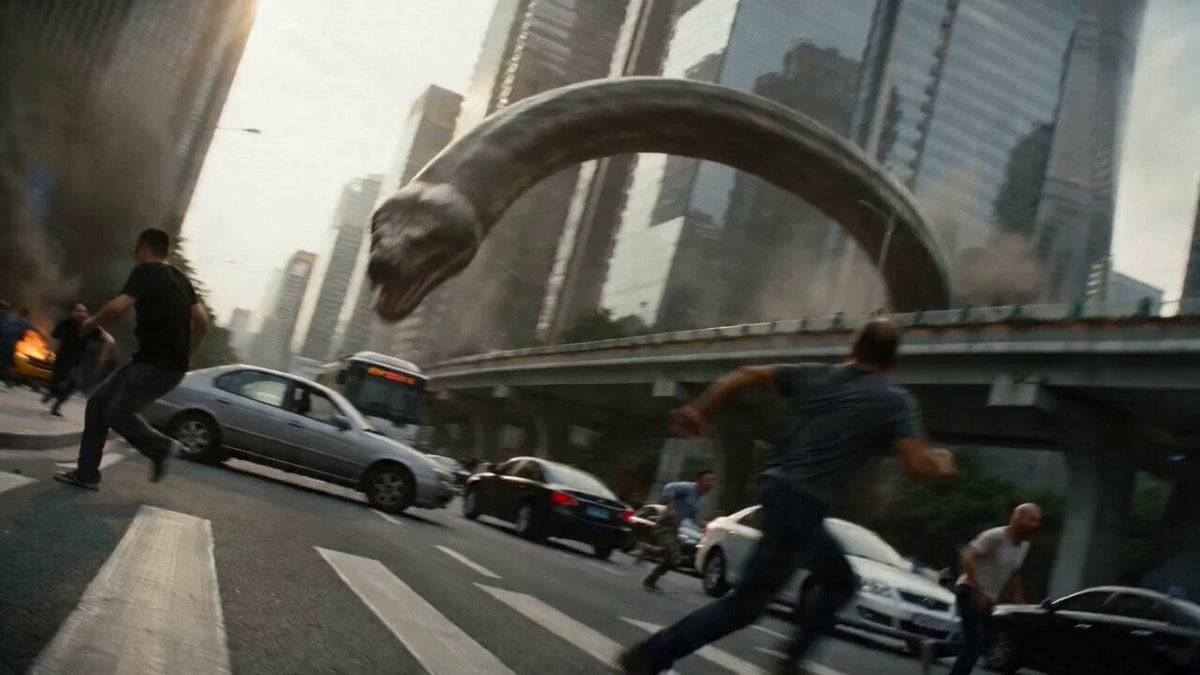
Epic Battle Between Giant Python and Chinese Dragon
Make it yours
Continuous Cinematic Medieval Dragon Battle works as-is. These are the safest ways to change it without losing the look.
Change one field
Copy a single group, rewrite it, and generate again so you can see what that field is doing.
Keep the frame, change the subject
Hold the composition and light of Continuous Cinematic Medieval Dragon Battle, then swap wardrobe, props or the person for a new take.
| If the result… | Why | Fix |
|---|---|---|
| The result drifts from the preview | Too many fields changed at once. | Reuse Continuous Cinematic Medieval Dragon Battle as-is first, then change one group — subject, light, or setting. |
| The model over-stylizes the scene | The prose prompt leaves finish and camera underspecified. | Add one camera or lighting sentence and stay on Seedance 2.0. |
More Seedance 2.0 templates
Other prompts made for Seedance 2.0.

Comical Martial Arts Punch Scene

Maglev Train Action Sequence

Martial Arts Fight Sequence

Wuxia Protection and Trust Script

Vintage Korean Arcade MiniDV Vlog

Mercedes 190 SL Luxury Ad

Rainy Night Supernatural Reverse Comedy Video Script

Amazon Civilization Discovery

Futuristic South Asian City Transformation

Cozy Luxury Cafe Commercial
More video prompts
Fresh picks from across the catalog.
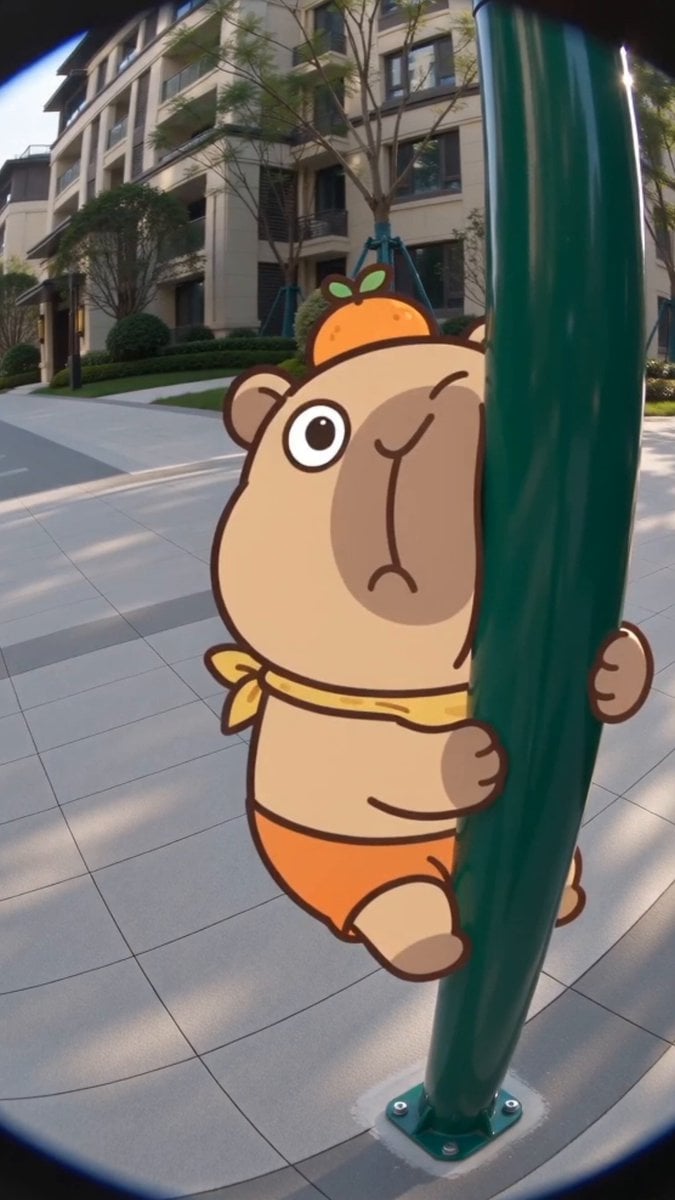
Seedance 2.0 Capybara Lulu Fisheye Interaction
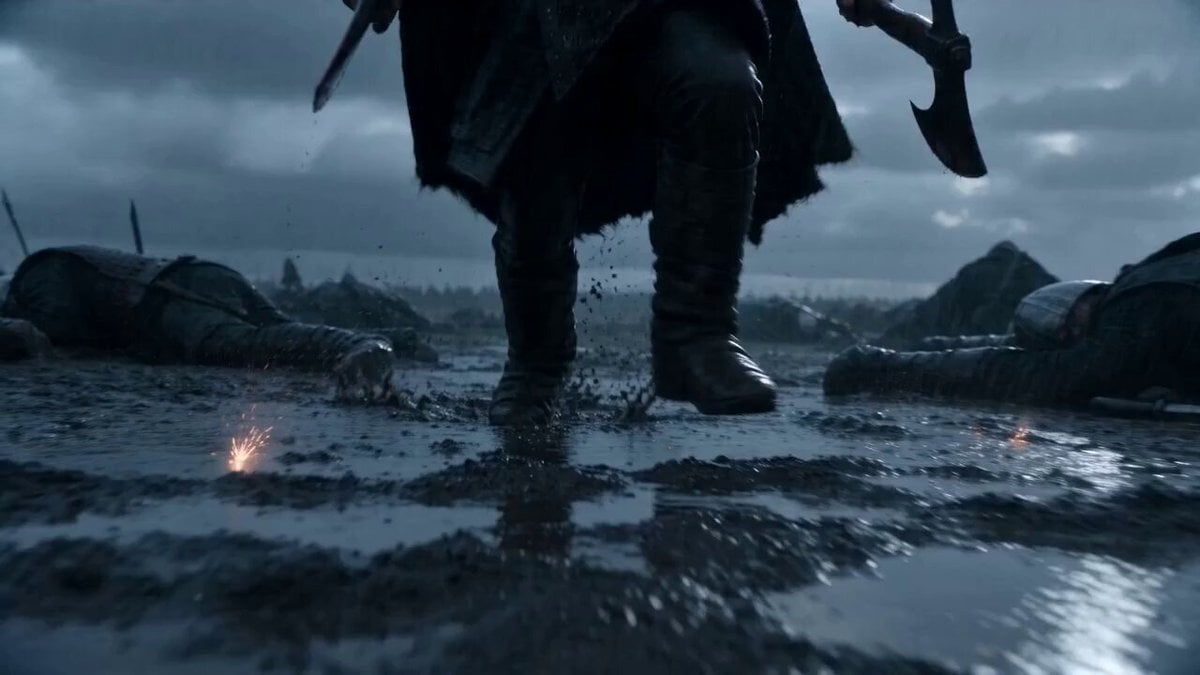
Badass Berserker Viking Charge

Slow Facial Zoom with Dialogue
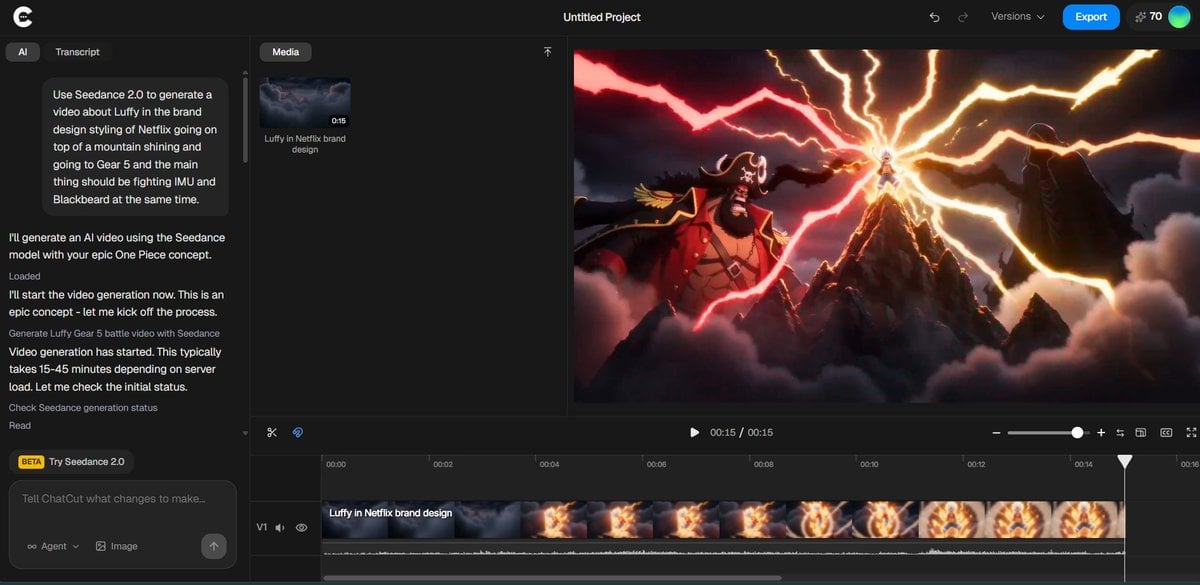
Luffy in Netflix Style Fighting Imu and Blackbeard

Submarine Plunge into Europa's Hidden Ocean
Smartphone Road Trip Vlog Montage
Queen in a Ceremonial Hall Surrounded by Fire
Emotional Breakdown Scene with Image and Video References
Serene Sci-Fi Ringworld Landscape
Chibi Cave Adventure — He Doesn't Know What's Coming
Browse template categories
Continuous Cinematic Medieval Dragon Battle questions
How do I use the Continuous Cinematic Medieval Dragon Battle template?
Add your photo if the template asks for one, edit the prompt if you like — the template's model and format are already selected — and press Generate. Your version opens in PicX Studio.
Can I customize the Continuous Cinematic Medieval Dragon Battle template?
Yes. You can change the subject, setting, lighting, mood, format, and available model controls before creating your video.
Is the Continuous Cinematic Medieval Dragon Battle template free?
Opening and editing this template is free. Generating uses credits, shown on the Generate button when you are signed in.
Which AI model should I use?
Start with Seedance 2.0, which is the model associated with this template. You can compare another compatible model for a different finish.
Looking for something else? Browse all templates.

Your photo, any look
Thousands of ready templates for every top image and video model, from one credit balance.