
Street Dancer Studio Performance
A rhythmic dance performance prompt using an image reference to drive fluid choreography and dynamic camera orbits.
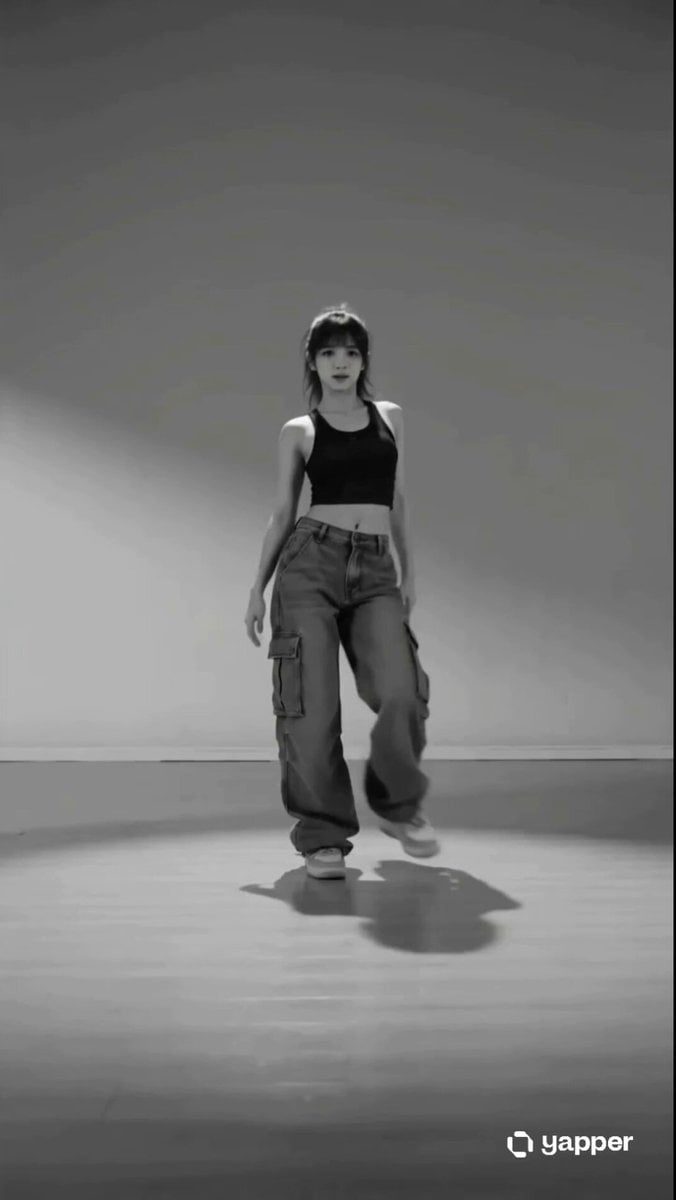
- Prompt included
- Model and format preset
- Free template
The prompt behind this video
Copy the exact prompt behind Street Dancer Studio Performance, or open it in the studio and make it yours.
@image1.png A confident street dancer in a minimal studio with soft directional lighting and subtle shadows, wearing loose cargo pants and a fitted tank. Camera starts slightly low and slowly pushes in. 0–2s: The dancer steps into frame and hits a grounded stance, shifting weight smoothly (1 in @image1.png age1 → 2 in @image1.png e1) with a sharp directional point, matching a bass hit. 2–4s: Transitions into fluid torso motion (3 in @image1.png age1 → 5 in @image1.png age1), combining a controlled body roll with a chest-driven wave, camera subtly orbiting right. 4–6s: Quick rhythmic accents, shoulders and upper body snap with attitude (6 in @image1.png age1 → 9 in @image1.png age1), synced to hi-hats. 6–8s: A dynamic level change, dancer lifts into a fast step and drops low (7 in @image1.png ge1 → 16 in @image1.png age1), slight motion blur for impact. 8–10s: Smooth recovery into groove, hips sway and arms sweep outward (10 in @image1.png e1 → 11 in @image1.png ge1), lighting catches movement contours. 10–12s: Playful charisma moment, head tilt and expressive hand gesture (12 in @image1.png age1 → 8 in @image1.png ge1), eye contact with camera. 12–14s: Power sequence, sharp diagonal arm strike into a high-energy kick (13 in @image1.png ge1 → 14 in @image1.png ge1), camera shake for emphasis. 14–15s: Clean finish, strong upright pose with a confident hold (15 in @image1.png mage1), subtle glow and beat drop cutoff. Style: cinematic, realistic, high contrast black and white or muted tones, shallow depth of field, smooth camera motion, crisp choreography emphasis, no exaggerated AI artifacts.
How to use Street Dancer Studio Performance in 3 steps
- 1
Open
The prompt is already in the box next to the preview, with the template's model and format selected.
- 2…a portrait of your subject in softgolden-hour light, 85mm…
Personalize
Edit the subject and creative details for your destination.
- 3Generate
Generate
Press Generate — your video is created in PicX Studio, so you can compare it with the original and refine one variable at a time.
More like this
Templates with the same subject, style or setup. Open one to see its prompt.
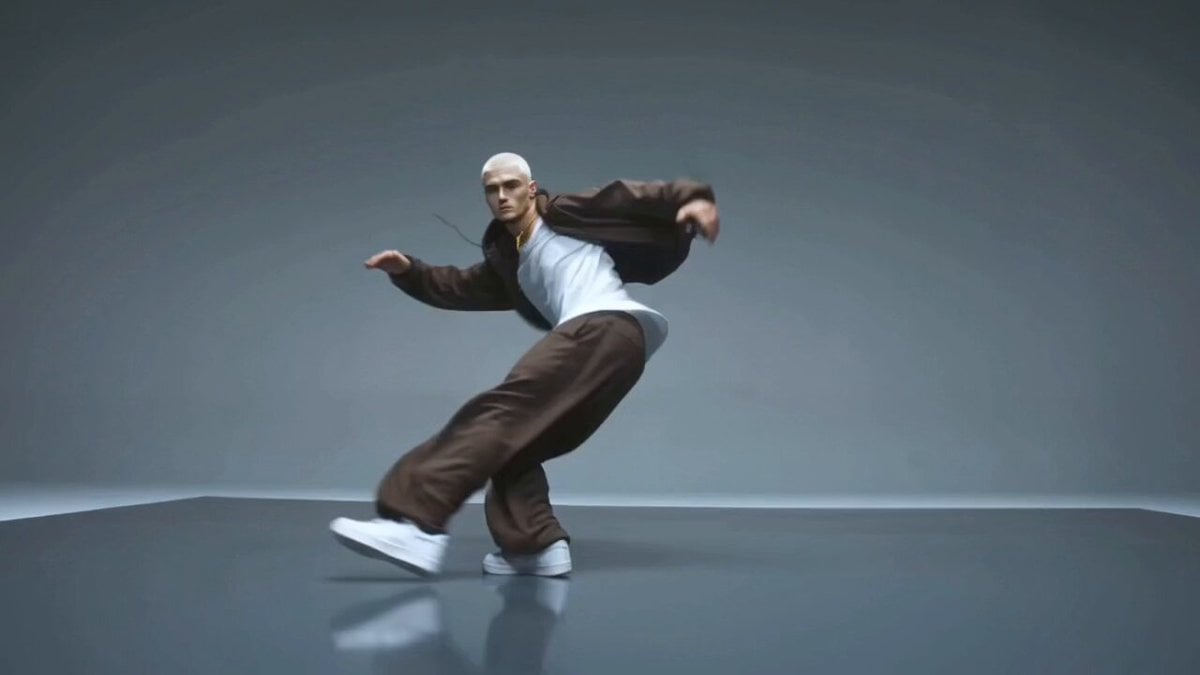
Male Street Dancer Studio Shot

Cyberpunk Holographic Dance Performance - Seedance 2.5
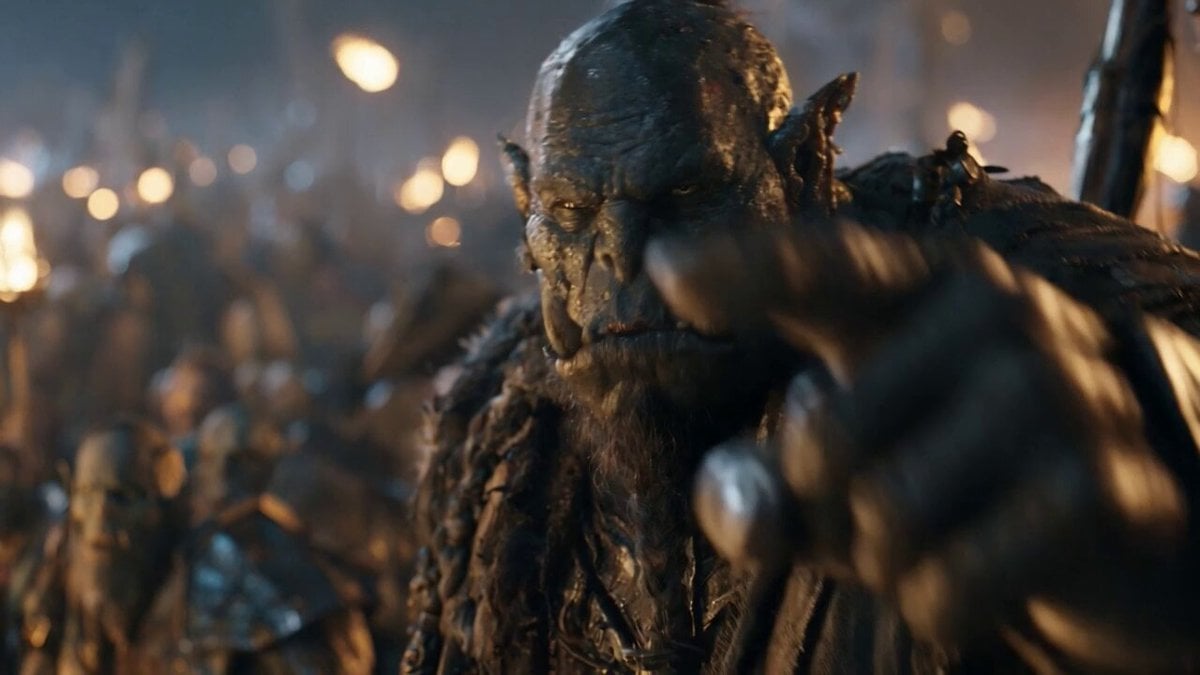
Orc Warlord Performance Transfer - Seedance 2.5

Realistic City Street Story Cinematic Video - Seedance
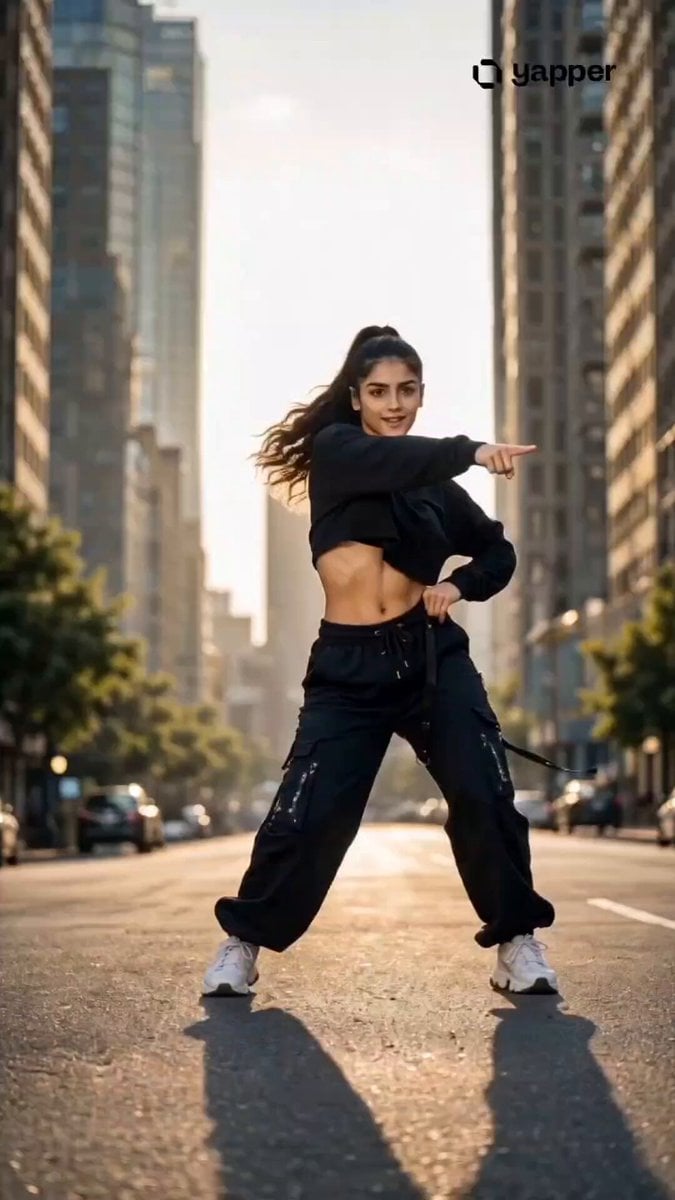
Streetwear Dance Performance
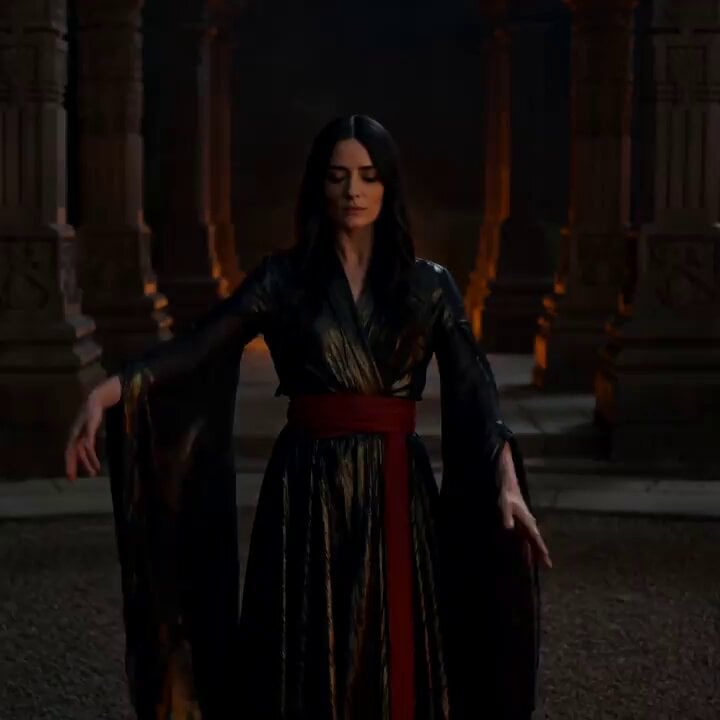
Cinematic Fire Dancer Performance in Abandoned Courtyard
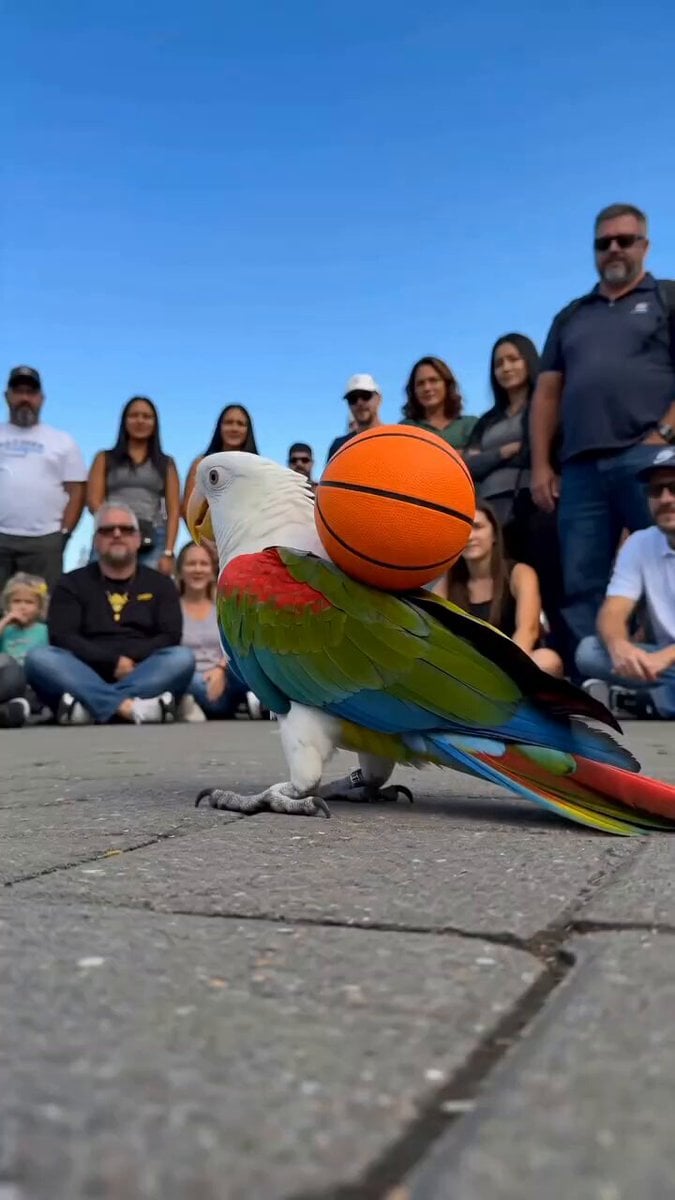
Parrot Street Performance Basketball

Nano Banana Seedance Time Control Streets

Cinematic Anime Kung Fu Performance
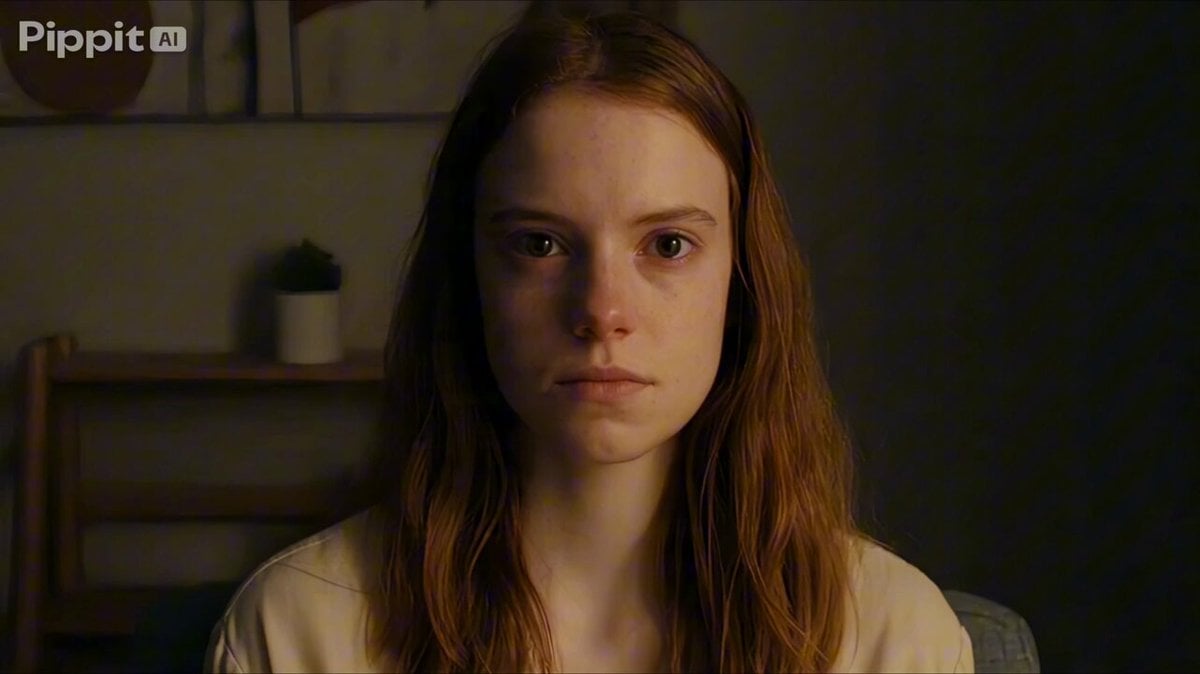
Psychological Thriller Performance Study
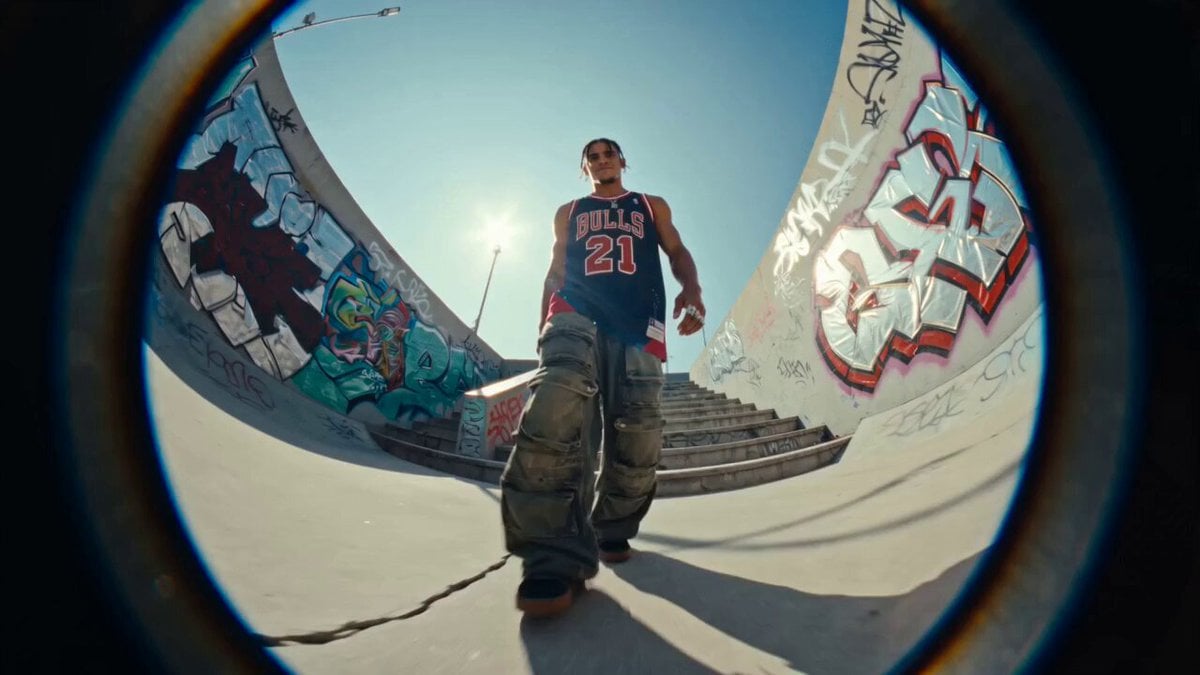
Fisheye Urban Dancer Sequence
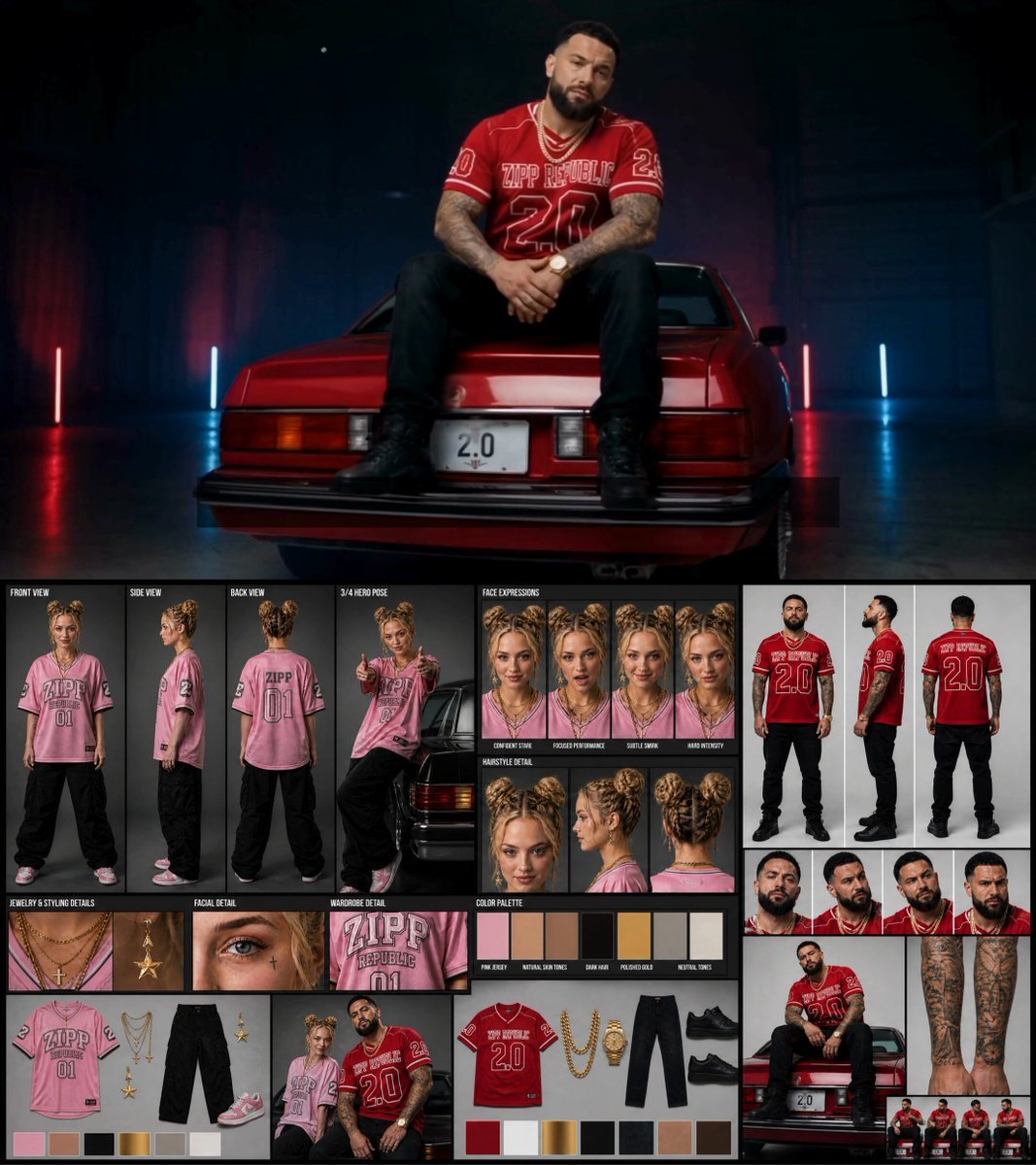
Female Rapper Performance Music Video
Make it yours
Street Dancer Studio Performance works as-is. These are the safest ways to change it without losing the look.
Change one field
Copy a single group, rewrite it, and generate again so you can see what that field is doing.
Keep the frame, change the subject
Hold the composition and light of Street Dancer Studio Performance, then swap wardrobe, props or the person for a new take.
| If the result… | Why | Fix |
|---|---|---|
| The result drifts from the preview | Too many fields changed at once. | Reuse Street Dancer Studio Performance as-is first, then change one group — subject, light, or setting. |
| The model over-stylizes the scene | The prose prompt leaves finish and camera underspecified. | Add one camera or lighting sentence and stay on Seedance 2.0. |
More Seedance 2.0 templates
Other prompts made for Seedance 2.0.

Comical Martial Arts Punch Scene

Maglev Train Action Sequence

Martial Arts Fight Sequence

Wuxia Protection and Trust Script

Vintage Korean Arcade MiniDV Vlog

Mercedes 190 SL Luxury Ad

Rainy Night Supernatural Reverse Comedy Video Script

Amazon Civilization Discovery

Futuristic South Asian City Transformation

Cozy Luxury Cafe Commercial
More video prompts
Fresh picks from across the catalog.
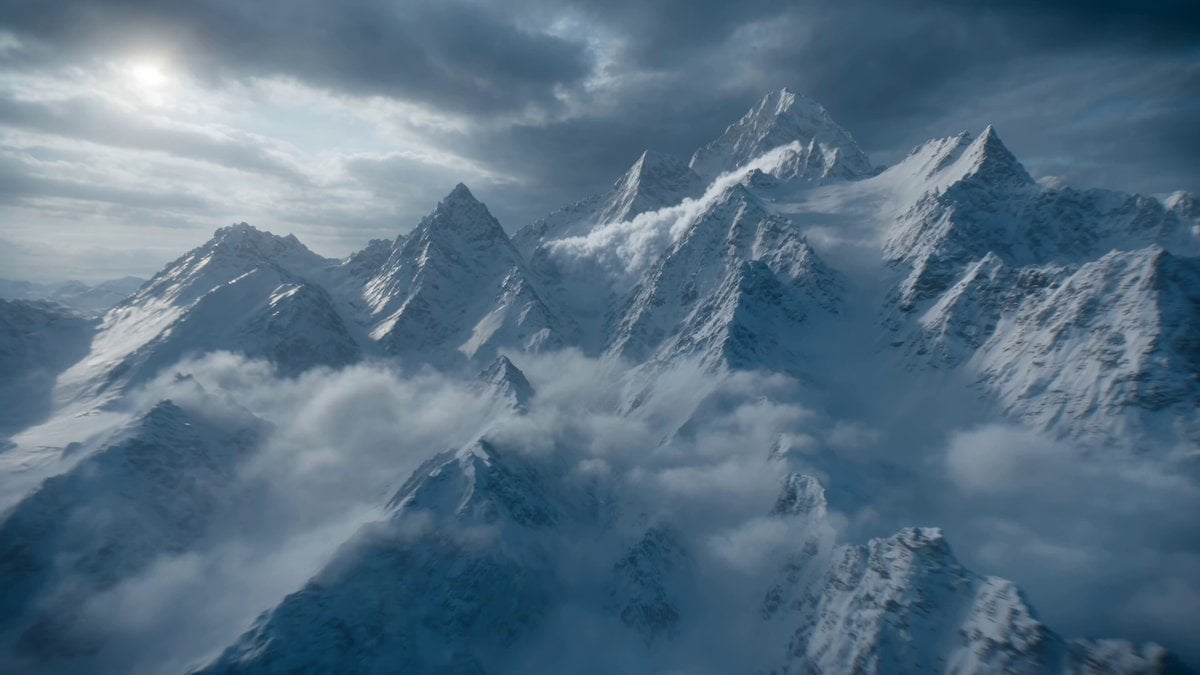
Futuristic Hypercar Avalanche Sequence
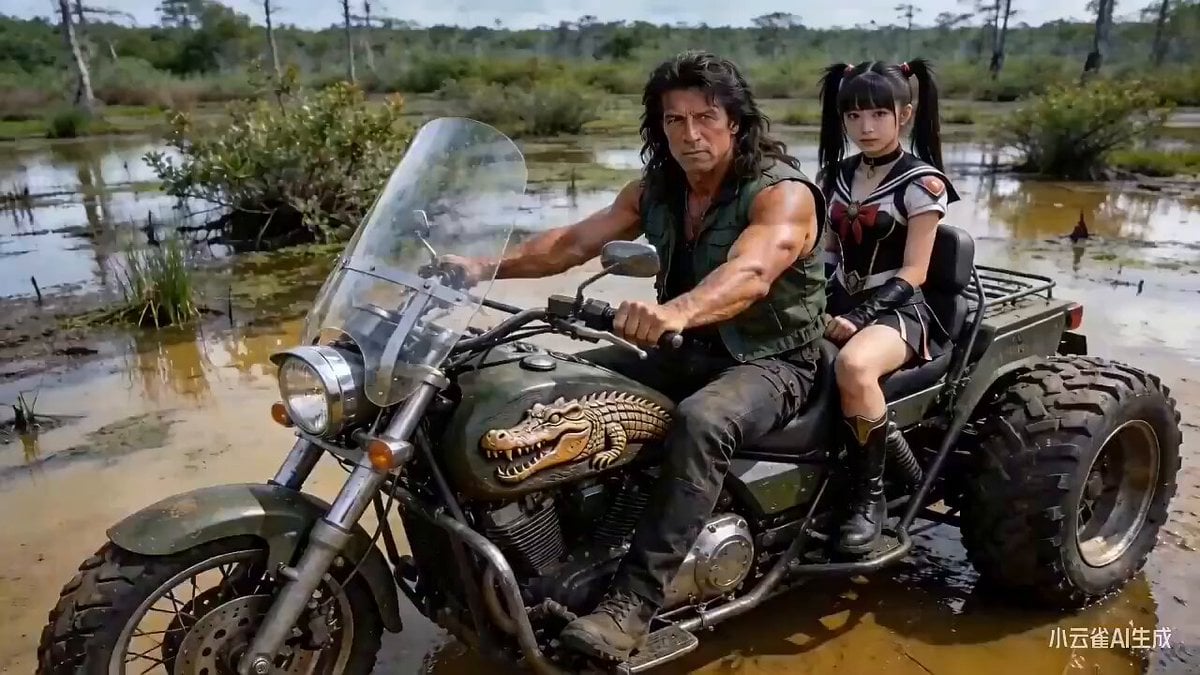
Sci-Fi Black Supercar Transforming into a Humanoid Robot

Swordsman Duel: Exposed Sword Styles
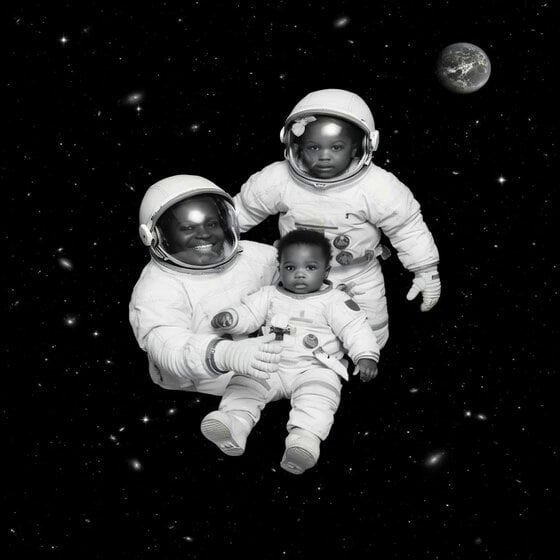
Floating in Space Flight
MLB Baseball Stadium Fan Reaction
Cat vs Dog Battle Prompt for Dreamina Seedance 2.0
Epic Mammoth Charge Survival Sequence
Infinite Palace Multiverse Portals

Surreal Composition with Oversized Smartphone and Pepsi
Cinematic Rainy Night Drive Home
Browse template categories
Street Dancer Studio Performance questions
How do I use the Street Dancer Studio Performance template?
Add your photo if the template asks for one, edit the prompt if you like — the template's model and format are already selected — and press Generate. Your version opens in PicX Studio.
Can I customize the Street Dancer Studio Performance template?
Yes. You can change the subject, setting, lighting, mood, format, and available model controls before creating your video.
Is the Street Dancer Studio Performance template free?
Opening and editing this template is free. Generating uses credits, shown on the Generate button when you are signed in.
Which AI model should I use?
Start with Seedance 2.0, which is the model associated with this template. You can compare another compatible model for a different finish.
Looking for something else? Browse all templates.

Your photo, any look
Thousands of ready templates for every top image and video model, from one credit balance.