How do I use the Detective Scene with Dialogue template?
Edit the prompt in the box under the preview — the template's model and format are already selected — and press Generate. Your version appears right on this page.
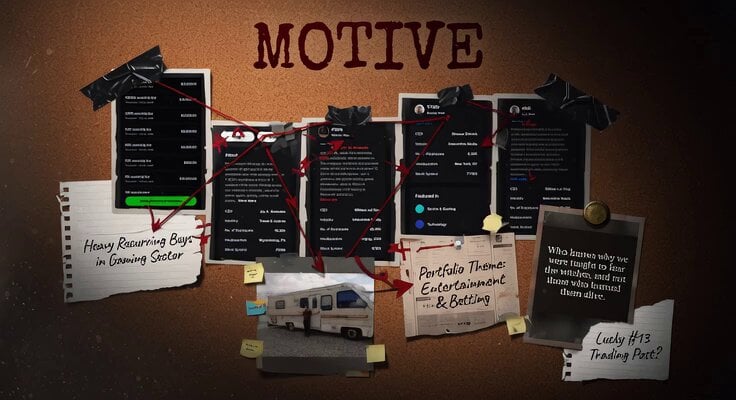
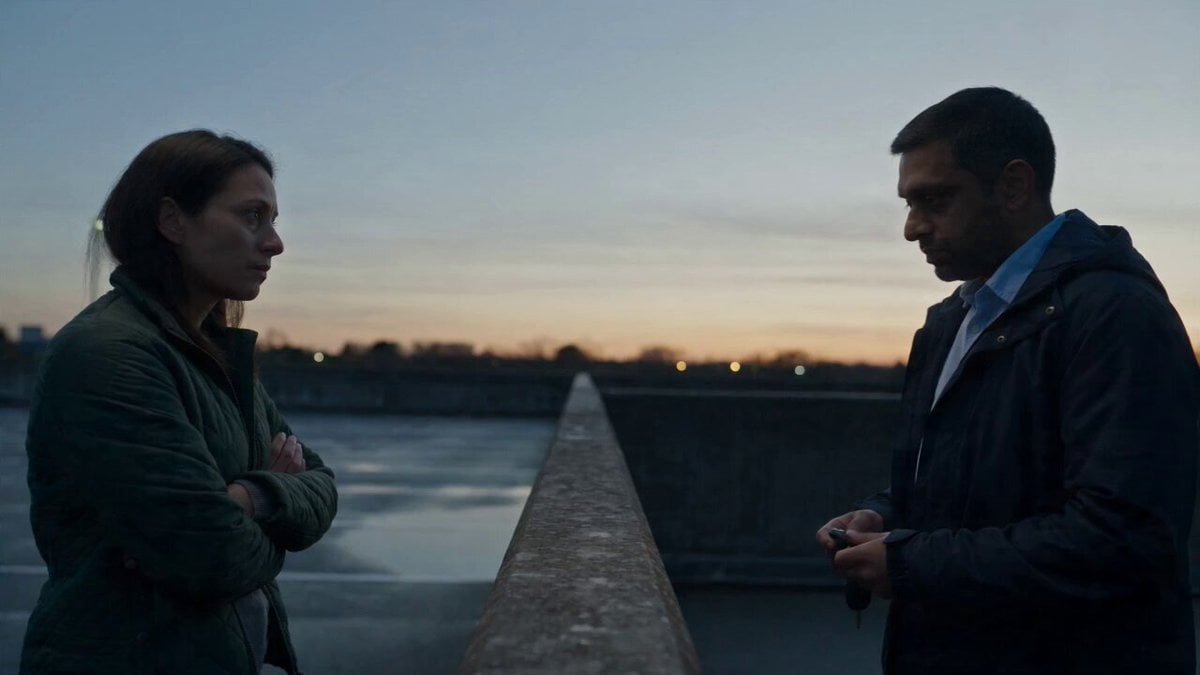
A prompt for Grok Imagine describing a short video scene featuring a detective who removes his hat, sets it down, turns to the camera, and delivers two lines of dialogue, with a negative prompt to exclude music.
Scene camera remains still. Action: The detective takes off his hat and sets it on the desk behind him. He turns back to face scene camera and speaks. Detective: Hello there Pause Detective: Investigating Grok Imagine’s new update is one tough job. Negative Prompt: No Music
Scene camera remains still. Action: The detective takes off his hat and sets it on the desk behind him. He turns back to face scene camera and speaks. Detective: Hello there Pause Detective: Investigating Grok Imagine’s new update is one tough job. Negative Prompt: No Music
Edit the prompt in the box under the preview — the template's model and format are already selected — and press Generate. Your version appears right on this page.
Yes. You can change the subject, setting, lighting, mood, format, and available model controls before creating your video.
Opening and editing this template is free. Generating uses credits, shown on the Generate button when you are signed in.
Start with Grok Imagine, which is the model associated with this template. You can compare another compatible model for a different finish.
Follow a topic to a crawlable collection of related PicX Studio templates.