
Office Copier Frustration Skit
A polished animated sequence showing the comedic struggle of an office worker dealing with a malfunctioning copier.
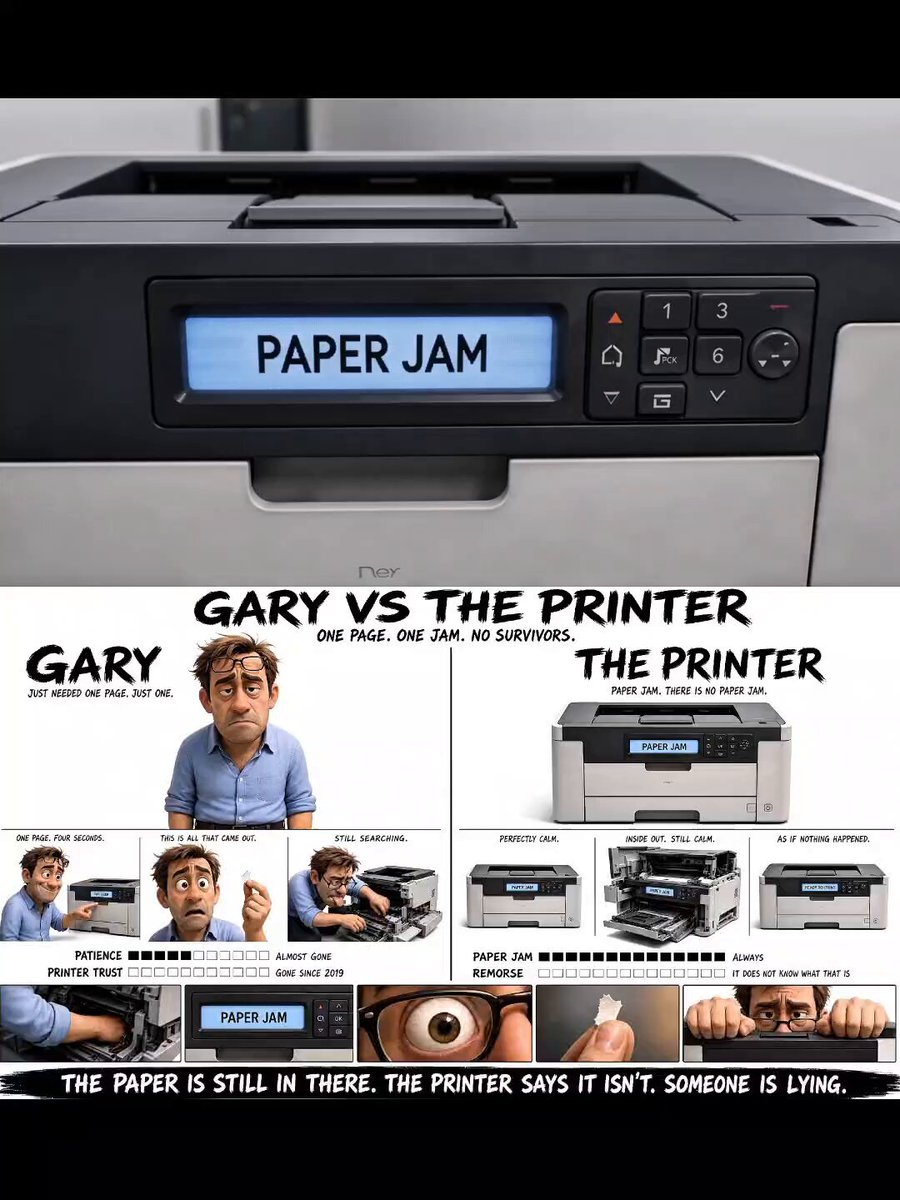
- Prompt included
- Model and format preset
- Free template
The prompt behind this video
Copy the exact prompt behind Office Copier Frustration Skit, or open it in the studio and make it yours.
Use attached MARTIN VS THE COPIER sheet as exact visual reference for Martin. Stylized animated 3D man, late 30s, messy blond hair, blue rolled-sleeve office shirt, glasses on forehead, exhausted energy. Bright clean office only. No dark lighting. OFFICE:White walls, fluorescent lights, desk with monitor, keyboard, coffee mug. Grey office copier beside desk. Plain carpet. No other people. COPIER:Grey office copier with display screen always visible. Screen reads CHECK PAPER PATH until 0:12, then READY. Multiple doors/panels openable. Green drum and rollers visible inside. No visible paper anywhere. Printer never moves. TINY PAPER:At 0:09 Martin removes one tiny ripped paper corner, about 2cm wide — the only paper in the video. 0:00–0:02Medium shot. Martin presses print once, picks up coffee. Copier makes grinding whirr → clunk. Soft beep. Nothing prints. 0:02–0:03Close-up display: CHECK PAPER PATH. Martin taps copier twice. Error stays. 0:03–0:07Martin opens every panel and tray one by one, searching inside. No paper. Stares blankly over the opened copier toward camera. 0:07–0:09Close-up inside copier. Hands searching through rollers and green drum. Finds something tiny deep inside. 0:09–0:11Martin slowly pulls out a tiny torn paper fragment. Stares at it. One eye twitch. 0:11–0:12Medium shot. Martin closes every panel slowly. Dead expression. 0:12–0:13Display changes to READY. Soft cheerful double beep. 0:13–0:15Wide shot. Martin places tiny paper scrap carefully into tray. Presses print again. Sits down calmly, drinks coffee. Same grinding whirr → clunk → beep. Martin does not react. Fade out. STYLE:Polished animated-film realism, expressive facial acting, subtle absurd comedy, clean bright office, static camera setups, realistic office sound design, emotional contrast between stressed human and emotionless copier.
How to use Office Copier Frustration Skit in 3 steps
- 1Upload ImagePNG, JPG or paste
Add your photo
Upload the photo the template builds on. The prompt, model and format are already set.
- 2…a portrait of your subject in softgolden-hour light, 85mm…
Personalize
Edit the subject and creative details for your destination.
- 3Generate
Generate
Press Generate — your video is created in PicX Studio, so you can compare it with the original and refine one variable at a time.
More like this
Templates with the same subject, style or setup. Open one to see its prompt.

Phone Scam Comedy Skit

Noodle Shop Comedy Skit iPhone POV
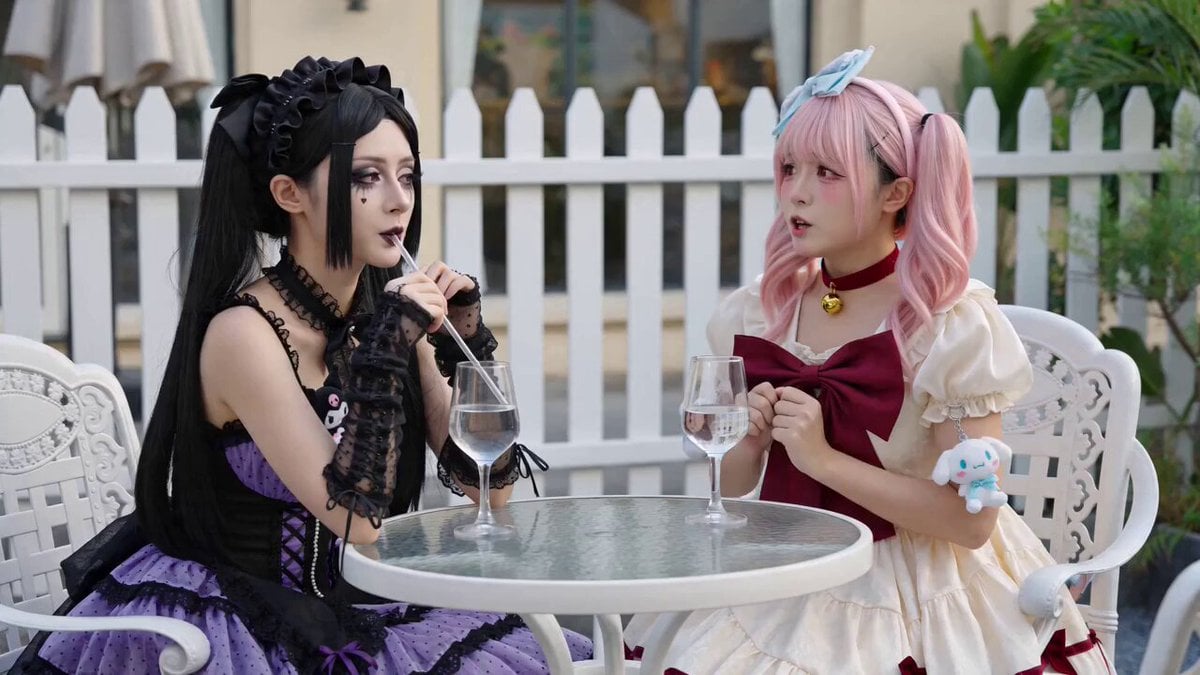
Anime Girls Interaction and Skit
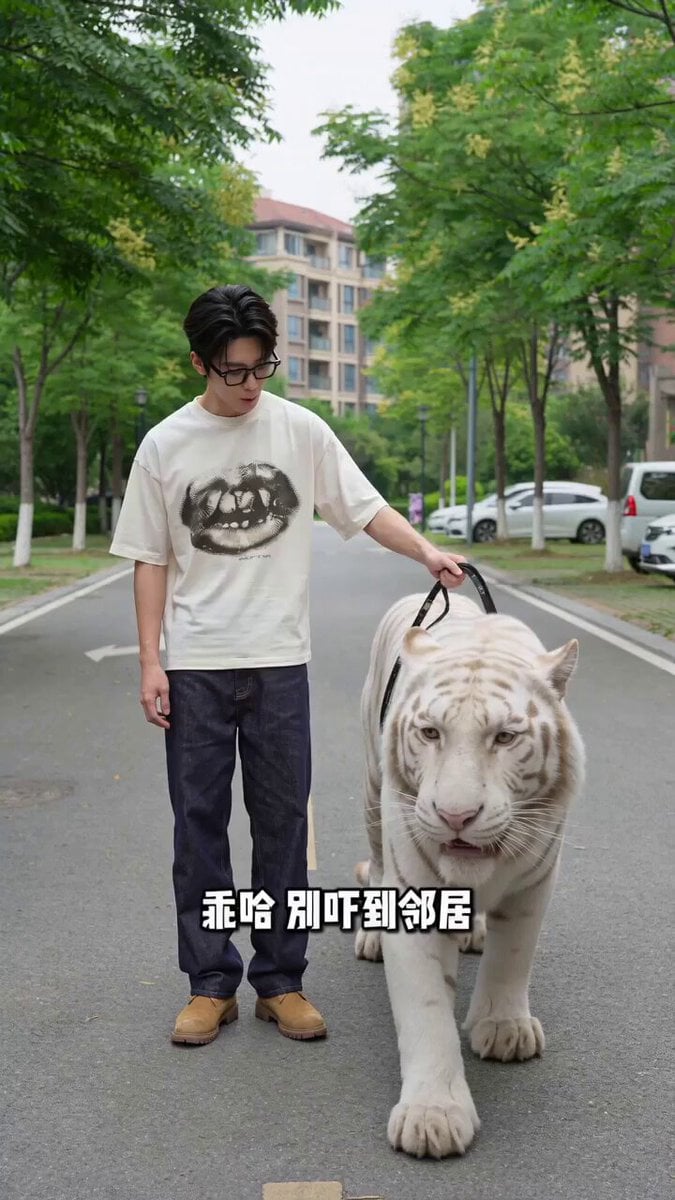
Man Walking Tiger and Teacup Poodle Skit Video Prompt
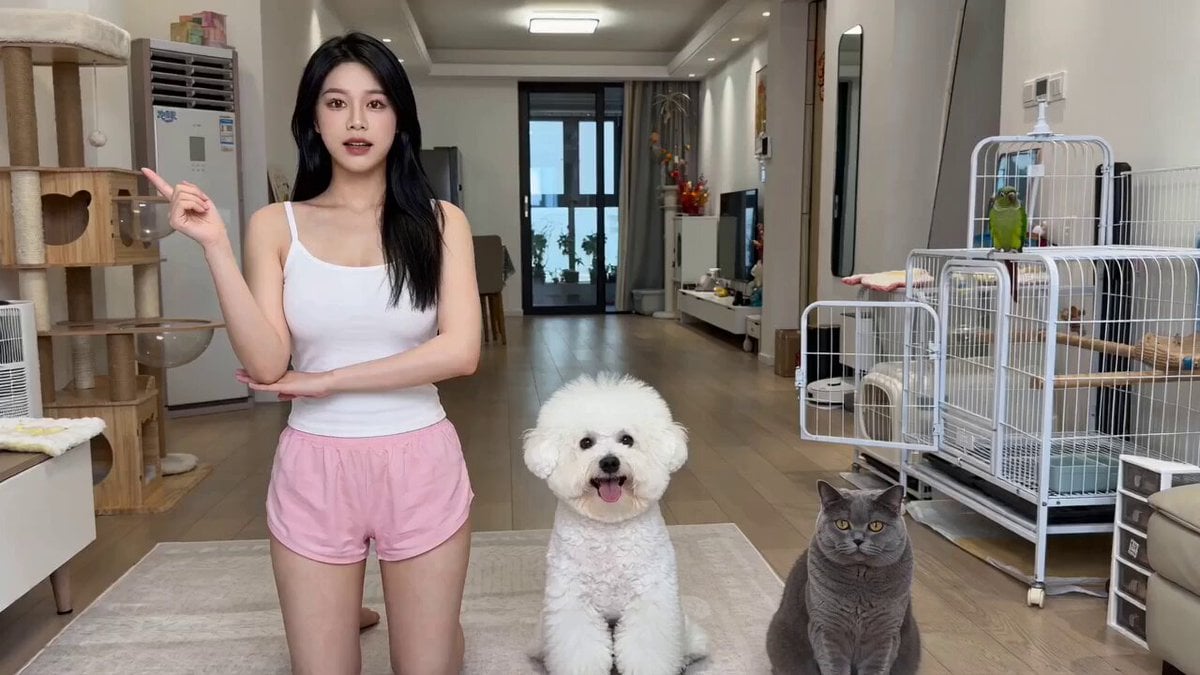
The Actor's Self-Cultivation Skit Video Prompt

80s Singapore Office Yuppie Montage
Fashion Outfit Transformation Office Vlog

Cinematic GRWM Office Routine
Romantic Action Comedy Office Scene

Office Executive Cinematic Narrative
Office Absurdity Mockumentary Comedy Video
Flooded Office Surrealism Cinematic
Make it yours
Office Copier Frustration Skit works as-is. These are the safest ways to change it without losing the look.
Change one field
Copy a single group, rewrite it, and generate again so you can see what that field is doing.
Keep the frame, change the subject
Hold the composition and light of Office Copier Frustration Skit, then swap wardrobe, props or the person for a new take.
| If the result… | Why | Fix |
|---|---|---|
| The result drifts from the preview | Too many fields changed at once. | Reuse Office Copier Frustration Skit as-is first, then change one group — subject, light, or setting. |
| The model over-stylizes the scene | The prose prompt leaves finish and camera underspecified. | Add one camera or lighting sentence and stay on Seedance 2.0. |
More Seedance 2.0 templates
Other prompts made for Seedance 2.0.

Comical Martial Arts Punch Scene

Maglev Train Action Sequence

Martial Arts Fight Sequence

Wuxia Protection and Trust Script

Vintage Korean Arcade MiniDV Vlog

Mercedes 190 SL Luxury Ad

Rainy Night Supernatural Reverse Comedy Video Script

Amazon Civilization Discovery

Futuristic South Asian City Transformation

Cozy Luxury Cafe Commercial
More video prompts
Fresh picks from across the catalog.
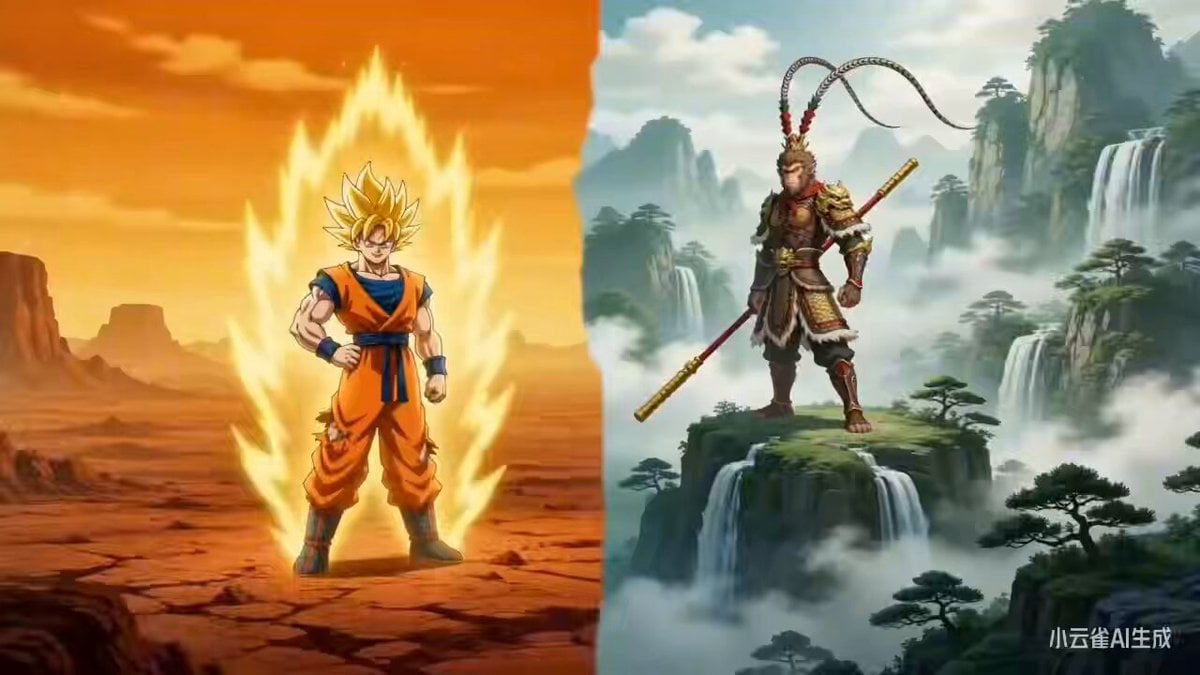
Sun Wukong vs. Son Goku: Cross-Style Dimensional Battle
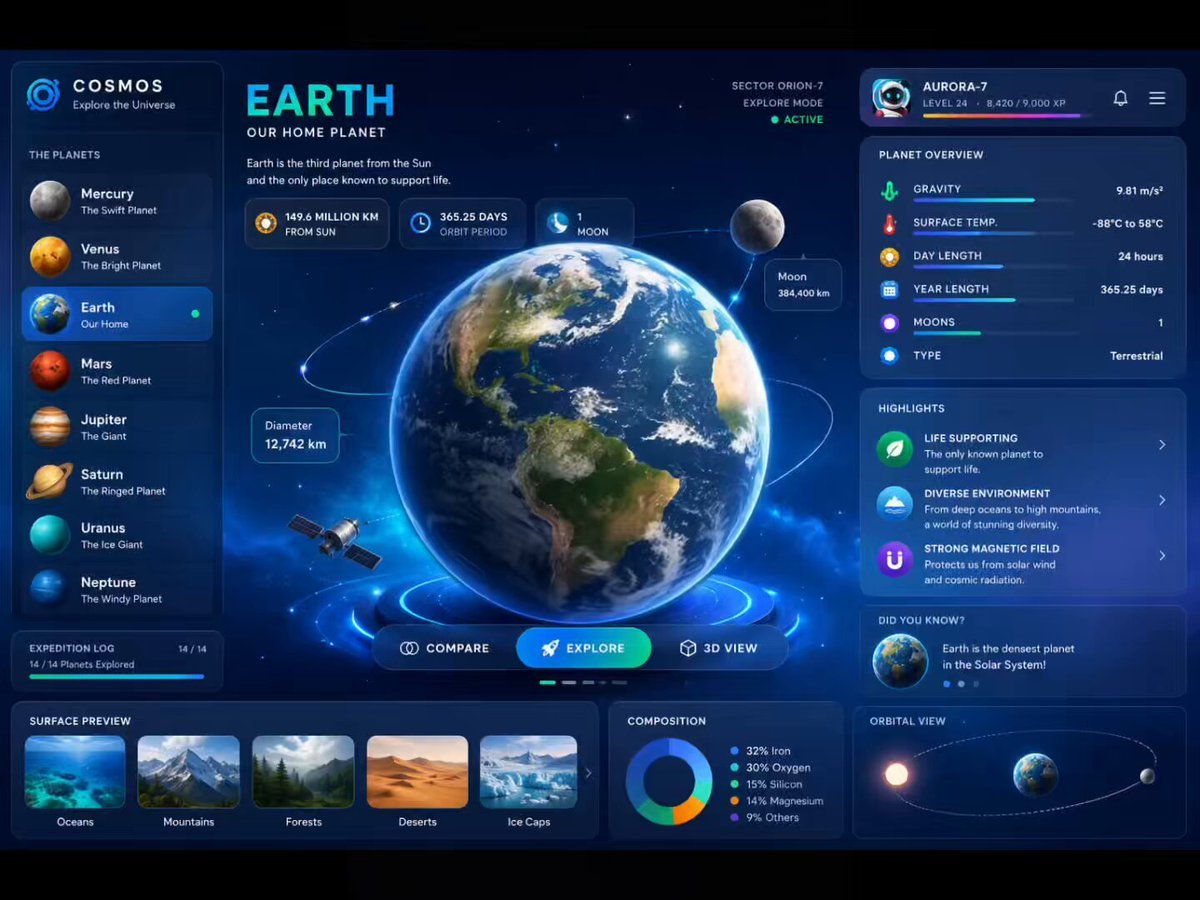
3D Rotating Earth in Space
Giant Mechanical Crab Monster Battle
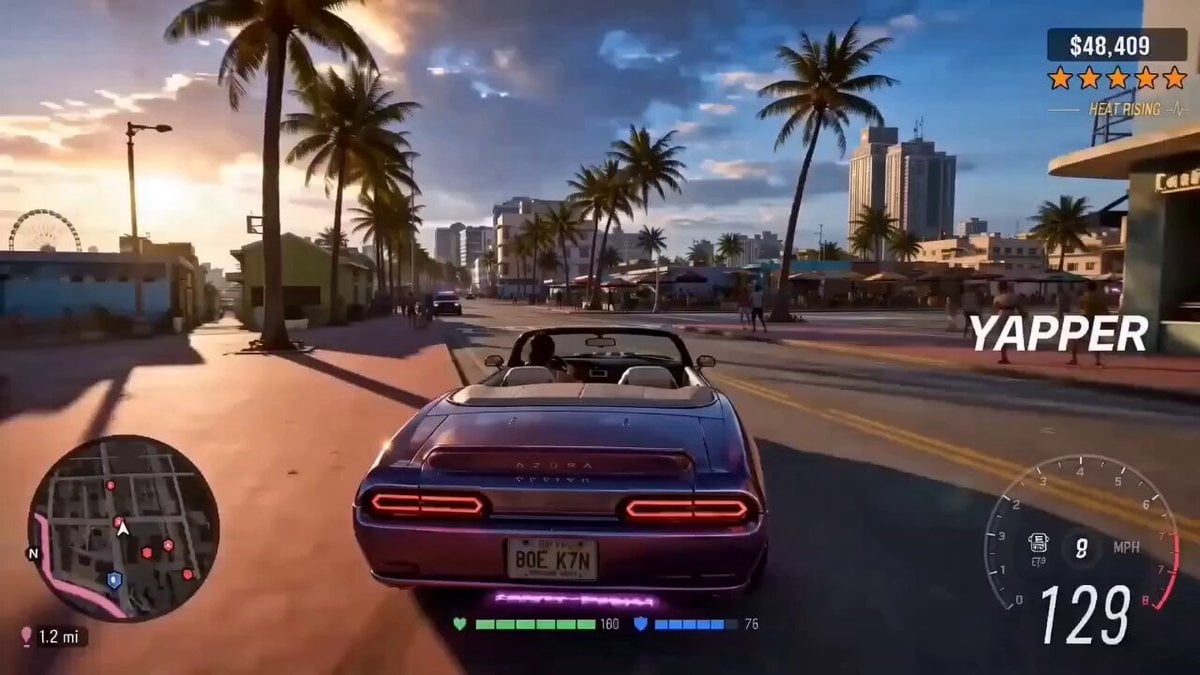
Cinematic Vehicle Tracking and Text Overlay
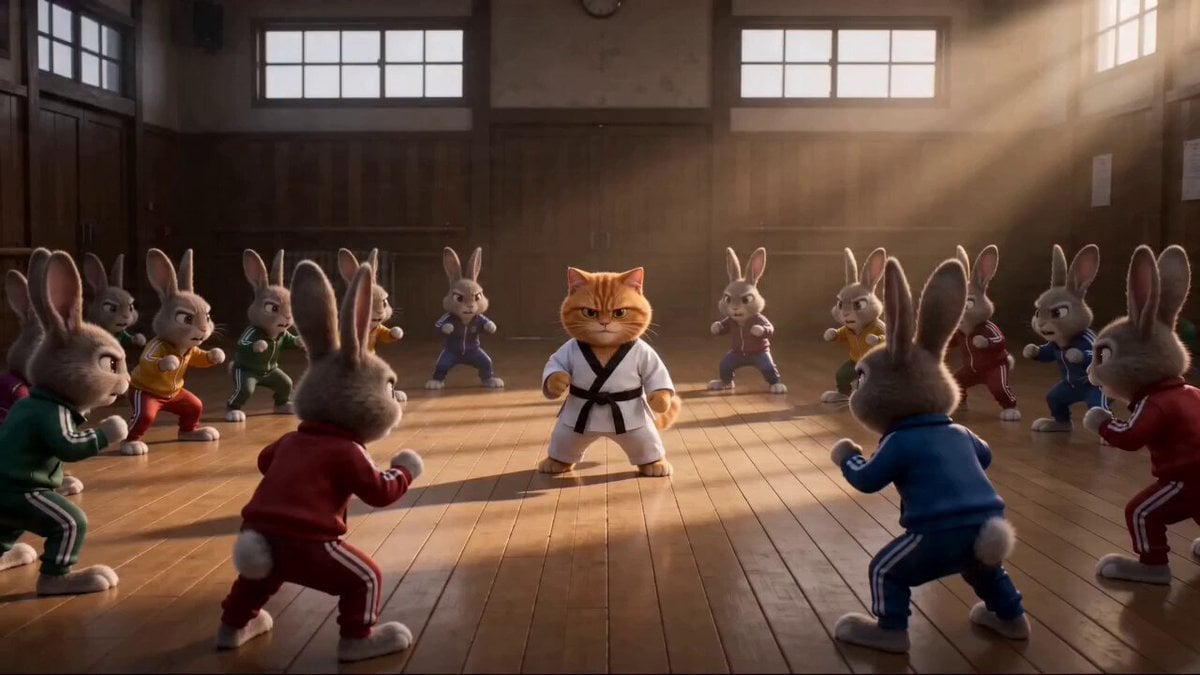
Epic Marvel Studios Tone Martial Arts Scene
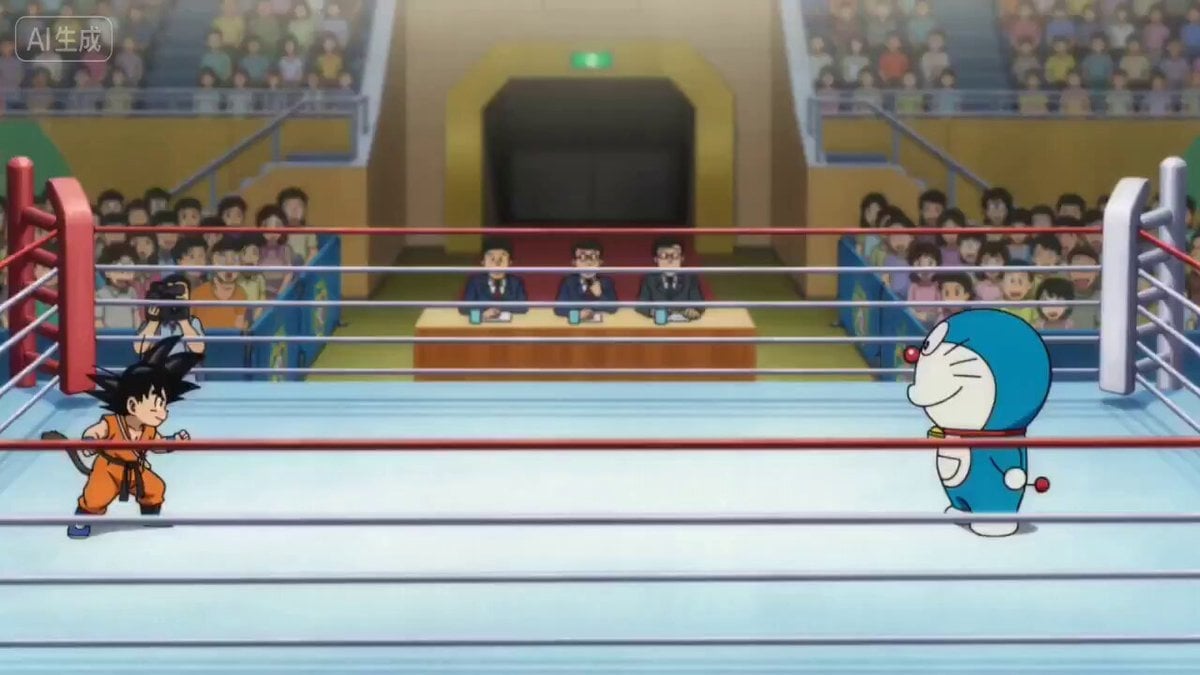
Martial Arts Tournament Scene with Image Inputs

Kaiju Scorpion Desert Battle Video Prompt
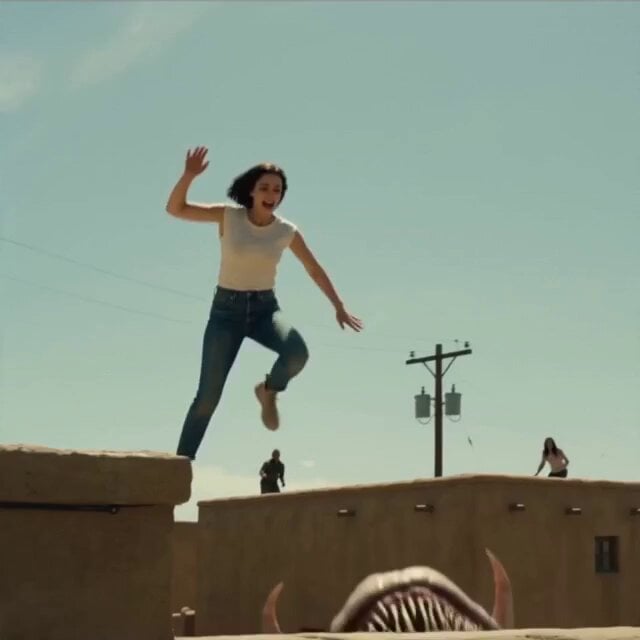
Rooftop Survival Zone Cinematic Video
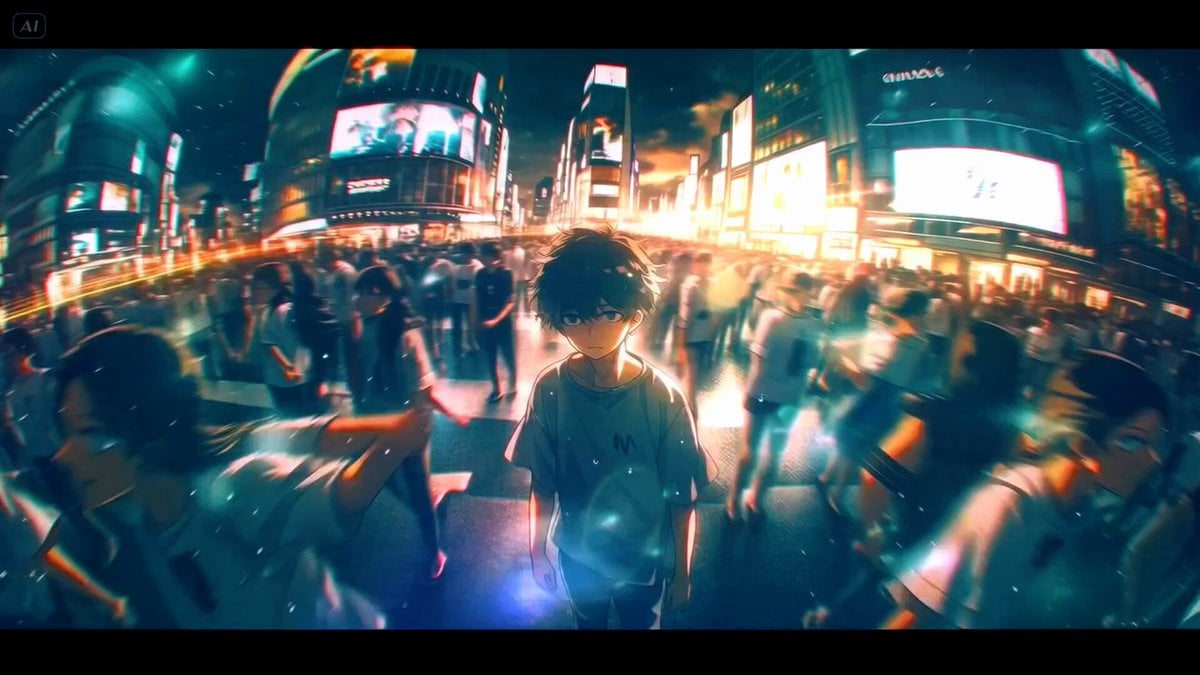
Time-Lapse Mannequin Effect Video Prompt
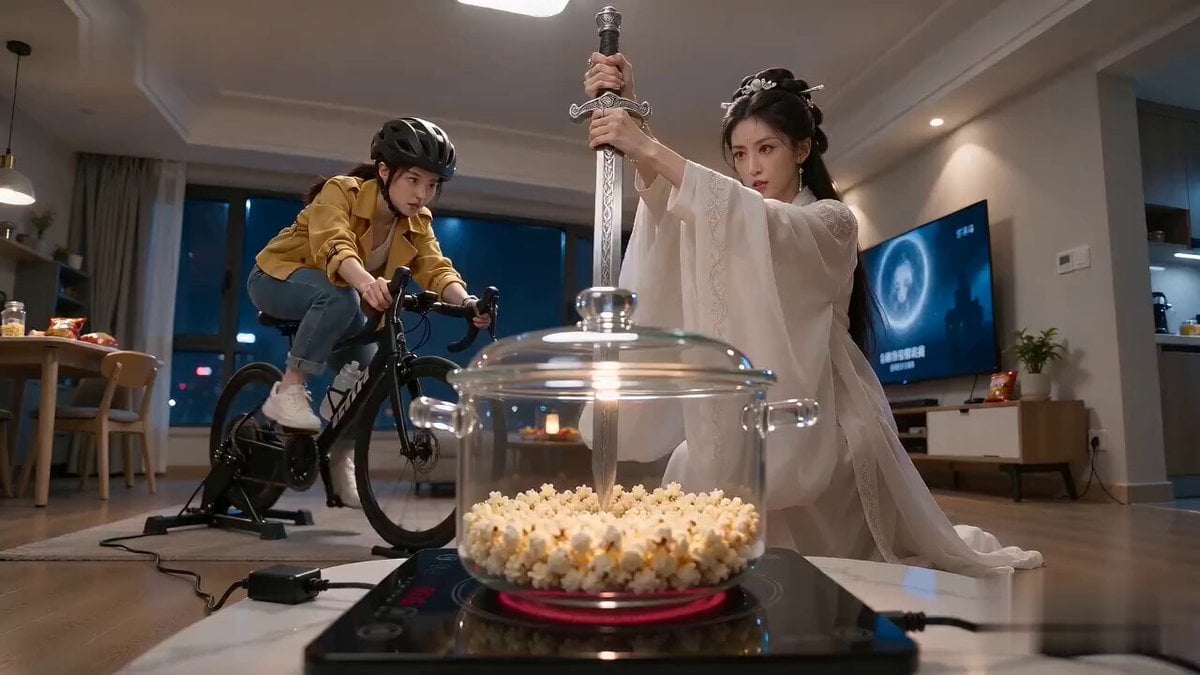
Cinematic Popcorn Sword Comedy
Browse template categories
Office Copier Frustration Skit questions
How do I use the Office Copier Frustration Skit template?
Add your photo if the template asks for one, edit the prompt if you like — the template's model and format are already selected — and press Generate. Your version opens in PicX Studio.
Can I customize the Office Copier Frustration Skit template?
Yes. You can change the subject, setting, lighting, mood, format, and available model controls before creating your video.
Is the Office Copier Frustration Skit template free?
Opening and editing this template is free. Generating uses credits, shown on the Generate button when you are signed in.
Which AI model should I use?
Start with Seedance 2.0, which is the model associated with this template. You can compare another compatible model for a different finish.
Looking for something else? Browse all templates.

Your photo, any look
Thousands of ready templates for every top image and video model, from one credit balance.