How do I use the K-pop Style Dance MV in Tokyo template?
Edit the prompt in the box under the preview — the template's model and format are already selected — and press Generate. Your version appears right on this page.
A detailed Chinese prompt for Seedance 2.0 requesting a high-energy K-pop style dance music video clip.
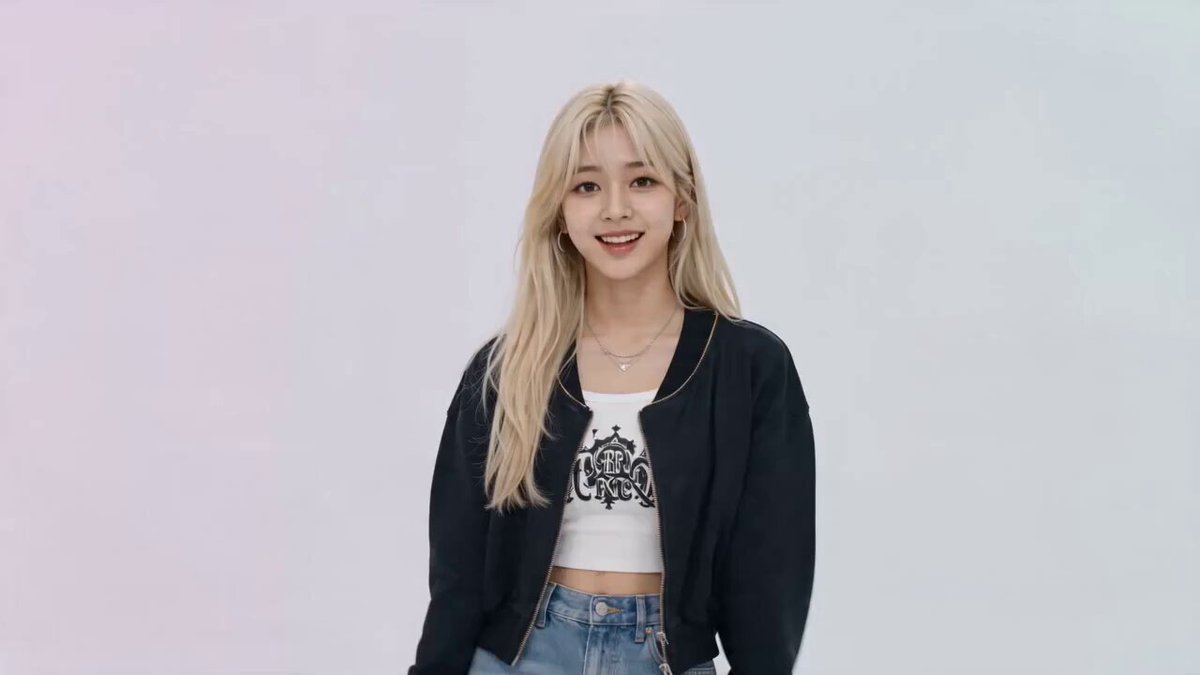
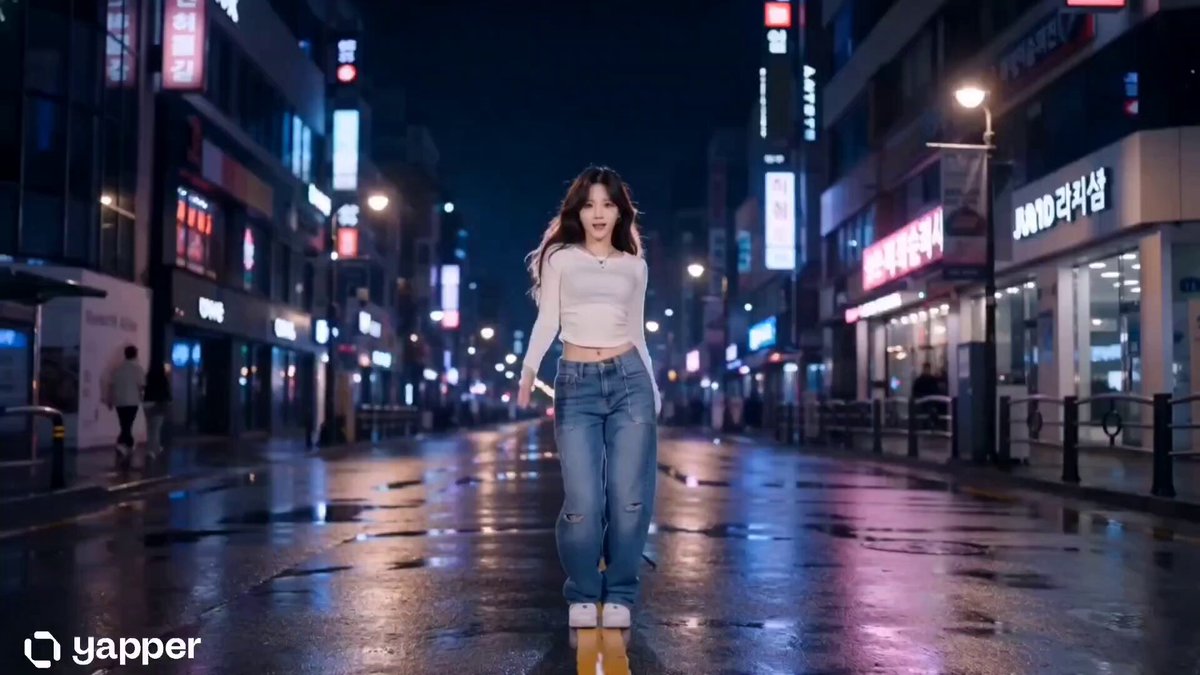
Generate a high-quality, high-energy K-pop style dance MV clip, paying attention to the shot composition. Dynamic tracking camera work, with the camera moving fluidly in a 360-degree orbit and push-pull tracking around the subject. The frame focuses on a youthful, energetic young Japanese woman who is jumping, spinning, and singing joyfully with both grace and explosive power. She wears a fashionable light pink pleated skirt and a white cropped sweater, her hair loosely tied into small braids with a silk ribbon. The setting is a sunny Tokyo park, surrounded by cherry blossom trees in full bloom, with petals drifting through the air like snow. The visual style is cinematic realism, with beautiful high-key Japanese-style colors and rich depth-of-field effects. Please sync the visual rhythm of the footage to the upbeat, strongly rhythmic pop music playing in the background; the character's expression should be vivid, radiant, and joyful, with lip movements simulating natural singing. Make sure the character's dance movements are continuous with no jump cuts, and that light and shadow transition naturally as the camera rotates.
Generate a high-quality, high-energy K-pop style dance MV clip, paying attention to the shot composition. Dynamic tracking camera work, with the camera moving fluidly in a 360-degree orbit and push-pull tracking around the subject. The frame focuses on a youthful, energetic young Japanese woman who is jumping, spinning, and singing joyfully with both grace and explosive power. She wears a fashionable light pink pleated skirt and a white cropped sweater, her hair loosely tied into small braids with a silk ribbon. The setting is a sunny Tokyo park, surrounded by cherry blossom trees in full bloom, with petals drifting through the air like snow. The visual style is cinematic realism, with beautiful high-key Japanese-style colors and rich depth-of-field effects. Please sync the visual rhythm of the footage to the upbeat, strongly rhythmic pop music playing in the background; the character's expression should be vivid, radiant, and joyful, with lip movements simulating natural singing. Make sure the character's dance movements are continuous with no jump cuts, and that light and shadow transition naturally as the camera rotates.
Edit the prompt in the box under the preview — the template's model and format are already selected — and press Generate. Your version appears right on this page.
Yes. You can change the subject, setting, lighting, mood, format, and available model controls before creating your video.
Opening and editing this template is free. Generating uses credits, shown on the Generate button when you are signed in.
Start with Seedance 2.0, which is the model associated with this template. You can compare another compatible model for a different finish.
Follow a topic to a crawlable collection of related PicX Studio templates.