
Abstract Emotional Interaction
An abstract video prompt involving emotional actions and dialogue.

- Prompt included
- Model and format preset
- Free template
The prompt behind this video
Copy the exact prompt behind Abstract Emotional Interaction, or open it in the studio and make it yours.
Àsepéră € { I LOVE YOU } ¥ slap :::> push away < —-[ why ] € { you are my doll always }
How to use Abstract Emotional Interaction in 3 steps
- 1
Open
The prompt is already in the box next to the preview, with the template's model and format selected.
- 2…a portrait of your subject in softgolden-hour light, 85mm…
Personalize
Edit the subject and creative details for your destination.
- 3Generate
Generate
Press Generate — your video is created in PicX Studio, so you can compare it with the original and refine one variable at a time.
More like this
Templates with the same subject, style or setup. Open one to see its prompt.
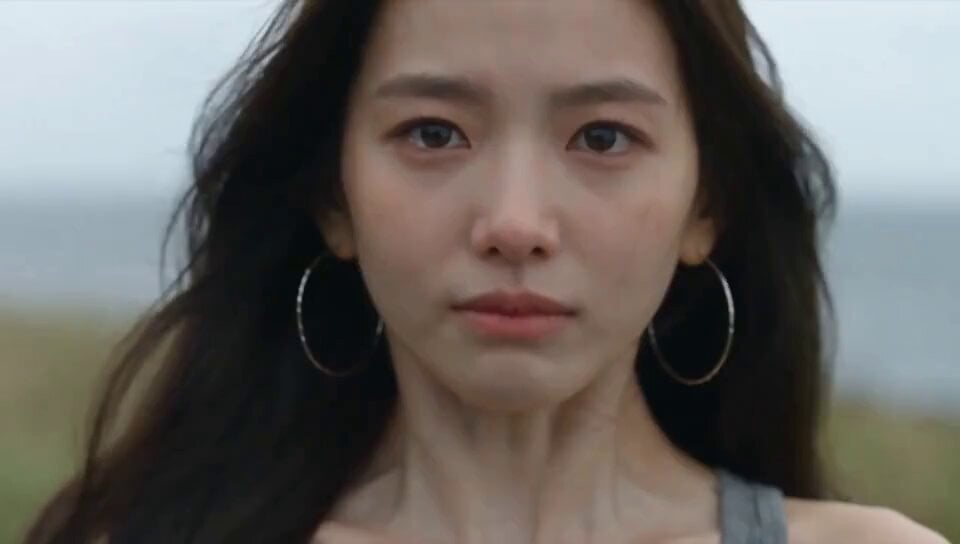
Emotional Breakdown and Fabric Interaction - Seedance 2.5
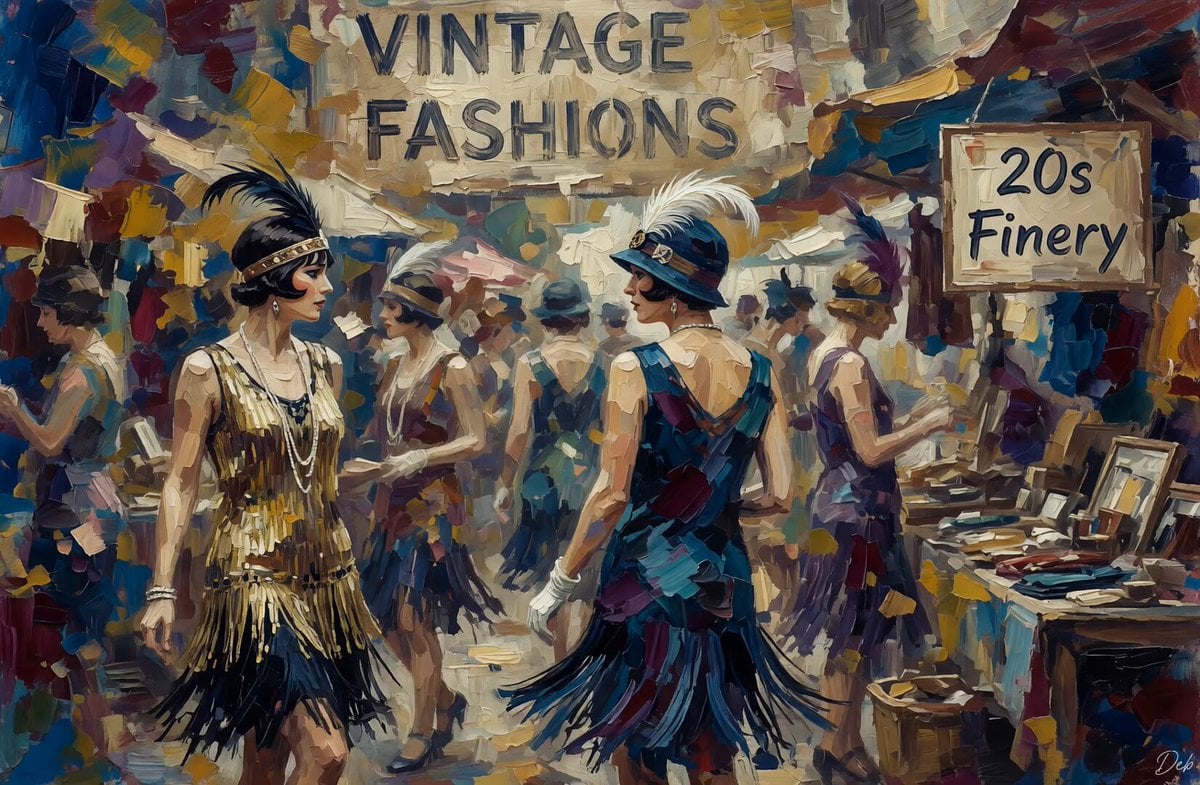
Vintage Abstract Flappers Market

Coffee Cup Interaction Motion

Emotional Angry Couple Drama
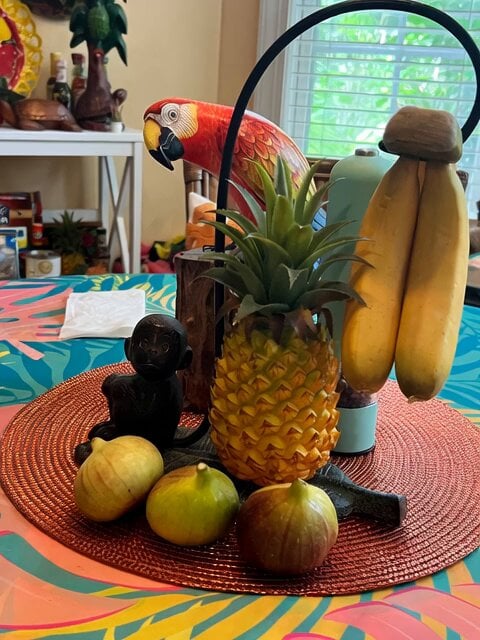
Jungle Animal Interaction Video Prompt
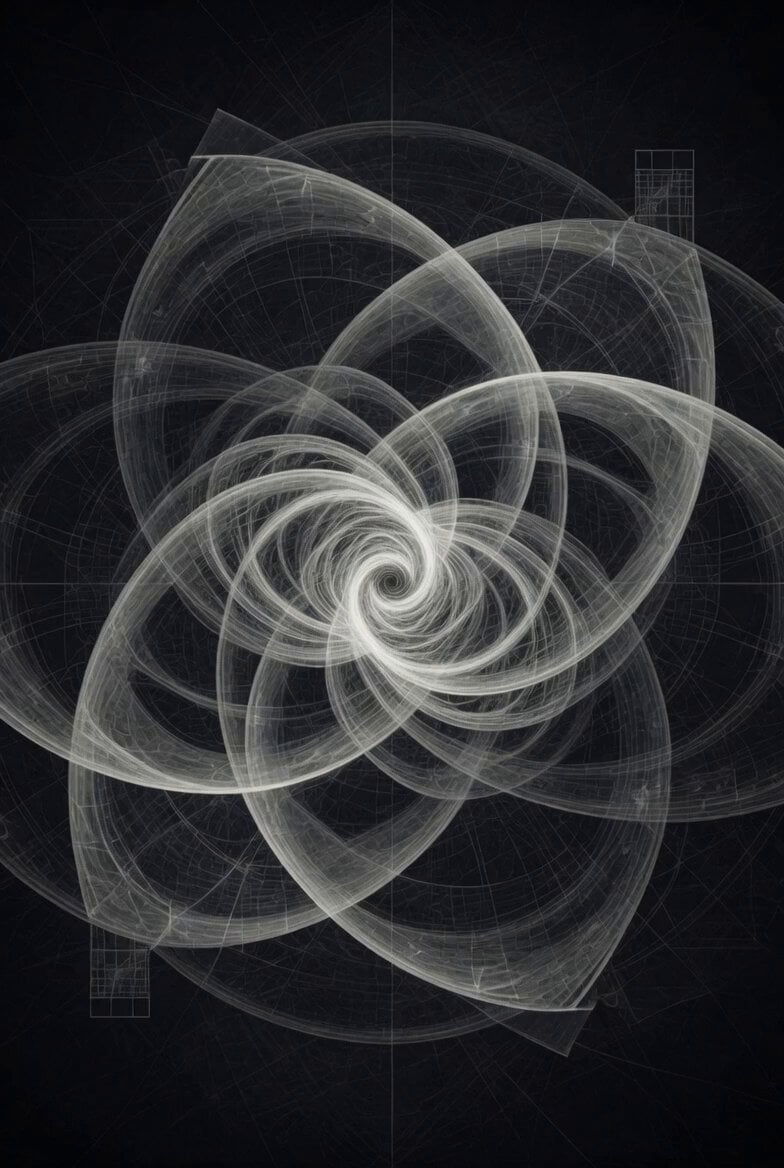
Abstract Intelligence Formal System
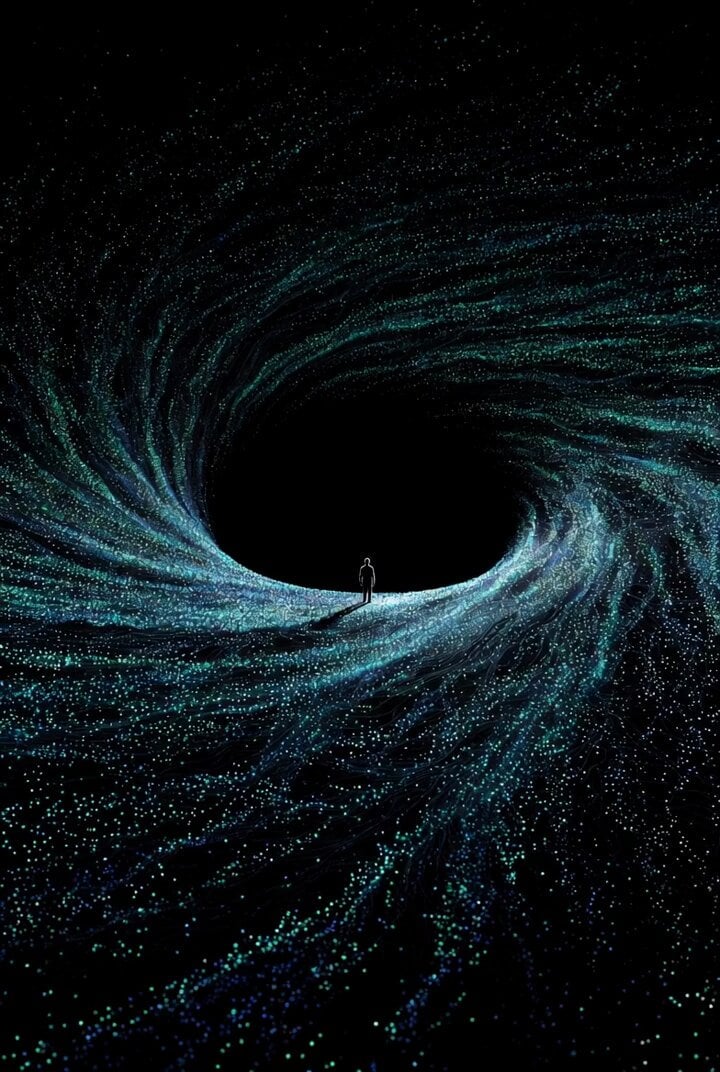
Abstract geometric flow around a void
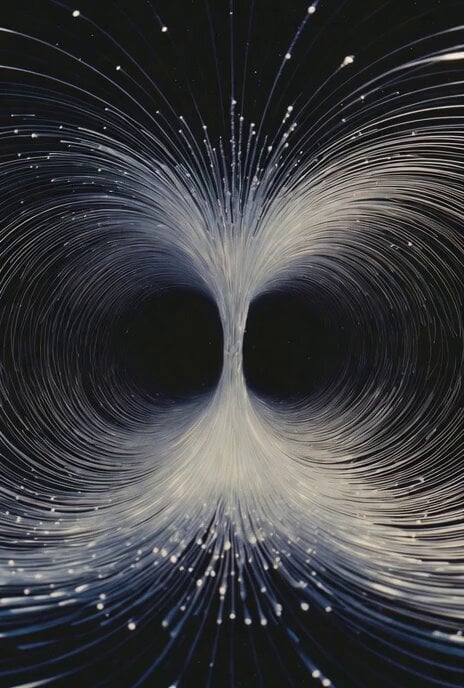
Abstract time and entropy video prompt
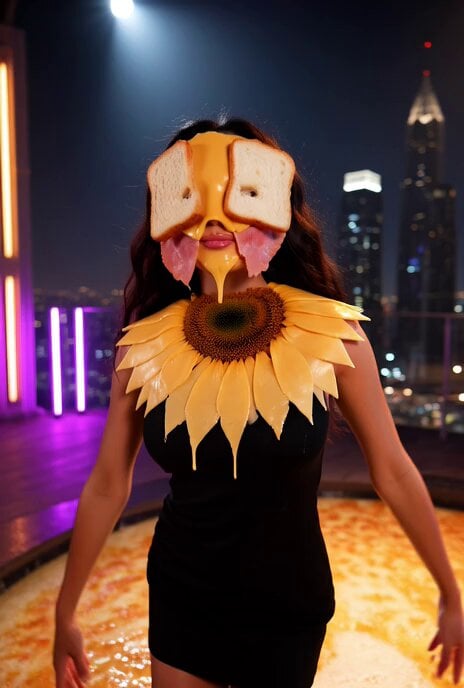
Abstract fashion model made of lunch meat video prompt (truncated)
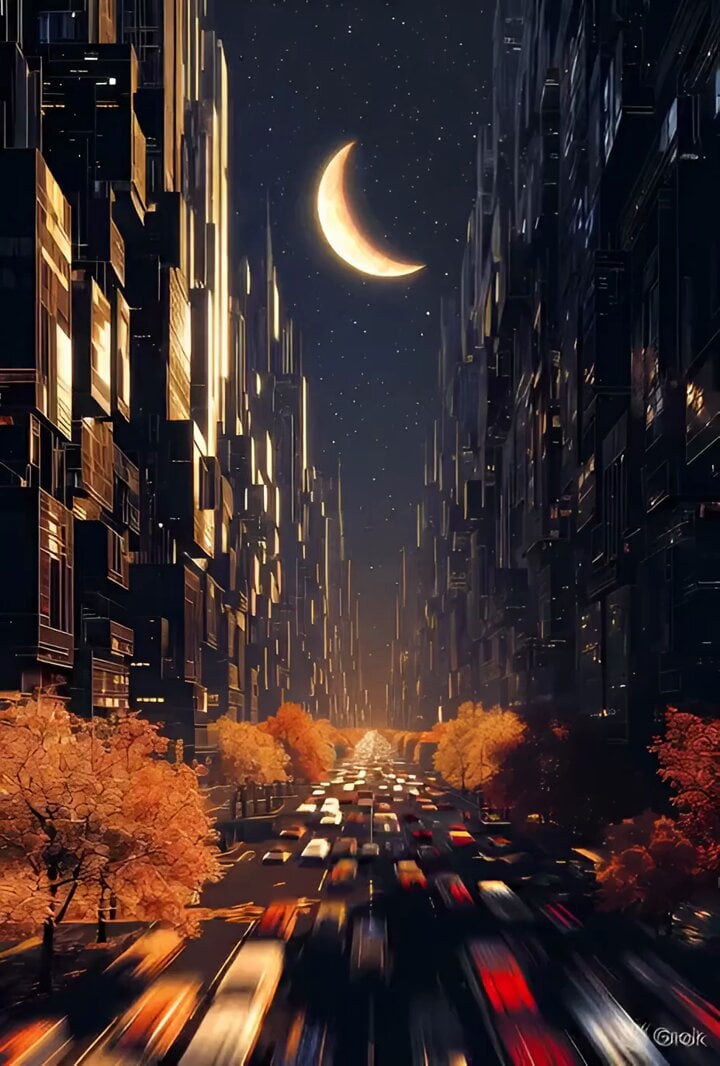
Futuristic Abstract City at Night
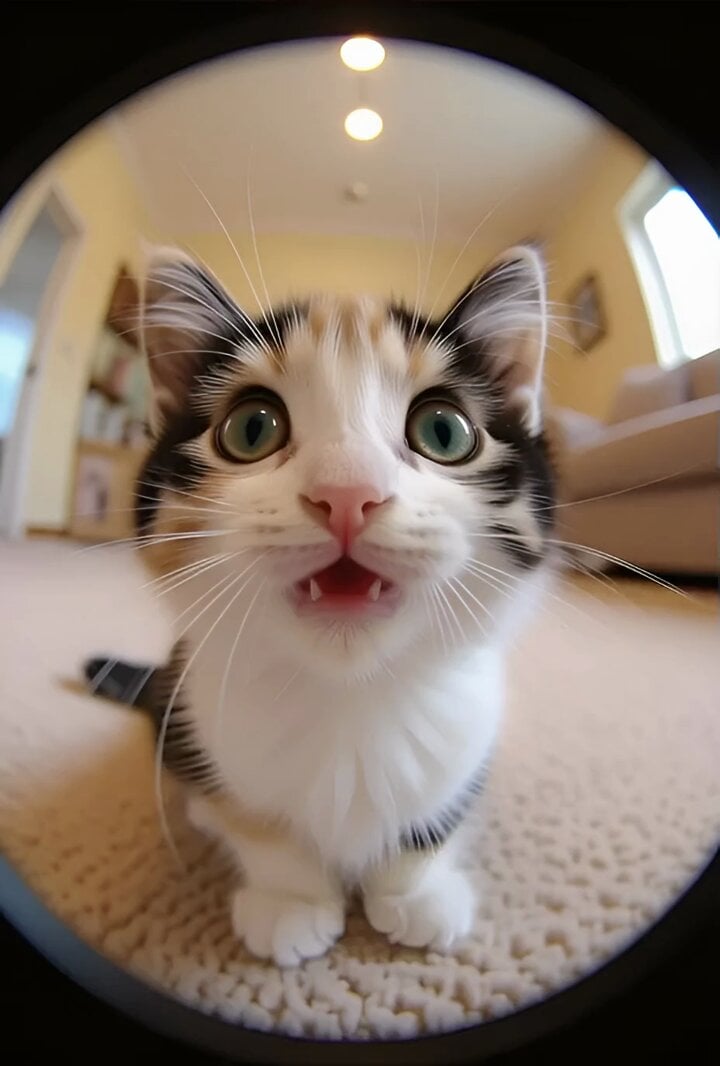
Cat interaction and tripping video prompt
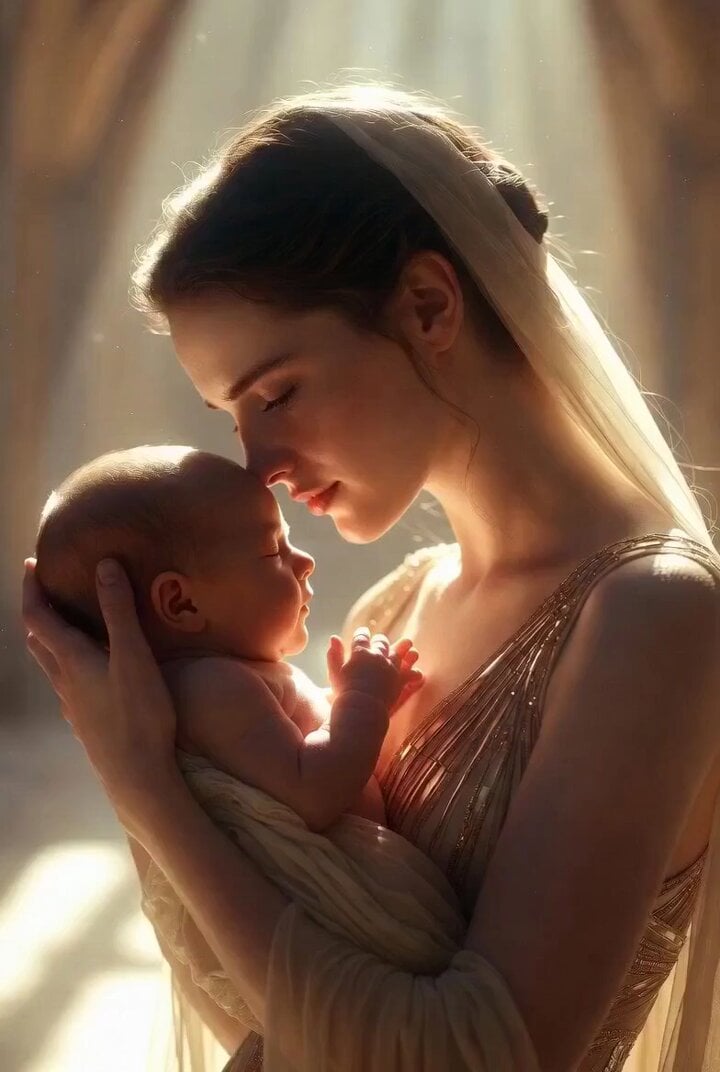
Ultra Emotional Art Deco Maternal Masterpiece
Make it yours
Abstract Emotional Interaction works as-is. These are the safest ways to change it without losing the look.
Change one field
Copy a single group, rewrite it, and generate again so you can see what that field is doing.
Keep the frame, change the subject
Hold the composition and light of Abstract Emotional Interaction, then swap wardrobe, props or the person for a new take.
| If the result… | Why | Fix |
|---|---|---|
| The result drifts from the preview | Too many fields changed at once. | Reuse Abstract Emotional Interaction as-is first, then change one group — subject, light, or setting. |
| The model over-stylizes the scene | The prose prompt leaves finish and camera underspecified. | Add one camera or lighting sentence and stay on Grok Imagine. |
More Grok Imagine templates
Other prompts made for Grok Imagine.

Ninja Wizard Levitation Jump

Voice Controlled Water Animation

Pterodactyl Transformation Journey

Candle Mandala Mirror Video

Psychedelic Purple Disc World Video

Mecha Runway Tap Dance Video Prompt

Quantum Inventor in Sonoran Desert

Train Zooming in Star Field Video Prompt

Cyberpunk Guerrilla Girl Video Generation

Detailed multi-part video prompt
More video prompts
Fresh picks from across the catalog.
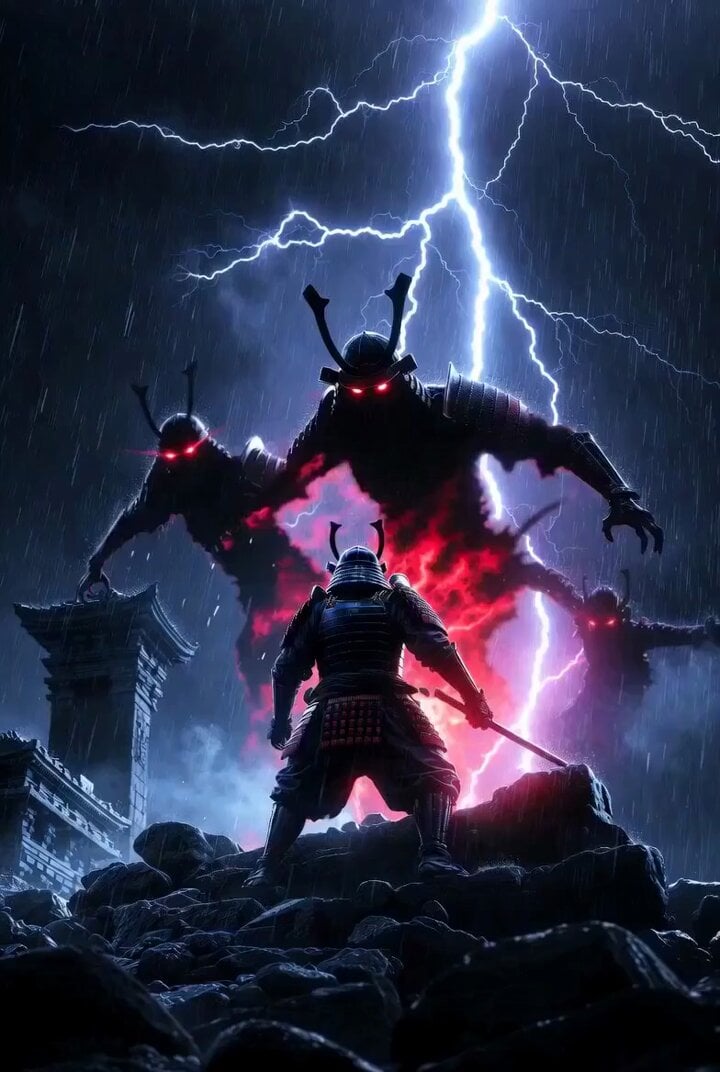
Samurai horror video prompt
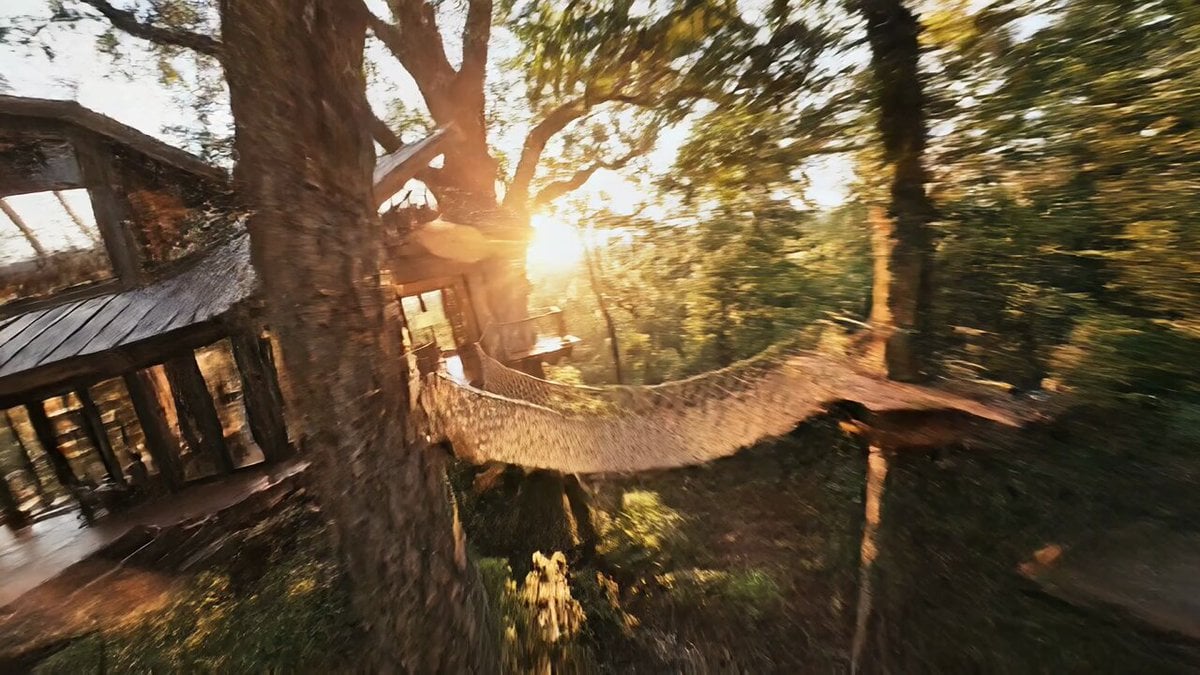
FPV Cinematic Flight Through a Hyper-Realistic Treehouse
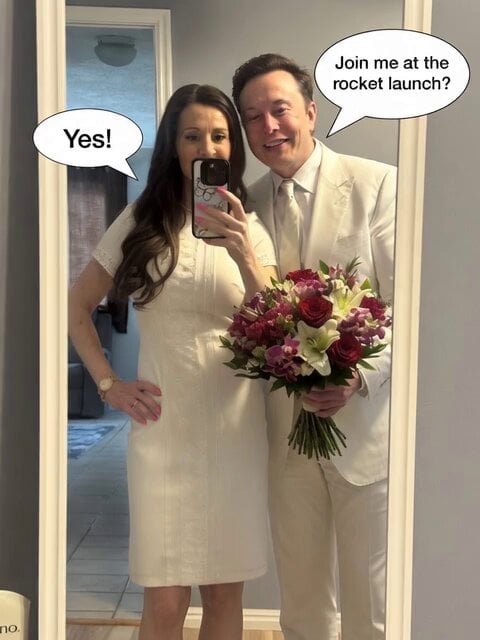
Grok Imagine Prompt for a Warm Hug and Rocket Launch
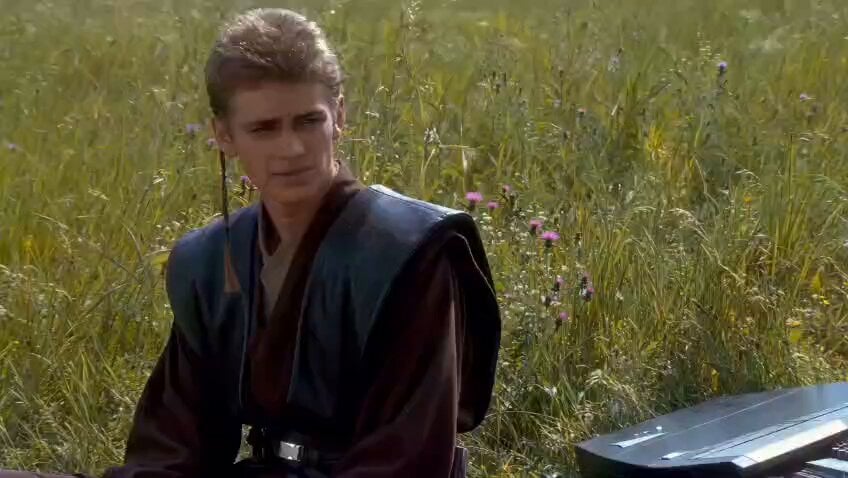
Summarize AI Discourse in a Chaotic Meme
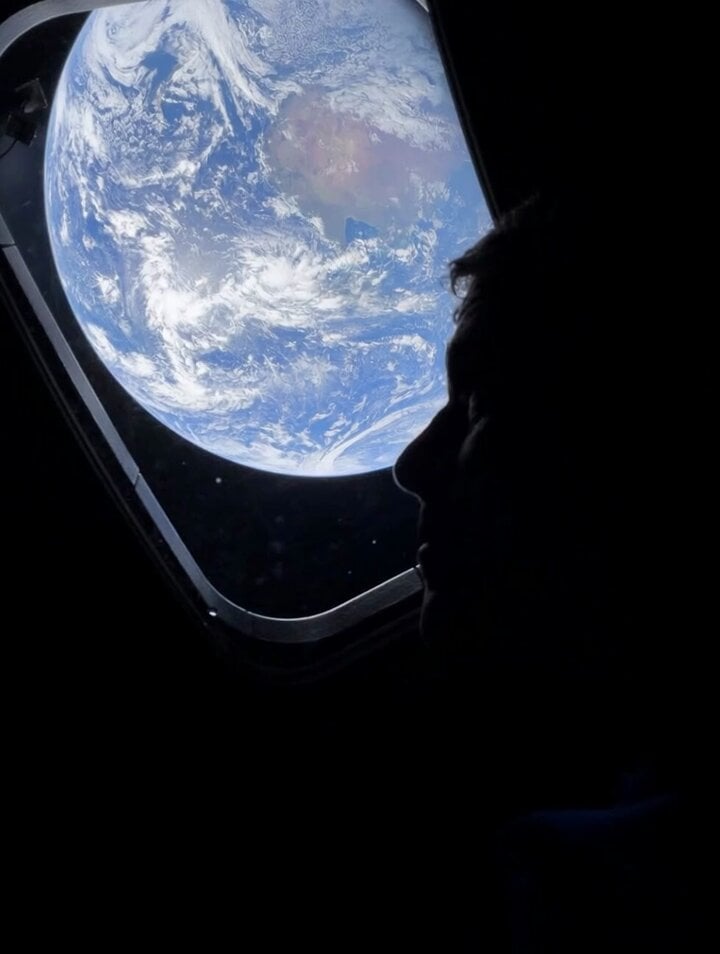
Grok Imagine prompt: Animate a cinematic space scene
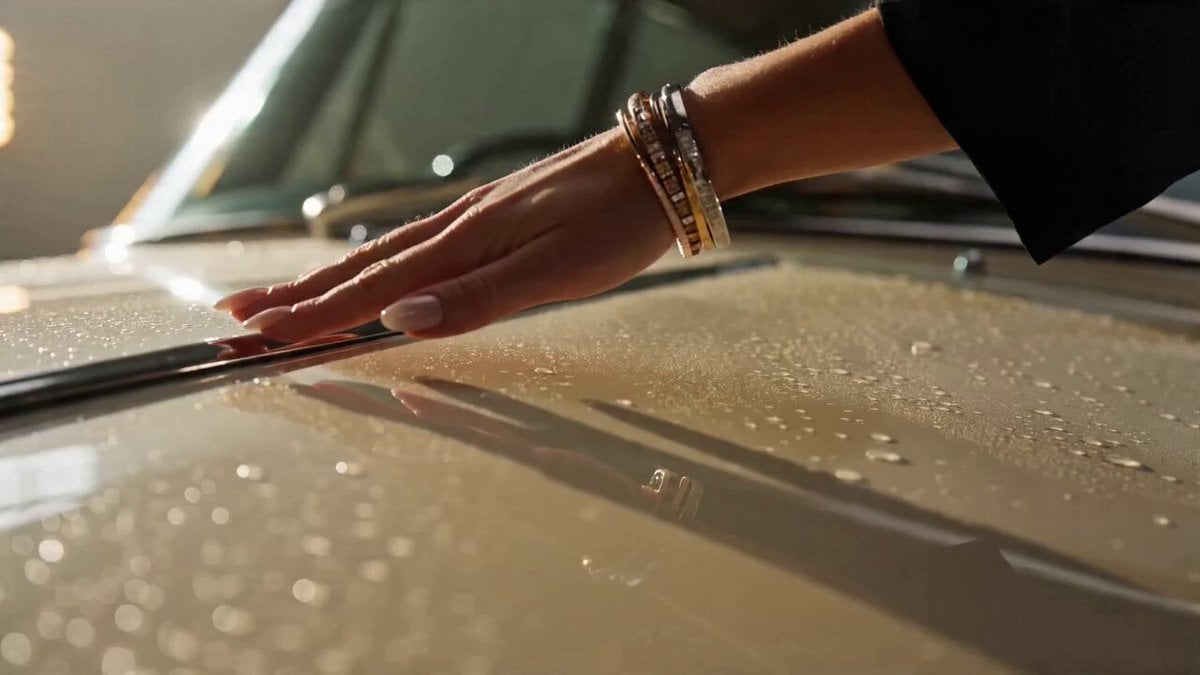
Bentley S2 Continental ASMR Video Prompt
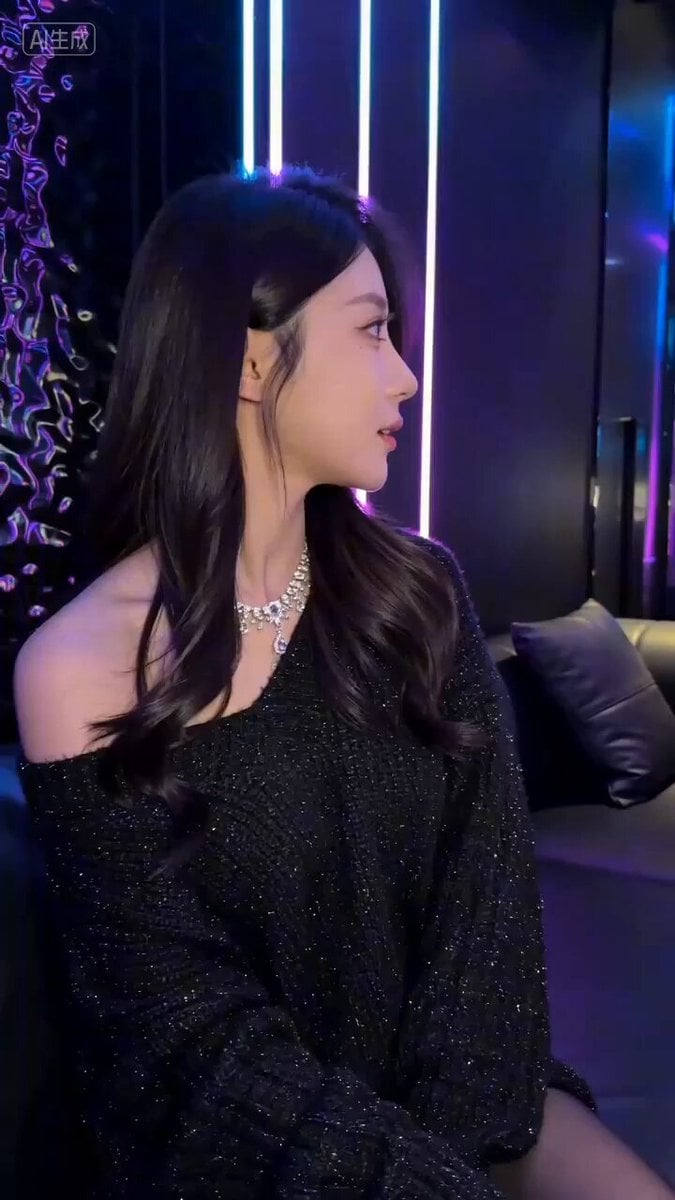
Realistic KTV Scene with Girlfriend POV and Shoe Removal

Clay Model Conversation Sequence
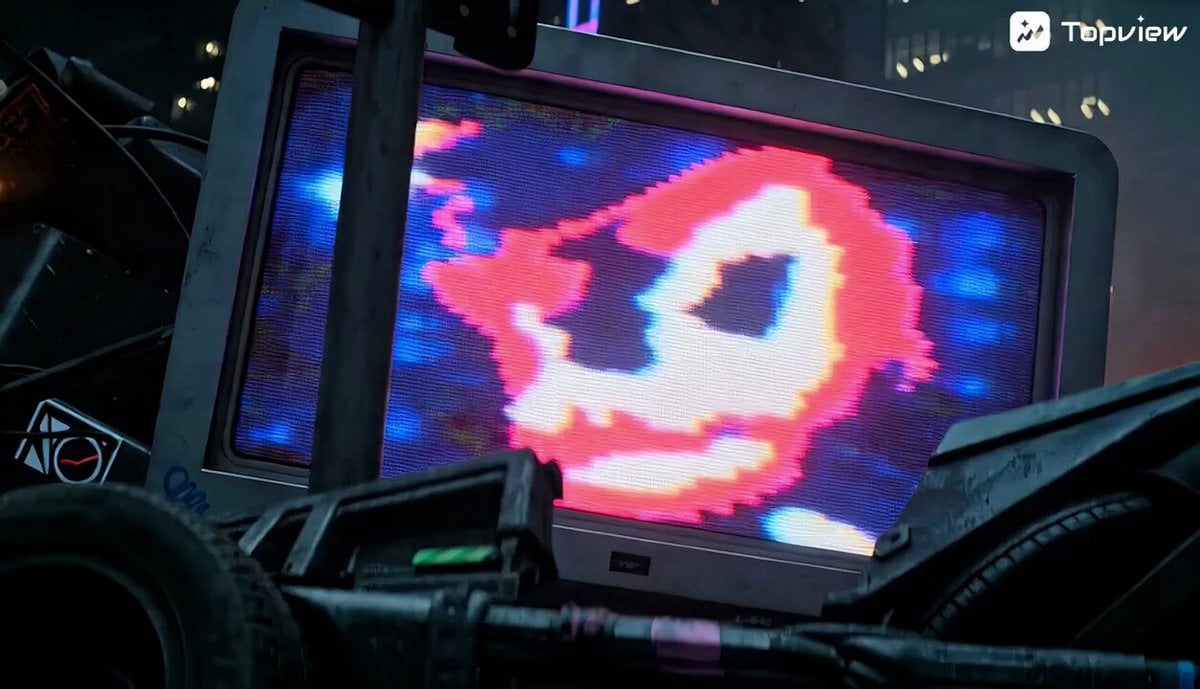
Black Cat Warrior Martial Arts Video Prompt
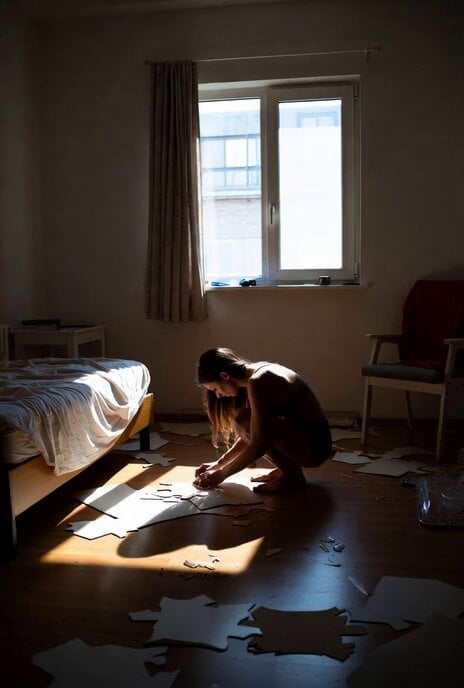
Grok Imagine prompt for a mother's resurgence
Browse template categories
Abstract Emotional Interaction questions
How do I use the Abstract Emotional Interaction template?
Add your photo if the template asks for one, edit the prompt if you like — the template's model and format are already selected — and press Generate. Your version opens in PicX Studio.
Can I customize the Abstract Emotional Interaction template?
Yes. You can change the subject, setting, lighting, mood, format, and available model controls before creating your video.
Is the Abstract Emotional Interaction template free?
Opening and editing this template is free. Generating uses credits, shown on the Generate button when you are signed in.
Which AI model should I use?
Start with Grok Imagine, which is the model associated with this template. You can compare another compatible model for a different finish.
Looking for something else? Browse all templates.

Your photo, any look
Thousands of ready templates for every top image and video model, from one credit balance.