How do I use the Training template?
Edit the prompt in the box under the preview — the template's model and format are already selected — and press Generate. Your version appears right on this page.
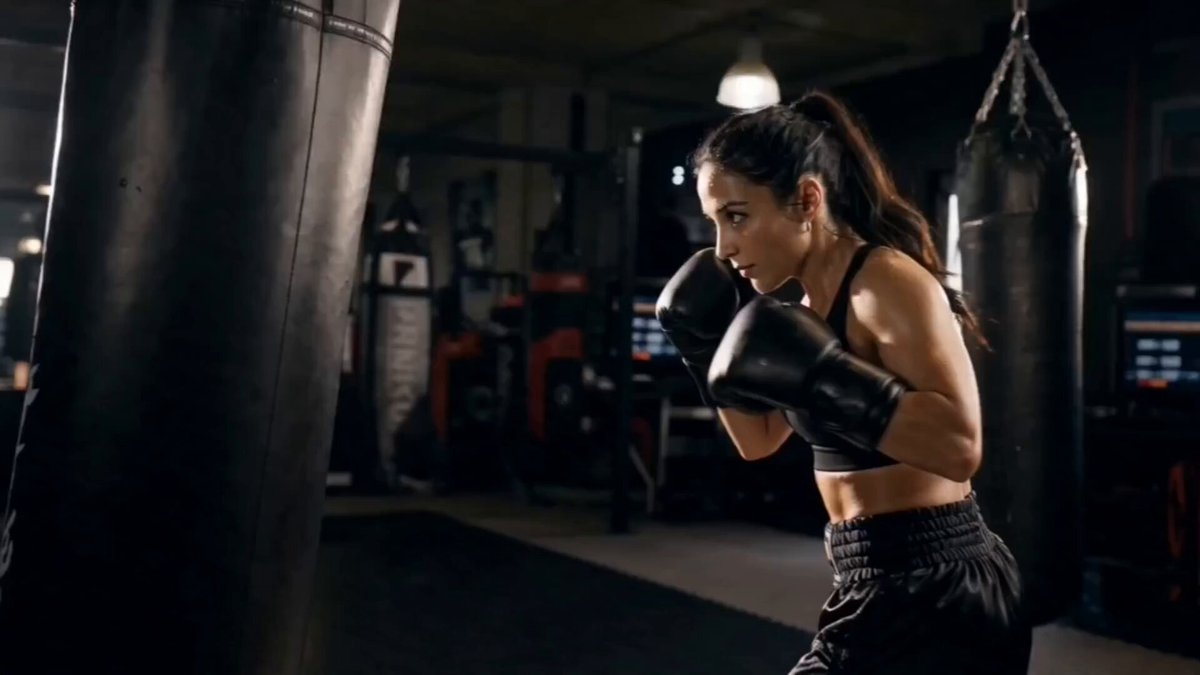
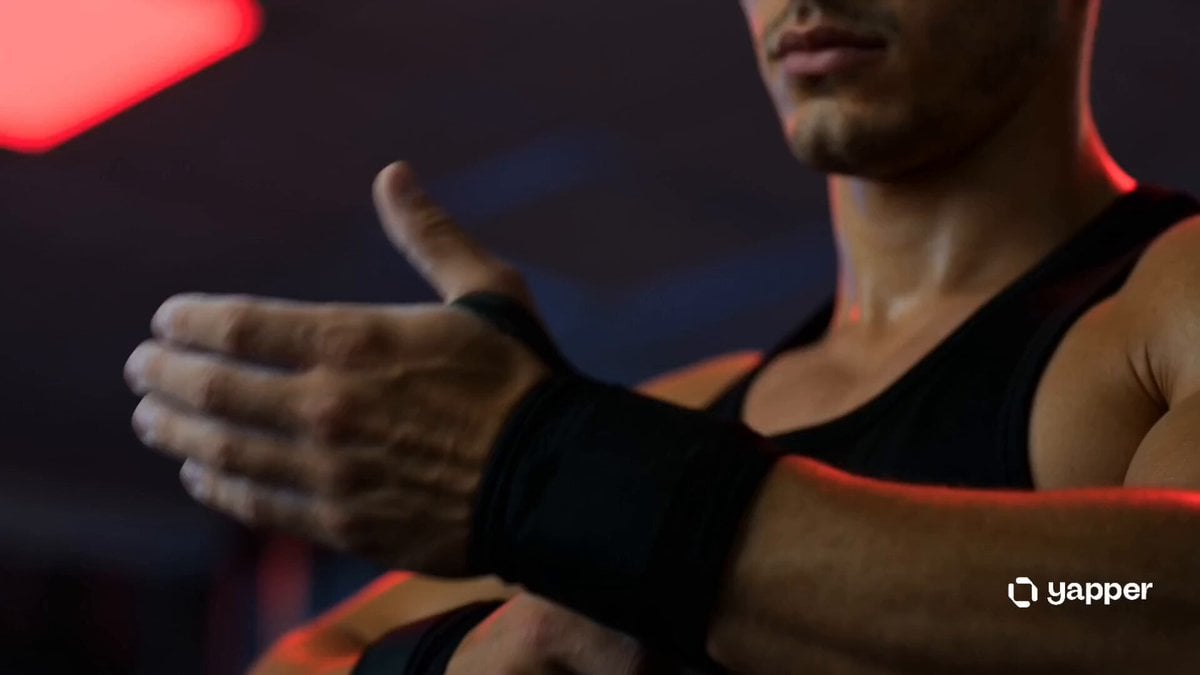
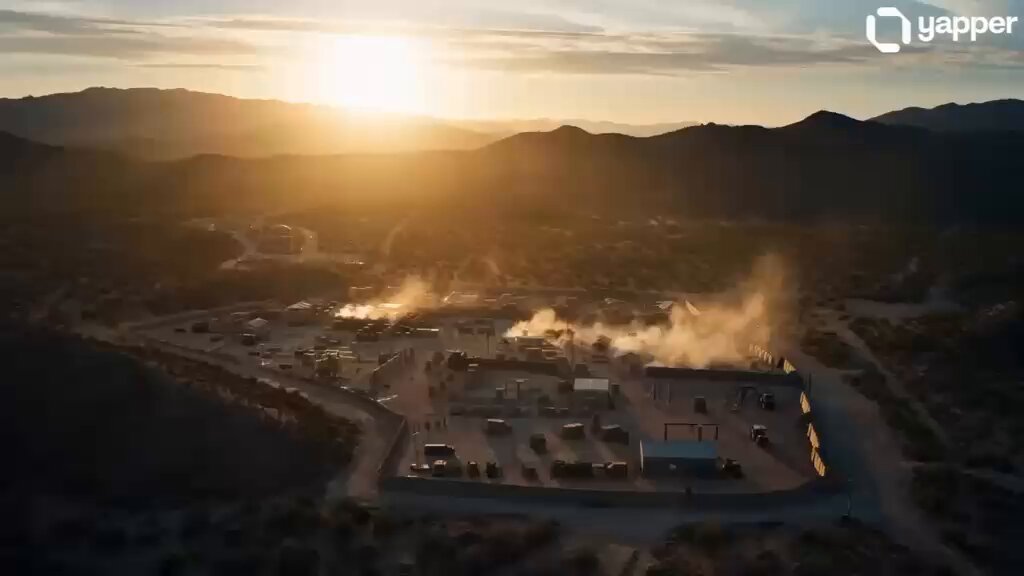
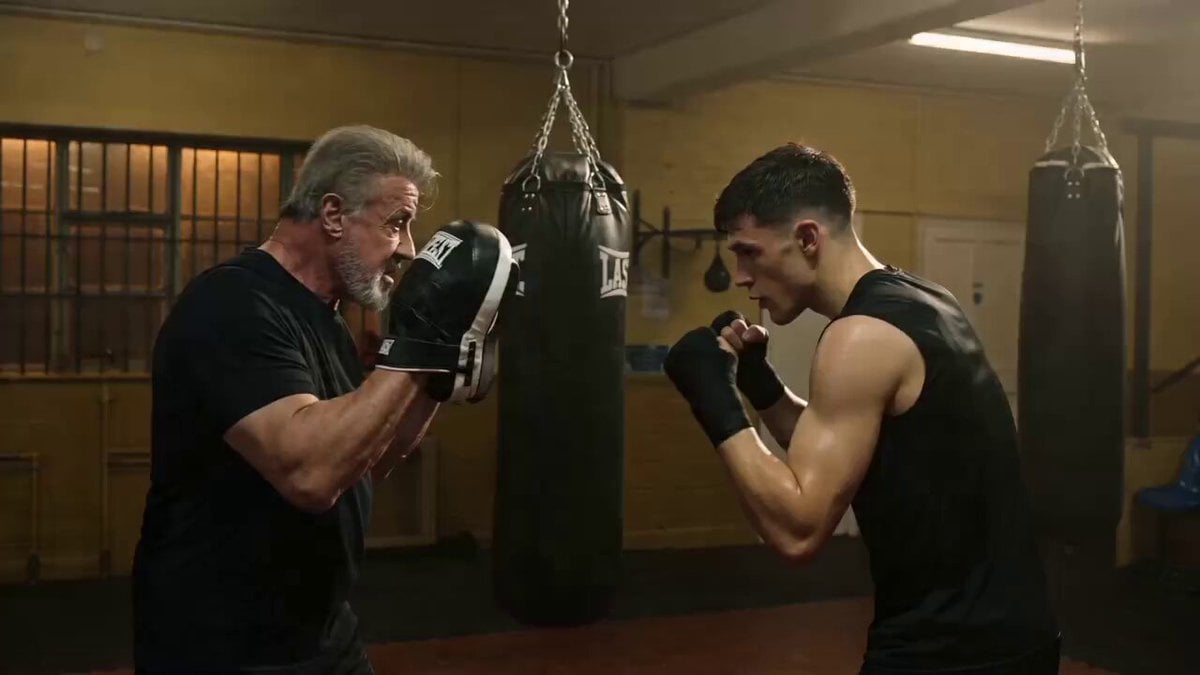
A lone figure training in an abandoned warehouse at sunrise. Dust particles floating in golden light rays. Slow motion punches, sweat droplets flying. Close-up breathing shot. Text overlay moment: “They Doubt You.” Cut to intense training montage. Cinematic color grading, dramatic contrast, gritty texture, 4K slow motion, inspirational movie trailer style
A lone figure training in an abandoned warehouse at sunrise. Dust particles floating in golden light rays. Slow motion punches, sweat droplets flying. Close-up breathing shot. Text overlay moment: “They Doubt You.” Cut to intense training montage. Cinematic color grading, dramatic contrast, gritty texture, 4K slow motion, inspirational movie trailer style
Edit the prompt in the box under the preview — the template's model and format are already selected — and press Generate. Your version appears right on this page.
Yes. You can change the subject, setting, lighting, mood, format, and available model controls before creating your video.
Opening and editing this template is free. Generating uses credits, shown on the Generate button when you are signed in.
Choose a compatible model in PicX Studio based on the style, speed, and output controls your project needs.
Follow a topic to a crawlable collection of related PicX Studio templates.