
3D Animation Monkey Warrior Battle
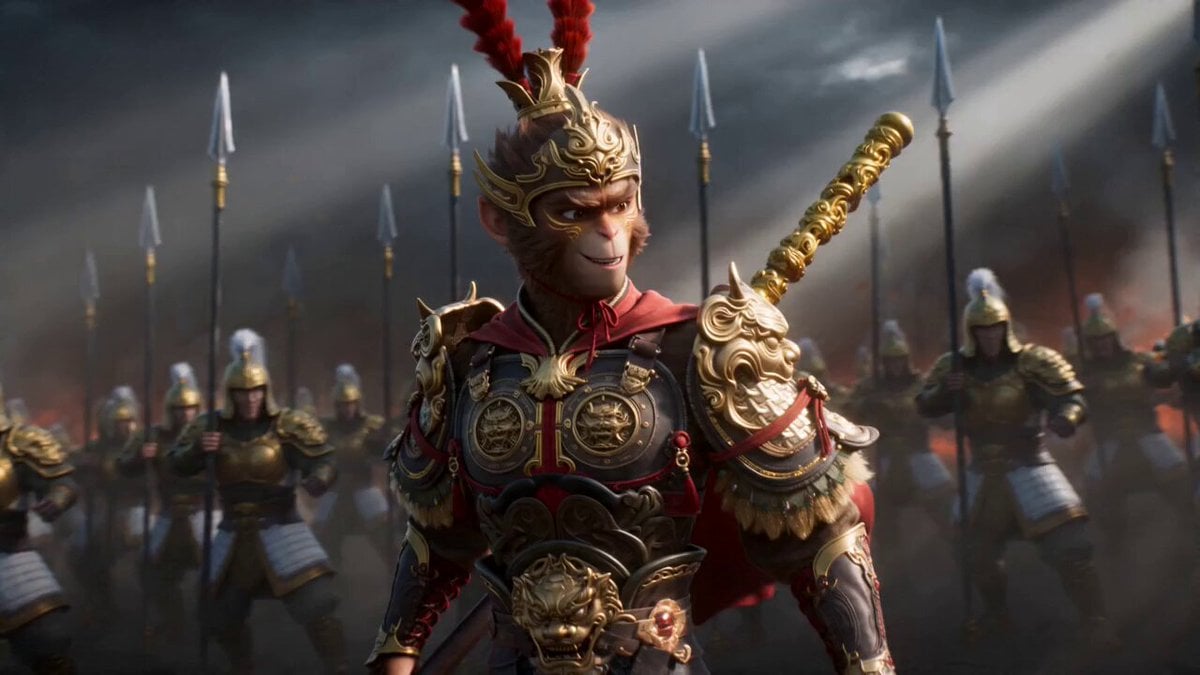
A complex 15-second action prompt in Chinese 3D animation style, featuring a monkey warrior using a staff to defeat an army with explosive special effects.
- Prompt included
- Model and format preset
- Free template
The prompt behind this video
Copy the exact prompt behind 3D Animation Monkey Warrior Battle, or open it in the studio and make it yours.
[0:00-0:02] Pre-fight: An anthropomorphic monkey warrior in full traditional chinese armour is surrounded by an army of soldiers wearing metallic armor of gold and white. The warrior is laughing, finding his situation both exciting and halarious. The enemy soldiers are closing in all around him. He spins his staff playfully at his right side, twirling it behind his back and switching hand so the staff arrives on his left side still twirling. He plant the staff at his side to take a heroic and confident pose, ready for the battle that is about to begin. Camera does a fast 360 orbits around him while he twirls the staff to show he is surrounded by thousands of enemy soldiers before coming to a brief low angle quarter turned shot for his pose. [0:02-0:04] Fight begins: Cut to an ECU of his eyes as they narrow and turn serious, then tilt down to an ECU of his mouth curving up into a smirk. In the same shot, the warrior leans back slightly just as a sword glides right in front of the camera in slowmotion to block the entire frame for 0.5 second. [0:04-0:15] Camera rapidly pulls back to a medium shot as time speeds up again. The warrior rapidly dart from one enemy to the next at extreme speeds, defeating 7 soldiers in a blink of an eye. He continues performing dynamic wushu style combos and attacks with his staff. One hit one kill, over the top depiction of power, acrobatic aerial maneuvers, end with the warrior dodging multiple swords simultaneously swinging down at him by jumping high into the air, coiling his body as the staff expands into a humongous size, then dramatically swinging the staff back down to the ground in a powerful finishing attack. The staff hits the earth, causing a massive explosion that expands and forms a crater upon impact and decimates hundreds of soldiers all at once. Anime arc effect, shockwave effect, sparks on hit, air burst effect. Godly overpowered warrior dominates an army by himself vibe. Heroic anime music.
How to use 3D Animation Monkey Warrior Battle in 3 steps
- 1
Open
The prompt is already in the box next to the preview, with the template's model and format selected.
- 2…a portrait of your subject in softgolden-hour light, 85mm…
Personalize
Edit the subject and creative details for your destination.
- 3Generate
Generate
Press Generate — your video is created in PicX Studio, so you can compare it with the original and refine one variable at a time.
More like this
Templates with the same subject, style or setup. Open one to see its prompt.
3D Glossy Fairy Animation - Seedance 2.5
Magic City Fantasy Battle Animation
Silk Road Pomegranate Folk Animation
Multilingual Creative Typography Loop

High-Speed Magic Battle Animation
Warrior vs Jungle Gorilla Battle

Walking Factory with Rebel on Hoverbike - Wasteland
Lone Warrior on Battlefield Crane Shot Video
Cartoon Bullfight Arena — Girl vs Bull (Seedance)
Swordsman vs Shadow Monster — Bamboo Forest Battle
Tiger vs Gorilla — Jungle Canyon Clash
Dim Sum Chase — Shrimp Dumpling Monster
Make it yours
3D Animation Monkey Warrior Battle works as-is. These are the safest ways to change it without losing the look.
Change one field
Copy a single group, rewrite it, and generate again so you can see what that field is doing.
Keep the frame, change the subject
Hold the composition and light of 3D Animation Monkey Warrior Battle, then swap wardrobe, props or the person for a new take.
| If the result… | Why | Fix |
|---|---|---|
| The result drifts from the preview | Too many fields changed at once. | Reuse 3D Animation Monkey Warrior Battle as-is first, then change one group — subject, light, or setting. |
| The model over-stylizes the scene | The prose prompt leaves finish and camera underspecified. | Add one camera or lighting sentence and stay on Seedance 2.0. |
More Seedance 2.0 templates
Other prompts made for Seedance 2.0.

Comical Martial Arts Punch Scene

Maglev Train Action Sequence

Martial Arts Fight Sequence

Wuxia Protection and Trust Script

Vintage Korean Arcade MiniDV Vlog

Mercedes 190 SL Luxury Ad

Rainy Night Supernatural Reverse Comedy Video Script

Amazon Civilization Discovery

Futuristic South Asian City Transformation

Cozy Luxury Cafe Commercial
More video prompts
Fresh picks from across the catalog.
Cinematic Sourdough Baking Timelapse
Mountain Monastery 2.5D Animation
Dancing Kittens with Mittens
Forgotten Cavern Discovery
Anime Bounty Hunter Fight Sequence
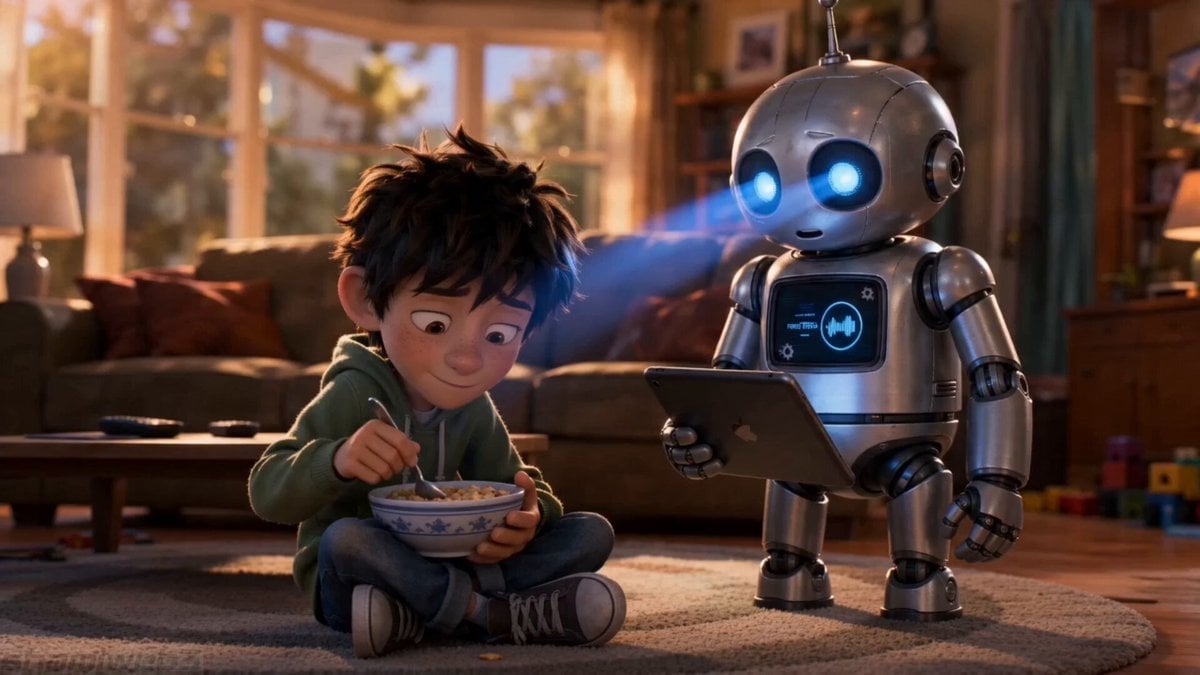
Emotional Robot and Boy Animation
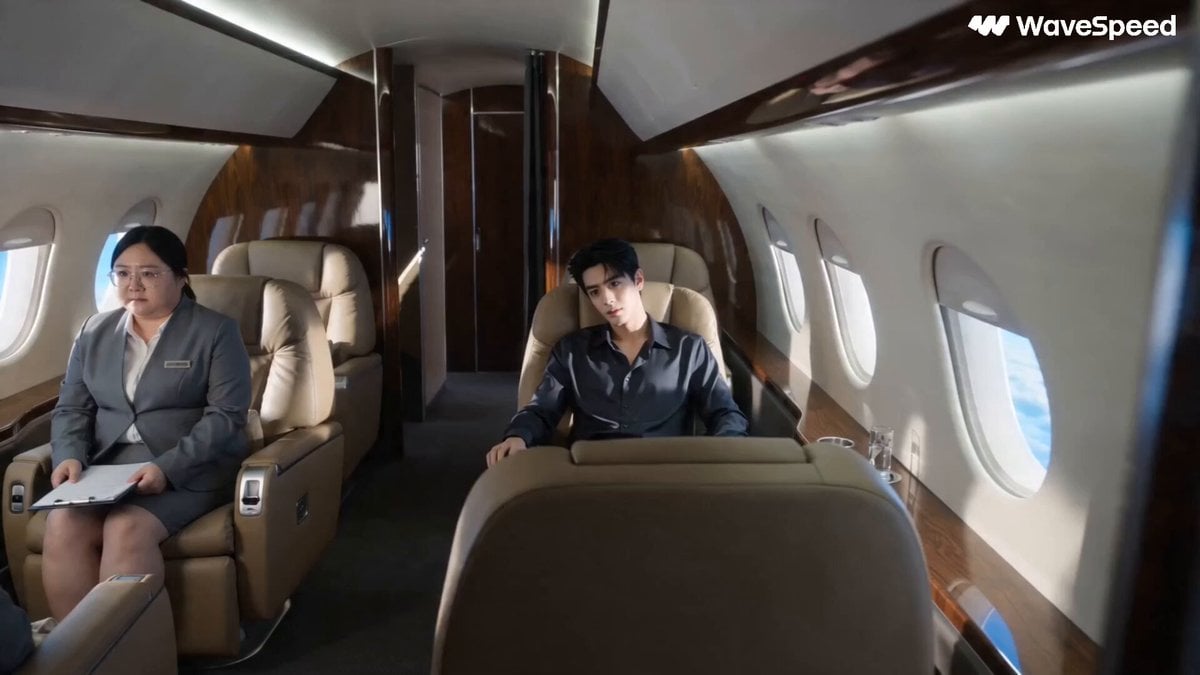
Luxury Private Jet Drama Cinematic Short
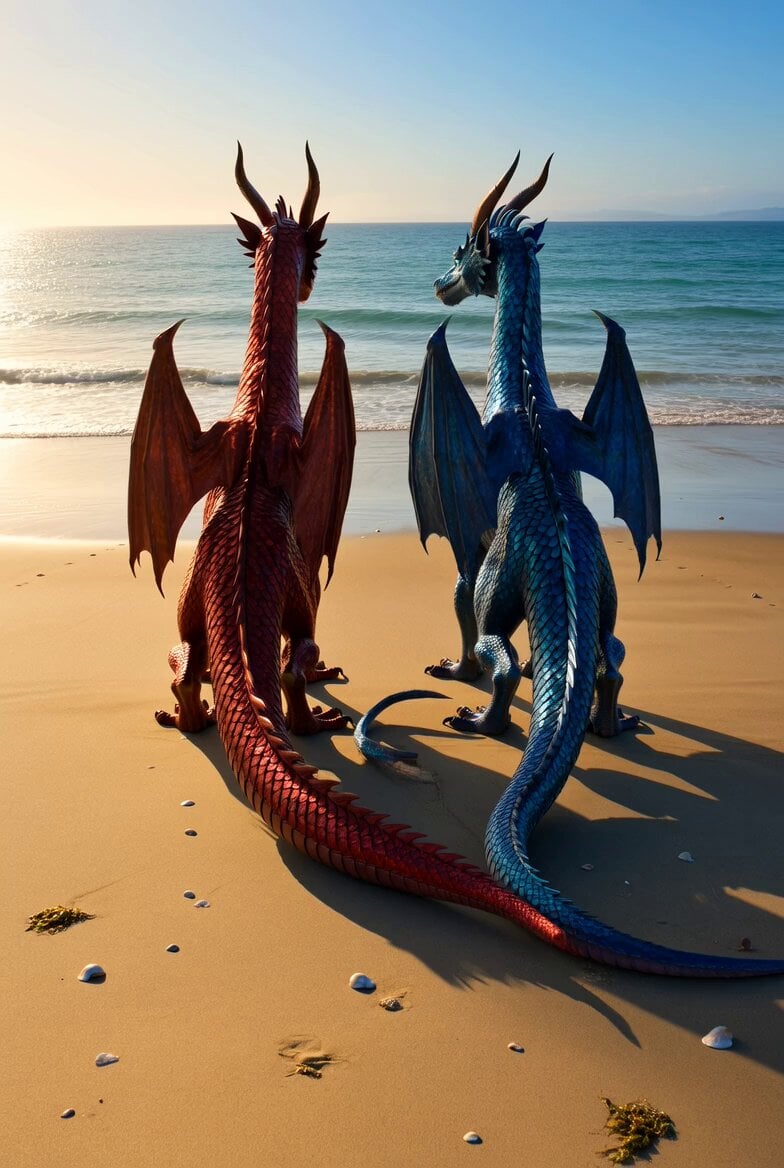
Shimmering Dragons on Ocean Beach
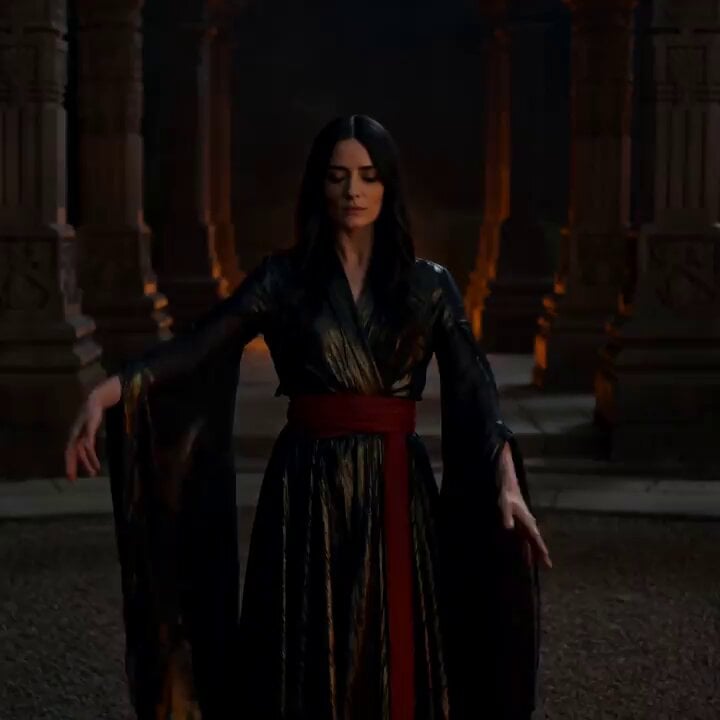
Cinematic Fire Dancer Performance in Abandoned Courtyard
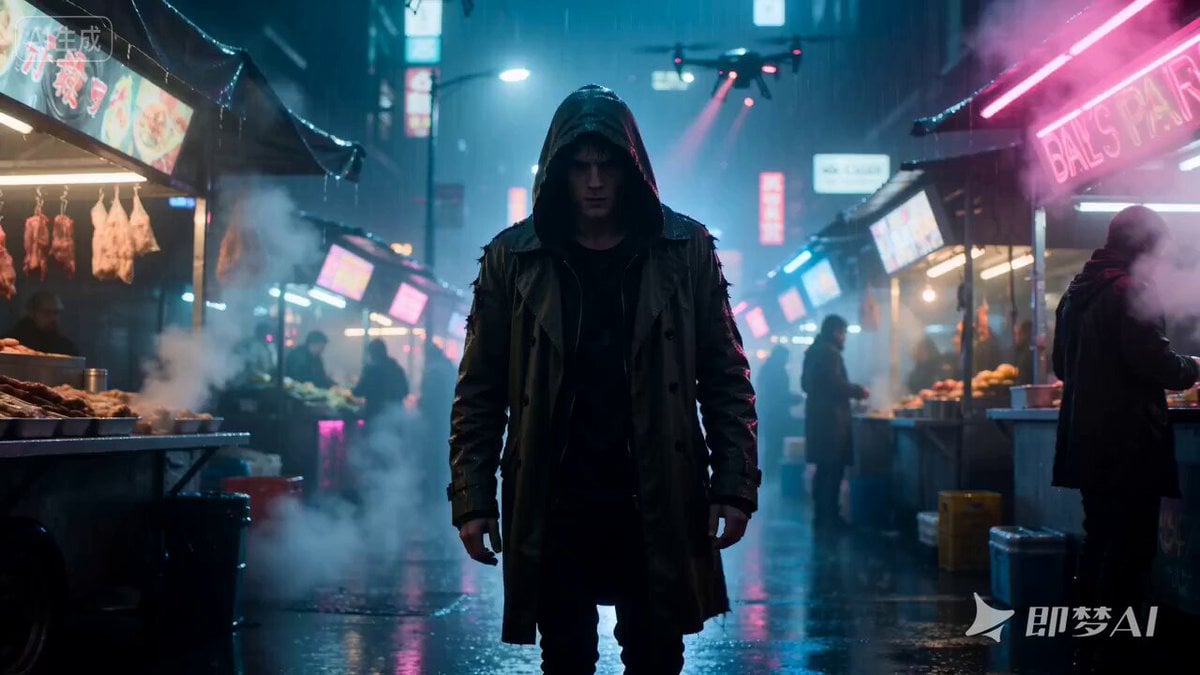
Cyberpunk Hacker in Rain Night Scene
Browse template categories
3D Animation Monkey Warrior Battle questions
How do I use the 3D Animation Monkey Warrior Battle template?
Add your photo if the template asks for one, edit the prompt if you like — the template's model and format are already selected — and press Generate. Your version opens in PicX Studio.
Can I customize the 3D Animation Monkey Warrior Battle template?
Yes. You can change the subject, setting, lighting, mood, format, and available model controls before creating your video.
Is the 3D Animation Monkey Warrior Battle template free?
Opening and editing this template is free. Generating uses credits, shown on the Generate button when you are signed in.
Which AI model should I use?
Start with Seedance 2.0, which is the model associated with this template. You can compare another compatible model for a different finish.
Looking for something else? Browse all templates.

Your photo, any look
Thousands of ready templates for every top image and video model, from one credit balance.