
Live Concert Music Video Generator
A comprehensive prompt designed to create a 15-second live concert music video with Japanese vocals, emphasizing strict character identity and dynamic stage lighting.
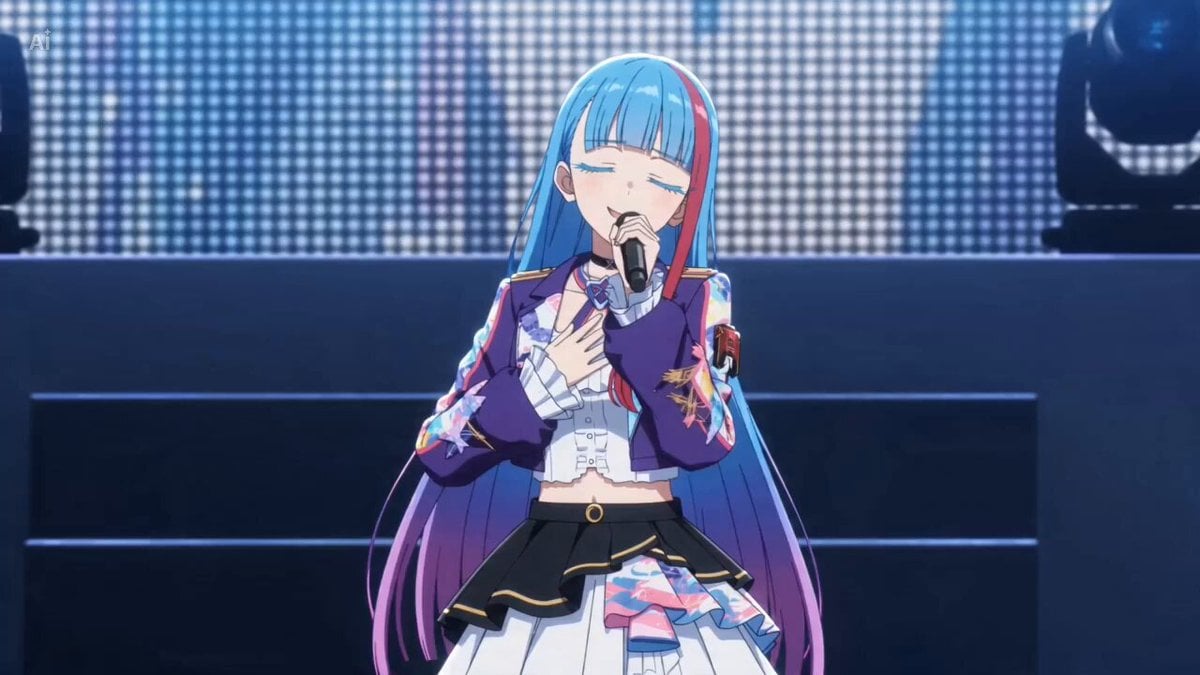
- Prompt included
- Model and format preset
- Free template
The prompt behind this video
Copy the exact prompt behind Live Concert Music Video Generator, or open it in the studio and make it yours.
15 seconds, 16:9, live concert music video with an original Japanese song. Use <Picture 1> as the strict identity reference for the performer. Preserve the exact face, hairstyle, outfit, proportions, and style from <Picture 1>. Create an original Japanese pop song about: 「私を見つけてくれてありがとう」 Make it sincere, emotional, and uplifting. Compose original Japanese lyrics, melody, vocals, and instrumental music. The singing must be clearly in Japanese. Preserve the performer’s original visual texture from <Picture 1>. If the reference is anime, illustrated, chibi, cel-shaded, or non-photoreal, keep the performer fully in that same drawn style. Do not make the performer photoreal or semi-photoreal. If the reference is photoreal, keep the performer photoreal. Create a dynamic indoor concert performance. The performer sings with a handheld wireless microphone, moves naturally, and connects with the audience and camera. Start slightly emotional and become brighter and more joyful by the end. Keep one main performer only. No extra featured performers or clones. Do not use static shots. Every shot should have motion: push-ins, pull-backs, side tracking, curved moves, low-angle hero shots, wide stage shots, and a final hero shot. Use concert lighting, moving beams, haze, audience lights, and stage depth. The large monitor behind the performer should show the performer singing. Keep the video energetic, polished, and social-media-ready. Avoid clone duplication, identity drift, costume changes, face drift, broken anatomy, subtitles, lyric text, logos, watermarks, intrusive UI graphics, and rendering-style drift.
How to use Live Concert Music Video Generator in 3 steps
- 1
Open
The prompt is already in the box next to the preview, with the template's model and format selected.
- 2…a portrait of your subject in softgolden-hour light, 85mm…
Personalize
Edit the subject and creative details for your destination.
- 3Generate
Generate
Press Generate — your video is created in PicX Studio, so you can compare it with the original and refine one variable at a time.
More like this
Templates with the same subject, style or setup. Open one to see its prompt.
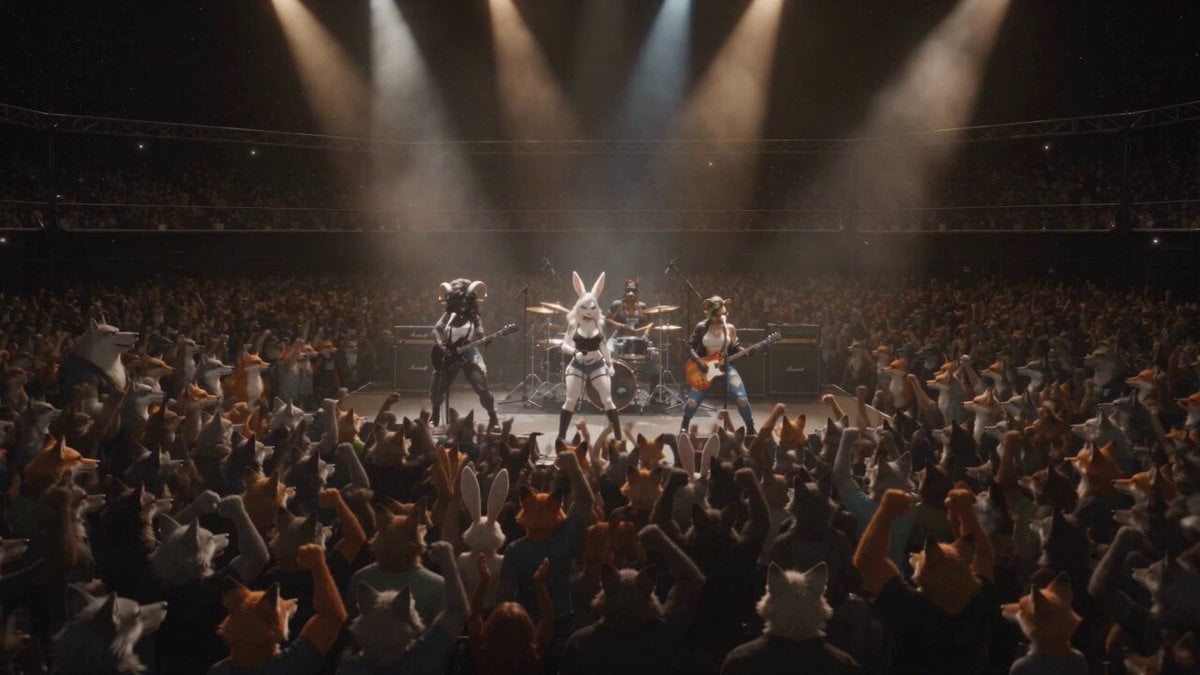
Anthropomorphic Rock Band Live Concert - Seedance 2.5
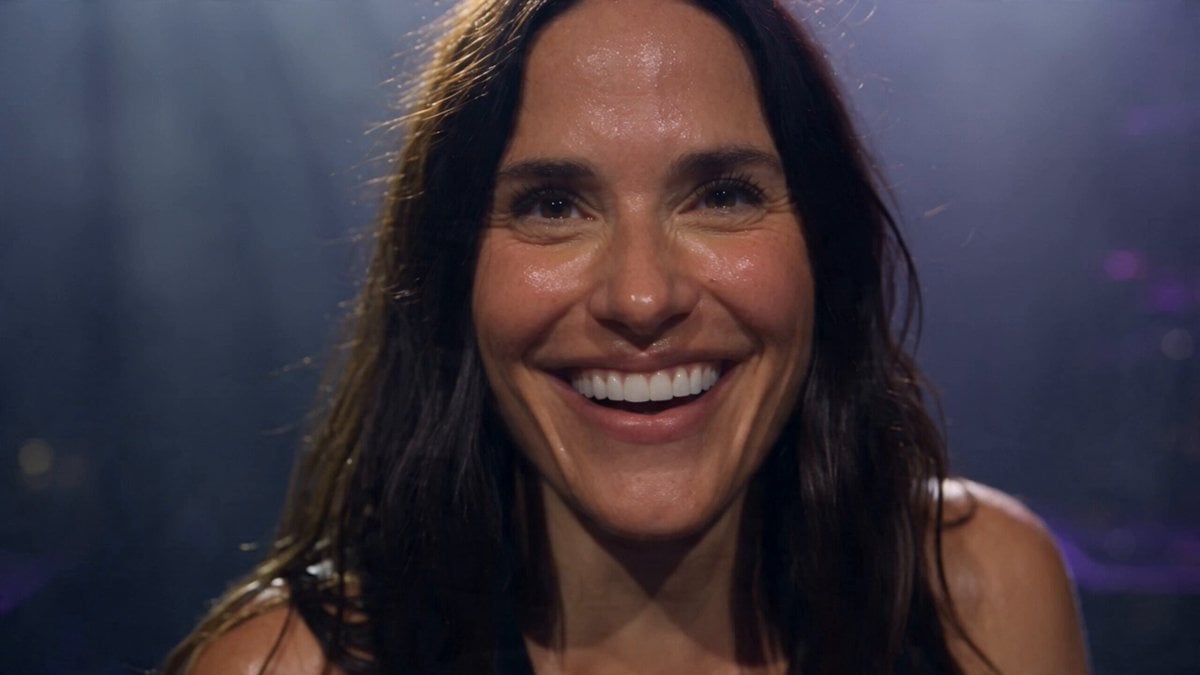
Live Arena Concert Documentary Film
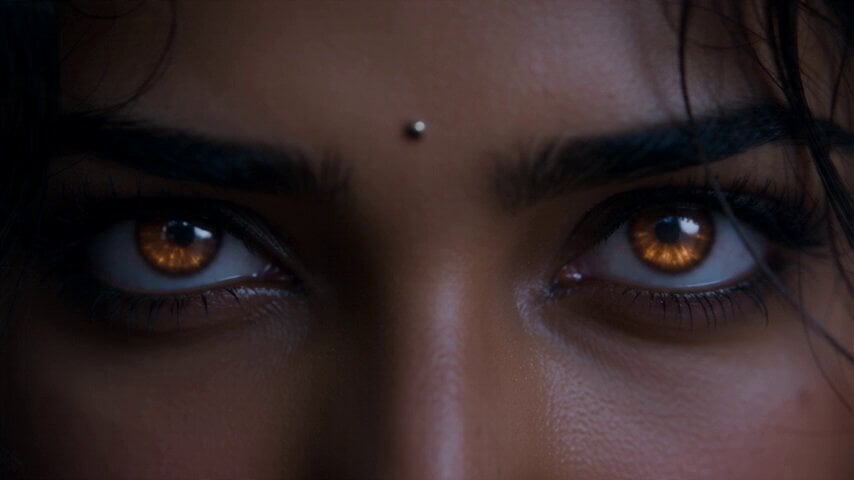
Fantasy Martial Arts Live Action
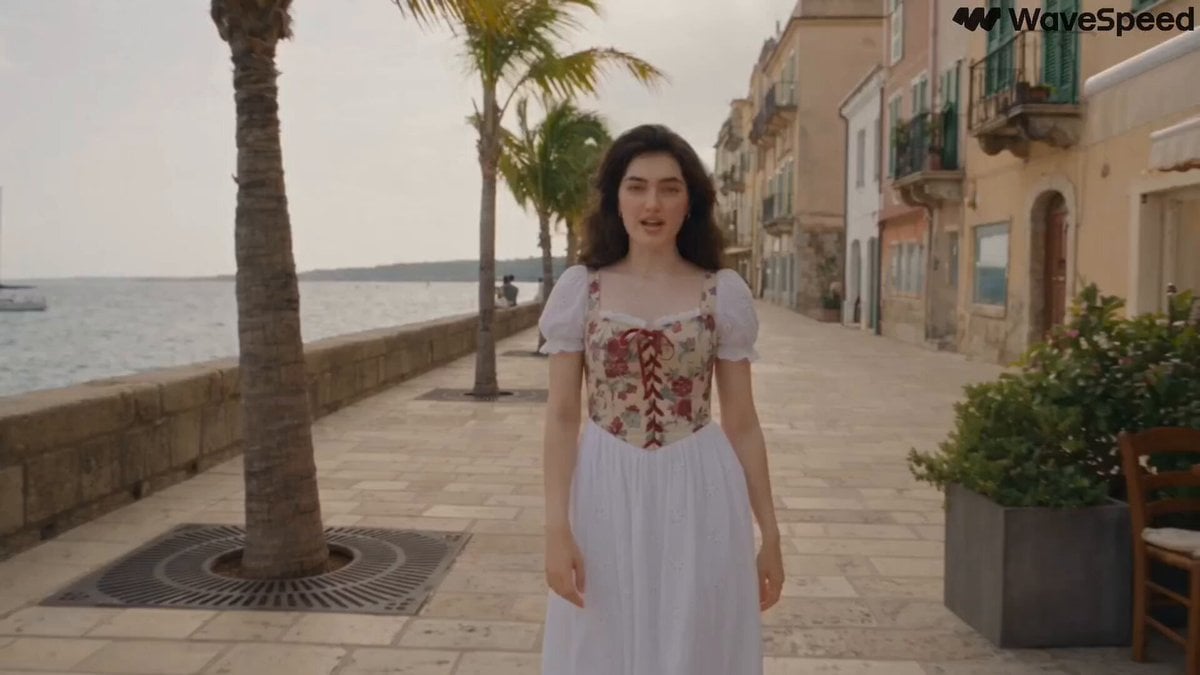
Mediterranean Musical Scene Long Take
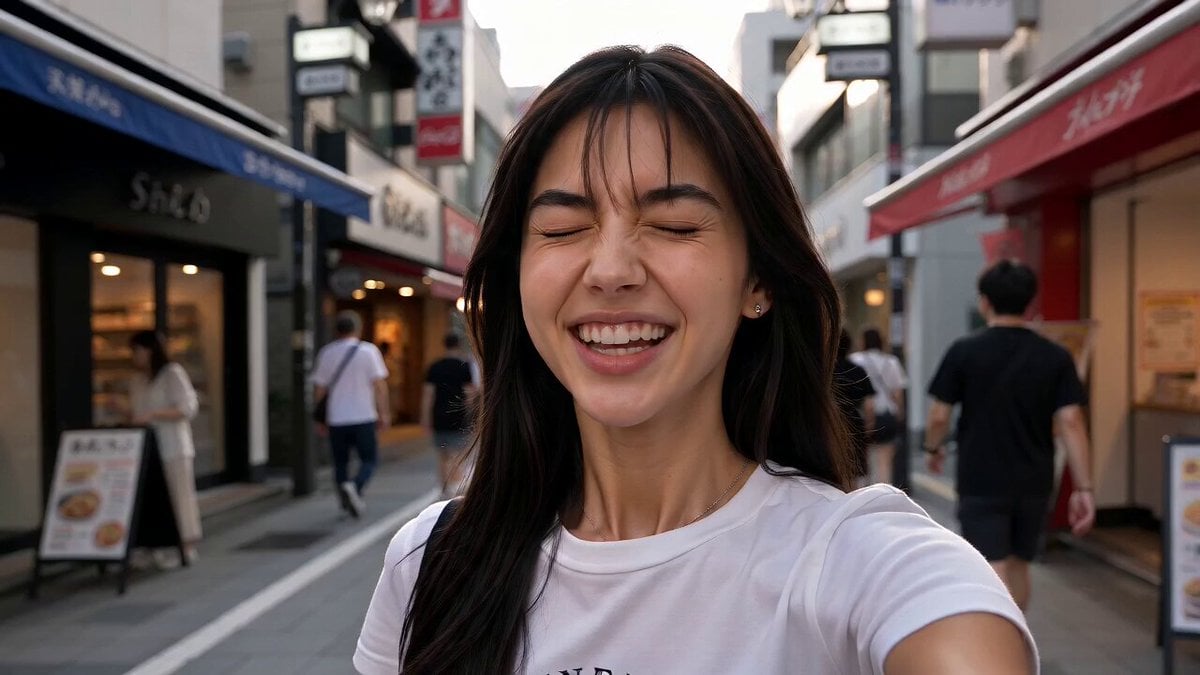
Japan Street Musician Vlog
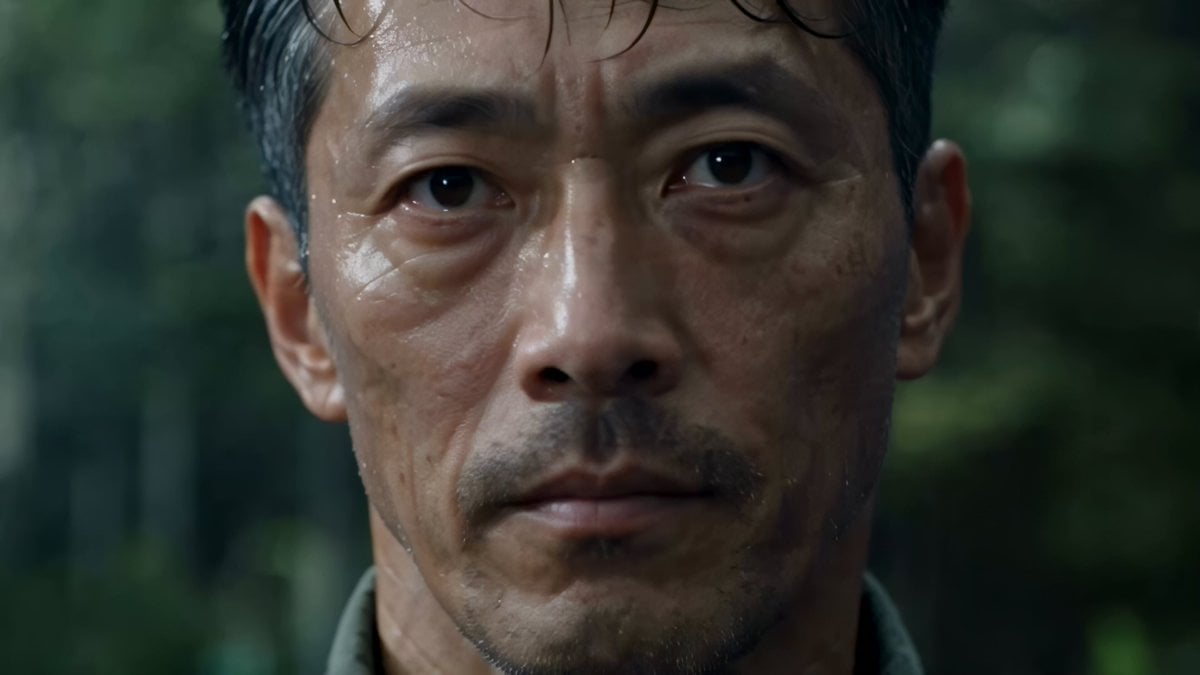
Cinematic Beer Commercial Live Action
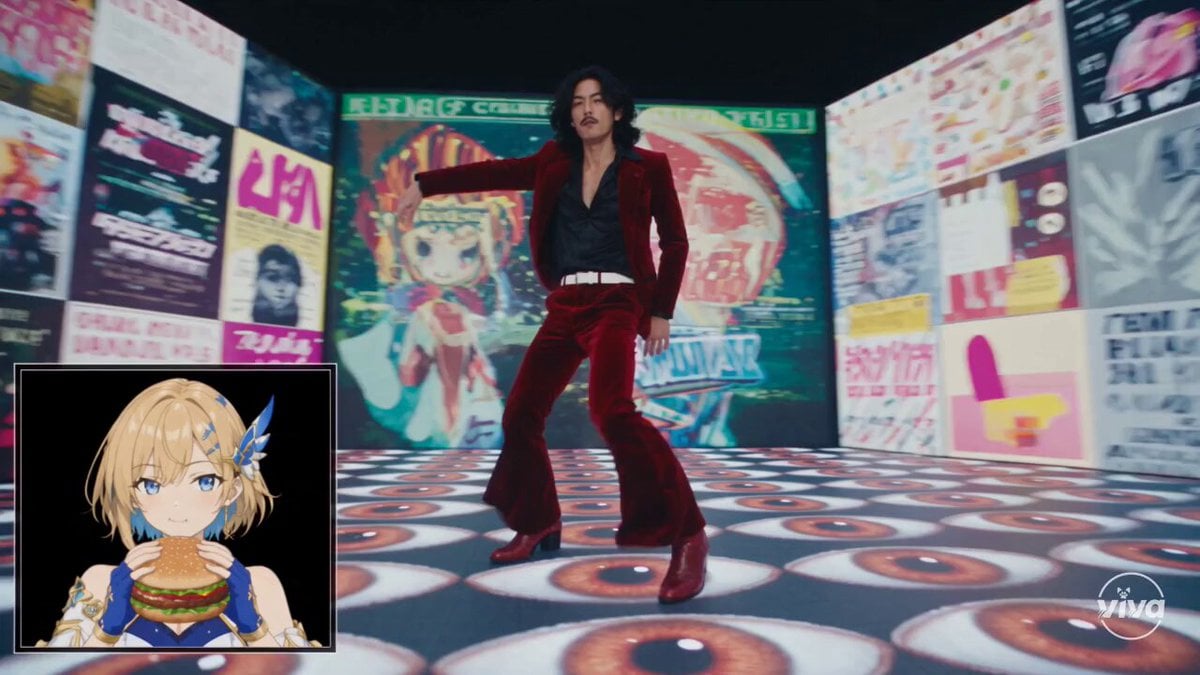
High-Intensity Experimental Music Video
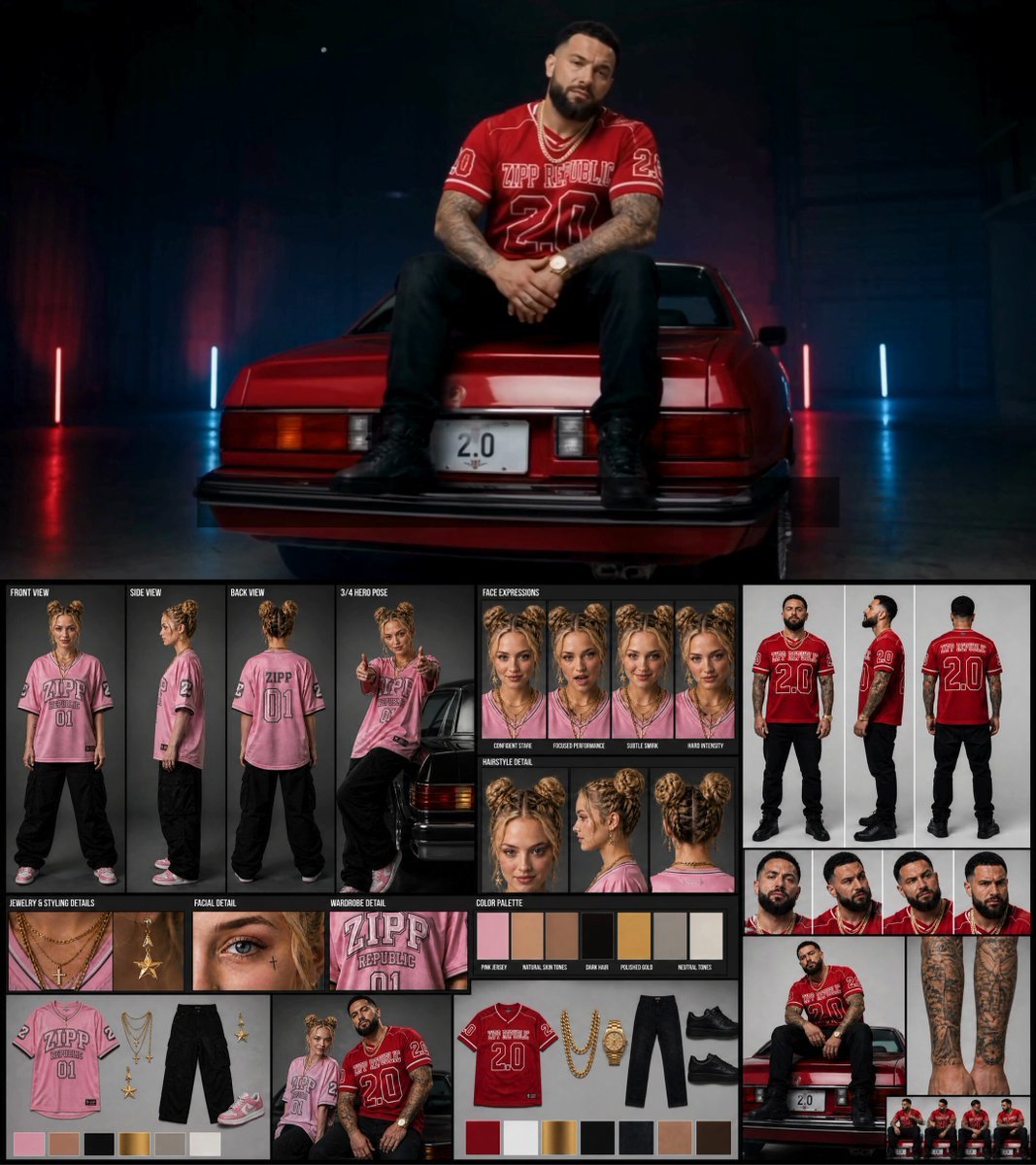
Female Rapper Performance Music Video
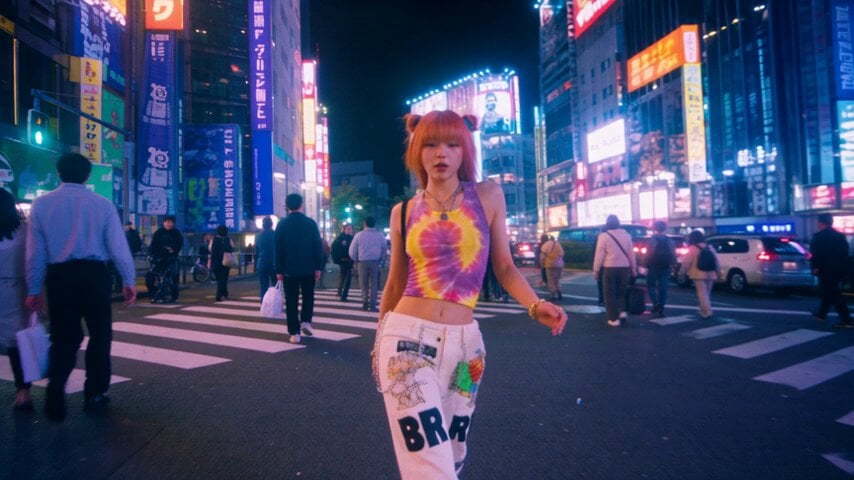
iPhone Style Street Dance Music Video
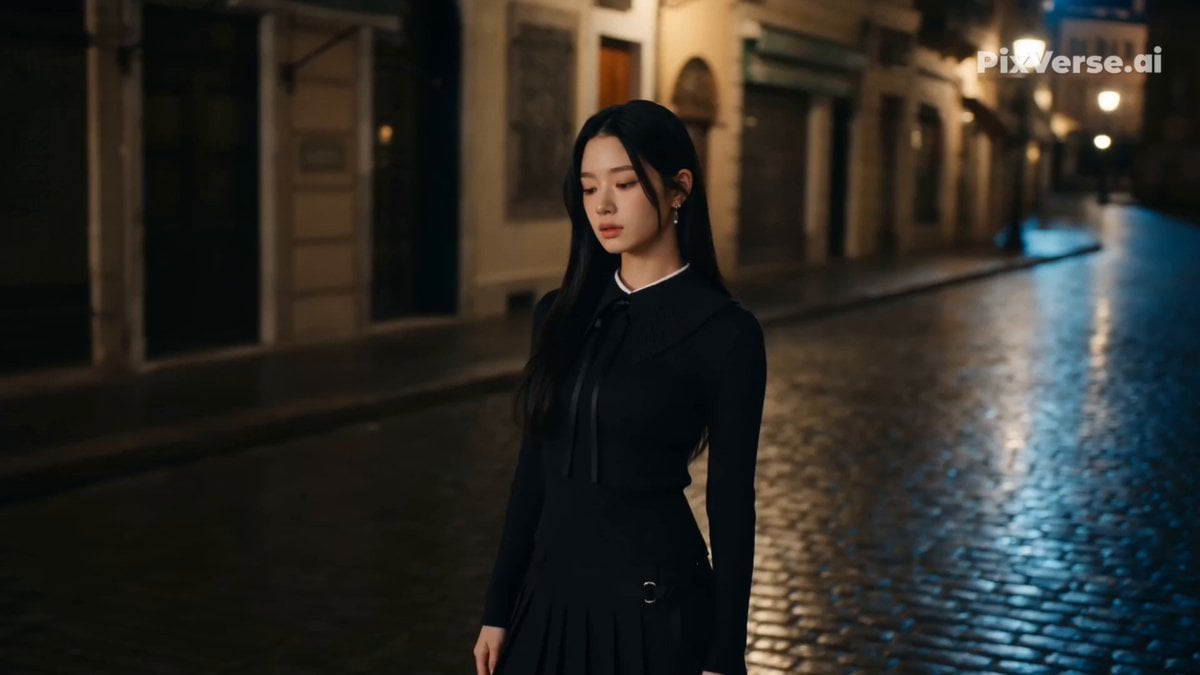
Retro Street Fashion Music Video
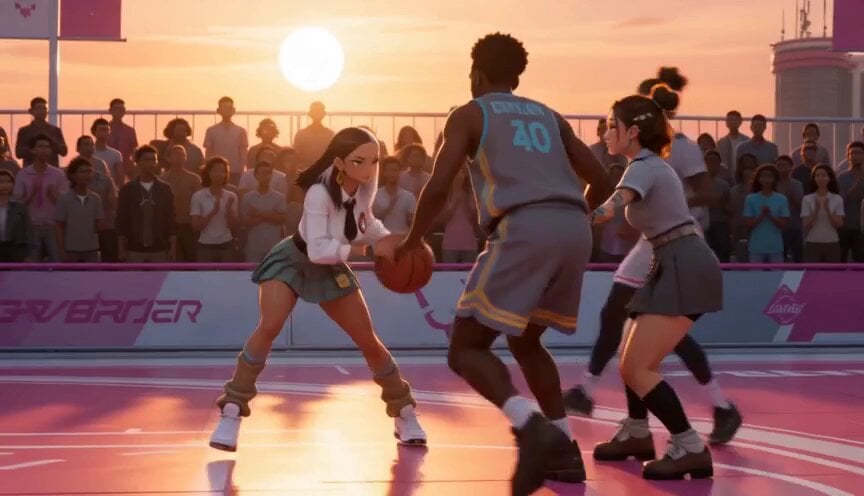
Anime and Live-Action Basketball Mix
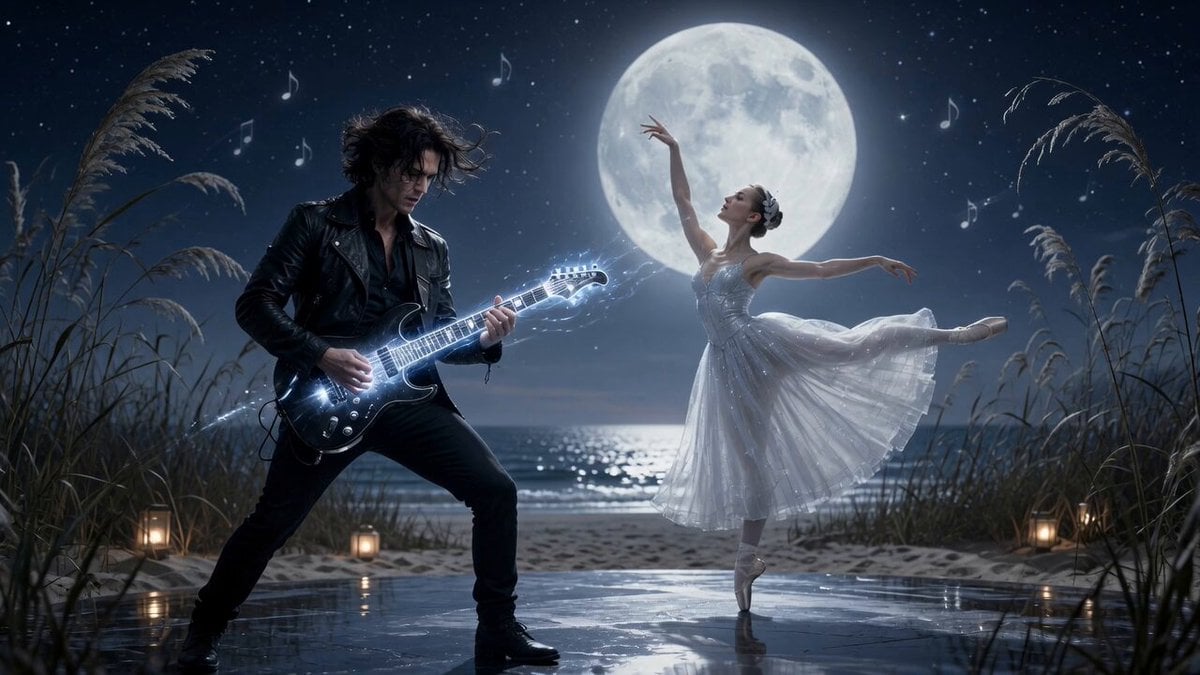
Moonlit Shoreline Rock Concert Performance
Make it yours
Live Concert Music Video Generator works as-is. These are the safest ways to change it without losing the look.
Change one field
Copy a single group, rewrite it, and generate again so you can see what that field is doing.
Keep the frame, change the subject
Hold the composition and light of Live Concert Music Video Generator, then swap wardrobe, props or the person for a new take.
| If the result… | Why | Fix |
|---|---|---|
| The result drifts from the preview | Too many fields changed at once. | Reuse Live Concert Music Video Generator as-is first, then change one group — subject, light, or setting. |
| The model over-stylizes the scene | The prose prompt leaves finish and camera underspecified. | Add one camera or lighting sentence and stay on Seedance 2.0. |
More Seedance 2.0 templates
Other prompts made for Seedance 2.0.

Comical Martial Arts Punch Scene

Maglev Train Action Sequence

Martial Arts Fight Sequence

Wuxia Protection and Trust Script

Vintage Korean Arcade MiniDV Vlog

Mercedes 190 SL Luxury Ad

Rainy Night Supernatural Reverse Comedy Video Script

Amazon Civilization Discovery

Futuristic South Asian City Transformation

Cozy Luxury Cafe Commercial
More video prompts
Fresh picks from across the catalog.

Surreal Cinematic Whales Flying Over a City at Sunrise

Mega Crocodile vs Carnivorous Flower Pit
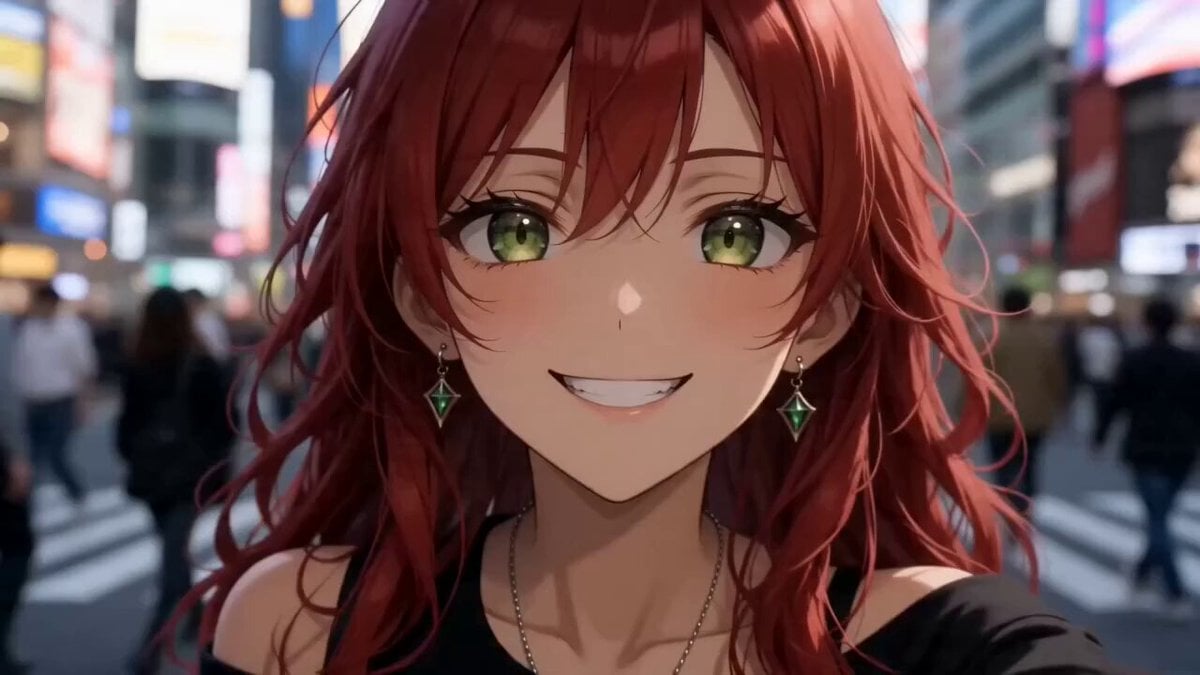
Anime Girl Tokyo Travel Vlog
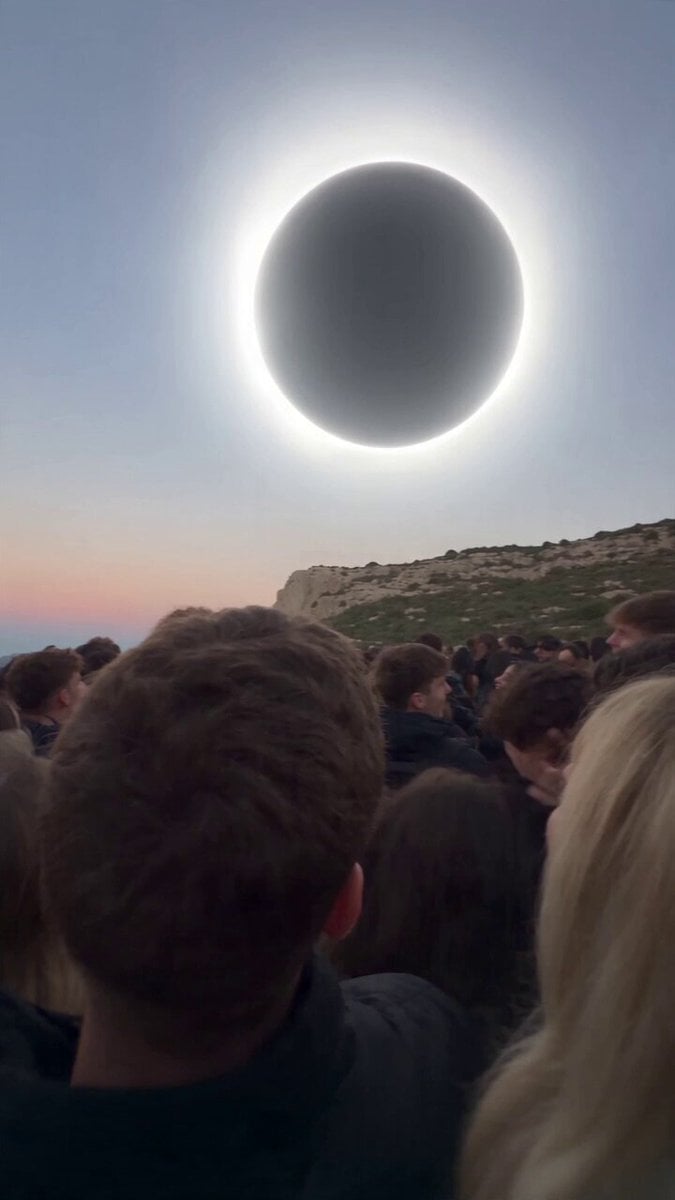
Red Moon Eclipse Chaos Video
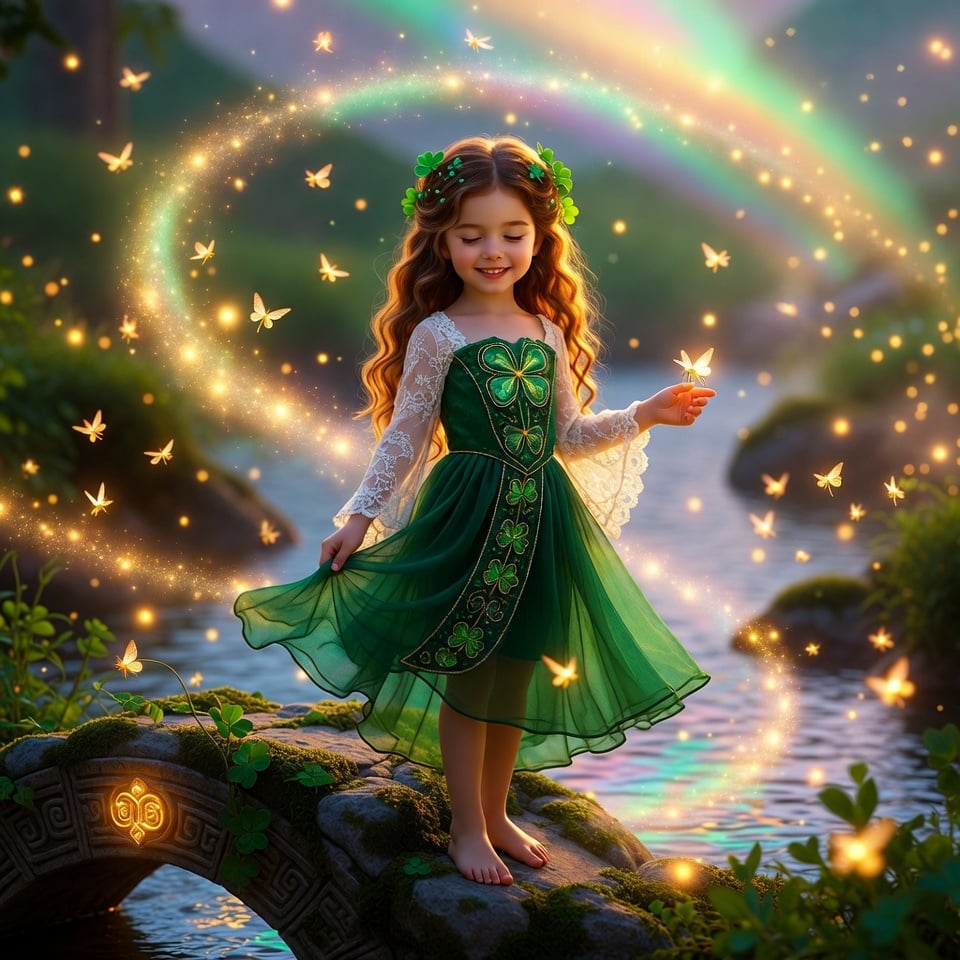
Enchanted Irish Fairy Realm Animation for St. Patrick's Day
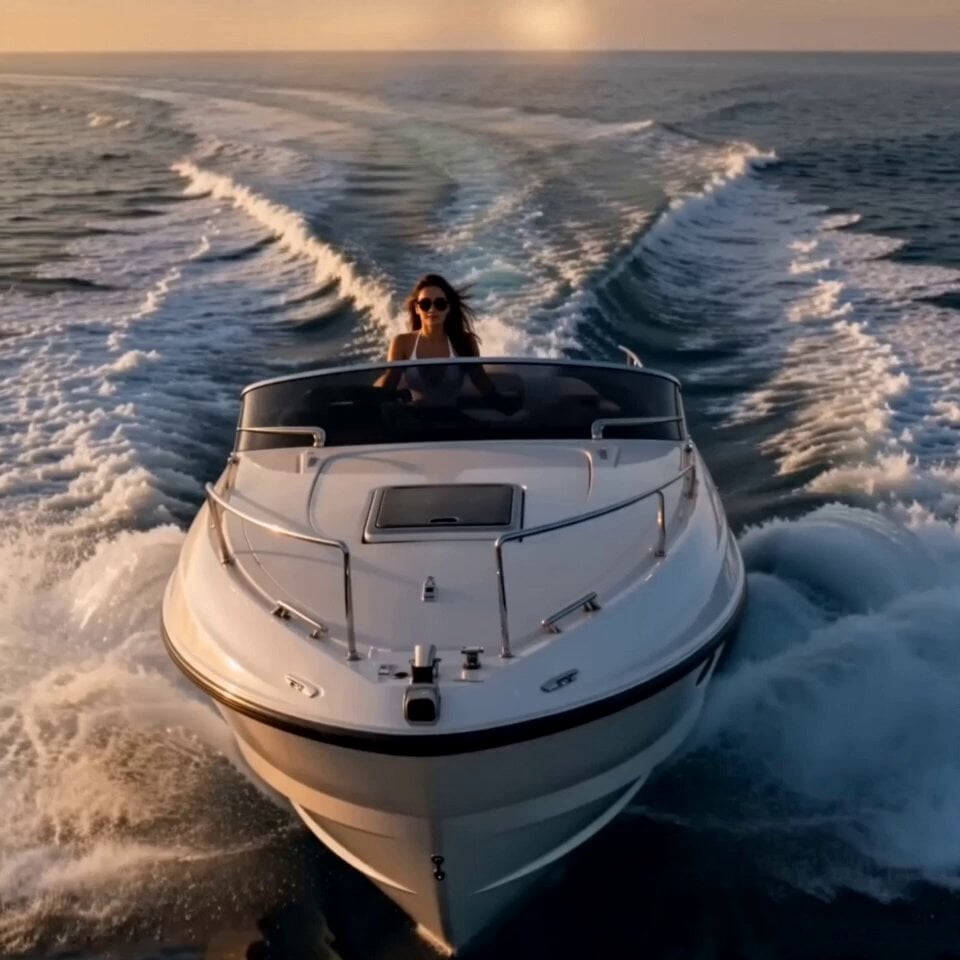
Cinematic Luxury Lifestyle Speedboat Scene
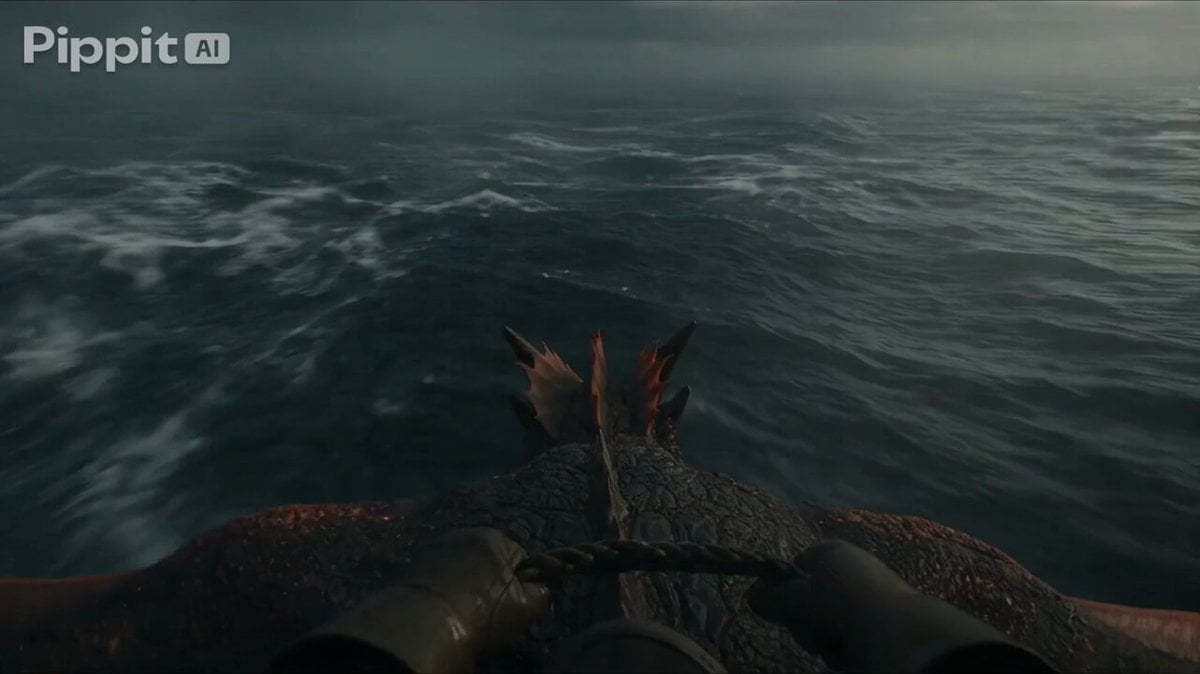
First Person Dragon Rider POV
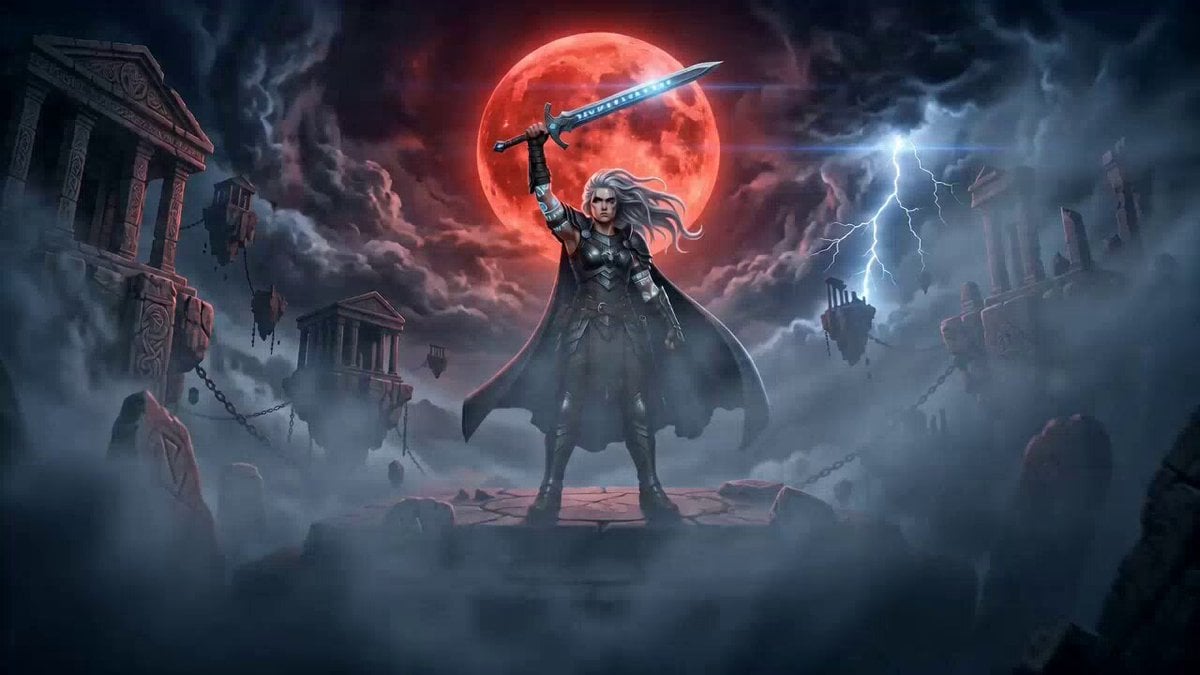
Cinematic Warrior and Dragon Spirit Prompt
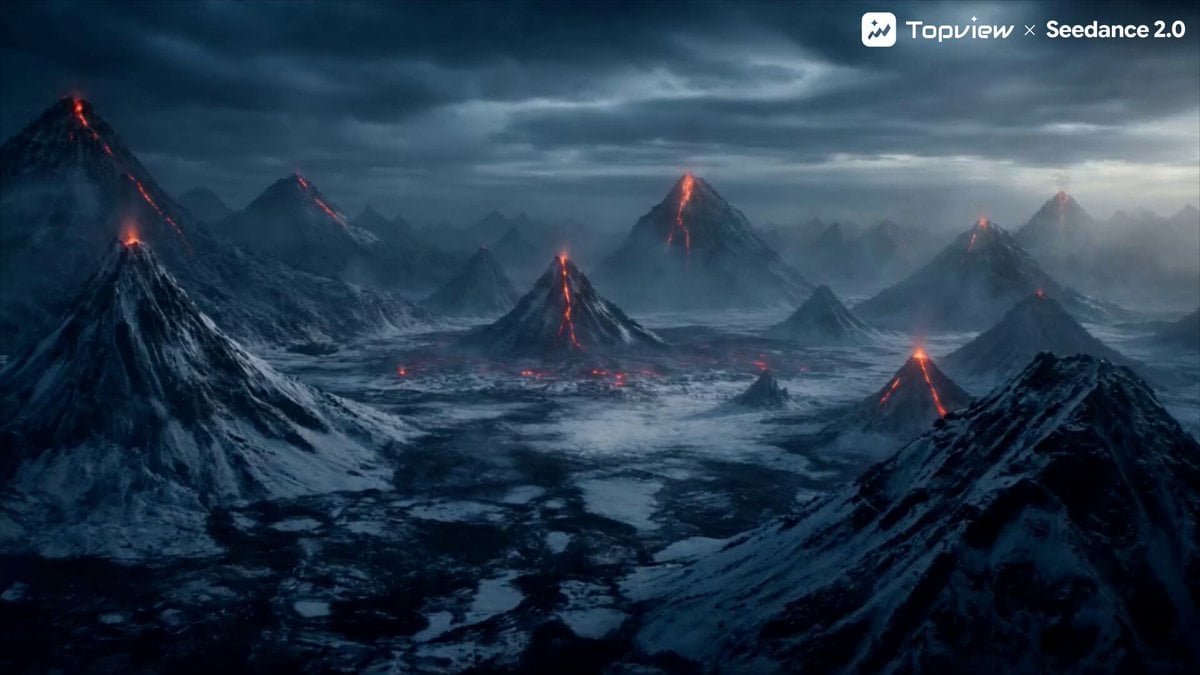
Elemental Battle Short Film Prompt (Fire vs. Ice)
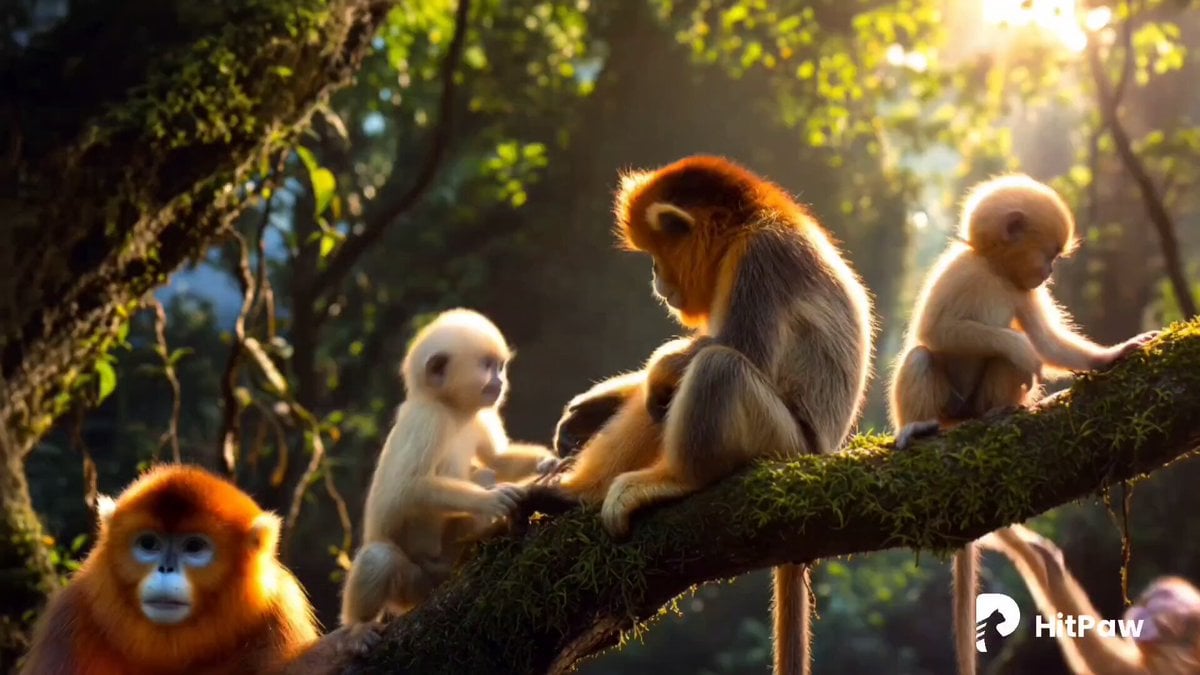
Monkey Family Sparrow Rescue Story
Browse template categories
Live Concert Music Video Generator questions
How do I use the Live Concert Music Video Generator template?
Add your photo if the template asks for one, edit the prompt if you like — the template's model and format are already selected — and press Generate. Your version opens in PicX Studio.
Can I customize the Live Concert Music Video Generator template?
Yes. You can change the subject, setting, lighting, mood, format, and available model controls before creating your video.
Is the Live Concert Music Video Generator template free?
Opening and editing this template is free. Generating uses credits, shown on the Generate button when you are signed in.
Which AI model should I use?
Start with Seedance 2.0, which is the model associated with this template. You can compare another compatible model for a different finish.
Looking for something else? Browse all templates.

Your photo, any look
Thousands of ready templates for every top image and video model, from one credit balance.