
Abyss King Ascension Anime Ritual
A highly detailed anime-style prompt for a cinematic ritual summoning the Abyss King Leviathan, featuring intense magical effects and sakuga animation.
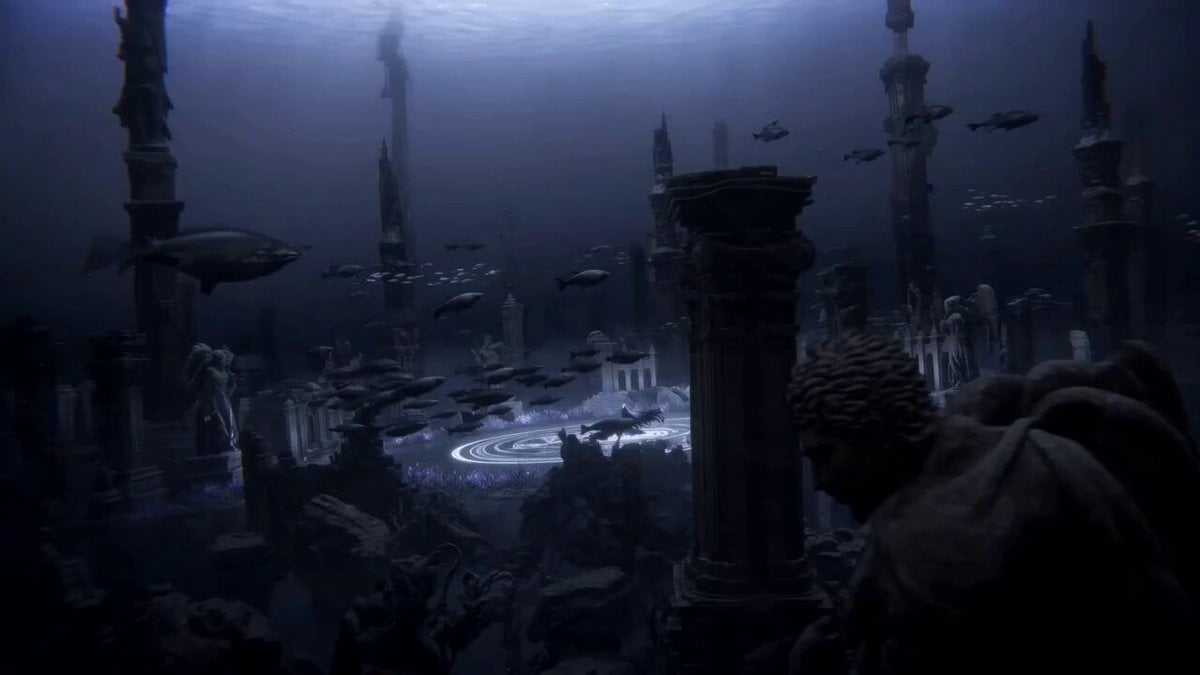
- Prompt included
- Model and format preset
- Free template
The prompt behind this video
Copy the exact prompt behind Abyss King Ascension Anime Ritual, or open it in the studio and make it yours.
THE ABYSS KING ASCENSION STYLE High-budget Japanese anime film, Sakuga animation, abyssal cosmic magic, forbidden summoning ritual, impact frames, speed lines, black-purple energy, dimensional distortions, glowing runes, cinematic lighting, impossible scale. CHARACTERS Abyss Oracle A mysterious young woman with long white hair fading into black at the tips, glowing violet eyes, flowing dark ceremonial robes covered in floating runic symbols, silver crown fragments orbiting around her head, shadow magic constantly leaking from her fingertips. Abyss King Leviathan A colossal cosmic sea serpent composed of living darkness, shattered stars, and abyssal energy. Thousands of meters long. Body covered in glowing violet cracks. Crown-like horns. Eyes resembling miniature galaxies collapsing inward. ENVIRONMENT Ancient submerged city resting at the bottom of an endless black ocean. Gigantic ruined temples. Floating stone monoliths. Broken statues of forgotten gods. Massive glowing ritual circle carved into the ocean floor. Bioluminescent plants illuminate the darkness. Above, the ocean surface is barely visible as a distant ceiling of light. CAMERA Aggressive anime cinematography. Fast underwater dives. Whip pans through ruins. Extreme low-angle shots. Rapid orbital movements. Massive scale reveals. Heavy camera shake during impacts. Fast tracking shots following energy waves.
How to use Abyss King Ascension Anime Ritual in 3 steps
- 1
Open
The prompt is already in the box next to the preview, with the template's model and format selected.
- 2…a portrait of your subject in softgolden-hour light, 85mm…
Personalize
Edit the subject and creative details for your destination.
- 3Generate
Generate
Press Generate — your video is created in PicX Studio, so you can compare it with the original and refine one variable at a time.
More like this
Templates with the same subject, style or setup. Open one to see its prompt.

Studio Ghibli Dumpling Kitchen Cooking Scene
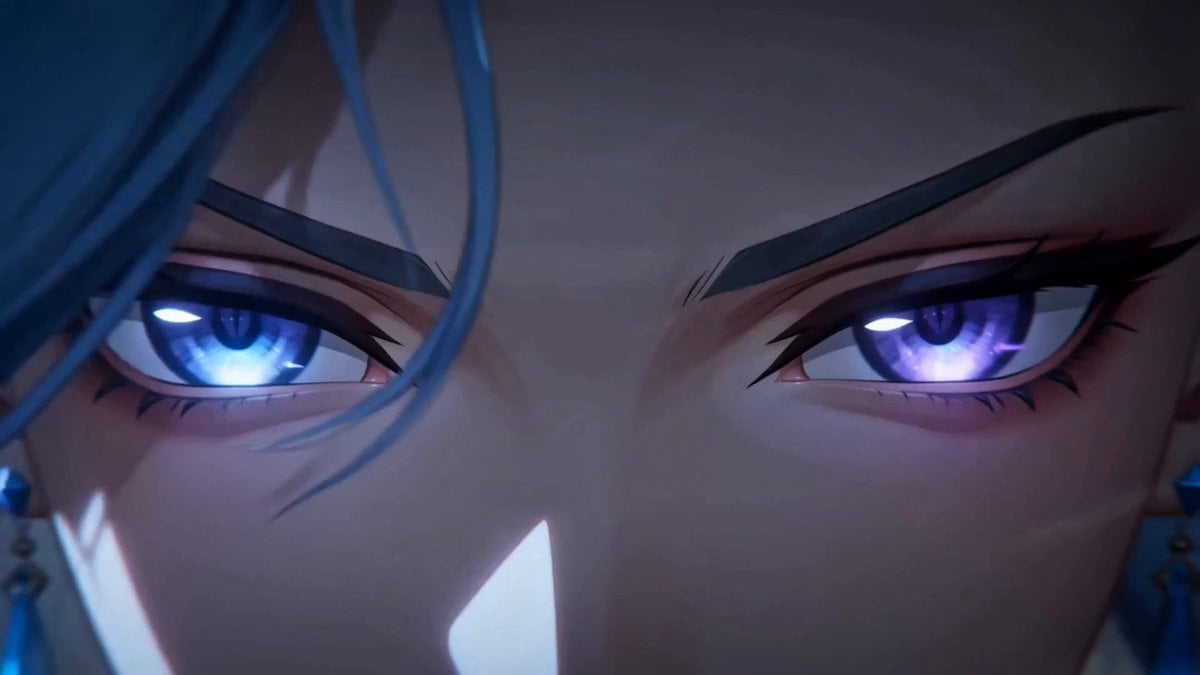
Dark Fantasy Anime Summoning Ritual

MiniMax H3 Character Introduction

Japanese Pure Love Short Film
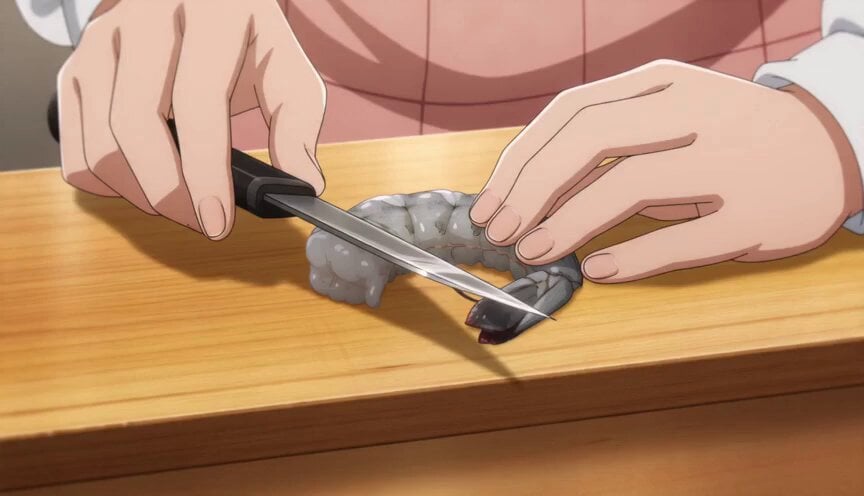
Anime Chef Shrimp Tempura Cooking
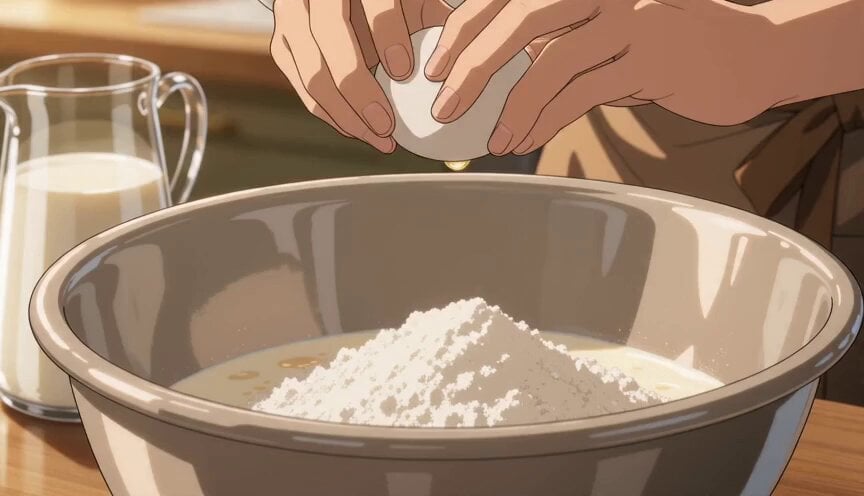
Anime Pancake Cooking Montage
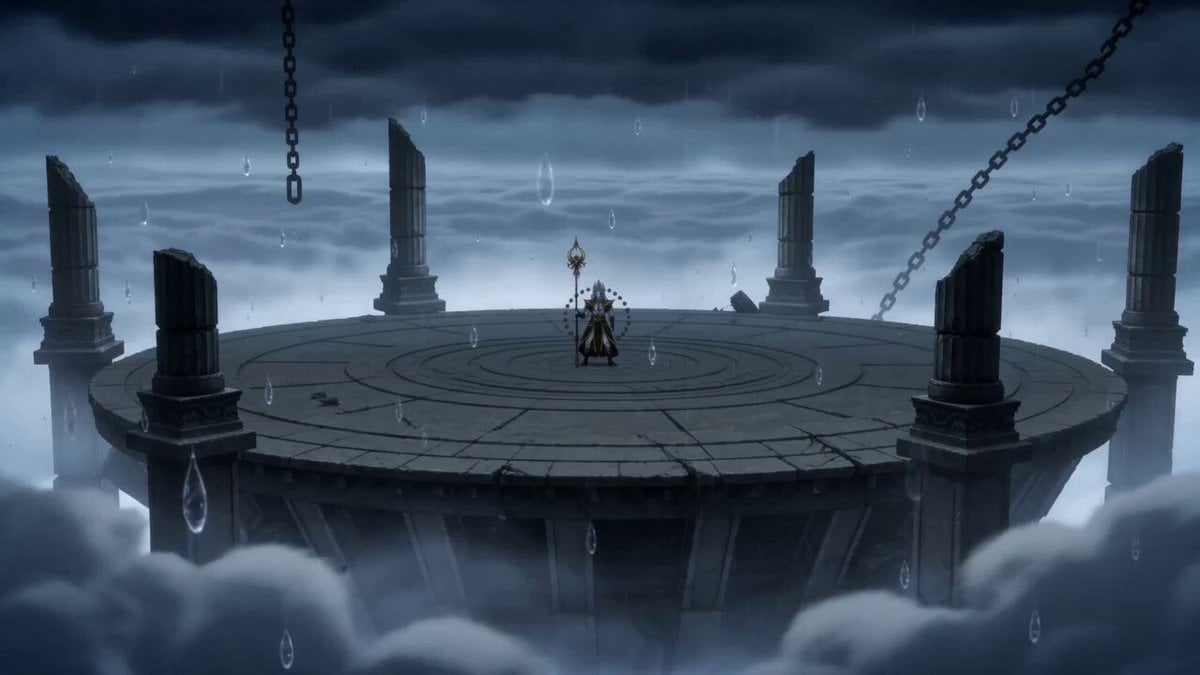
Anime Storm Emperor Awakening Ritual
Coward King — Seedance 2.0 Dark Fantasy
Mecha Transformation vs Kaiju — 4-Scene Epic
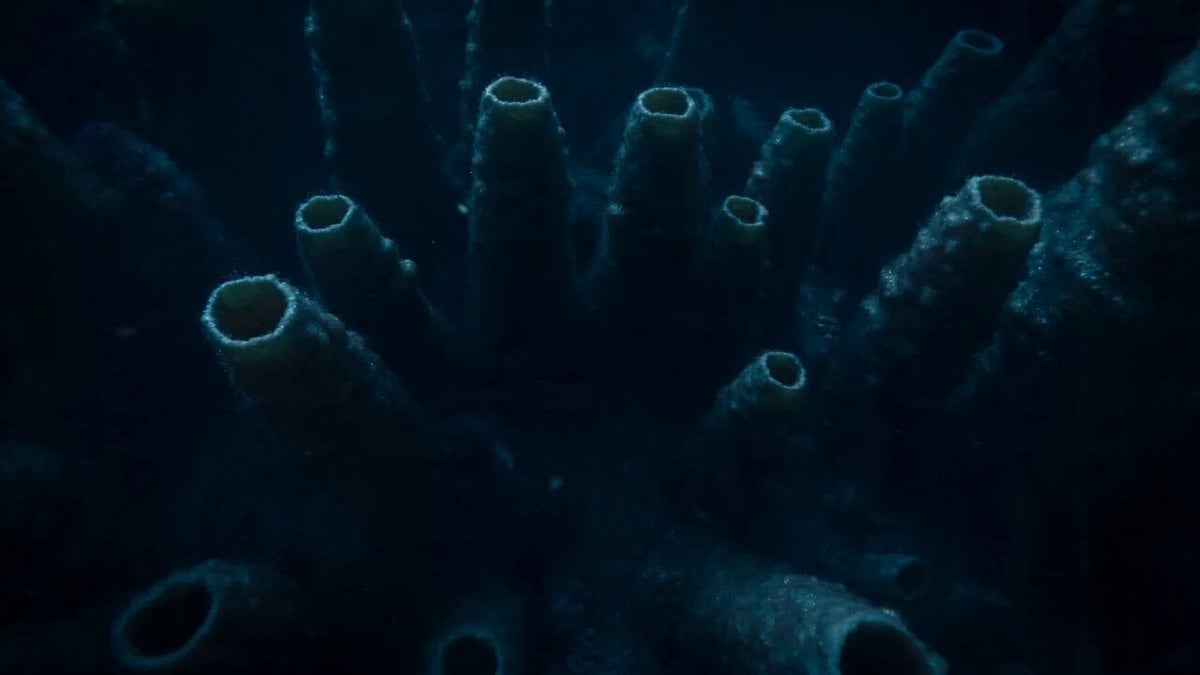
Bioluminescent Deep Sea Abyss
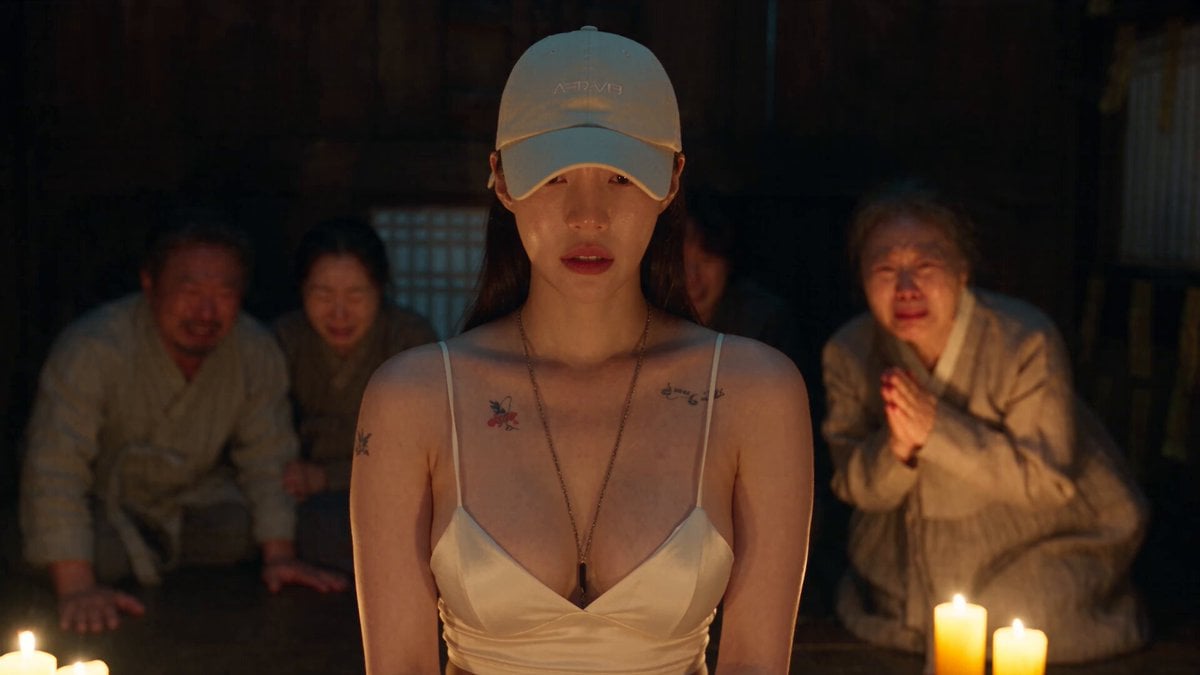
Korean Folk Horror Ritual
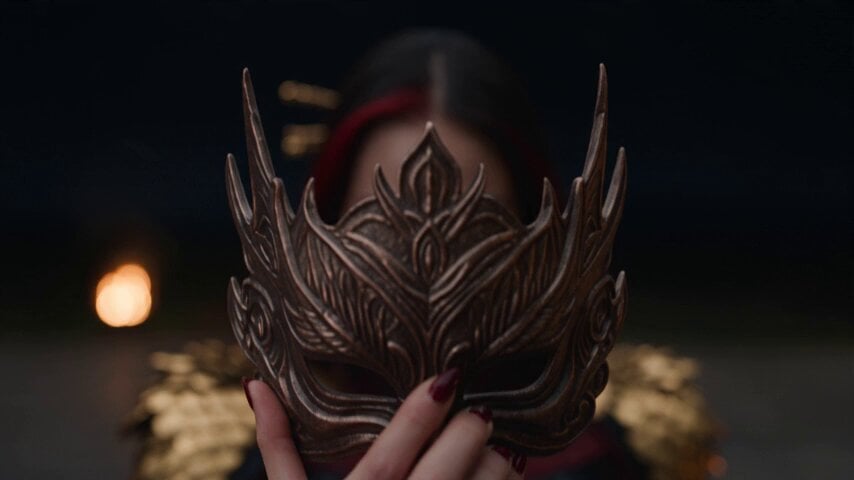
Dark Fantasy Fire Phoenix Ritual
Make it yours
Abyss King Ascension Anime Ritual works as-is. These are the safest ways to change it without losing the look.
Change one field
Copy a single group, rewrite it, and generate again so you can see what that field is doing.
Keep the frame, change the subject
Hold the composition and light of Abyss King Ascension Anime Ritual, then swap wardrobe, props or the person for a new take.
| If the result… | Why | Fix |
|---|---|---|
| The result drifts from the preview | Too many fields changed at once. | Reuse Abyss King Ascension Anime Ritual as-is first, then change one group — subject, light, or setting. |
| The model over-stylizes the scene | The prose prompt leaves finish and camera underspecified. | Add one camera or lighting sentence and stay on Seedance 2.0. |
More Seedance 2.0 templates
Other prompts made for Seedance 2.0.

Comical Martial Arts Punch Scene

Maglev Train Action Sequence

Martial Arts Fight Sequence

Wuxia Protection and Trust Script

Vintage Korean Arcade MiniDV Vlog

Mercedes 190 SL Luxury Ad

Rainy Night Supernatural Reverse Comedy Video Script

Amazon Civilization Discovery

Futuristic South Asian City Transformation

Cozy Luxury Cafe Commercial
More video prompts
Fresh picks from across the catalog.
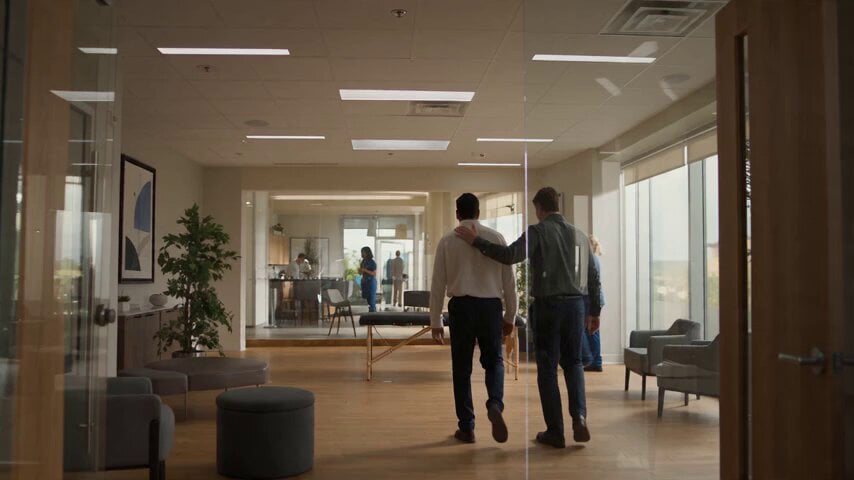
Chiropractic Clinic Treatment Session
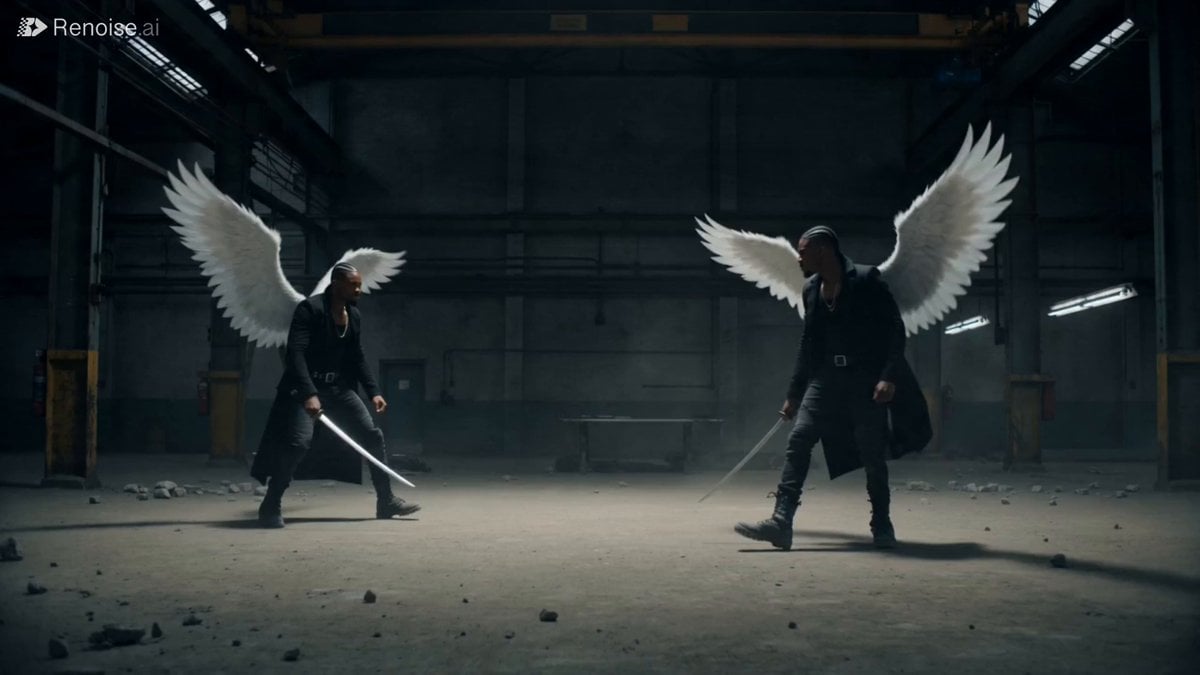
Cinematic Katana Battle Scene
Universal Template: Young Man Walking in Autumn Forest (Cinematic Style)
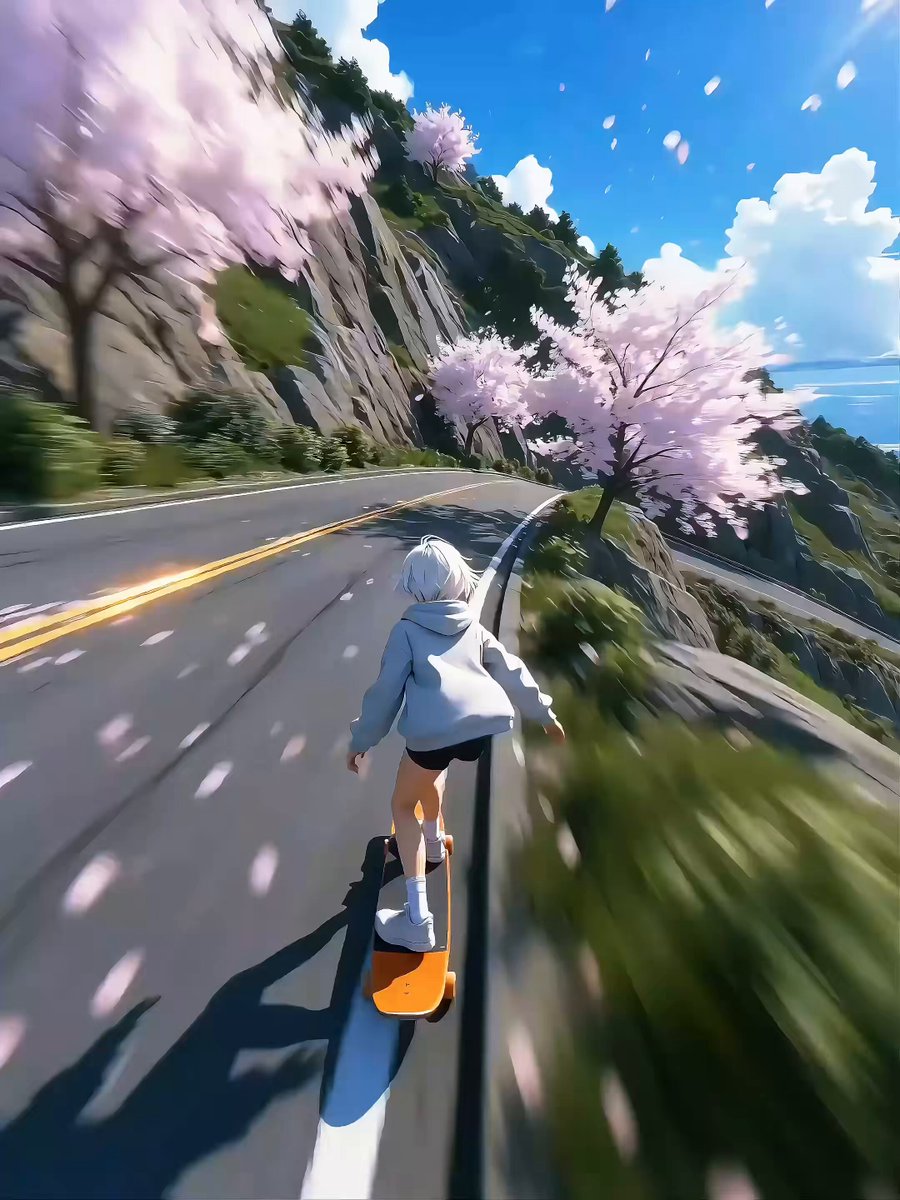
Seedance 2.0 Video Prompt: High-Speed Skateboard Chase
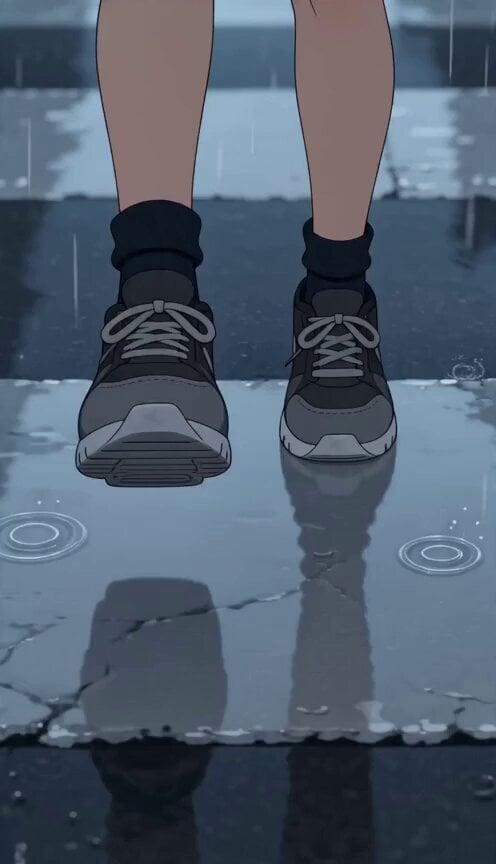
Anime Crosswalk Rain Jumping Challenge
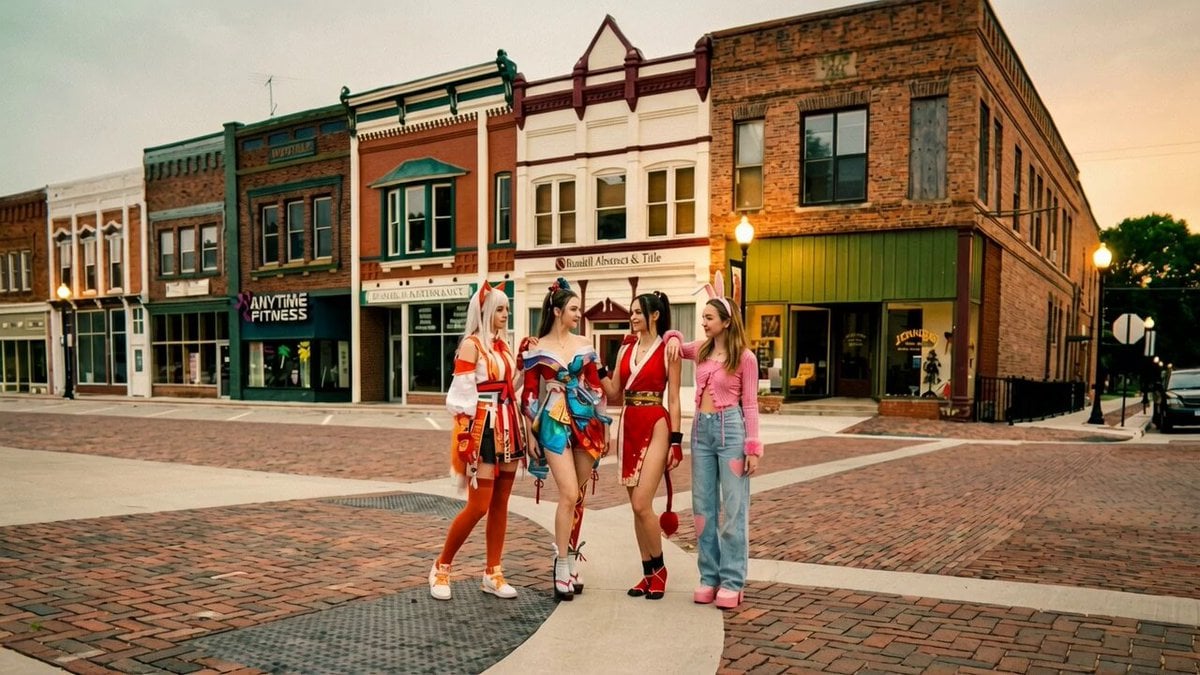
Synchronized TikTok Dance to Fight Chaos
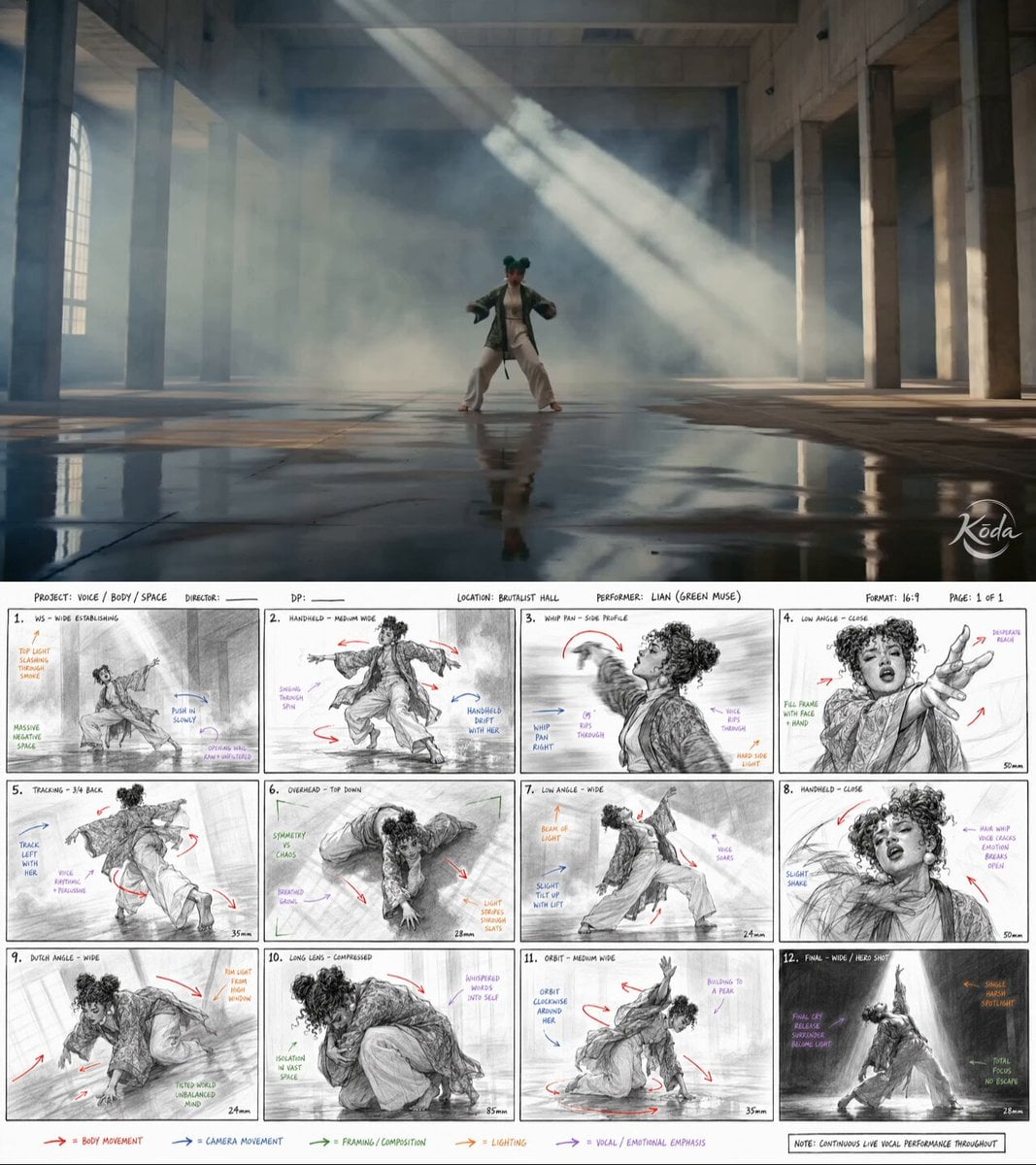
Dance Choreography Storyboard Translation
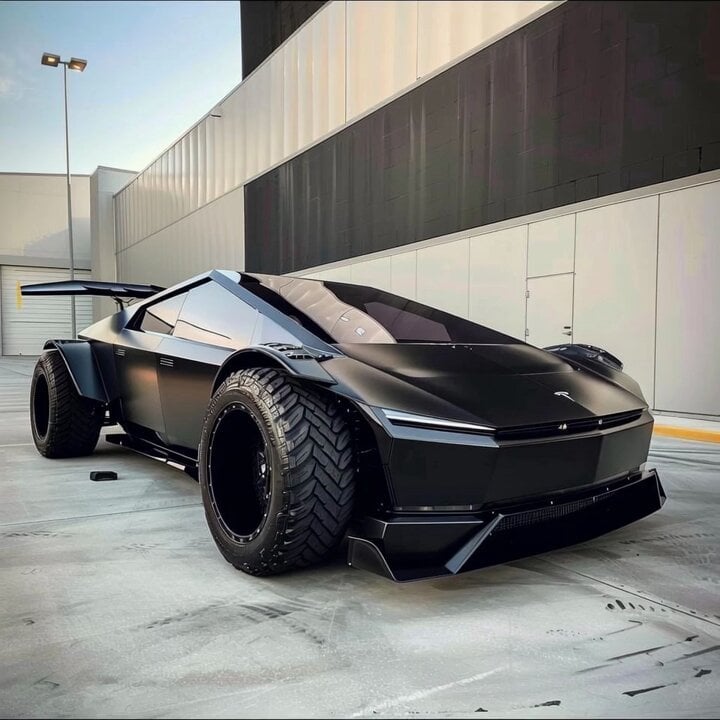
Custom royal blue car design
Cyberpunk Cyborg Mechanical Transformation
Romantic Moonlit Encounter
Browse template categories
Abyss King Ascension Anime Ritual questions
How do I use the Abyss King Ascension Anime Ritual template?
Add your photo if the template asks for one, edit the prompt if you like — the template's model and format are already selected — and press Generate. Your version opens in PicX Studio.
Can I customize the Abyss King Ascension Anime Ritual template?
Yes. You can change the subject, setting, lighting, mood, format, and available model controls before creating your video.
Is the Abyss King Ascension Anime Ritual template free?
Opening and editing this template is free. Generating uses credits, shown on the Generate button when you are signed in.
Which AI model should I use?
Start with Seedance 2.0, which is the model associated with this template. You can compare another compatible model for a different finish.
Looking for something else? Browse all templates.

Your photo, any look
Thousands of ready templates for every top image and video model, from one credit balance.