How do I use the Cinematic Entrance Prompt for a Boss Character template?
Edit the prompt in the box under the preview — the template's model and format are already selected — and press Generate. Your version appears right on this page.
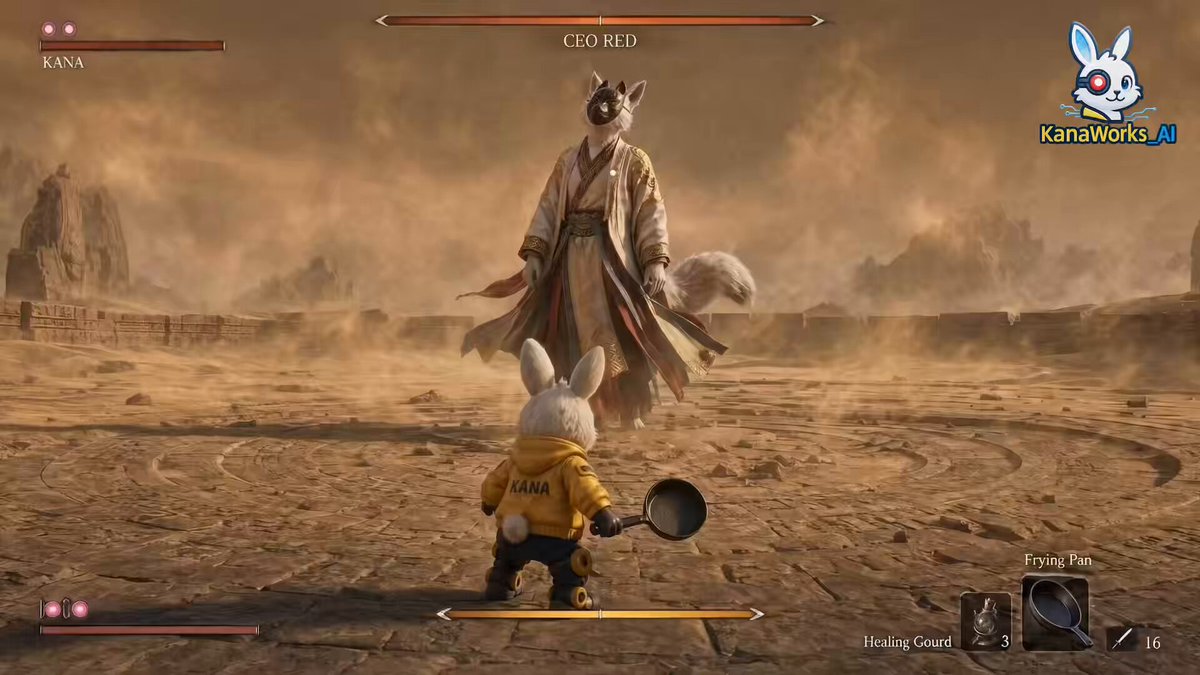
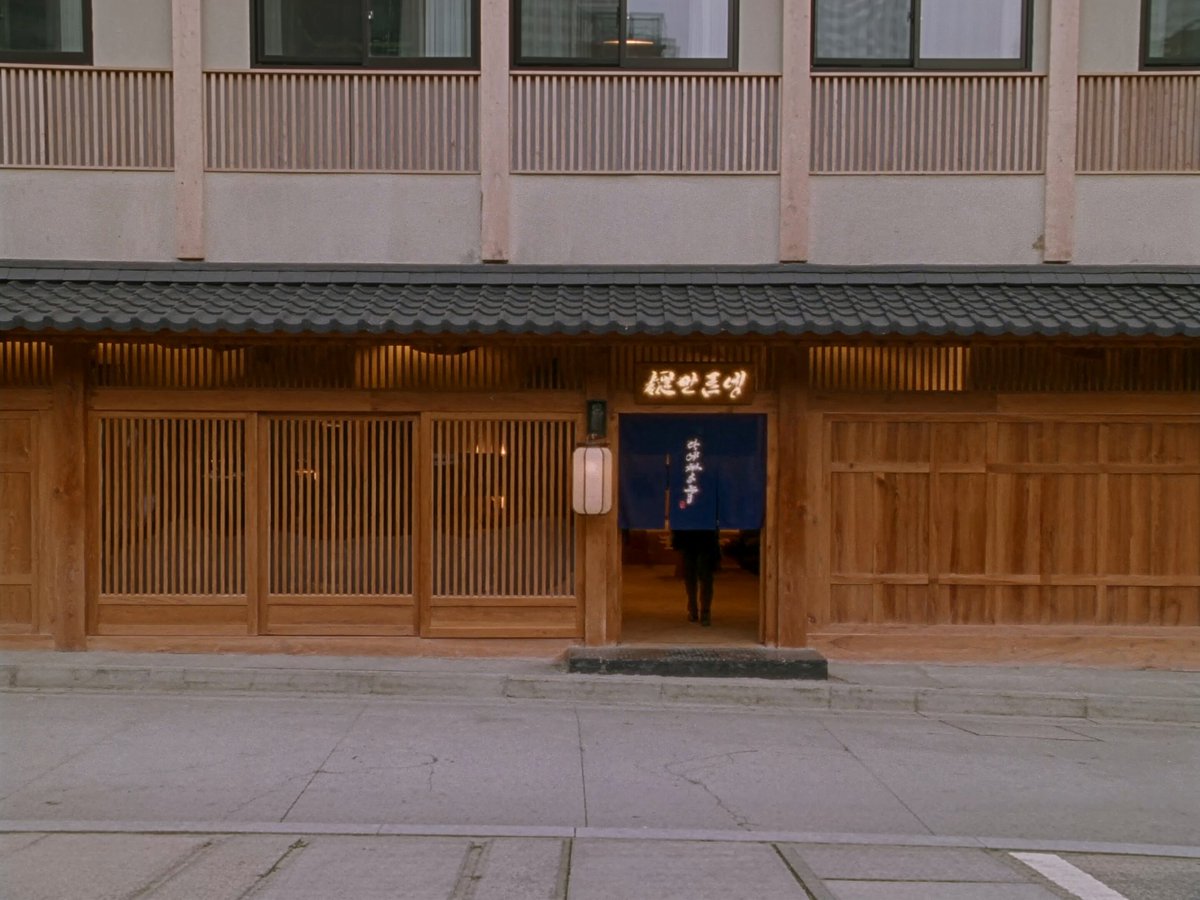
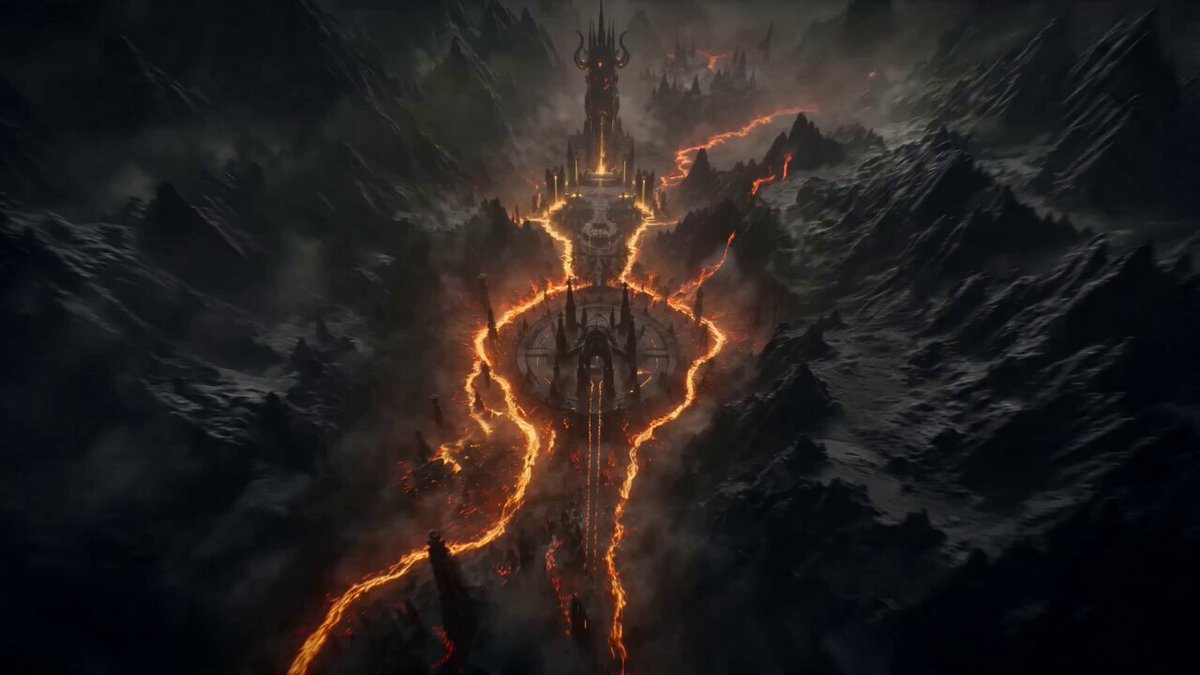
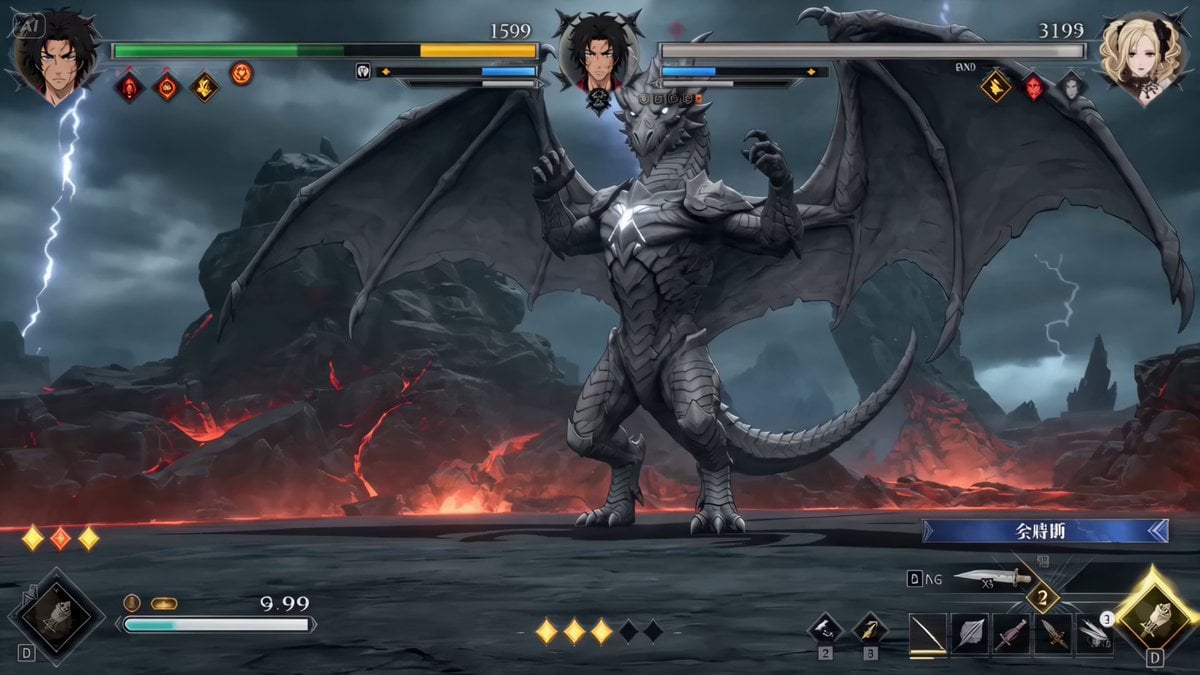
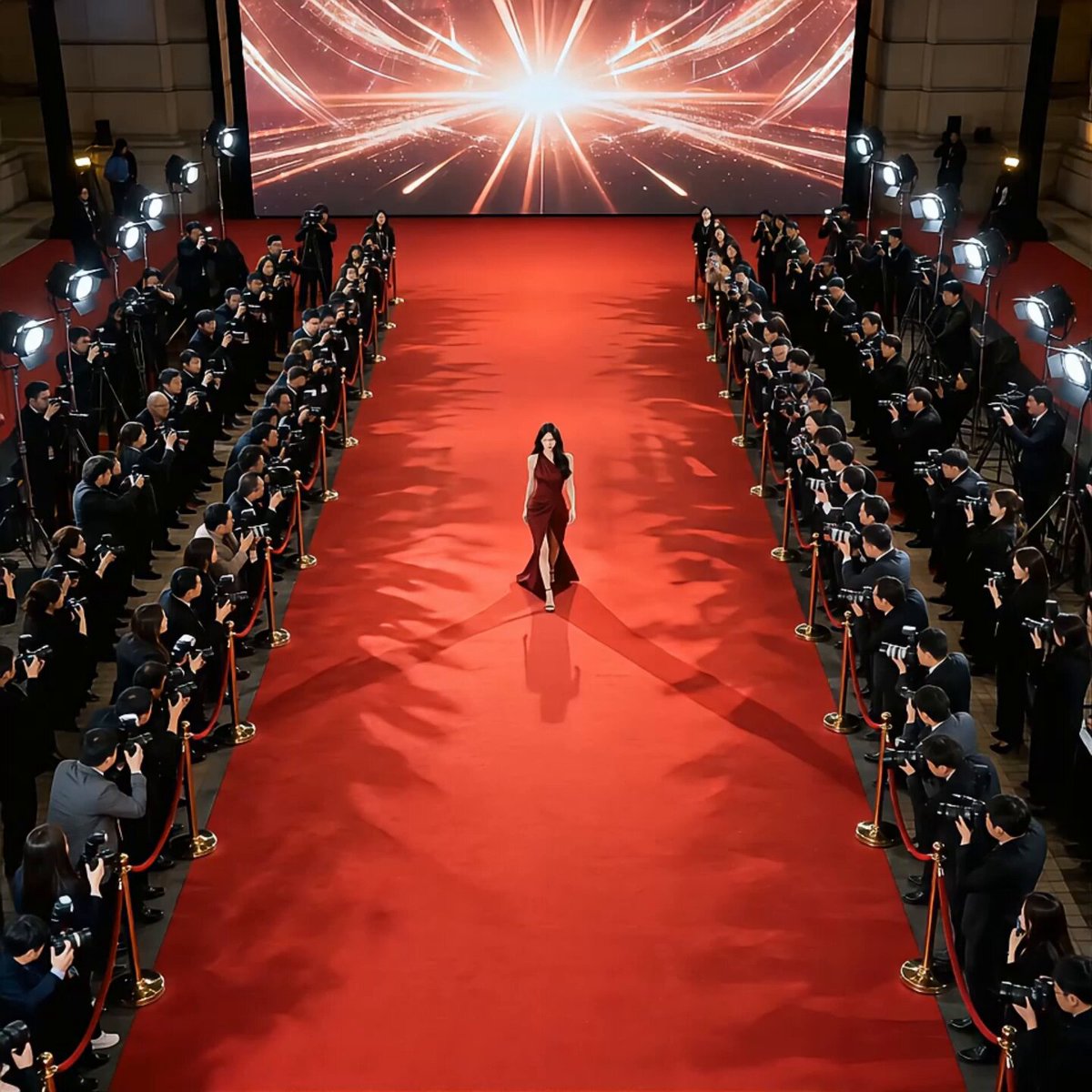
A prompt for generating a cinematic entrance scene for a powerful 'boss' character, featuring cold indoor lighting, smoke, low-frequency sound effects, and complex camera movements (low-angle push, side follow…
@图片,电影级大佬出场,夜晚室内冷色调光影,烟雾微尘氛围感拉满;皮鞋回声 + 低频鼓点音效,收尾低沉轰鸣;低机位推镜→上推至腰→侧跟拍转头→特写面部→拉远俯视,最后小弟齐喊 “大哥好!”,整体压迫感满
@图片,电影级大佬出场,夜晚室内冷色调光影,烟雾微尘氛围感拉满;皮鞋回声 + 低频鼓点音效,收尾低沉轰鸣;低机位推镜→上推至腰→侧跟拍转头→特写面部→拉远俯视,最后小弟齐喊 “大哥好!”,整体压迫感满
Edit the prompt in the box under the preview — the template's model and format are already selected — and press Generate. Your version appears right on this page.
Yes. You can change the subject, setting, lighting, mood, format, and available model controls before creating your video.
Opening and editing this template is free. Generating uses credits, shown on the Generate button when you are signed in.
Start with Seedance 2.0, which is the model associated with this template. You can compare another compatible model for a different finish.
Follow a topic to a crawlable collection of related PicX Studio templates.