How do I use the Sci-Fi Action Movie Trailer template?
Edit the prompt in the box under the preview — the template's model and format are already selected — and press Generate. Your version appears right on this page.
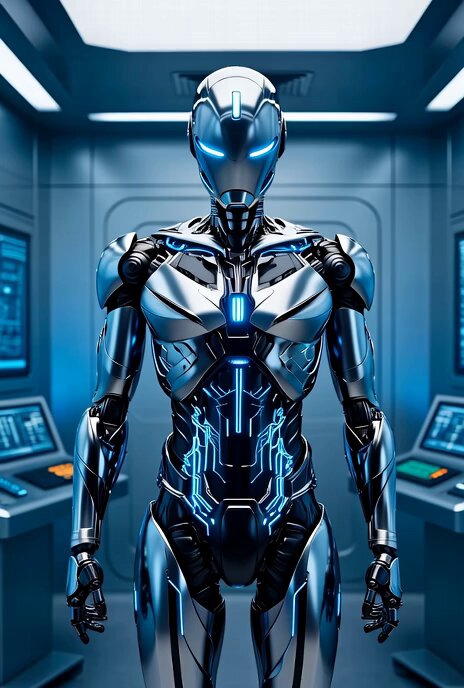
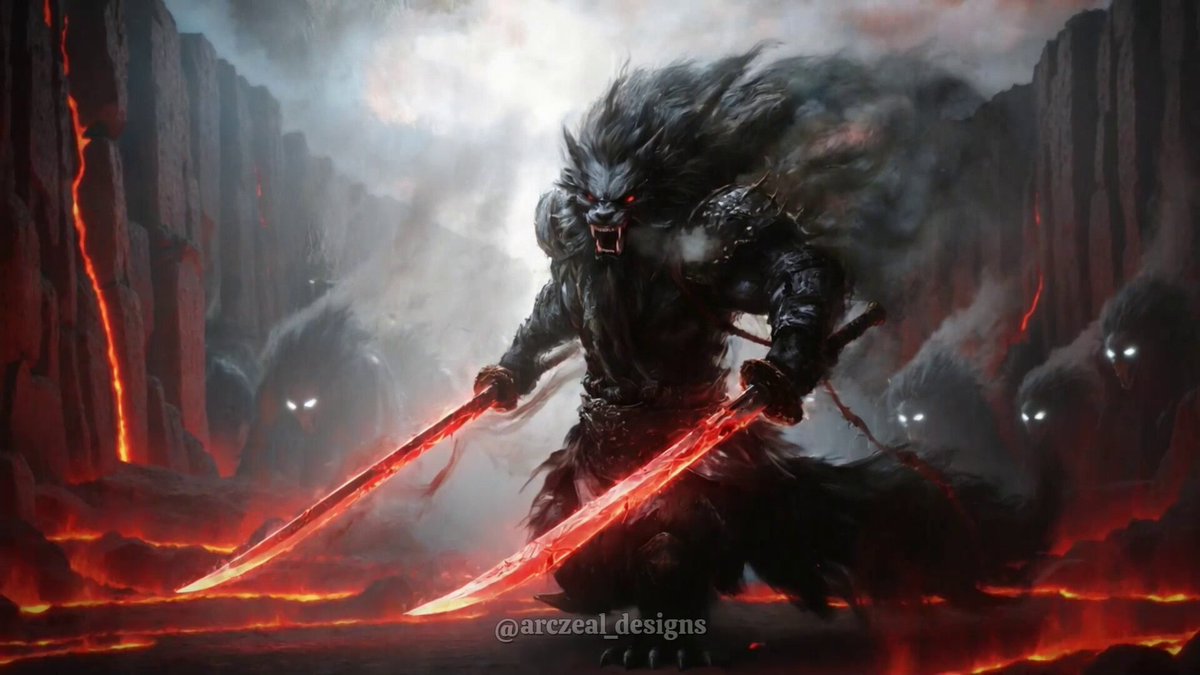
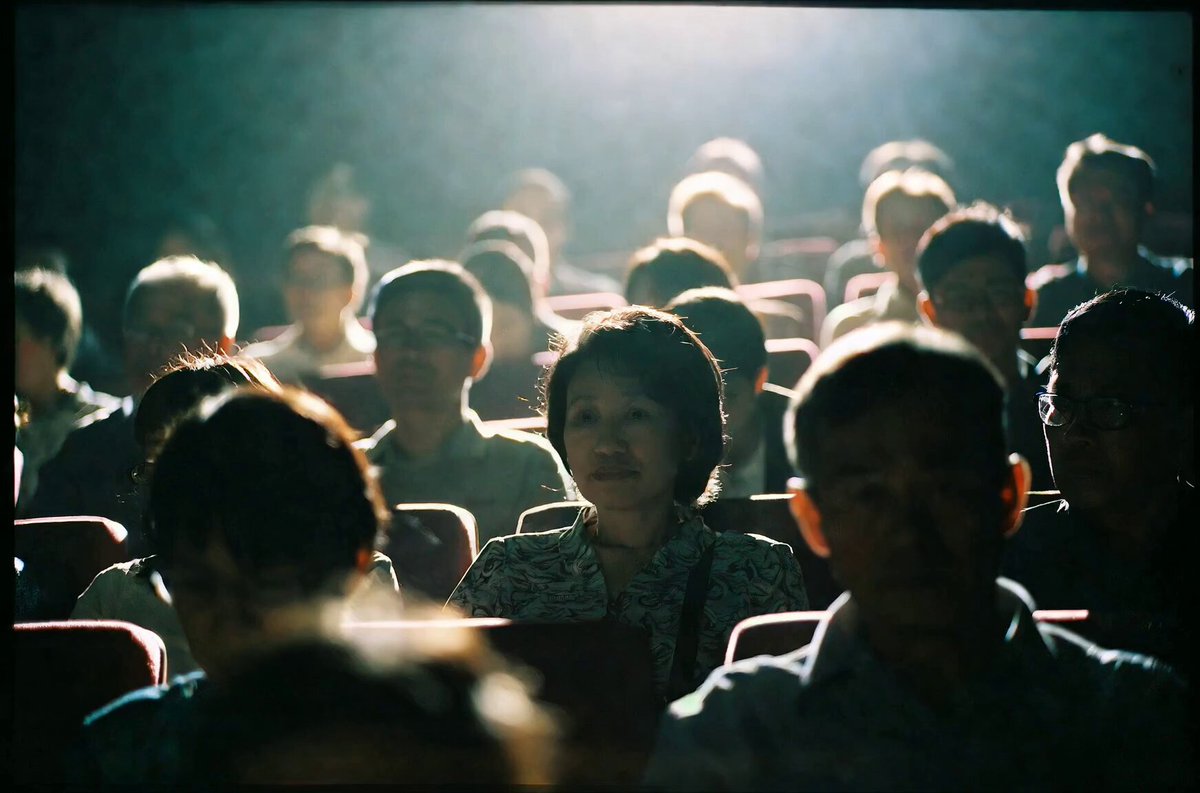
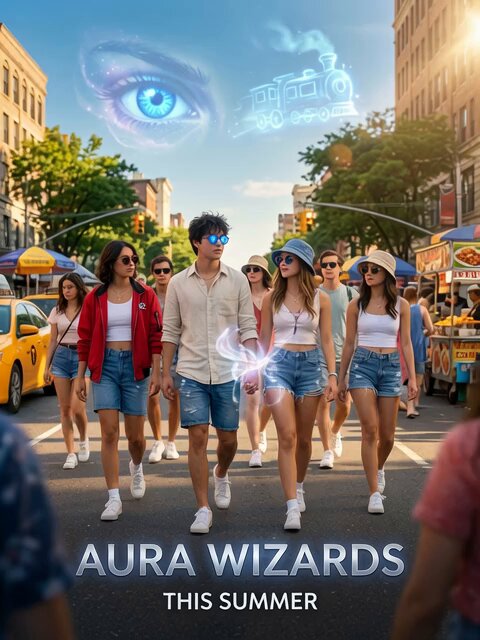
A comprehensive prompt for generating a professional-looking sci-fi movie trailer with specific instructions for dialogue, subtitles, and scene composition using Grok Imagine Agent mode.
実写のSF映画の40秒程度のトレーラーを作って。 ︎ ︎ セリフは英語でOK タイトルを入れて 各セリフは日本語の字幕を入れて。 内容は任せるけど、強大な敵、あつまる仲間、激しい戦い、そしてスピード感あふれるチェイス的シーンは絶対に入れて
実写のSF映画の40秒程度のトレーラーを作って。 ︎ ︎ セリフは英語でOK タイトルを入れて 各セリフは日本語の字幕を入れて。 内容は任せるけど、強大な敵、あつまる仲間、激しい戦い、そしてスピード感あふれるチェイス的シーンは絶対に入れて
Edit the prompt in the box under the preview — the template's model and format are already selected — and press Generate. Your version appears right on this page.
Yes. You can change the subject, setting, lighting, mood, format, and available model controls before creating your video.
Opening and editing this template is free. Generating uses credits, shown on the Generate button when you are signed in.
Start with Grok Imagine, which is the model associated with this template. You can compare another compatible model for a different finish.
Follow a topic to a crawlable collection of related PicX Studio templates.