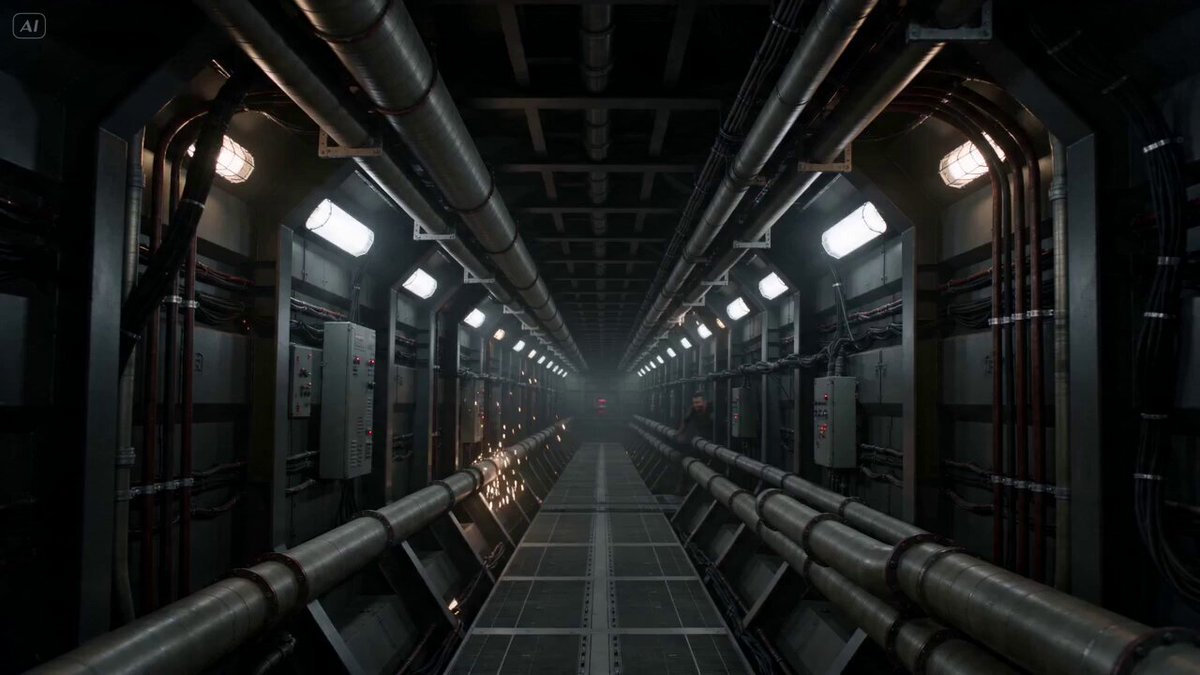
How do I use the Shot Horror Sequence (Kling 3.0) template?
Edit the prompt in the box under the preview — the template's model and format are already selected — and press Generate. Your version appears right on this page.
A detailed, multi-shot prompt for generating a 13-second POV horror sequence set in an abandoned hallway, featuring a rocking horse that multiplies and a final jump scare with a distorted wooden mask.
A 13-second POV horror sequence set in a desolate, abandoned institutional hallway with grimy, peeling walls covered in faded graffiti. The scene is shot through a fisheye lens, lit only by a stuttering, weak flashlight beam. In the center of the corridor, a weathered wooden rocking horse with chipped white paint sits alone. Suddenly, it begins to rock—slowly at first, then with violent, bone-creaking intensity, its hollow thuds echoing against the concrete. After a rapid jump-cut through total darkness, the flashlight flickers back on to reveal the entire hallway now packed with dozens of identical rocking horses, all perfectly aligned and swaying in a sinister, synchronized rhythm. The collective sound of wood hitting the floor creates a deafening, heartbeat-like roar. The sequence ends with a visceral jump scare: a giant, distorted wooden mask with a maniacal, carved grin and viscous black liquid pouring from its hollow eye sockets lunges directly into the lens, its face filling the frame as the audio peaks into a distorted screech.
A 13-second POV horror sequence set in a desolate, abandoned institutional hallway with grimy, peeling walls covered in faded graffiti. The scene is shot through a fisheye lens, lit only by a stuttering, weak flashlight beam. In the center of the corridor, a weathered wooden rocking horse with chipped white paint sits alone. Suddenly, it begins to rock—slowly at first, then with violent, bone-creaking intensity, its hollow thuds echoing against the concrete. After a rapid jump-cut through total darkness, the flashlight flickers back on to reveal the entire hallway now packed with dozens of identical rocking horses, all perfectly aligned and swaying in a sinister, synchronized rhythm. The collective sound of wood hitting the floor creates a deafening, heartbeat-like roar. The sequence ends with a visceral jump scare: a giant, distorted wooden mask with a maniacal, carved grin and viscous black liquid pouring from its hollow eye sockets lunges directly into the lens, its face filling the frame as the audio peaks into a distorted screech.
Edit the prompt in the box under the preview — the template's model and format are already selected — and press Generate. Your version appears right on this page.
Yes. You can change the subject, setting, lighting, mood, format, and available model controls before creating your video.
Opening and editing this template is free. Generating uses credits, shown on the Generate button when you are signed in.
Start with Seedance 2.0, which is the model associated with this template. You can compare another compatible model for a different finish.
Follow a topic to a crawlable collection of related PicX Studio templates.