
Manchester United Fan Documentary
A documentary-style video prompt of a Manchester United fan whose mood changes when she notices the broadcast camera focusing on her.
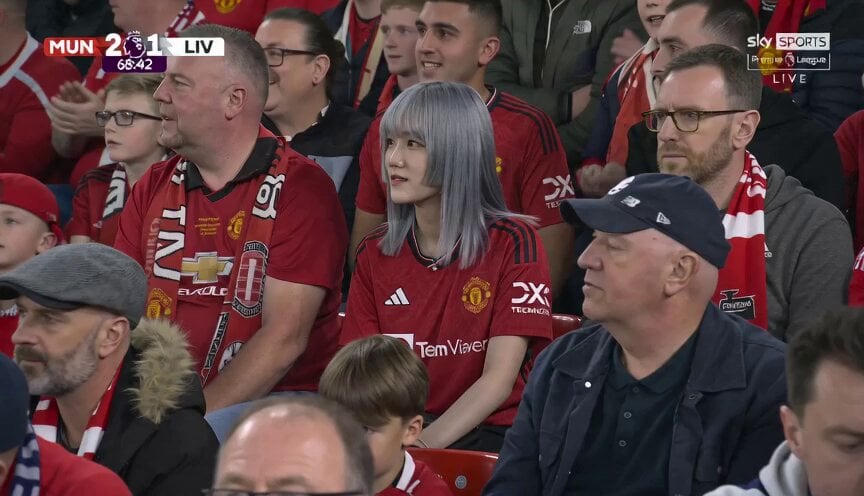
- Prompt included
- Model and format preset
- Free template
The prompt behind this video
Copy the exact prompt behind Manchester United Fan Documentary, or open it in the studio and make it yours.
Ultra realistic documentary-style sports broadcast video, 15 seconds long, 16:9 aspect ratio. A young woman @image1 , wearing a red Manchester United jersey, sitting among football fans at Old Trafford during a live Manchester United vs Liverpool match. She is quietly watching the match very seriously at first, focused on the game and unaware of the camera. Natural crowd movement around her, realistic stadium lighting, live sports atmosphere, authentic football crowd reactions and ambient motion. The TV broadcast camera slowly zooms toward her from the audience section like a real live sports cameraman shot. After a few seconds, she suddenly realizes the camera is focusing on her. She becomes slightly awkward and gives a cute, shy, awkward smile while trying to stay composed. Expression should feel natural, candid, unscripted, and genuinely funny in a subtle way — like a real person caught on live TV. No exaggerated acting. Professional live broadcast look with realistic lens compression, handheld sports camera motion, shallow broadcast depth of field, slight motion blur, natural skin texture, authentic ESPN / sports TV color grading, subtle compression artifacts, interlacing grain, documentary realism, cinematic crowd bokeh, live stadium energy. Looks exactly like a genuine paused moment from a real football TV broadcast.
How to use Manchester United Fan Documentary in 3 steps
- 1
Open
The prompt is already in the box next to the preview, with the template's model and format selected.
- 2…a portrait of your subject in softgolden-hour light, 85mm…
Personalize
Edit the subject and creative details for your destination.
- 3Generate
Generate
Press Generate — your video is created in PicX Studio, so you can compare it with the original and refine one variable at a time.
More like this
Templates with the same subject, style or setup. Open one to see its prompt.

Forgotten 1980s High School Documentary Seedance

Live-Action Firefighter Rescue Night Scene
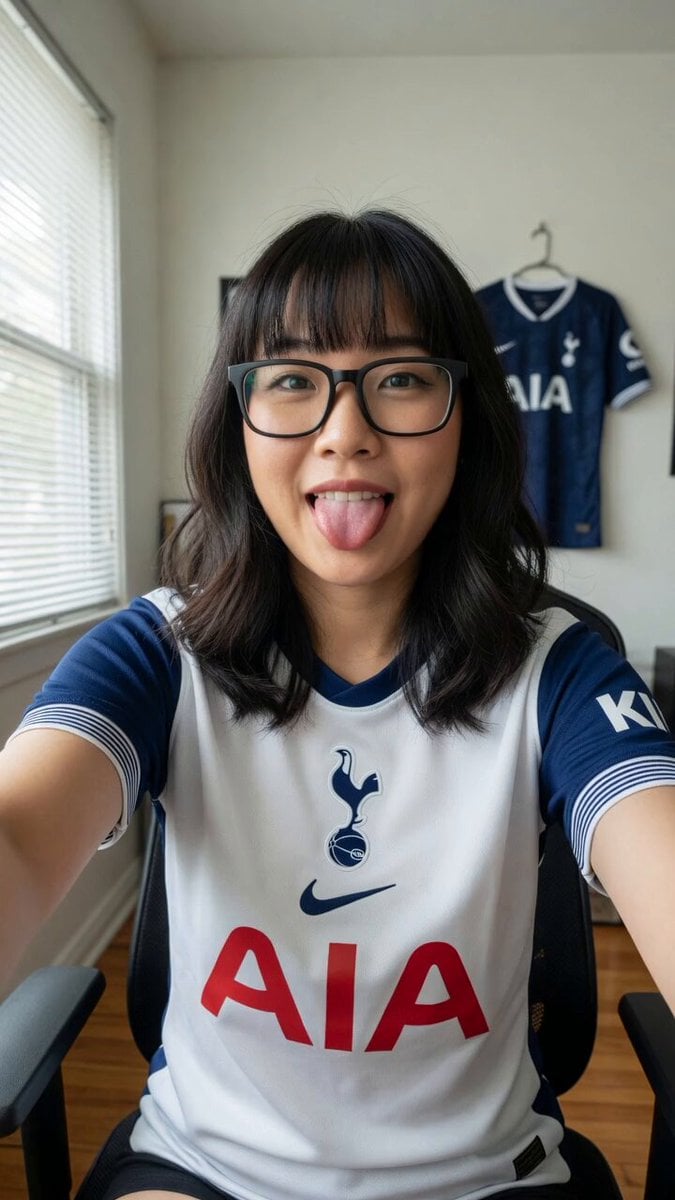
Tottenham Hotspur Fan Selfie Prompt
Fan vs Hammer Duel Combat Scene
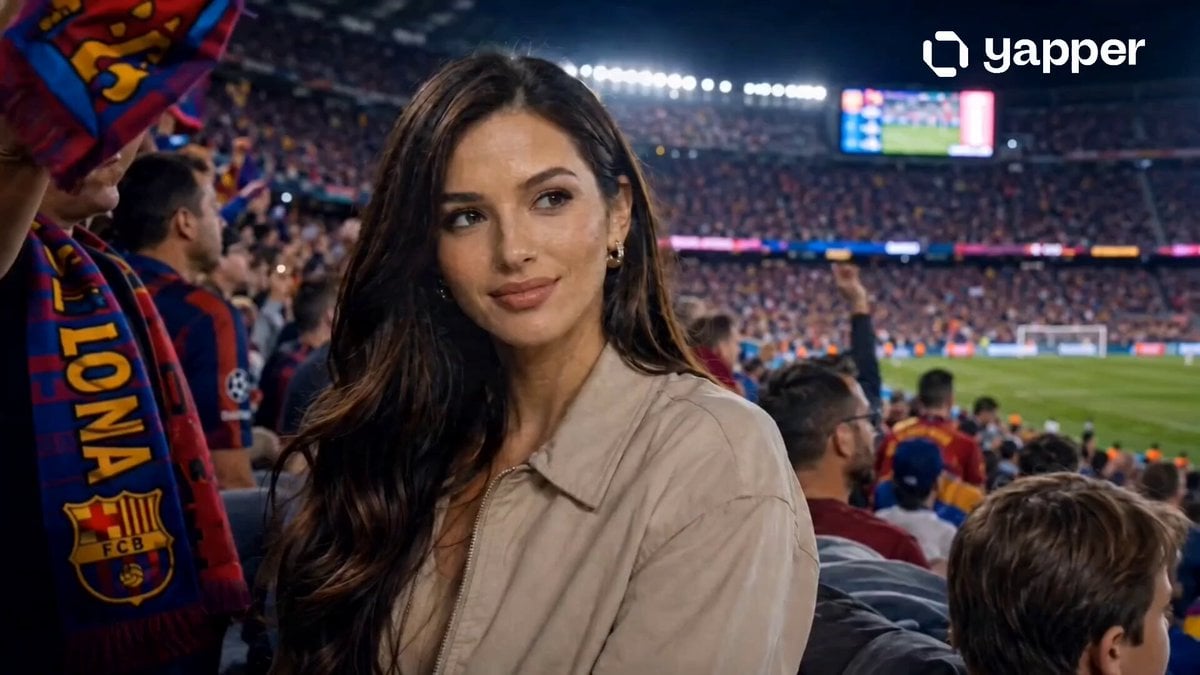
Hyper-Realistic Stadium Fan Video
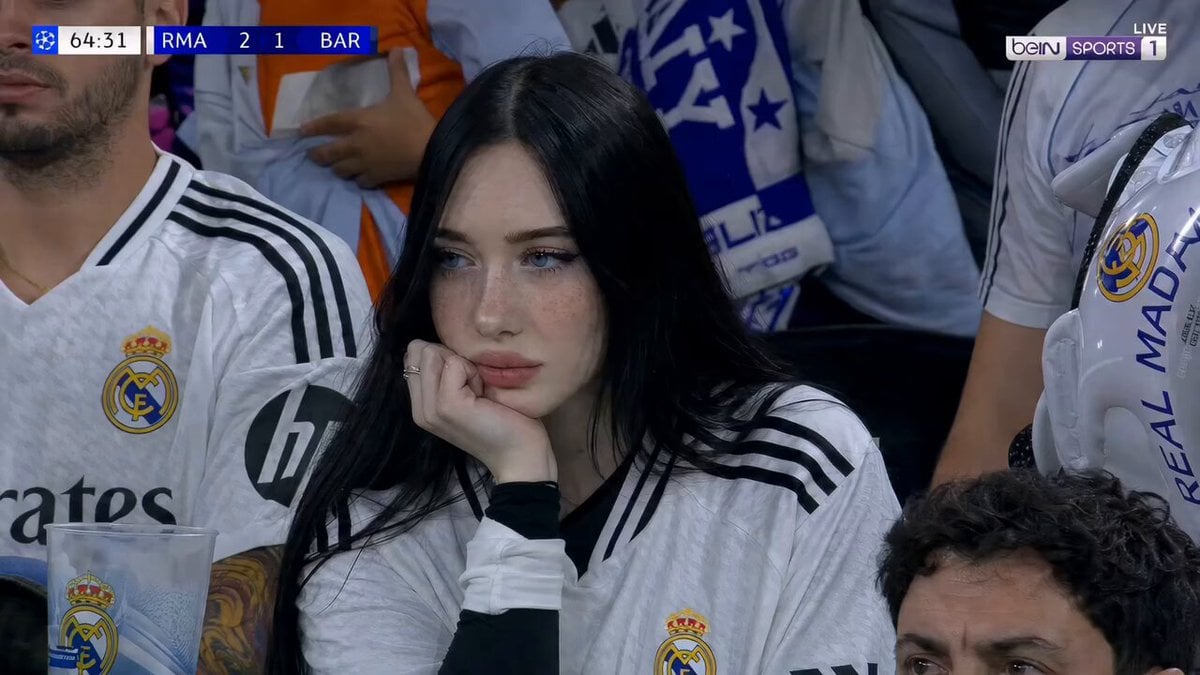
Football Stadium Fan Broadcast Shot
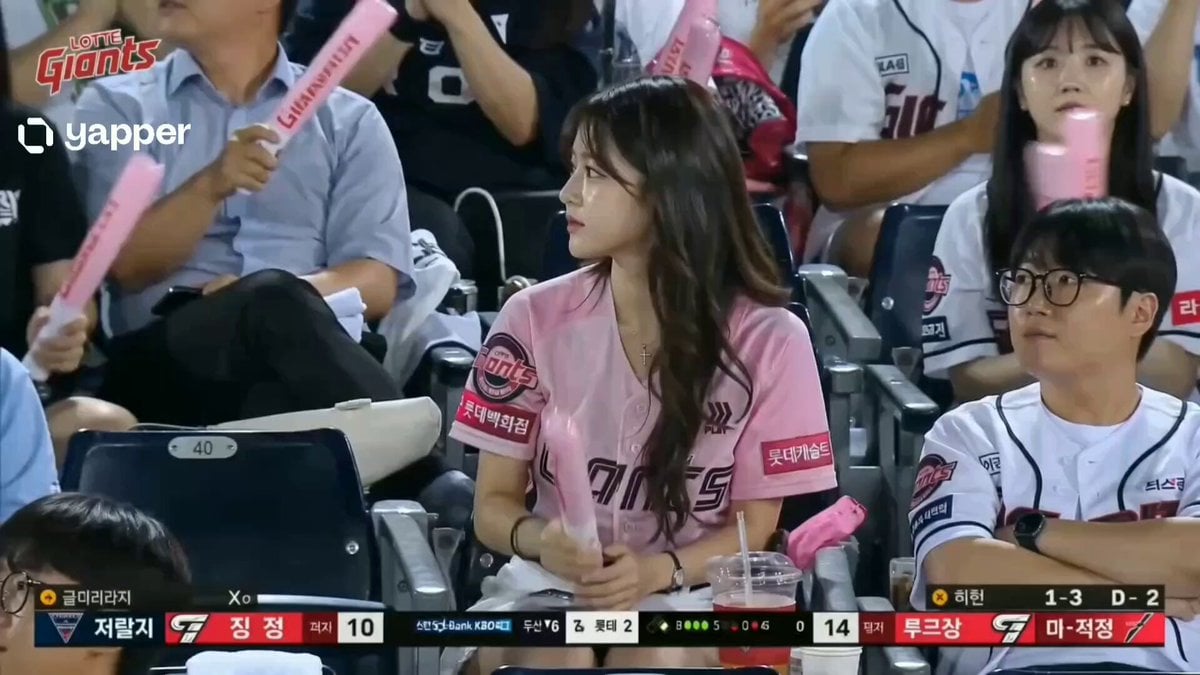
Korean Woman Baseball Fan Cam
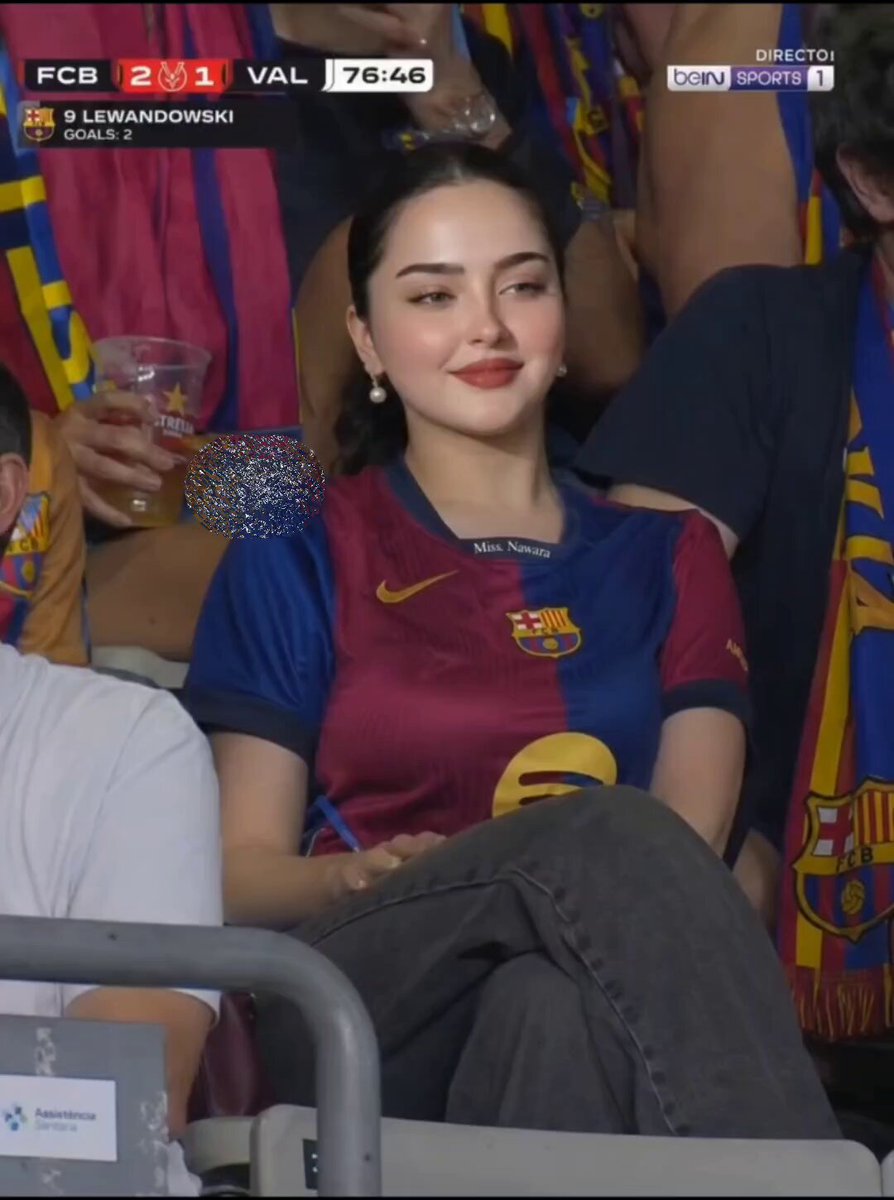
FC Barcelona Stadium Fan Broadcast
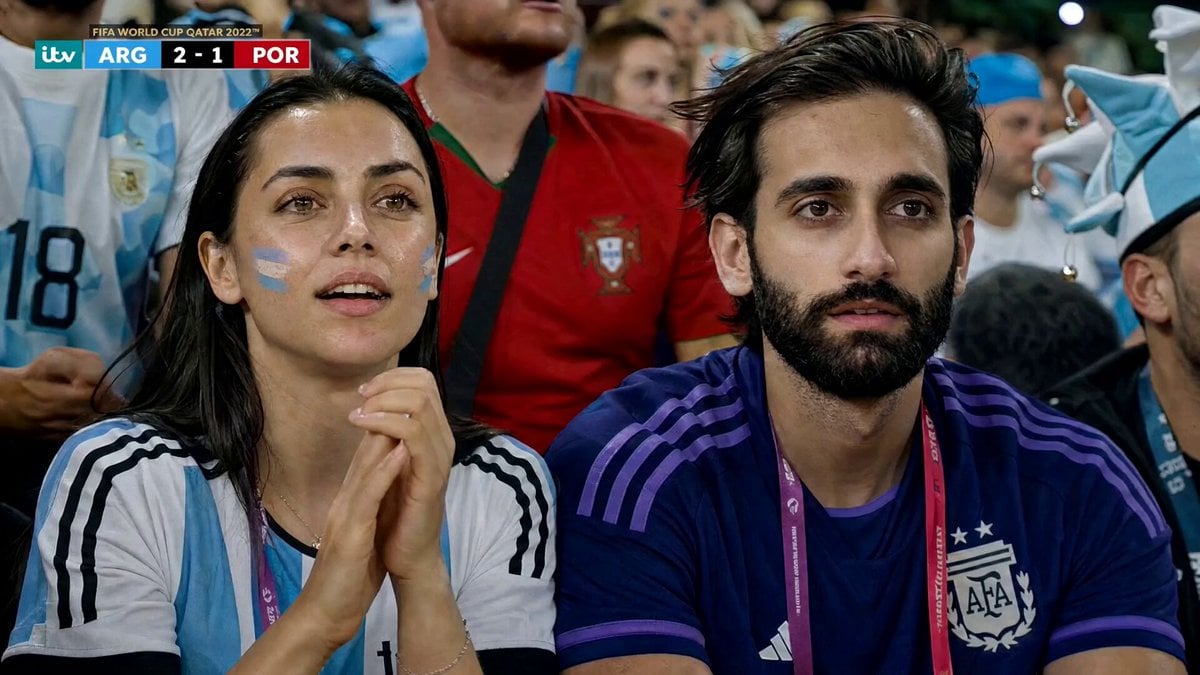
Football Match Fan Reaction
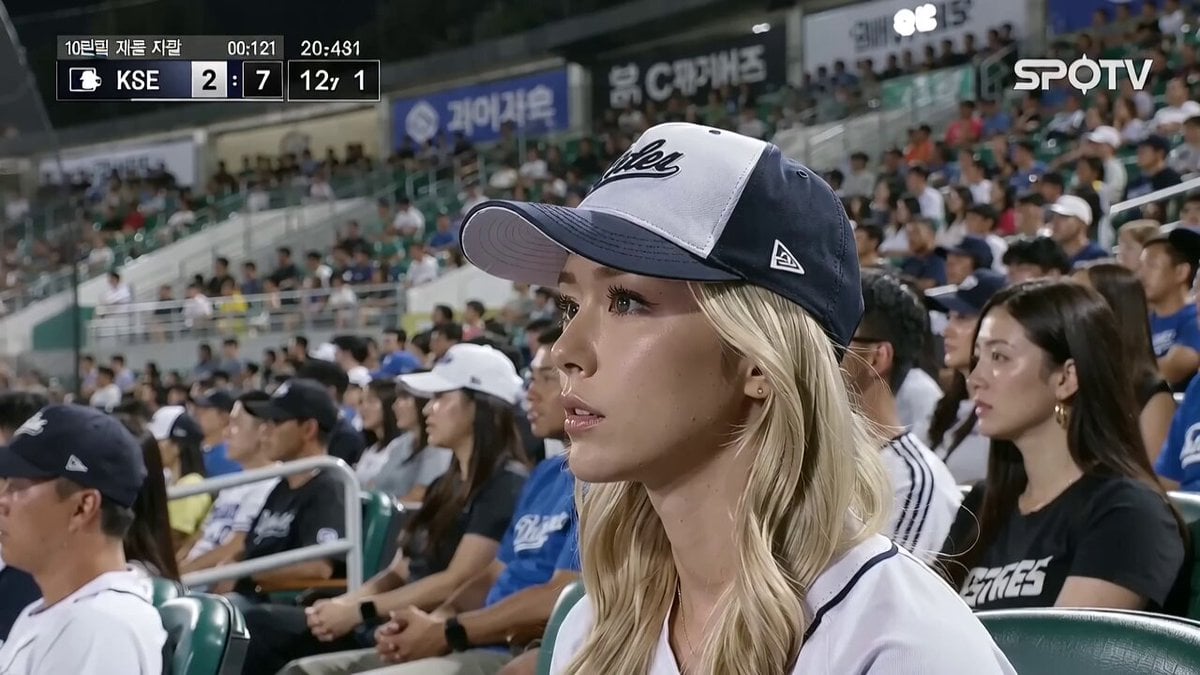
KBO Baseball Fan Surprise
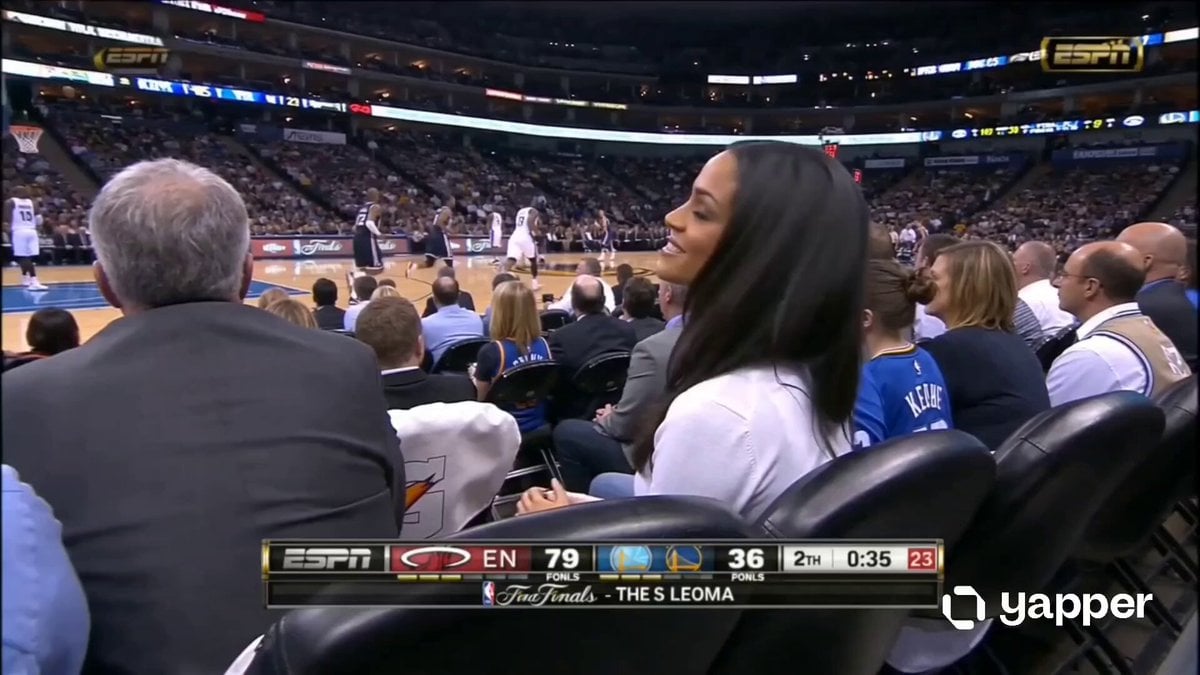
NBA Courtside Fan Reaction
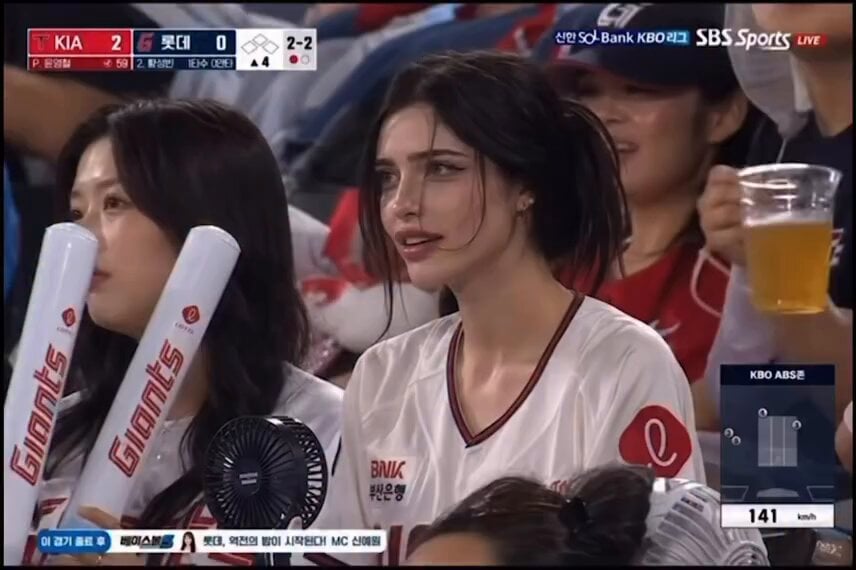
Pensive Fan at Baseball Game
Make it yours
Manchester United Fan Documentary works as-is. These are the safest ways to change it without losing the look.
Change one field
Copy a single group, rewrite it, and generate again so you can see what that field is doing.
Keep the frame, change the subject
Hold the composition and light of Manchester United Fan Documentary, then swap wardrobe, props or the person for a new take.
| If the result… | Why | Fix |
|---|---|---|
| The result drifts from the preview | Too many fields changed at once. | Reuse Manchester United Fan Documentary as-is first, then change one group — subject, light, or setting. |
| The model over-stylizes the scene | The prose prompt leaves finish and camera underspecified. | Add one camera or lighting sentence and stay on Seedance 2.0. |
More Seedance 2.0 templates
Other prompts made for Seedance 2.0.

Comical Martial Arts Punch Scene

Maglev Train Action Sequence

Martial Arts Fight Sequence

Wuxia Protection and Trust Script

Vintage Korean Arcade MiniDV Vlog

Mercedes 190 SL Luxury Ad

Rainy Night Supernatural Reverse Comedy Video Script

Amazon Civilization Discovery

Futuristic South Asian City Transformation

Cozy Luxury Cafe Commercial
More video prompts
Fresh picks from across the catalog.
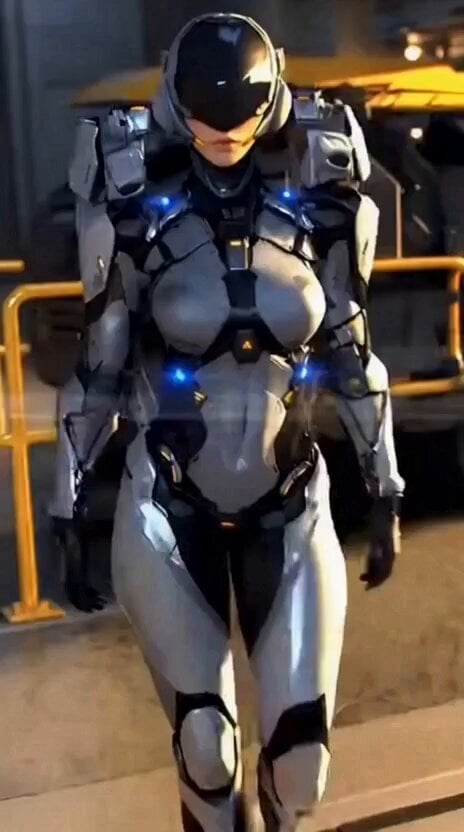
Futuristic Armor Heroine
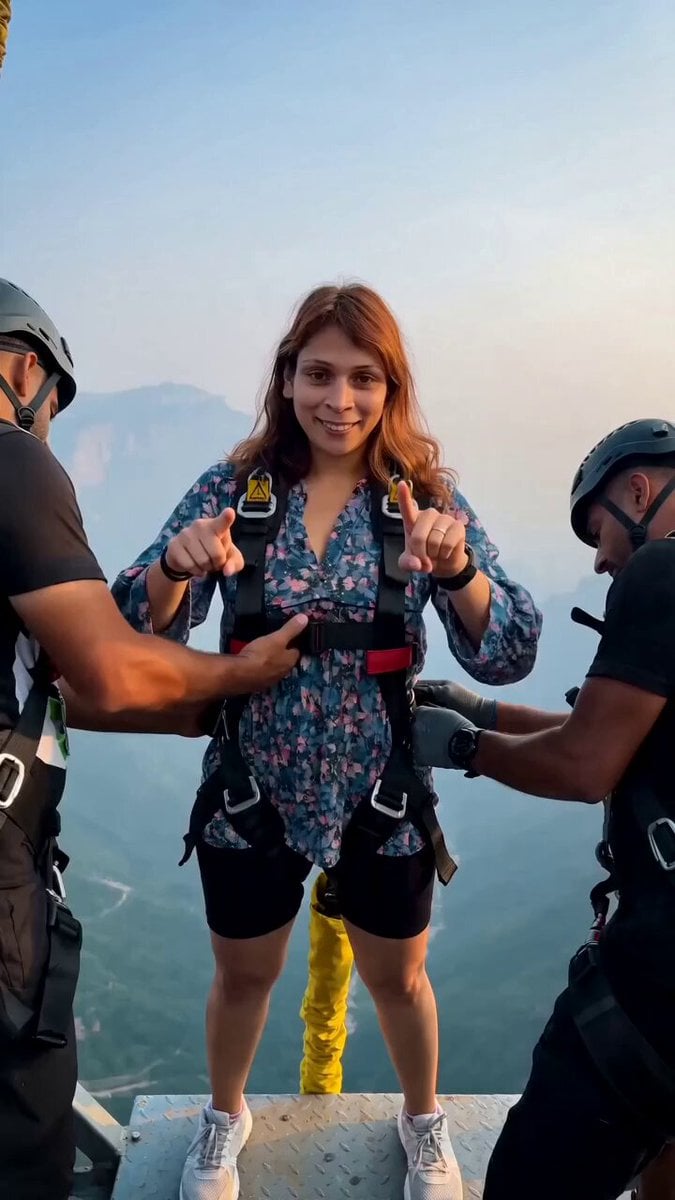
Cinematic Bungee Jump Action Video
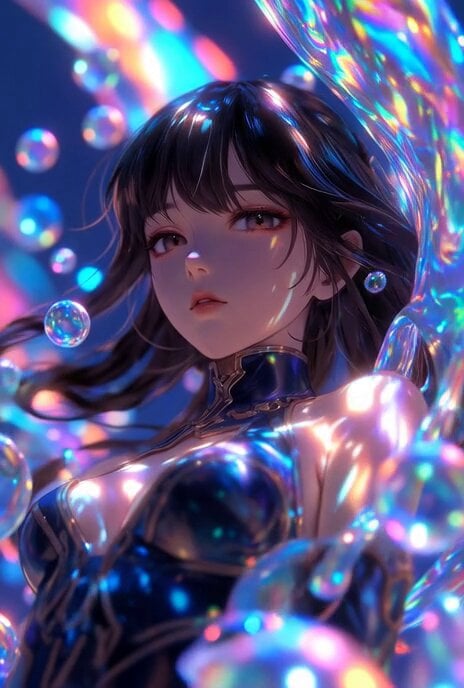
Jupiter inside a bubble
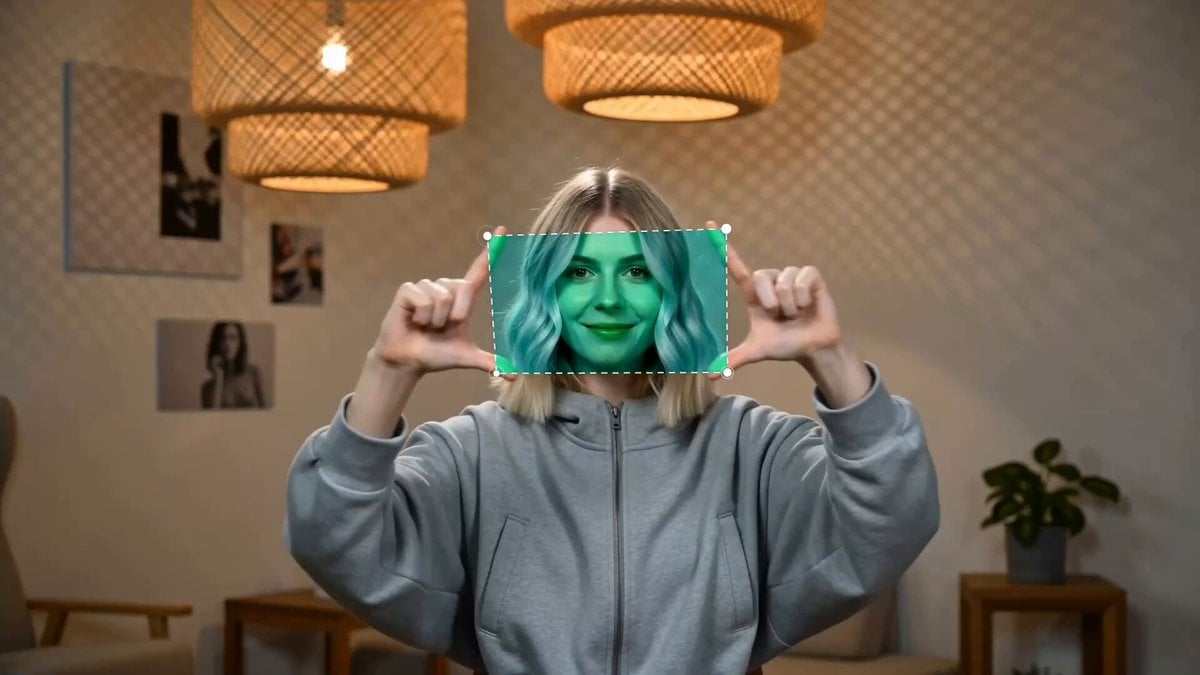
Finger Frame Video Effect Prompt
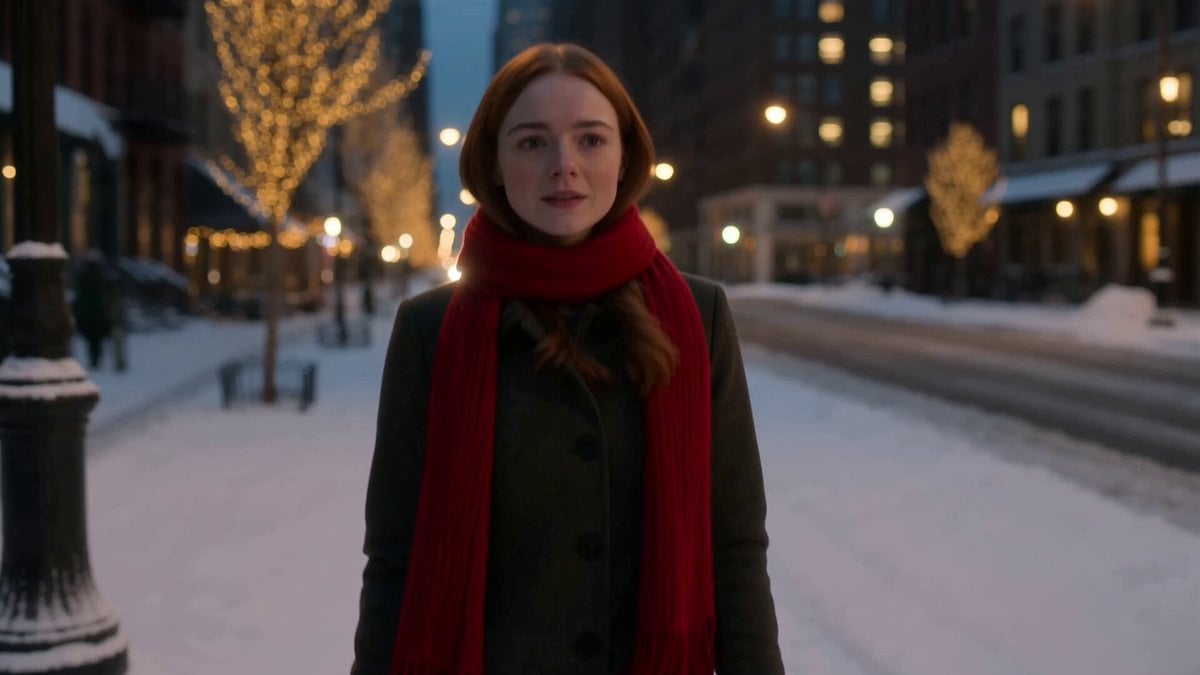
Winter Romance Scarf Sequence
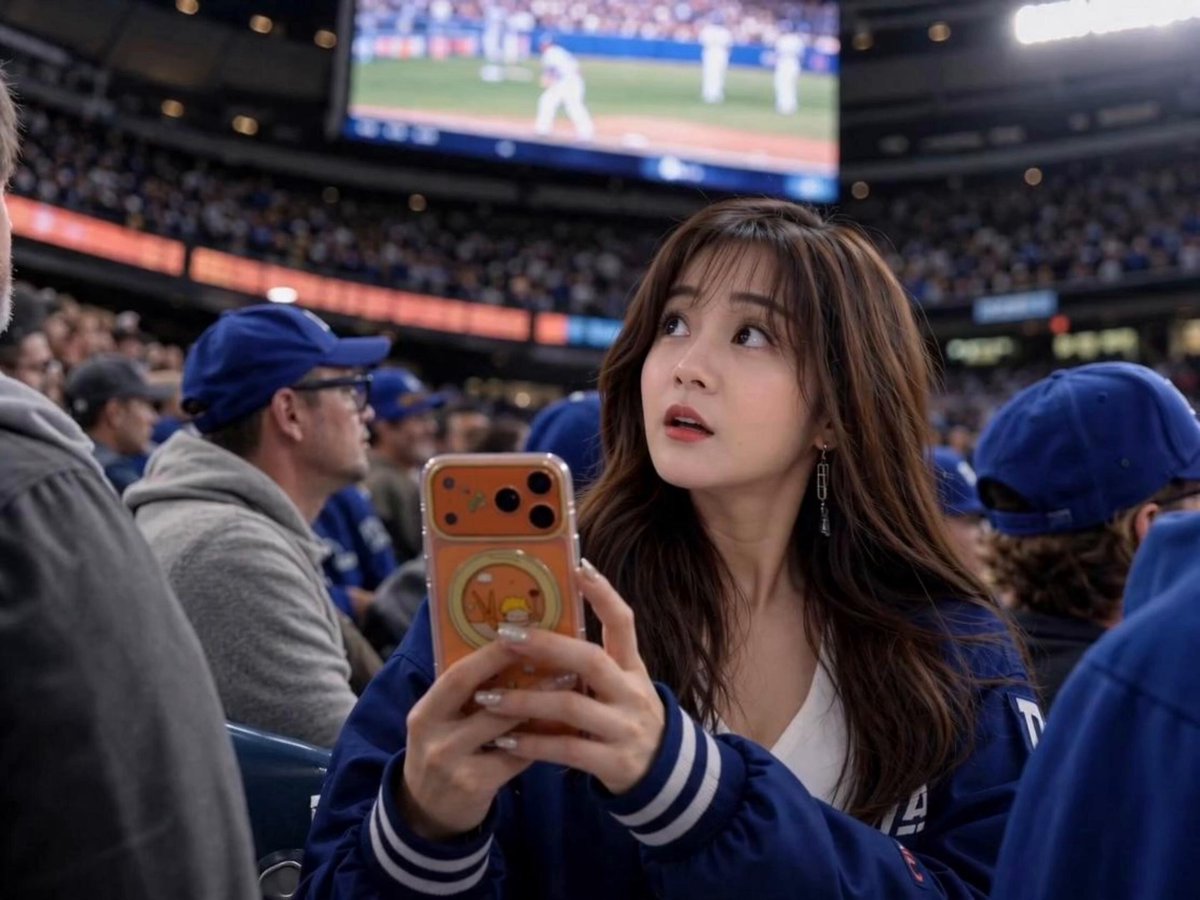
Sports Broadcast Jumbotron Reaction
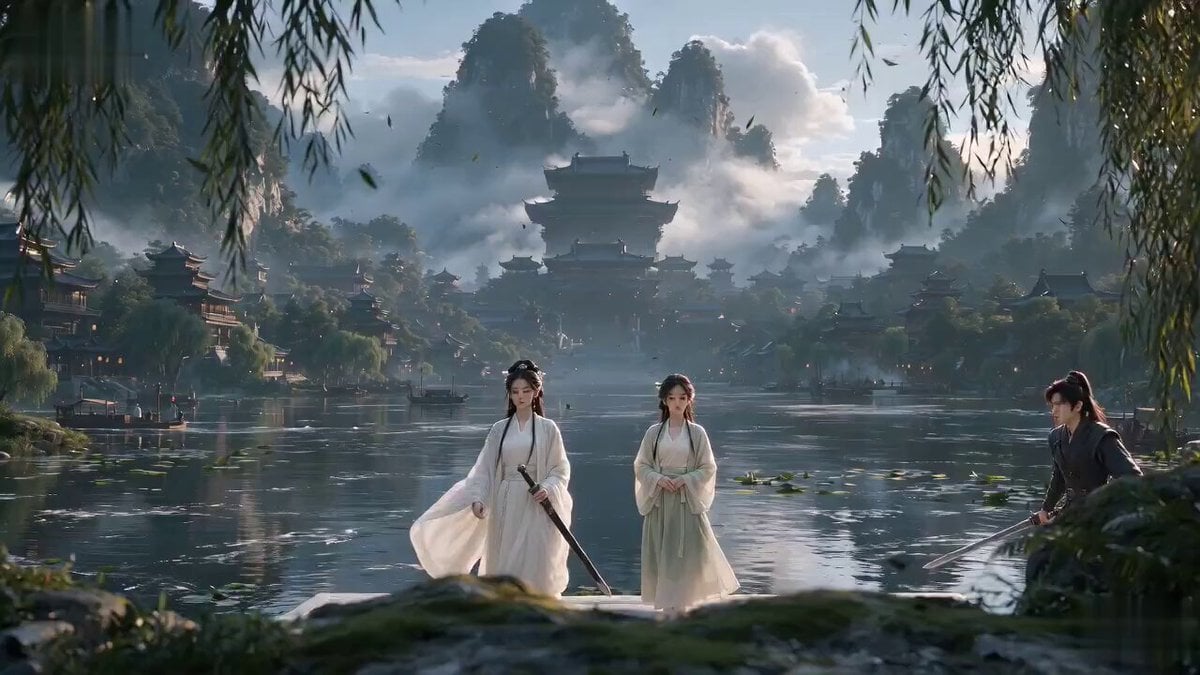
Xianxia Sect Administrative Comedy Short
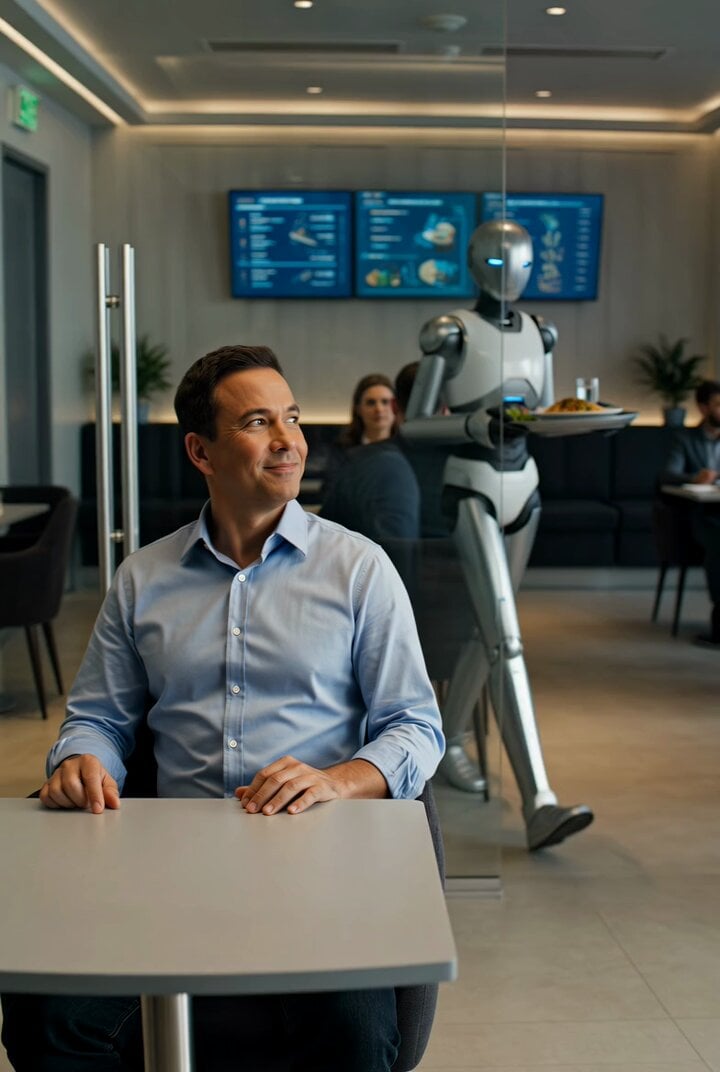
Future Where Robots Serve Food
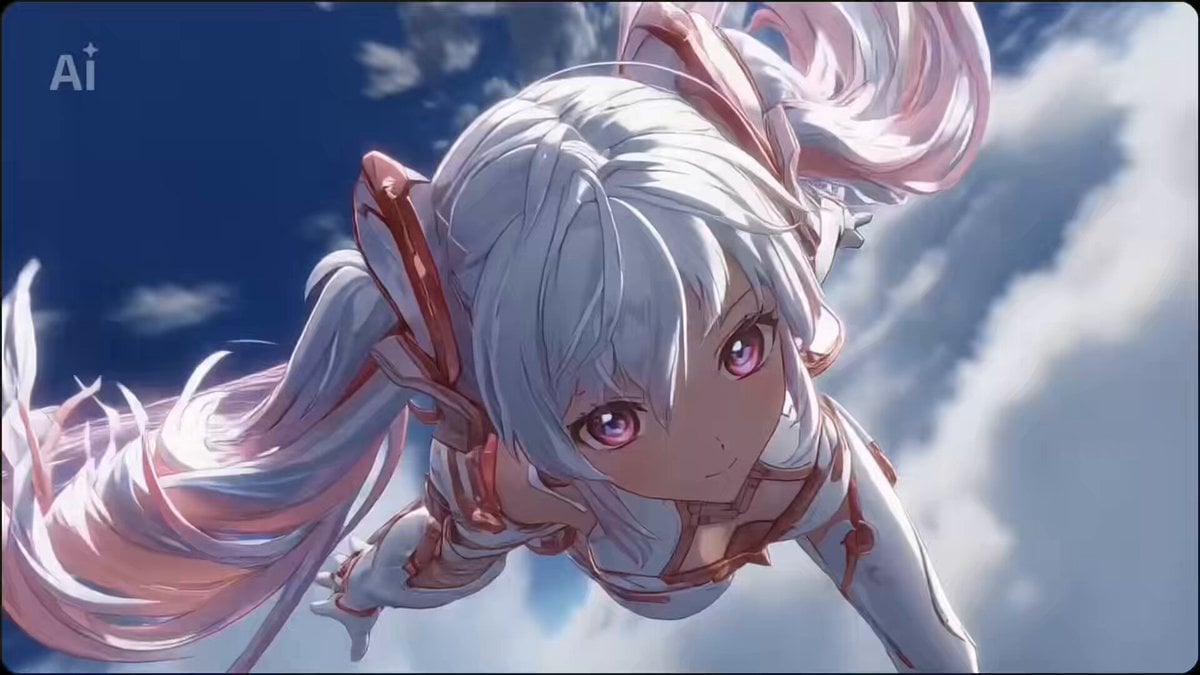
Seedance 2.0 Battle Anime Opening Prompts (Random and Fixed Characters)

Cartoon character rhythmic movement
Browse template categories
Manchester United Fan Documentary questions
How do I use the Manchester United Fan Documentary template?
Add your photo if the template asks for one, edit the prompt if you like — the template's model and format are already selected — and press Generate. Your version opens in PicX Studio.
Can I customize the Manchester United Fan Documentary template?
Yes. You can change the subject, setting, lighting, mood, format, and available model controls before creating your video.
Is the Manchester United Fan Documentary template free?
Opening and editing this template is free. Generating uses credits, shown on the Generate button when you are signed in.
Which AI model should I use?
Start with Seedance 2.0, which is the model associated with this template. You can compare another compatible model for a different finish.
Looking for something else? Browse all templates.

Your photo, any look
Thousands of ready templates for every top image and video model, from one credit balance.