
Finger Frame Video Effect Prompt
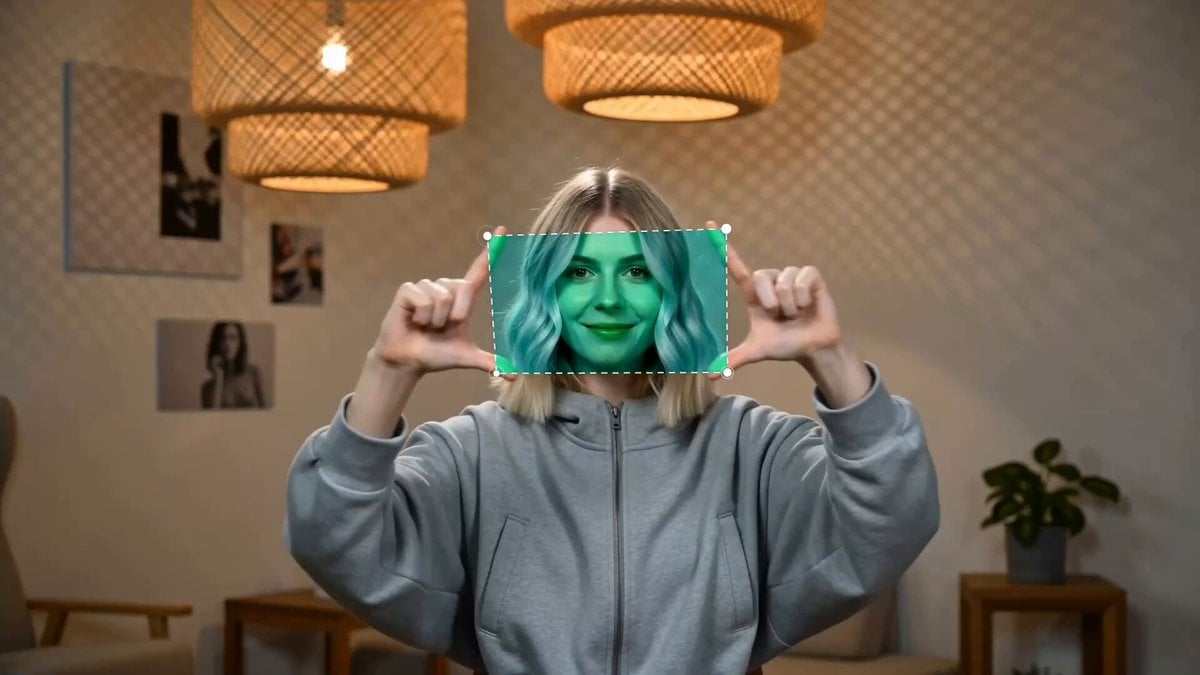
A technical prompt for Seedance 2.0 to generate a live-action video of a woman making viewfinder finger frames with precise two-phase motion control.
- Prompt included
- Model and format preset
- Free template
The prompt behind this video
Copy the exact prompt behind Finger Frame Video Effect Prompt, or open it in the studio and make it yours.
Photorealistic live-action video, shot on cinema camera, natural skin texture, realistic lighting, 16:9 horizontal. Setting: A cozy indoor room with warm ambient lighting, posters on wall, hanging lamp, modern furniture. Subject: A young blonde American woman with shoulder-length golden blonde hair, fair skin, wearing a gray hooded jacket. She faces the camera from waist up. The video has TWO distinct phases — do NOT repeat the same motion throughout. === FIRST HALF (seconds 0–5): Horizontal spring stretch === - Both hands at face height. Thumb and index finger on each hand form L-shaped viewfinder corners facing inward. - Purely horizontal motion: hands close together in front of her face, then pull outward left and right to shoulder width, then pull back to center. Repeat this lateral spring cycle 2–3 times. - Smooth, elastic sideways pull. Forearms stay level. Elbows move outward as hands spread. === SECOND HALF (seconds 5–10): Varied finger-frame gestures === - Transition naturally into different finger-frame poses. She rotates and flips her wrists so the thumb-index frame orientation changes. - Always keep thumb and index finger extended upright forming the corner of a viewfinder on BOTH hands. - End with hands at a relaxed wide finger-frame pose. NOT animated, NOT cartoon, NOT 3D render, NOT anime — real filmed footage. Stable camera, no zoom, no cuts.
How to use Finger Frame Video Effect Prompt in 3 steps
- 1
Open
The prompt is already in the box next to the preview, with the template's model and format selected.
- 2…a portrait of your subject in softgolden-hour light, 85mm…
Personalize
Edit the subject and creative details for your destination.
- 3Generate
Generate
Press Generate — your video is created in PicX Studio, so you can compare it with the original and refine one variable at a time.
More like this
Templates with the same subject, style or setup. Open one to see its prompt.
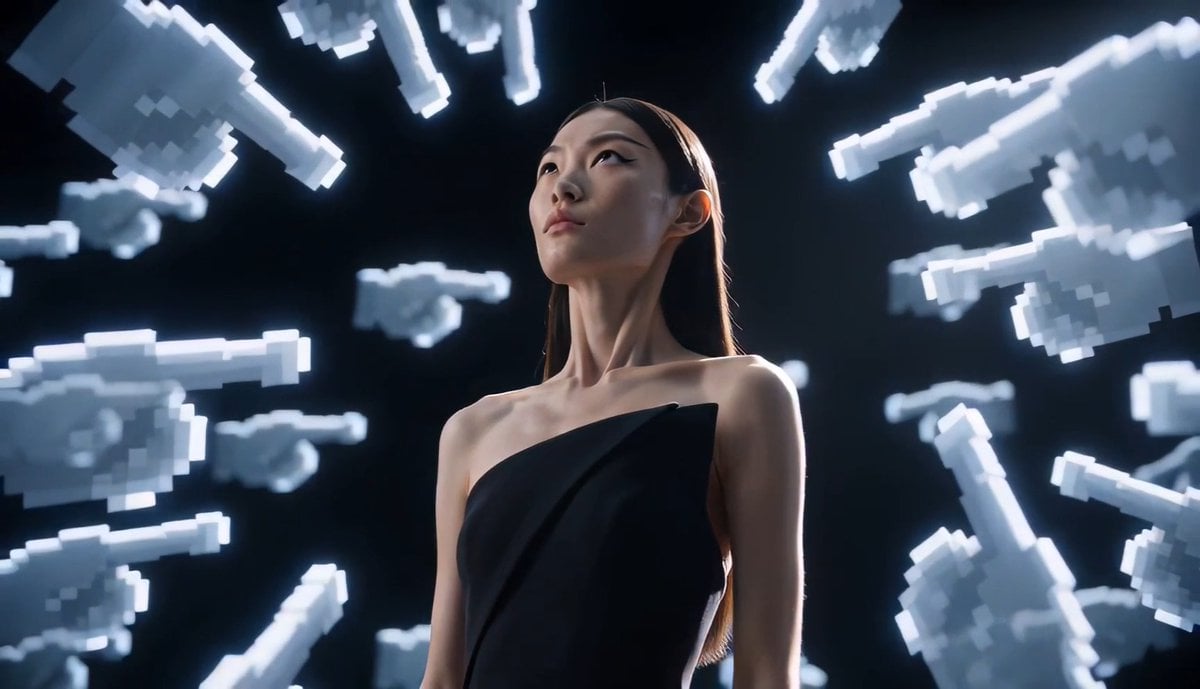
Avant-Garde Pixel Finger Portrait
Frame-Guided Crash Zoom Video
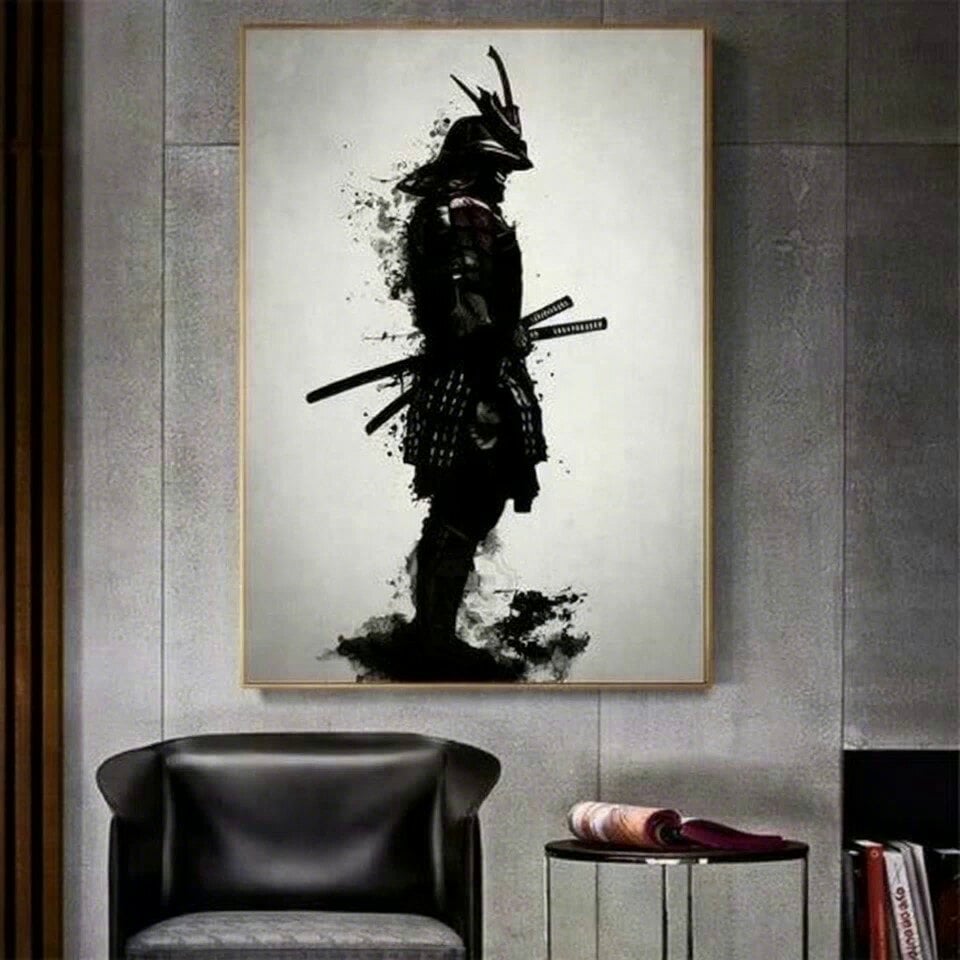
Samurai Frame Breaking Action Prompt
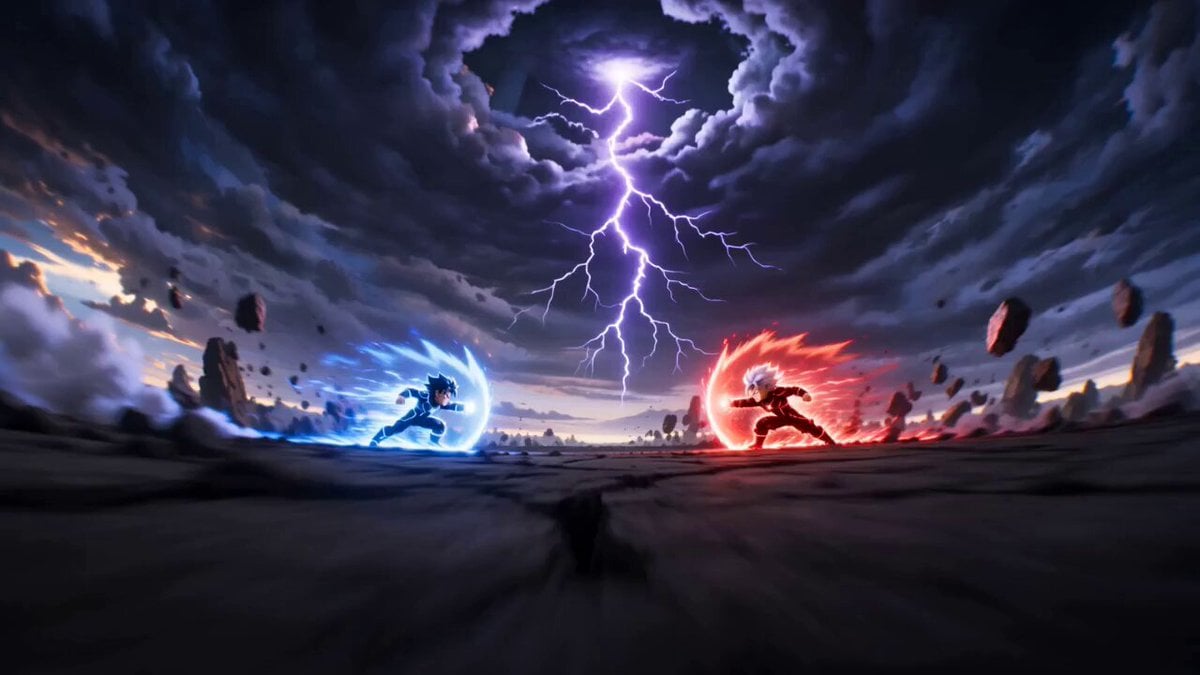
Cartoon Fight Scene Animation Frame
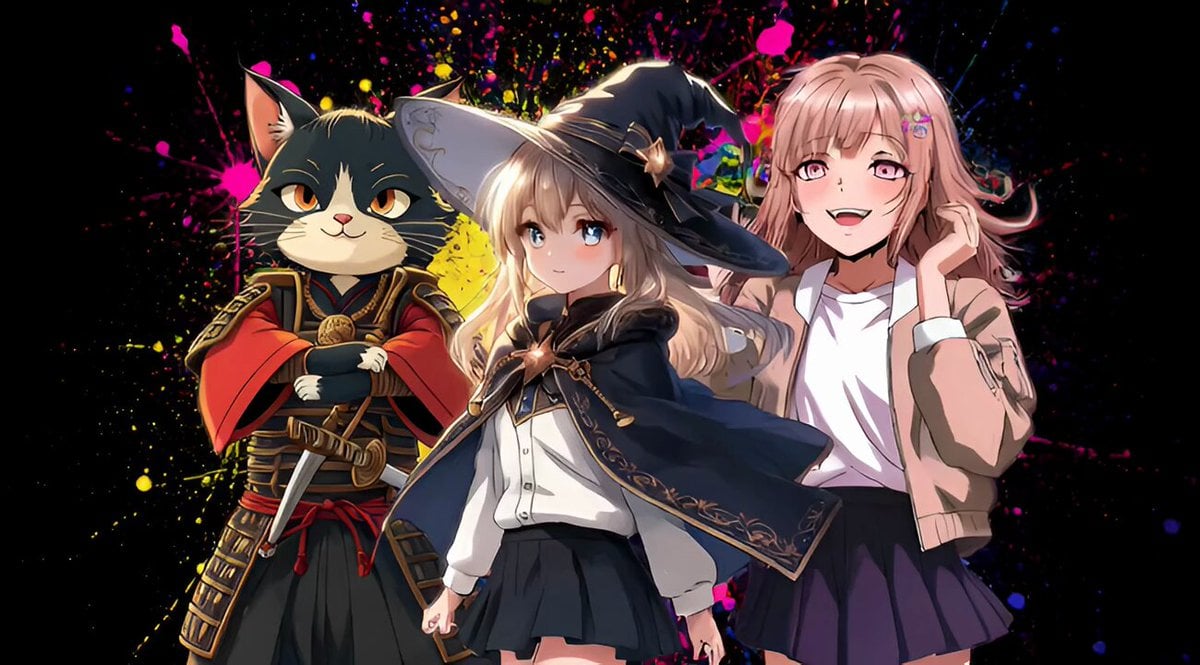
Cinematic freeze-frame snapshot video
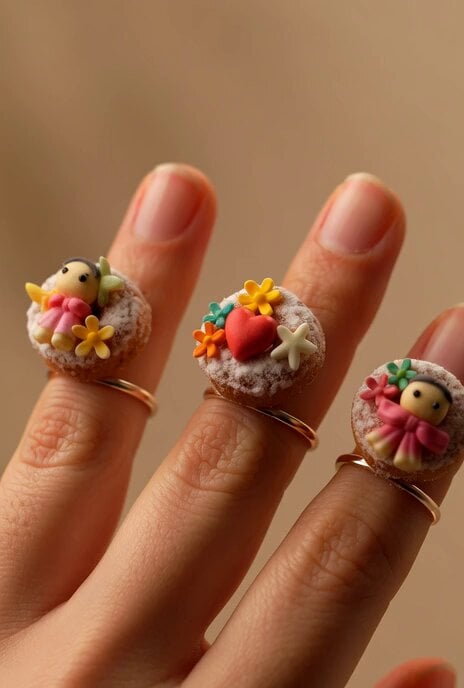
Gingerbread Finger Rings
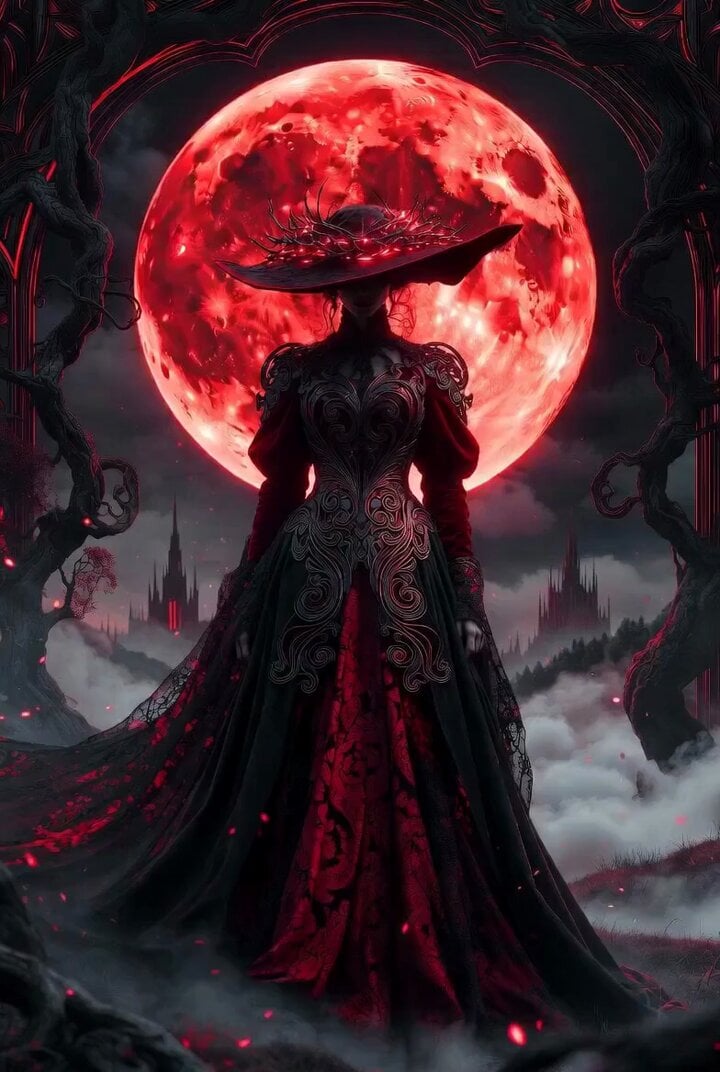
Dark Fantasy Sorceress 'Extend from Frame' Video
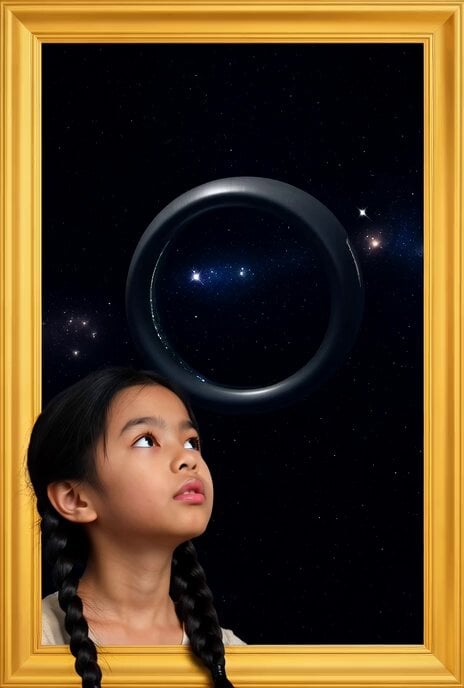
Golden Frame with Girl and Torus Space Settlement
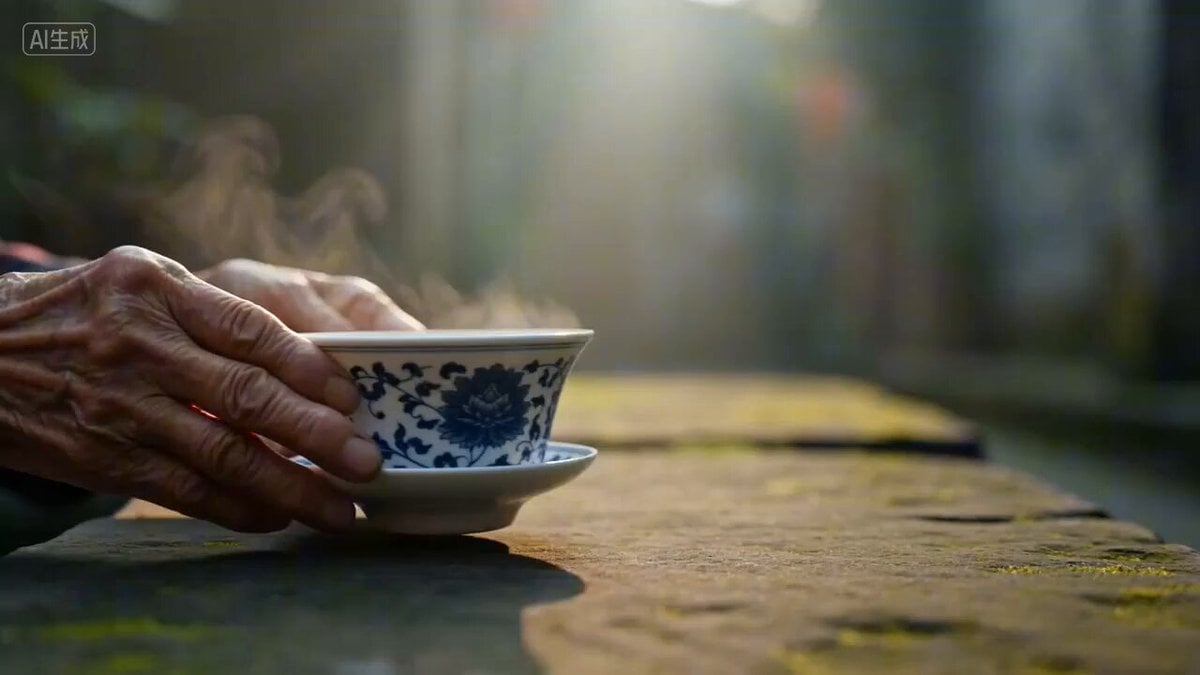
Universal Cinematic Video Script/Prompt Framework
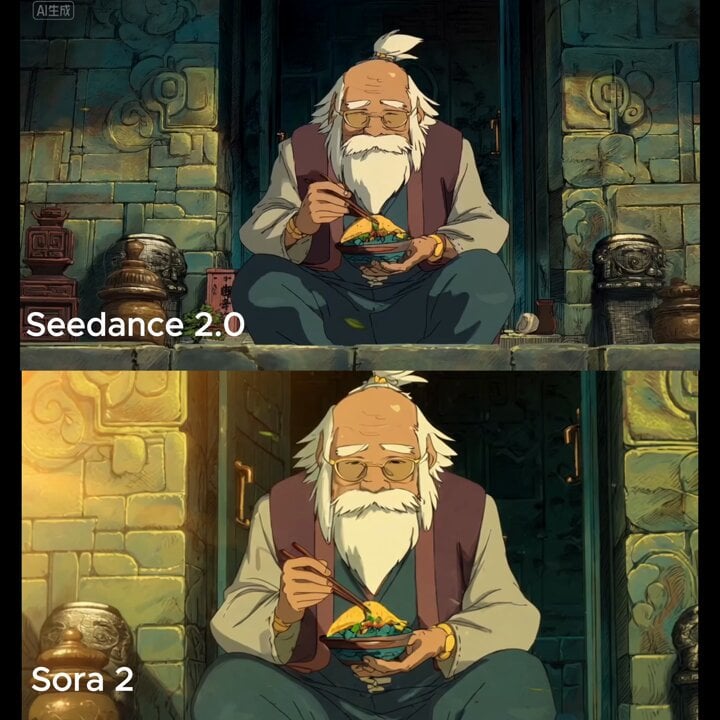
Slow cinematic push-in with leaves passing across the frame
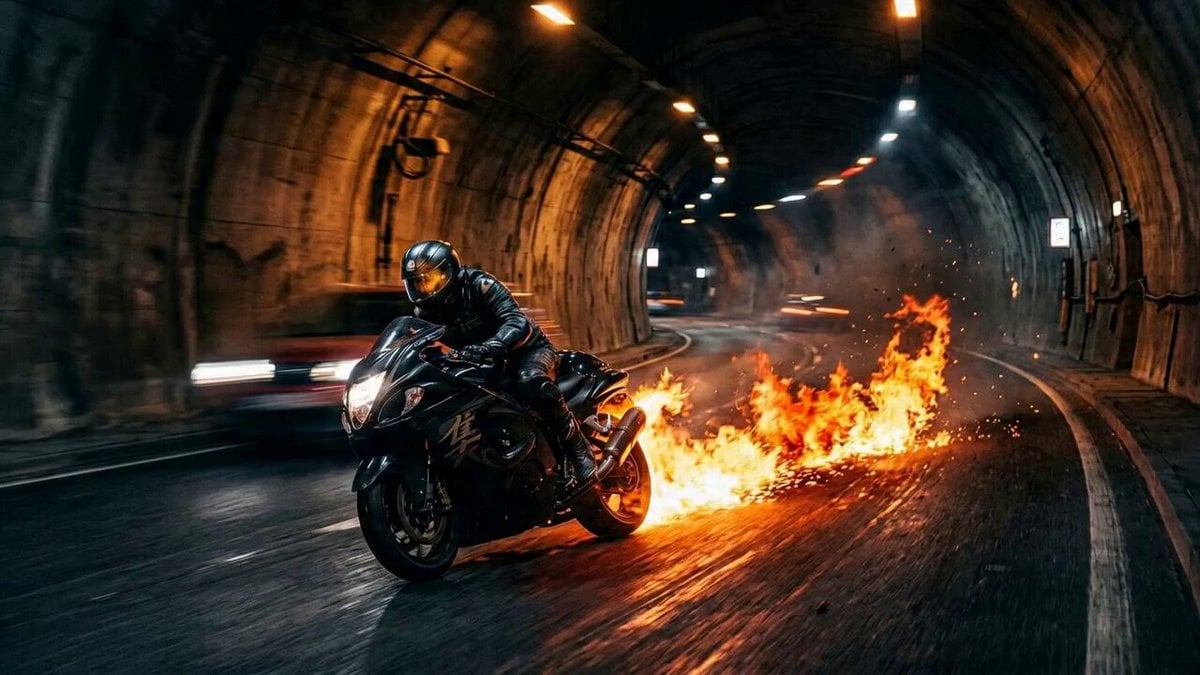
Seedance 2.0 Freeze Frame Cinematic Shot
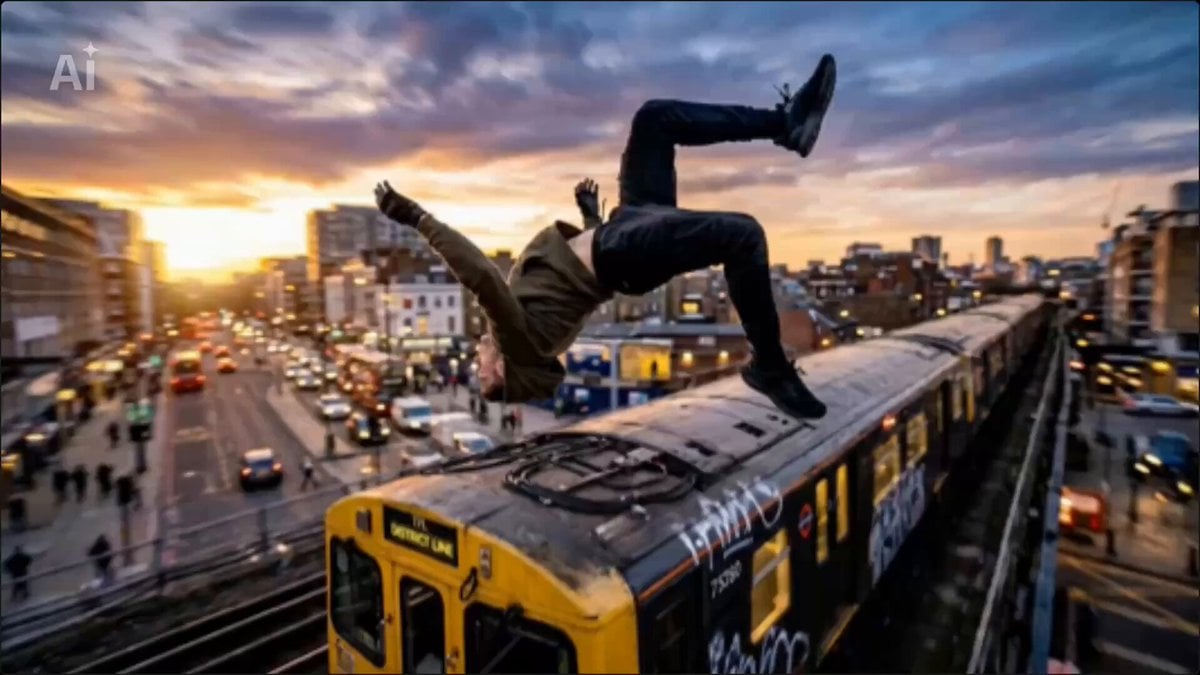
Universal Freeze-Frame Prompt
Make it yours
Finger Frame Video Effect Prompt works as-is. These are the safest ways to change it without losing the look.
Change one field
Copy a single group, rewrite it, and generate again so you can see what that field is doing.
Keep the frame, change the subject
Hold the composition and light of Finger Frame Video Effect Prompt, then swap wardrobe, props or the person for a new take.
| If the result… | Why | Fix |
|---|---|---|
| The result drifts from the preview | Too many fields changed at once. | Reuse Finger Frame Video Effect Prompt as-is first, then change one group — subject, light, or setting. |
| The model over-stylizes the scene | The prose prompt leaves finish and camera underspecified. | Add one camera or lighting sentence and stay on Seedance 2.0. |
More Seedance 2.0 templates
Other prompts made for Seedance 2.0.

Comical Martial Arts Punch Scene

Maglev Train Action Sequence

Martial Arts Fight Sequence

Wuxia Protection and Trust Script

Vintage Korean Arcade MiniDV Vlog

Mercedes 190 SL Luxury Ad

Rainy Night Supernatural Reverse Comedy Video Script

Amazon Civilization Discovery

Futuristic South Asian City Transformation

Cozy Luxury Cafe Commercial
More video prompts
Fresh picks from across the catalog.
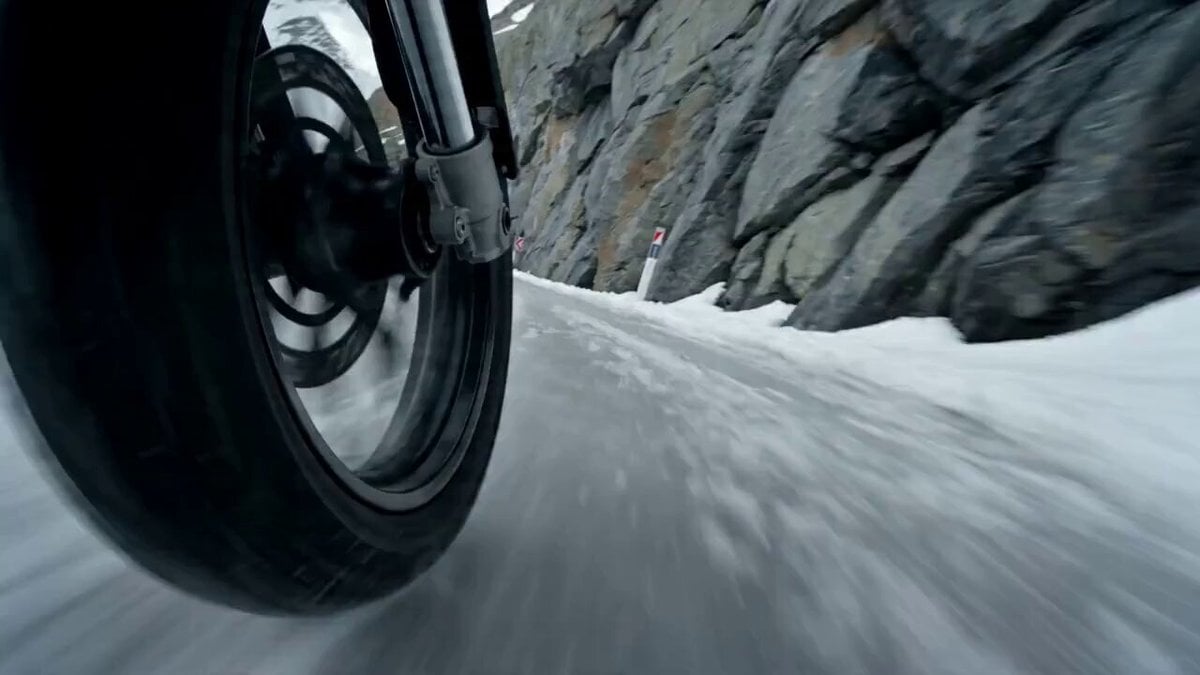
Alpine Avalanche Escape Stunt Storyboard
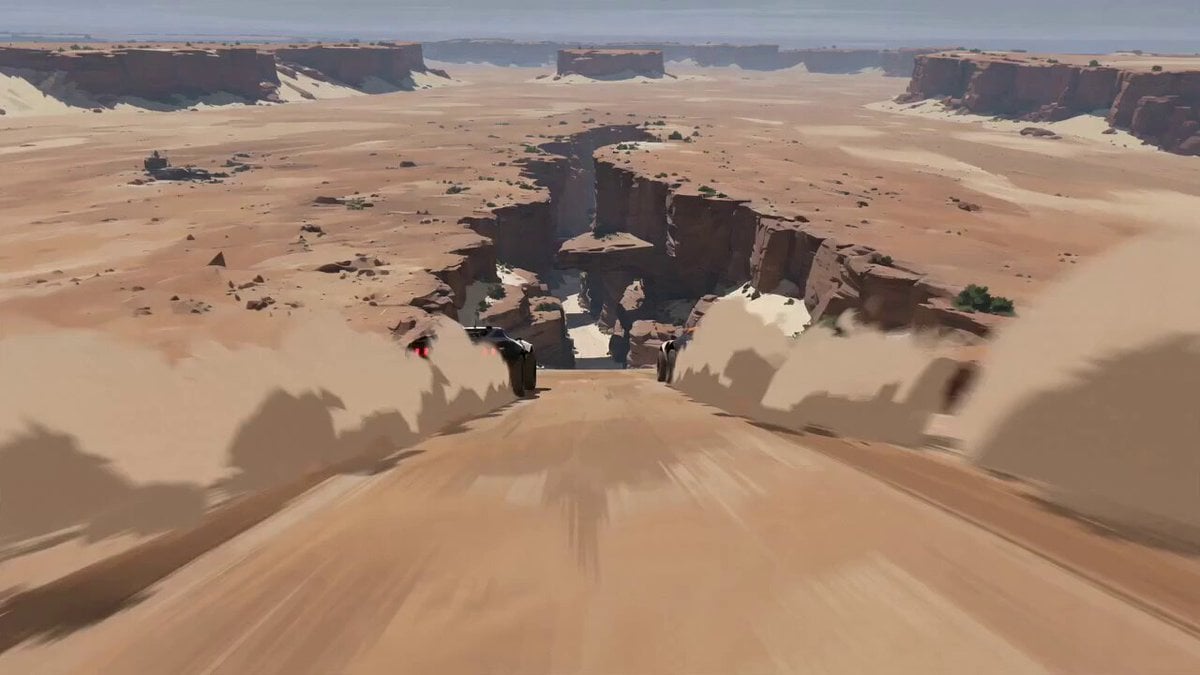
Futuristic Desert Off-Road Racing Prompt
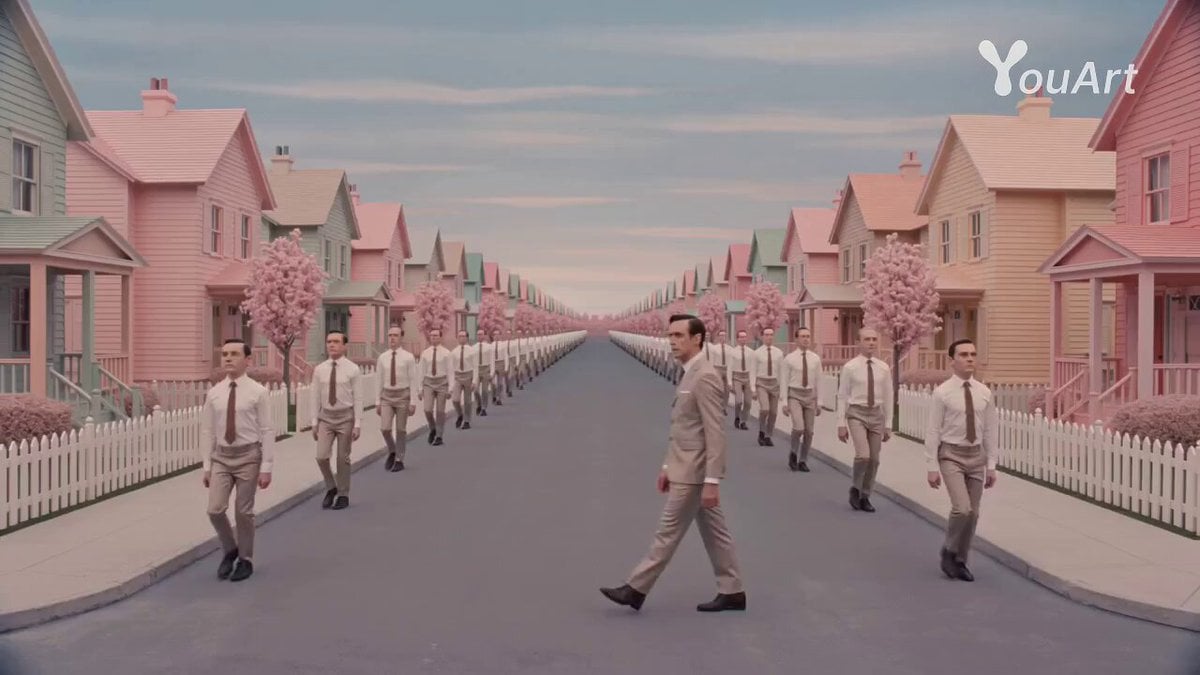
Wes Anderson Style Movie Trailer Prompt
Luxury Handbag Commercial — Hollywood VFX Ad
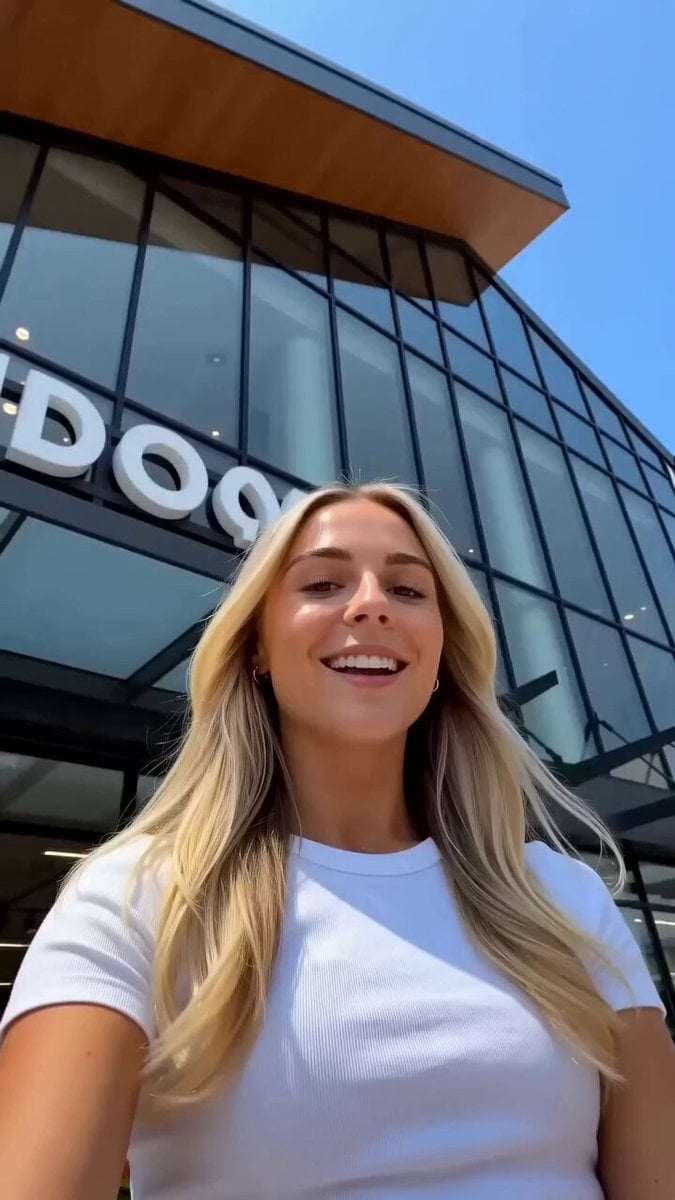
Realistic Lifestyle Supermarket Vlog

Chaotic hospital emergency room scene
Cinematic Trunk POV Scene
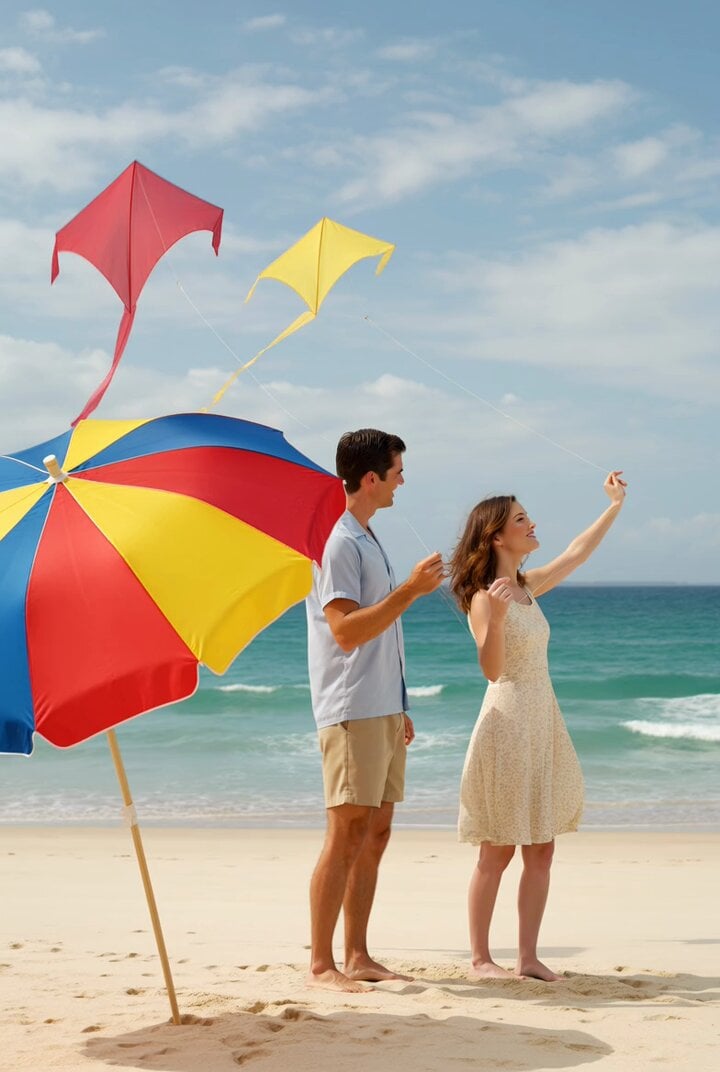
Fifties Style Beach Kites
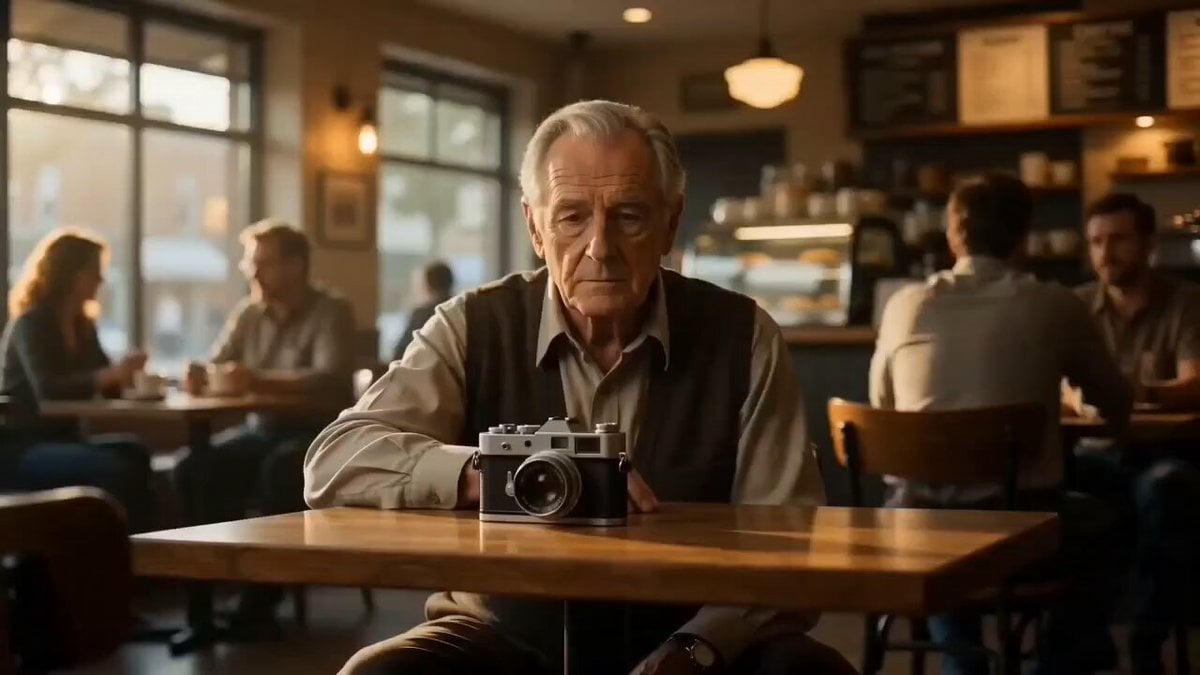
Cinematic Match Cut Flashback Sequence
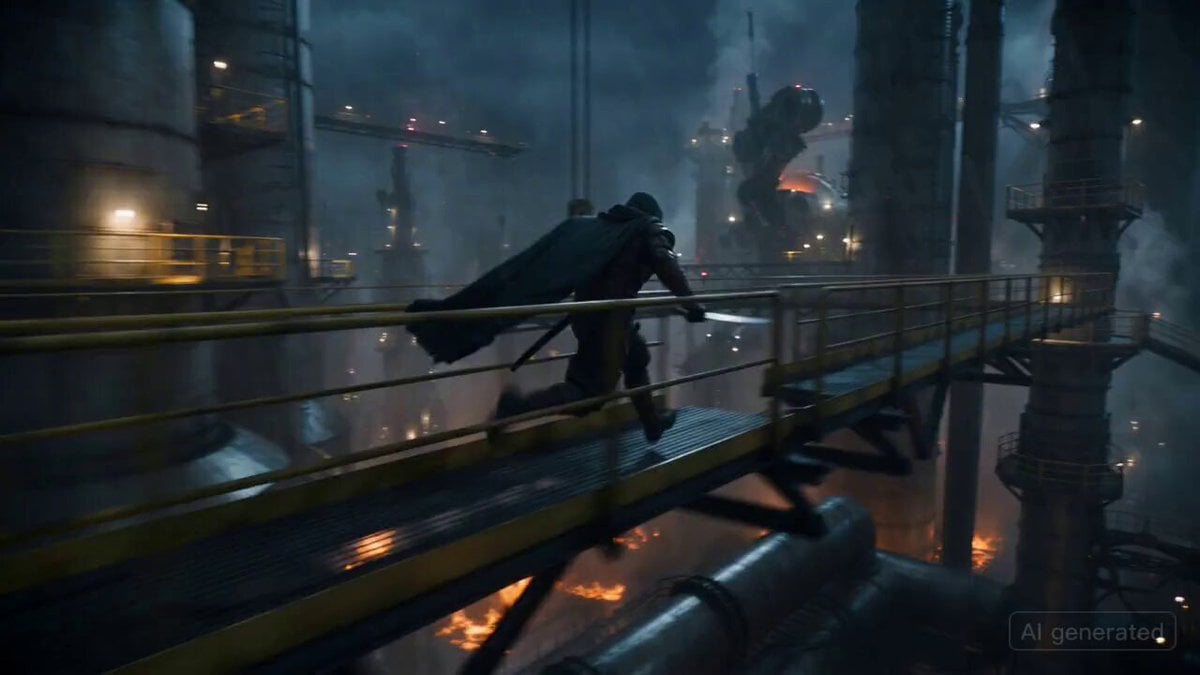
Ronin vs. Mechanical Beast Cinematic Prompt
Browse template categories
Finger Frame Video Effect Prompt questions
How do I use the Finger Frame Video Effect Prompt template?
Add your photo if the template asks for one, edit the prompt if you like — the template's model and format are already selected — and press Generate. Your version opens in PicX Studio.
Can I customize the Finger Frame Video Effect Prompt template?
Yes. You can change the subject, setting, lighting, mood, format, and available model controls before creating your video.
Is the Finger Frame Video Effect Prompt template free?
Opening and editing this template is free. Generating uses credits, shown on the Generate button when you are signed in.
Which AI model should I use?
Start with Seedance 2.0, which is the model associated with this template. You can compare another compatible model for a different finish.
Looking for something else? Browse all templates.

Your photo, any look
Thousands of ready templates for every top image and video model, from one credit balance.