How do I use the Cartoon character rhythmic movement template?
Edit the prompt in the box under the preview — the template's model and format are already selected — and press Generate. Your version appears right on this page.
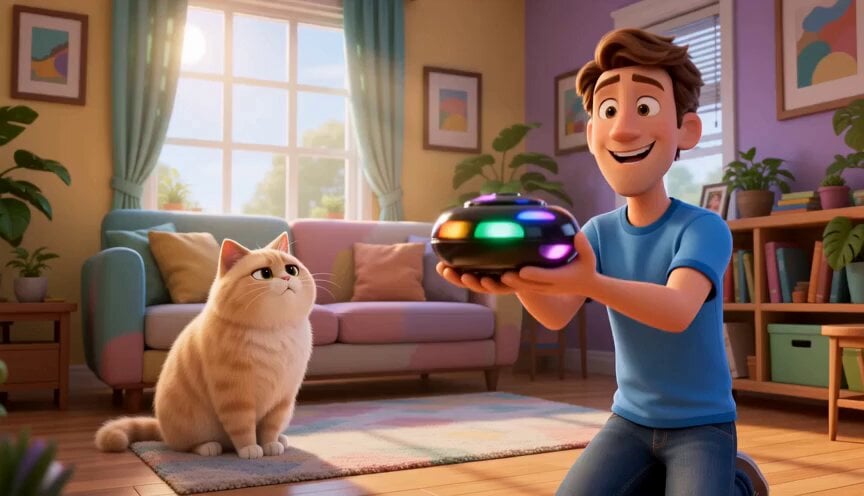
A sophisticated Japanese prompt focusing on rhythmic animation, kinetic cuts, and graphic effects for stylized characters.
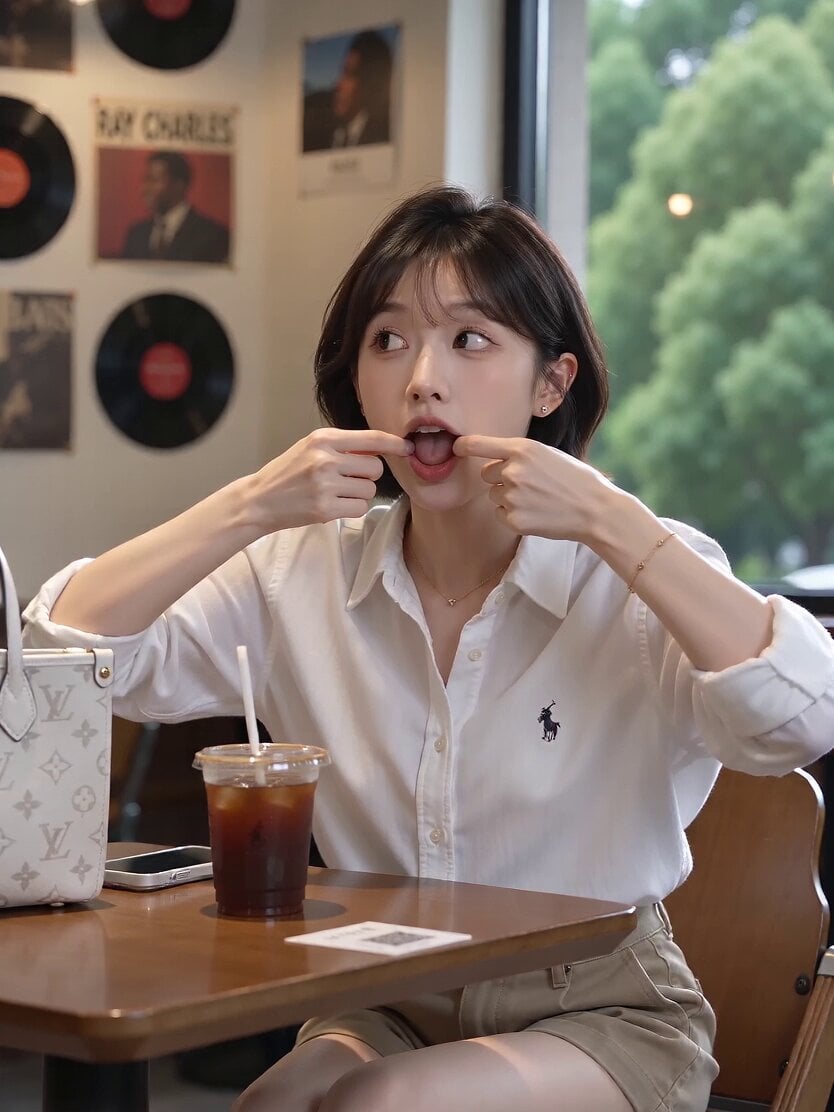
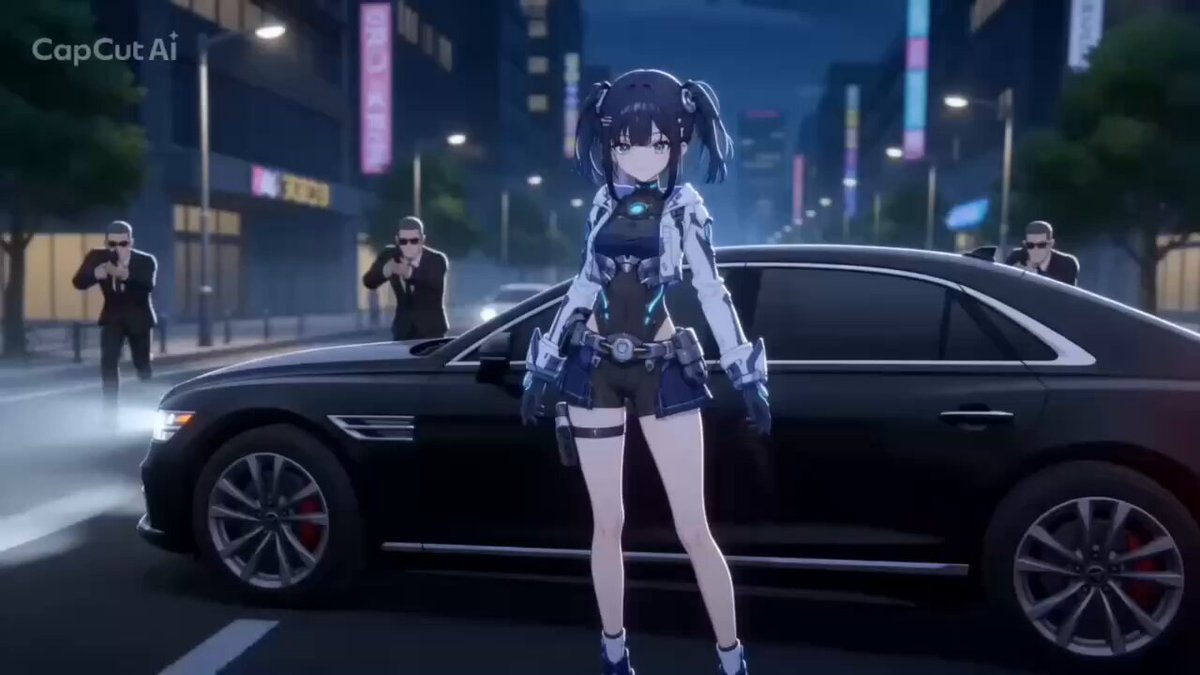
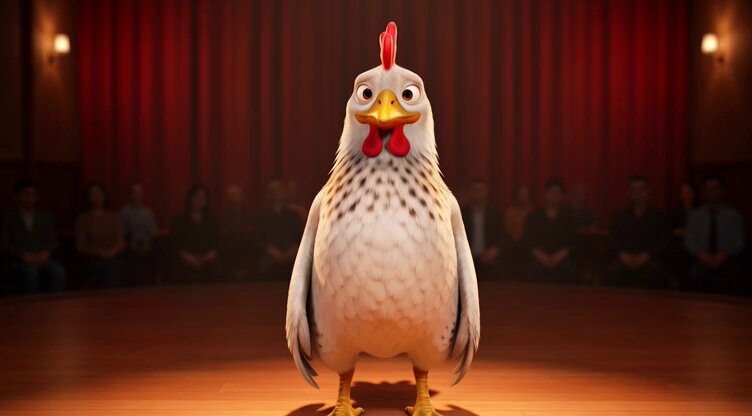
BGMなし。SEのみ。 カートゥーンアニメ調の誇張されたモーション。 動きは「ゆっくりした入りと抜き」+「中間の高速化」を強調し、ポーズ間をビュンと歪ませるように崩す。 キャラクターは左右へ大きく緩急のある高速移動を繰り返し、 「移動 → 可愛い決めポーズで静止」をリズミカルに反復する。 演出シークエンス: キャラクターは左右へ大きく緩急のある高速移動を繰り返し、 「移動 → 可愛い決めポーズで静止」をリズミカルに反復する。 顔アップ ・右上を見る → 左上を見る ・頬を赤らめ、手で口元を隠しながら意地悪にニヤリ ・マンガ的誇張表情+ジェスチャー ・高速で後方へ引き、強いパースの決めポーズ ・手をカメラに突き出すフォーショアトニング カメラ: ダイナミックかつキネティックなカット割り。強い遠近感、誇張パース、キャラ追従と急加速を組み合わせる。リズムと“拍”を視覚で体感させる。 動作設計: 肩・腰・脚を連動させ、体幹が大きくしなる。 しなやかさと爆発的な力を両立。 荒々しくも洗練され、無駄のない動き。 感情の流れ: 集中 → 加速 → 没入 → 解放 緊張と恍惚が同居する表情変化を明確に描写。 エフェクト: 攻撃や動作の軌跡にシャープなエフェクト。 衝突時に弾けるビジュアル反応。 風圧・衝撃波で髪と衣装が大きく揺れる。 「重さ」と「鋭さ」を瞬間的に両立。 スローモーション: 決定的瞬間の直前または決めのみで使用。 時間を引き延ばし、感情とインパクトを最大化。 背景: ファンシーな室内ベース、キャンバス的扱い。 レイヤー優先順位: キャラクター グラフィック模様 白背景 グラフィック要素: 円、三角形、星形、多角形、柔らかいブロブ、ドット群。 フラット塗り、シャープエッジ、不透明、高コントラスト。 配色はパステルカラー限定。 モーション連動: 図形はキャラクターの動き・ポーズに反応して動く。 視覚的エネルギーを増幅するが、顔や重要部位は遮らない。 構図設計: 全要素を自然に統合しつつ、視線は常にキャラクターへ集中。 キャラクターと背景のコントラストを強く保つ。 「私を放置とは、色んな意味でいい度胸です!」
BGMなし。SEのみ。 カートゥーンアニメ調の誇張されたモーション。 動きは「ゆっくりした入りと抜き」+「中間の高速化」を強調し、ポーズ間をビュンと歪ませるように崩す。 キャラクターは左右へ大きく緩急のある高速移動を繰り返し、 「移動 → 可愛い決めポーズで静止」をリズミカルに反復する。 演出シークエンス: キャラクターは左右へ大きく緩急のある高速移動を繰り返し、 「移動 → 可愛い決めポーズで静止」をリズミカルに反復する。 顔アップ ・右上を見る → 左上を見る ・頬を赤らめ、手で口元を隠しながら意地悪にニヤリ ・マンガ的誇張表情+ジェスチャー ・高速で後方へ引き、強いパースの決めポーズ ・手をカメラに突き出すフォーショアトニング カメラ: ダイナミックかつキネティックなカット割り。強い遠近感、誇張パース、キャラ追従と急加速を組み合わせる。リズムと“拍”を視覚で体感させる。 動作設計: 肩・腰・脚を連動させ、体幹が大きくしなる。 しなやかさと爆発的な力を両立。 荒々しくも洗練され、無駄のない動き。 感情の流れ: 集中 → 加速 → 没入 → 解放 緊張と恍惚が同居する表情変化を明確に描写。 エフェクト: 攻撃や動作の軌跡にシャープなエフェクト。 衝突時に弾けるビジュアル反応。 風圧・衝撃波で髪と衣装が大きく揺れる。 「重さ」と「鋭さ」を瞬間的に両立。 スローモーション: 決定的瞬間の直前または決めのみで使用。 時間を引き延ばし、感情とインパクトを最大化。 背景: ファンシーな室内ベース、キャンバス的扱い。 レイヤー優先順位: キャラクター グラフィック模様 白背景 グラフィック要素: 円、三角形、星形、多角形、柔らかいブロブ、ドット群。 フラット塗り、シャープエッジ、不透明、高コントラスト。 配色はパステルカラー限定。 モーション連動: 図形はキャラクターの動き・ポーズに反応して動く。 視覚的エネルギーを増幅するが、顔や重要部位は遮らない。 構図設計: 全要素を自然に統合しつつ、視線は常にキャラクターへ集中。 キャラクターと背景のコントラストを強く保つ。 「私を放置とは、色んな意味でいい度胸です!」
Edit the prompt in the box under the preview — the template's model and format are already selected — and press Generate. Your version appears right on this page.
Yes. You can change the subject, setting, lighting, mood, format, and available model controls before creating your video.
Opening and editing this template is free. Generating uses credits, shown on the Generate button when you are signed in.
Start with Seedance 2.0, which is the model associated with this template. You can compare another compatible model for a different finish.
Follow a topic to a crawlable collection of related PicX Studio templates.