How do I use the Space to Cafe Transition Shot template?
Edit the prompt in the box under the preview — the template's model and format are already selected — and press Generate. Your version appears right on this page.
A complex 15-second one-take prompt that transitions from deep space through the atmosphere and into a city, ending at a cafe with character interaction.
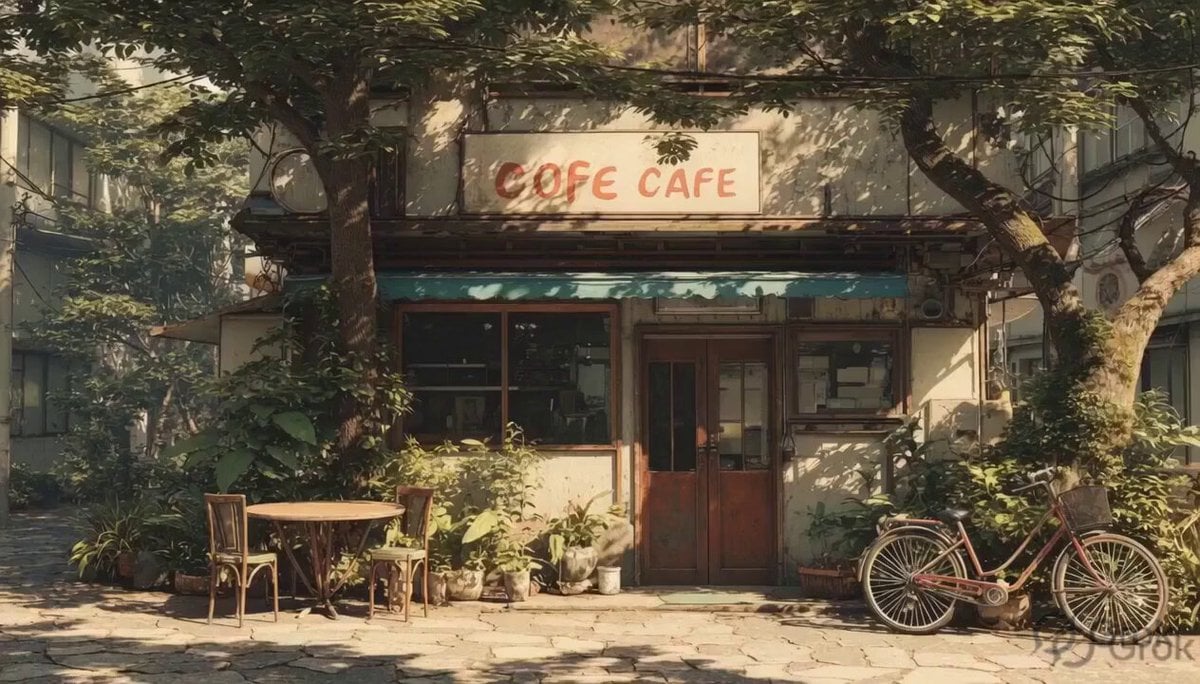
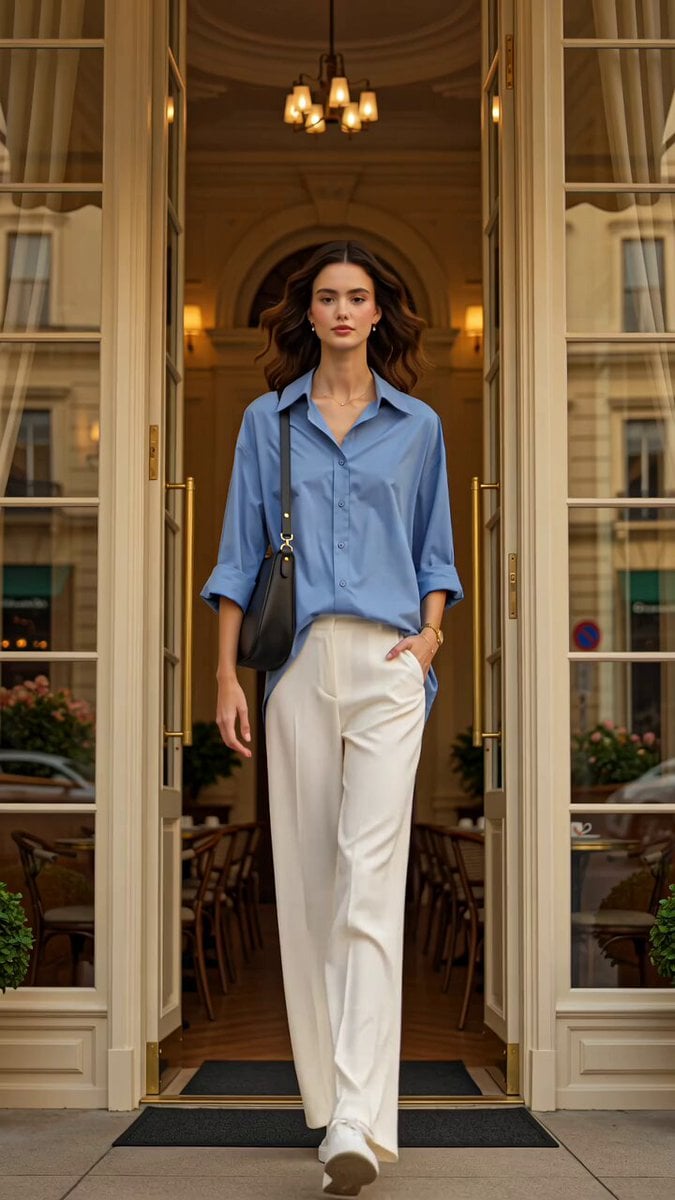
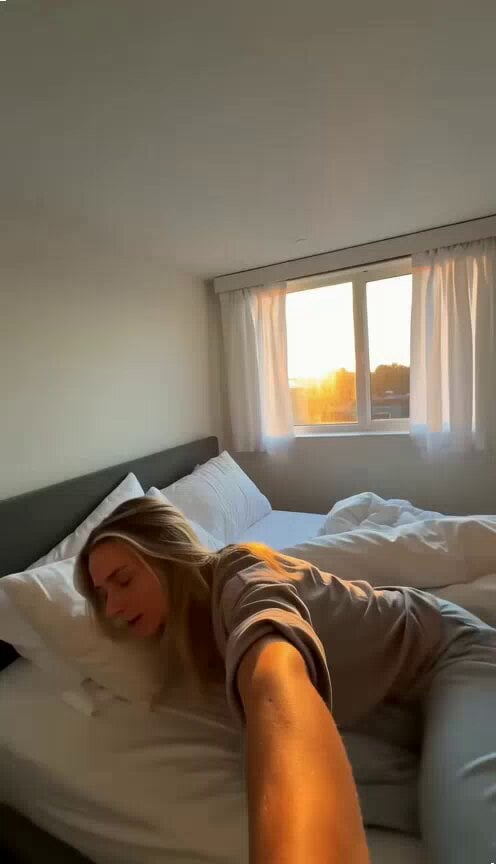
Scene: A seamless ultra-cinematic one-take shot transitioning from deep space to an intimate café moment, emphasizing scale, speed, and immersion. Subject: @img1 — a young woman at an open-air café named “YAPPER”, wearing denim shorts and a white shirt, casually eating a hamburger with a drink. Timeline (15s): 0–4s — Space to Earth: Wide shot of Earth in deep space. Camera accelerates forward; Earth grows rapidly with subtle light streaks and atmospheric glow. 4–8s — Atmosphere Entry: Camera pierces atmosphere. Clouds rush past, continents sweep below with strong motion blur and fast descent. 8–11s — City Dive: Sharp dive into a city. Skyscrapers streak past, transitioning into smooth street-level motion with realistic urban flow. 11–12s — Café Lock: Camera targets café with glowing “YAPPER” sign. Rapid but smooth deceleration, tones shift warmer. 12–15s — Final Shot: Camera settles on @img1. She casually eats, takes a bite, adjusts posture, and looks at her food—calm and unaware of the cosmic journey. Camera & Style: One continuous shot, no cuts. Speed ramp: slow → ultra-fast → smooth stop. Wide lens → natural cinematic lens. Subtle handheld realism at end. Audio: Space ambience → intense descent → city noise → soft café sounds.
Scene: A seamless ultra-cinematic one-take shot transitioning from deep space to an intimate café moment, emphasizing scale, speed, and immersion. Subject: @img1 — a young woman at an open-air café named “YAPPER”, wearing denim shorts and a white shirt, casually eating a hamburger with a drink. Timeline (15s): 0–4s — Space to Earth: Wide shot of Earth in deep space. Camera accelerates forward; Earth grows rapidly with subtle light streaks and atmospheric glow. 4–8s — Atmosphere Entry: Camera pierces atmosphere. Clouds rush past, continents sweep below with strong motion blur and fast descent. 8–11s — City Dive: Sharp dive into a city. Skyscrapers streak past, transitioning into smooth street-level motion with realistic urban flow. 11–12s — Café Lock: Camera targets café with glowing “YAPPER” sign. Rapid but smooth deceleration, tones shift warmer. 12–15s — Final Shot: Camera settles on @img1. She casually eats, takes a bite, adjusts posture, and looks at her food—calm and unaware of the cosmic journey. Camera & Style: One continuous shot, no cuts. Speed ramp: slow → ultra-fast → smooth stop. Wide lens → natural cinematic lens. Subtle handheld realism at end. Audio: Space ambience → intense descent → city noise → soft café sounds.
Edit the prompt in the box under the preview — the template's model and format are already selected — and press Generate. Your version appears right on this page.
Yes. You can change the subject, setting, lighting, mood, format, and available model controls before creating your video.
Opening and editing this template is free. Generating uses credits, shown on the Generate button when you are signed in.
Start with Seedance 2.0, which is the model associated with this template. You can compare another compatible model for a different finish.
Follow a topic to a crawlable collection of related PicX Studio templates.