How do I use the Mega Croc vs Giant Turbine Battle template?
Edit the prompt in the box under the preview — the template's model and format are already selected — and press Generate. Your version appears right on this page.
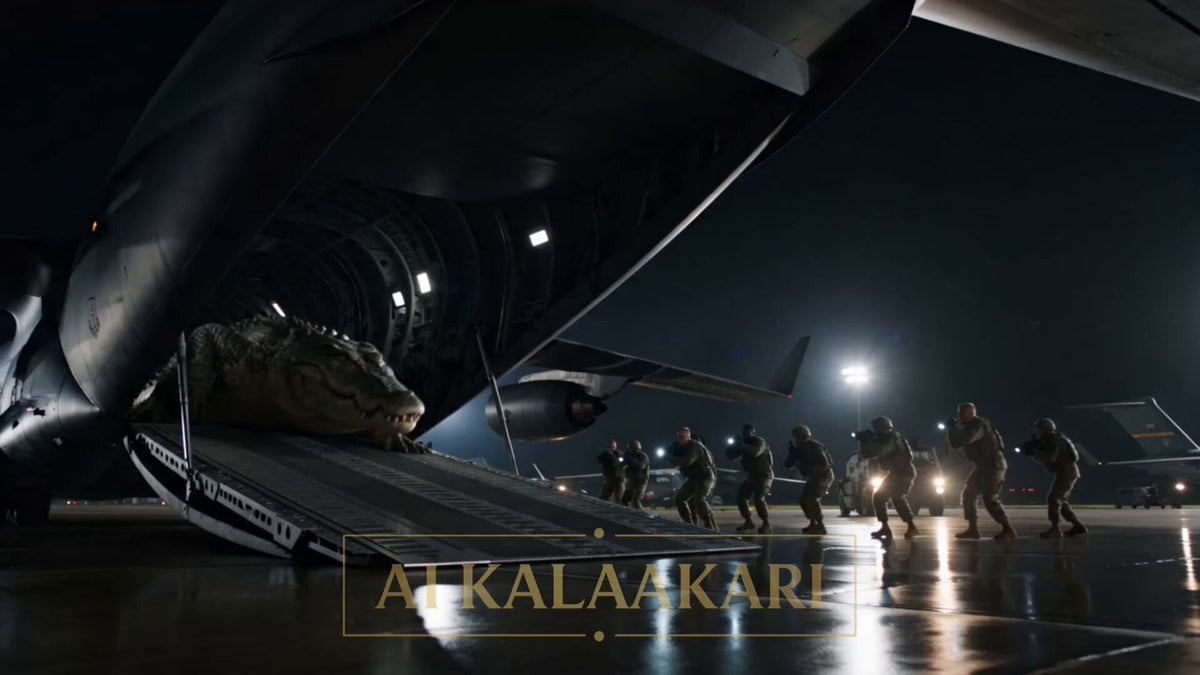
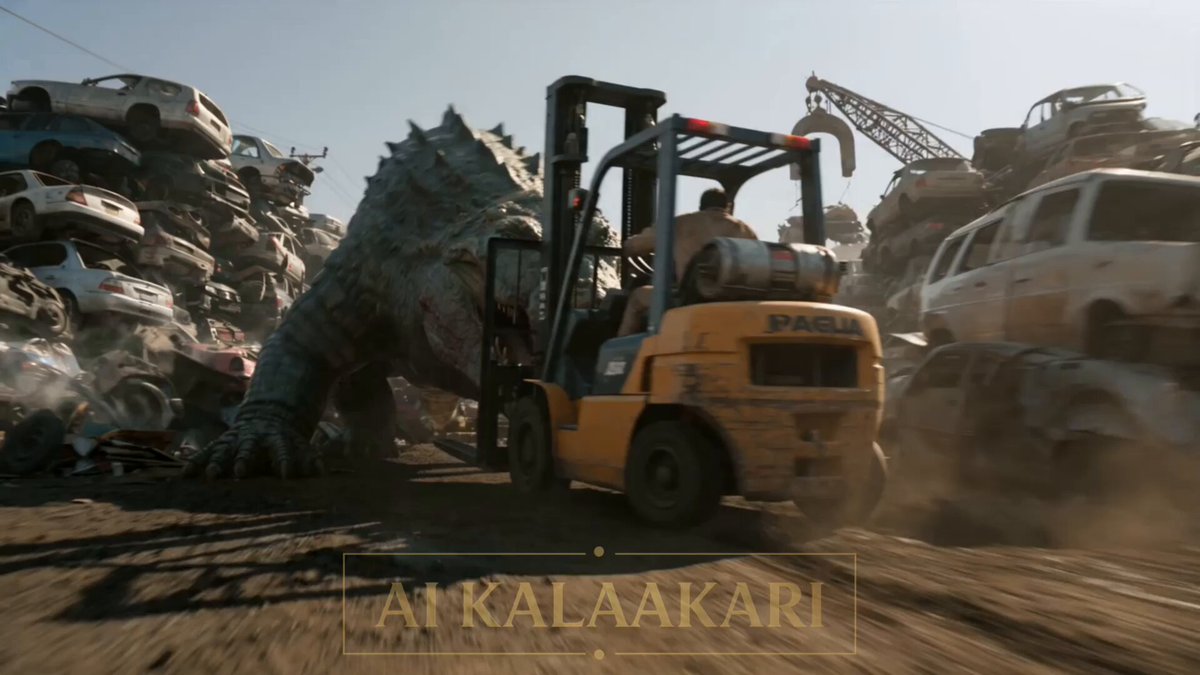
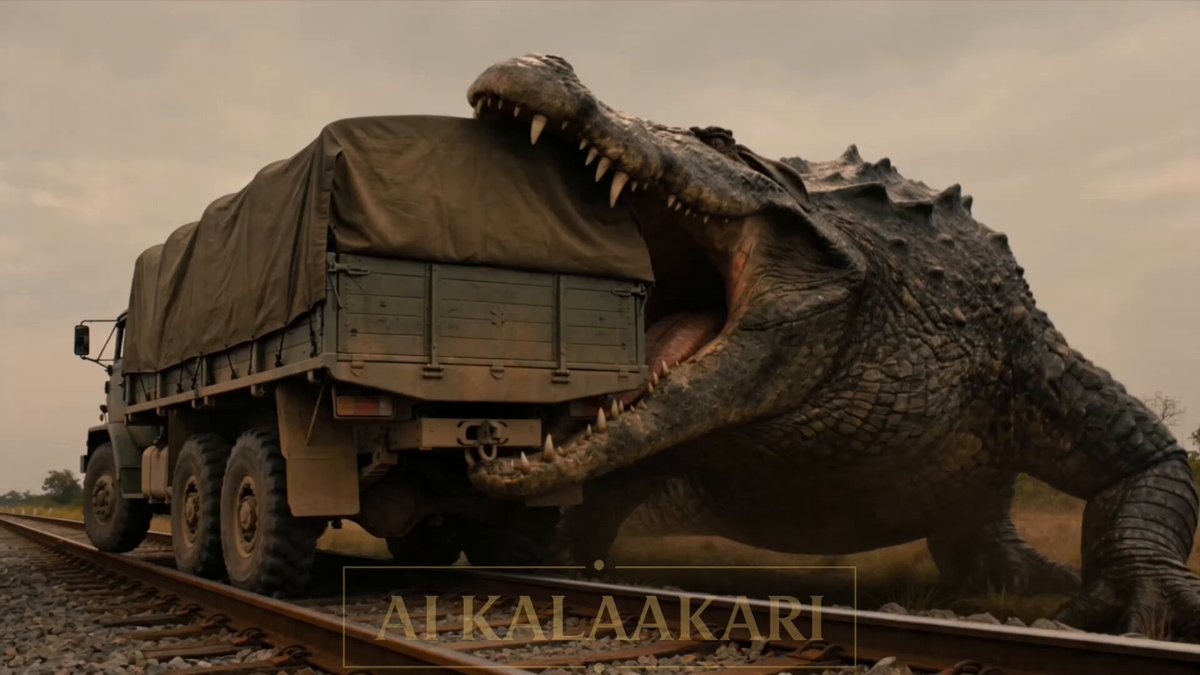
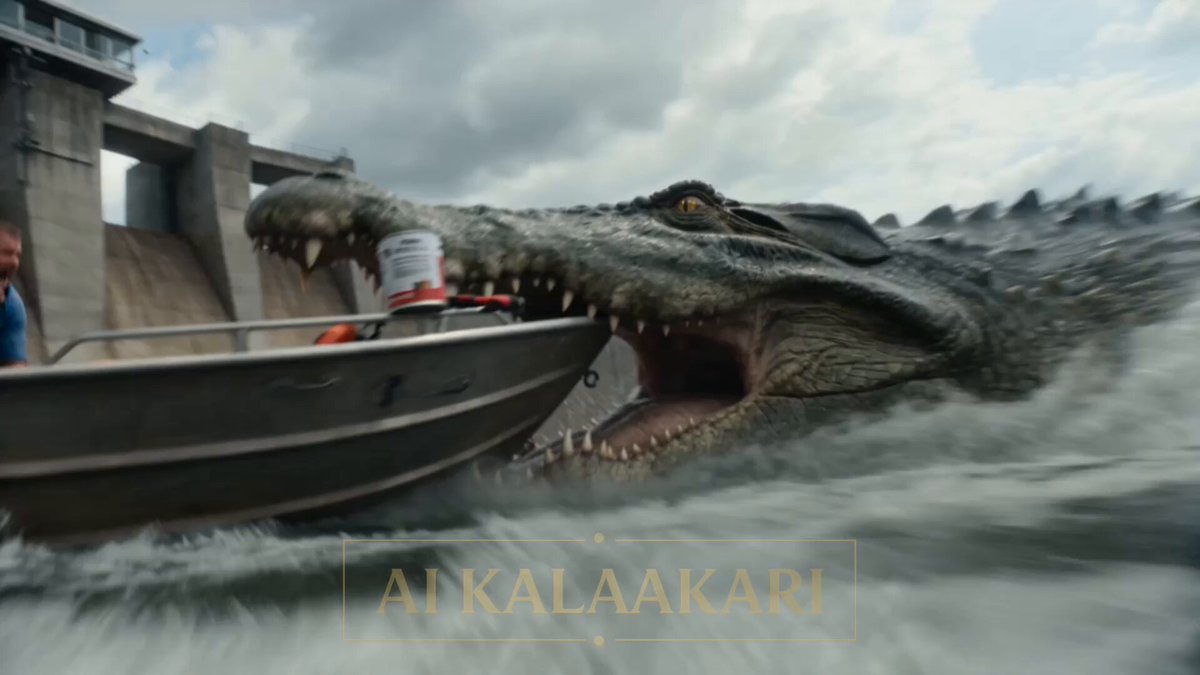
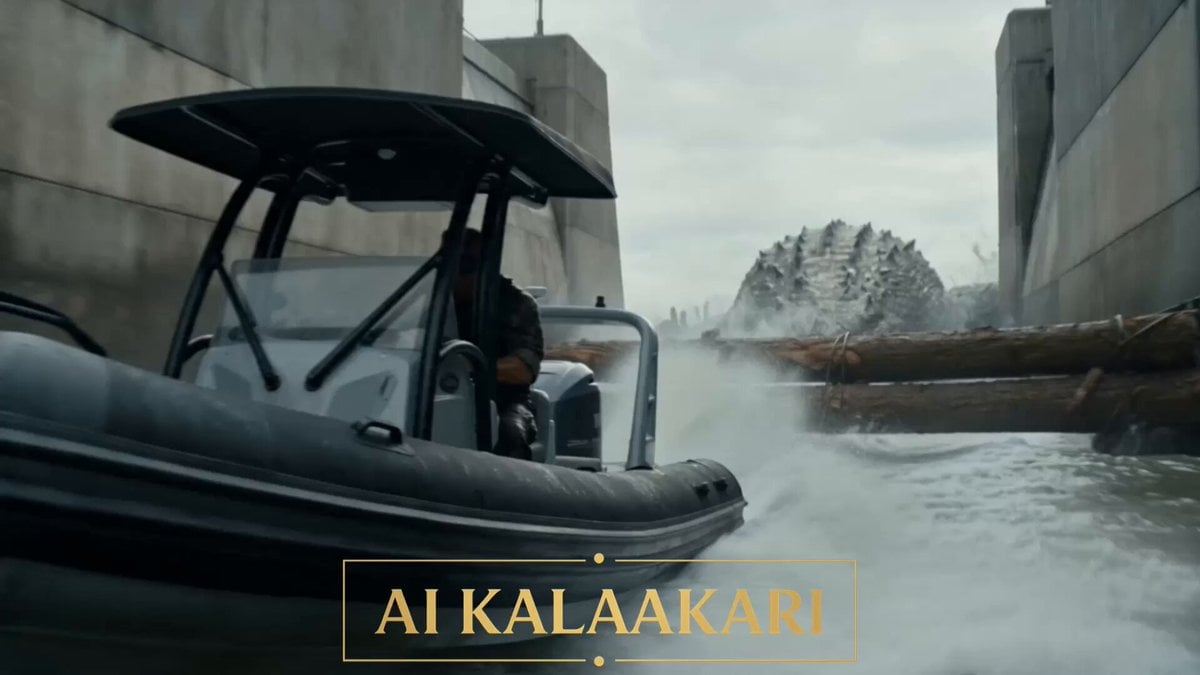
An intense, multi-shot action sequence for Seedance 2 featuring a massive crocodile attacking a wind farm construction site and a dramatic cinematic payoff.
LOCATION: A coastal wind farm construction site in bright harsh daylight, giant white turbine towers along the cliffs, a massive crawler crane mid-lift with a 70-meter turbine blade hanging from its hook, scattered containers and a fenced transformer station humming at the site's edge, sea wind whipping dust. Shot 1 (0–3s) — THE HOOK: Ground-level tracking shot through the site. A mega crocodile the size of a bus has its jaws clamped on the rear of a worker's ATV, dragging it backward across the gravel with the worker still on it, wheels spinning, gear flying. He clings to the handlebars, screaming into his radio: "IT'S GOT MY QUAD! SOMEBODY DO SOMETHING!" Shot 2 (3–6s): High shot from inside the crane cab. The crane operator, hands already on the slew levers mid-lift, the enormous white blade hanging off his hook, looks down at the croc dragging the ATV directly across his lift zone. His eyes go from the blade to the croc to the transformer station behind it. Into his radio: "GET OFF THE QUAD! ROLL LEFT! NOW!" Shot 3 (6–9s): Low handheld at ground level. The worker kicks free of the ATV and rolls hard across the gravel behind a container. The croc shakes the empty quad apart in its jaws, then rises up on its hind legs to full height, bellowing at the fleeing man — fully exposed in the open lift zone. Shot 4 (9–13s) — BULLET TIME PAYOFF: The operator slams the slew levers full over. Bullet time — the crane whips around and the 70-meter blade sweeps across the site in slow motion like a giant sword, dust curling off its edge — and scythes into the rearing croc's body, slicing through and smashing the monster off its feet, hurling it through the transformer station fence. Impact. The transformers erupt in a chain of explosions, arcs of lightning and fire ripping upward around the broken body. Shot 5 (13–15s): Time snaps back. Sparks rain across the site, the blade still swinging overhead, the worker rising from behind the container to stare at the burning, arcing wreckage.
LOCATION: A coastal wind farm construction site in bright harsh daylight, giant white turbine towers along the cliffs, a massive crawler crane mid-lift with a 70-meter turbine blade hanging from its hook, scattered containers and a fenced transformer station humming at the site's edge, sea wind whipping dust. Shot 1 (0–3s) — THE HOOK: Ground-level tracking shot through the site. A mega crocodile the size of a bus has its jaws clamped on the rear of a worker's ATV, dragging it backward across the gravel with the worker still on it, wheels spinning, gear flying. He clings to the handlebars, screaming into his radio: "IT'S GOT MY QUAD! SOMEBODY DO SOMETHING!" Shot 2 (3–6s): High shot from inside the crane cab. The crane operator, hands already on the slew levers mid-lift, the enormous white blade hanging off his hook, looks down at the croc dragging the ATV directly across his lift zone. His eyes go from the blade to the croc to the transformer station behind it. Into his radio: "GET OFF THE QUAD! ROLL LEFT! NOW!" Shot 3 (6–9s): Low handheld at ground level. The worker kicks free of the ATV and rolls hard across the gravel behind a container. The croc shakes the empty quad apart in its jaws, then rises up on its hind legs to full height, bellowing at the fleeing man — fully exposed in the open lift zone. Shot 4 (9–13s) — BULLET TIME PAYOFF: The operator slams the slew levers full over. Bullet time — the crane whips around and the 70-meter blade sweeps across the site in slow motion like a giant sword, dust curling off its edge — and scythes into the rearing croc's body, slicing through and smashing the monster off its feet, hurling it through the transformer station fence. Impact. The transformers erupt in a chain of explosions, arcs of lightning and fire ripping upward around the broken body. Shot 5 (13–15s): Time snaps back. Sparks rain across the site, the blade still swinging overhead, the worker rising from behind the container to stare at the burning, arcing wreckage.
Edit the prompt in the box under the preview — the template's model and format are already selected — and press Generate. Your version appears right on this page.
Yes. You can change the subject, setting, lighting, mood, format, and available model controls before creating your video.
Opening and editing this template is free. Generating uses credits, shown on the Generate button when you are signed in.
Start with Seedance 2.0, which is the model associated with this template. You can compare another compatible model for a different finish.
Follow a topic to a crawlable collection of related PicX Studio templates.