
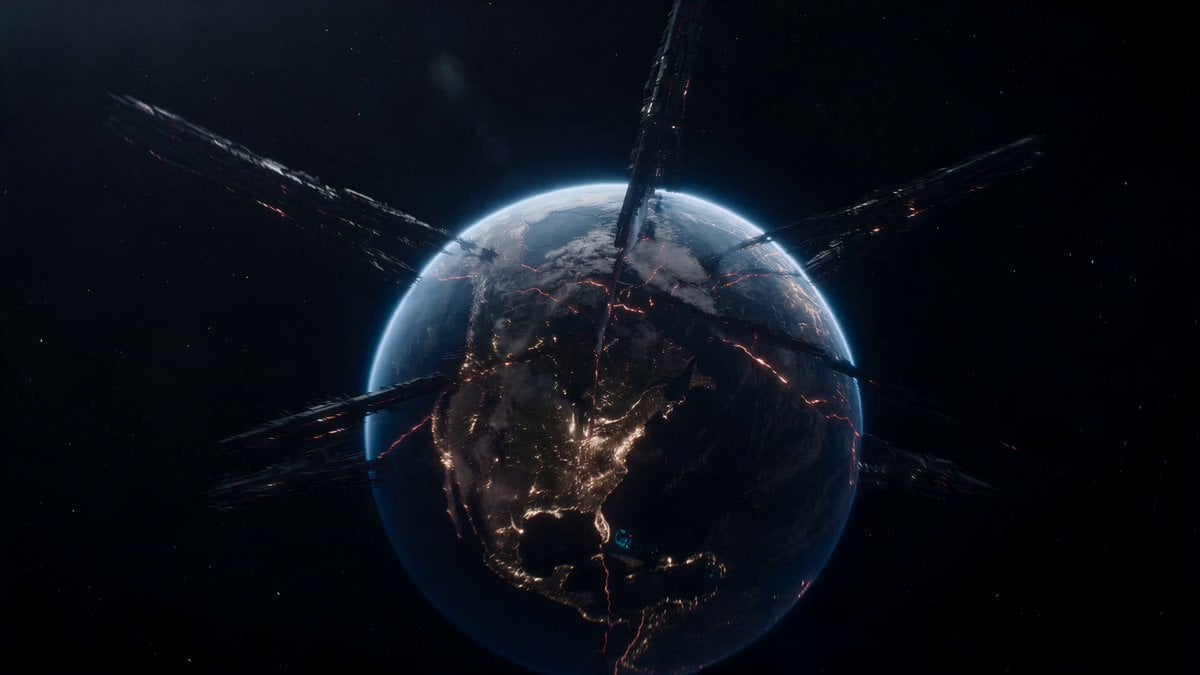
Fractured Planet Industrial Destruction
An epic sci-fi prompt where a giant industrial machine splits a planet apart as ships navigate through drifting continents.
- Prompt included
- Model and format preset
- Free template
The prompt behind this video
Copy the exact prompt behind Fractured Planet Industrial Destruction, or open it in the studio and make it yours.
The camera plunges toward a planet-sized industrial machine actively splitting an entire world apart. Vast continents drift away from each other as glowing energy fractures spread across the surface. Two high-speed craft navigate through moving tectonic slabs the size of countries while molten light pours upward into space. Entire mountain ranges drift past the lens. The craft thread through impossible gaps between separating landmasses and giant industrial mechanisms attached to the planet's crust. The signature moment comes from inside a transparent control sphere suspended over the planetary fracture. The final reveal pulls above the destruction zone to show the world opening like a flower beneath them.
How to use Fractured Planet Industrial Destruction in 3 steps
- 1Upload ImagePNG, JPG or paste
Add your photo
Upload the photo the template builds on. The prompt, model and format are already set.
- 2…a portrait of your subject in softgolden-hour light, 85mm…
Personalize
Edit the subject and creative details for your destination.
- 3Generate
Generate
Press Generate — your video is created in PicX Studio, so you can compare it with the original and refine one variable at a time.
More like this
Templates with the same subject, style or setup. Open one to see its prompt.
Asteroid Impact City Destruction
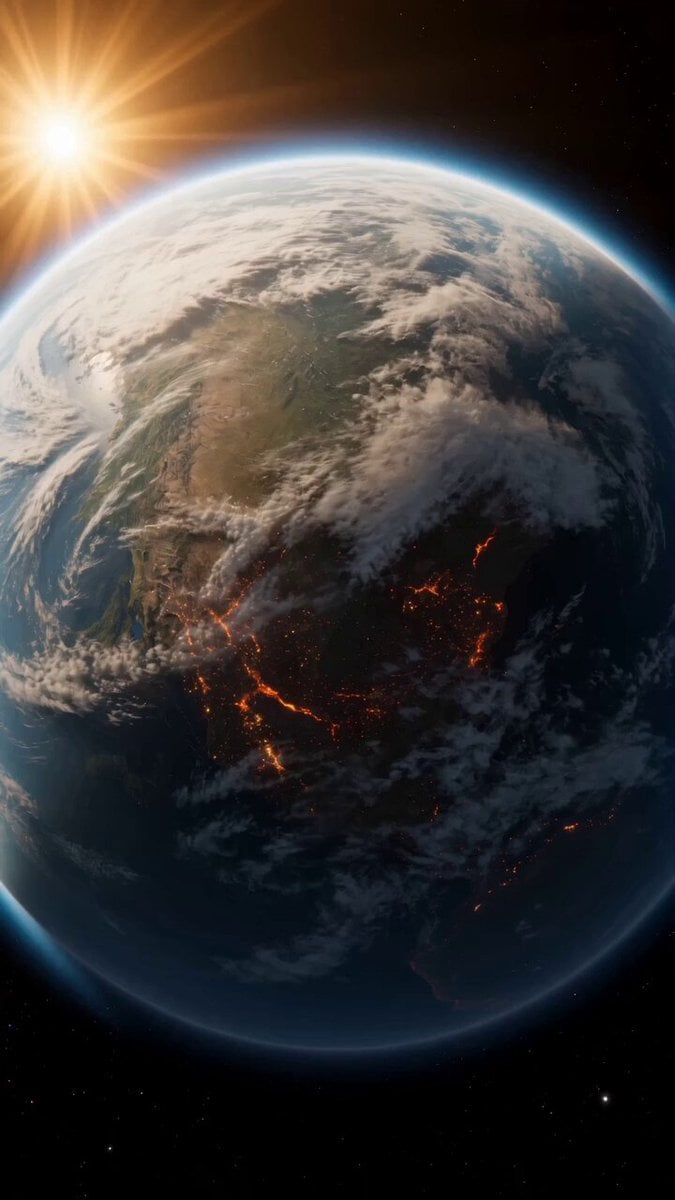
Continuous Planet Collapse Escape Sequence
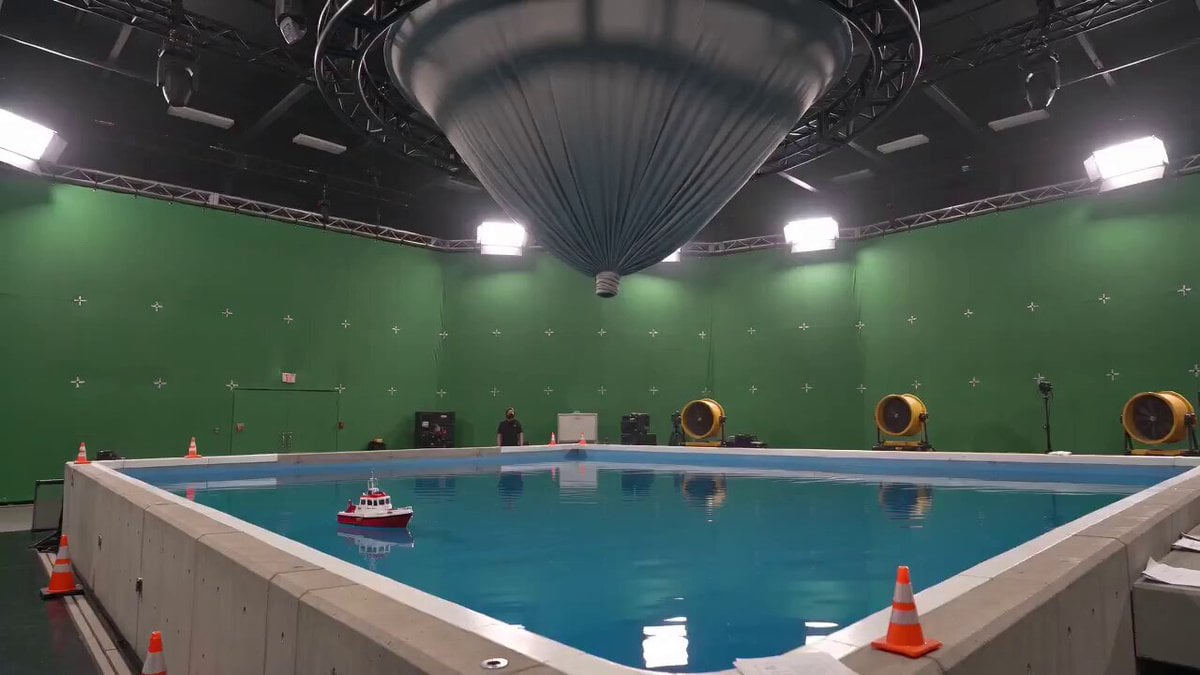
Tornado VFX Miniature City Destruction
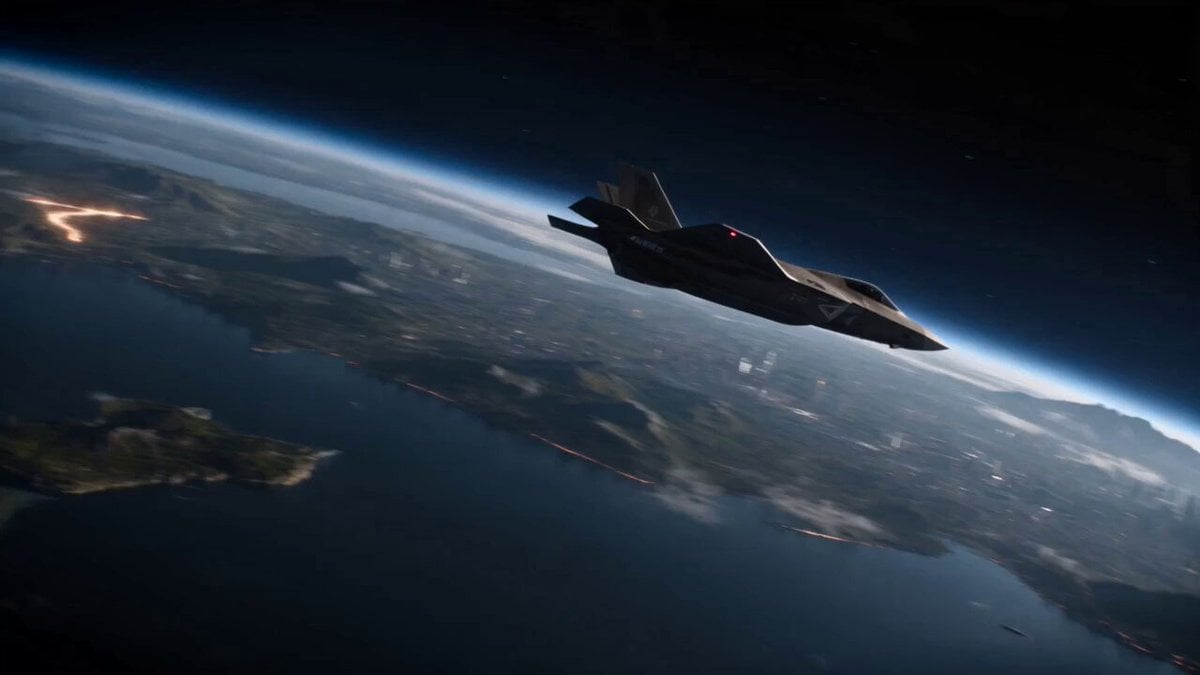
Planetary Engineering Sci-Fi Action Sequence
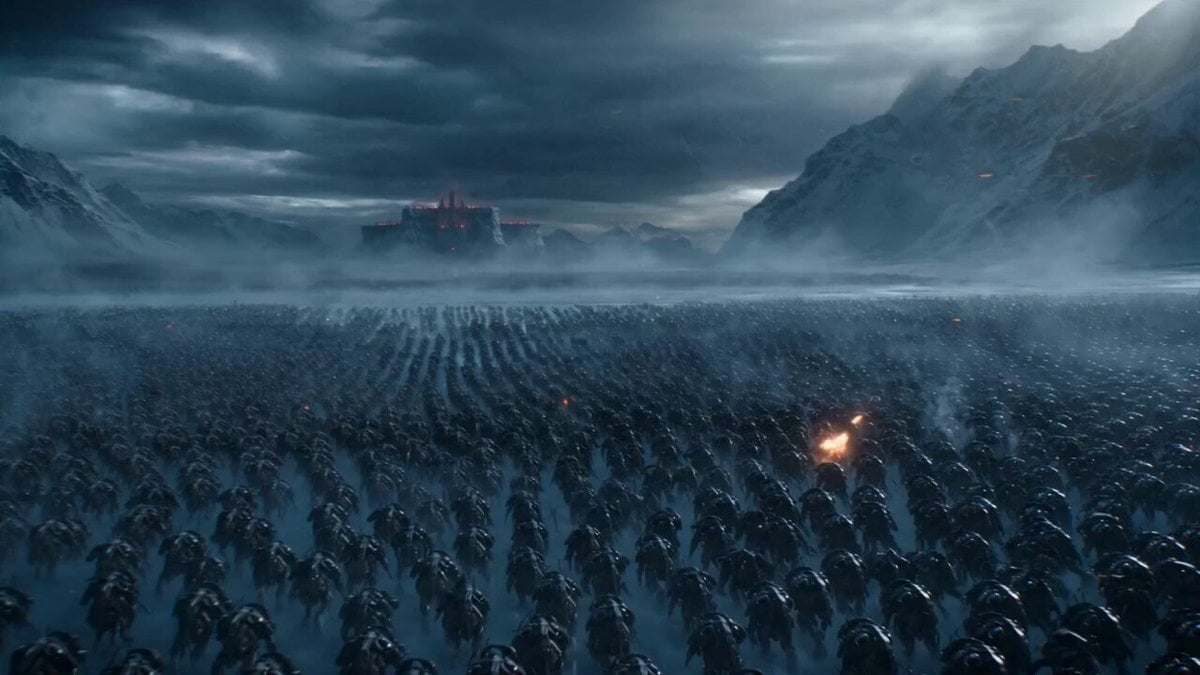
Frozen Planet Fortress Battle
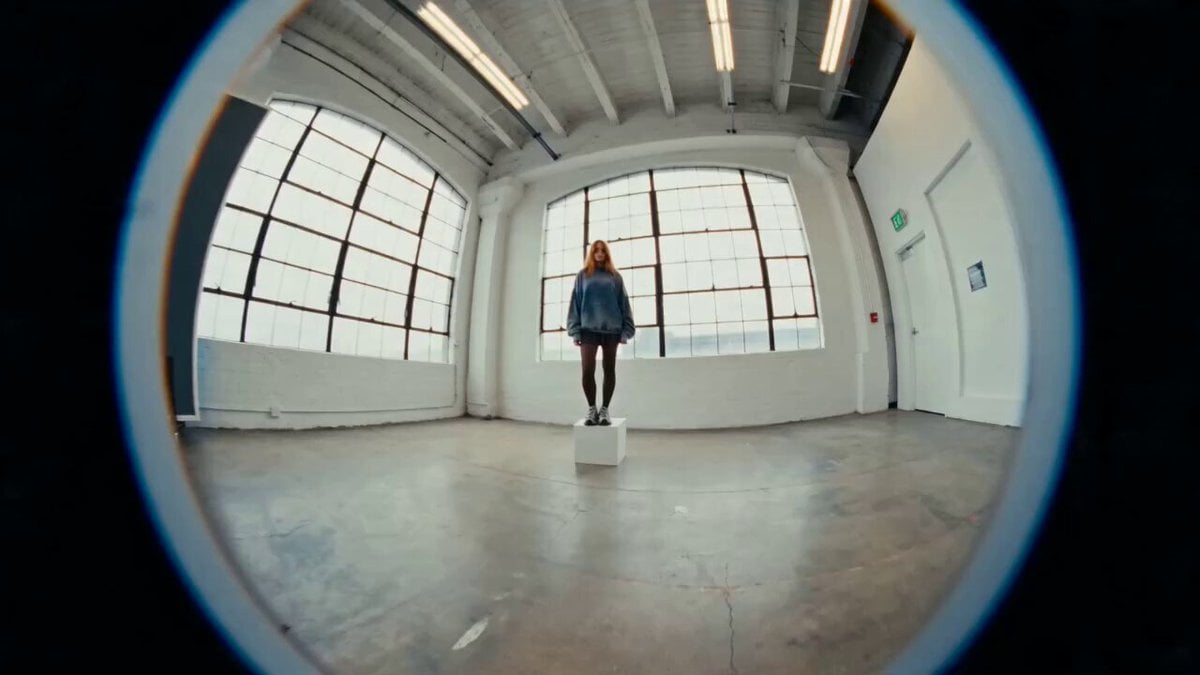
Industrial Loft Fashion Performance Film
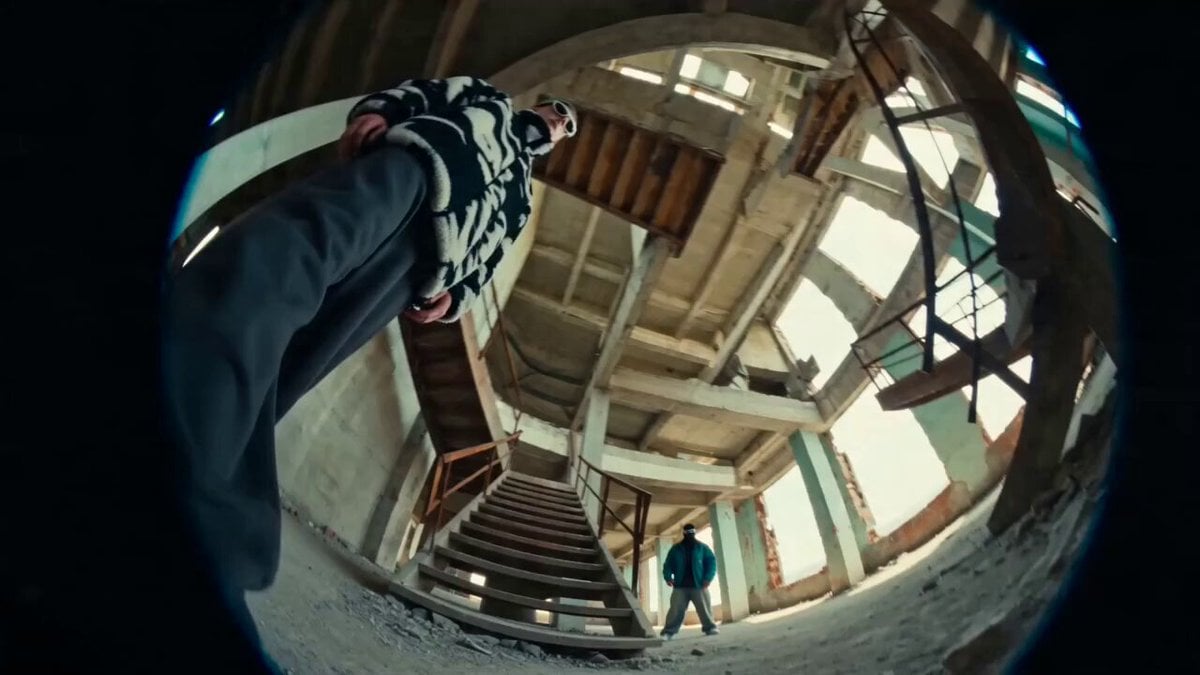
Industrial Underground Fashion Film

High Fashion Industrial Warehouse Scene

Spaceship Landing on Alien Planet
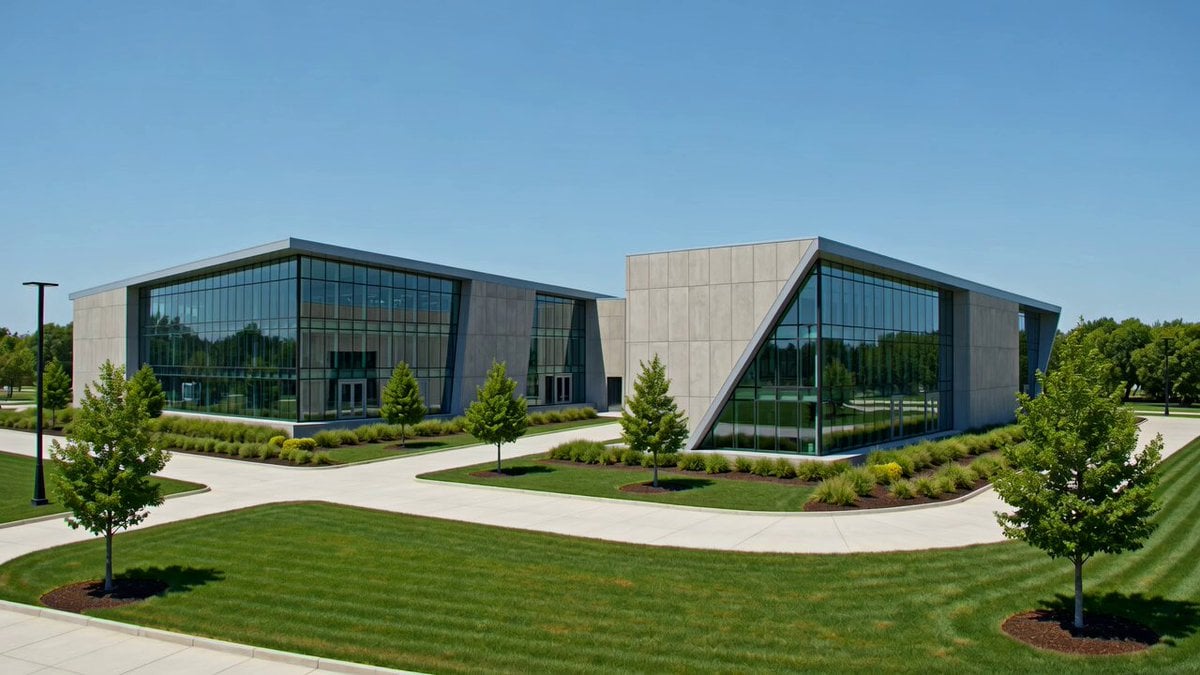
Industrial Park Reception Walkthrough

Giant Seahorse City Destruction — Flova AI
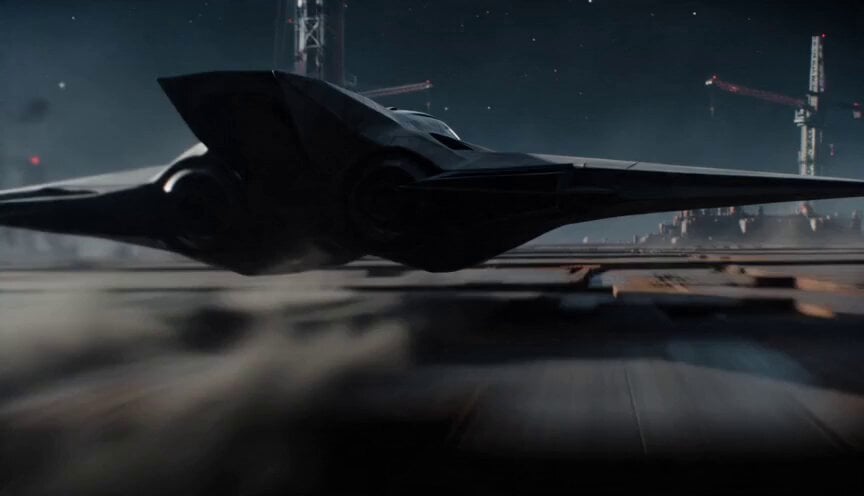
Sci-Fi Interceptor Planet Engine Race
Make it yours
Fractured Planet Industrial Destruction works as-is. These are the safest ways to change it without losing the look.
Change one field
Copy a single group, rewrite it, and generate again so you can see what that field is doing.
Keep the frame, change the subject
Hold the composition and light of Fractured Planet Industrial Destruction, then swap wardrobe, props or the person for a new take.
| If the result… | Why | Fix |
|---|---|---|
| The result drifts from the preview | Too many fields changed at once. | Reuse Fractured Planet Industrial Destruction as-is first, then change one group — subject, light, or setting. |
| The model over-stylizes the scene | The prose prompt leaves finish and camera underspecified. | Add one camera or lighting sentence and stay on Seedance 2.0. |
More Seedance 2.0 templates
Other prompts made for Seedance 2.0.

Comical Martial Arts Punch Scene

Maglev Train Action Sequence

Martial Arts Fight Sequence

Wuxia Protection and Trust Script

Vintage Korean Arcade MiniDV Vlog

Mercedes 190 SL Luxury Ad

Rainy Night Supernatural Reverse Comedy Video Script

Amazon Civilization Discovery

Futuristic South Asian City Transformation

Cozy Luxury Cafe Commercial
More video prompts
Fresh picks from across the catalog.
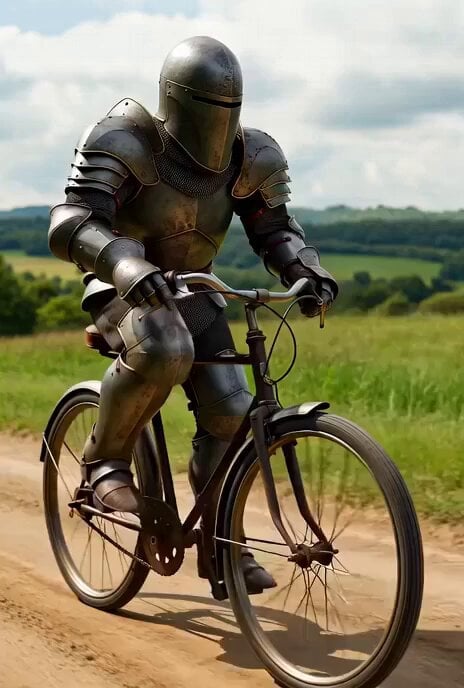
Live-action medieval knight on bicycle video prompt
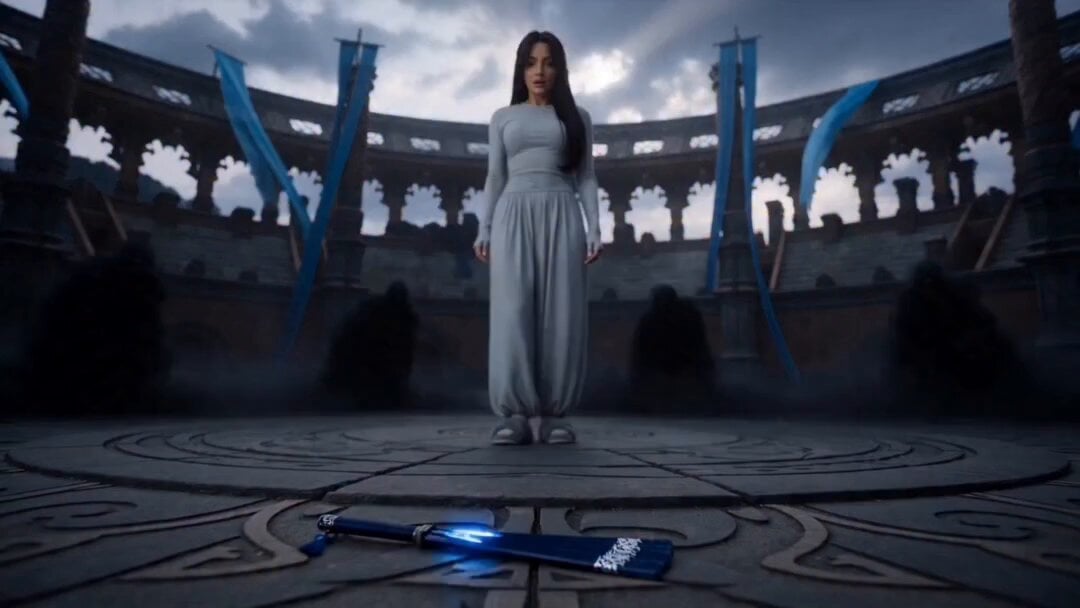
Blue Warrior Magical Transformation
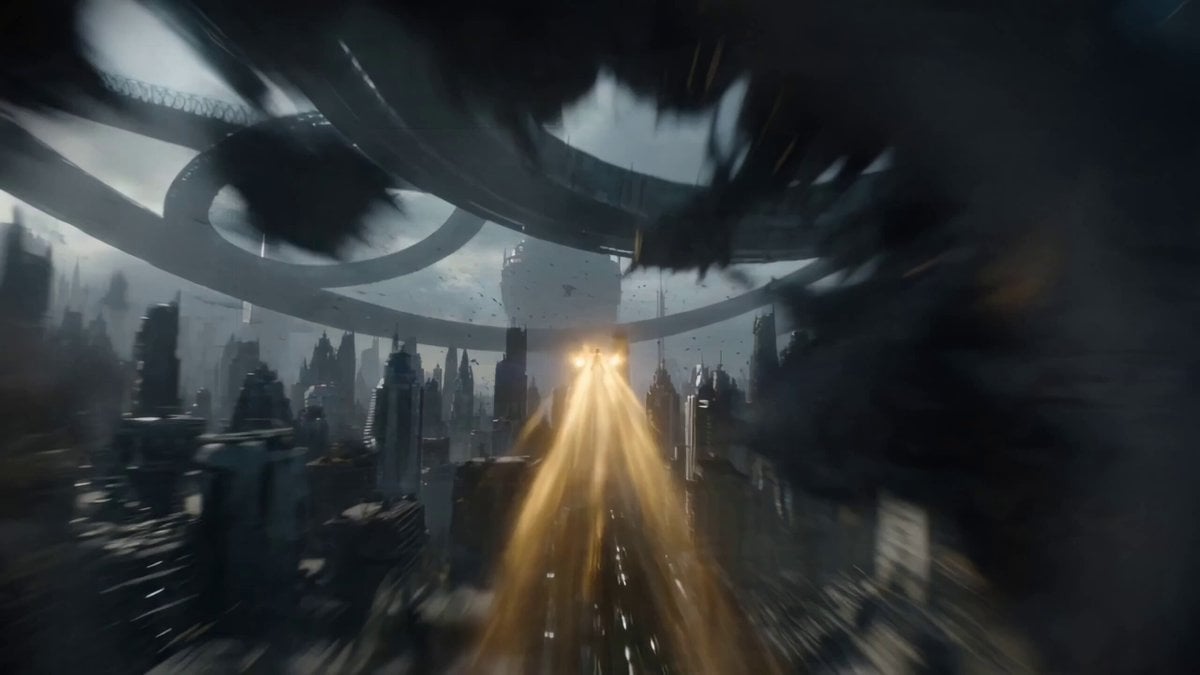
One-Shot Continuous Fall Through Four Layers of Reality

Pickle Monologue and Walk

Hyper-Realistic Heterochromia Portrait
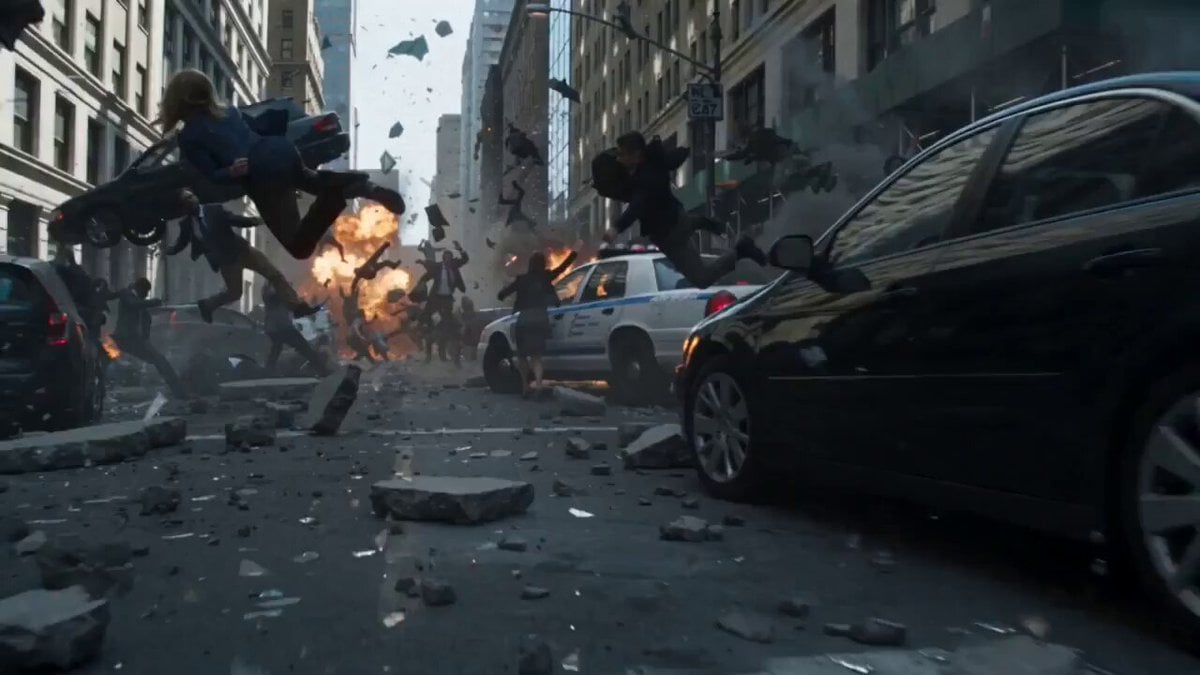
Frozen Chaos Time-Stop Scene
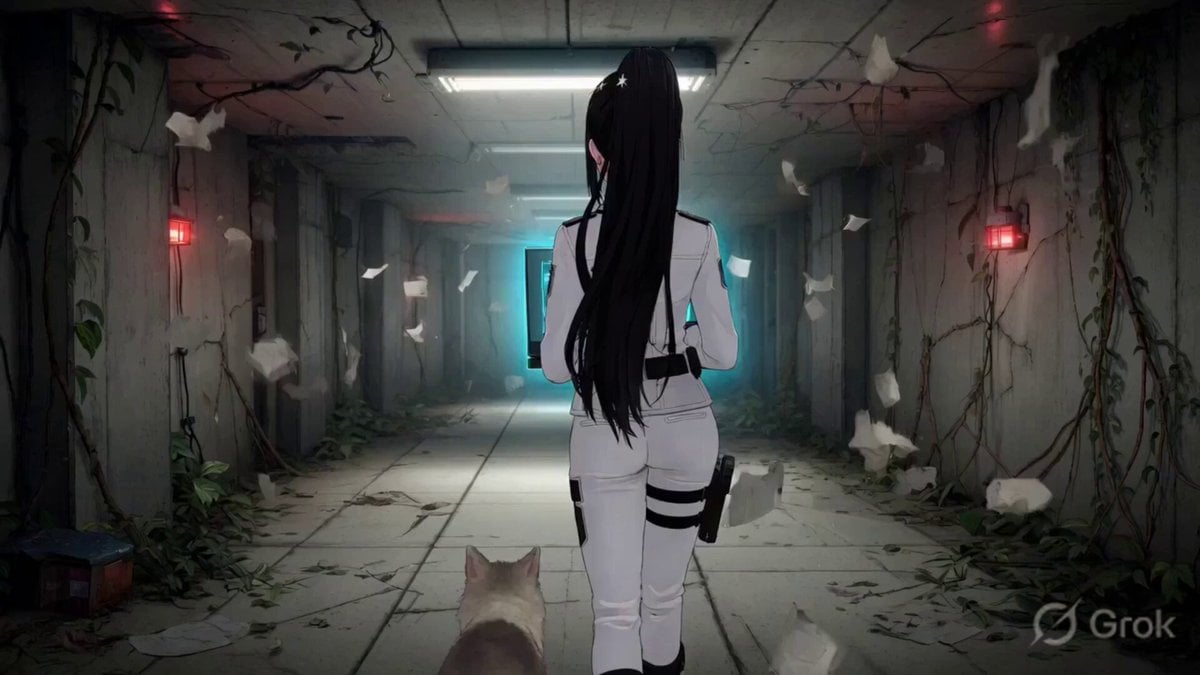
Chloe's Spatial Rift
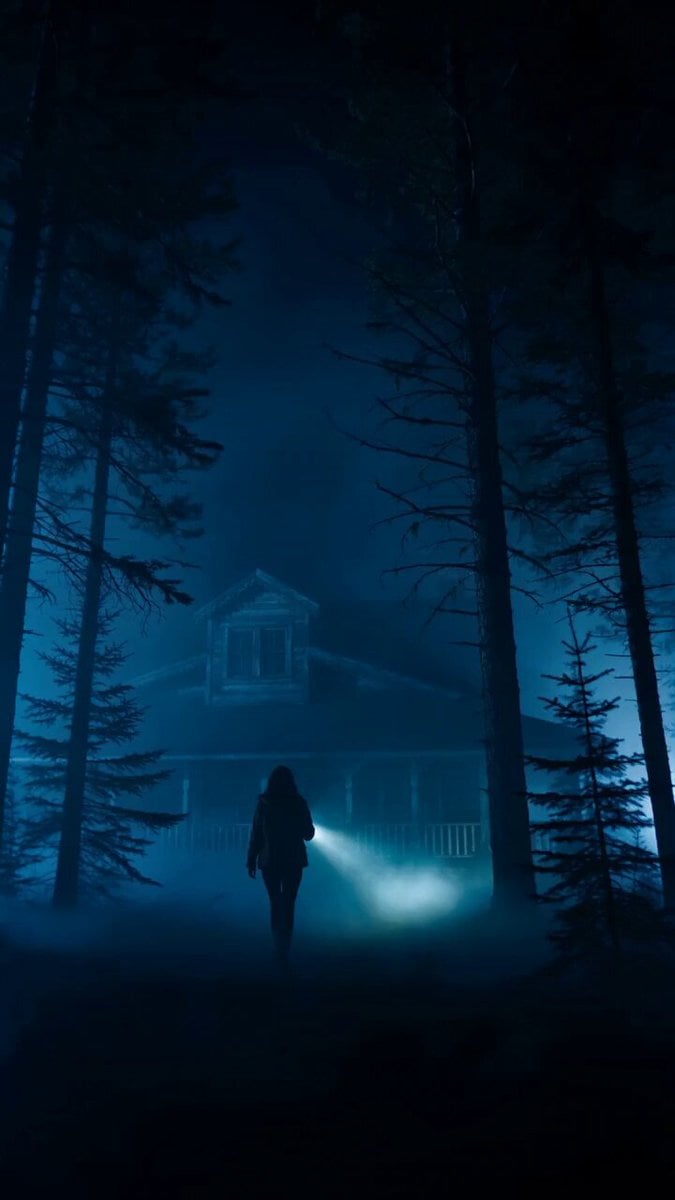
Cinematic Horror Thriller Video Prompt

Character landing and sunset pan

90s Hong Kong Cinema Aesthetic Video
Browse template categories
Fractured Planet Industrial Destruction questions
How do I use the Fractured Planet Industrial Destruction template?
Add your photo if the template asks for one, edit the prompt if you like — the template's model and format are already selected — and press Generate. Your version opens in PicX Studio.
Can I customize the Fractured Planet Industrial Destruction template?
Yes. You can change the subject, setting, lighting, mood, format, and available model controls before creating your video.
Is the Fractured Planet Industrial Destruction template free?
Opening and editing this template is free. Generating uses credits, shown on the Generate button when you are signed in.
Which AI model should I use?
Start with Seedance 2.0, which is the model associated with this template. You can compare another compatible model for a different finish.
Looking for something else? Browse all templates.

Your photo, any look
Thousands of ready templates for every top image and video model, from one credit balance.